
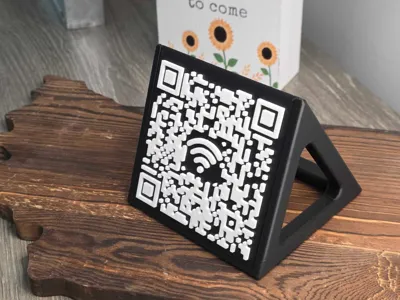
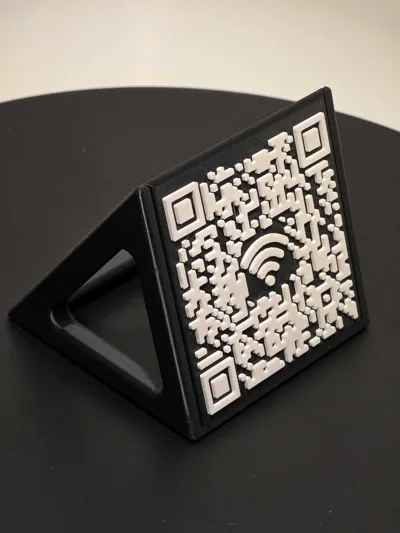
Wi-Fi QR Code Decorative Stand
Print Profile(1)

Description
Consider following me if you enjoy this model ❤️
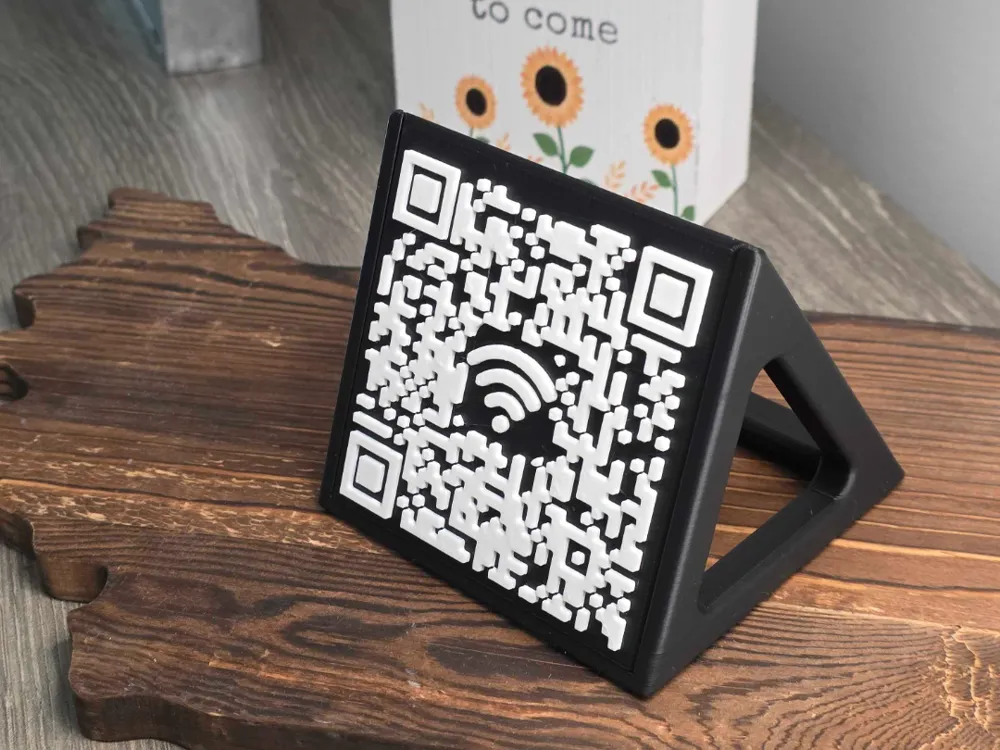
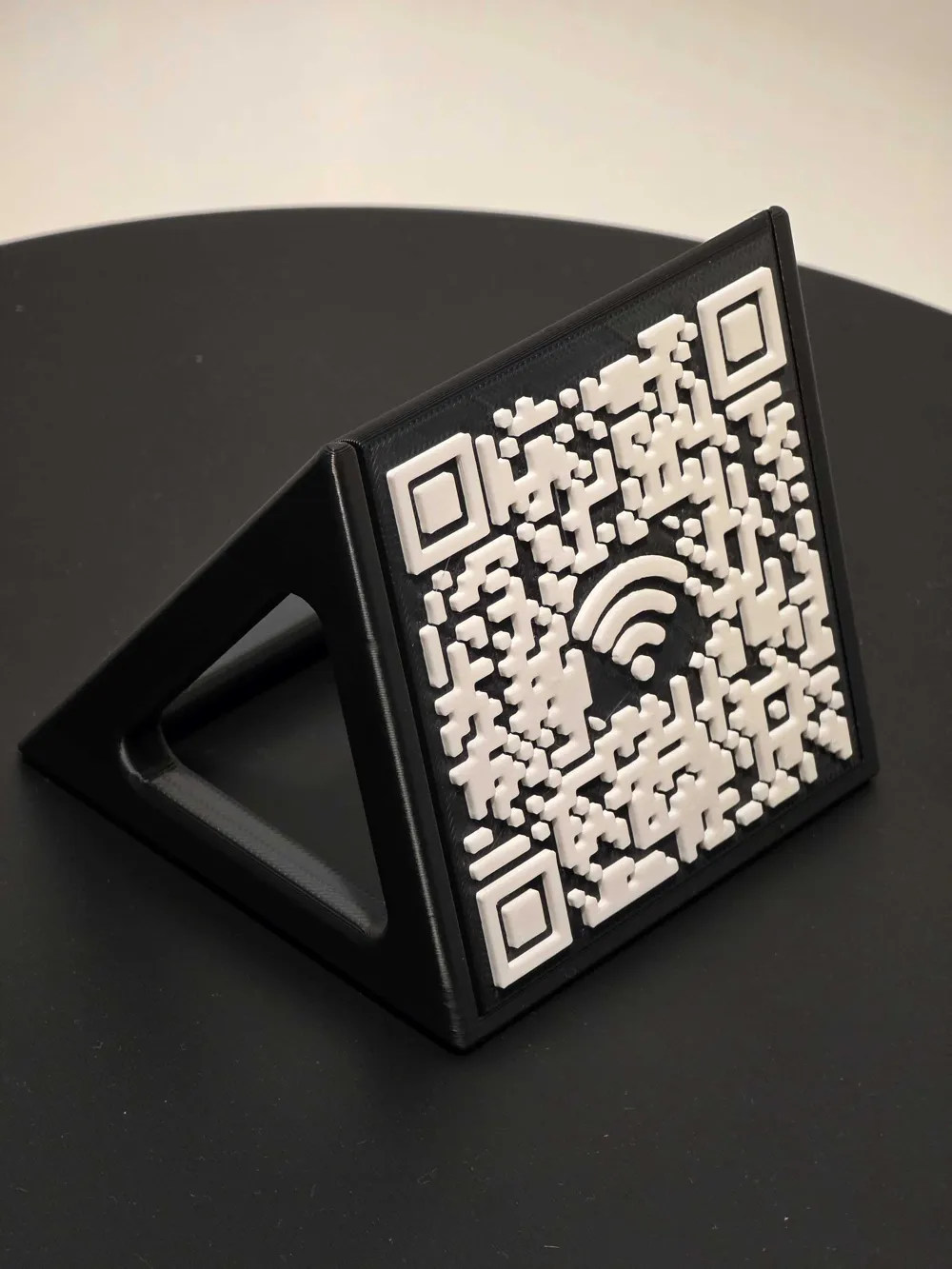
Create a stylish Wi-Fi QR code stand that turns sign-in into instant access. Set it up with your network details using the steps below, print it, and place it anywhere. Visitors open their camera, scan the code, and their device fills in the network name and password automatically, then connects in seconds.


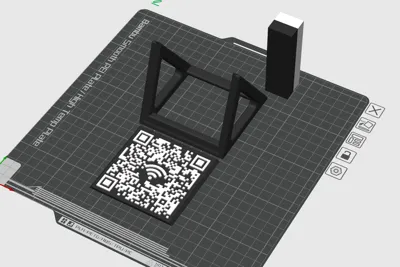
Printing is simple with zero supports. For sharp contrast in the QR pattern, use an AMS to load two colors. A manual color swap works too if you prefer. If you want a ready-to-print profile for this option, leave a comment and I’ll share one.
Steps
Navigate to https://genqrcode.com/
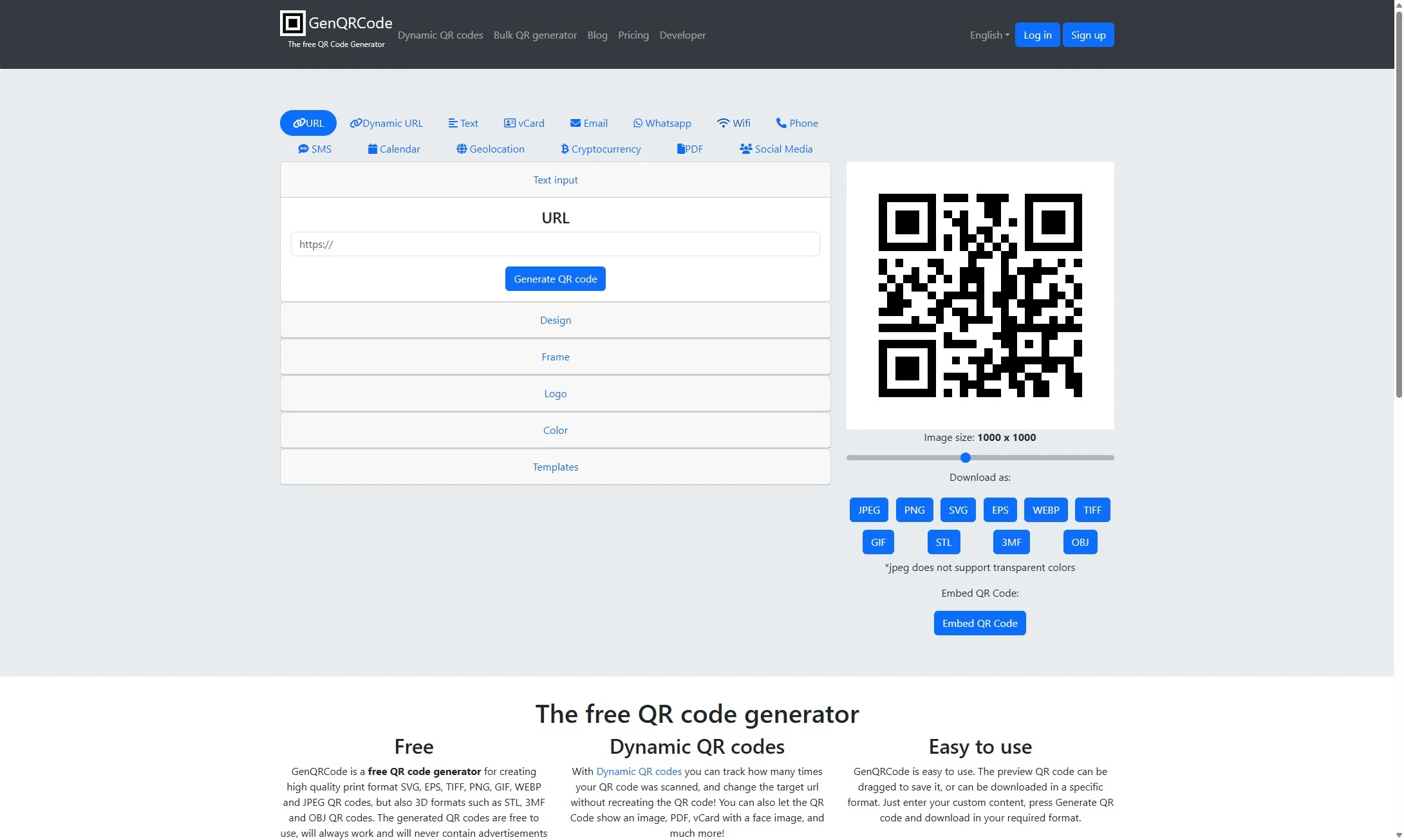
Click “Wi-Fi”
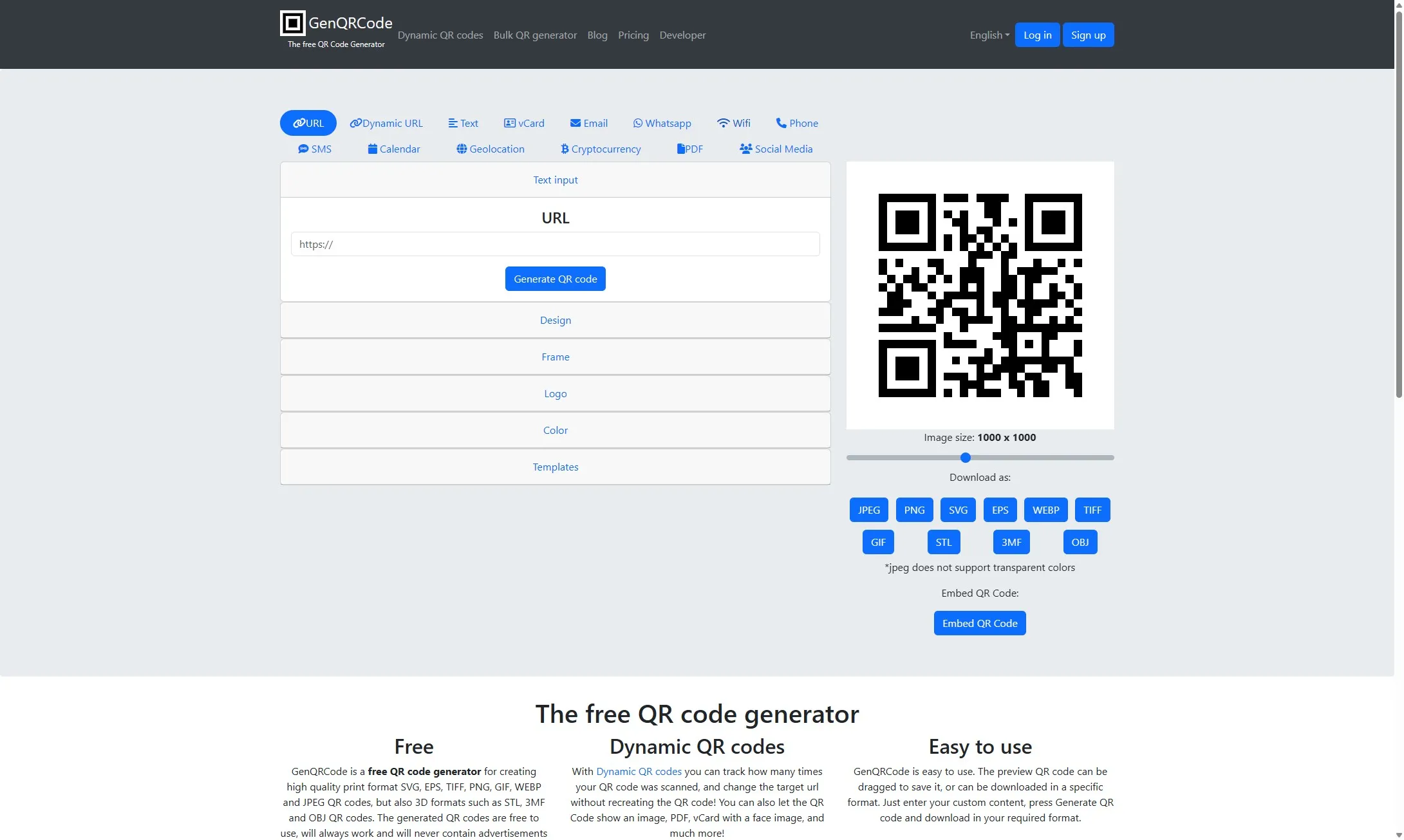
Click the Wi-Fi SSID field
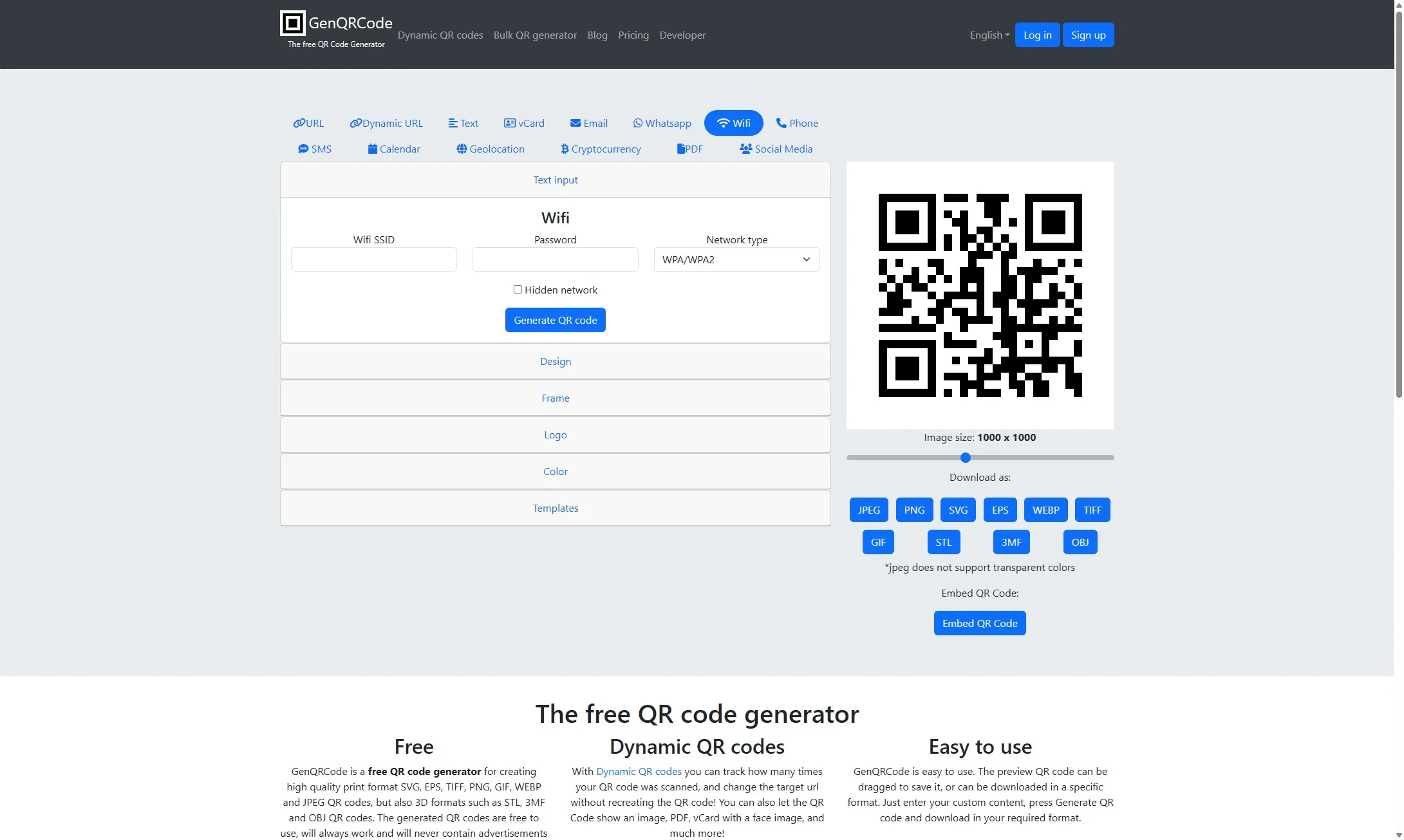
Type your Wi-Fi SSID name (name of your Wi-Fi network), password, and network type (WPA/WPA2 should be fine).
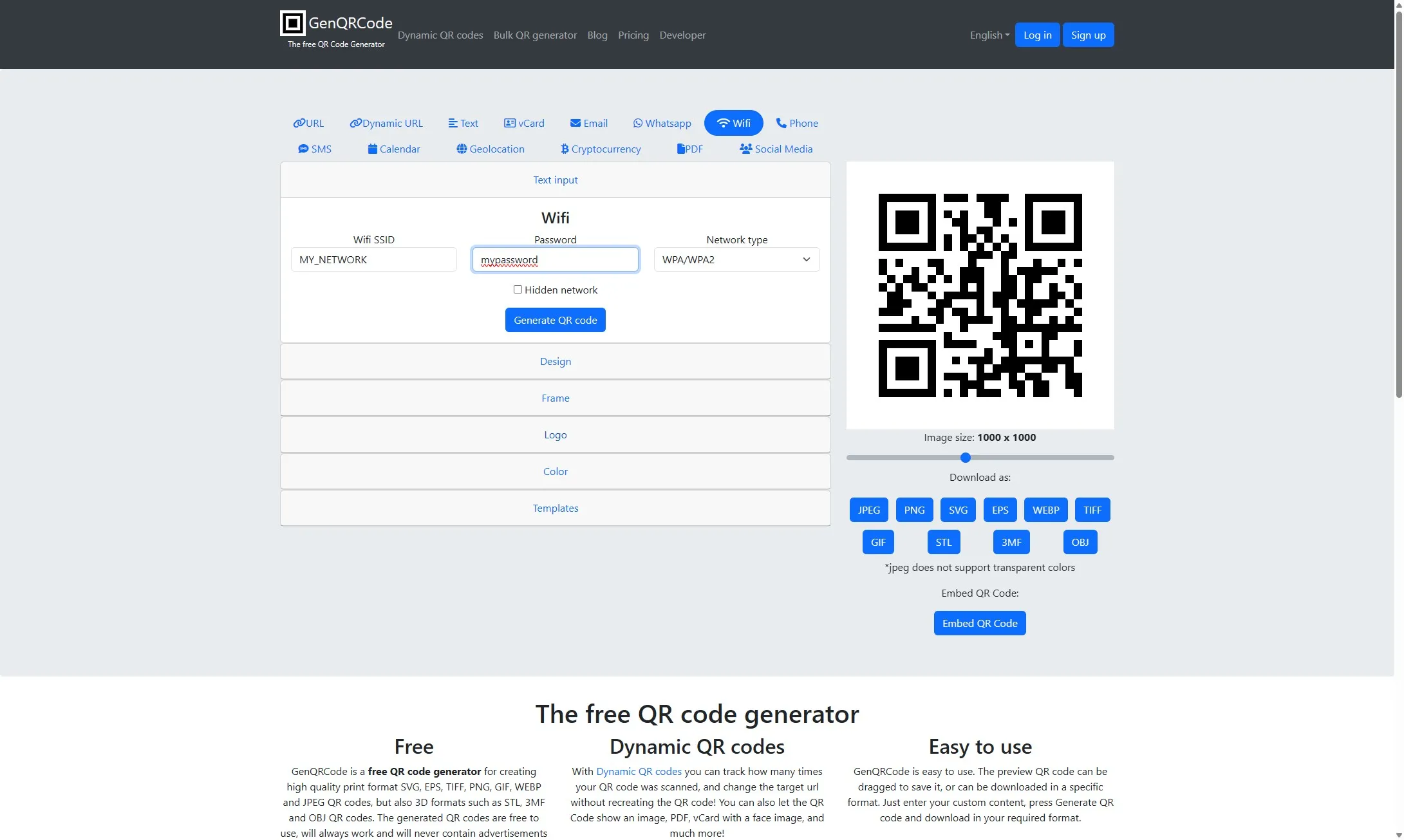
Click “Logo”
Click the Wi-Fi image icon
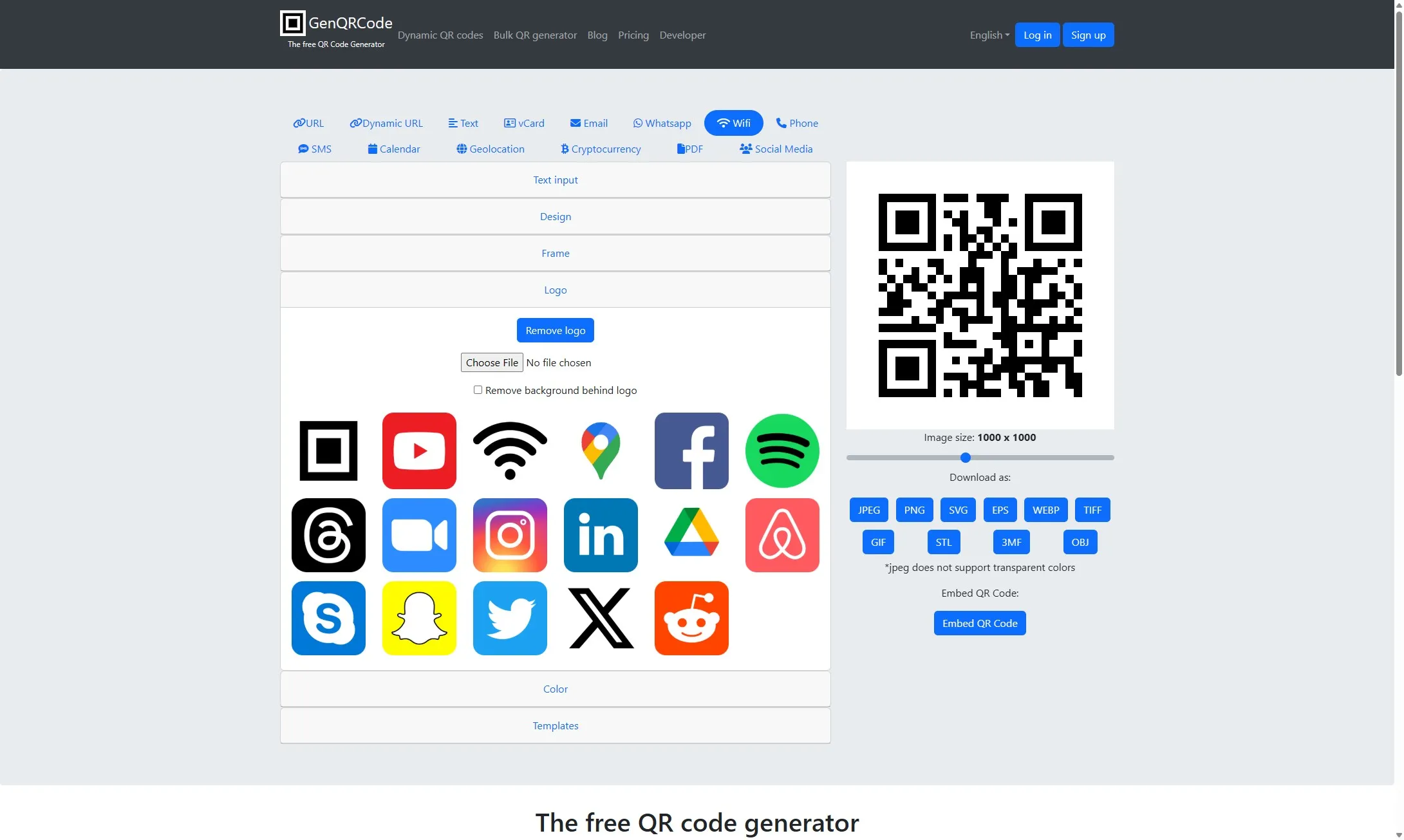
Click the "Text input" accordion
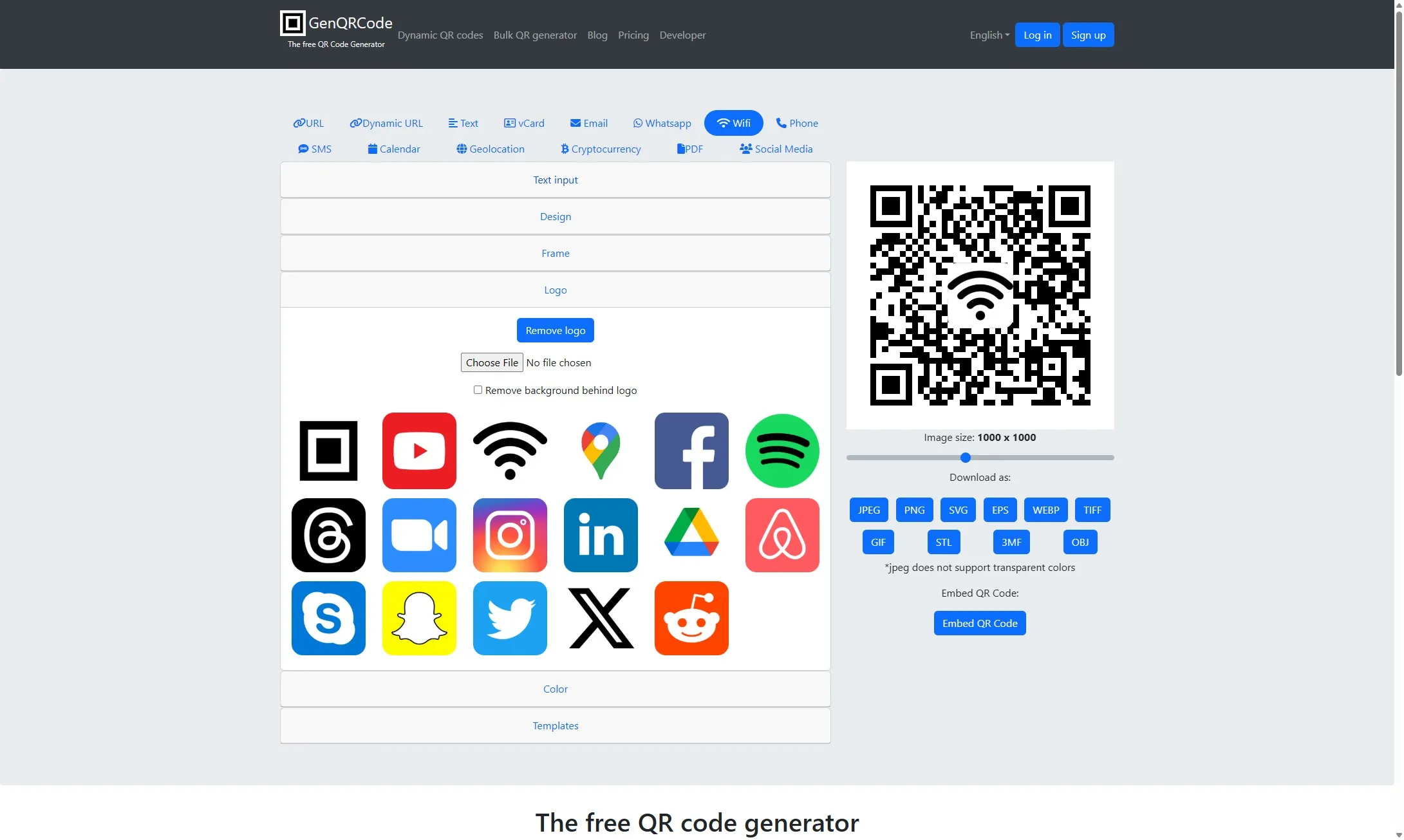
Click “Generate QR code”
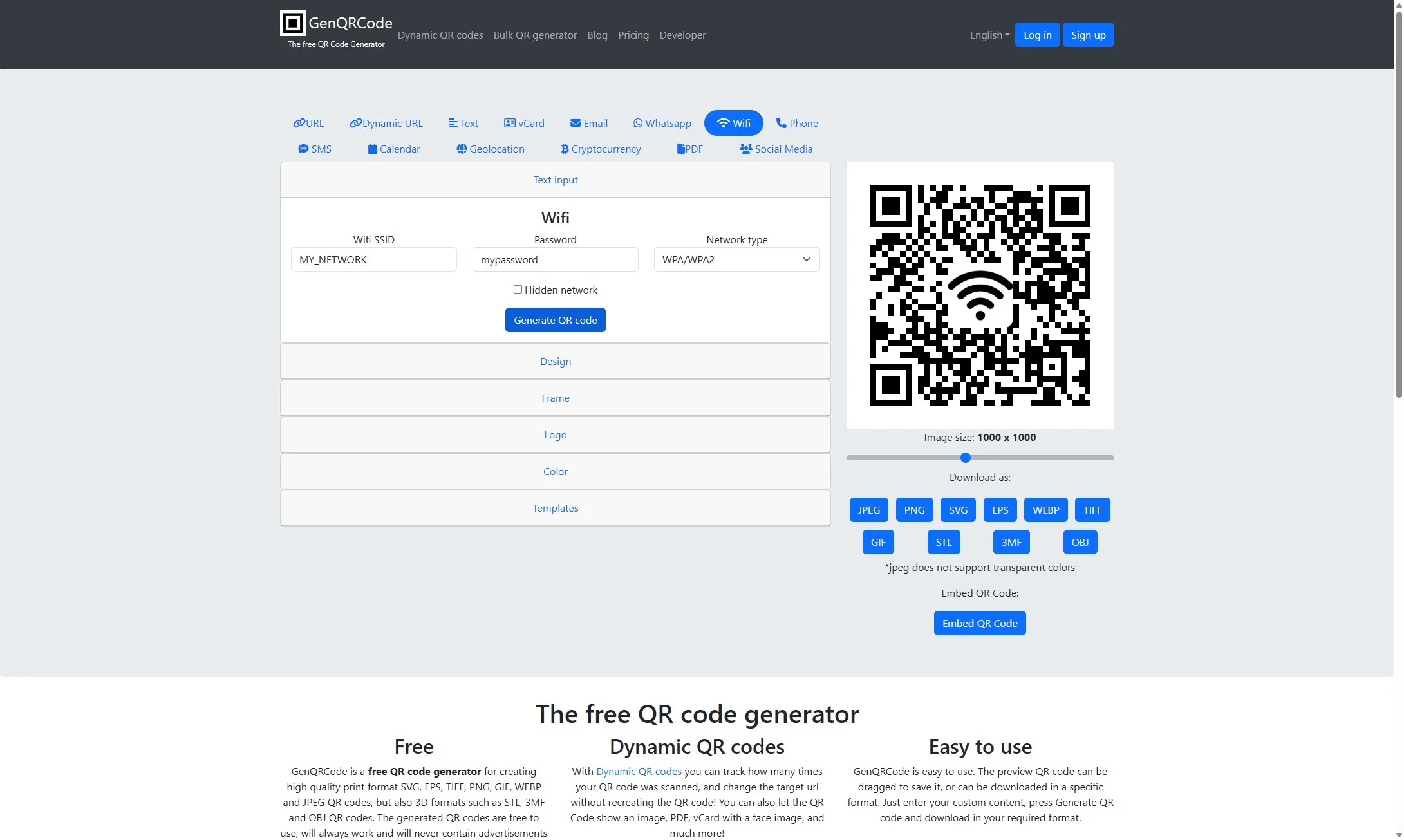
Click “STL”
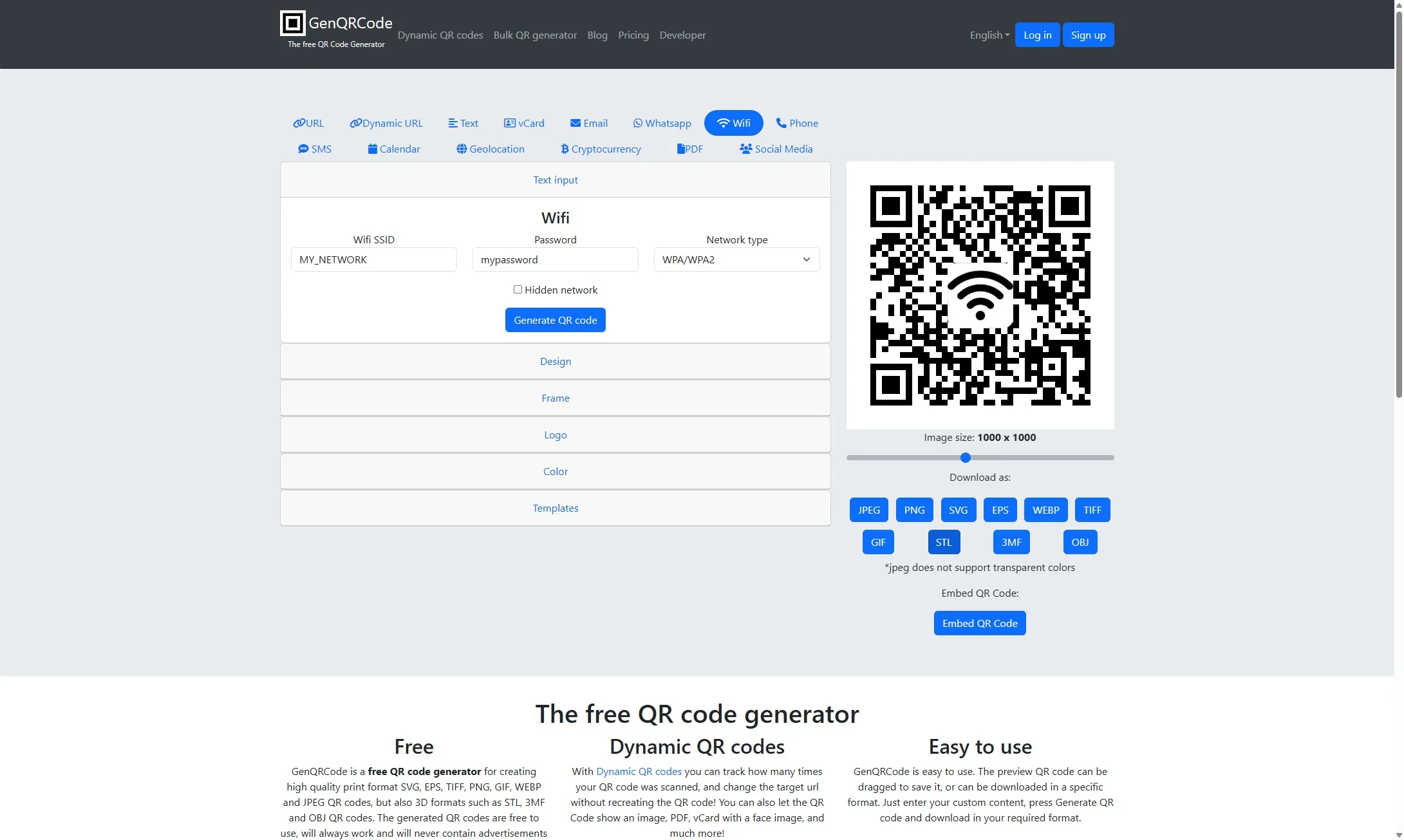
Select image size and type 90
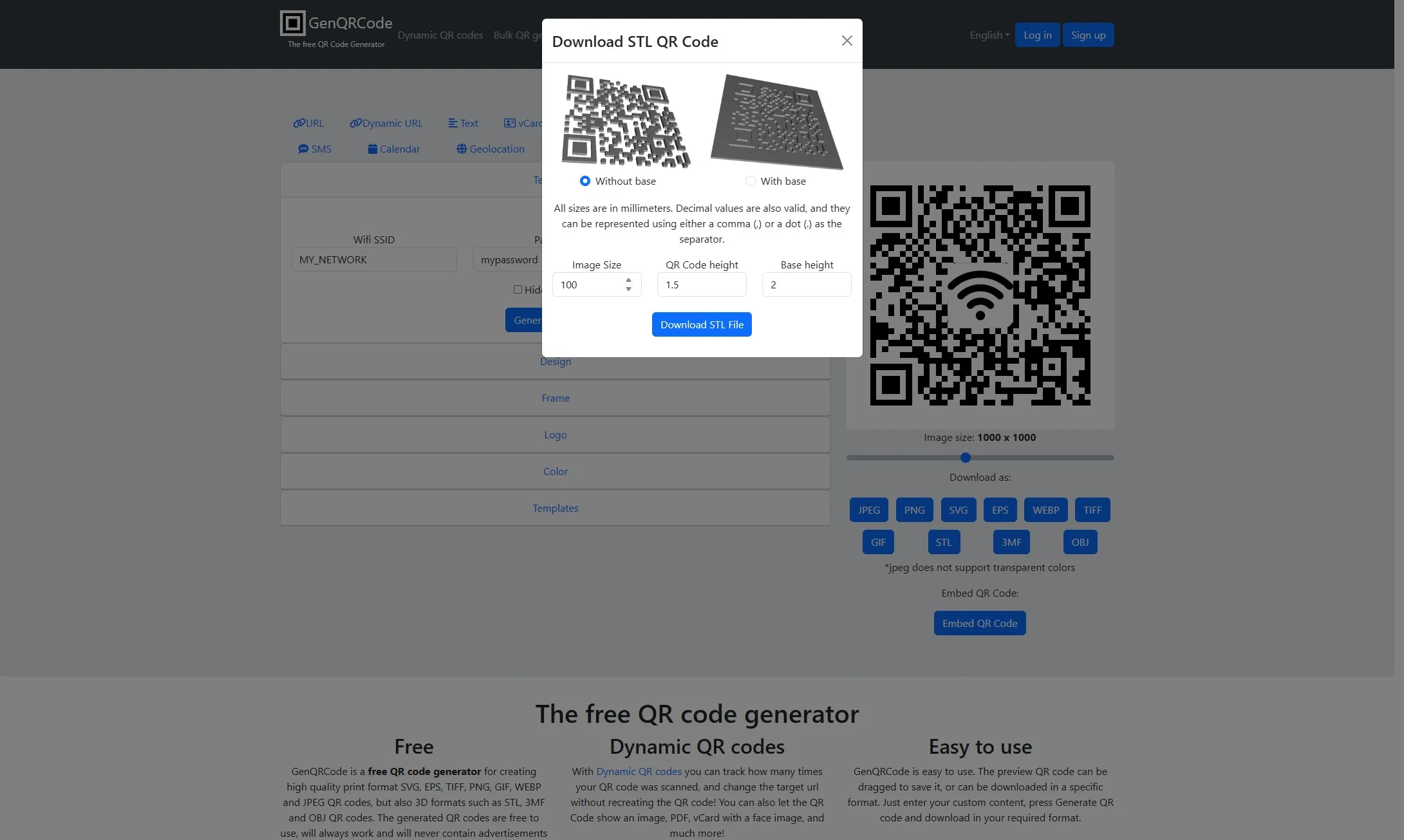
Click “Download STL File”
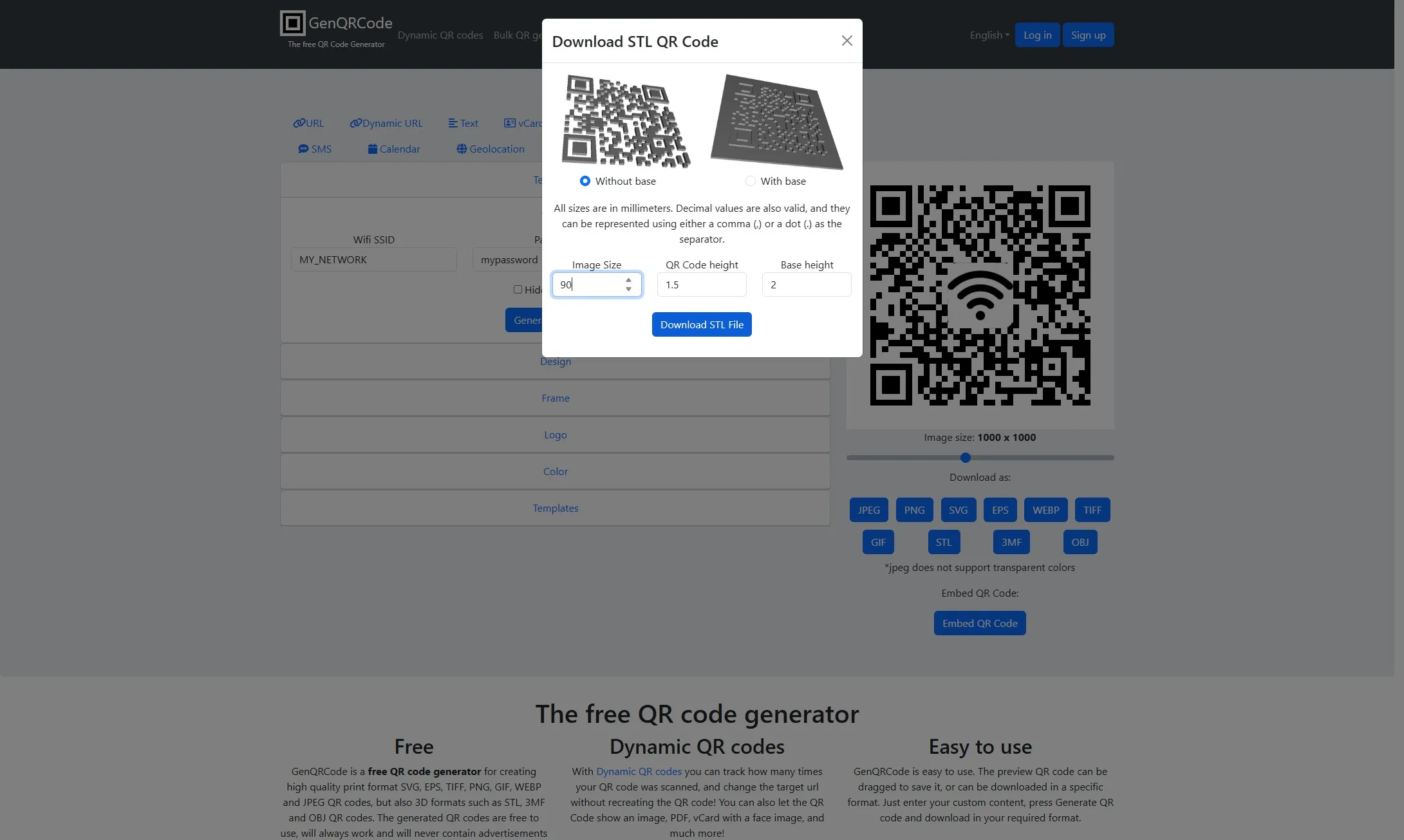
- Save the STL file to your computer
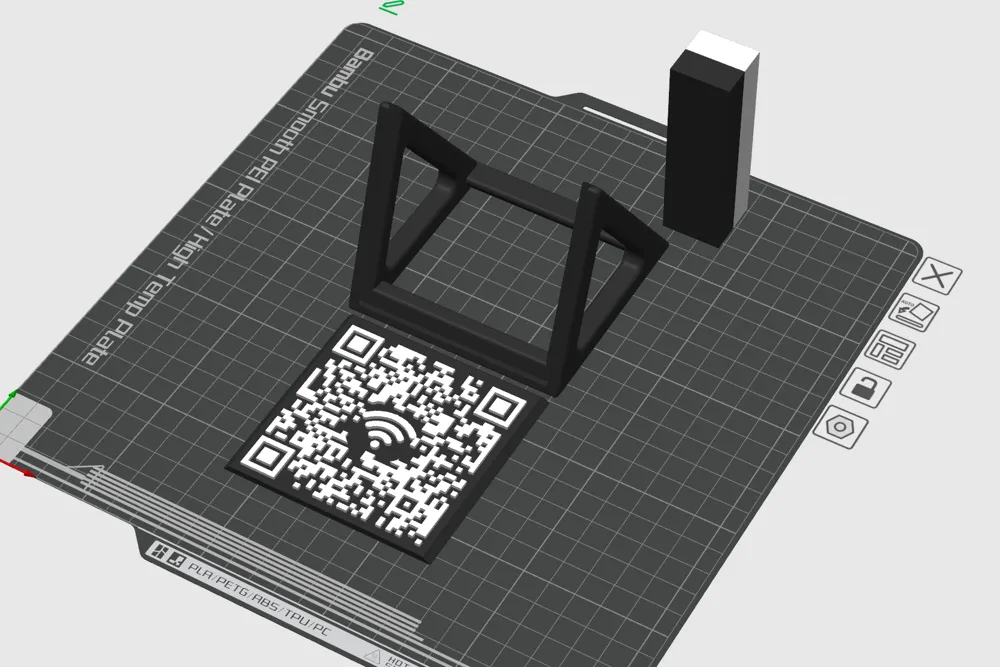
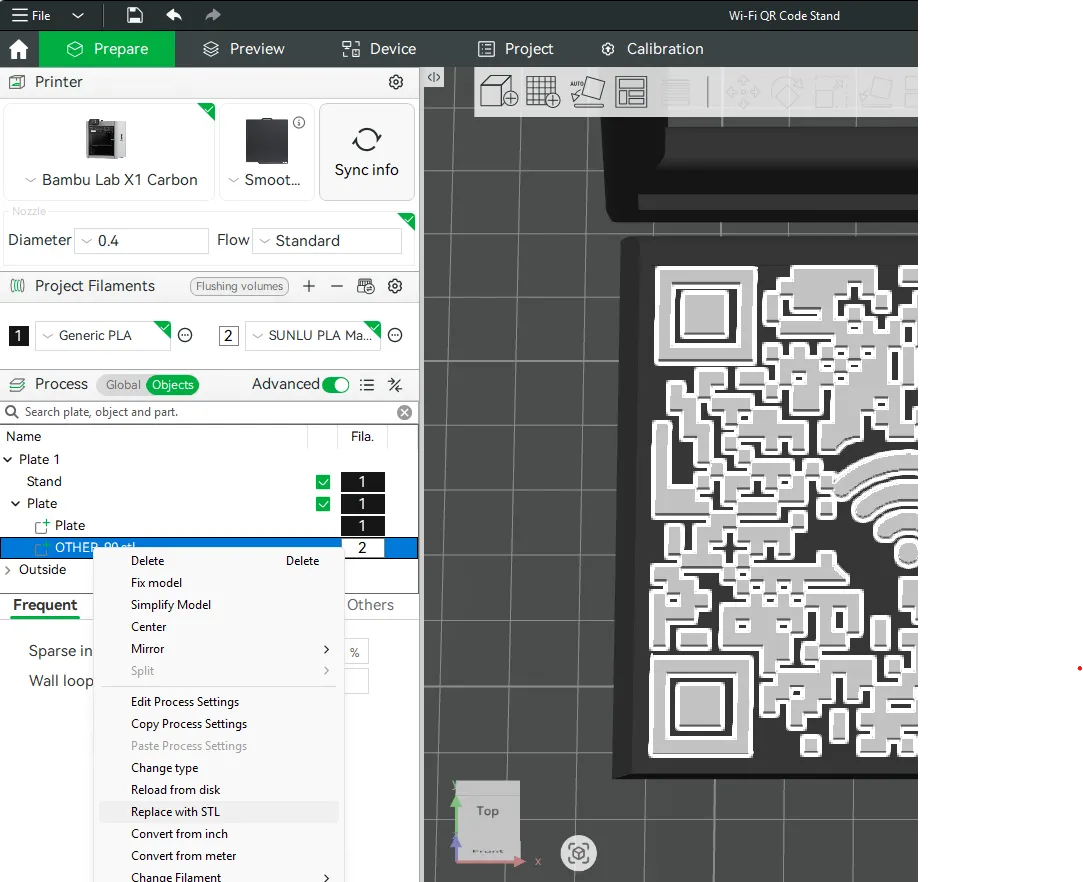
- In Bambu Studio, select the objects tab, and right-click “OTHER_90.stl”.
Select “Replace with STL” and select the file you downloaded above.
License

You shall not share, sub-license, sell, rent, host, transfer, or distribute in any way the digital or 3D printed versions of this object, nor any other derivative work of this object in its digital or physical format (including - but not limited to - remixes of this object, and hosting on other digital platforms). The objects may not be used without permission in any way whatsoever in which you charge money, or collect fees.


Comment & Rating (70)