Search models, users, collections, and posts

Chromatic LithoFrame
IP Report
GIF
Print Profile(1)

Chromatic LithoFrame
Designer
14.6 h
9 plates
Open in Bambu Studio
Boost
12
25
0
1
19
2
Released
Bill of Materials
Maker's Supply Kits and Parts
Select all

Description
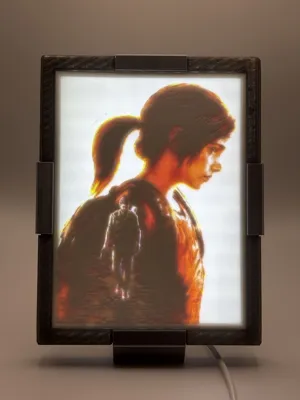
Chromatic LithoFrame
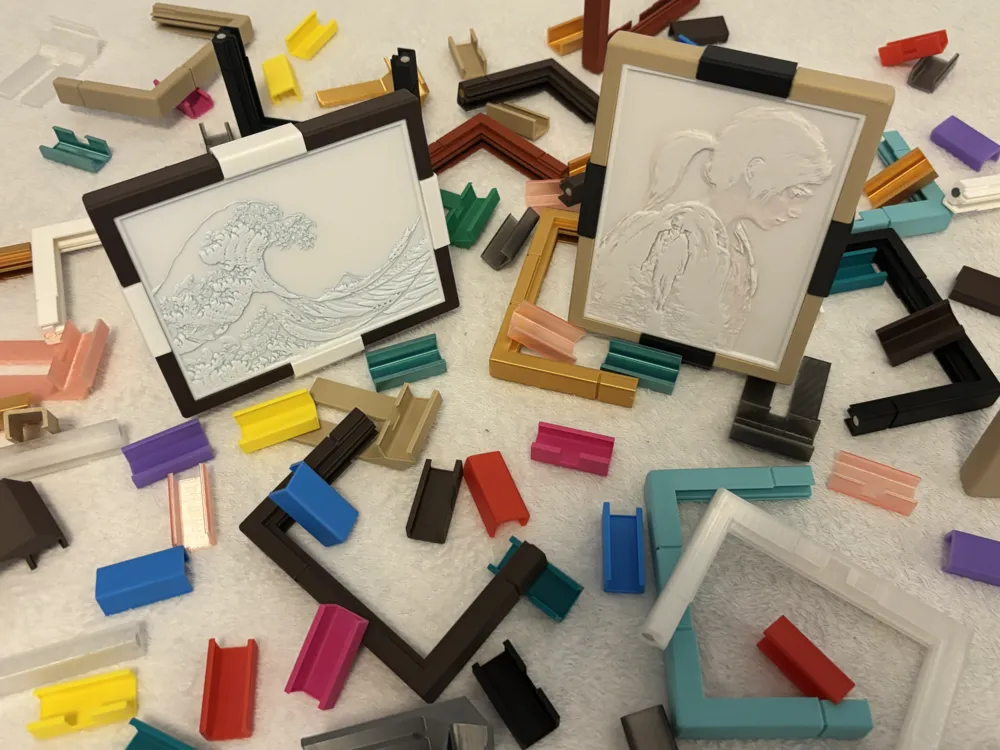
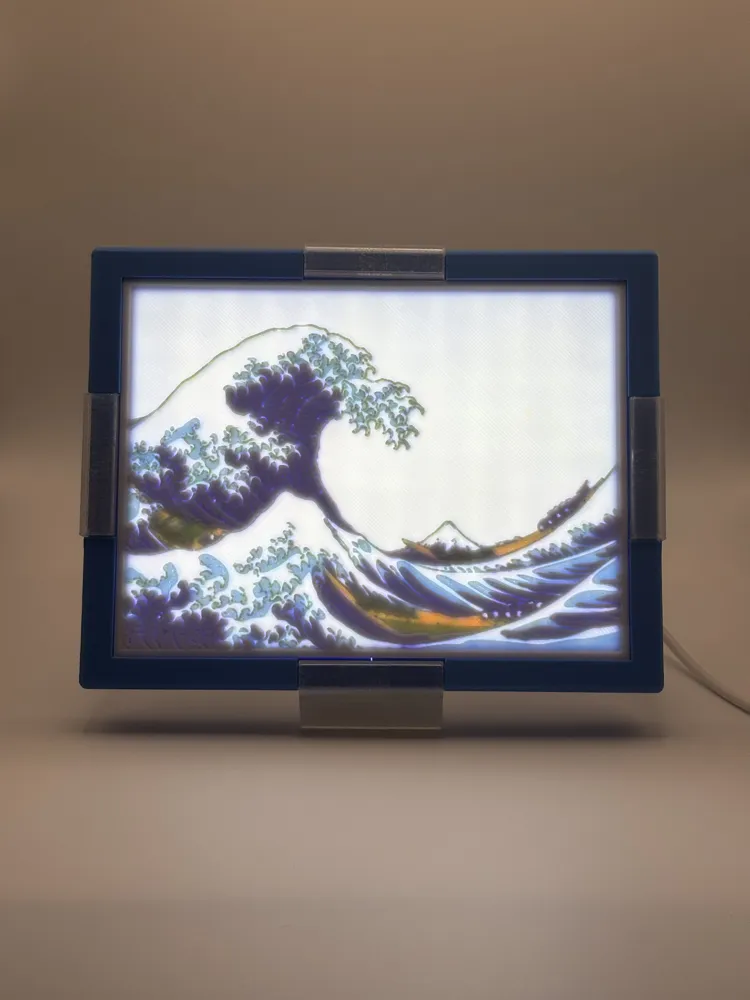
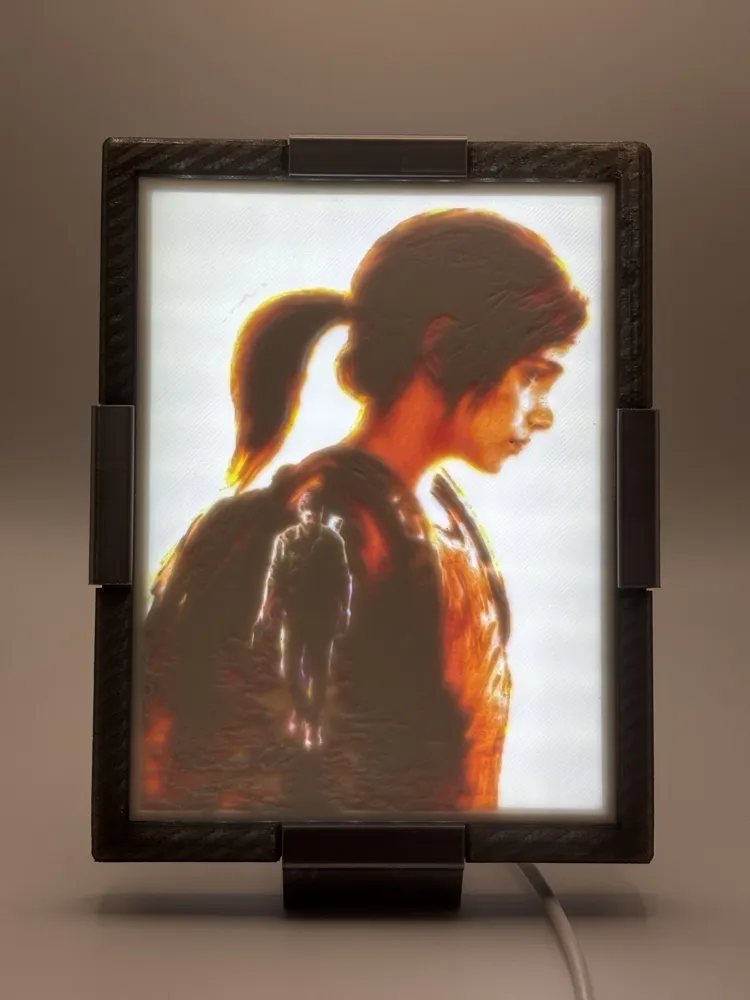
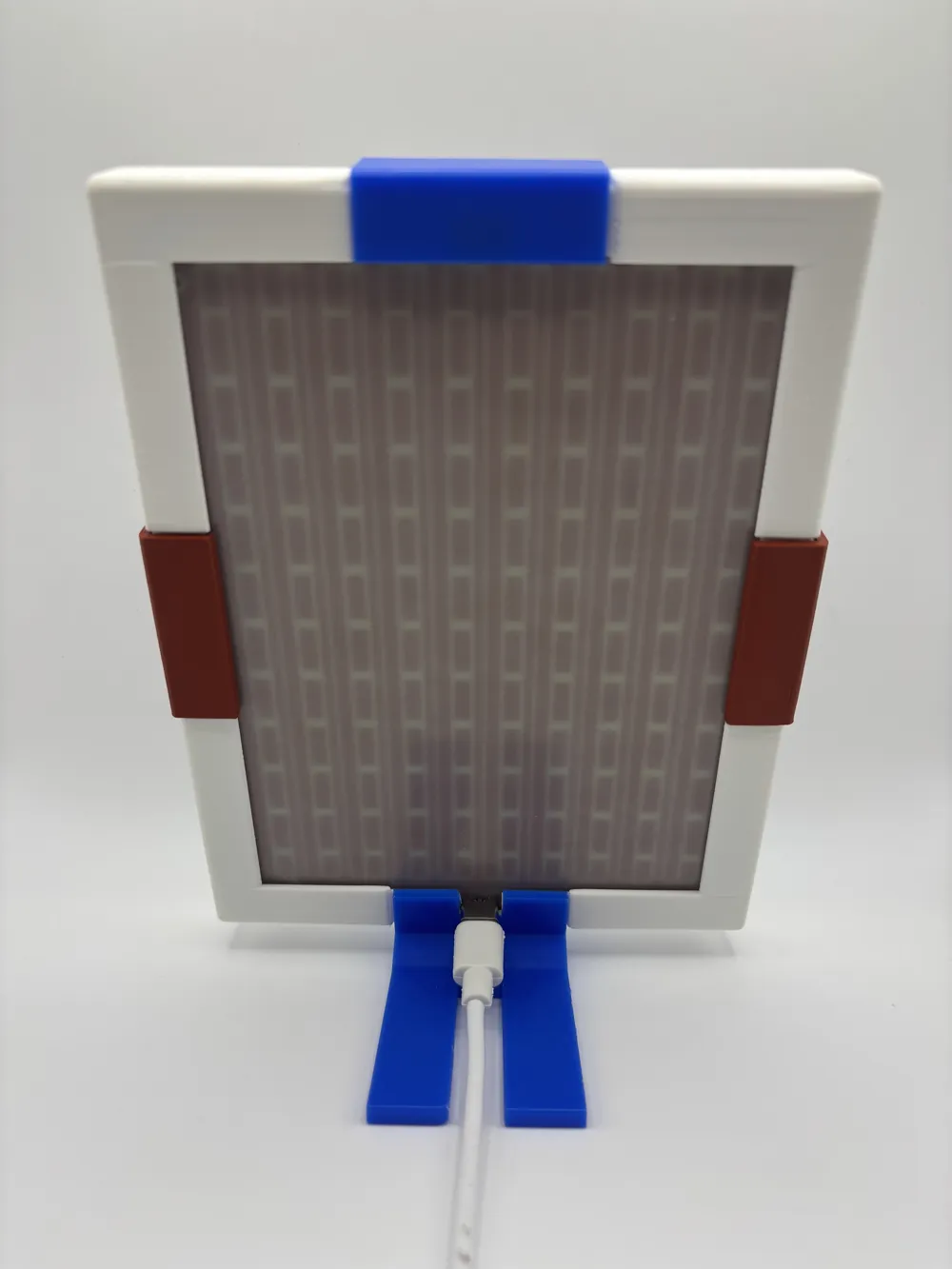
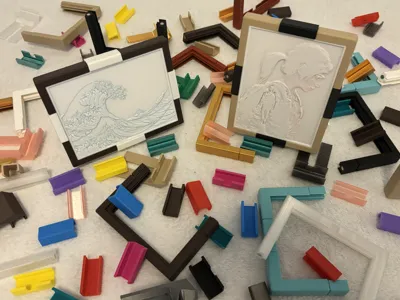
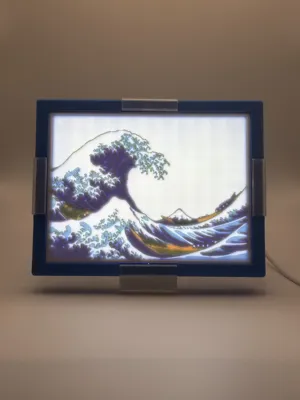
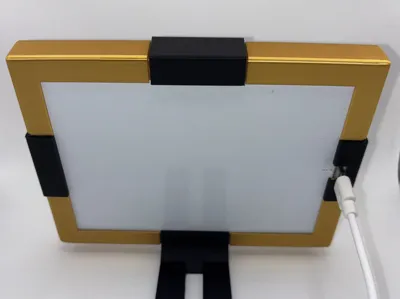
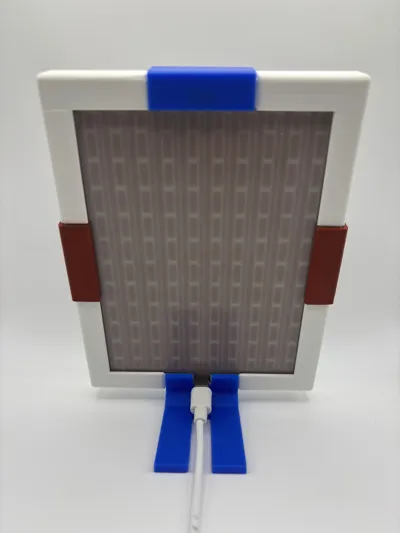
A modular snap-fit lithophane frame system — mix colors, swap clips, and build a fully customizable lithophane frame.
Features
- Fits standard lithophane size 108 × 144 mm
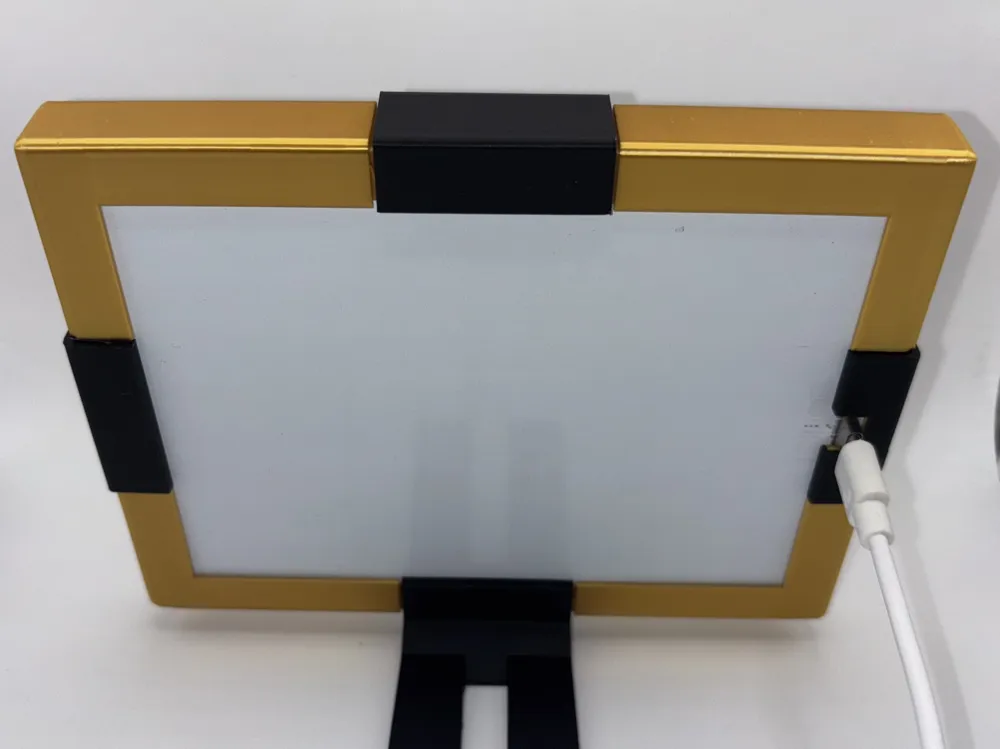
- Compatible with Bambu LED Backlight Board
- Snap-fit assembly — no screws or glue required
- Modular system: mix and match frames and clips in any color/filament
Print Plates
Print what you need:
- Complete Set (Portrait): 2 Half Frames, 1 Cable Stand Clip (15°), 3 Clips
- Complete Set (Landscape): 2 Half Frames, 1 Stand Clip (15°), 1 Cable Clip, 2 Clips
- Half Frames: frame halves only
- Clips: Clip + Cable Clip
- Stands 10° / 15° / 20°: each plate has a Stand Clip + Cable Stand Clip for that angle
- Diffuser: optional diffuser plate
- Pins: optional pins
- For custom combos, open a new plate and copy parts as needed.
Assembly Instructions
- Insert pins or magnets into the Half Frames.
- Place the Backlight Board and optional Diffuser into one Half Frame.
- Slide the other Half Frame into place.
- Attach the Stand Clip and Clips.

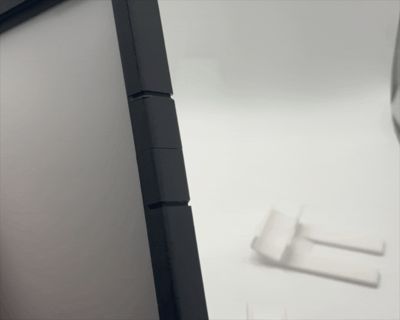
- To insert a Clip, align it with the front of the frame and push it toward the back.
To remove a Clip, release it from the back of the frame and pull it away.
See GIF for clip mounting demo.
- Add the Lithophane.
Assembly Notes
- You can use Clips or Magnets/Pins on their own, or even combine them.
- Use Cable Clips or Cable Stand Clip to route the USB cable.
- Stand Clips are available in different inclinations (10°, 15°, and 20°).
Print Notes
- All objects include a brim to ensure better adhesion.
- Cable Clips and Stand Clips require support.
- For dual-color Clips, switch filament halfway (layer 125 with provided profile).
- Tested with multiple filaments — Clips hold strong across materials.
Magnet Notes
- Size: 6 × 3 mm
- Check polarity before inserting — magnets are nearly impossible to remove once set.
- Misaligned magnets may prevent combining with other half-frames.
License

This user content is licensed under a Standard Digital File License.
You shall not share, sub-license, sell, rent, host, transfer, or distribute in any way the digital or 3D printed versions of this object, nor any other derivative work of this object in its digital or physical format (including - but not limited to - remixes of this object, and hosting on other digital platforms). The objects may not be used without permission in any way whatsoever in which you charge money, or collect fees.


Comment & Rating (0)