Search models, users, collections, and posts

QR code generator - 2D barcode
IP Report
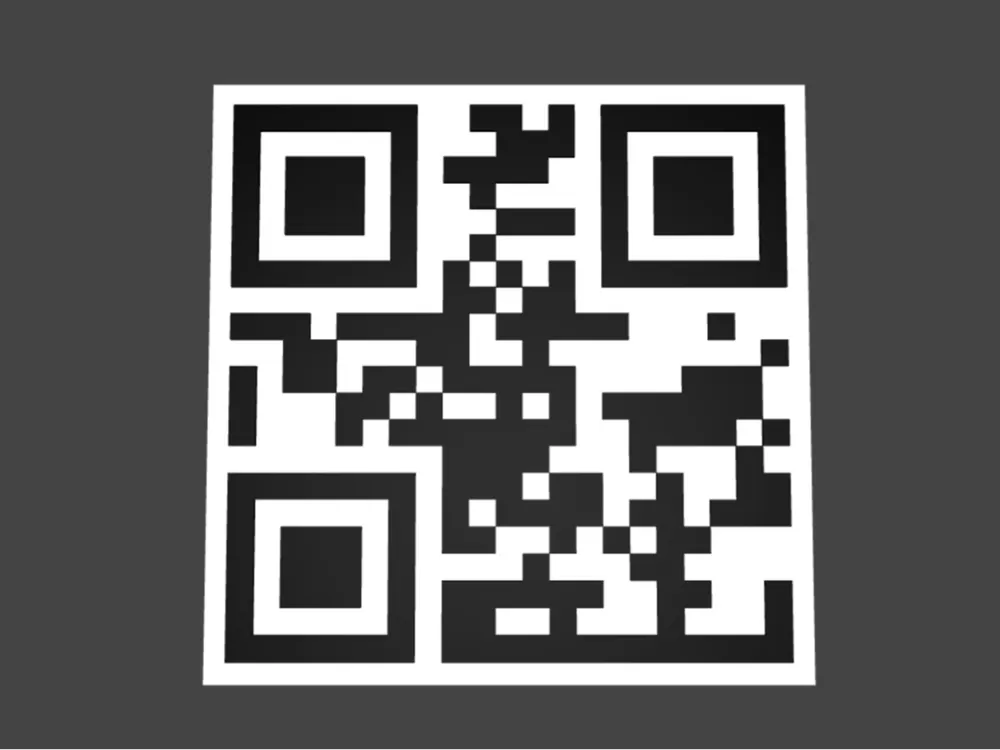
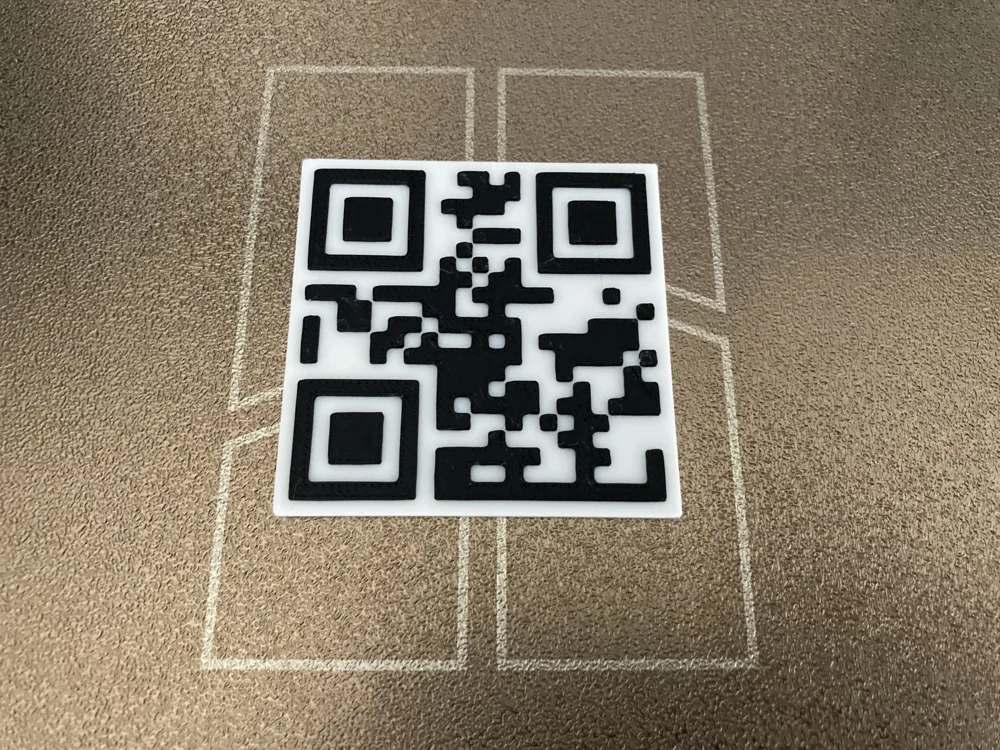

This model is created by Parametric Model Maker
Make Your Model
Print Profile(1)

0.2mm layer, 2 walls, 15% infill
Designer
22 min
1 plate
Open in Bambu Studio
Boost
70
144
2
7
757
212
Released
Description
🧩 Parametric QR Code Generator (OpenSCAD)
Create 3D-printable QR codes directly in OpenSCAD. Type your text/URL, pick error-correction, set size and thickness, and (optionally) add a solid background plate (“quiet zone”) for reliable scanning.
This project uses the excellent scadqr library by Darwin Schuppan (MIT). It renders true QR modules (squares), auto-sizes the grid for your content, and supports UTF-8 text.
🚀 Quick Start
- INPUT_TEXT → type what you want to encode (e.g., https://example.com).
- SIZE → final QR size in mm (module size scales with it).
- CODE_EXTRUDE → thickness of the black QR squares.
- Optional: SHOW_GRID_FILL + FILL_EXTRUDE + QUIET_ZONE for a solid backing plate.
- Render, export STL, print with strong contrast (dark QR on light background), and test with a phone.
Tip: Colors here are preview-only; STL exports are colorless. Use filament swap or multi-material for two colors.
🔧 Parameters
Main
- INPUT_TEXT — What the QR encodes (text/URL/anything UTF-8).
- ERROR_CORRECTION — "L" (~7%), "M" (~15%), "Q" (~25%), "H" (~30%).
Higher = more robust to damage/overhangs, but uses a denser grid.
Pattern & Rendering
- MASK — 0–7. Different QR mask patterns. Leave at 0 unless a scanner struggles; try other values.
- SHOW_GRID_FILL — true/false. Adds a flat backing plate (recommended for small QRs).
Style (Preview only)
- CODE_COLOR — color of QR modules in preview.
- FILL_COLOR — color of backing plate in preview.
Thickness
- CODE_EXTRUDE — QR module height (mm). 0.6–1.2 mm works well for FDM.
- FILL_EXTRUDE — backing plate thickness (mm) when enabled.
Dimensions
- SIZE — overall QR width/height (mm), excluding quiet zone.
- QUIET_ZONE — margin (mm) added around all sides of the QR when the fill is shown.
Effective plate size = SIZE + 2*QUIET_ZONE.
🖨️ Printing Tips
- Contrast is king. Dark modules on a light plate (or vice versa). Matte materials scan best.
- First-layer quality matters most. Slow down and ensure good bed adhesion.
- Module thickness (CODE_EXTRUDE):
- Single color: 0.6–1.2 mm is usually enough to be visible.
- Two colors: pause/filament swap at Z = FILL_EXTRUDE to print modules in a second color.
- Size: For typical phone scanners, 40–60 mm with "M" or "Q" correction is a sweet spot. Long URLs may need larger SIZE or lower error correction.
🧪 Validation
Always scan the rendered (or printed) QR with your phone before use. If scanning fails:
- Increase SIZE or CODE_EXTRUDE.
- Try higher ERROR_CORRECTION.
- Enable SHOW_GRID_FILL with a larger QUIET_ZONE (4–6 mm total is common).
- Try a different MASK value (0–7).
You can swap the CreateQR(INPUT_TEXT); call with these helpers’ outputs to encode richer data.
⚙️ What’s happening under the hood
- The code picks a QR version/size based on your content & error level.
- MASK selects one of 8 standard mask patterns.
- Modules are drawn as unit squares, scaled to SIZE, then extruded by CODE_EXTRUDE.
- When SHOW_GRID_FILL is true, a centered square plate (with QUIET_ZONE) is extruded below the code to improve scan reliability and make filament swaps easy.
✅ Recommended Presets
- Link/URL (general use):
SIZE=50 • ERROR_CORRECTION="M" • CODE_EXTRUDE=0.8 • SHOW_GRID_FILL=true • FILL_EXTRUDE=1 • QUIET_ZONE=2 - Harsh handling / outdoor:
ERROR_CORRECTION="Q" or "H" • increase SIZE by 10–20 mm
License

This user content is licensed under a
Creative Commons Attribution-Noncommercial-Share Alike


Comment & Rating (2)