
NetRametic - The Customizable and parametric Net
Print Profile(0)
Description
Hi everyone, I’ve seen many nets, but not a NETRAMETIC.
If you want read all go to “reccomandation” at the end of description
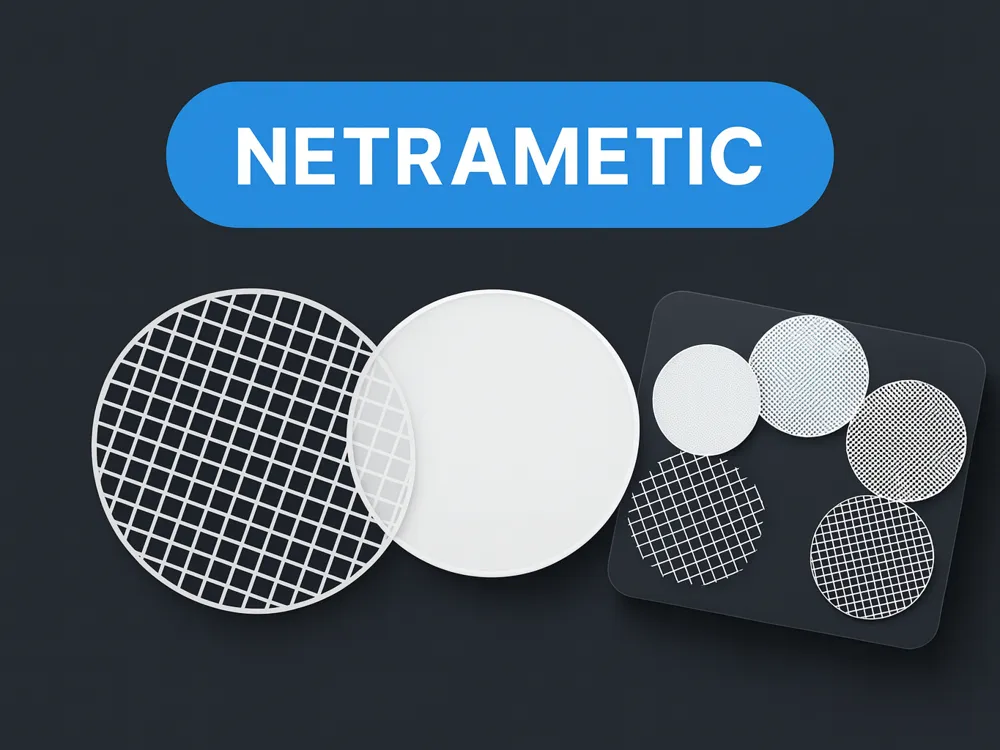
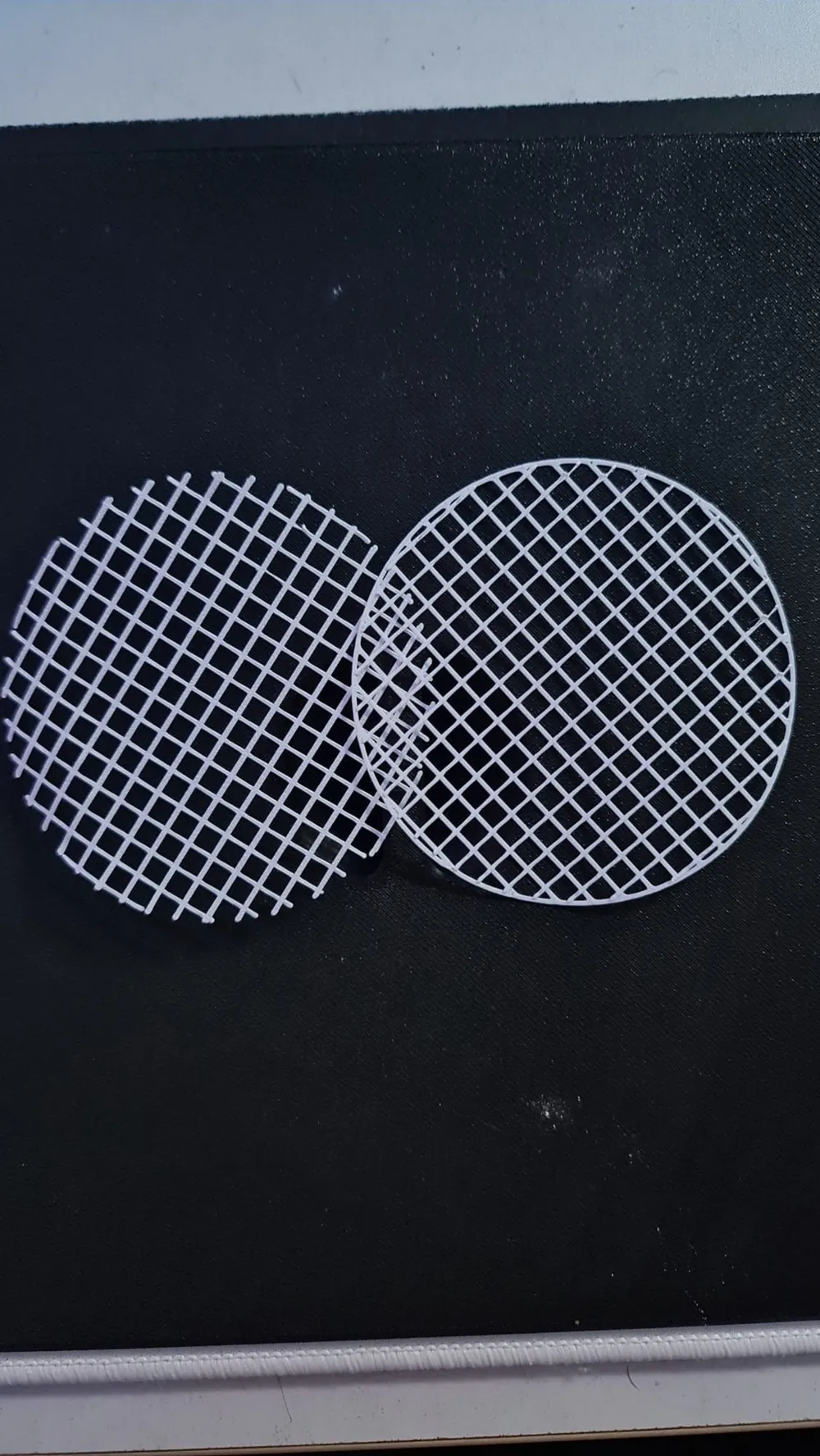
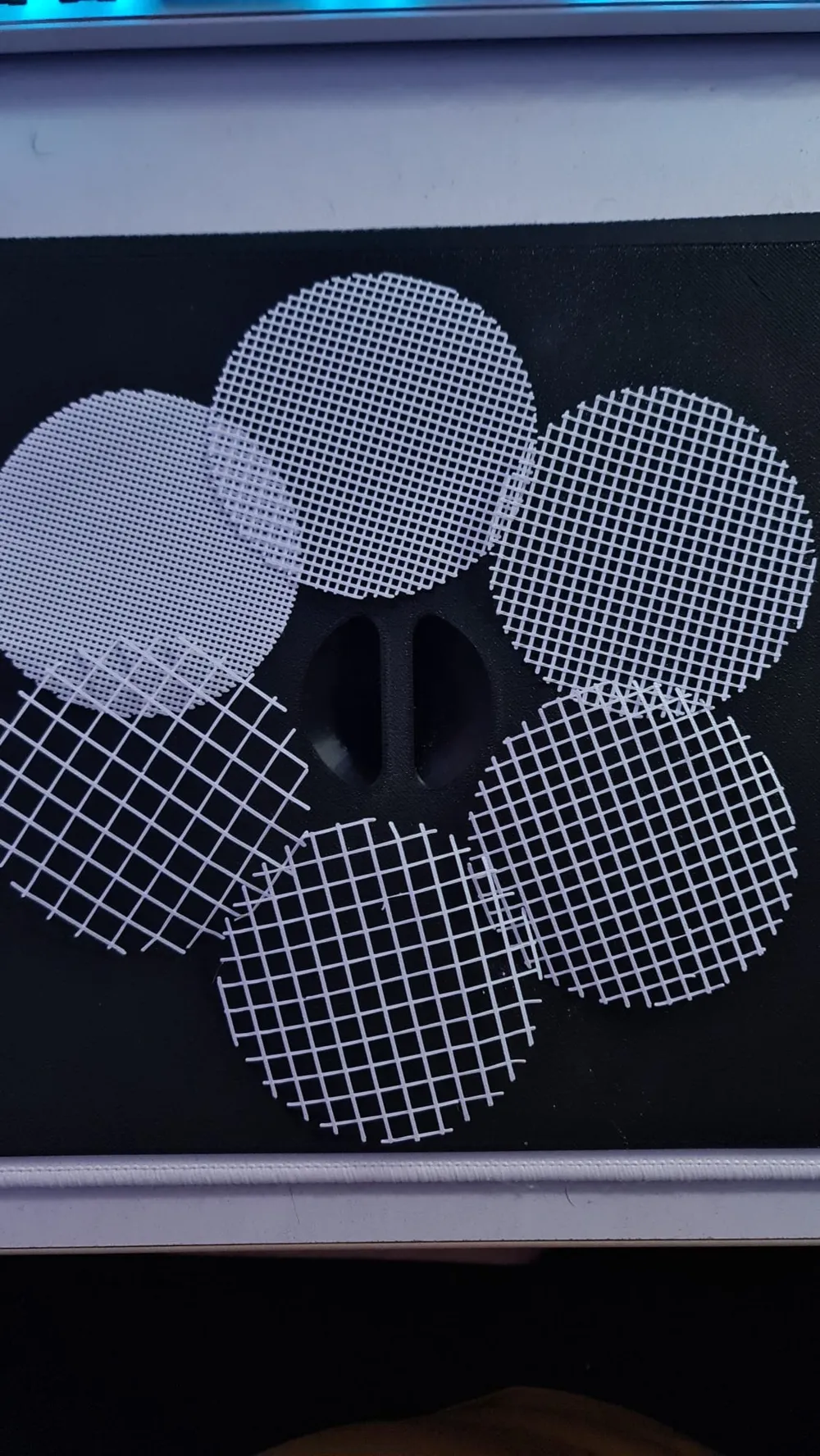
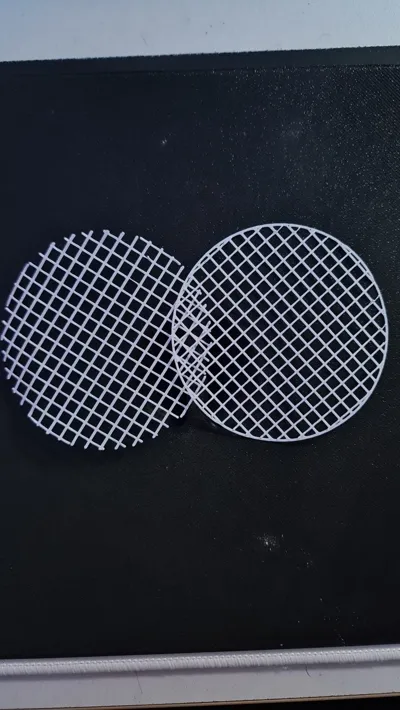
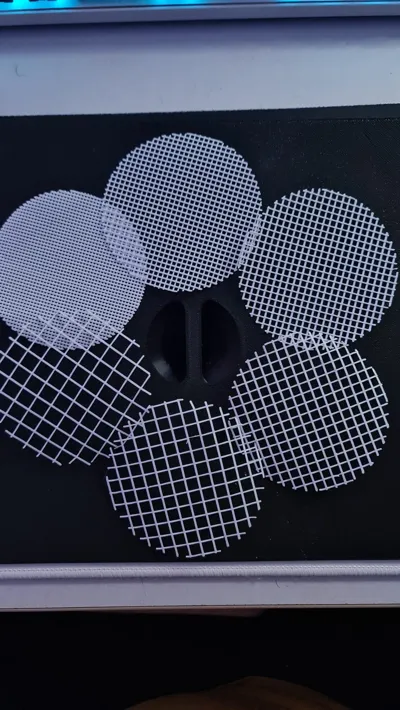
NETRAMETIC is a parametric two-layer grid for OpenSCAD (PMM/MakerWorld-ready). It generates:
- Bottom layer: vertical strands only.
- Top layer: horizontal strands only.
- Modes: Without_Frame (open edge) and Frame (adds a perimeter; top strands extend to the outer edge).
- Auto single-layer: if Spacing_Steps > 2.5, both directions are printed in the same layer (Z=0) for faster prints.
Parameters (as shown in MakerWorld)
- Shape: Rectangle/Square, Circle, Triangle.
- Nozzle: 0.2, 0.4, 0.6 (strand width scales automatically as 2 × Nozzle).
- Spacing_Steps: slider [1:0.1:5] (pitch scales with nozzle so density stays proportional).
- Grid_Mode: Without_Frame | Frame.
- Circle: Radius.
- Rectangle/Square: Width, Height.
- Triangle: Base, Tri_Height (isosceles; the other sides are derived).
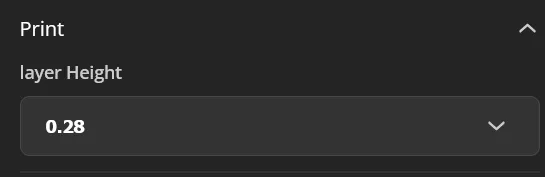
- Layer_Height: printing layer height used for the two layers (bottom at Z=0..H, top at Z=H..2H; unless single-layer mode is triggered).
What “open/closed” means here
- Without_Frame: no perimeter; the top layer is slightly inset at the boundary so it never seals the bottom layer.
- Frame: the bottom layer adds a perimeter (“sides”); the top layer is lengthened so its lines reach the frame after clipping.
Bambu Studio recommendations
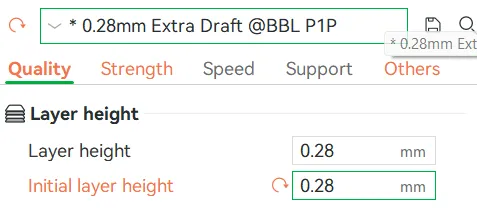
- Set Layer Height and Initial Layer Height to the same value as in the model’s Layer_Height. This guarantees the second layer starts at exactly Z=Layer_Height.
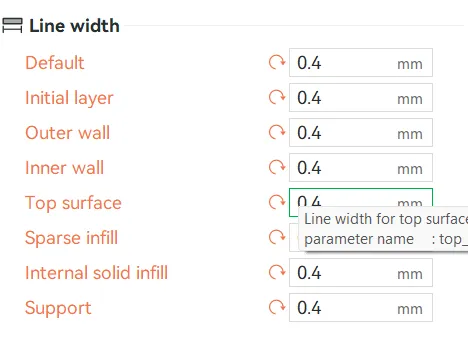
- Set the correct nozzle diameter (0.2/0.4/0.6). Keep line-widths consistent with it:
- Standard approach: line width ≈ nozzle (e.g., 0.4 nozzle → 0.40 mm line width). Each strand in NETRAMETIC will be two adjacent lines.
- Single-pass approach: set perimeter line width ≈ 2 × nozzle (e.g., 0.8 with a 0.4 nozzle) and enable thin-wall handling; reduce speed and check adhesion at crossings.
- Disable adaptive layer height for this model, and review elephant-foot compensation to avoid sealing the edge in the first layer.
Printing notes
- Strands are placed with centered indexing so thickness and spacing are uniform across the build.
- On non-rectangular shapes, strand lengths vary by geometry (chords/altitudes), but thickness and pitch remain identical.
- If you see the top layer touching the outer edge in Without_Frame, increase the inset (edge gap) or reduce line width slightly.
Recommendations:
In Bambu Studio, set Layer Height and Initial Layer Height to the same value as in your customization settings.
________________________________________________________________________________________
________________________________________________________________________________________
In Bambu Studio, set the correct nozzle diameter and make sure all line-width settings (perimeters, infill, top/bottom) are the same like the parametric settings in makerworld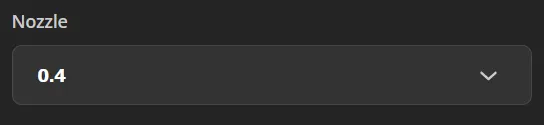
________________________________________________________________________________________
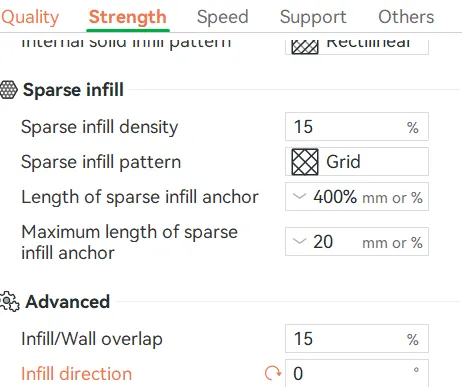
Set the infill direction to 0
Boost Me (for free)
If you like NETRAMETIC boost me, please it help a lot! Thank you
License

You shall not share, sub-license, sell, rent, host, transfer, or distribute in any way the digital or 3D printed versions of this object, nor any other derivative work of this object in its digital or physical format (including - but not limited to - remixes of this object, and hosting on other digital platforms). The objects may not be used without permission in any way whatsoever in which you charge money, or collect fees.


Comment & Rating (0)