
EasyMiniature - PC pack1
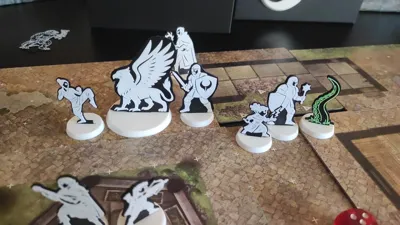
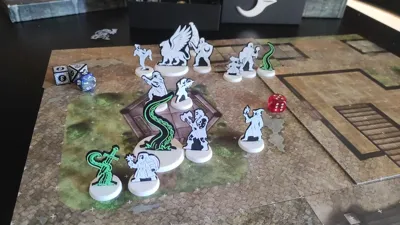
Print Profile(1)

Description
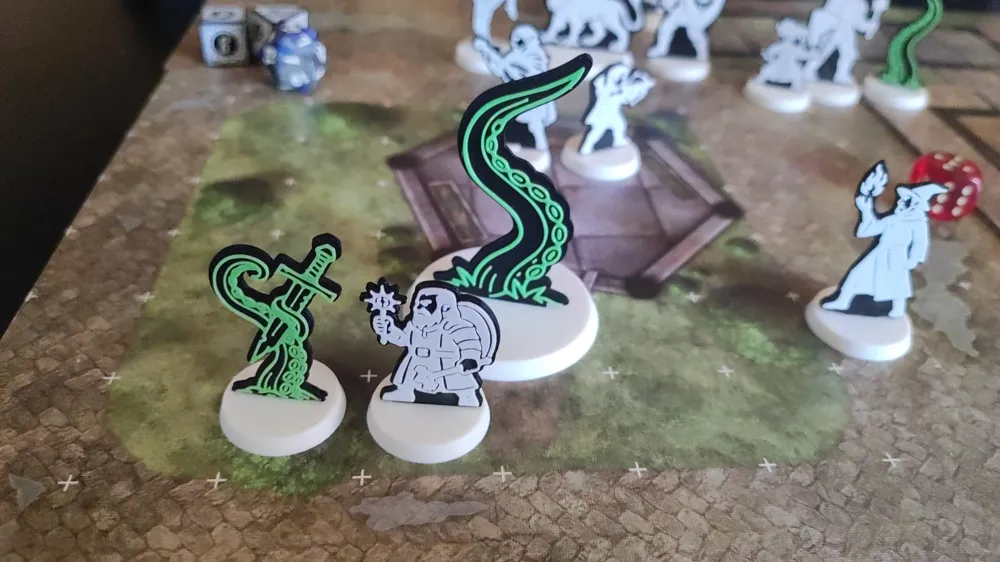
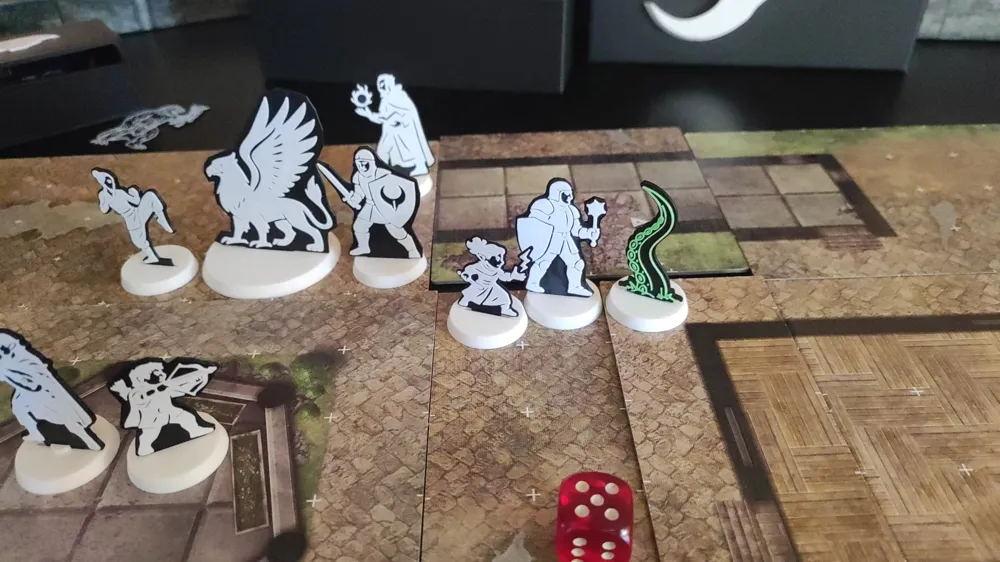
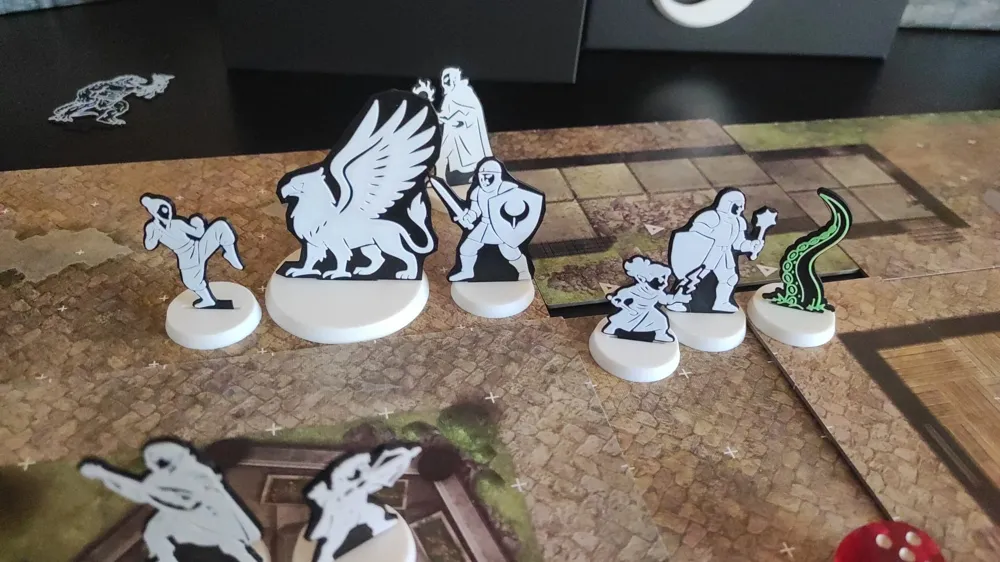
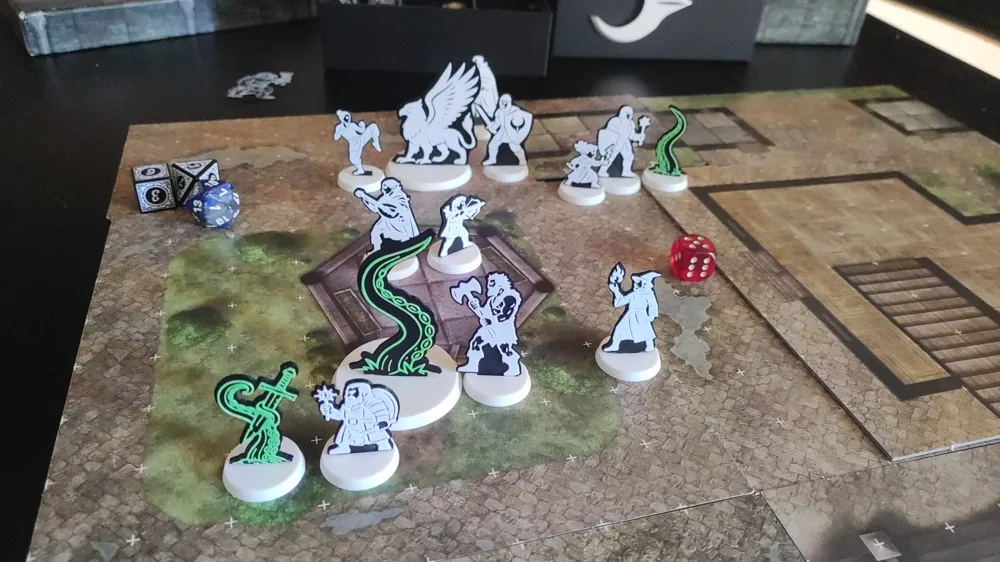
EasyMini pack 1
🧩 Why EasyMiniature?
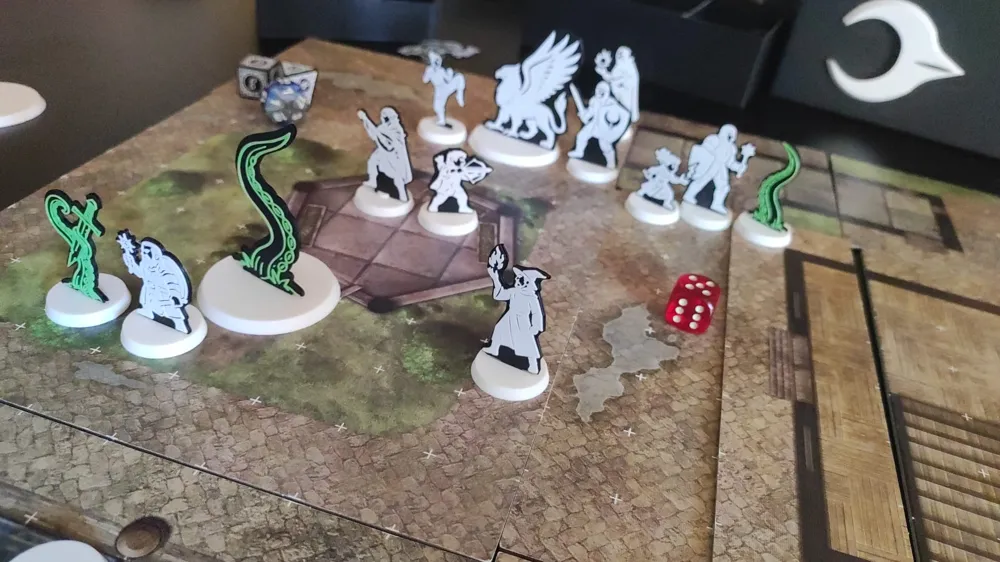
EasyMiniature is designed for players and makers who want fast, no-fuss minis that are:
- 🧱 Extremely easy to print on any FDM printer
(even without AMS or multi-color setups) - ⏱️ Takes less than 20 minutes per miniature
- 💰 Costs just 2–3 cents each in filament
- 🎒 Lightweight and easy to transport
- 🎲 Perfect for last-minute prep before a session
Whether you're a DM filling out an encounter or a player who needs a quick stand-in, these minis are the fastest and most practical way to bring your table to life.
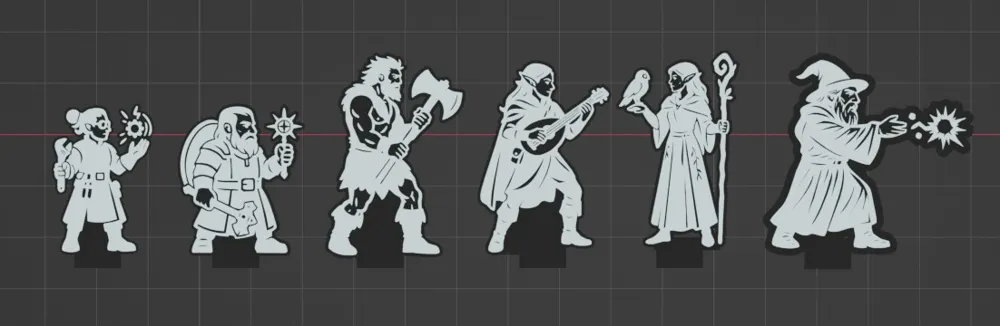
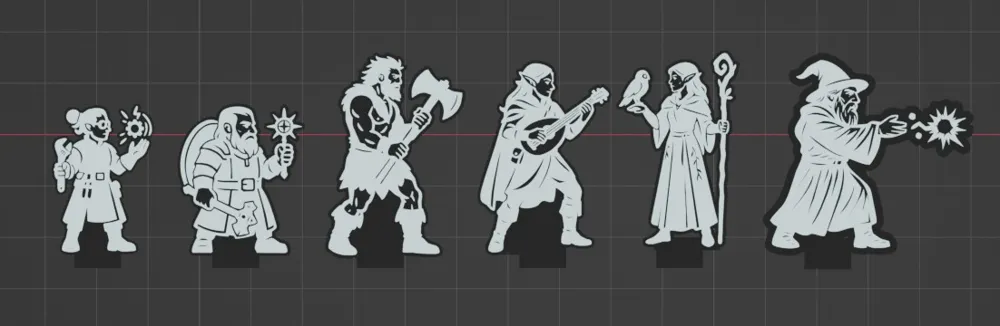
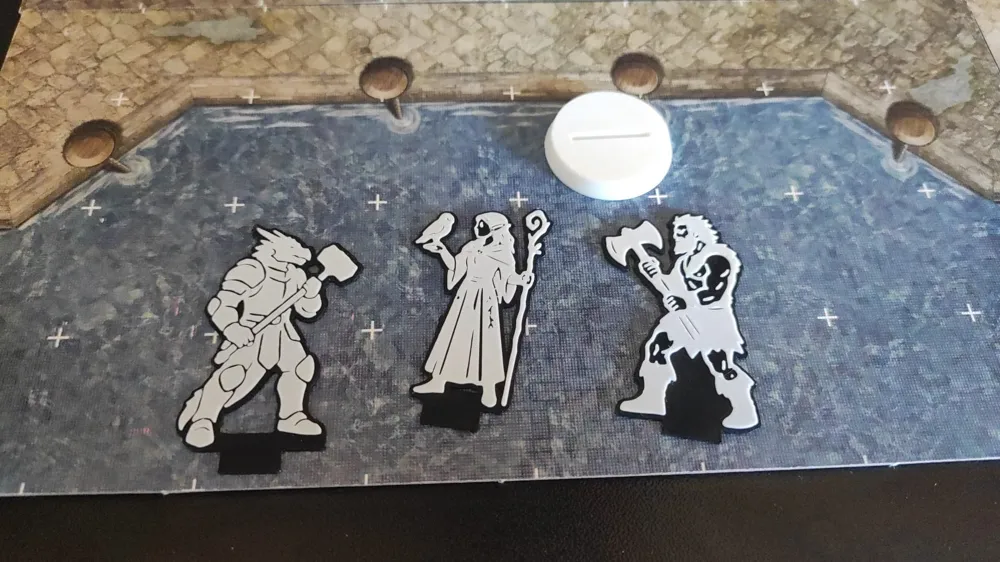
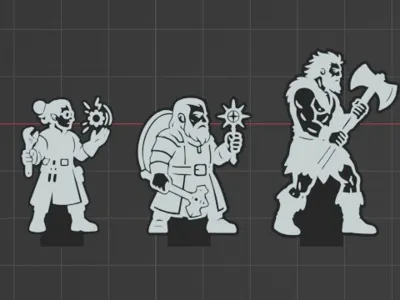
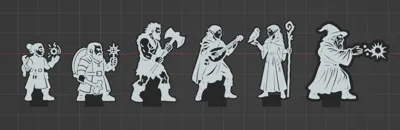
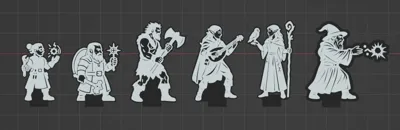
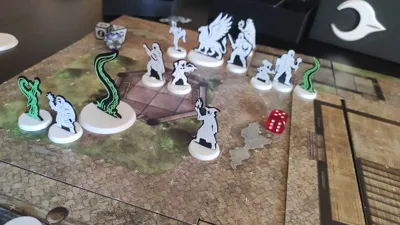
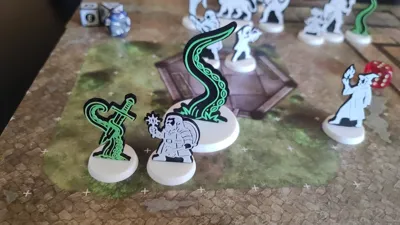
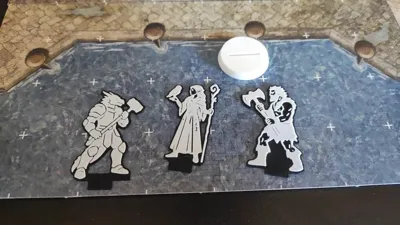
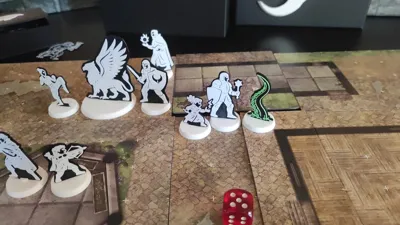
This initial pack includes:
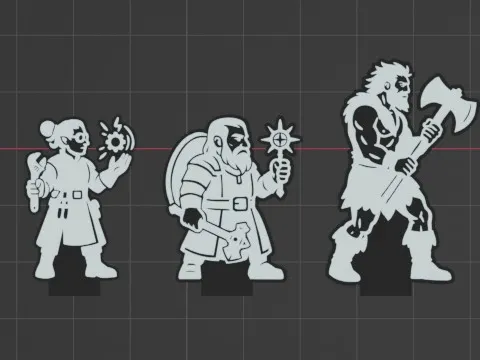
- Human Barbarian – wielding a two-handed weapon
- Dwarven Cleric – with sacred symbol and shield
- Elven Druid – with natural staff and bird companion
- Elven Bard – in musical performance pose
- Human Wizard – casting a fireball
- Dwarven Artificer – with tools
Each miniature is a clean black-and-white silhouette, stylized for easy printing with a flat base and no overhang issues.
🖨️ How to Print and Prepare
For best results when printing EasyMiniature models:
- 🔍 Use a 0.2mm nozzle for clean lines and better silhouette detail
(They’re printable with a 0.4mm nozzle too, but you may lose some finer definition) - 🧩 Each miniature comes in two flat parts – simply glue them together after printing
- ⚙️ A universal base is included and should be printed separately
(You can print a batch of 10 with a 0.4mm nozzle in no time – enough for most encounters)
Once glued, your miniature is ready to hit the table!
🧪 How to Print (Without AMS)
You don’t need a multi-material setup to print EasyMiniatures with two colors!
Just follow these simple steps:
- 🧾 Use the provided 3MF file with default settings, and set a pause at layer 6
- 🎨 Start the print with black filament
- ⏸️ When the printer pauses, swap in white filament, then resume the print
That’s it — you’ll get the clean two-tone look without needing AMS or fancy slicer tricks.
License

You shall not share, sub-license, sell, rent, host, transfer, or distribute in any way the digital or 3D printed versions of this object, nor any other derivative work of this object in its digital or physical format (including - but not limited to - remixes of this object, and hosting on other digital platforms). The objects may not be used without permission in any way whatsoever in which you charge money, or collect fees.


Comment & Rating (0)