Search models, users, collections, and posts

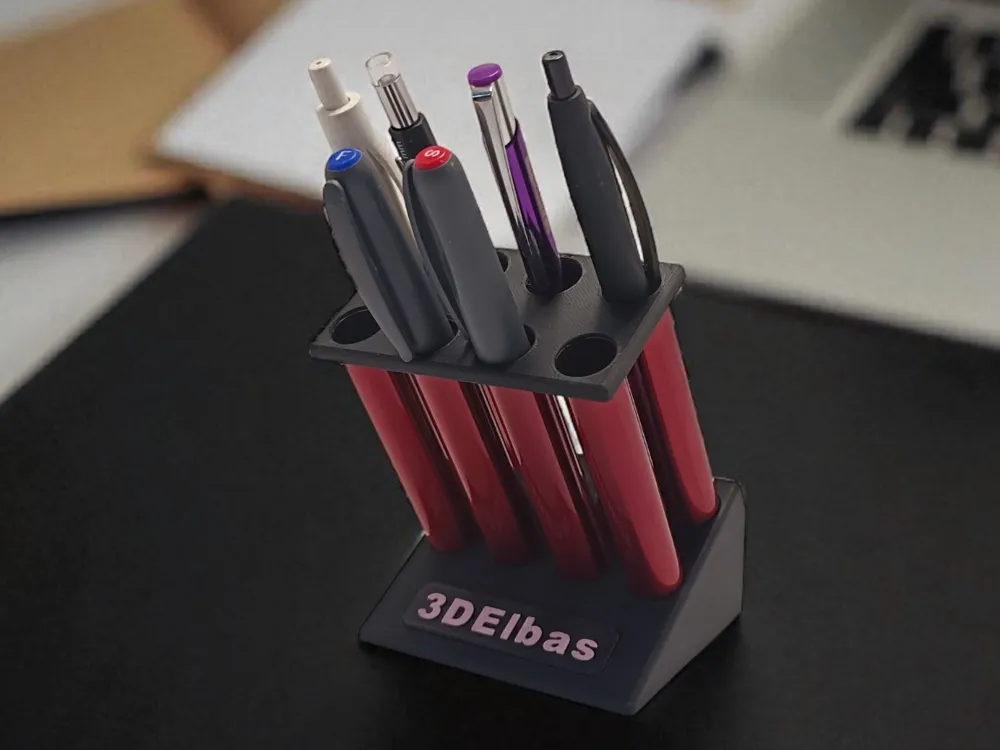
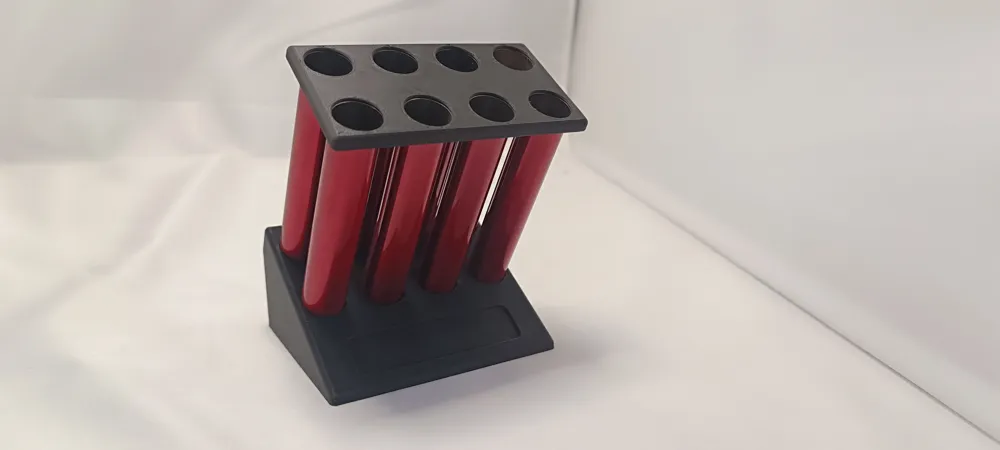
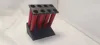
Vape Tube Modular Pen Holder
IP Report
Print Profile(1)

0.15mm layer, 2 walls, 15% infill
Designer
3.5 h
3 plates
Open in Bambu Studio
Boost
4
2
0
0
4
0
Released
Description
Hello everyone!
Since I used to vape and never threw away the empty vape tubes, I came up with the idea to recycle them into something useful instead of just creating waste. This project is a way to give a second life to used vape tubes by turning them into a practical and customizable desk accessory. 🙂
🔧 Print Settings
Holder Base / Top Cap / Customizable Plate
- Material: PLA
- Nozzle: 0.4 mm
- Layer Height: 0.15 mm
Text Shape (Nameplate)
- Material: PLA
- Nozzle: 0.4 mm
- Layer Height: 0.15 mm
- Ironing Type: Top surface
- Wall Loops: 3
- Infill Direction: 0°
💡 Note on the customizable nameplate:
The text plate is provided as a separate part. This makes it much easier to print in multicolor without complicating the main holder print.
The text on the Nameplate is fully editable in Bambu Studio. You can change the letters, words, or entire message before printing.
🛠️ Assembly Instructions - Step 1 – Prepare the parts
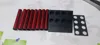
- Print the Base, Top Cap, and Customizable Plate.
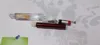
- Collect 8 vape tubes (Ø 14.5 mm x 84 mm length).
Print the Text Plate separately if you want multicolor text.
- Step 2 – Insert the vape tubes
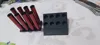
- Place each tube vertically into the holes of the Top Cap.
- Make sure they fit snugly. (If the fit is too tight, lightly sand the tube edges.)
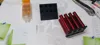
Apply a small amount of glue into the corresponding holes of the Base for extra stability.
- Step 3 – Connect Base and Top Cap
- Align the Top Cap with the Base and gently press them together.
The tubes should now be held securely between both parts.
- Step 4 – Attach the customizable nameplate
- Slide or glue the Text Plate onto the front slot of the Base.
Use multicolor print for the text if desired, for a clean look.
- Step 5 – Finishing touches
- Check stability and alignment.
- Your Vape Tube Pen Holder is ready to use! 🎉
Documentation (7)
Assembly Guide (7)


License

This user content is licensed under a
Creative Commons Attribution-Noncommercial-Share Alike


Comment & Rating (0)