
Magnet Placement Tool


Print Profile(1)

Description
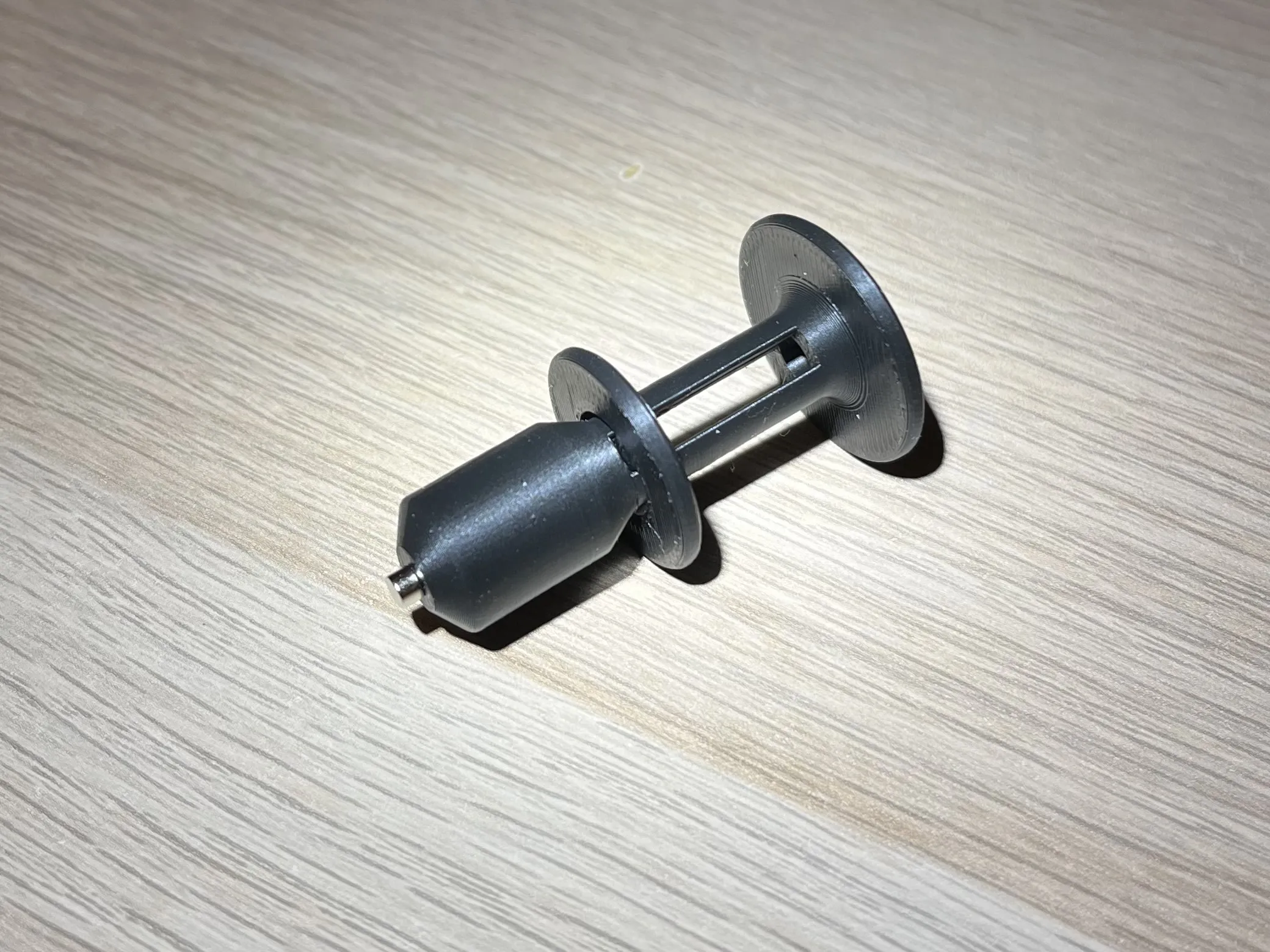
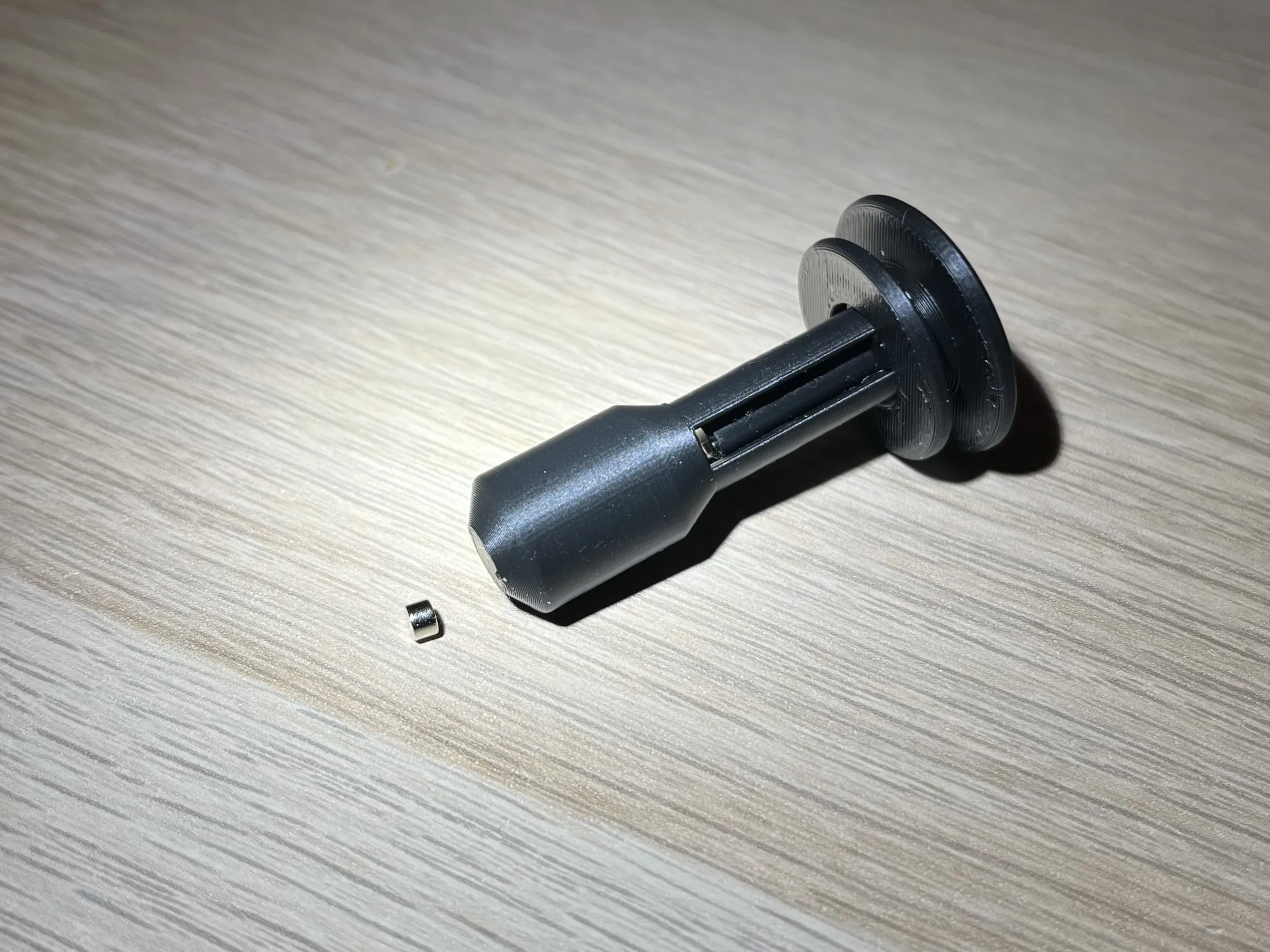
I found small magnets incredibly fiddly to use so I made this little tool that will hold them and easily release them.
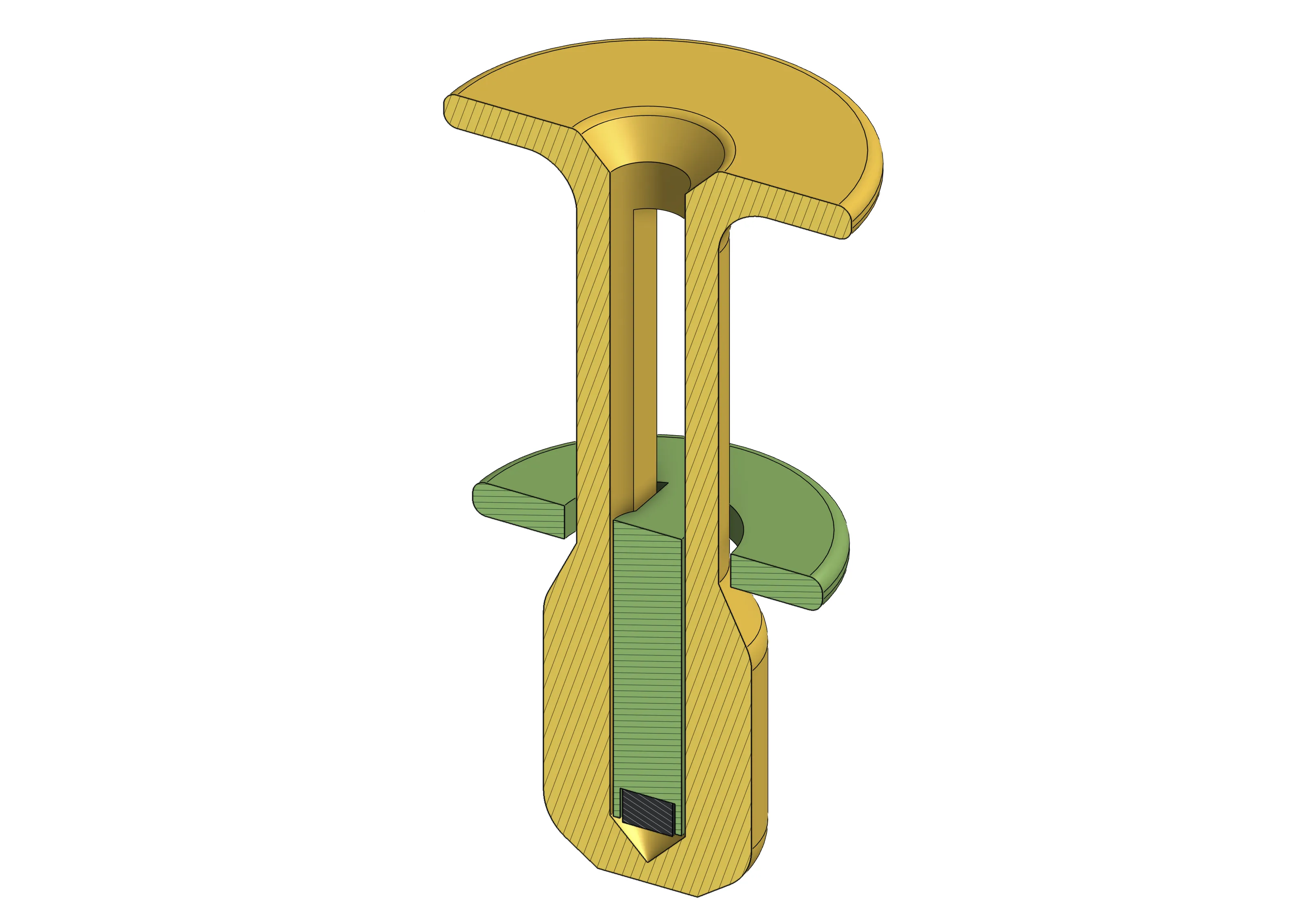
It's an easy print with the provided print profile. It will pause at layer 246 (24.7 mm) so that you can take the piston (the smaller part, green in diagram) off the build plate and put a 3x2 mm magnet in it (use a drop of glue if required, I didn't need it) and then place the piston inside the other part (yellow in diagram) and resume the print so the piston and magnet become caged. When the print is finished excersice the piston a few times before it's ready for use.
I suggest to print two copies in different color and orient the magnet with different polarity on each.
How to use
Make sure the piston is at the bottom and point the tool to a magnet, it will stick to the end, then place the magnet and pull the piston up and it will release the magnet.
Boost Me (for free)
If you like my designs, please support me!
License

You shall not share, sub-license, sell, rent, host, transfer, or distribute in any way the digital or 3D printed versions of this object, nor any other derivative work of this object in its digital or physical format (including - but not limited to - remixes of this object, and hosting on other digital platforms). The objects may not be used without permission in any way whatsoever in which you charge money, or collect fees.


Comment & Rating (8)