
Rotating Aquarium Lamp
Print Profile(1)

Bill of Materials












Description
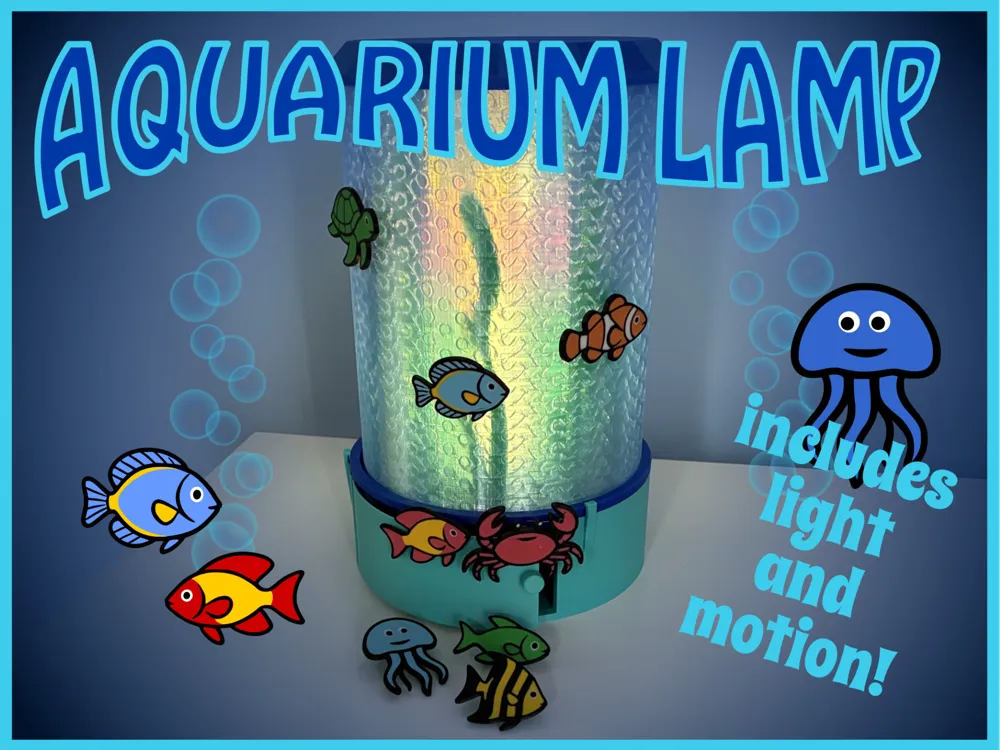

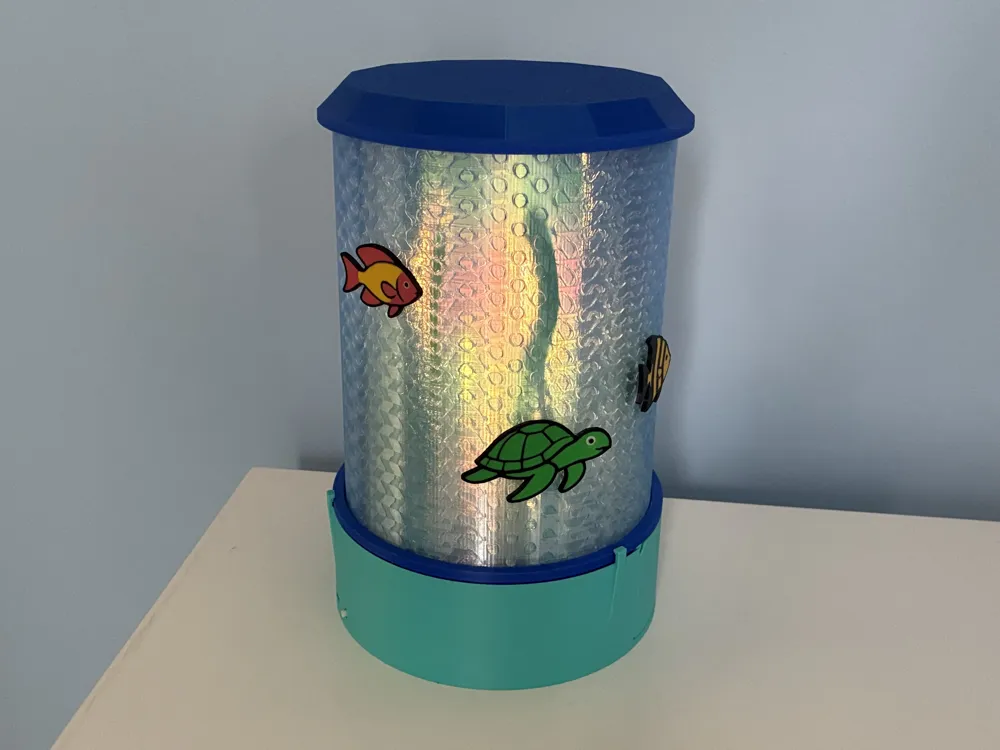
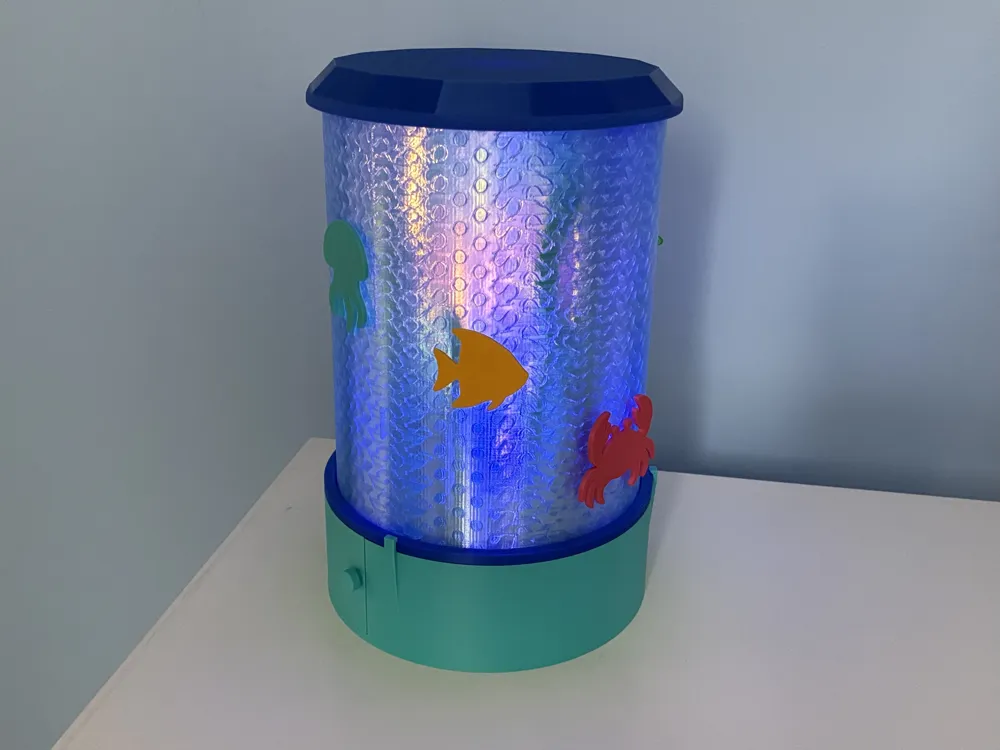
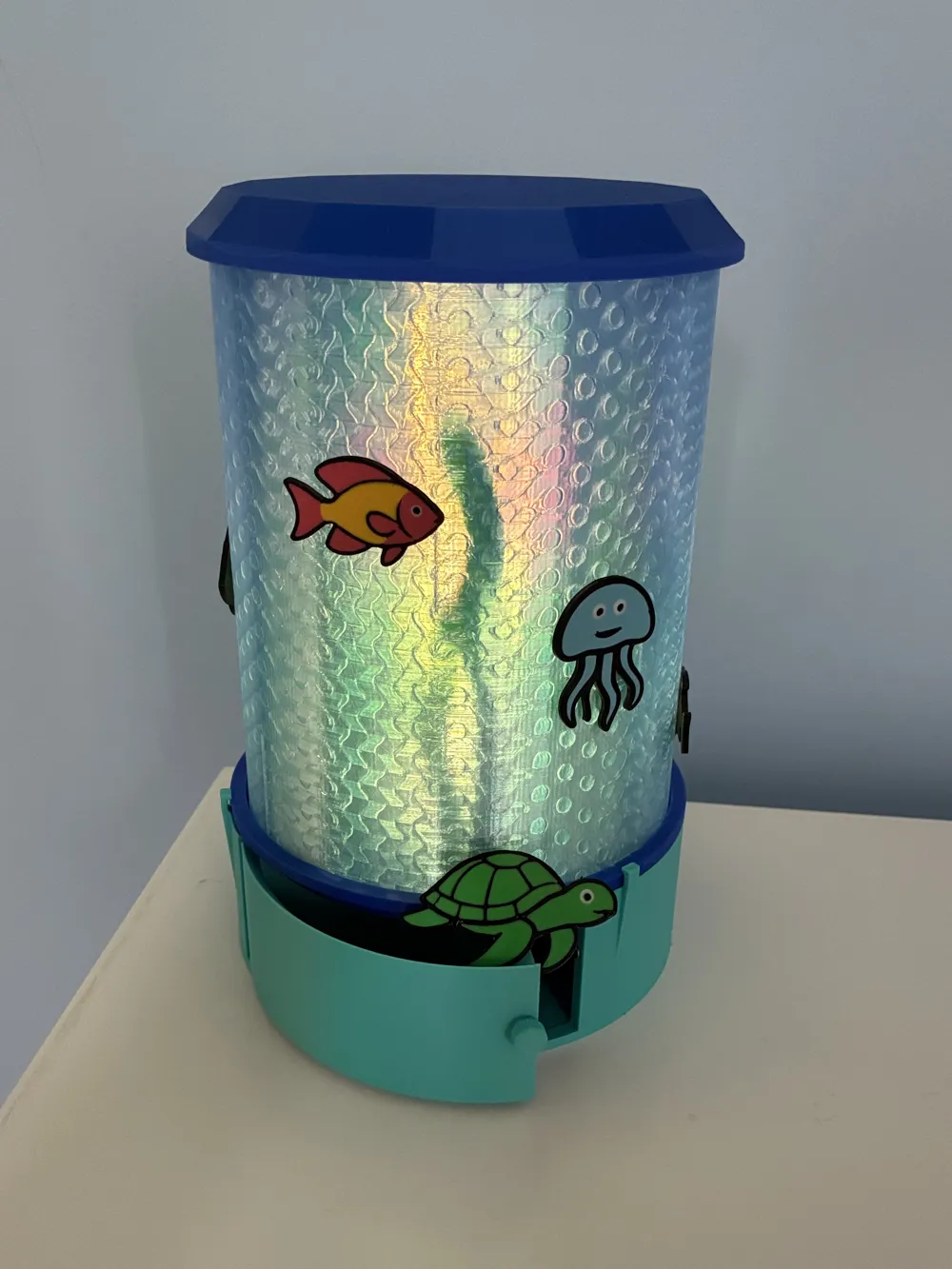
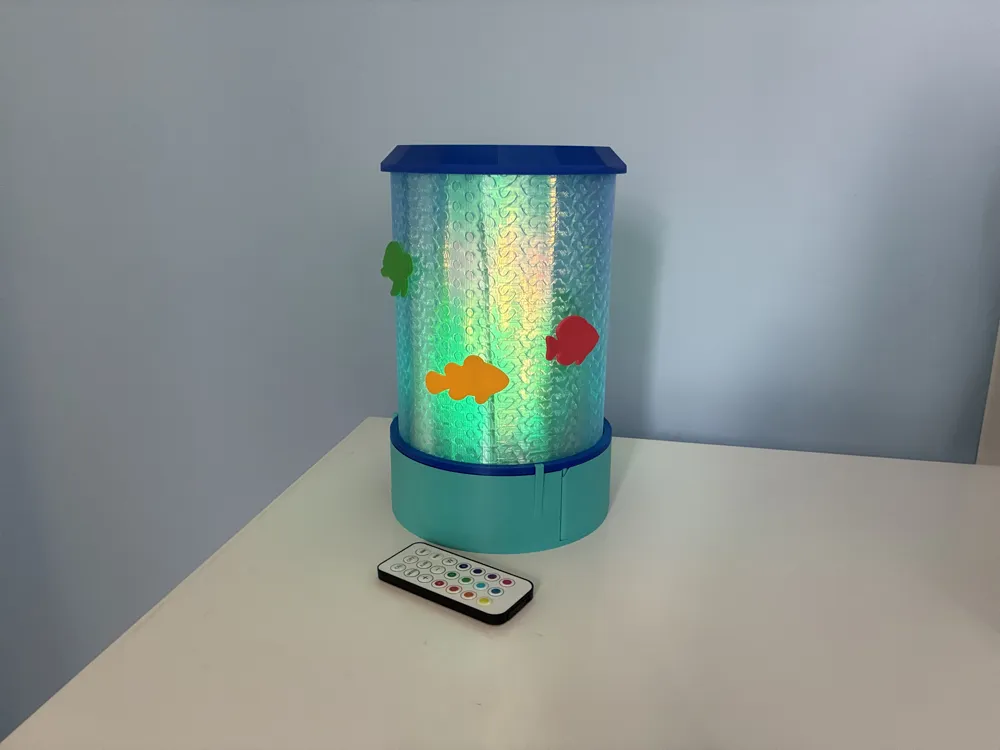
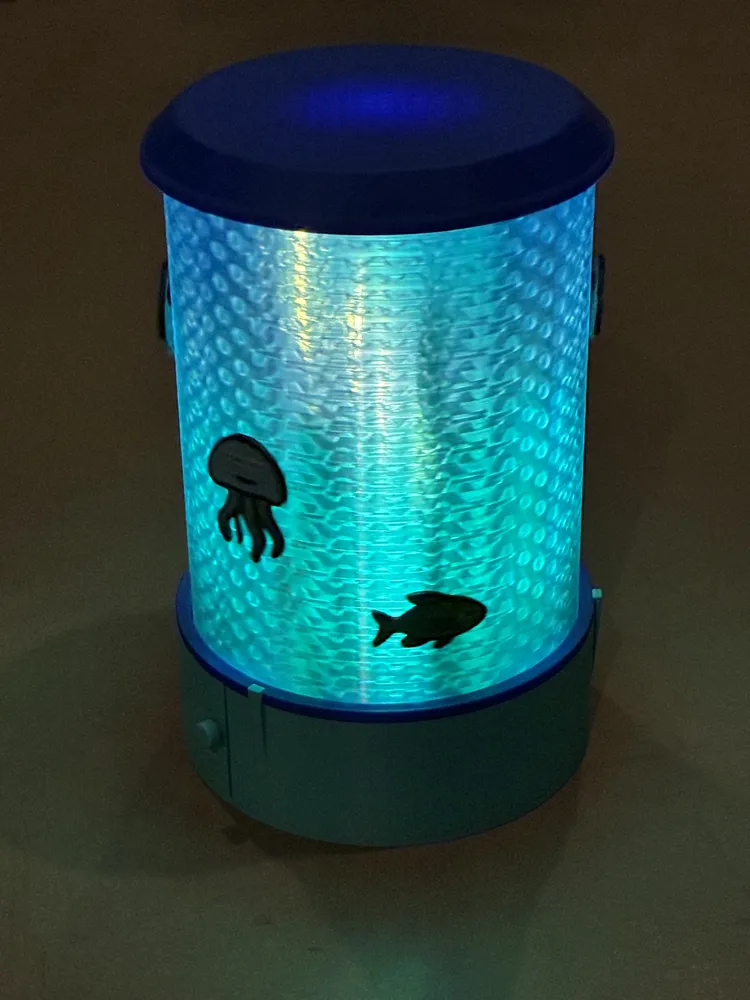
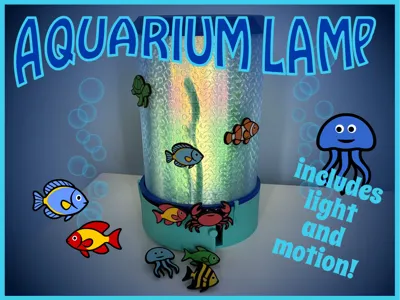
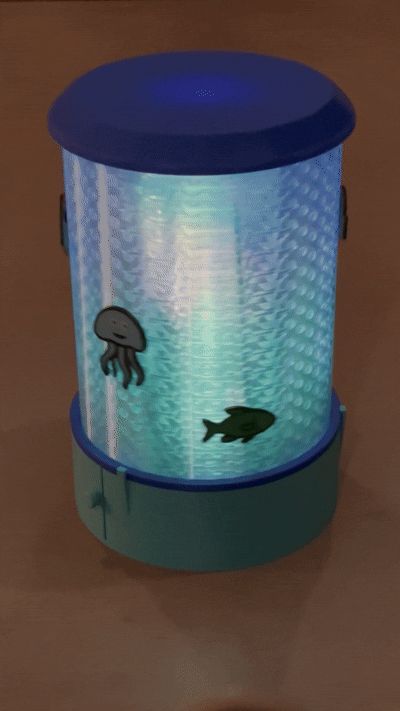
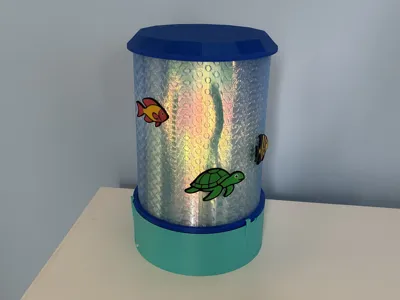
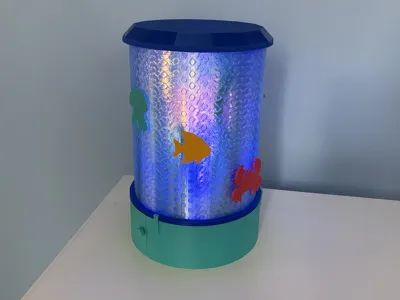
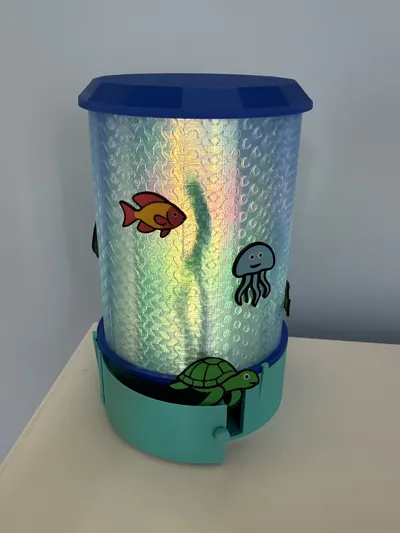
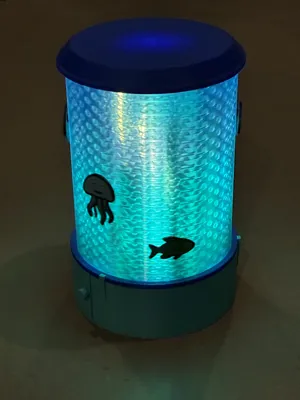
Watch the fish and other sea creatures on this aquarium lamp swim in circles as this lamp spins and the light inside changes. Then, move the fish around to create different scenes. Print extra fish and friends, then store them in the convenient drawer when they're not swimming around their fish tank.
This lamp uses a planetary gear to create interesting patterns of light and movement. The center most gear spins a column of light with holes to vary the intensity of the light. Swapping color a couple of times while printing the center light holder creates a subtle variation to the color. On the next ring, fixed planetary gears spin stalks of seaweed that cast moving shadows. The outer-most ring spins in circles to move the fish. Using a gyroid infill with transparent filament gives it a water-like look.
Choose the motorized base to see the fish move automatically using a rechargeable power kit or choose the manual base to control how they move yourself. The motorized base provides easy access to the on/off button and the USB-C port for recharging.
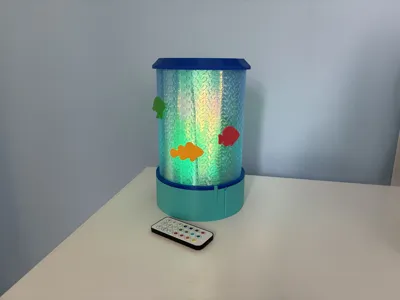
The lamp is designed to hold the BambuLab Remote Controlled 16-color RGBW Puck Lights (62.2mm diameter). It works well set to either plain white or shifting colors. A tea light would also fit, but may be more difficult to turn on and off without a remote. Adding some fairy lights for additional light also works well. I like using the remote controlled light for color with a strand of fairly lights for extra light. But, you can experiment and find what works for you.
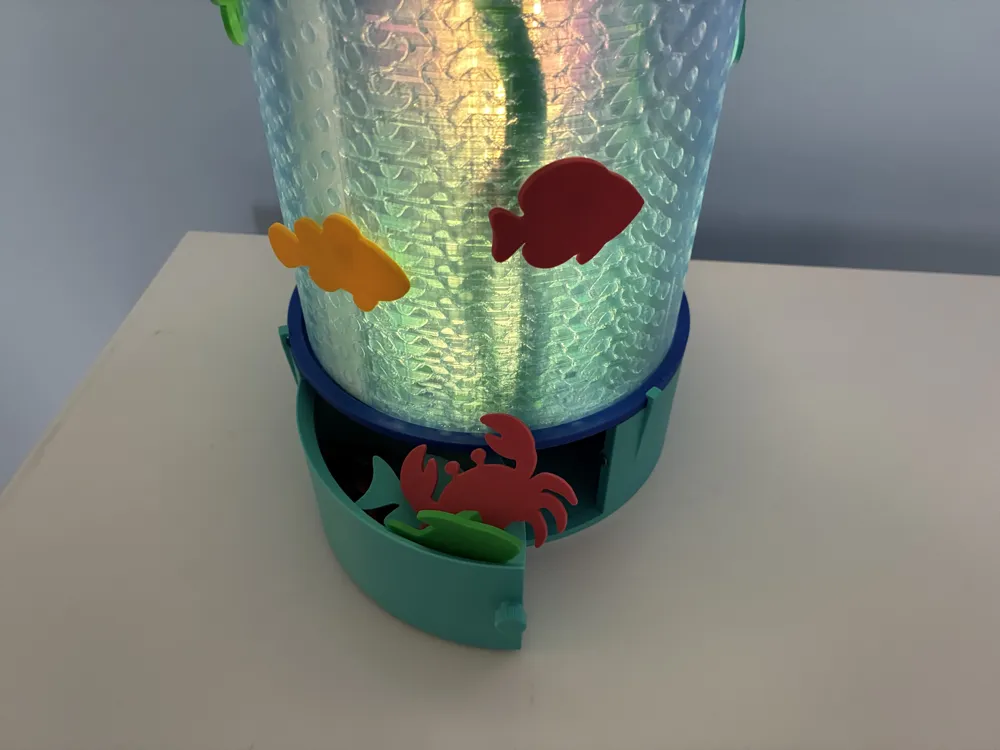
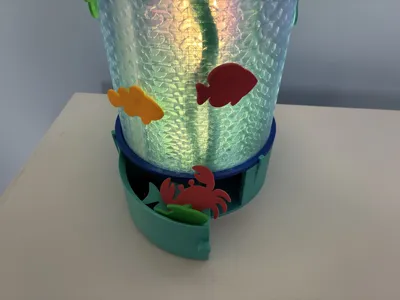
There is a drawer in the base for holding extra fish and sea creatures. Slots for magnets D4x2mm are provided to help keep it shut. There are 8 possible fish and slots for 6. There are both multi-colored and solid versions of each.
I would love to see some colorful makes!
Boost Me (for free)
Please show your appreciation with a boost!
Assembly
Step 0: Before Assembly
- Consider sanding all of the gears. They tend to squeak and sanding helps to reduce the noise.
Step 1: Electronics (for motorized base only)
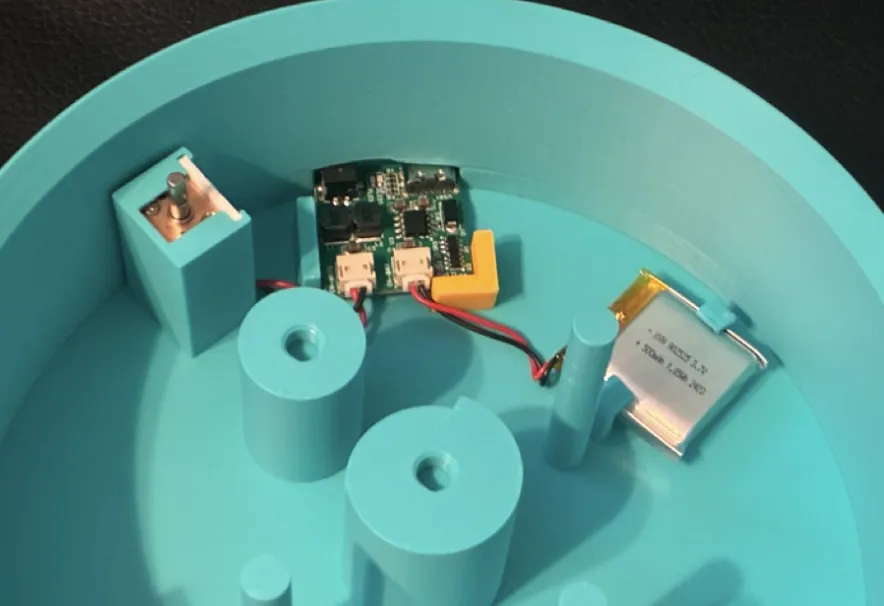
- Put the motor in its box. Slide the door in place to give it some stability.
- Press the circuit board into place. Push firmly to be sure the button and port are accessible from the outside. Use glue to hold the electronics stopper in place.
- Slide the battery into its slot. This prevents it from flopping around. It should not need glue.
Step 2: Attach Gears
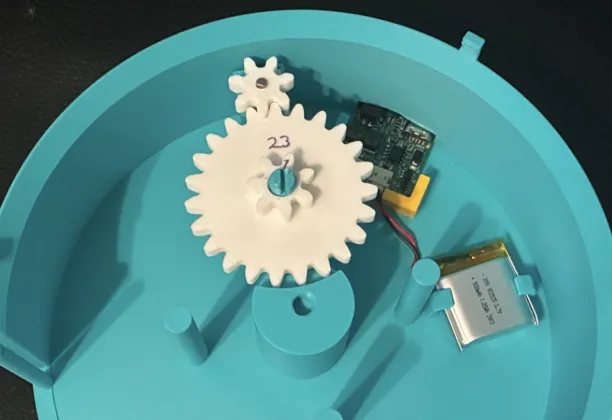
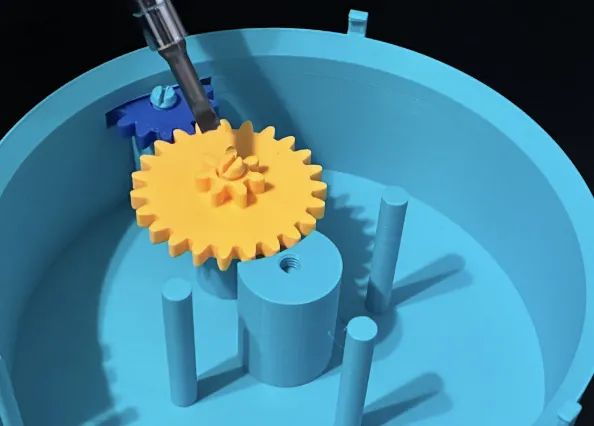
- Motorized Base: Slide the extruder gear onto the motor axle.
- Manual Base: Attach the manual gear in the outer-most position using the shortest screw.
- Attach the double gear in the next position using the (next) shortest screw.
- Use a screw driver to tighten both screws.
Step 3: Add Drawer
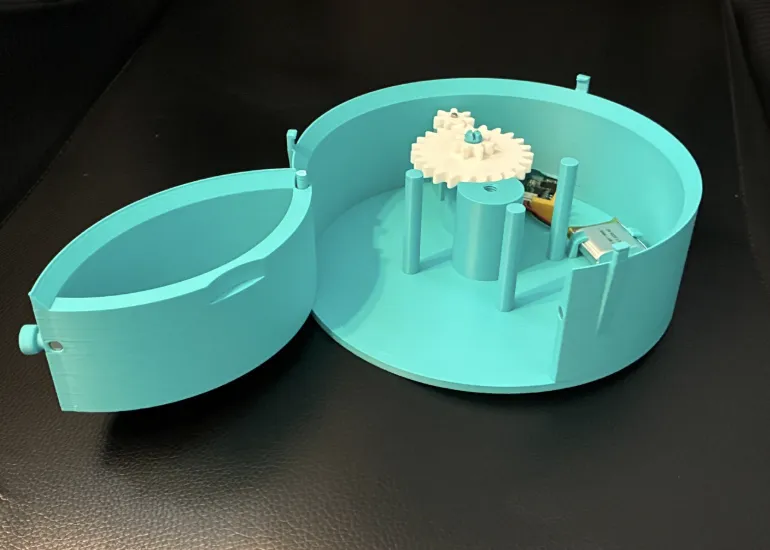
- Glue magnets on to the drawer and the base. Allow glue to thoroughly dry.
- Slide the drawer onto its post.
Step 4: Attach Seaweed Gears
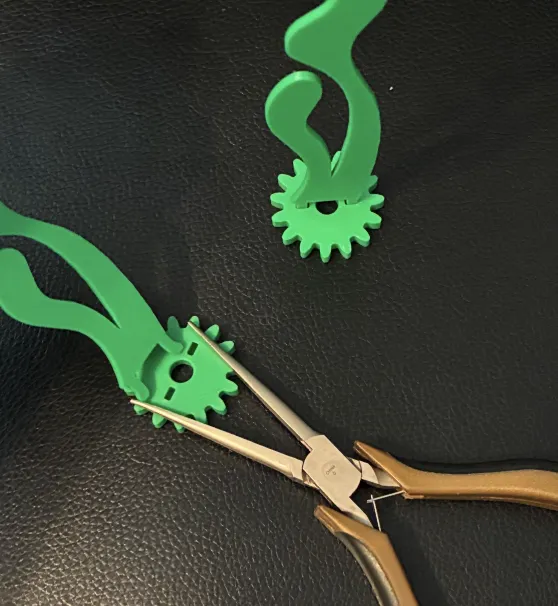
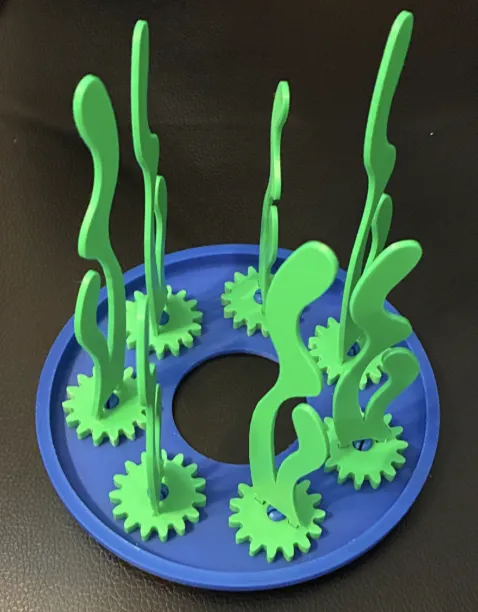
- Attach a piece of seaweed to each gear with holes. These can be difficult to snap into place. Using pliers to pinch the gears can help.
- Attach the gears to the gear holder. Make sure you like the relative placement of the different sized seaweed. Once these gears are snapped into place, it is difficult to remove them without breaking the prongs.
Step 5: Attach the Gear Holder
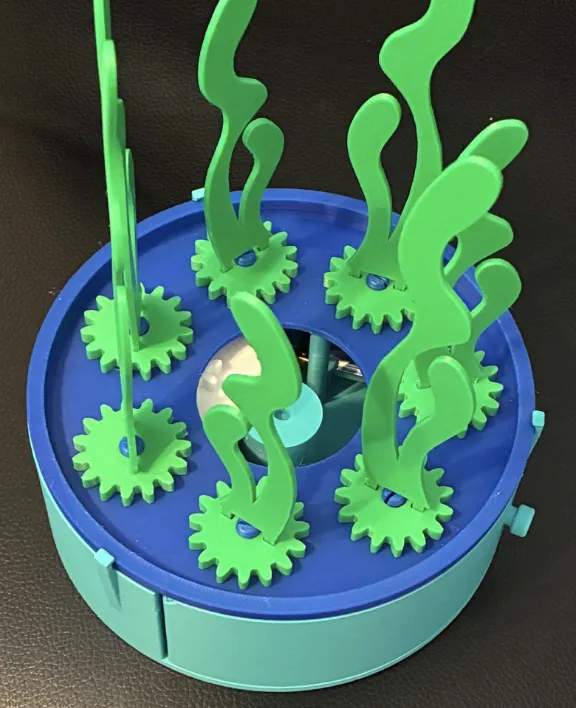
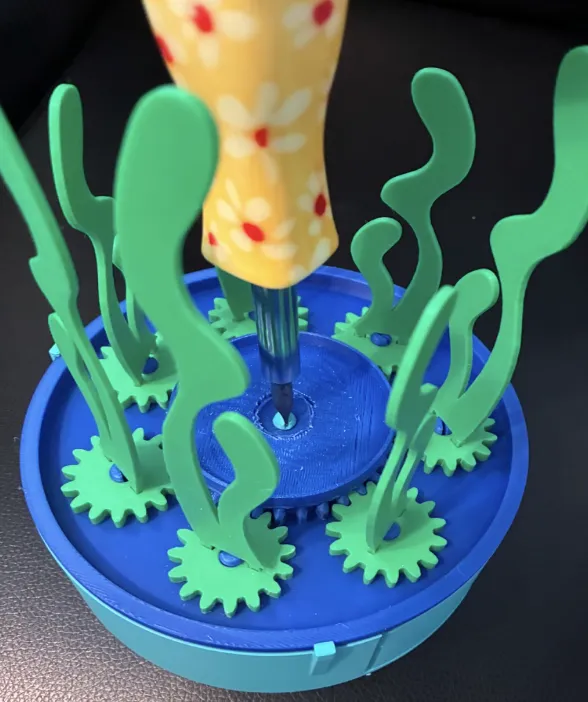
- Snap the gear holder on to the base. Make sure to align the notches for the posts.
- Add the large center gear. Make sure you like how the seaweed gears are oriented and adjust them to mesh with the center gear.
- Screw the center gear into place with the longer screw. You will need a screwdriver to make it tight.
Step 6: Add Light Holder
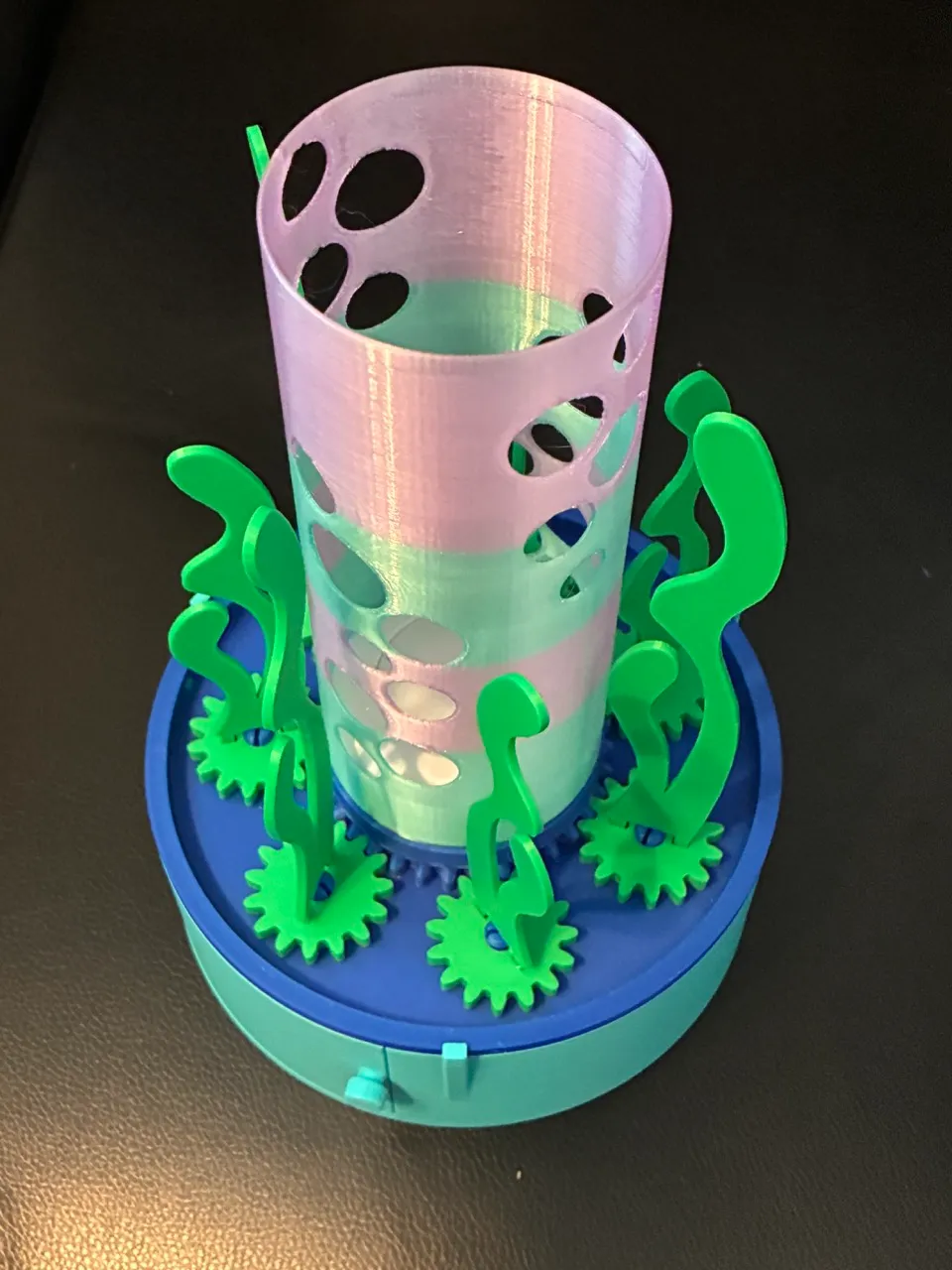
- Put the light into the light holder. This will be a tight fit, and the light will not slide all the way to the bottom.
- Put the light holder into the center gear. This will also be a tight fit.
- If you ever need to change the battery in the light, you will want to be able to remove this piece.
Step 7: Add Outer Gear and Lid
- Attach lid to the outer gear.
- Set the outer gear in place such that it meshes with the other gears.
Step 8: Add Fish
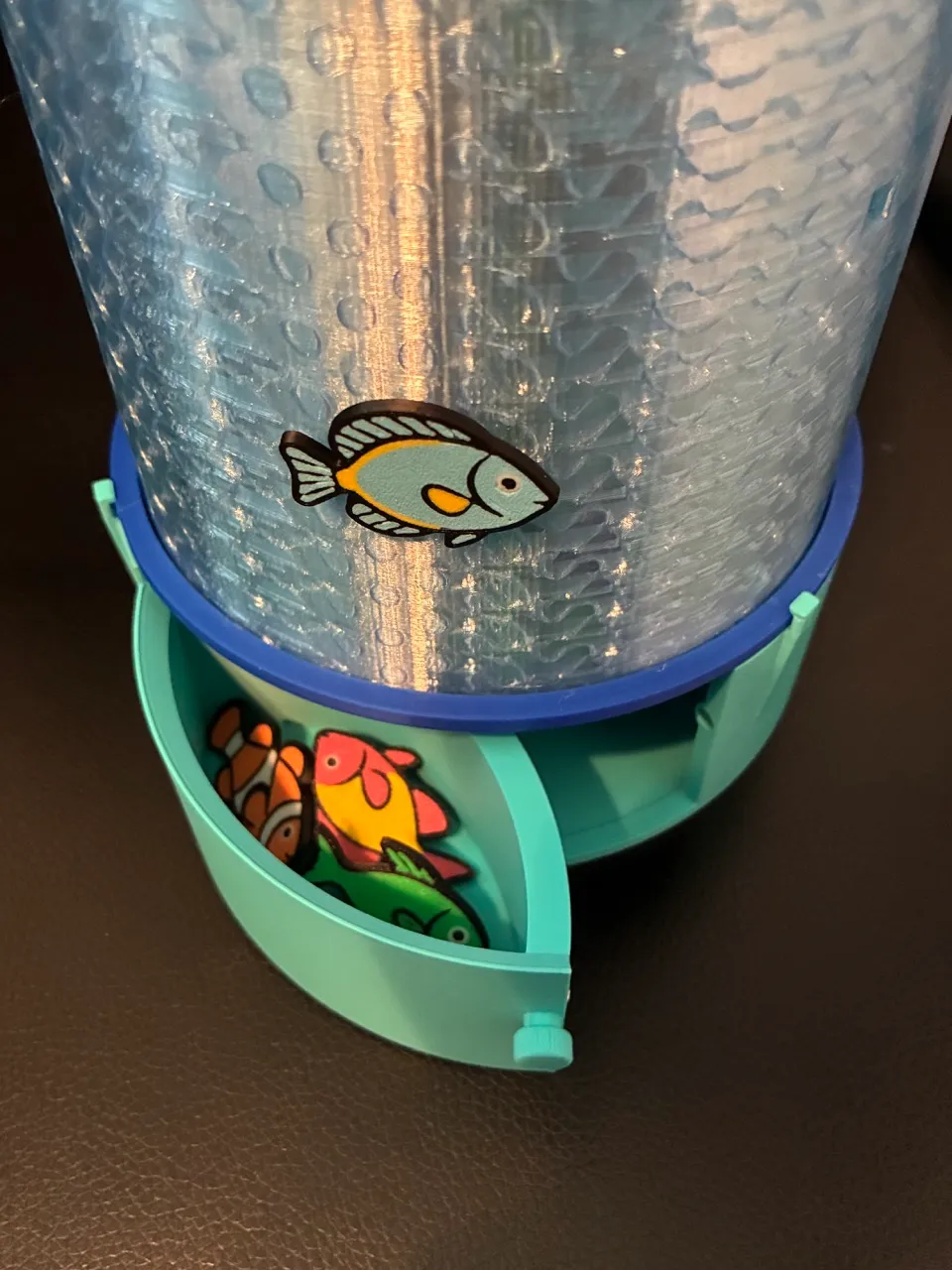
- Add the fish however you like.
- Store extras in the base.
- Change which fish are out as often as you like.
Membership
Interested in selling prints of my work? Get a commercial license!
Boost Me (for free)
Want me to keep creating designs like this one? Please support me with a boost!
Documentation (1)
License

You shall not share, sub-license, sell, rent, host, transfer, or distribute in any way the digital or 3D printed versions of this object, nor any other derivative work of this object in its digital or physical format (including - but not limited to - remixes of this object, and hosting on other digital platforms). The objects may not be used without permission in any way whatsoever in which you charge money, or collect fees.


Comment & Rating (4)