
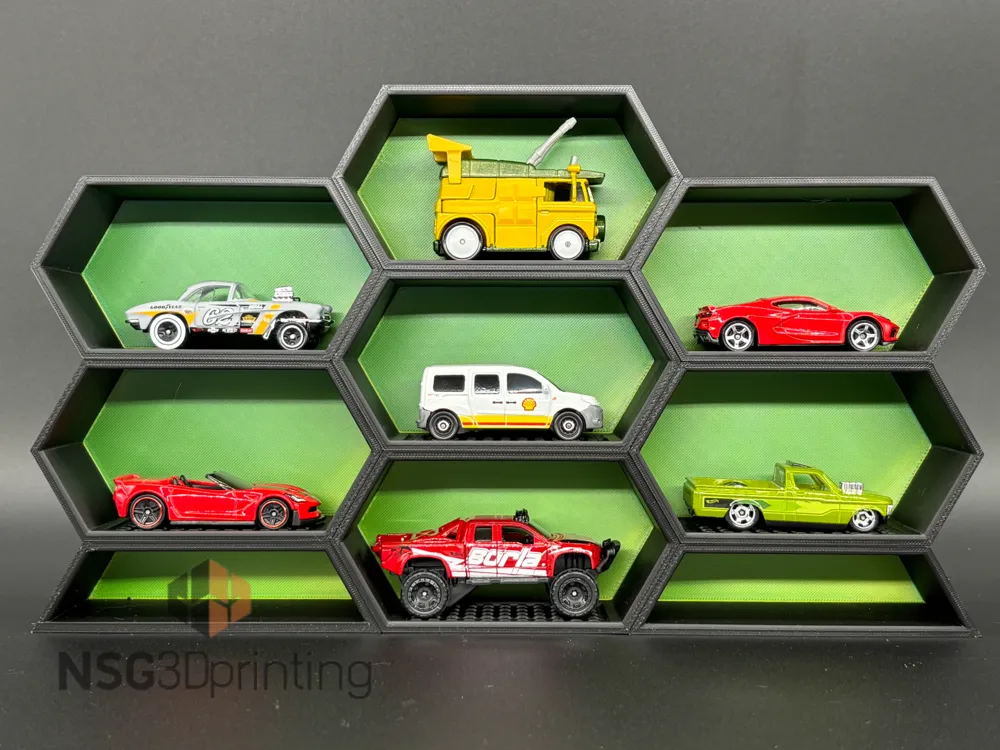
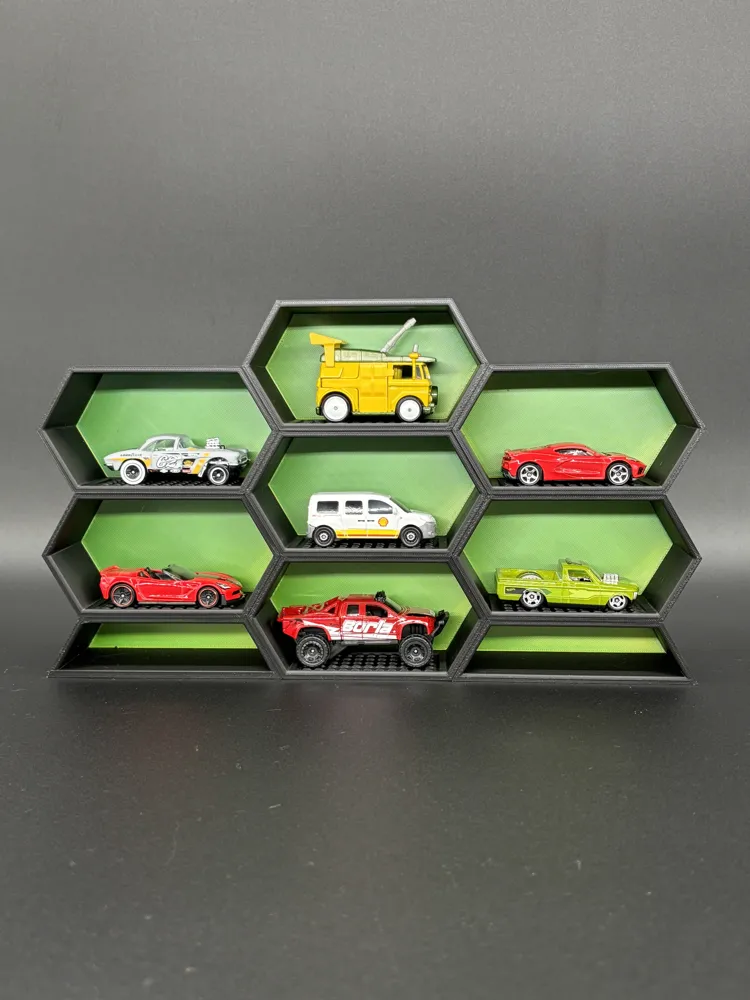
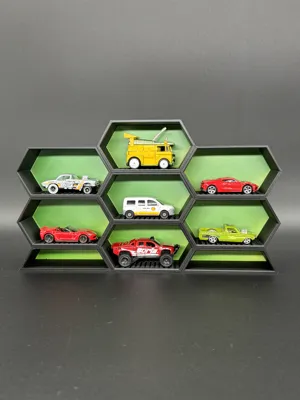
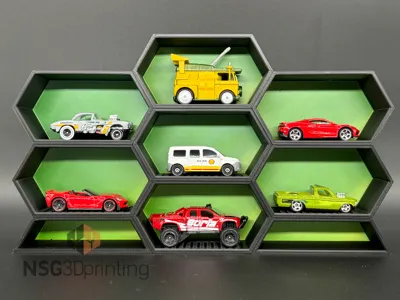
7 Pod Display for 1:64 Diecast cars
Print Profile(4)


Description
Boost Me (for free)
Will Work For Boosts 🚀🚀🚀
Boost Me (for free)
If you enjoy my work, please consider leaving me a boost :D
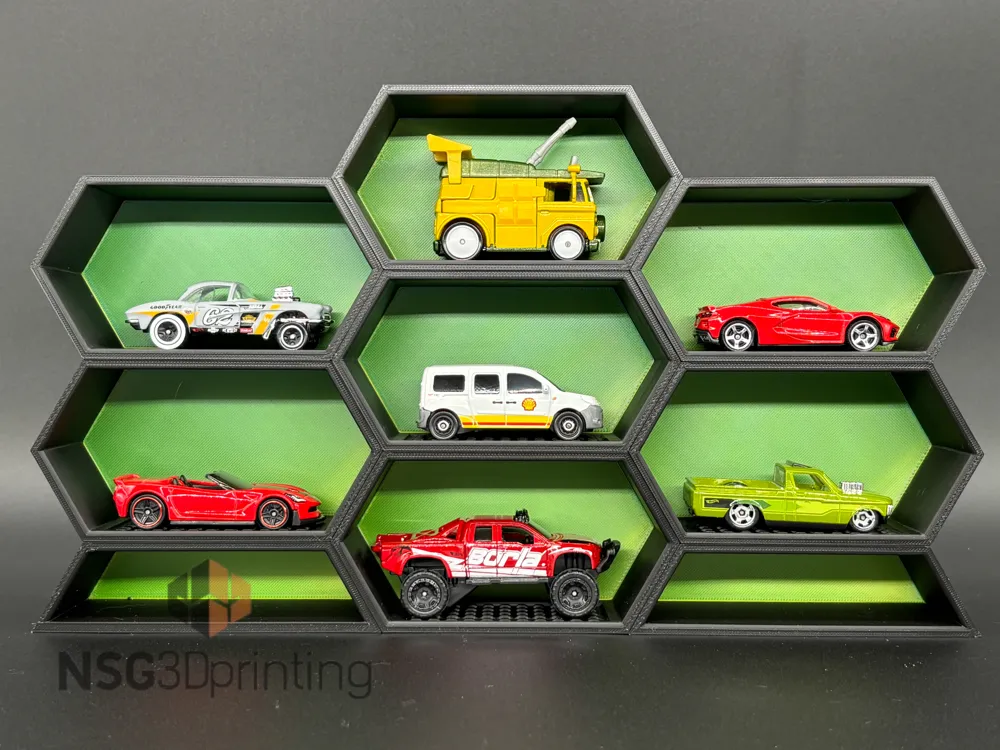
This is a 7 pod display to display some of your favorite diecast or models. The display colors can be easily modified to be 2 colors per pod by simply going to the objects tab, and selecting the backplate or pod body and changing the assigned filament color by pressing the assigned filament color and changing it from the drop down, or you can also press the number key that is assigned to the filament color you wish to use.
Documentation (1)
License

You shall not share, sub-license, sell, rent, host, transfer, or distribute in any way the digital or 3D printed versions of this object, nor any other derivative work of this object in its digital or physical format (including - but not limited to - remixes of this object, and hosting on other digital platforms). The objects may not be used without permission in any way whatsoever in which you charge money, or collect fees.


Comment & Rating (4)