
Xenomorph v2 - HueForge 3 Color
Print Profile(2)

Description

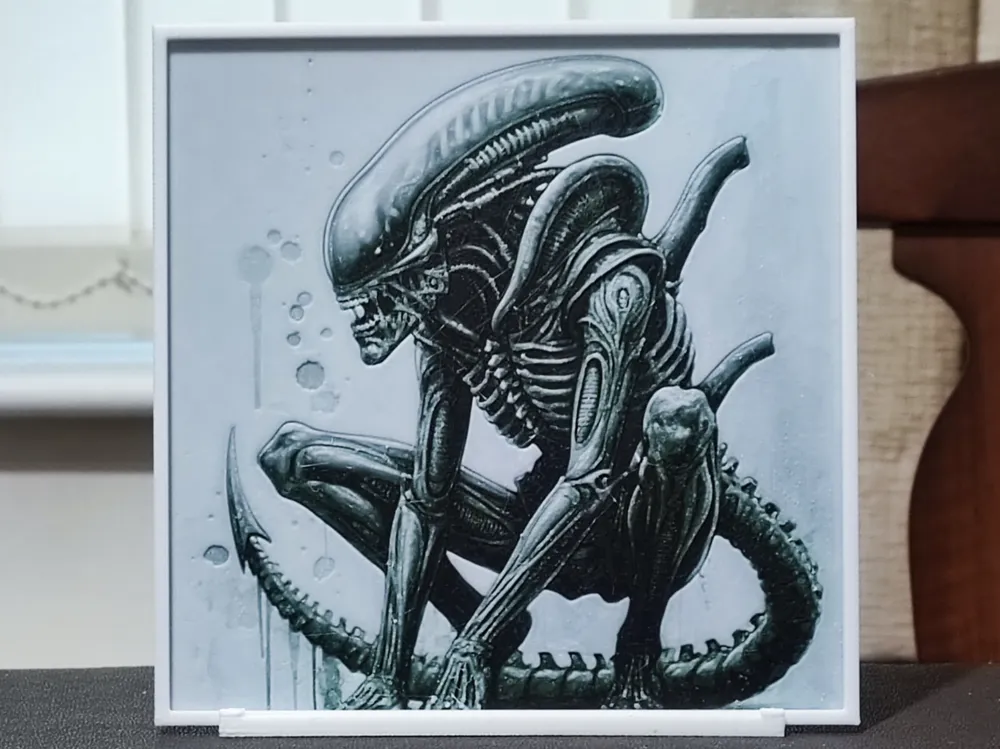
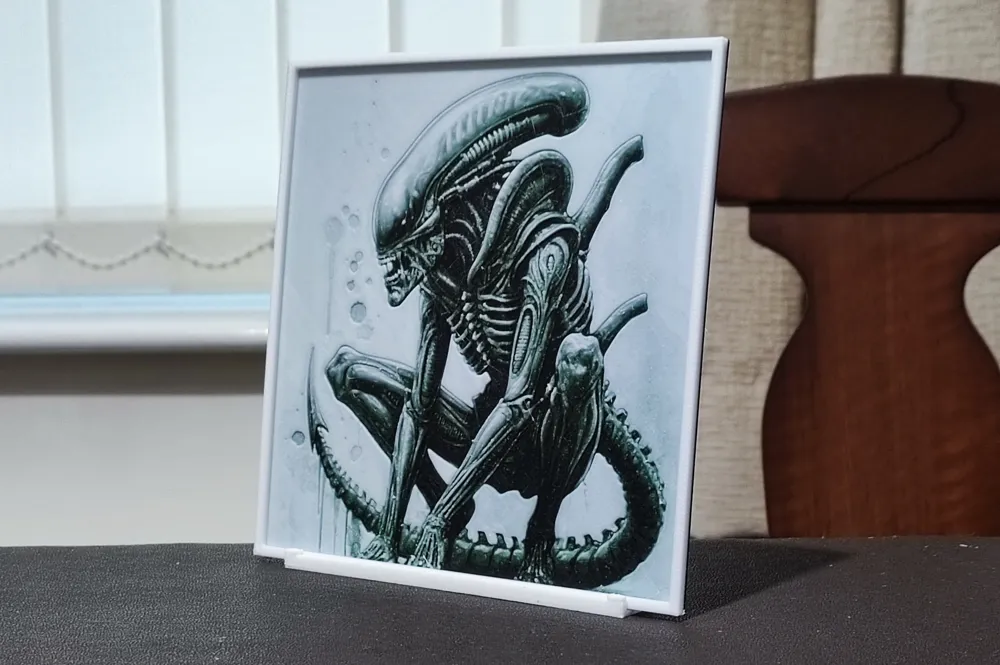
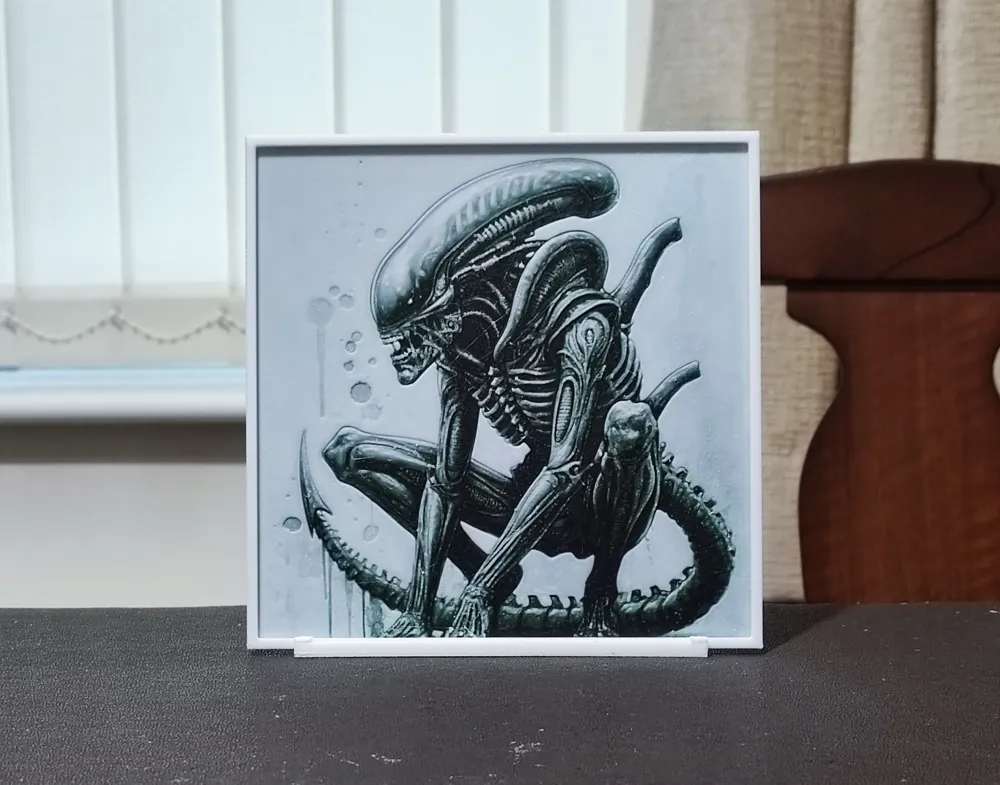
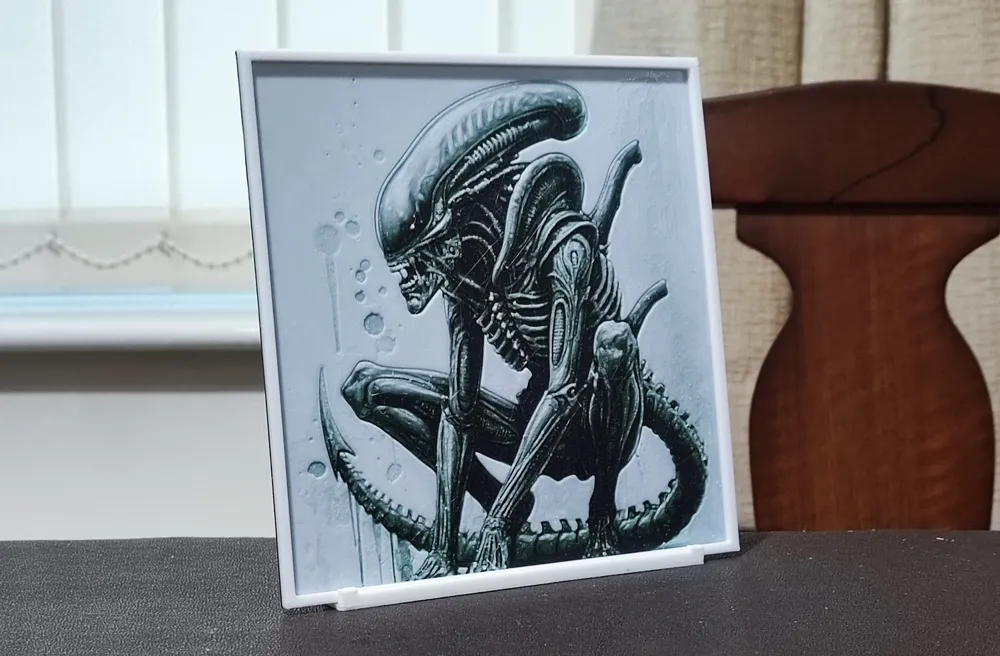
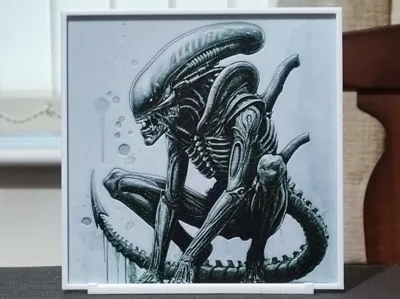
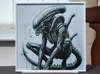
As I was growing up, my main movie preference was for science fiction. Other than Star Wars & Star Trek, the biggest films of the late 1970's and the 1980's were Alien & Predator. Both of those films have endured and spawned sequels over the years, so today I'm releasing the second of two (possibly three - I have two versions of the Xenomorph I've produced and I don't know which one I prefer) HueForge portraits based on those films that complement each other. The other version of this design is now available at https://makerworld.com/en/models/1743844-xenomorph-v1-hueforge-3-color
It can be difficult to get a HueForge right with a limited colour palette, but I'm challenging myself to design HueForges that look great, using subjects I enjoy, utilising as few colours as possible along with keeping printing and slicing time to a minimum. It's not always possible, and It's not easy to achieve when it is possible, but it is rewarding when you finally get it right. I also find that using fewer colours results in a far crisper and cleaner design.
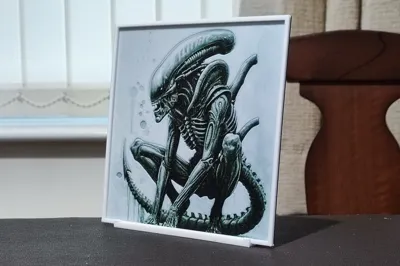
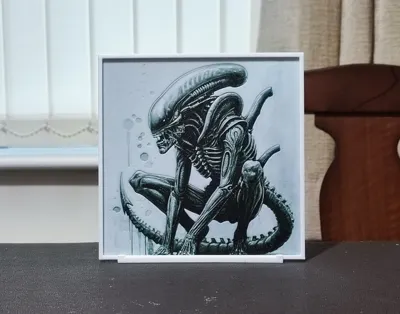
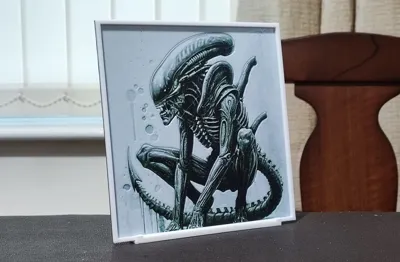
One thing that really annoys me when I'm looking for HueForges to print are people who use a source image to promote their HueForge - it never looks anything like the end result. I always provide only photographs of the actual printed design so you know what to expect.
Boost Me (for free)
If you like any of my designs, please consider boosting them. It's free for you to do, but any designer will tell you that creating these designs takes many hours, a great deal of effort, and multiple prints to get things just right. It's a good way of showing your appreciation at no cost to yourself.
Very few people seem to leave reviews or comments on designs, and it's incredibly important to designers so they know if they're getting things right. So, please leave a comment or review. I like to learn, so constructive criticism, suggestions for future designs and your genuine feedback are always welcome.
All the settings and colour changes are in the print profile, but should you not have an AMS, after slicing, replace the colour changes with pauses and make manual colour swaps as detailed below. I'd strongly suggest not changing any other settings in the slicer, as my printing profiles are highly customised to produce the best quality HueForge.
If you decide to resize any of my designs, you can only resize on the X & Y axes. DO NOT RESIZE THE Z AXIS! If you choose to ignore this instruction, it will change the layer heights that the colours change at and destroy the end result.
I have implemented a layer height modifier. This will only work if you use my print profile! This one change knocks a considerable amount off the printing time by changing the layer height of the border only. It has no detrimental result to the finish of the design whatsoever.
One final thing - please don't turn ironing on for the top surface. This shouldn't need to be said, but HueForges rely on texture and interplay with light. Ironing will reduce the quality of the image. It's turned off in my print profile for this exact reason.
If you're looking for a stand to display your HueForges, I can highly recommend this one:-
https://makerworld.com/en/models/1474353-hueforge-stand-hex-or-plain#profileId-1538584
Please note the use of Sunlu Meta White in this design. This filament is far more translucent than most other whites and is very important in this design. Should you choose to use a different white with a lower TD, you will lose the green tint of the background (which doesn't show up very clearly in the photographs), some detail and the design will appear far brighter than it should.
Print at 100% infill with a layer height of 0.04mm with a base layer of 0.24mm
The Model is 150x150mm in size
You may print at higher layer heights below the Min Depth of 0.48mm
The Max Depth is 2.2mm and the Actual Depth is 1.4mm
Filaments Used:
PLA Deeplee Black Transmission Distance: 0.8
PLA Bambu Basic Green Transmission Distance: 4
PLA Sunlu Meta White Transmission Distance: 7.6
This print uses 3 unique filaments
Swap Instructions:
Start with Black
At layer #11 (0.64mm) swap to Green
At layer #13 (0.72mm) swap to White for the rest.

License

You shall not share, sub-license, sell, rent, host, transfer, or distribute in any way the digital or 3D printed versions of this object, nor any other derivative work of this object in its digital or physical format (including - but not limited to - remixes of this object, and hosting on other digital platforms). The objects may not be used without permission in any way whatsoever in which you charge money, or collect fees.


Comment & Rating (12)