
LEG.O Classic Container Inserts
Print Profile(1)

Description
Description
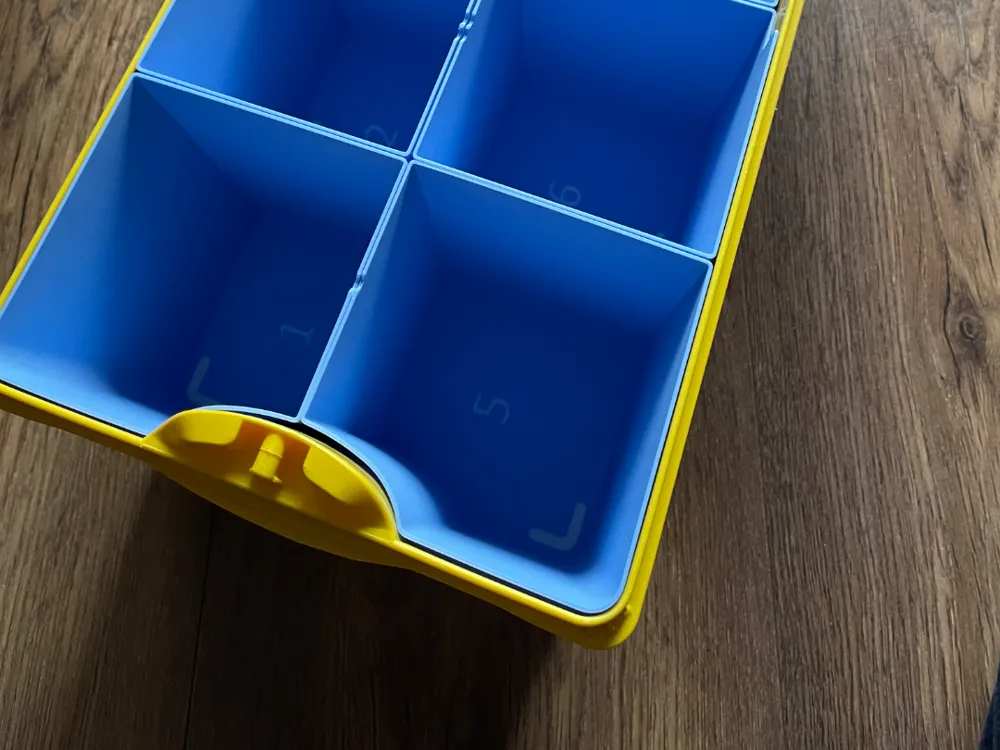
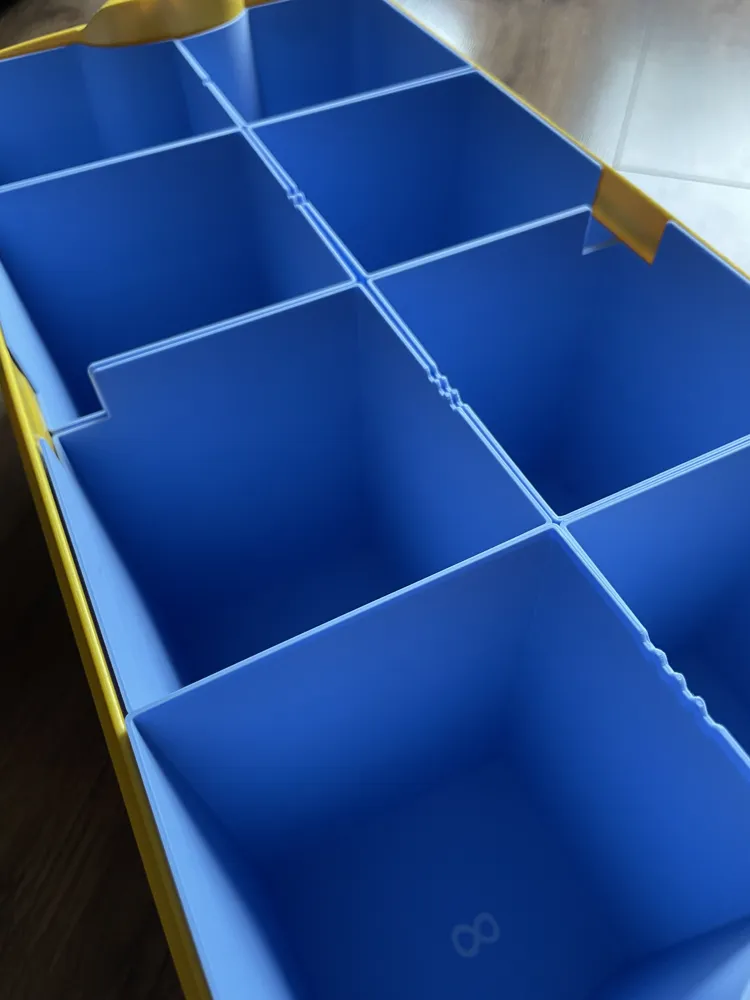
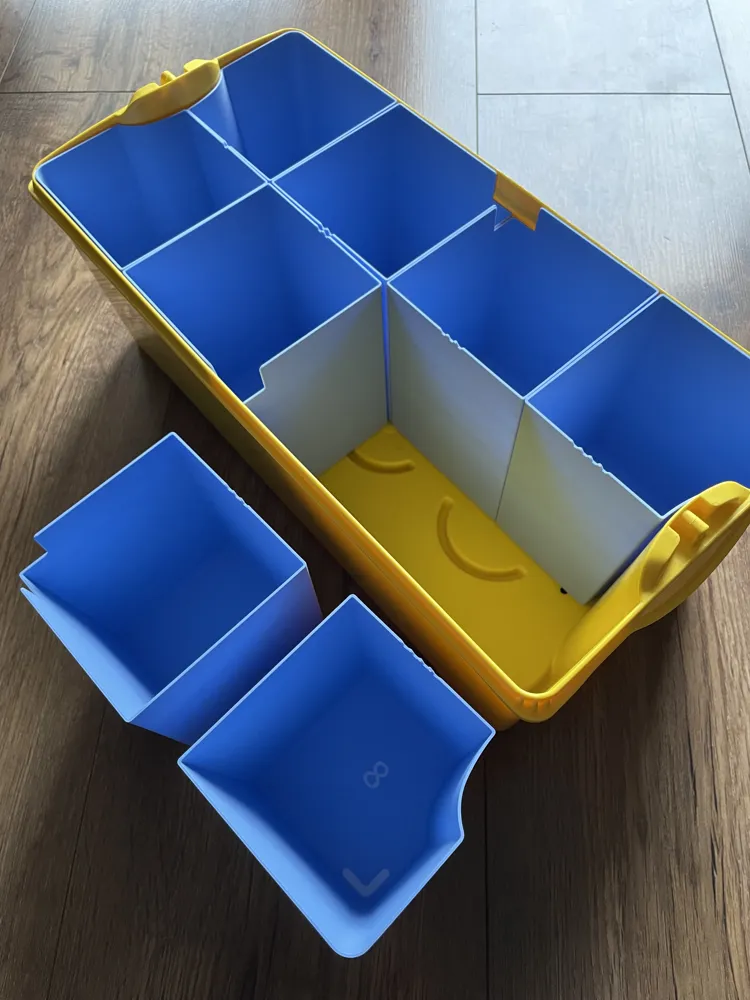
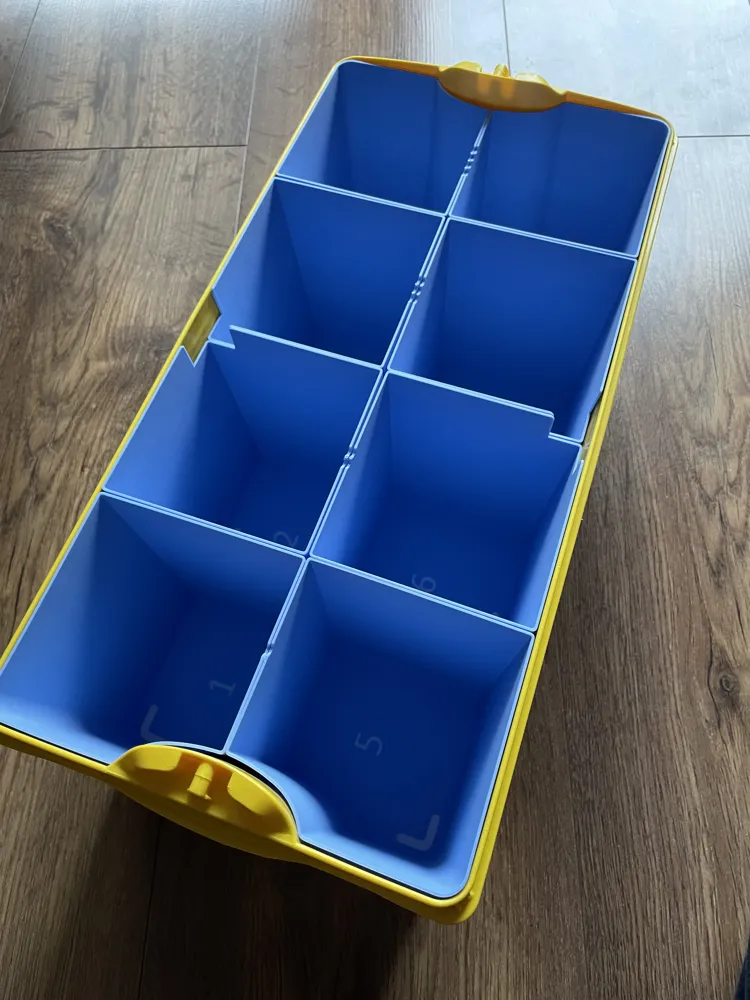
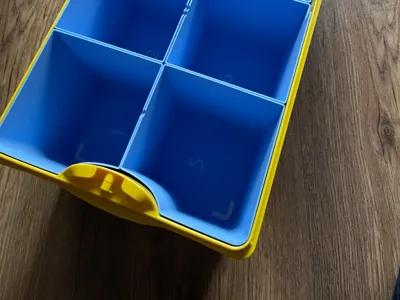
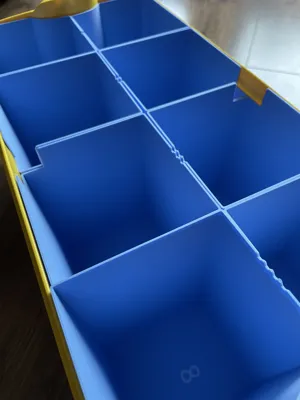
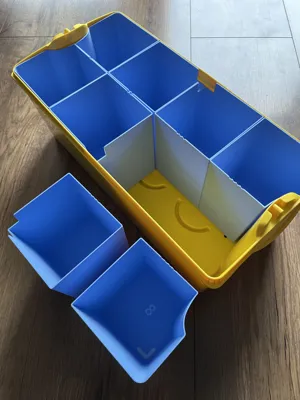
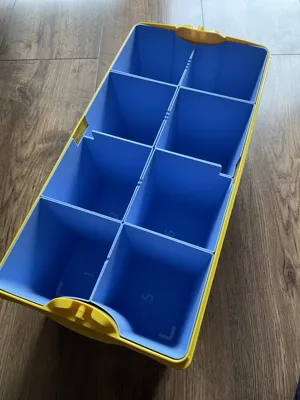
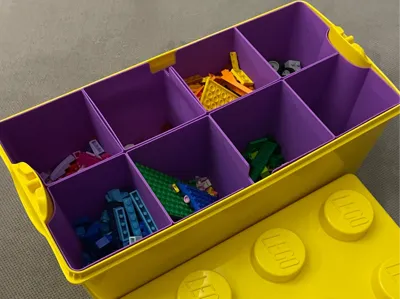
These upgraded inserts are designed to divide a LEG.O Classic Medium Creative Box 10696 into eight separate sections. Each insert is a standalone container that can be 3D printed in any color you like, making it easy to organize bricks (or other small items) by color or type. Best of all, the inserts require no modifications to the original Brick Classic box.
What’s New in This Version
- Improved Geometry – refined dimensions ensure an even better fit inside the box and smoother handling.
- Built-in Markings – each insert now includes clear markings to simplify correct placement and assembly, making setup more intuitive.
Key Features
- Modular Design
Each of the eight inserts is printed separately and can be placed or removed independently.
Different colors can be used for each insert to quickly identify and sort various Brick pieces. - Easy Access
The individual containers can be lifted out effortlessly, allowing you to dump bricks onto a table or carry just the needed parts. - No Box Alterations
Simply drop the printed inserts into the box – no gluing, cutting, or other changes to the original Brick Classic box are needed. - Versatile Use
Perfect for sorting LEG.O by color, type, or size.
Can also be used for other small items like craft supplies or hardware if the box dimensions fit.
Printing Recommendations
- Material: PLA is typically sufficient (inserts will not be subjected to high stress or heat).
- Layer Height: 0.2 mm for a balance of quality and printing speed.
- Supports: Generally not required.
- Color: Print each insert in a different color for quick and easy sorting.
Assembly & Use
- Print and Prepare
Print each compartment. If there are any slight dimensional variations, you can fine-tune them in your slicer software or sand the edges after printing. - Insert into Box
Arrange the inserts in the Brick Classic box to form eight compartments. Follow the built-in markings to simplify the correct placement.
This solution is ideal for anyone looking to keep their LEG.O pieces neatly organized without modifying the original box. The convenient, removable design allows quick access to precisely the pieces you need.
This remix is based on
License

You shall not share, sub-license, sell, rent, host, transfer, or distribute in any way the digital or 3D printed versions of this object, nor any other derivative work of this object in its digital or physical format (including - but not limited to - remixes of this object, and hosting on other digital platforms). The objects may not be used without permission in any way whatsoever in which you charge money, or collect fees.


Comment & Rating (11)