Search models, users, collections, and posts

Brake Rotor Checker
IP Report
Print Profile(1)

0.16mm layer, 3 walls, 30% infill
Designer
1.1 h
1 plate
Open in Bambu Studio
Boost
20
28
2
0
18
10
Released
Description
Content has been automatically translated.
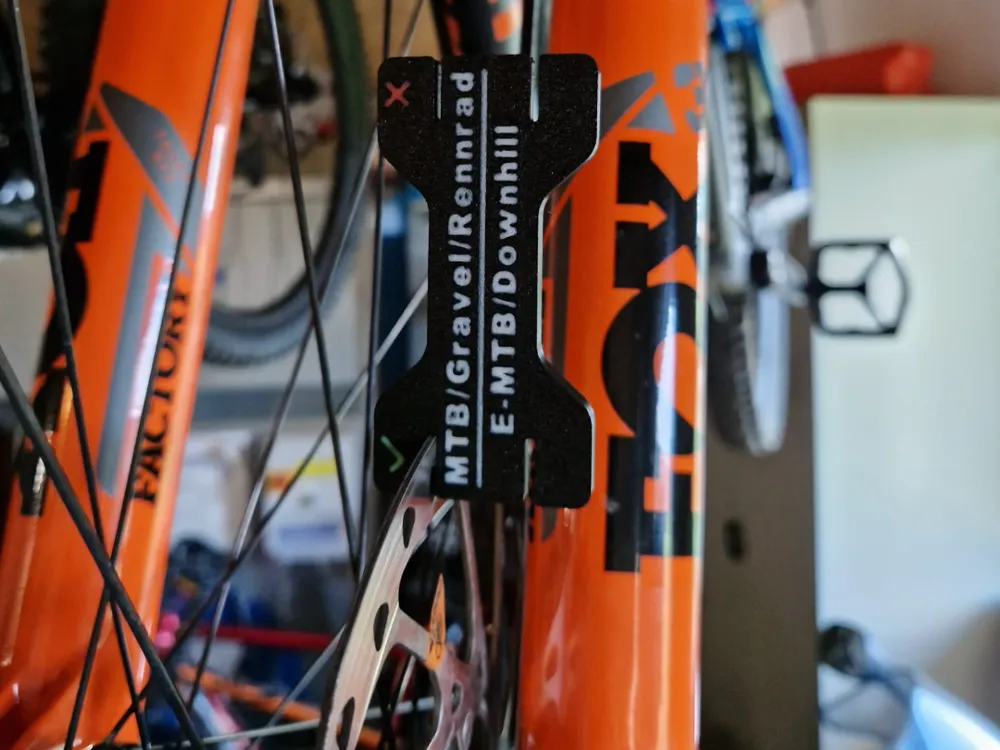
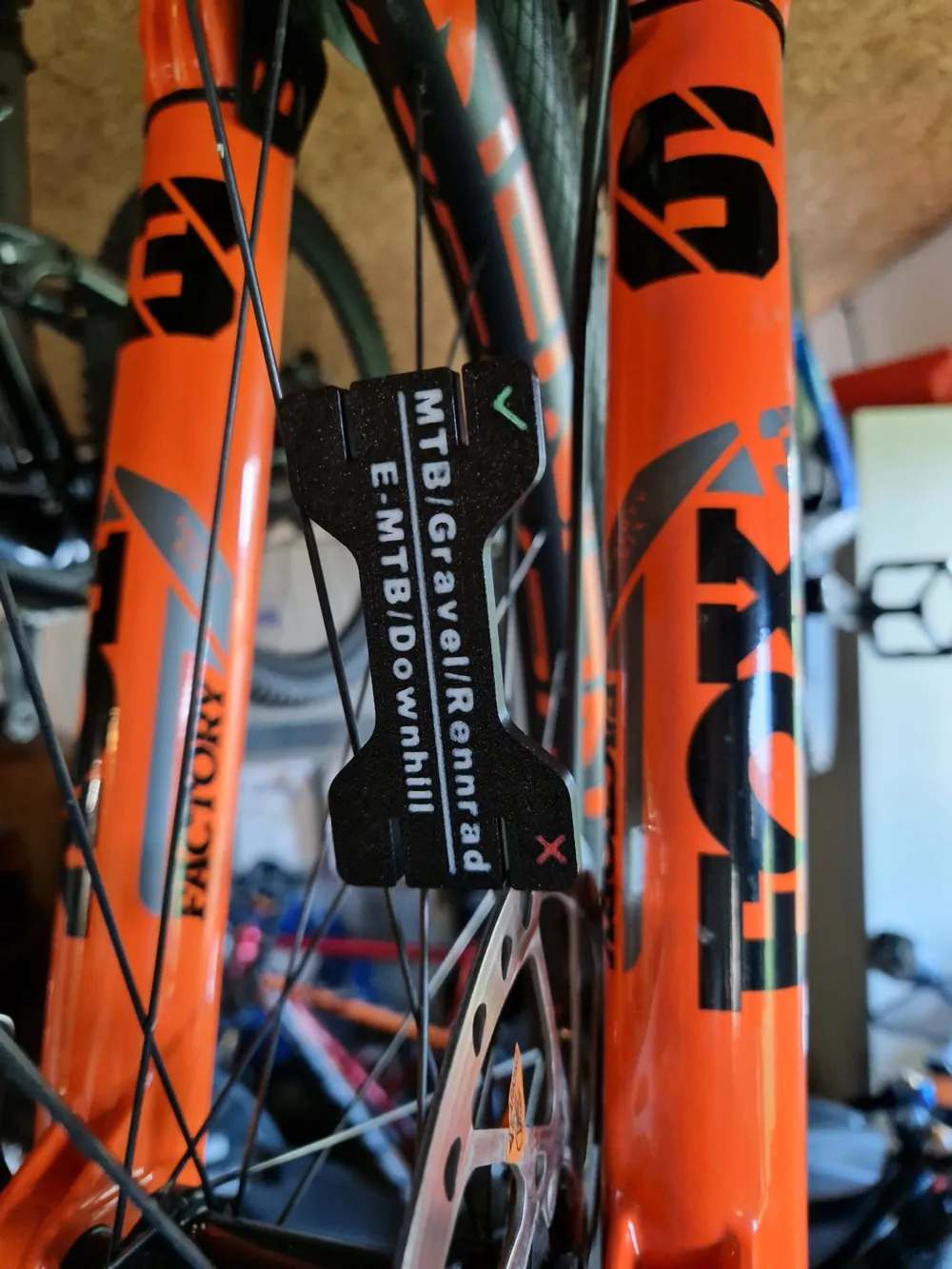
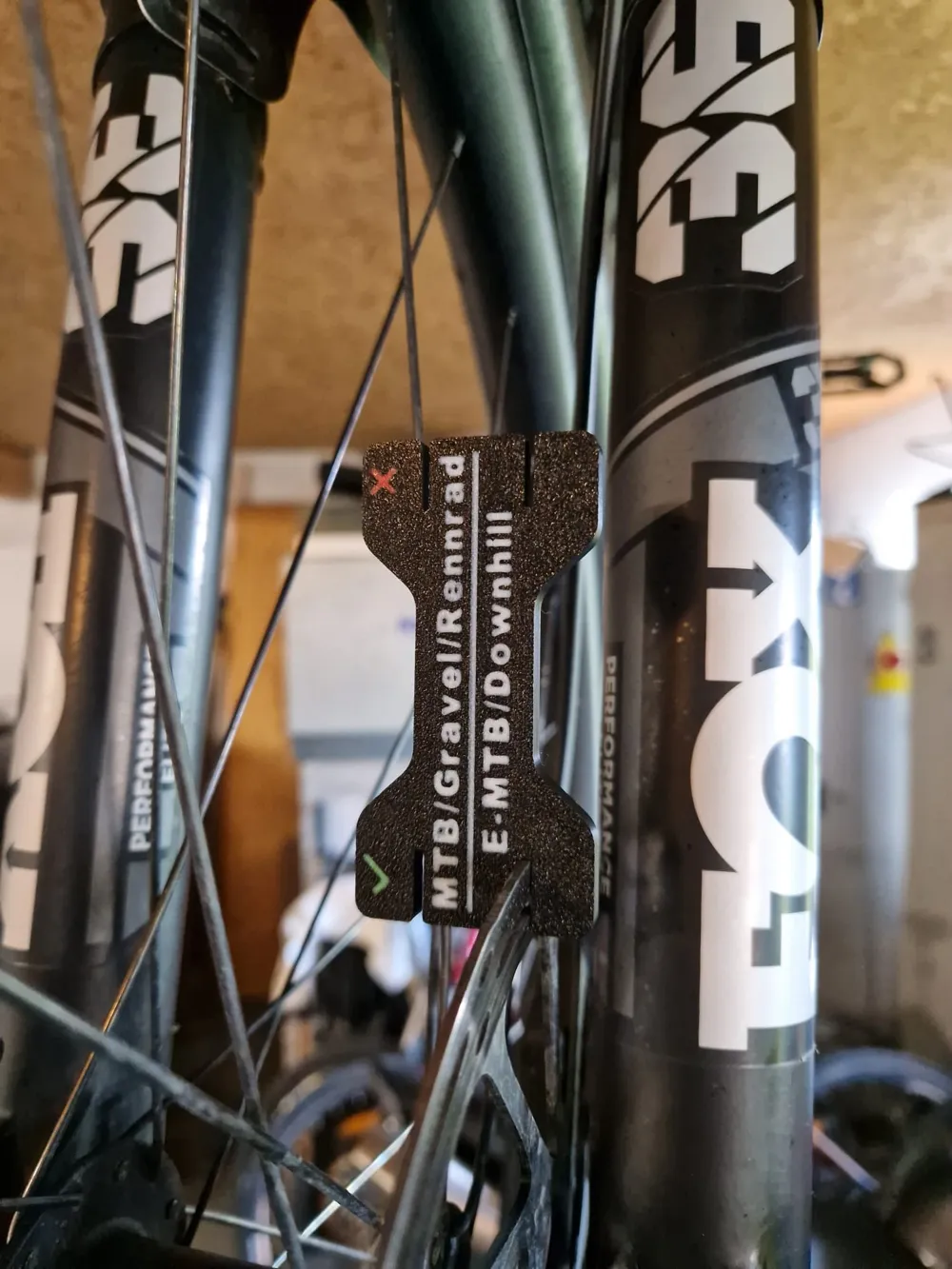
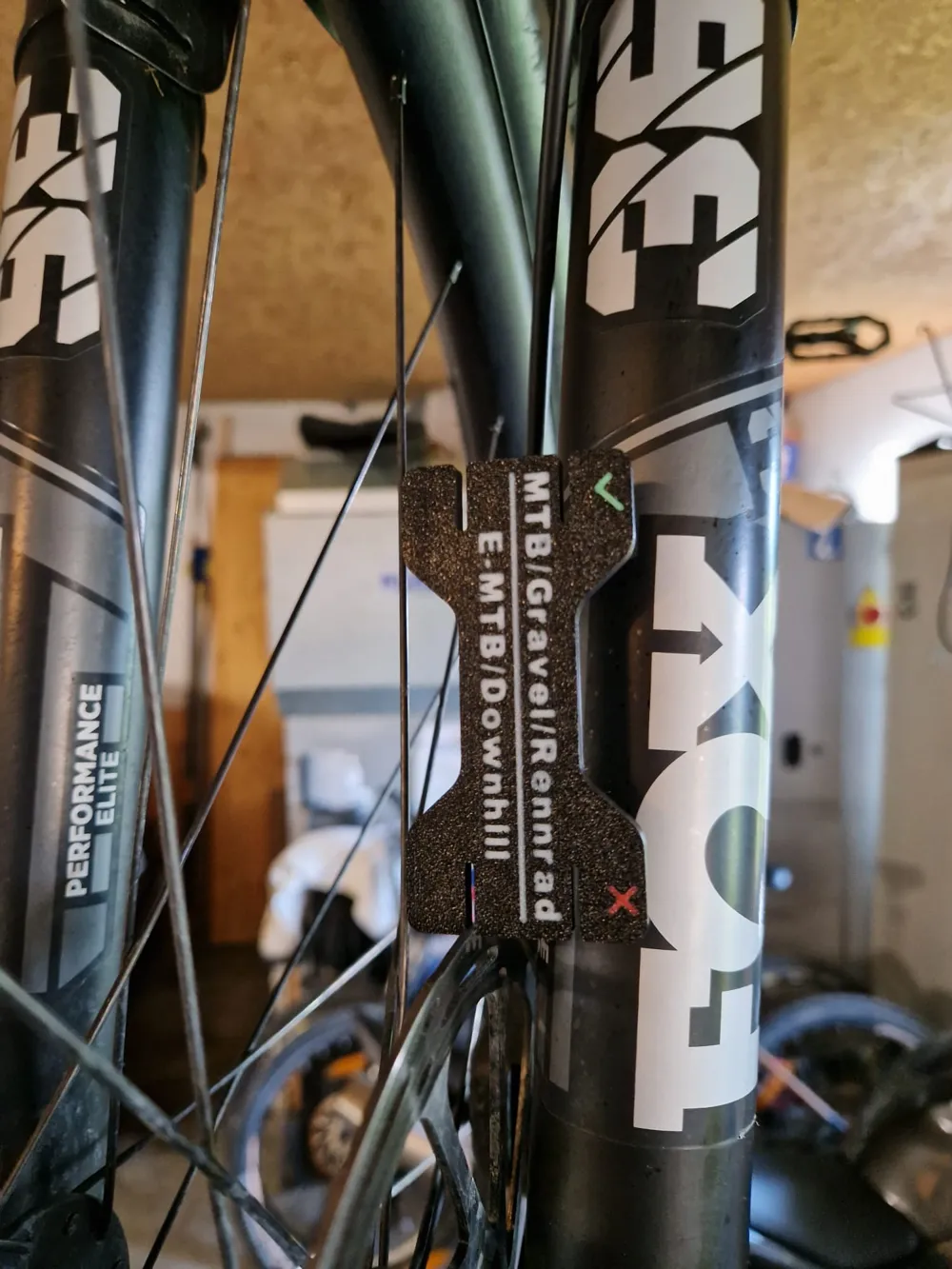
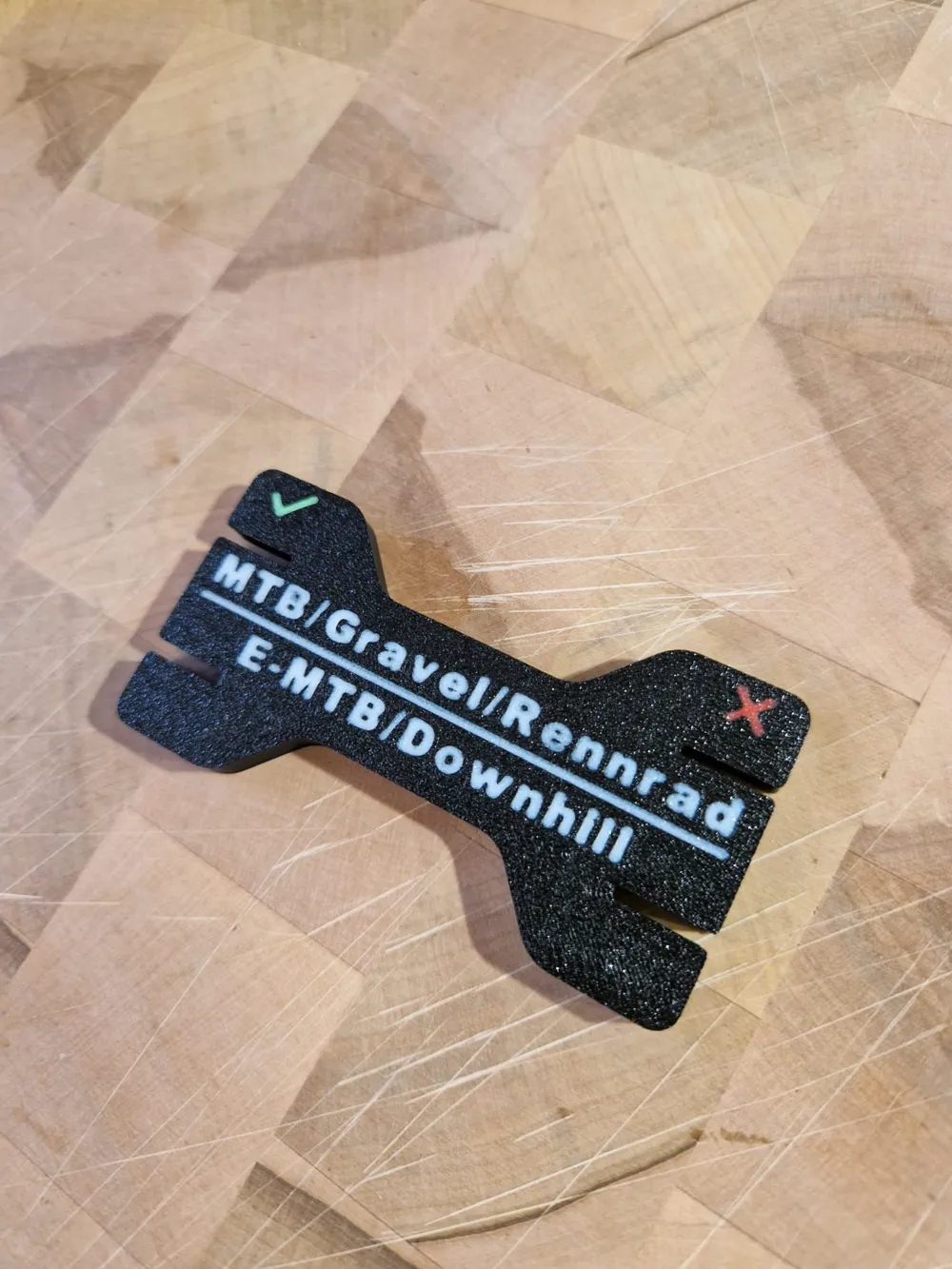
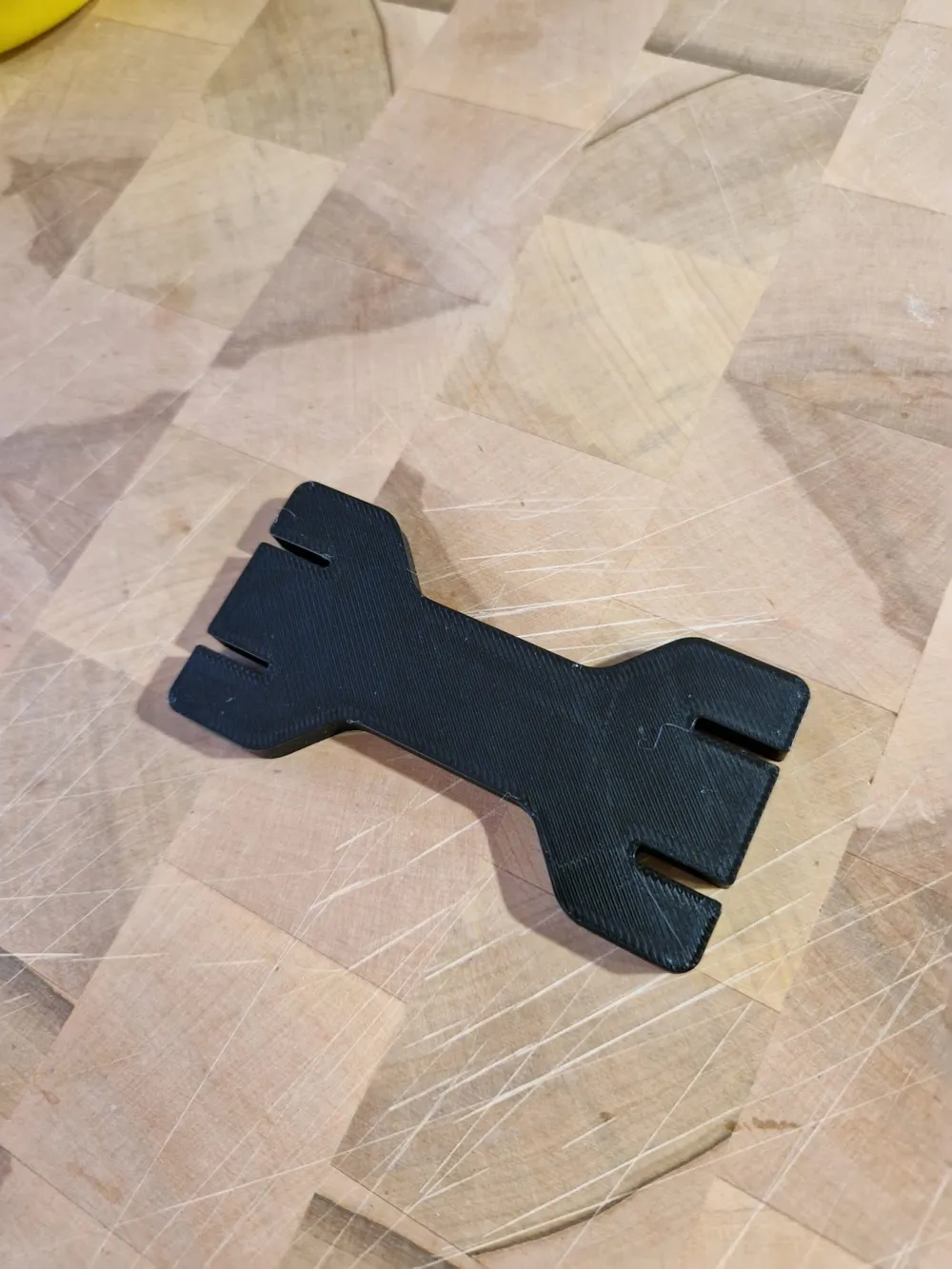
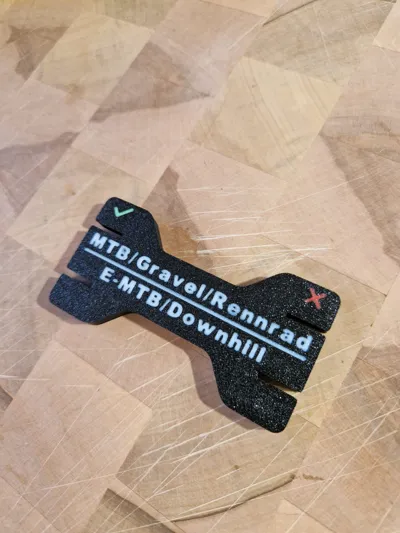
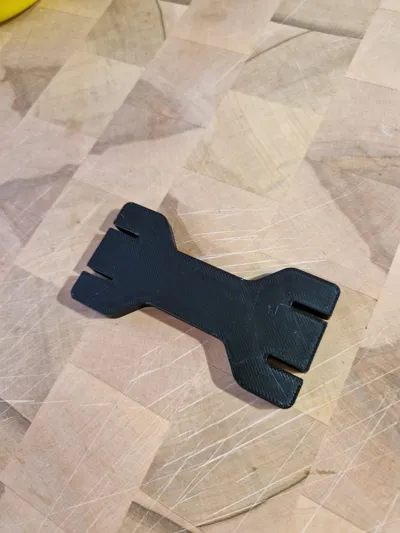
This handy gauge was designed to quickly and easily check the thickness of bicycle brake rotors. It is suitable for MTB, Gravel, Road Bikes, E-MTB, and Downhill Bikes
Usage
- Test green side:
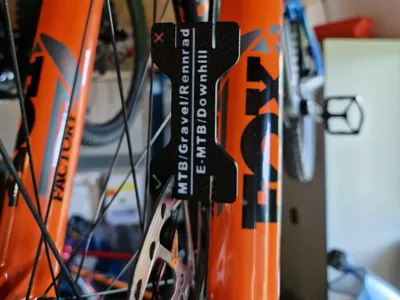
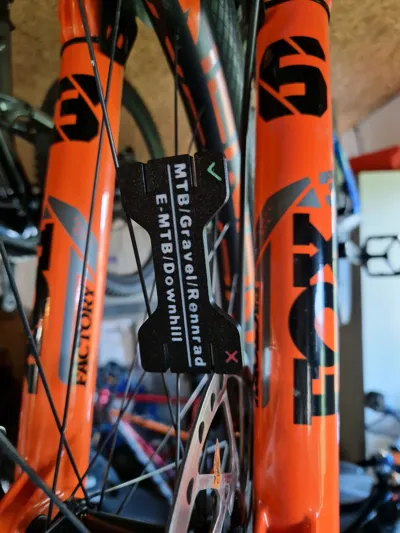
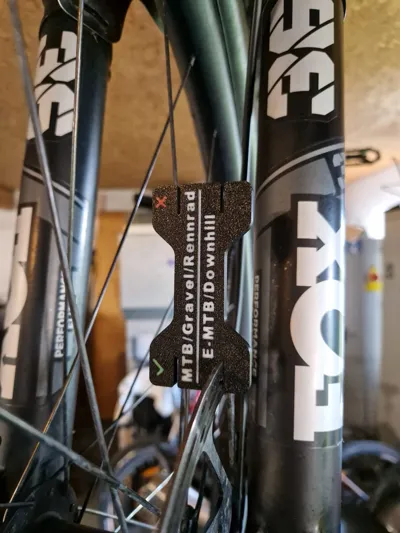
Carefully slide the side with the green hook over your brake rotor- Optimally, the gauge should slide easily over the rotor with little to no play
- Test red side:
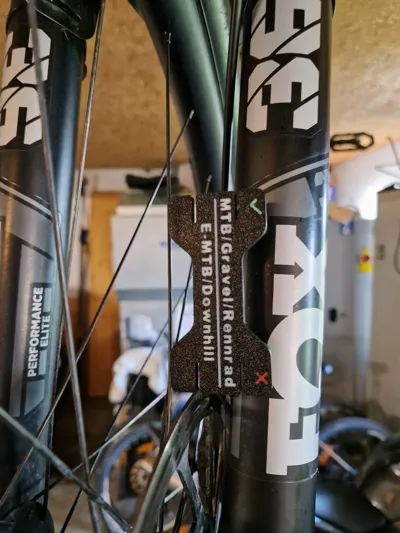
Then slide the opposite side with the red X over the rotor- If this side also slides on, the brake rotor is already 0.3 mm thinner than new
- According to most manufacturers, the rotor should then be replaced for safety reasons
Notes
- The example images show both an MTB and an E-MTB rotor – both are still in good condition as the minimum thickness is ensured
- With this gauge, you can quickly check whether your brake rotors are still ready for use without calipers or complicated measuring tools
Boost Me (for free)
License

This user content is licensed under a Standard Digital File License.
You shall not share, sub-license, sell, rent, host, transfer, or distribute in any way the digital or 3D printed versions of this object, nor any other derivative work of this object in its digital or physical format (including - but not limited to - remixes of this object, and hosting on other digital platforms). The objects may not be used without permission in any way whatsoever in which you charge money, or collect fees.


Comment & Rating (2)