
Print Profile(1)

Bill of Materials


Description
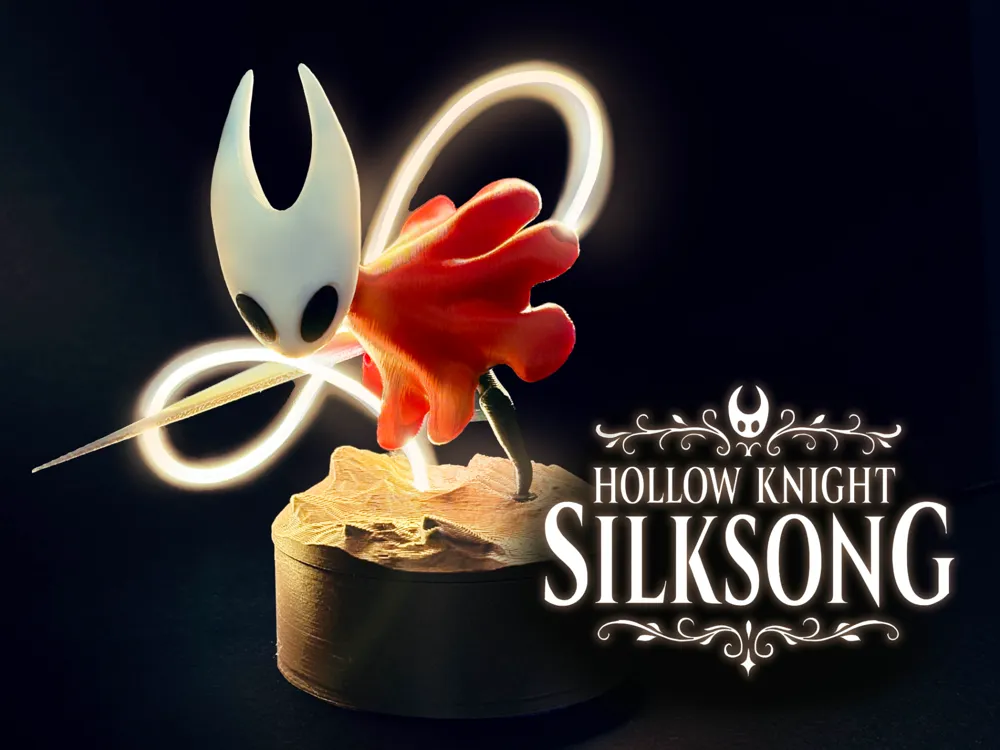
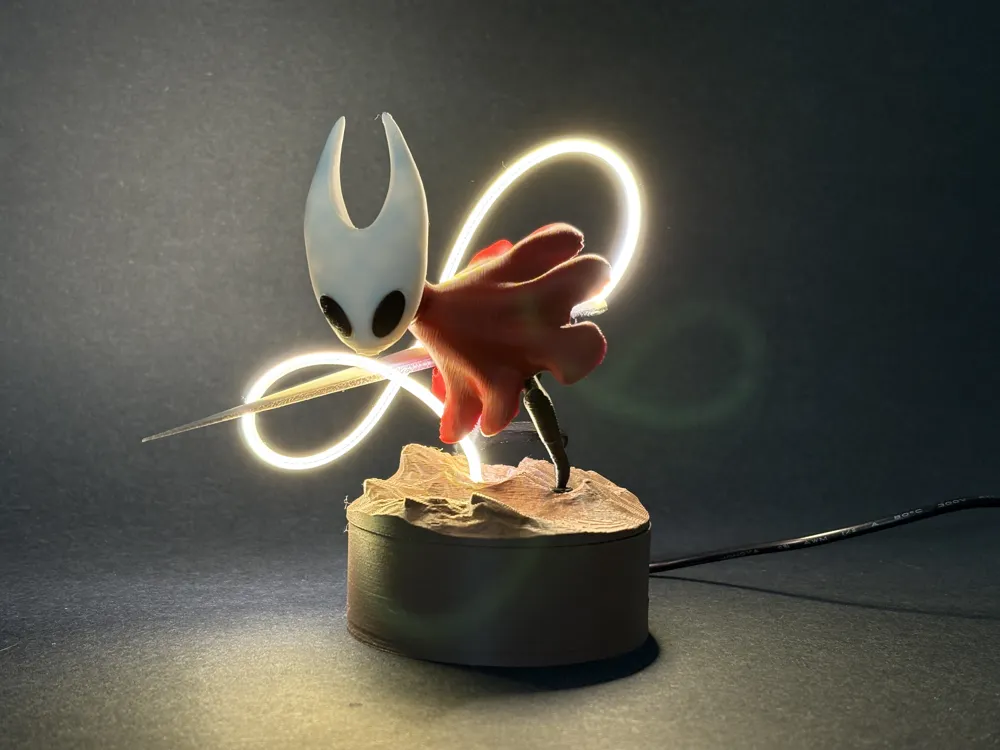
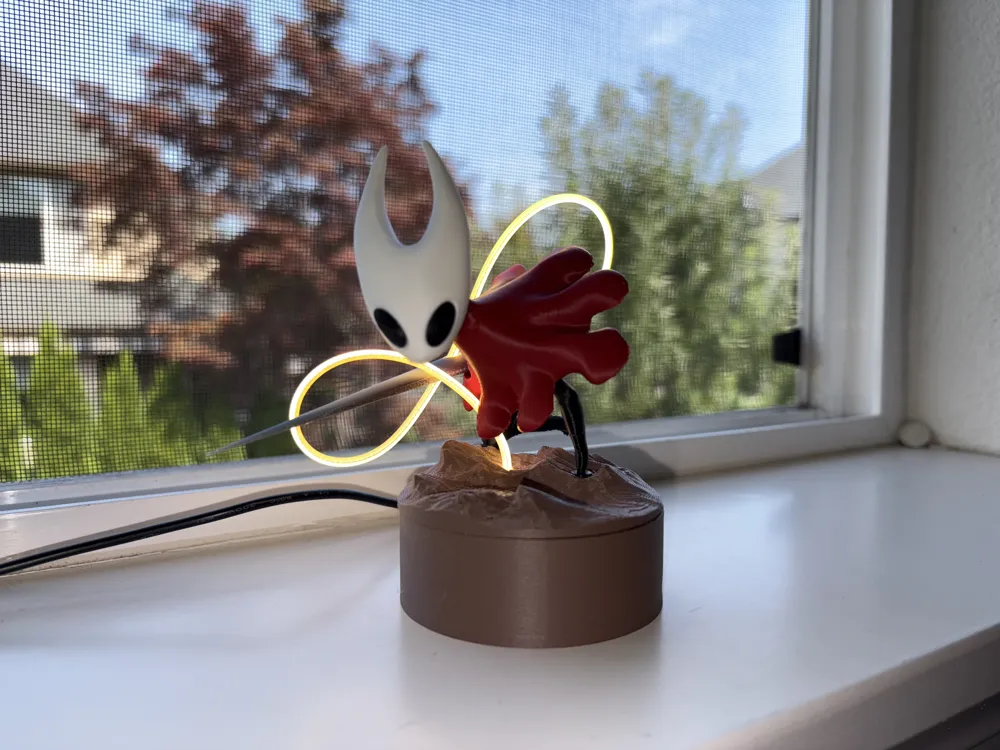
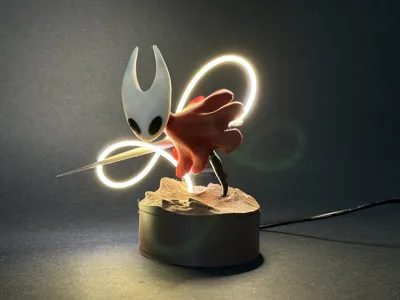
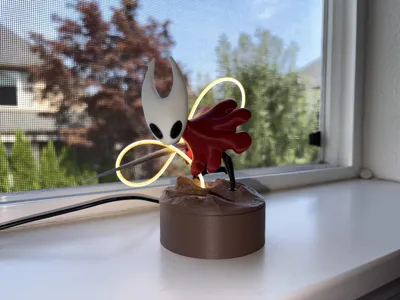
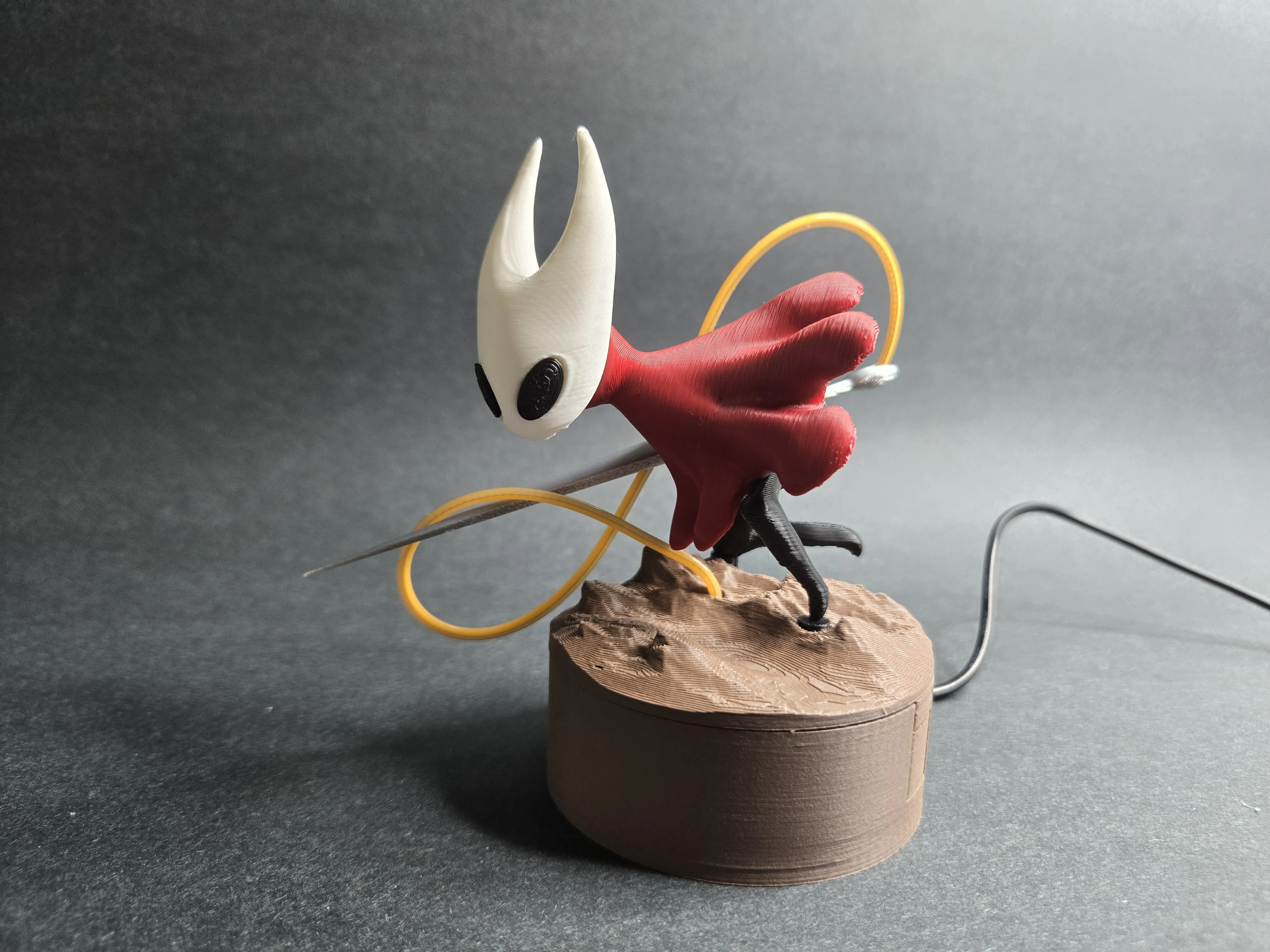
I really love the game Hollow Knight, and this Hornet miniature with an LED light is my way of showing that love. It’s a small tribute to one of my favorite games, combining 3D printing with a simple lighting effect to make it feel more alive. Hopefully other fans will enjoy it as much as I enjoyed creating it. With Silksong on the horizon, I made this piece as a little celebration and a way to welcome the new sequel.
To achieve the light effect with the LED strip, you need following electronic components from Bambu Store:
- 1x 30cm LED strip light
- 1x power distribution board
- 1x button switch or potentiometer
- 1x m3x8 screw
LED Assembly:
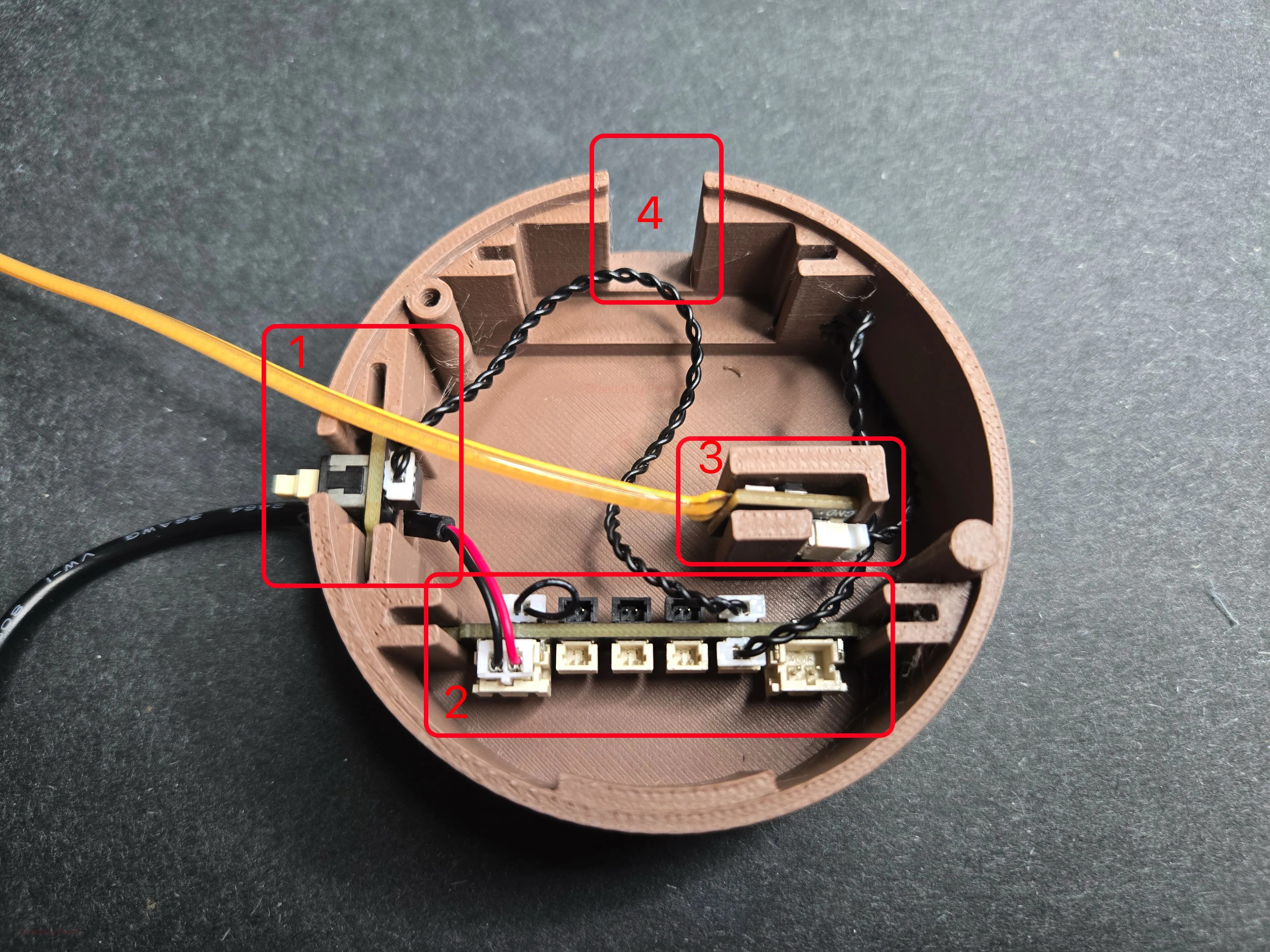
- Step 1: connect and install the electronic components.
- slot 1: push button
- slot 2: power distribution board
- slot 3: strip light board
- slot 4: potentiometer (Alternative to push button. I don't have it, but I leave a slot in case you have).
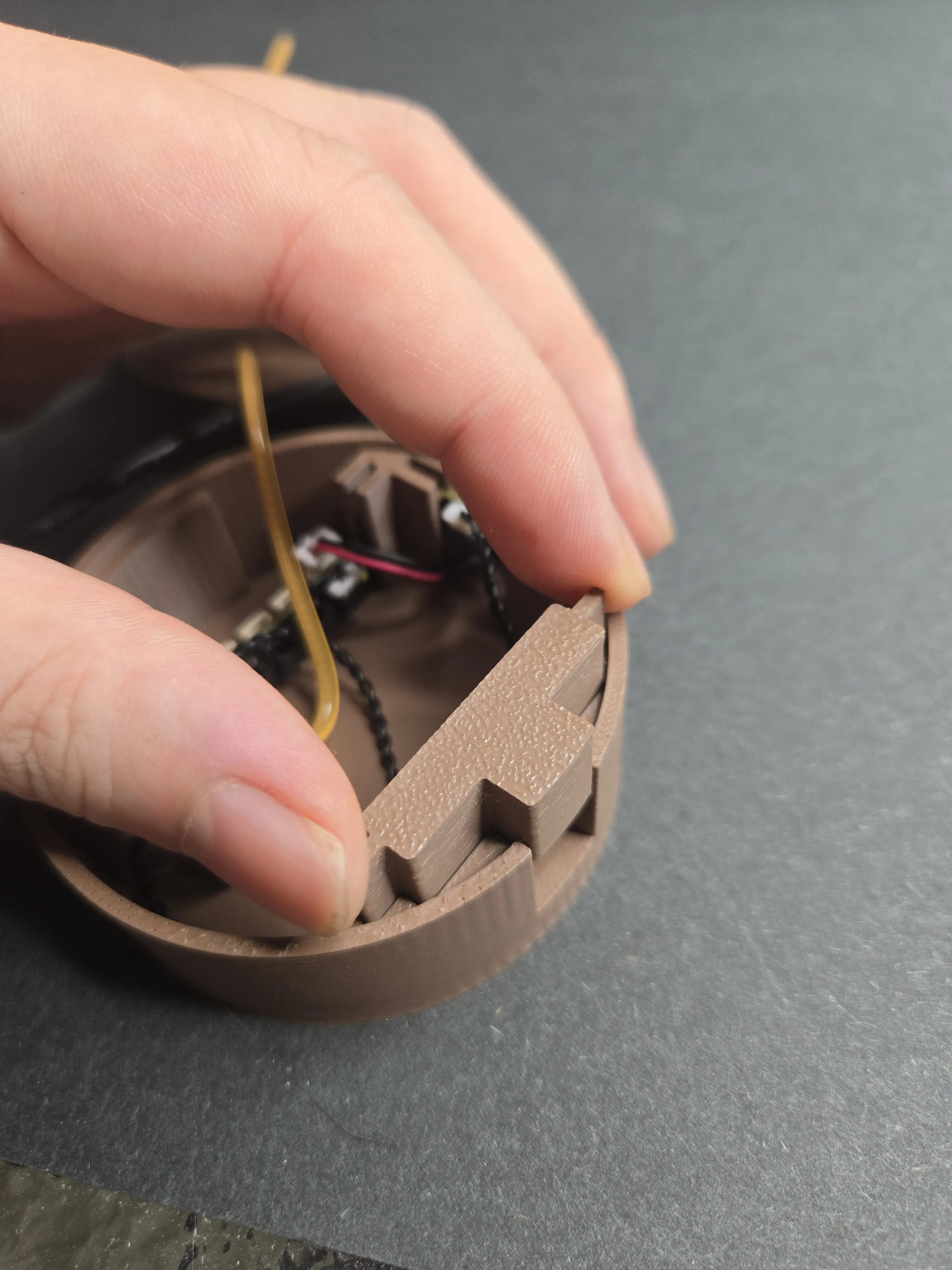
Step 2: If you don't have either the potentiometer or push button, use the printed cover to cover the slot.
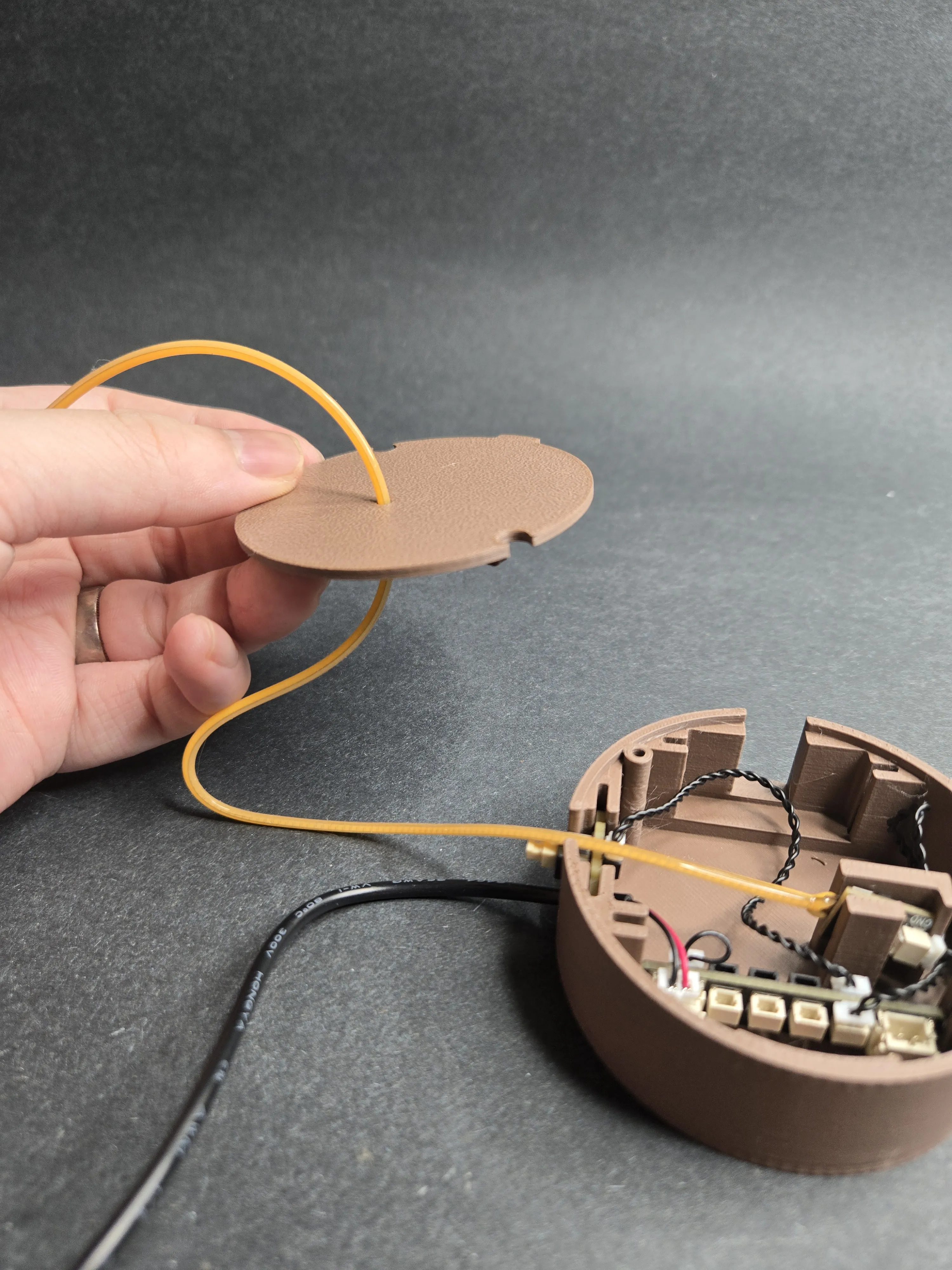
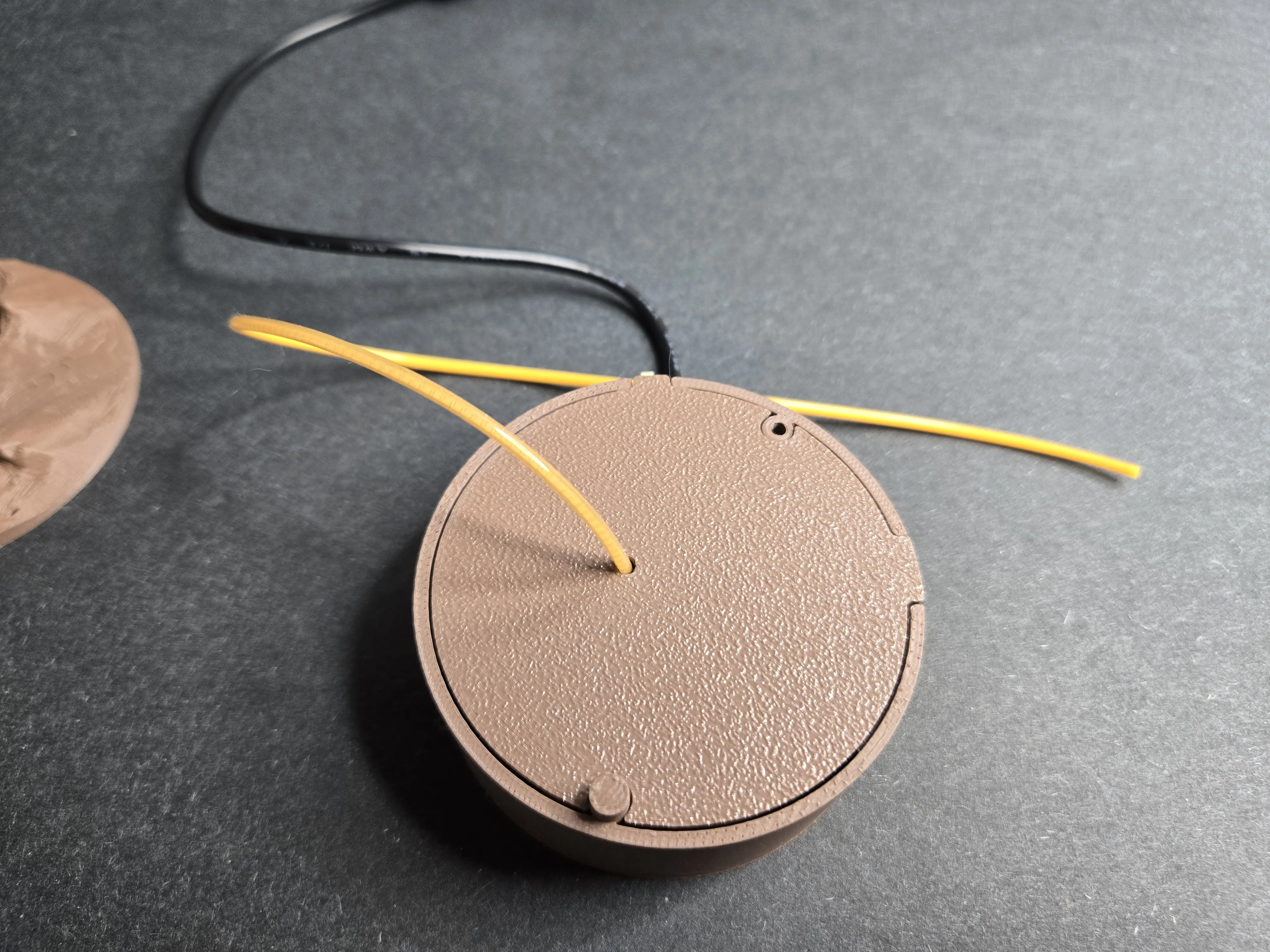
- Step 3:
- thread the strip led light through the base cover.
- thread the strip led light through the base cover.
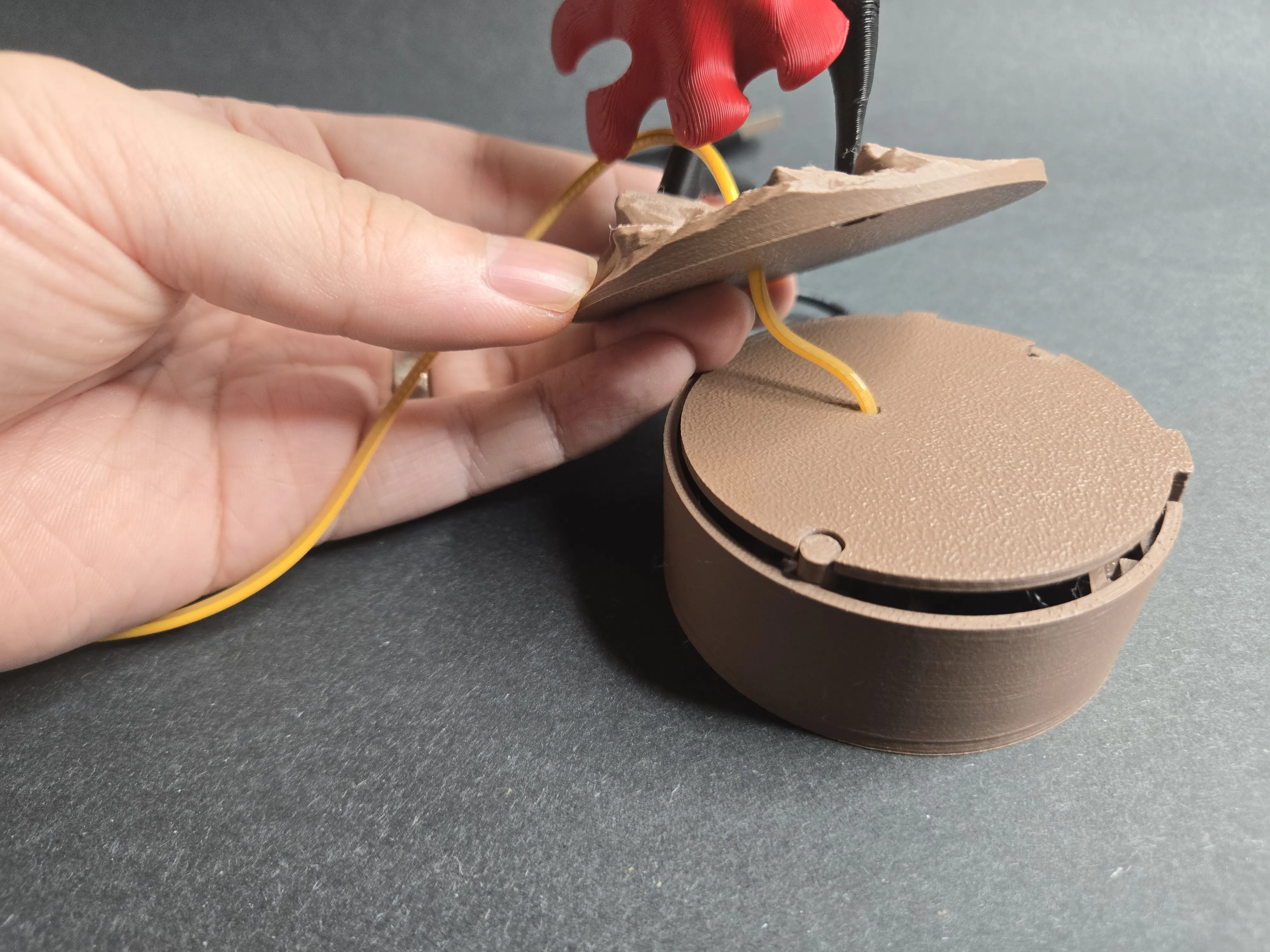
- Step 4
- Thread the light through the base of the figure (the “landscape” part)
- Thread the light through the base of the figure (the “landscape” part)
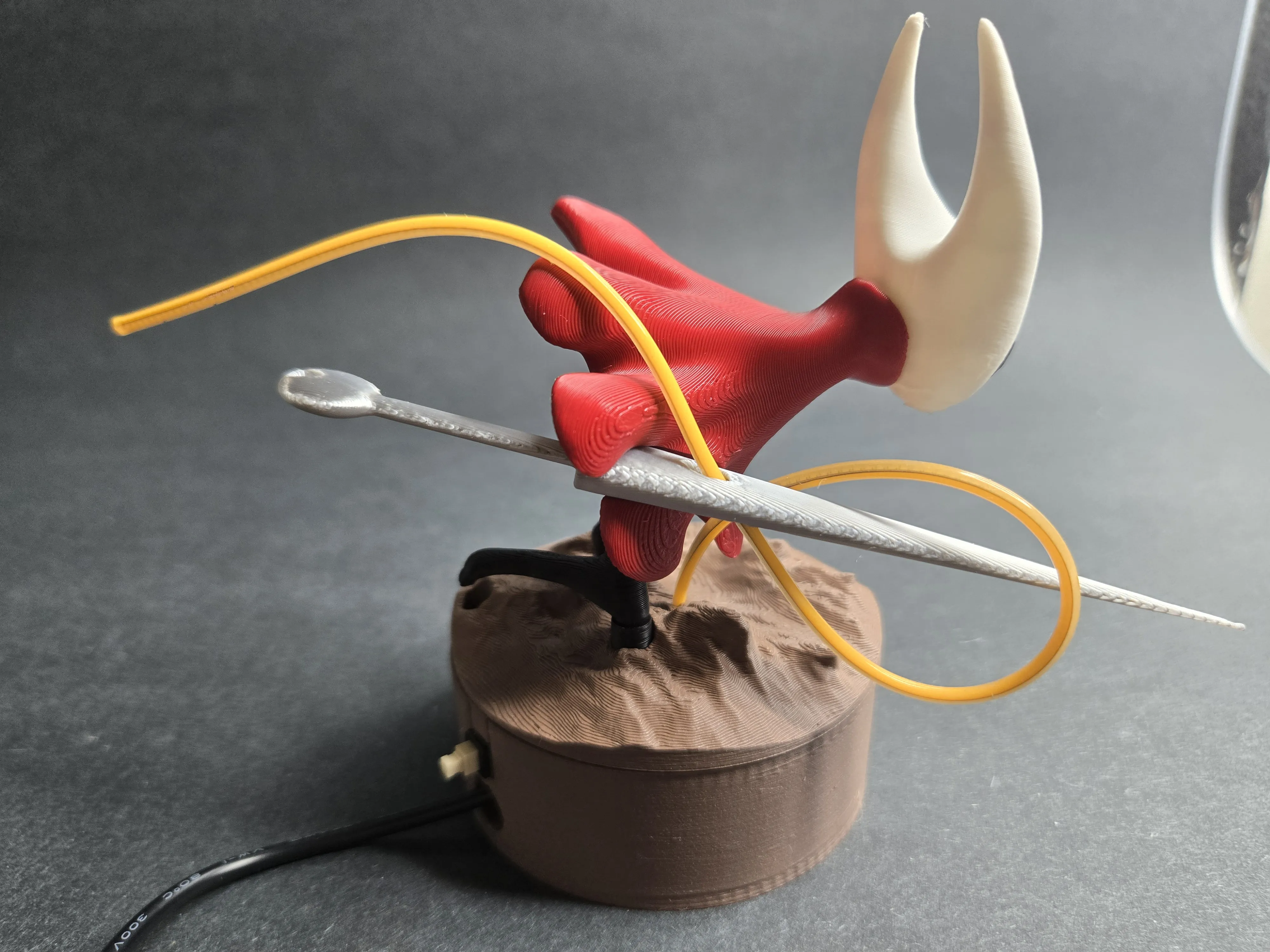
- Step 5: Thread through needle as shown below:
- Step 6:
- insert the end of the led strip light into the hole at the end of the needle.
- insert the end of the led strip light into the hole at the end of the needle.
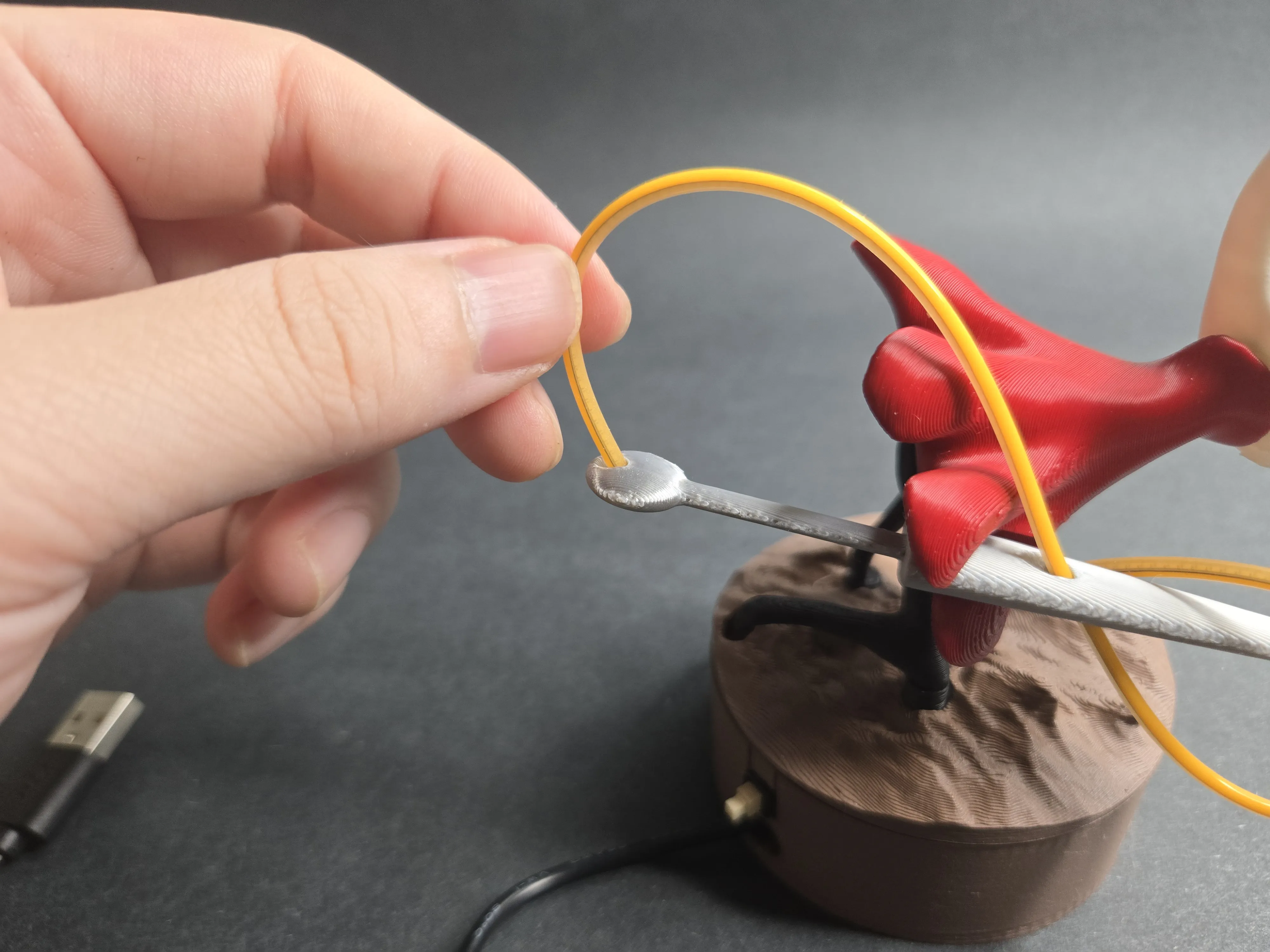
That's it. It is a brief guide, please leave me message if it is hard to follow. I may make a youtube video later. Thanks!
License

You shall not share, sub-license, sell, rent, host, transfer, or distribute in any way the digital or 3D printed versions of this object, nor any other derivative work of this object in its digital or physical format (including - but not limited to - remixes of this object, and hosting on other digital platforms). The objects may not be used without permission in any way whatsoever in which you charge money, or collect fees.


Comment & Rating (155)