Search models, users, collections, and posts

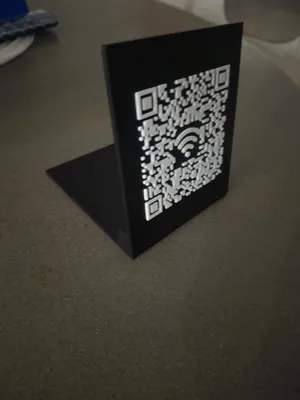
wifi QR code sign

Print Profile(1)

All
X1 Carbon
H2D
P1P
H2S
H2D Pro
A1 mini
X1
P1S
X1E
A1
P2S
H2C
X2D
A2L

0.16mm layer, 2 walls, 15% infill
Designer
2.5 h
2 plates
4.7(25)

Open in Bambu Studio
Boost
482
1428
51
8
1.5 k
406
Released 

Description

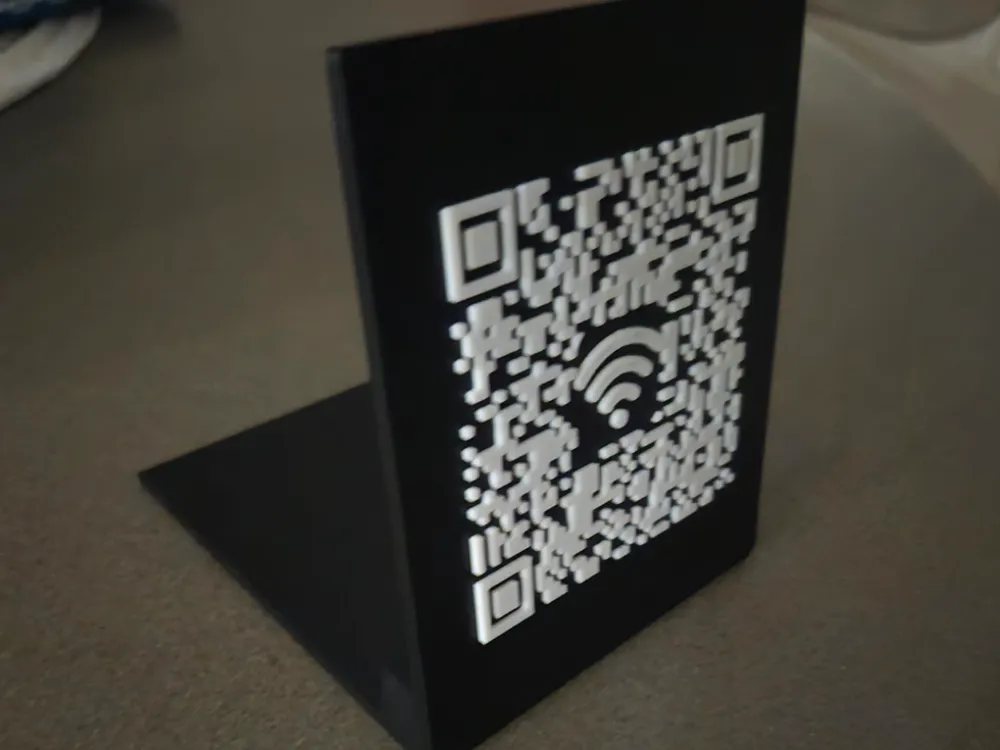
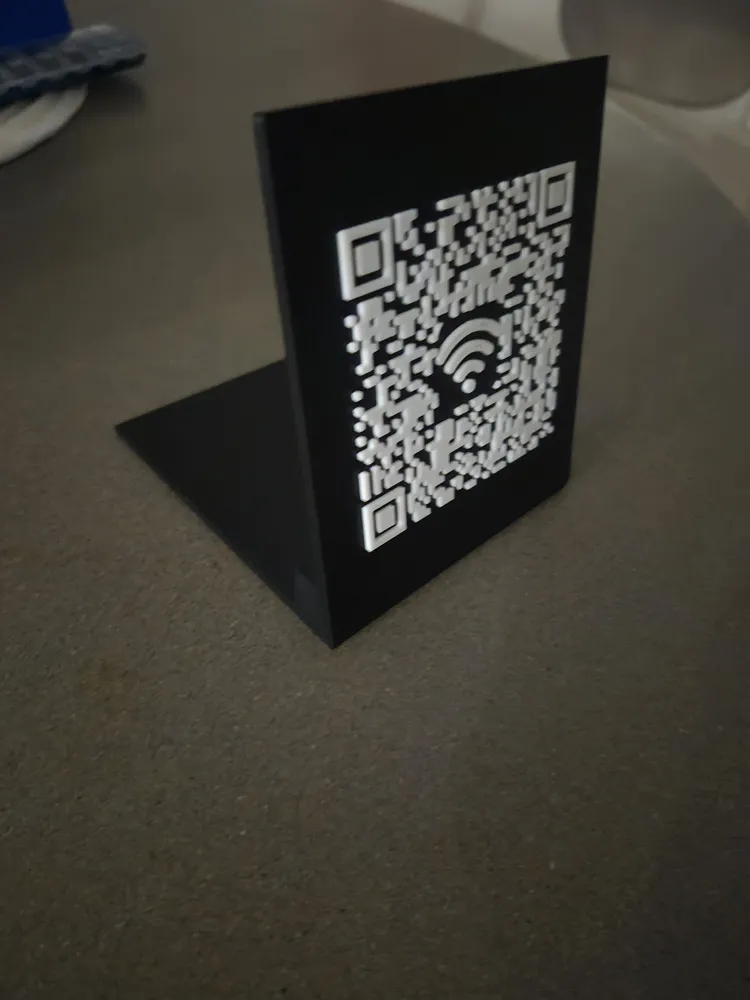
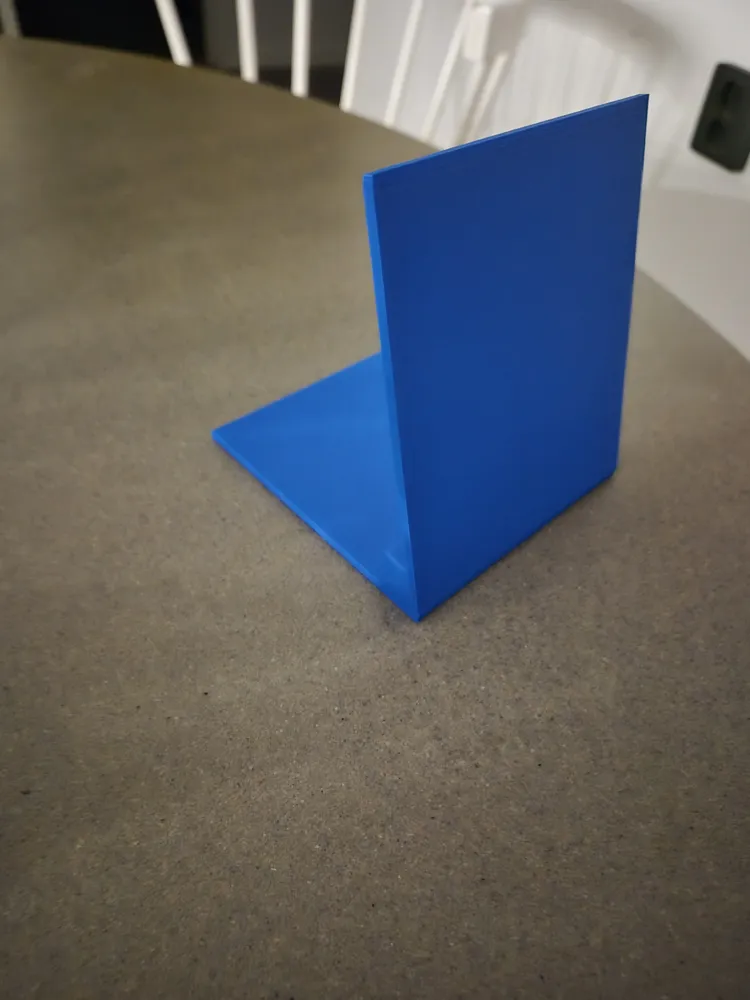
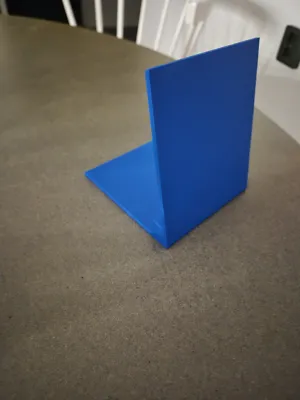
I made a sign for my wifi code qr code.

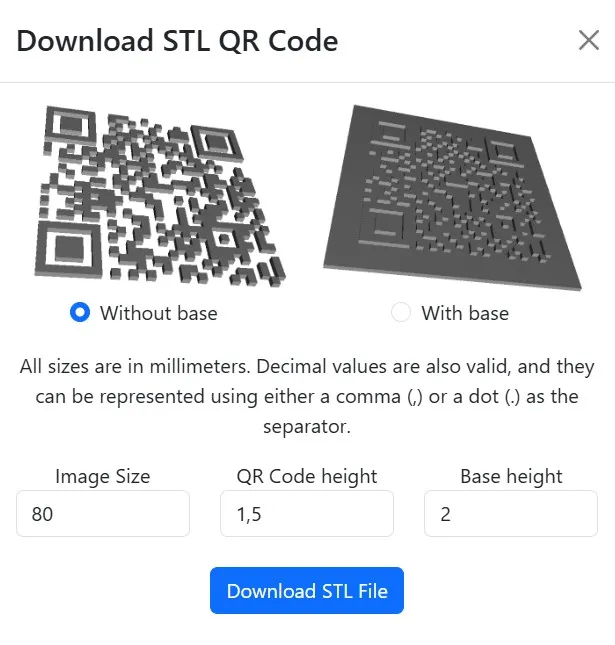
QR code in stl format can be generated on this site: https://genqrcode.com/generator/stl

To make the generated QR code fit my sign use settings in picture when generating the stl.
 

Comment & Rating (51)

(0/1000)

Since I printed the file through a workaround (laptop and micro-SD) I don't have the option to give stars, so I'll do it this way good instructions, clean print, looks good and the whole thing works smoothly, therefore 🌟🌟🌟🌟🌟 Thanks for uploading
The designer has replied
Show original
designer
1
Reply
Thanks
0
Reply
Print Profile
0.16mm layer, 2 walls, 15% infill
Very good model. Unfortunately, I had some issues with the surface
The profile uploader has replied
Show original
0
Reply
looks like a bit of under extrusion. Have you tried flowcalibration?
0
Reply
Very cool and usefull thing! P.S.Guest network, don't hiding the password :)
0
Reply
on my mama I’m gonna dig under you house and live under with that free WiFi thanks vro🥀
3
Reply
weirdo
0
Reply
Print Profile
0.16mm layer, 2 walls, 15% infill
very hard to replace the exiting code.
0
Reply
how did you do it?
Show original
0
Reply
Replying to @user_3567805768 :
First I had to modify the part to make it empty so I could then import my code over the top. You can generate an STL of your QR code and export it to then lay over the top after import. Search online for. QR code generator that exports .stl
(Edited)
1
Reply
able to print the stand but when it comes to the QR code I’m having so much trouble. I am able to get on website to make the qr and download. the trouble is getting my QR code loaded and printed. I used the instructions and have the right size BUT HOW IS IT LOADED AND PRINTED. I don’t see any instructions on that. I have a stand but no code
1
Reply
I tried to print it, but my qr code is not read after printing, what could I have done wrong^
The designer has replied
Show original
0
Reply
Hi, I'm sorry that it work the way it was supposed to. Did you follow the instructions I put in the description and created the QR code on the same website?
0
Reply
Print Profile
0.16mm layer, 2 walls, 15% infill
Very easy to modify for the home network
The profile uploader has replied
Show original
0
Reply
Thanks, glad it worked for you
0
Reply
Print Profile
0.16mm layer, 2 walls, 15% infill
Did a test print for possibly printing these for all the conference rooms at work. Nice and clean.
The profile uploader has replied
0
Reply
thanks, I've done the same myself.
0
Reply
Print Profile
0.16mm layer, 2 walls, 15% infill
works well and looks great
The profile uploader has replied
0
Reply
Thanks
0
Reply

License

This user content is licensed under a Standard Digital File License.

You shall not share, sub-license, sell, rent, host, transfer, or distribute in any way the digital or 3D printed versions of this object, nor any other derivative work of this object in its digital or physical format (including - but not limited to - remixes of this object, and hosting on other digital platforms). The objects may not be used without permission in any way whatsoever in which you charge money, or collect fees.