
Best Clip RFID TigerTag Universal Filament Spools
Print Profile(5)






Description
🐯 TigerTag open-source ecosystem — full stack at a glance
🆓 Free. 🌍 Open-source. ♻️ Reusable infinitely. 🚀 Works without any RFID chip. 🧑🤝🧑 Inventory shareable with friends, team & clients.
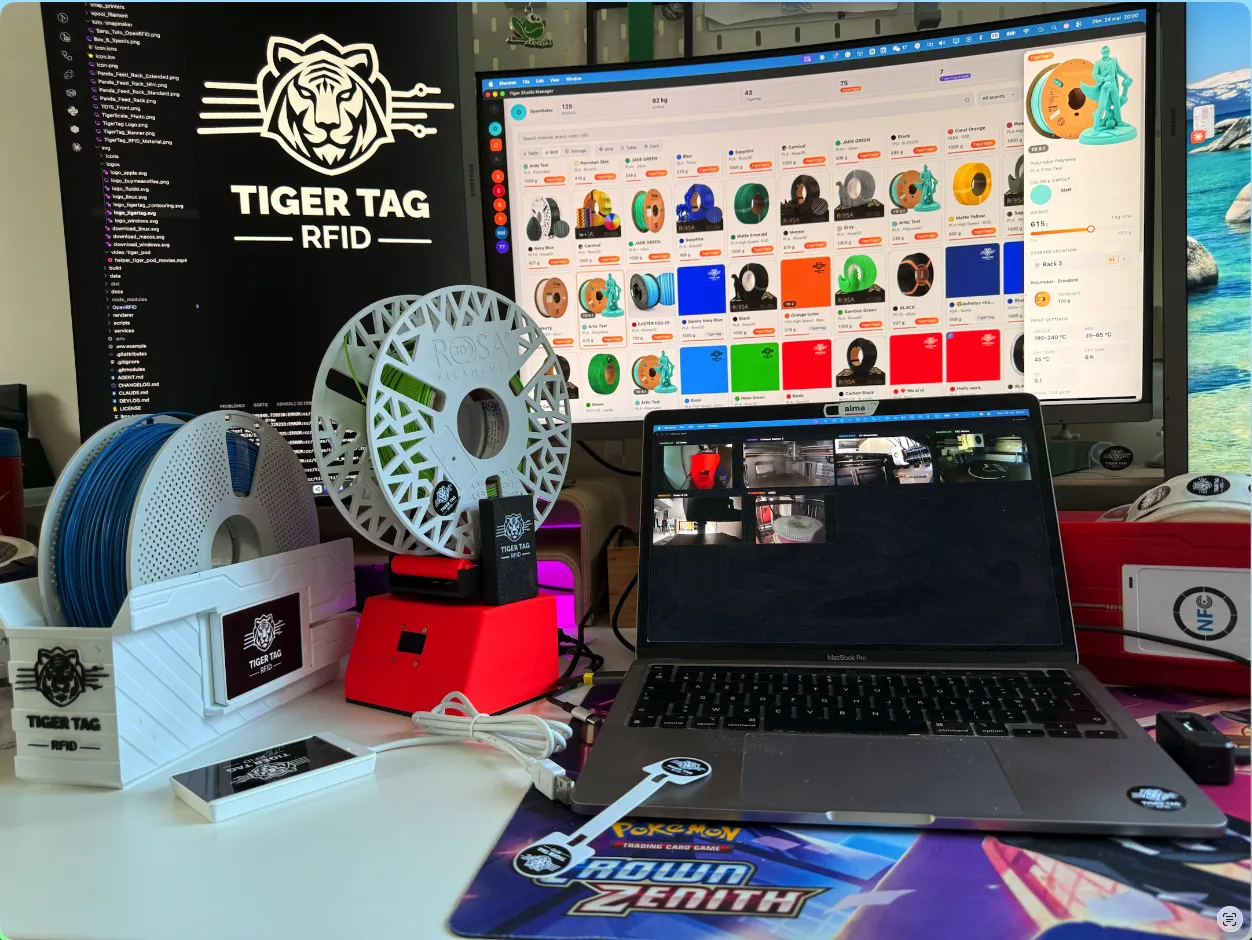
This model is one piece of the TigerTag ecosystem — the open NFC standard that turns your filament into smart, scannable, AMS-ready spools. Manage your full multi-brand filament inventory and supervise your printers from a single free desktop app — even without a single RFID chip.
- 🖨️ Multi-brand printer cockpit — Bambu Lab, Creality, Elegoo, FlashForge, Snapmaker, in one dashboard with unified live-camera supervision.
- 🧬 Natively recognized on Snapmaker U1 via the open-source Paxx Extended Firmware — TigerTag tags read directly by the printer, zero middleware.
- ♻️ NTAG213 / 215 / 216 chips erasable & reusable forever. Works with any ACR122U USB NFC reader (~20€ on Amazon / AliExpress).
- 👉 Already have RFID chips on your spool? Recycle them with TigerTag Maker format — or convert them to NDEF for any NFC device.
⬇️ Get the free desktop app — TigerTag Studio Manager v1.8.8 (open-source)
- 🪟 Windows installer (.exe)
- 🍎 macOS Apple Silicon (.dmg) · macOS Intel (.dmg)
- 🐧 Linux (AppImage)
- 🔄 Always-latest release · 💻 Source code
- 📱 Mobile companion: iOS · Android · Universal link
🌐 Full ecosystem: tigertag.io · 💬 Discord · 📖 RFID protocol spec
🇬🇧 English / 🇫🇷 Français
🇬🇧EN:
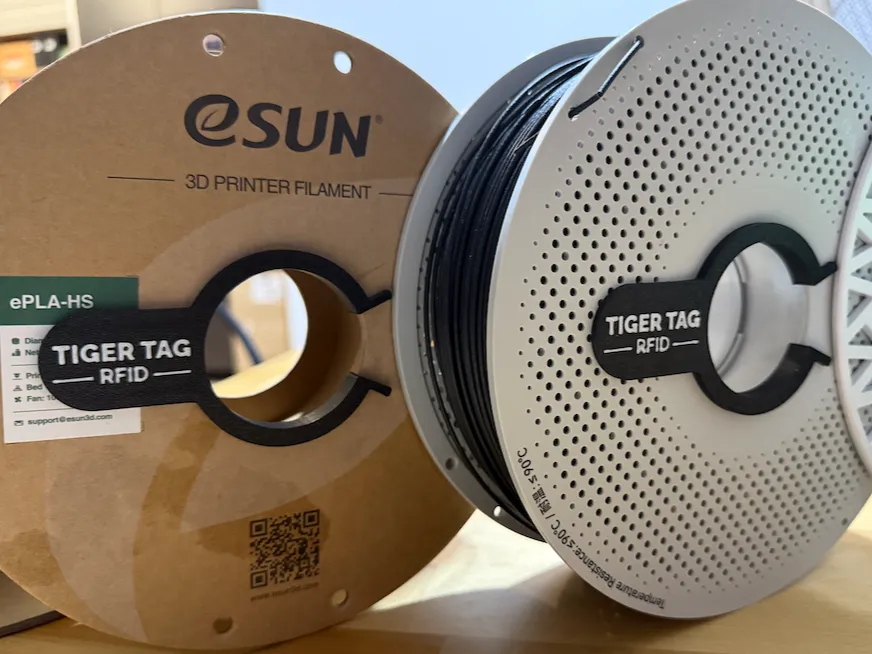
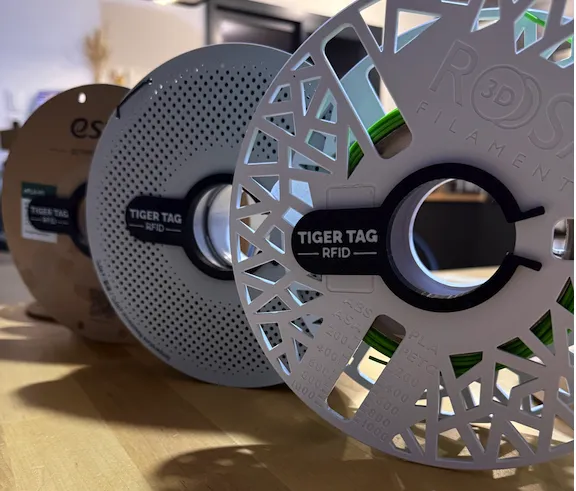
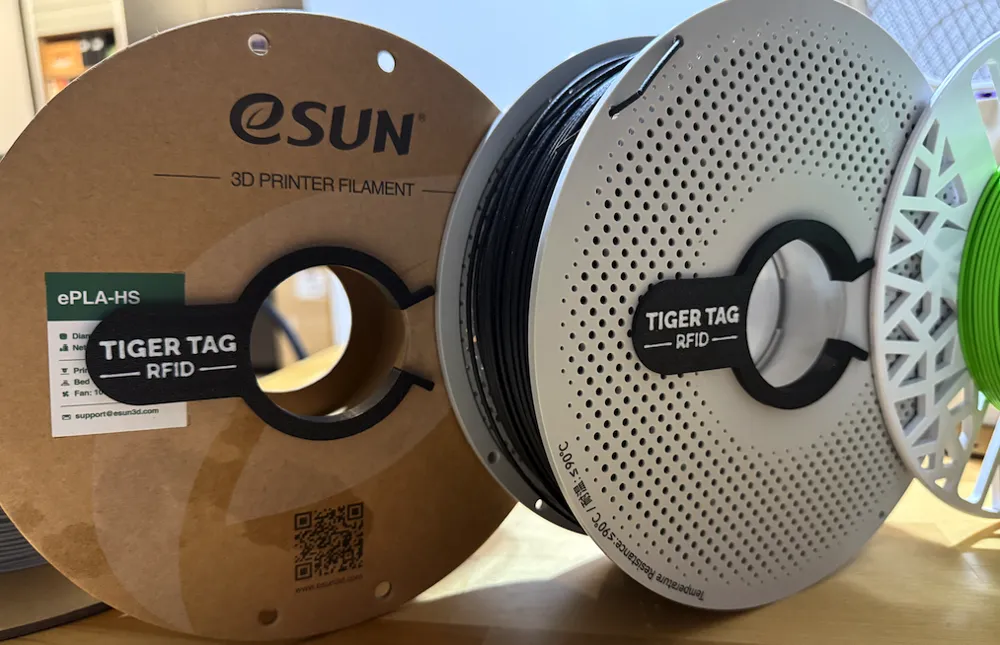
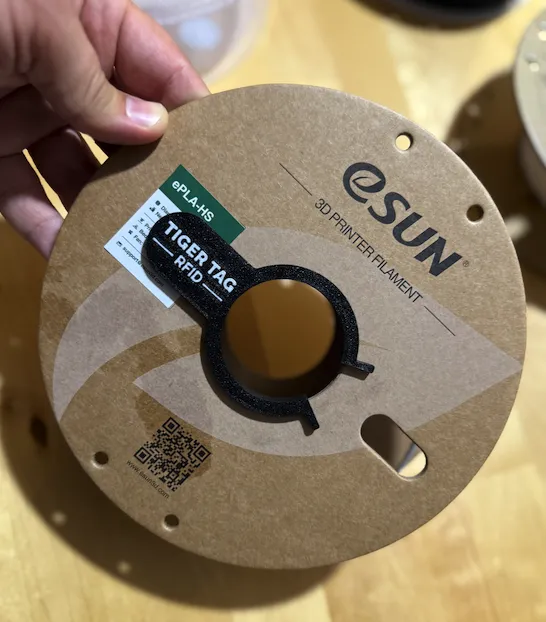
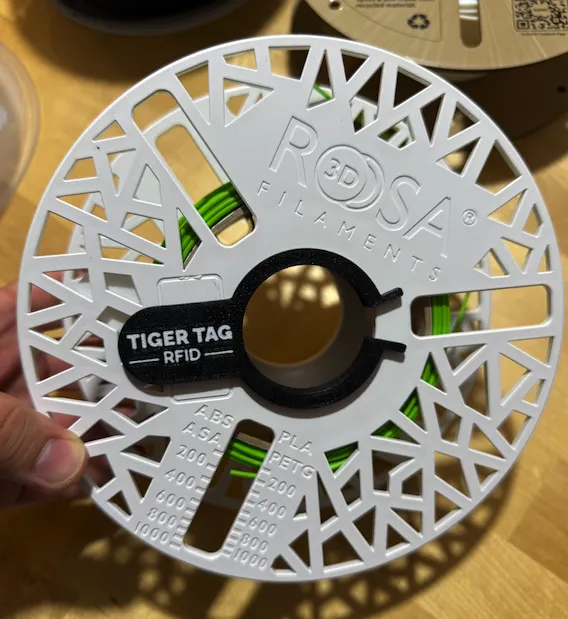
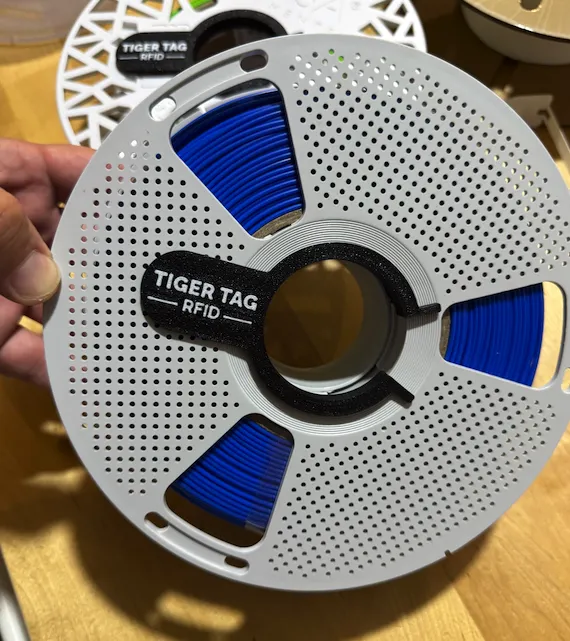
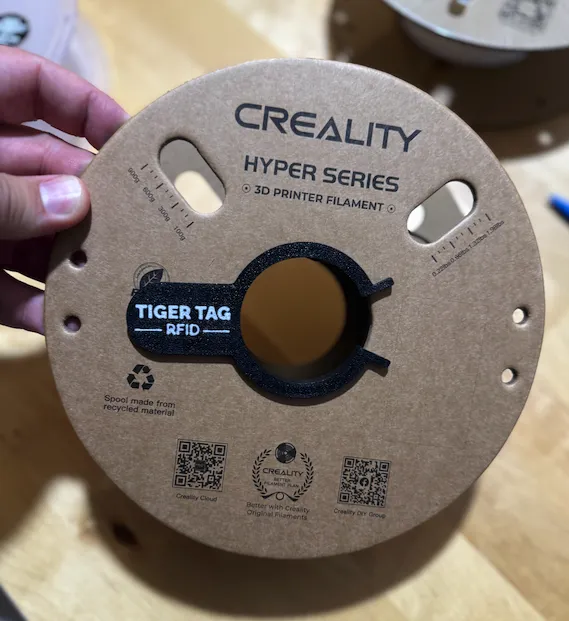
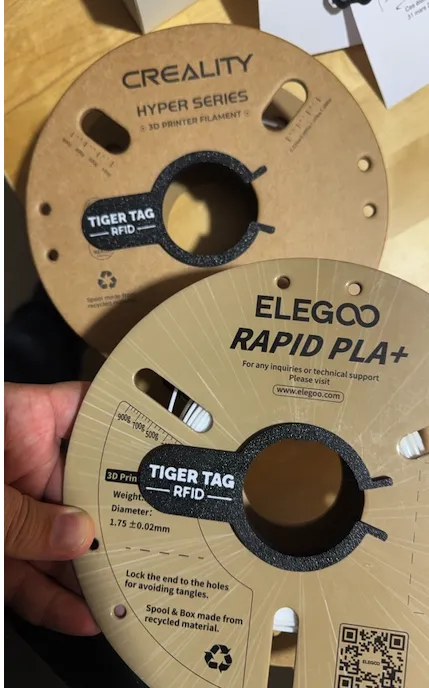
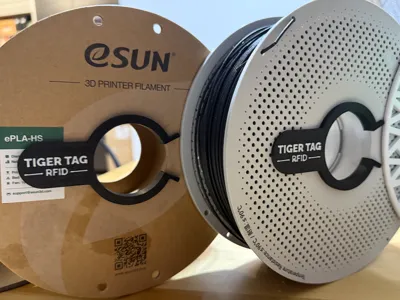
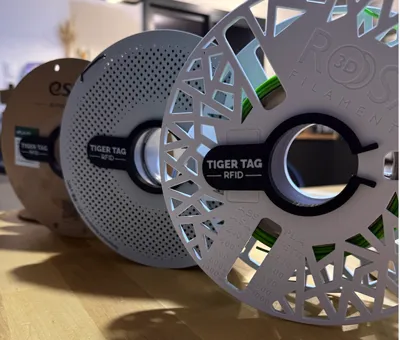
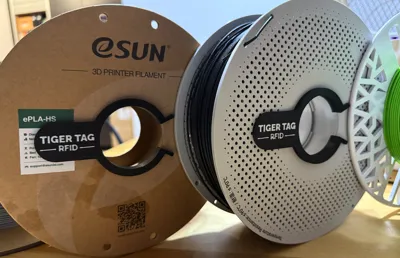
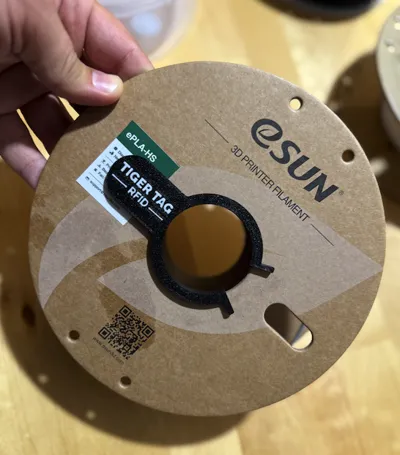
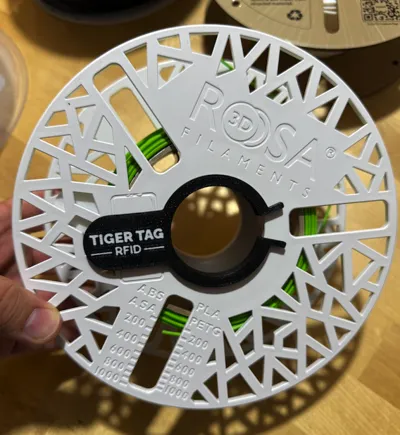
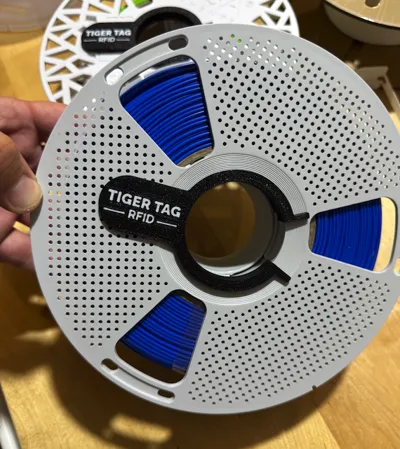
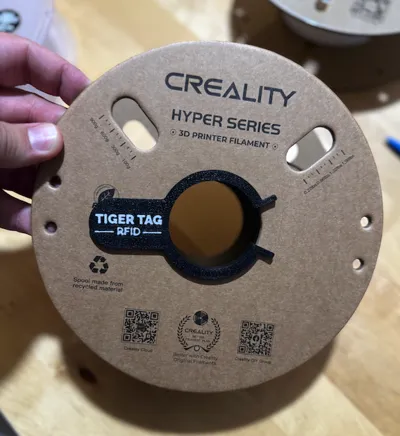
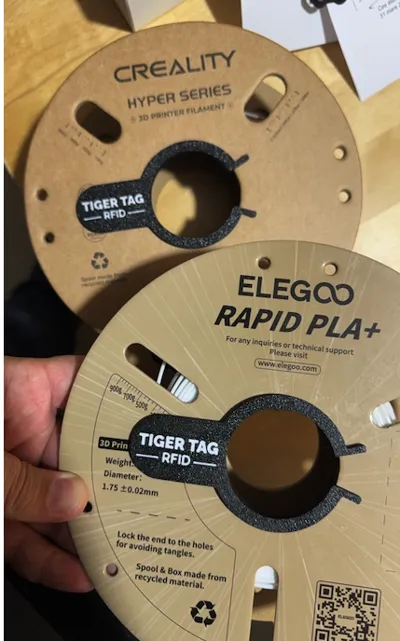
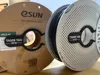
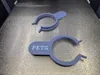
This Universal RFID Clip is compatible with most cardboard and plastic filament spools, including BambuLab, Polymaker PolyTerra, Panchroma, eSun, Rosa3D, Creality, Elegoo, Landu, Sunlu, and even Masterspool systems.
Simply 3D print the clip and stick a TigerTag RFID OpenSource or NXP213 / NXP215 / NXP216 tag onto it before attaching it to your spool.
With this system, your filament can be automatically scanned using the TigerTag Mobile Apps, then pushed directly to BambuLab AMS, Creality printers, and other supported ecosystems – no additional hardware required. Each spool is instantly linked to its correct filament profile.
All you need is your mobile phone to create, scan, and push filament data to your printer.
TigerTag also includes a built-in inventory manager to organize your materials.
Everything is 100% free and open-source.
🔗 More info: tigertag.io
📖 TigerTag RFID Guide: GitHub – TigerTag-Project
📱 Free Mobile Apps: tigertag.io/pages/apps
🇫🇷 FR :
Ce clip RFID universel est compatible avec la plupart des bobines carton et plastique, dont BambuLab, Polymaker PolyTerra, Panchroma, eSun, Rosa3D, Creality, Elegoo, Landu, Sunlu ainsi que les systèmes Masterspool.
Il suffit d’imprimer le clip en 3D et d’y coller une puce TigerTag RFID OpenSource ou NXP213 / NXP215 / NXP216, puis de le fixer sur votre bobine.
Grâce à ce système, vos filaments peuvent être automatiquement scannés via les applications mobiles TigerTag, puis envoyés directement vers l’AMS BambuLab, les imprimantes Creality et d’autres écosystèmes compatibles, sans matériel supplémentaire. Chaque bobine est instantanément liée à son profil de filament correspondant.
Vous n’avez besoin que de votre téléphone mobile pour créer, scanner et envoyer les données filament vers votre imprimante.
TigerTag inclut également un gestionnaire d’inventaire intégré pour organiser vos matériaux.
Le tout est entièrement gratuit et open-source.
🔗 Plus d’infos : tigertag.io
📖 Guide TigerTag RFID : GitHub – TigerTag-Project
📱 Applications mobiles gratuites : tigertag.io/pages/apps



Comment & Rating (60)