Search models, users, collections, and posts

Procedural / Heightmap Island (Land + Sea)WIP V1.2
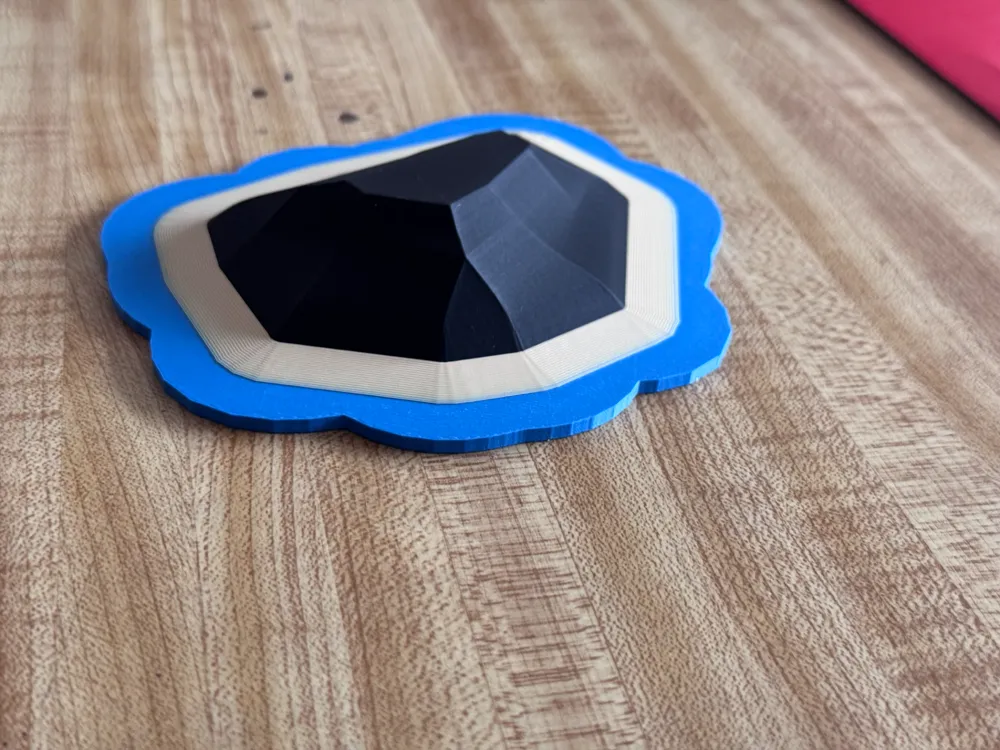
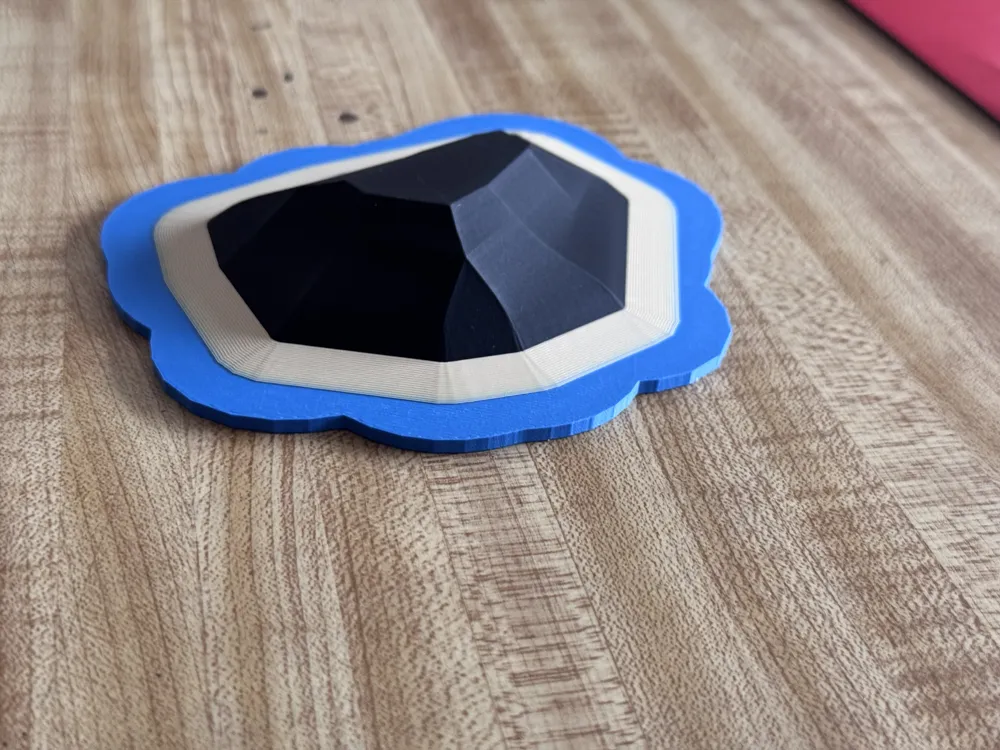
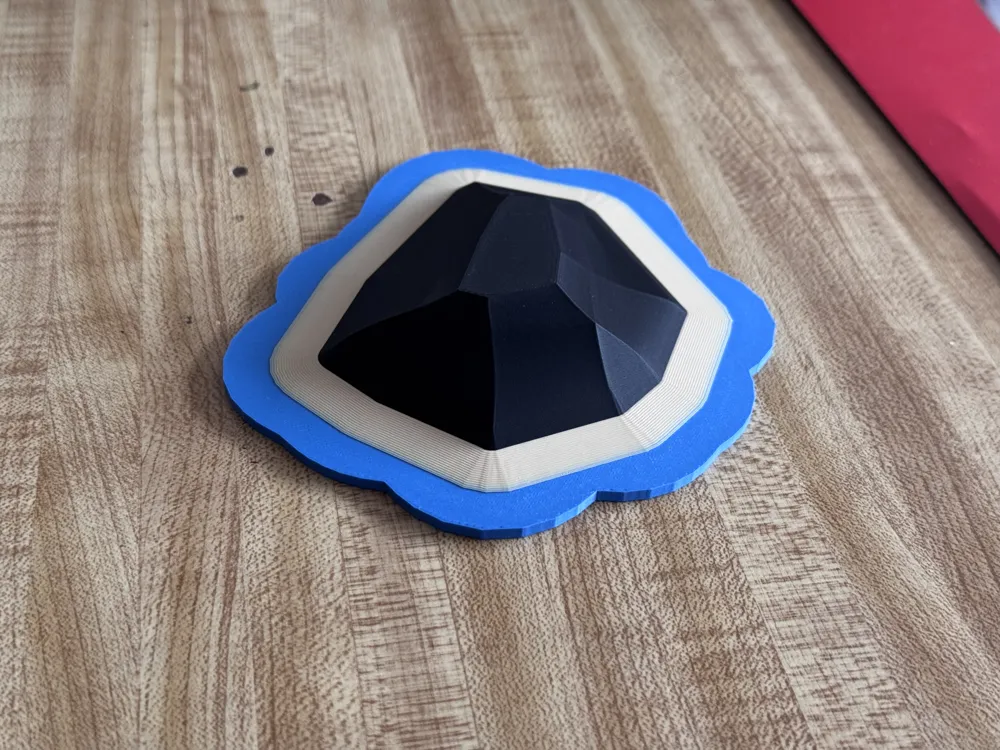
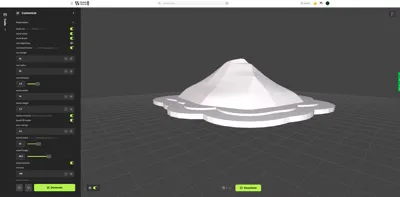
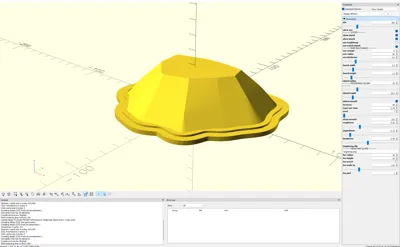
This model is created by Parametric Model Maker
Make Your Model
Print Profile(1)
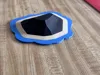
0.08mm layer, 3 walls, 15% infill
Designer
2.4 h
1 plate
Open in Bambu Studio
Boost
5
6
0
0
3
1
Released
Description
Procedural Island + (Experimental) Heightmap Generator — WIP v1.1
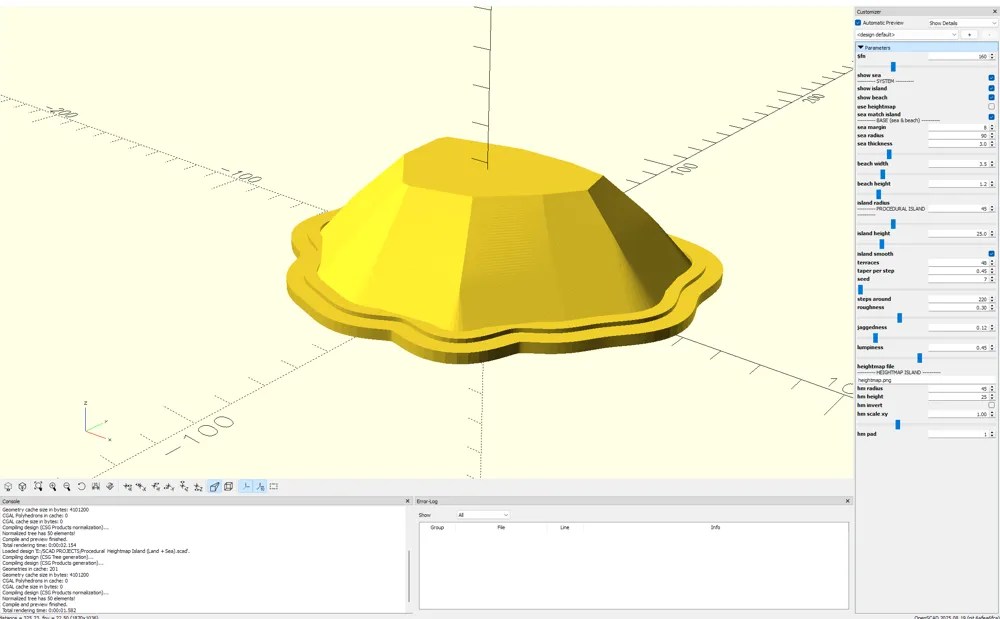
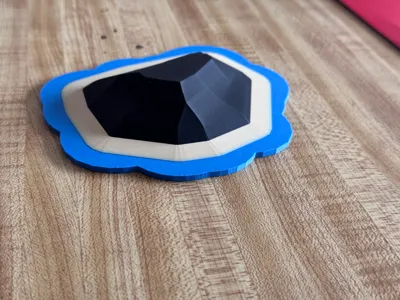
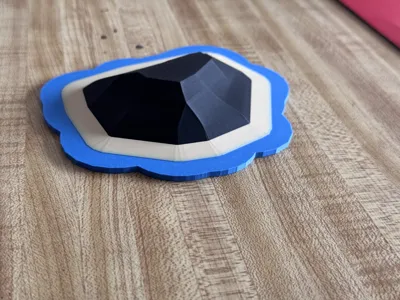
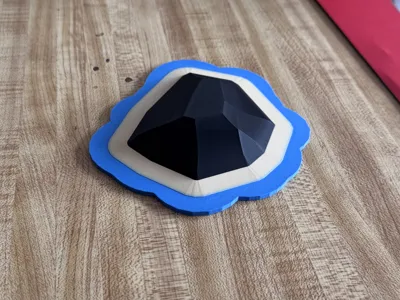
Turn a desk into a tiny archipelago 🌊 This OpenSCAD project makes a 3D-printable island sitting on a beach plate, with an optional sea base that can follow the shoreline. It includes a heightmap mode so you can use your own grayscale image for terrain… but heads-up: importing your own heightmap is in there yet not super plug-and-play (see notes below). This is an early WIP v1.1.
Highlights
- Procedural coastline (random but controllable), or image heightmap (experimental).
- Clean look: island sits on top of the beach (no seam).
- Sea that hugs the island (offset margin) or simple circular sea.
- Smooth slopes (hull-blended) or classic terraces.
- Single file, OpenSCAD nightly, no external libs.
What’s in the zip
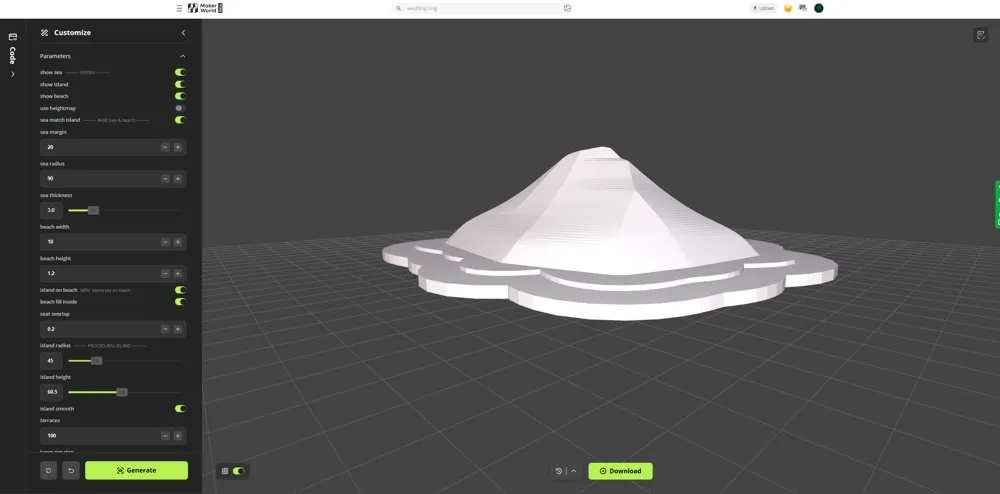
- island.scad (all parameters via Customizer)
- Optional heightmap.png placeholder (swap with yours)
Quick Start (Procedural)
- Open in OpenSCAD nightly.
- Set size: island_radius, island_height.
- Shape the coast: seed, roughness, jaggedness, lumpiness.
- Clean slope: island_smooth = true and raise terraces.
- Plates: sea_match_island = true, tweak sea_margin.
- Uniform look: island_on_beach = true, beach_fill_inside = true.
Heightmap Mode (EXPERIMENTAL — not super easy yet)
You can import your own heightmap, but it’s rough around the edges:
- Put a grayscale PNG next to the .scad (large images can be slow).
- In the Customizer set:
- use_heightmap = true
- heightmap_file = "yourfile.png"
- Tune: hm_radius (circular crop), hm_height (vertical scale), hm_invert (flip highs/lows), hm_scale_xy (XY scaling)
- If orientation looks off, that’s image coordinates—toggle hm_invert or mirror in your editor.
- If it looks jagged/banded: blur the PNG a bit, lower hm_height, then Design → Flush Caches in OpenSCAD.
- Current beach in heightmap mode is circular (based on hm_radius). A true contour-derived beach is on the roadmap.
TL;DR: Heightmap import works, but it’s not a one-click flow yet. Expect some fiddling. 🙂 (only works in OPENSCAD right now by adding your picture to the libraries file and then changing the placeholder which is (heightmap_file) change this to the name of whatever heightmap you want to use.)
Print Tips
- Layer height: 0.16–0.28 mm (finer = smoother hill).
- Walls: 3+, Top/Bottom: 4–6.
- Infill: 10–15% (base plates add stiffness).
- Supports: None needed.
- Materials: PLA or PETG. Optional color swap for water/sand/land layers.
Changelog — v1.2
- Beach is now tapered to to more natural
- Island now seats on the beach (uniform look) + small overlap to hide seam.
- Sea can follow coastline (procedural) with adjustable margin.
- Smooth mode added (hull between slices) to reduce visible banding.
- Heightmap mode added (experimental).
- Option to fill beach inside (solid plate under the island).
Roadmap / WIP
- Contour-based beach from heightmap grayscale level (non-circular).
- Rivers / crater lakes carves.
- Preset seeds & STL exports.
- Friendlier heightmap “wizard” in-SCAD.
island
island adventures
island decor
island life
island generator
generator
generator script
terrain
terrain art
terrain design
terrain base
heightmap
heightmap generator
procedural
proceduralgenerated
procedurally generated
OpenSCAD
openscad
openscad design
openscad project
Open SCAD
open scad
parametric
parametric art
customizable
customizable 3d print
customizable accessory
diorama
diorama 2024
diorama 2025
diorama 3d
diorama accessories
ocean
sea
shoreline
coastline
coastlines
archipelago
topography
topography heatmaps
topography map
topographymodel
elevation
elevation frame
elevation lines
map
mountains
mountain
mountain generator
terrain accessory
License

This user content is licensed under a
Creative Commons Attribution-Noncommercial-Share Alike


Comment & Rating (0)