
Print Profile(44)


Description
Membership
Interested in selling physical prints of my models? Subscribe to one of my tiers!
Boost Me (for free)
Your boost is my motivation to create more free models. Please consider boosting if you can
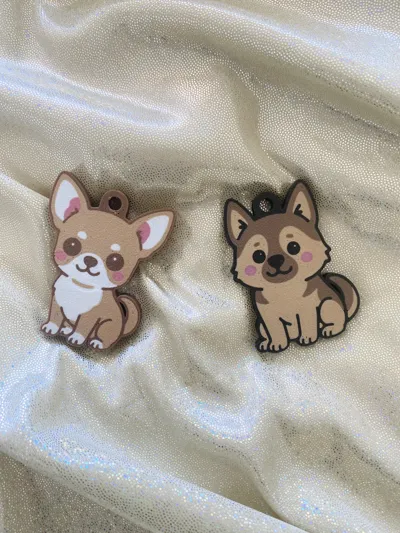
Printing time about 30 minutes
4 colors, 6 color changes
10-12g filament
Recommended print on its base
How to change colors: In Bambu Studio, find Process on the left, switch to Objects, find the corresponding color block, it will be highlighted on the right. Right-click this color block, select Change filament
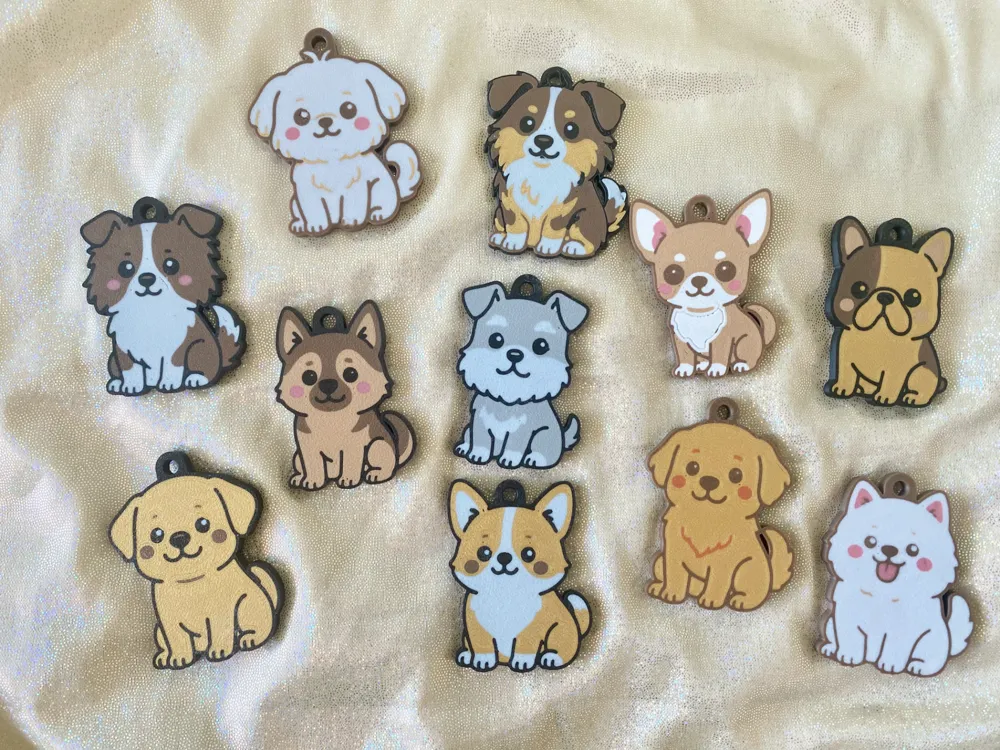
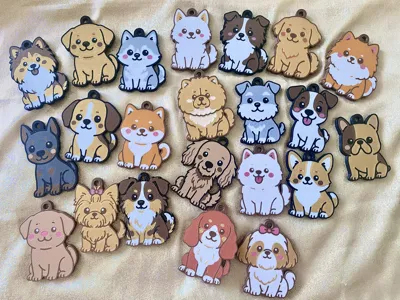
| 1 | German Shepherd | 11 | Border Collie |
| 2 | Labrador Retriever | 12 | Australian Shepherd |
| 3 | Golden Retriever | 13 | Chow Chow |
| 4 | Corgi | 14 | Husky |
| 5 | Chihuahua | 15 | Swiss Shepherd |
| 6 | French Bulldog | 16 | Dachshund |
| 7 | English Bulldog | 17 | Shiba Inu |
| 8 | Schnauzer | 18 | Pomeranian |
| 9 | Samoyed | 19 | Shih Tzu |
| 10 | Maltese | 20 | Short-haired Shih Tzu |
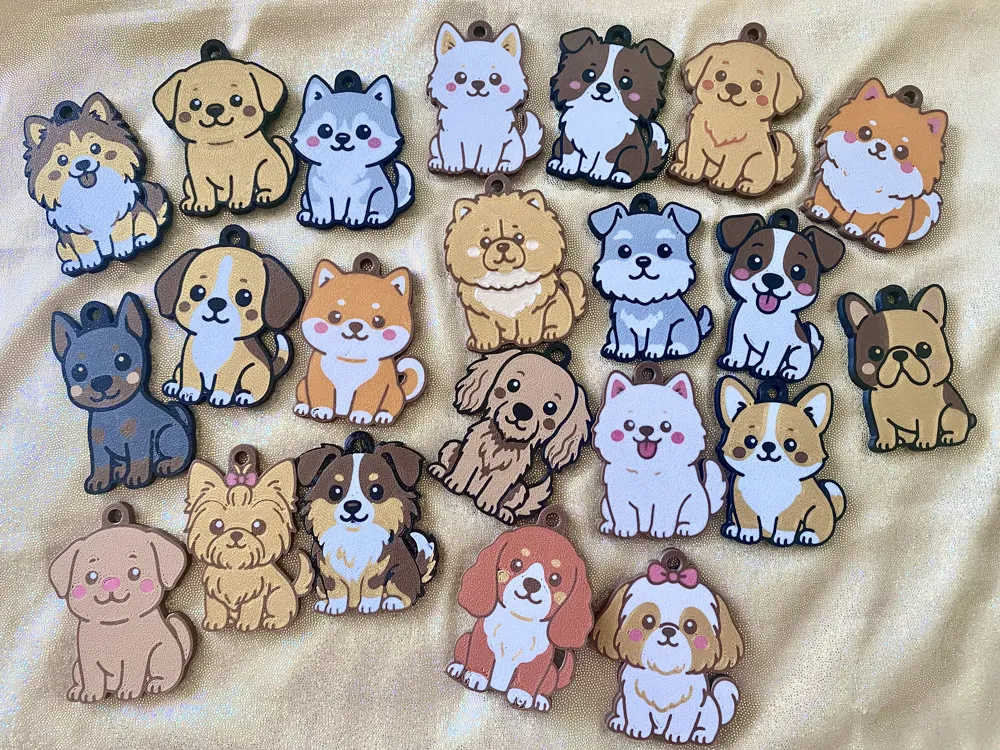
| 21 | Cocker Spaniel | 31 | German Shorthaired Pointer |
| 22 | Beagle | 32 | Cavalier King Charles Spaniel |
| 23 | Jack Russell Terrier | 33 | Scottish Terrier |
| 24 | Doberman Pinscher | 34 | Lagotto Romagnolo |
| 25 | Yorkshire Terrier | 35 | Poodle |
| 26 | Shetland Sheepdog | 36 | Greater Swiss Mountain Dog |
| 27 | Rottweiler | 37 | Weimaraner |
| 28 | Boykin Spaniel | 38 | Bernese Mountain Dog |
| 29 | Bloodhound | 39 | Papillon |
| 30 | Doodle | 40 | Pug |
In progress:
| 41 | Great Dane |
| 42 | Dalmatian |
| 43 | Mastiff |
| 44 | Whippet |
| 45 | Greyhound |
| 46 | West Highland White Terrier |
| 47 | Boxer |
| 48 | Kuvasz |
| 49 | Pit Bull |
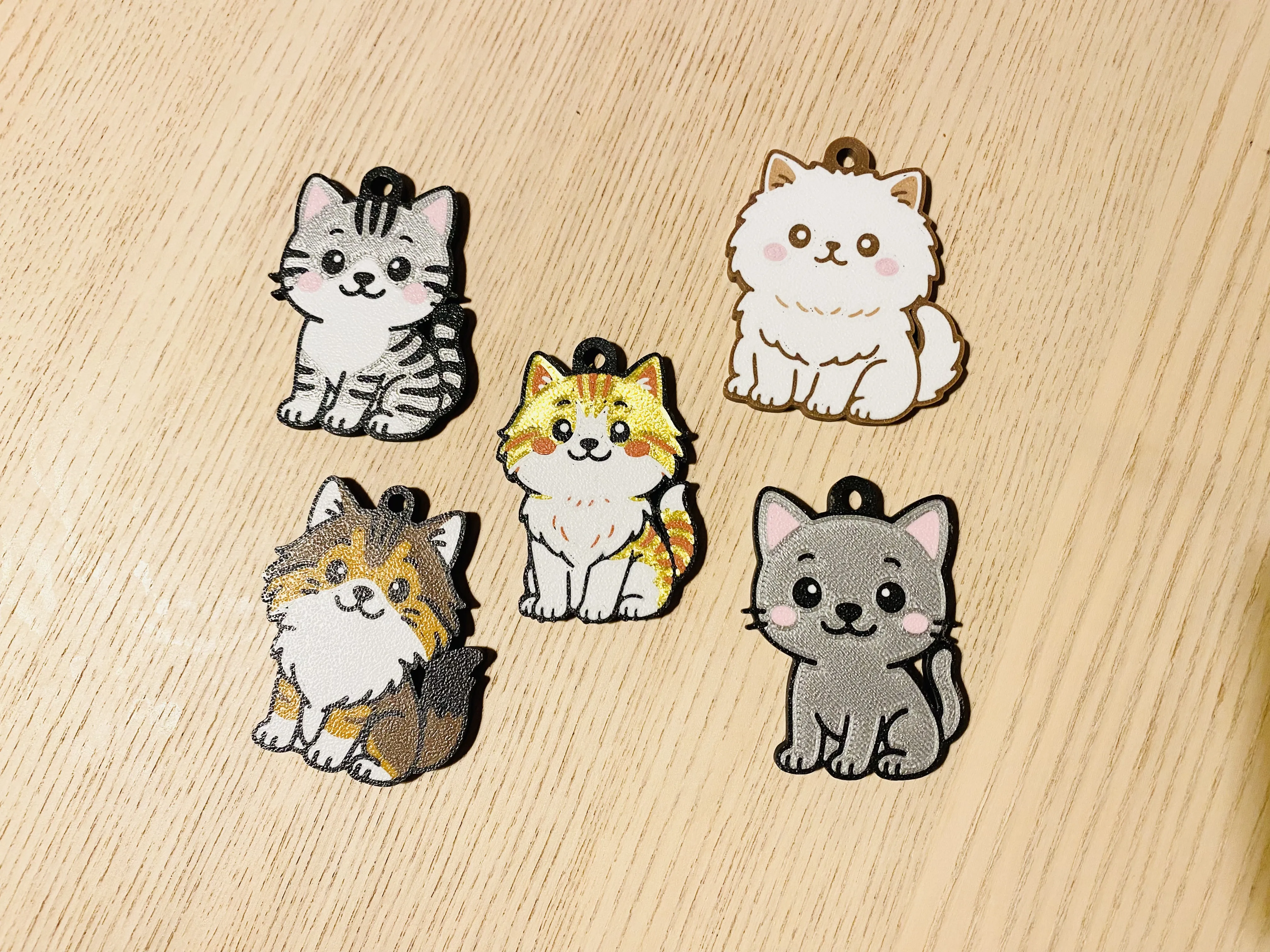
cute cat breed charms:
❤️ Secrets to successful printing ❤️
- Thoroughly clean the build plate with hot water and soap
- Use glue or glue stick
- Run the calibration program in the software, and run the printer's built-in calibration program
- Regularly maintain the printer, clean, replenish lubricant, replace belts, etc
- Motion mode is not recommended, high-speed print head is not recommended
- Turn off time-lapse photography
- When removing supports, it is recommended to use pliers to break them from the middle first
- Download .3mf files for printing, not .stl files
❤️ My other designs ❤️
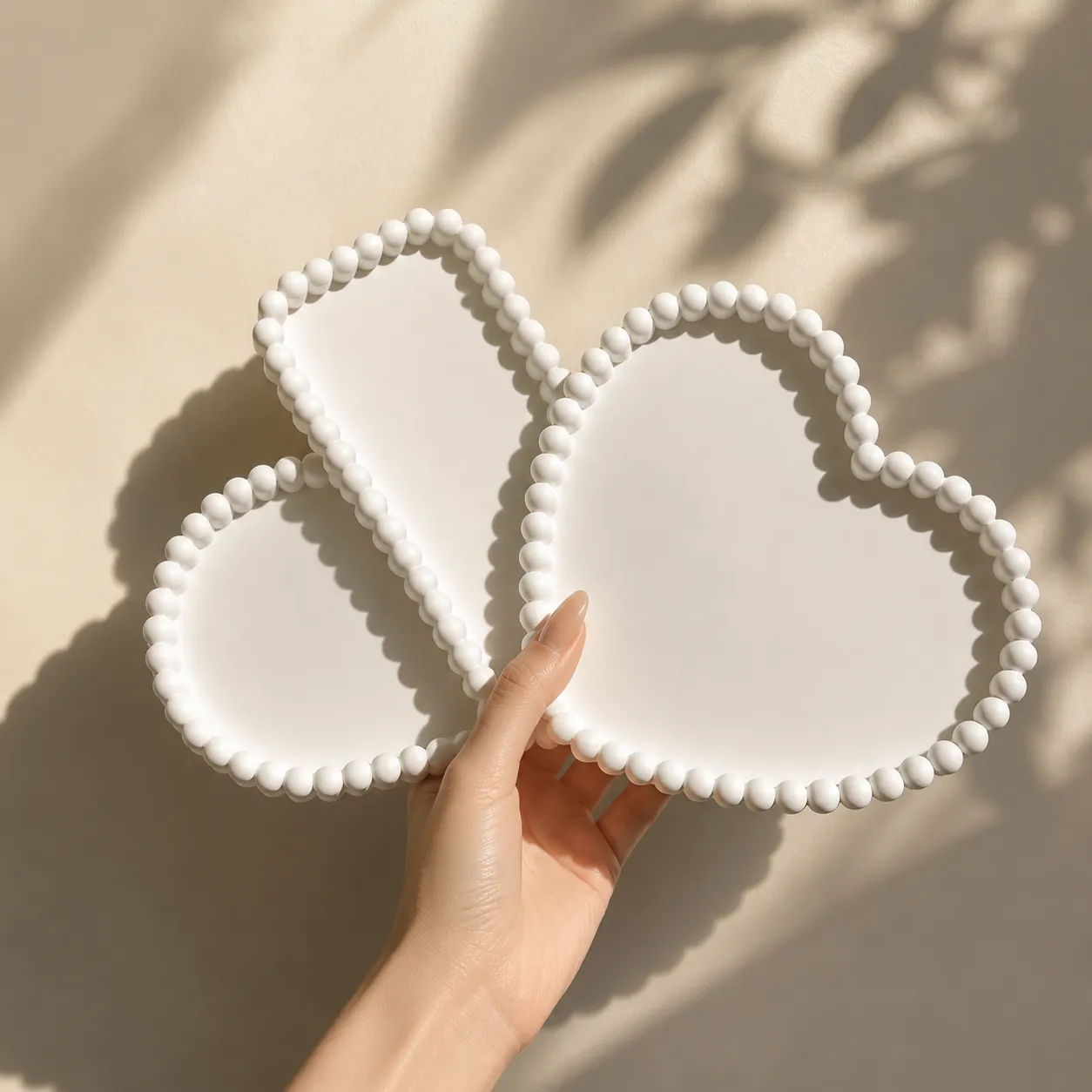
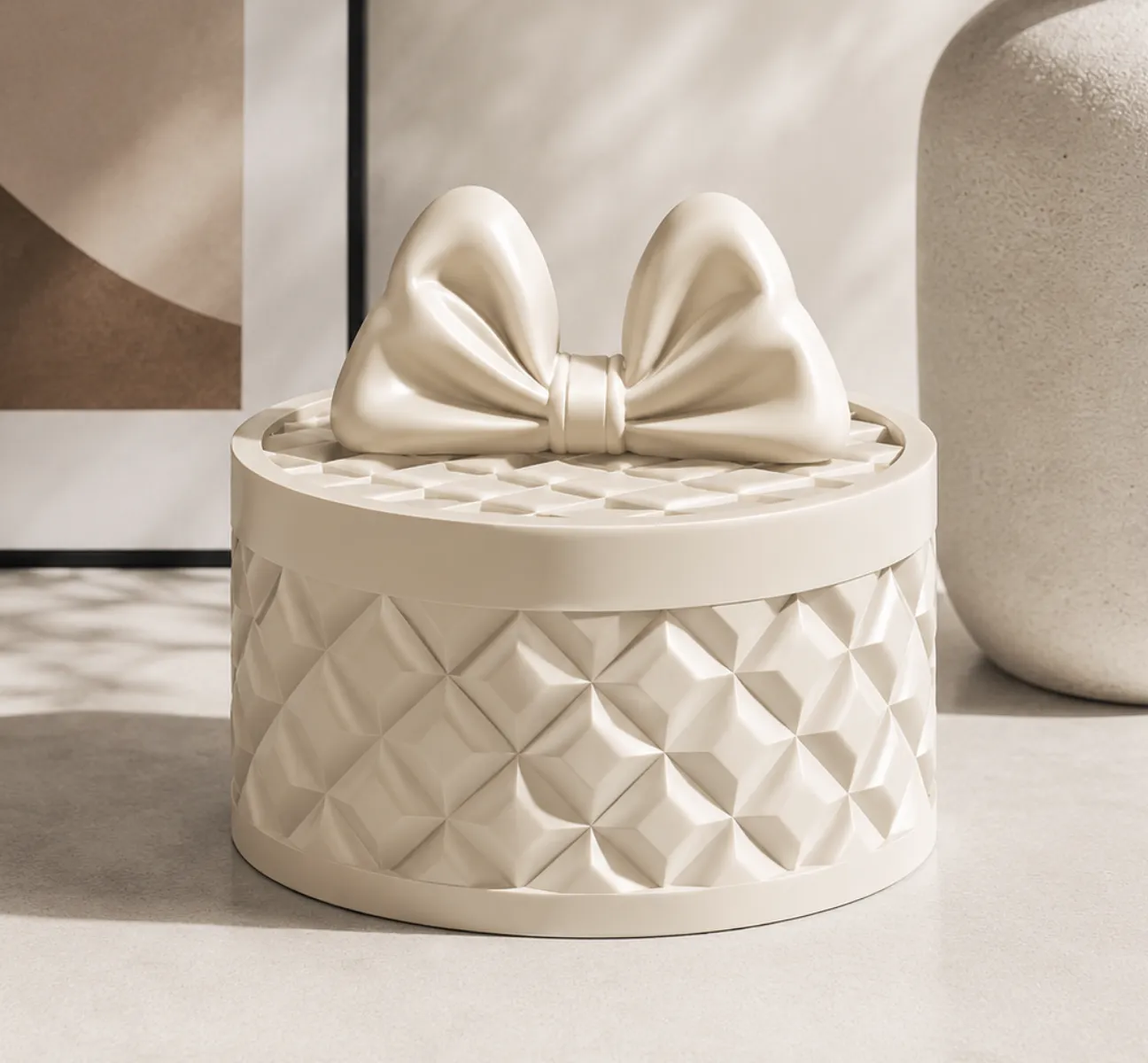
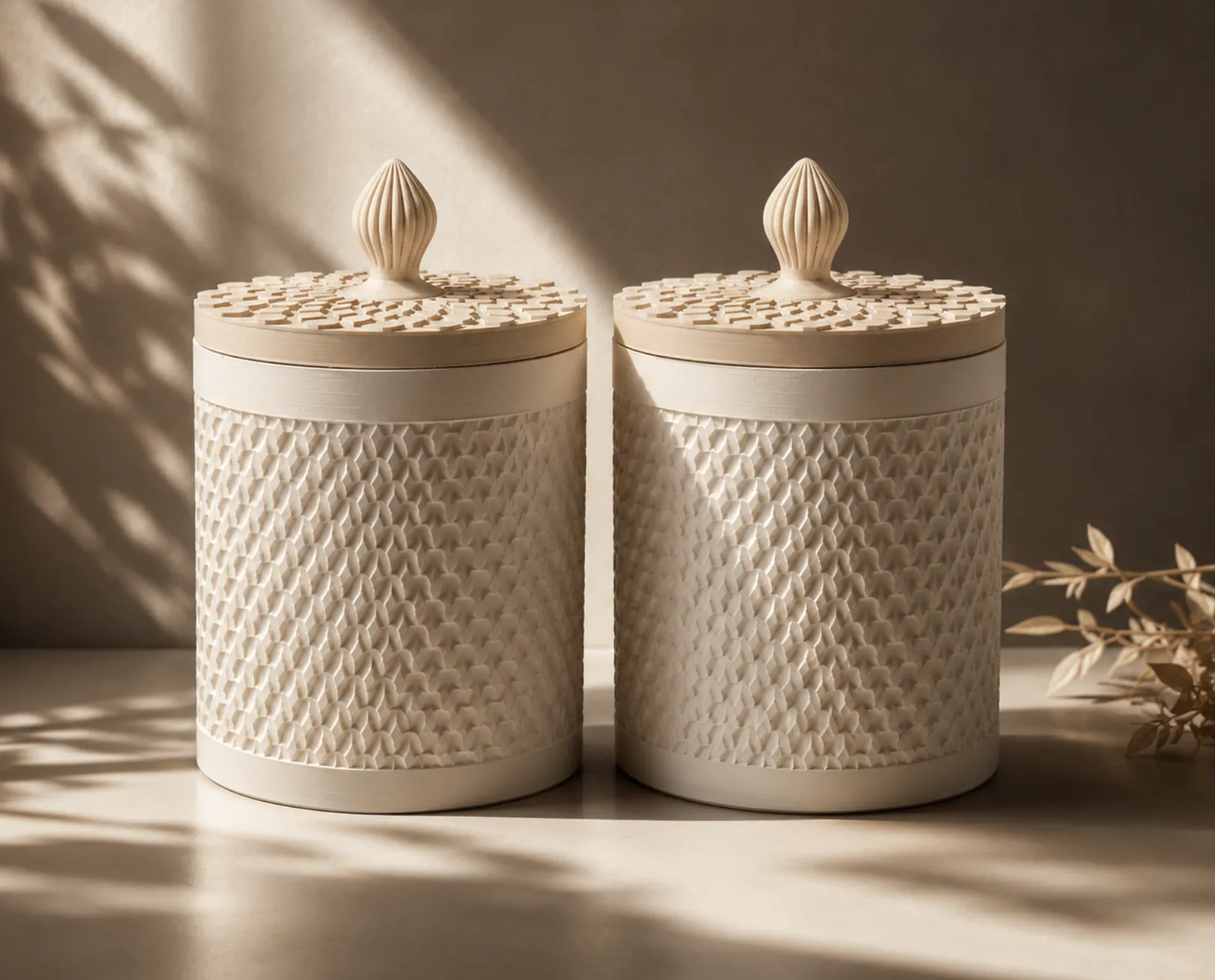
License

You shall not share, sub-license, sell, rent, host, transfer, or distribute in any way the digital or 3D printed versions of this object, nor any other derivative work of this object in its digital or physical format (including - but not limited to - remixes of this object, and hosting on other digital platforms). The objects may not be used without permission in any way whatsoever in which you charge money, or collect fees.


Comment & Rating (384)