
Boxes in a Box - Hidden Container
Print Profile(1)

Description
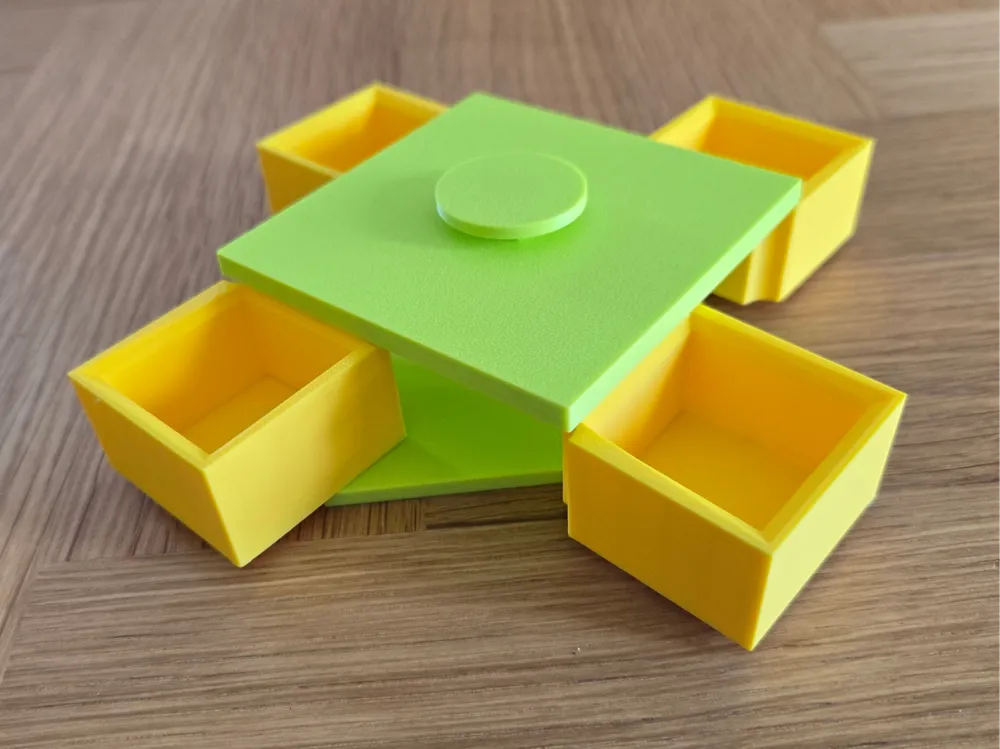
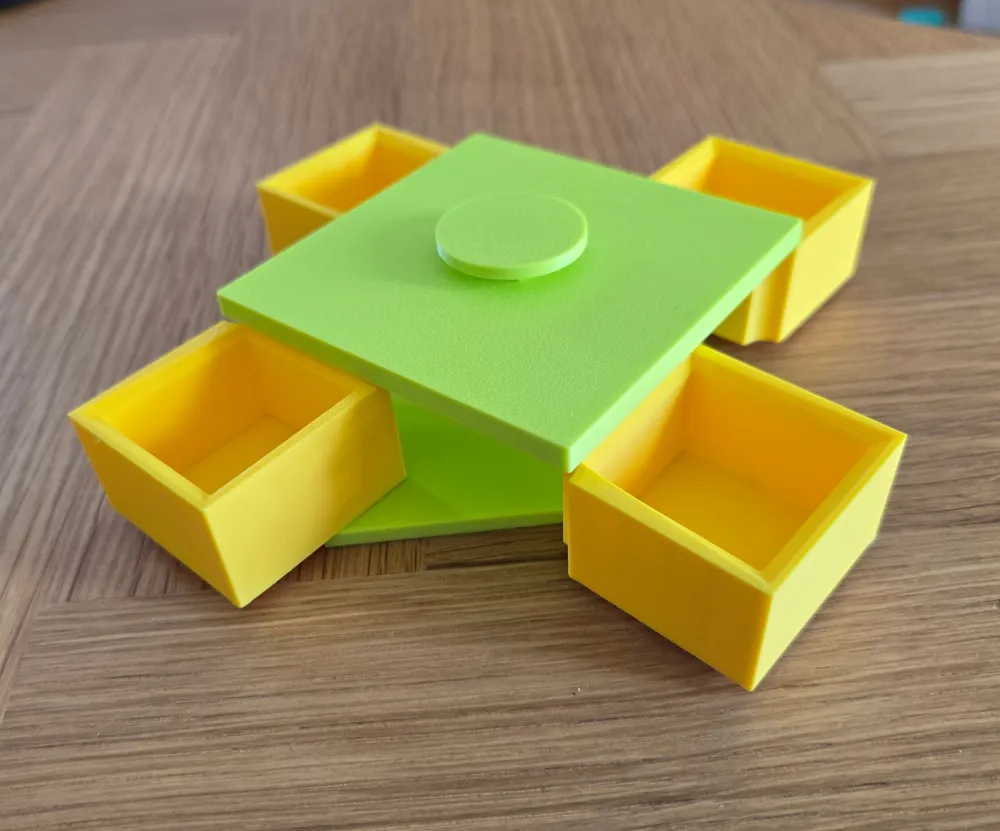
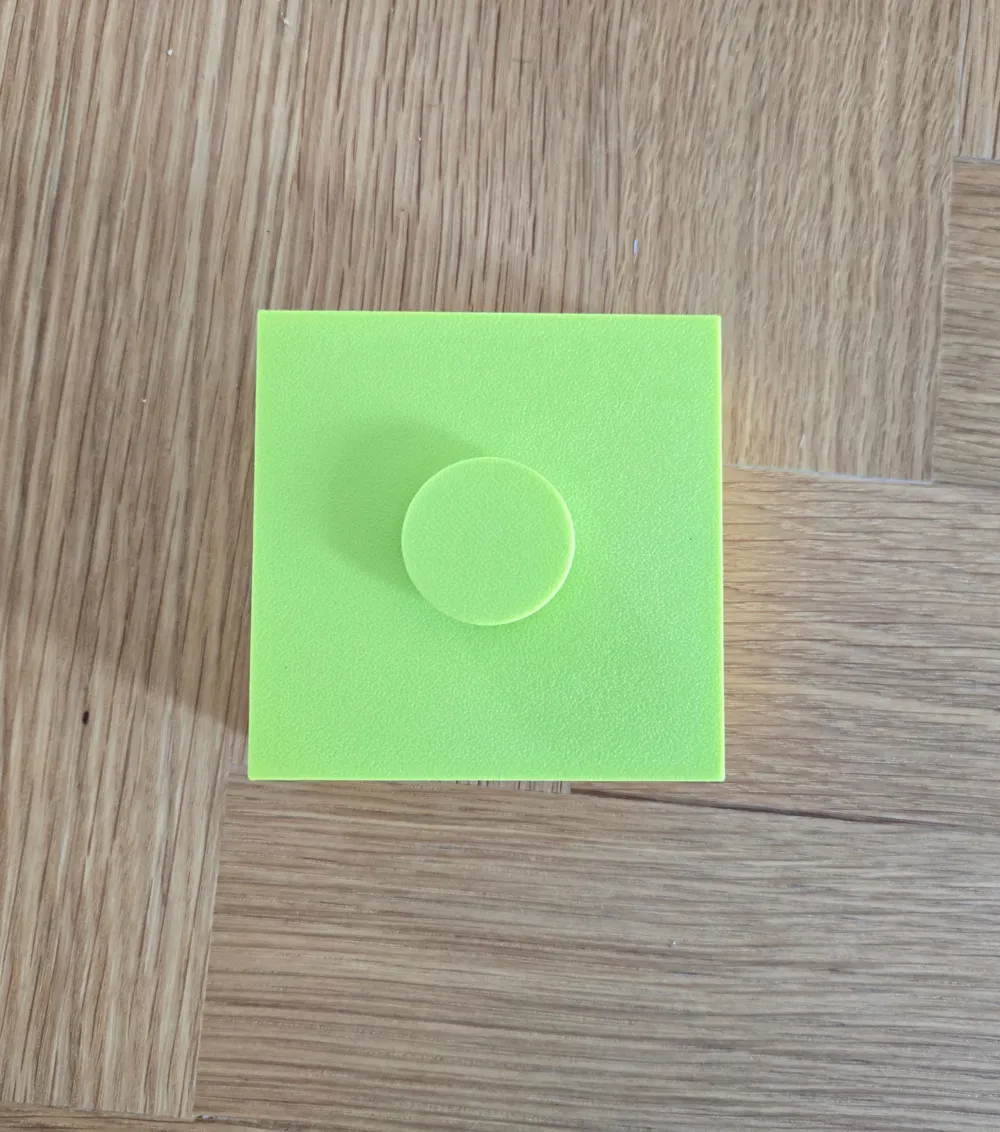
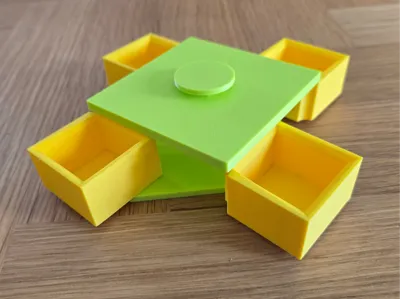
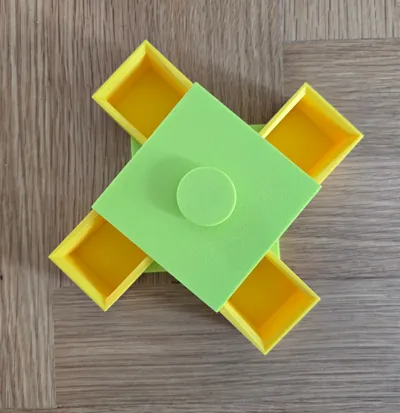
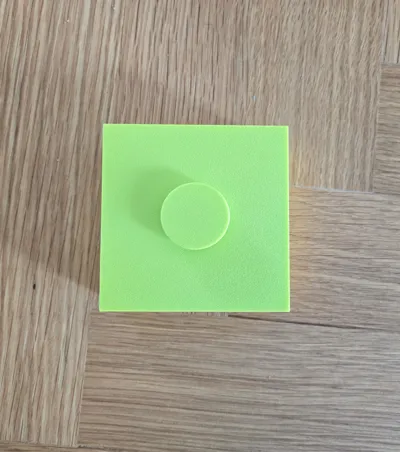
Need a box to contain your stuff? How about more boxes? How about boxes hidden in something seemingly looking like box?

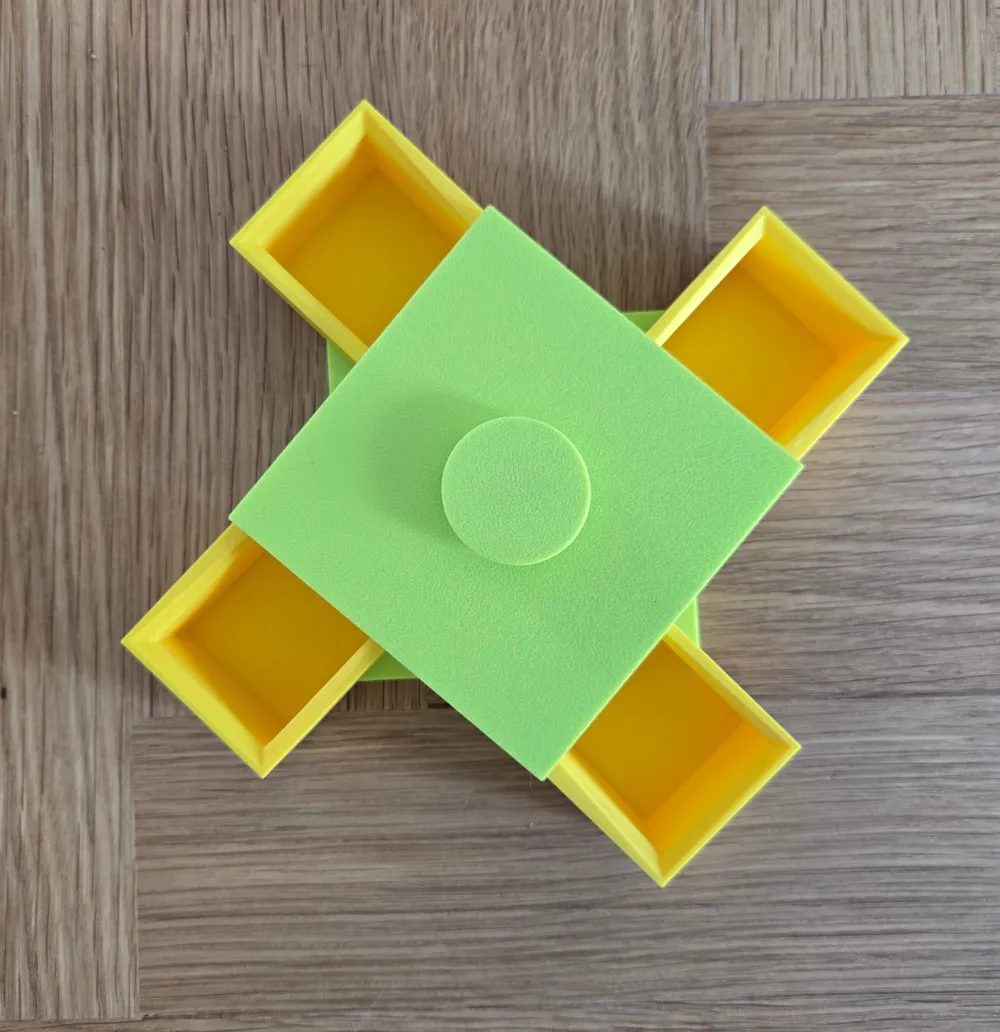
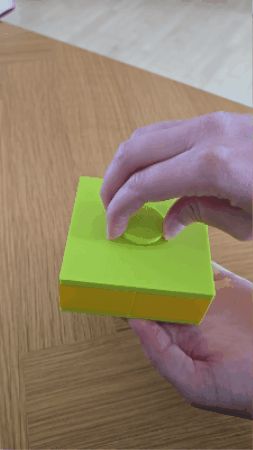
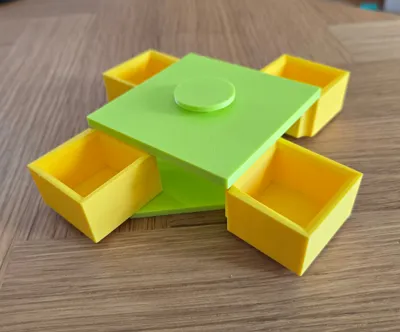
Then now is your chance! This boxes in a box hidden container can be you little container of everything neat. and if you don't have anything neat, just make it bigger! With a simple turn, boxes will pop out to your entertainment.
Information about printing this design:
- No supports needed, but make sure you have allowed bridging.
- No need for AMS, the box is printed in parts, so you can decide what color each part should have. Assembly Guide given below.
- The size given in the STL-Files/3MF is the recommended smallest size. Reducing this size could result in parts breaking.
- If you wish to enlarge or reduce the size, remember to scale every parts with the same rates.
Guide on how to assemble:
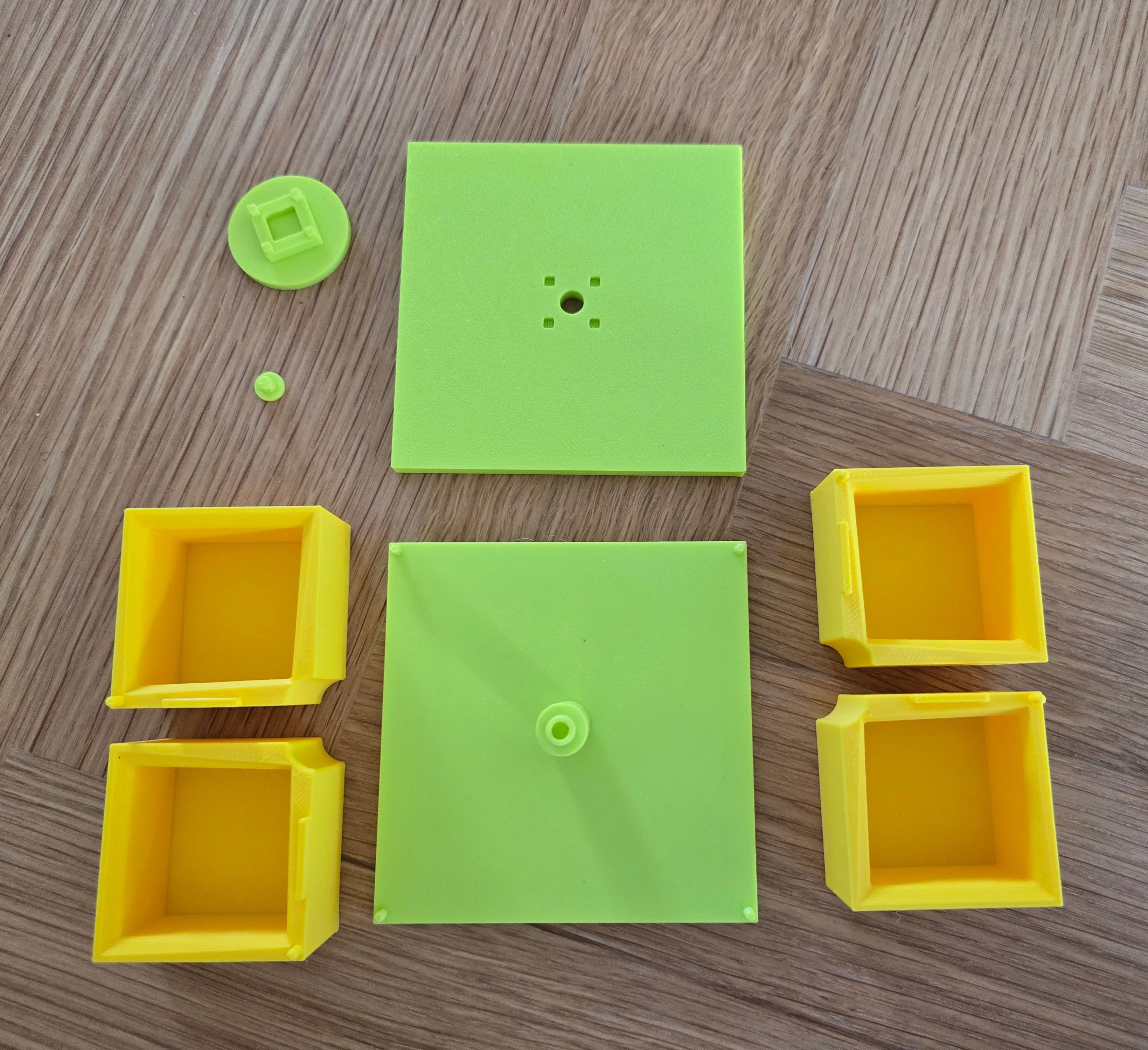
- Make sure you have every part ready for assembling. You need:
- 1x Bottom Layer
- 1x Top Layer
- 4x Crates
- 1x Plug
1x Handle
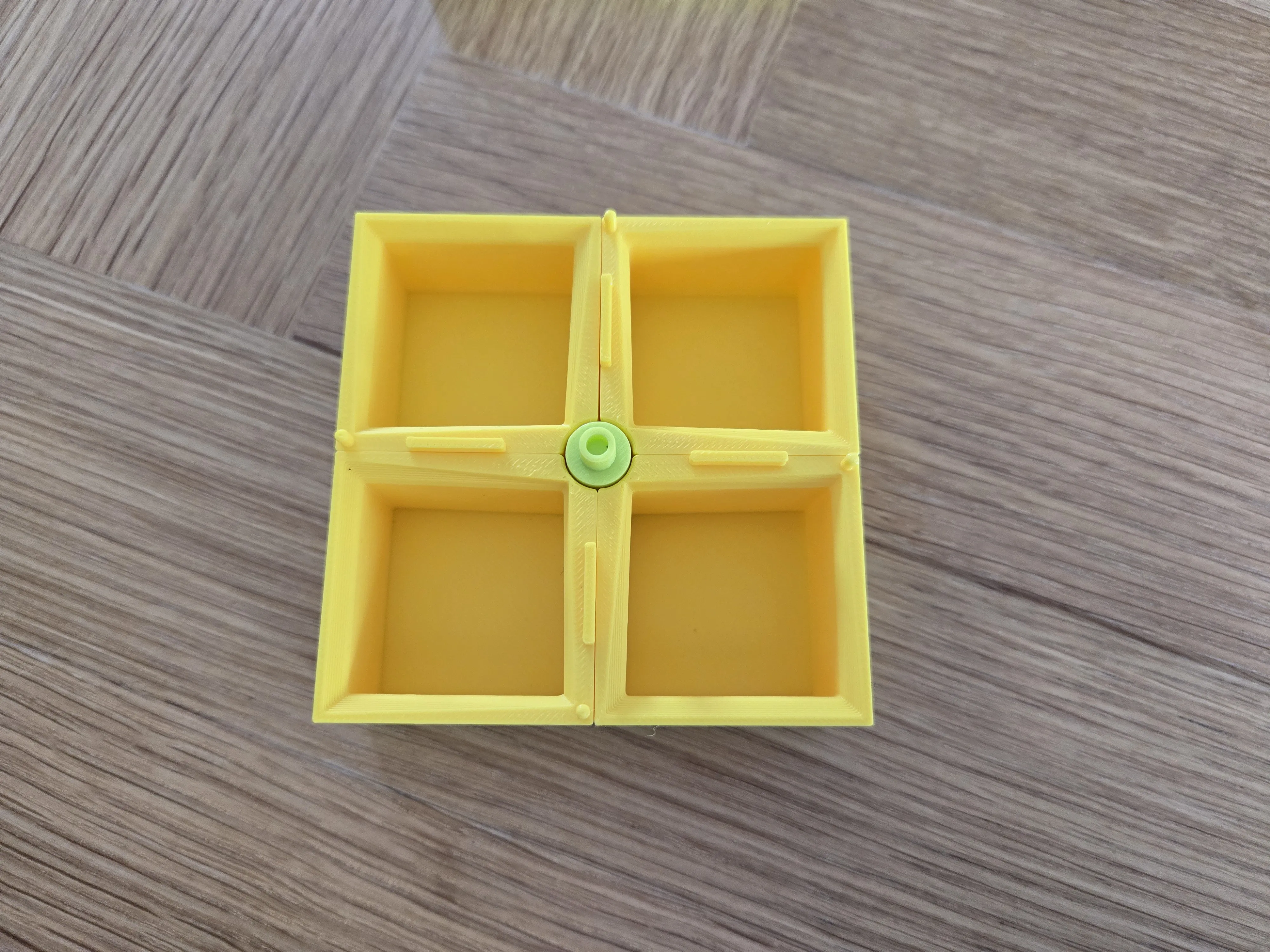
Place all 4 crates on the Bottom Layer as seen on the image:
Place the Top Layer on the crates aligning all the holes on the crates and bottom layer with the ones on the top layer.
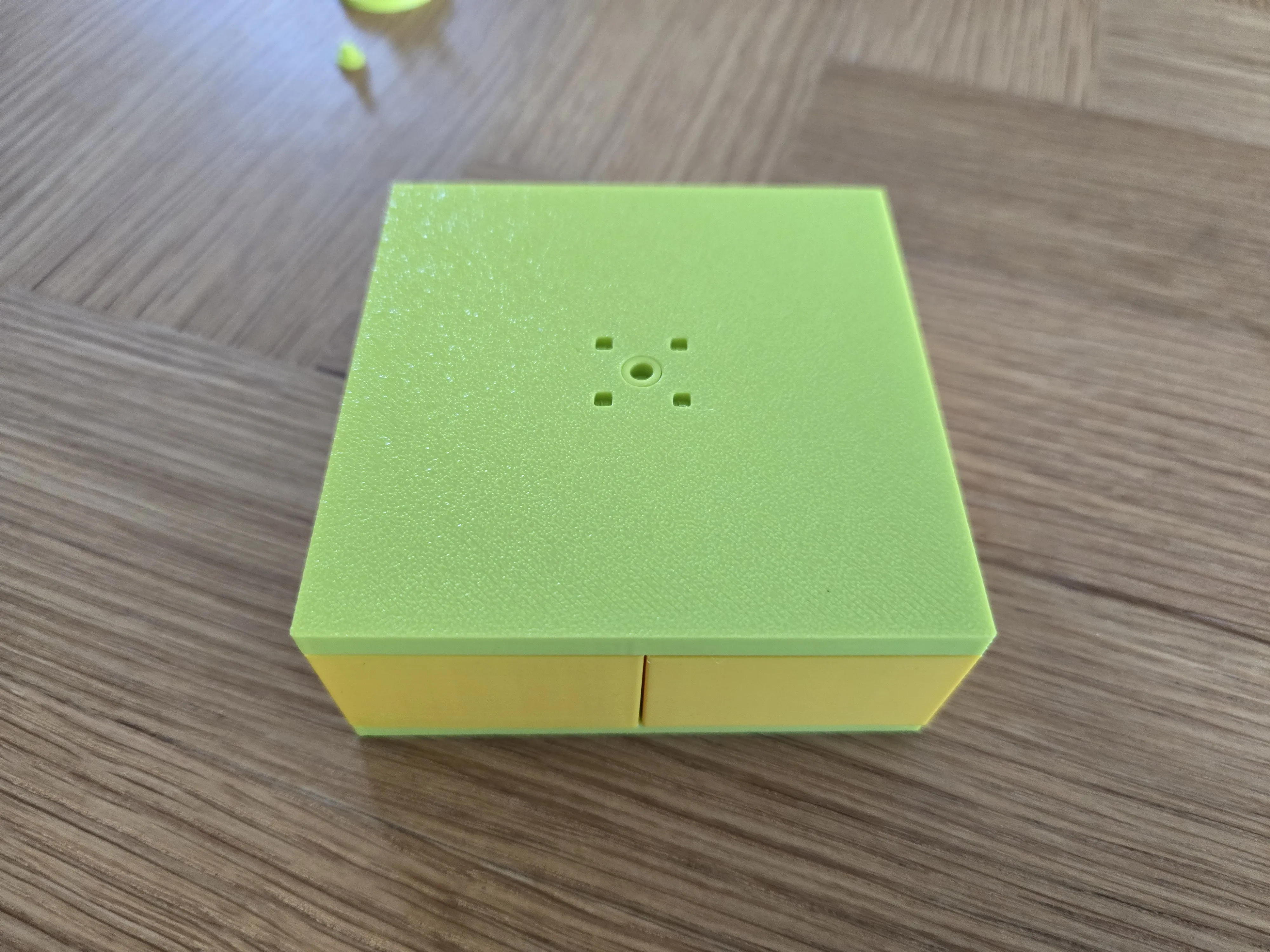
Insert the Plug into the hole in the middle to ensure the parts doesn't separate from eachother. (Glue is recommended if you want to be safe and sure, that everything remains together, but only add the glue in the hole before inserting the plug. NOTE: If you add too much it can spread to the rotation mechanism and stop it from working.)
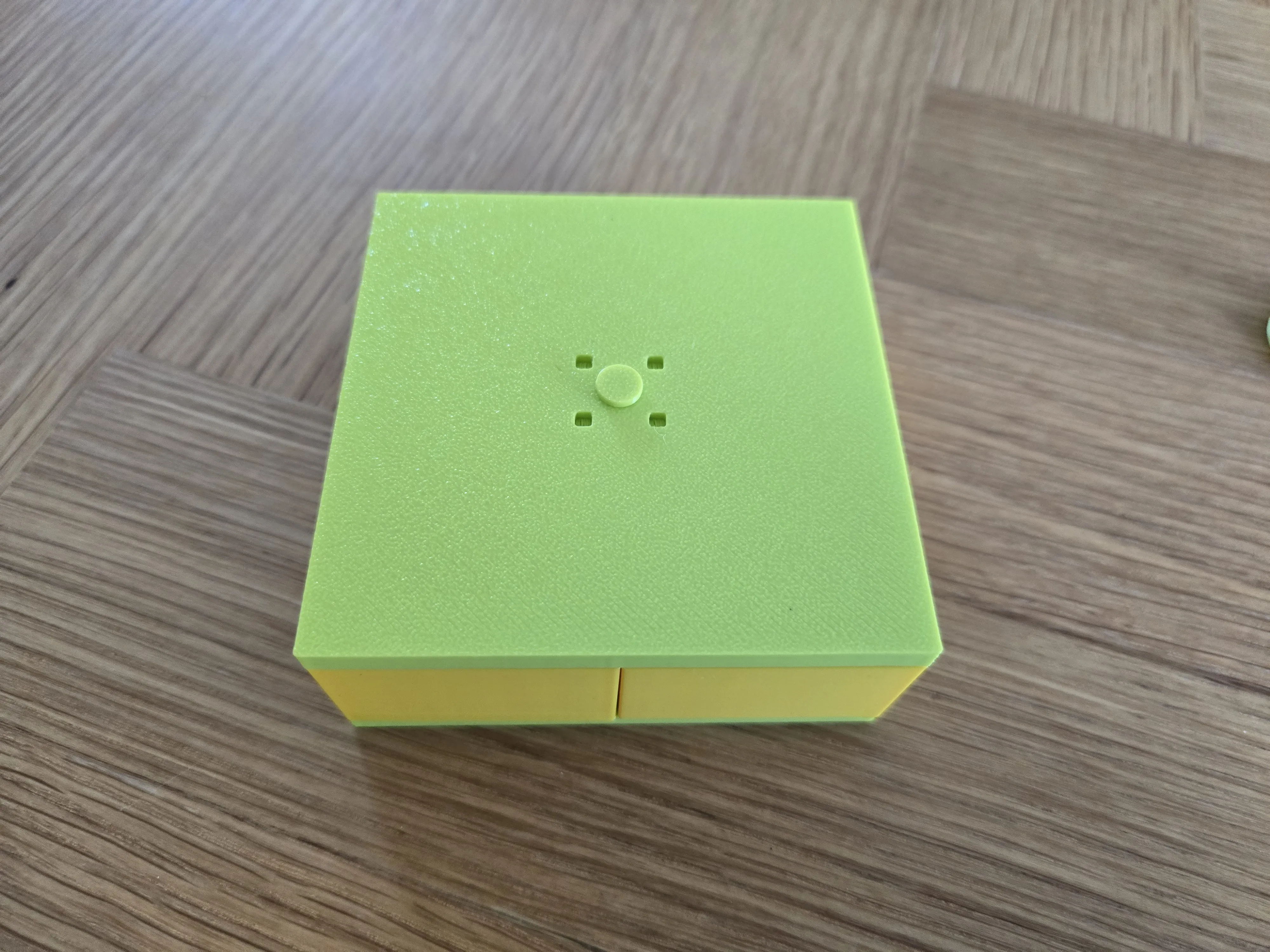
Lastly, insert the Handle into the 4 remainig available holes and it should be ready!
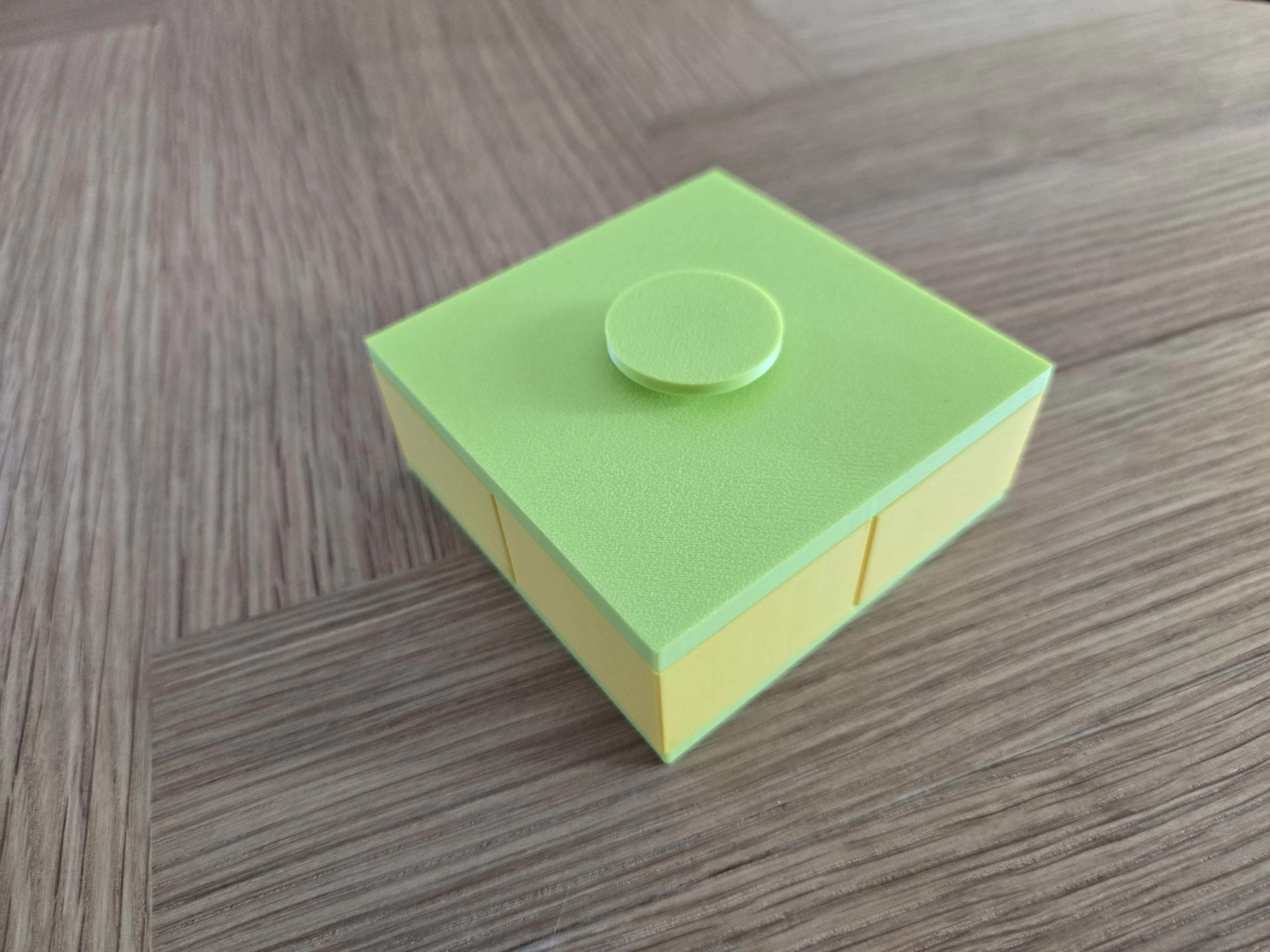
- Try turning it and see how well it works :) If some parts don't fit (Like the little hooks on the crates or on the bottom layer) you need to check the size of your print or the quality of your printer.
Feel free to share your opinion about this model, or write if you have any questions!
License

You shall not share, sub-license, sell, rent, host, transfer, or distribute in any way the digital or 3D printed versions of this object, nor any other derivative work of this object in its digital or physical format (including - but not limited to - remixes of this object, and hosting on other digital platforms). The objects may not be used without permission in any way whatsoever in which you charge money, or collect fees.


Comment & Rating (1)