
Fiddle
Print Profile(4)

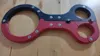
Description
Description
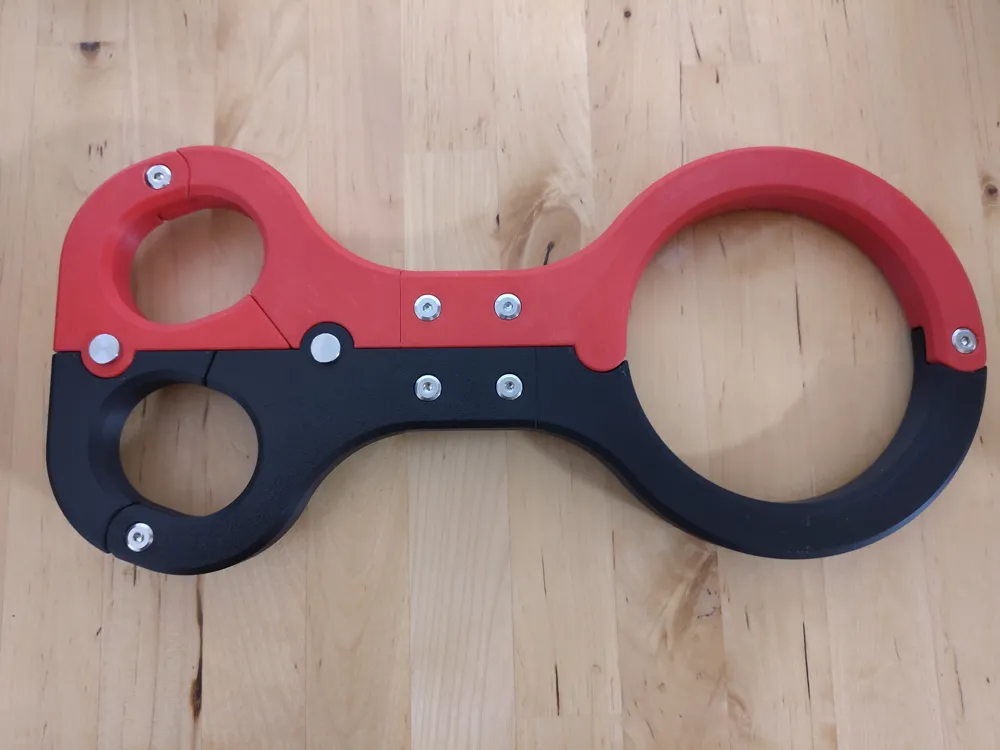
A Fiddle quit study and hard to escape when the pin is locked.
I created different sizes with the following measurements for the Hands are
* Hands: 47mm x 57mm Neck⌀ 117mm
* Hands: 52mm x 62mm Neck⌀ 125mm
* Hands: 57mm x 67mm Neck⌀ 140mm
* Hands: 62mm x 72mm Neck⌀ 155mm
Other Sizes can (finally) be created by adjusting the Parameters of the Solidworks file just adjust the Parameters off the OneSide.SLDPRT.
Or just ask in the comments
Assembly
You'll need (Or something Similar)
1 or 2 Safety Pin – 8 mm x 28 mm - https://www.amazon.de/dp/B09B1Y8L86
7x M5 x 16 mm Furniture Screws - https://www.amazon.de/dp/B0DNDNKT31
The Magnetic Fiddle will need Additionally
6 Magnetes D=15mm H=3mm - https://www.amazon.de/dp/B09MFCSDPX
Put the Screws in the smaller holes and tighten them
* The holes for connection are a bit longer then 16mm which means it will press them together)
* While the holes in the Joints are a bit shorter than 16mm which means the wont block the Joint).
Magnetic Fiddle
* Press in the Magnets
To lock put one or two pin(s) in the holes in the middle.
License



Comment & Rating (46)