Search models, users, collections, and posts

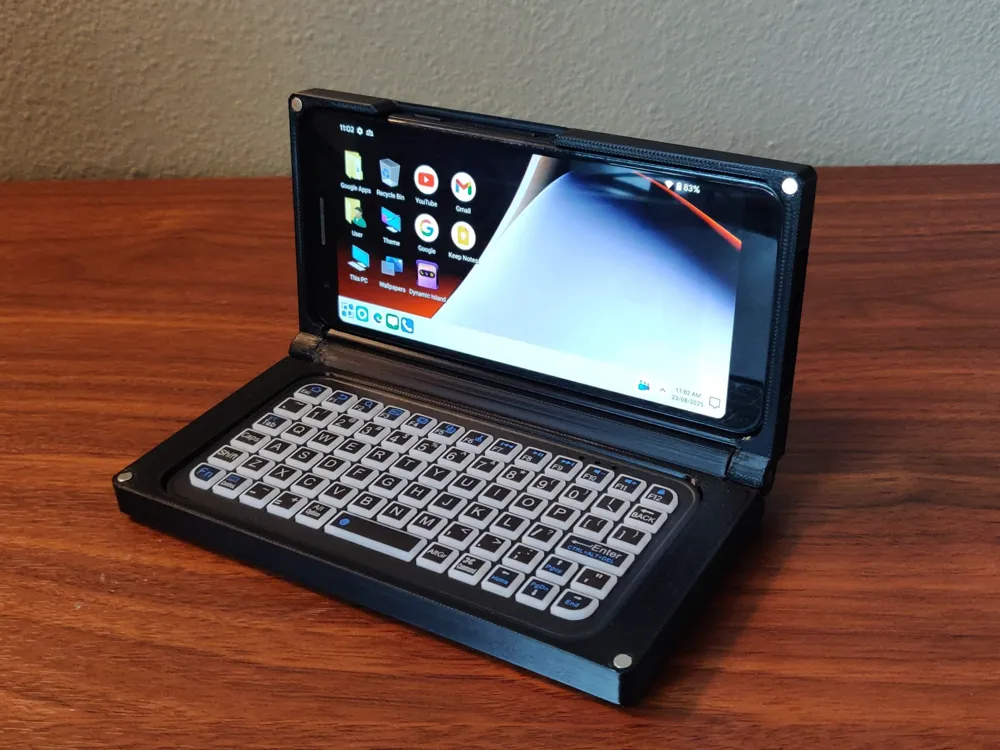
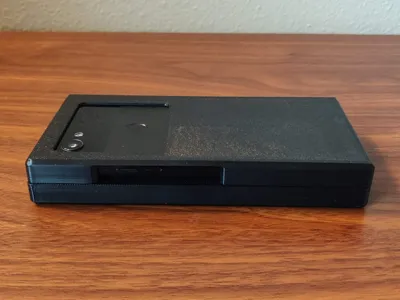
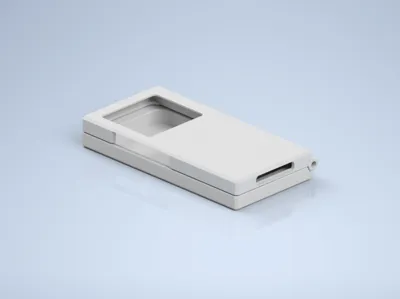
Pixel 3A Palmtop Cyberdeck
IP Report
Print Profile(1)

0.2mm layer, 3 walls, 15% infill
Designer
2.3 h
1 plate
Open in Bambu Studio
Boost
185
505
8
1
89
25
Released
Bill of Materials
Maker's Supply Kits and Parts
Select all


Bambu Filaments
Select all


List other parts
- McMaster PN: 91595A446 x 2: McMaster 6x16mm Dowel Pins (or equivalent)
- Google Pixel 3A x 1: eBay, Craiglist, FB Marketplace is good to find a cheap used one
- 4x2mm Magnets x 1: Amazon sells sets of these, other places will work to
- Mini Bluetooth Keyboard x 1: AliExpress sells various ones in this size for cheap
Description
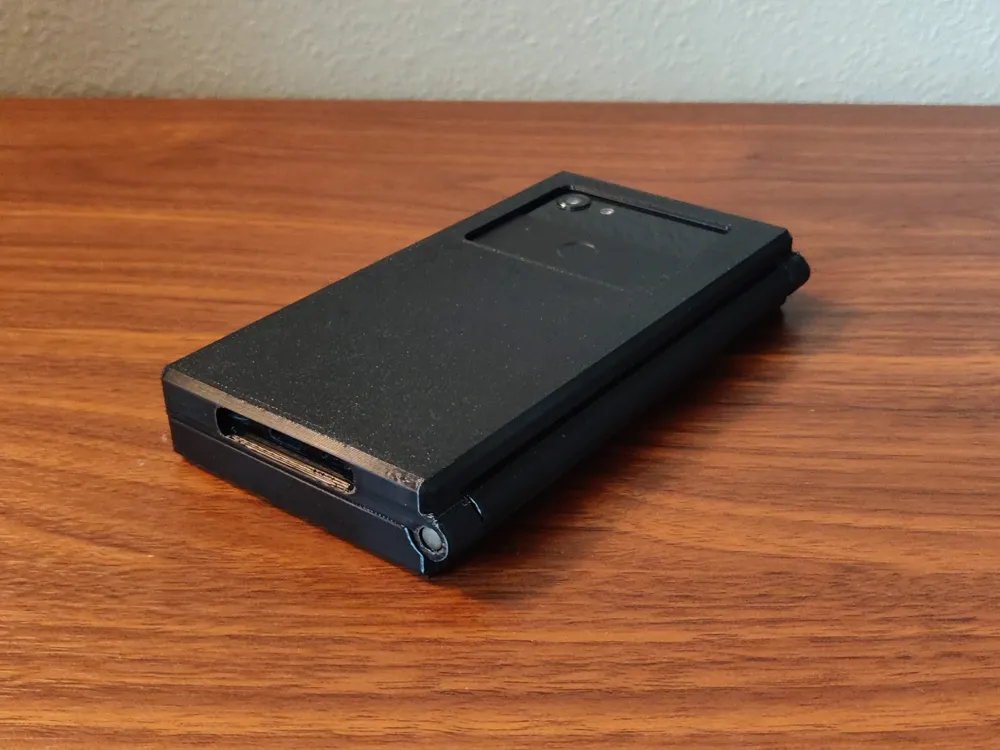
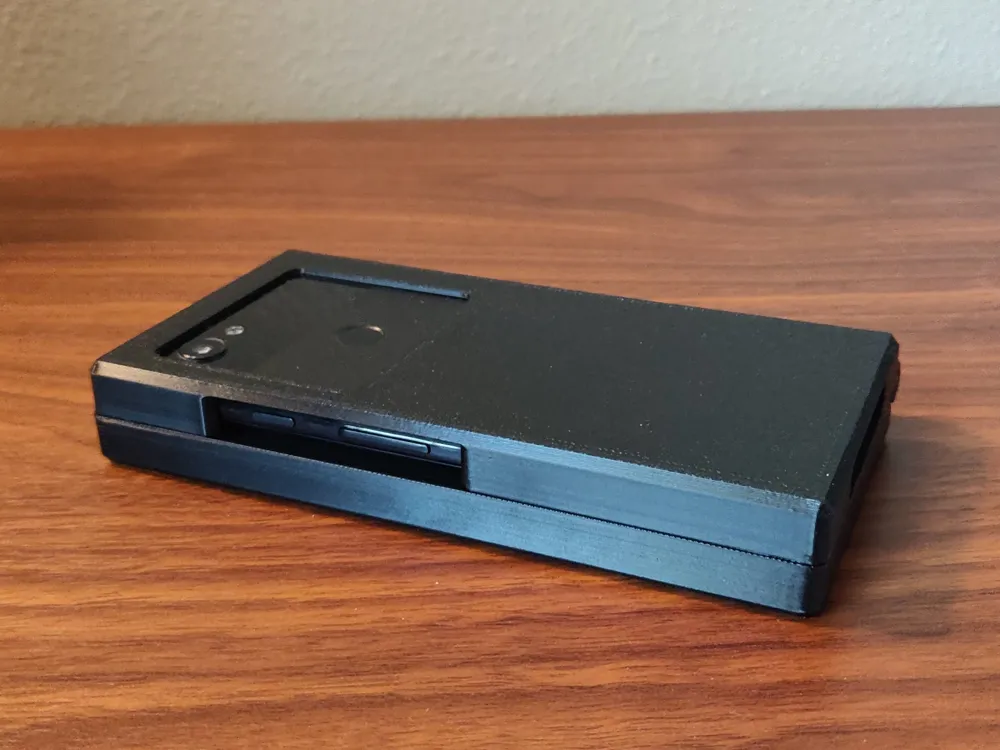
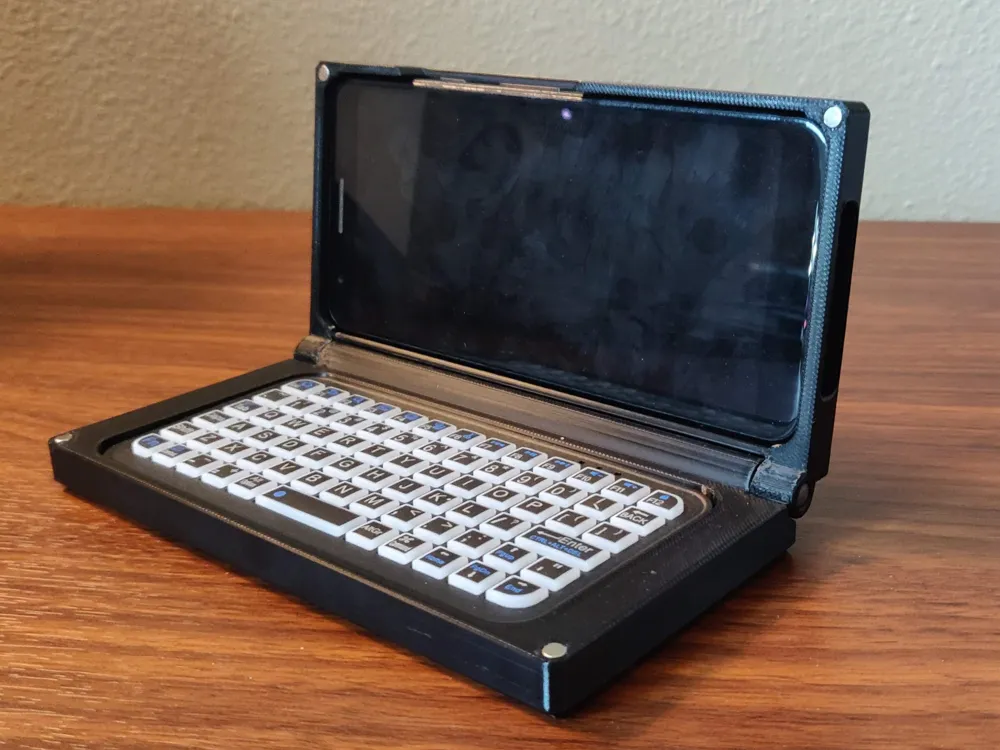
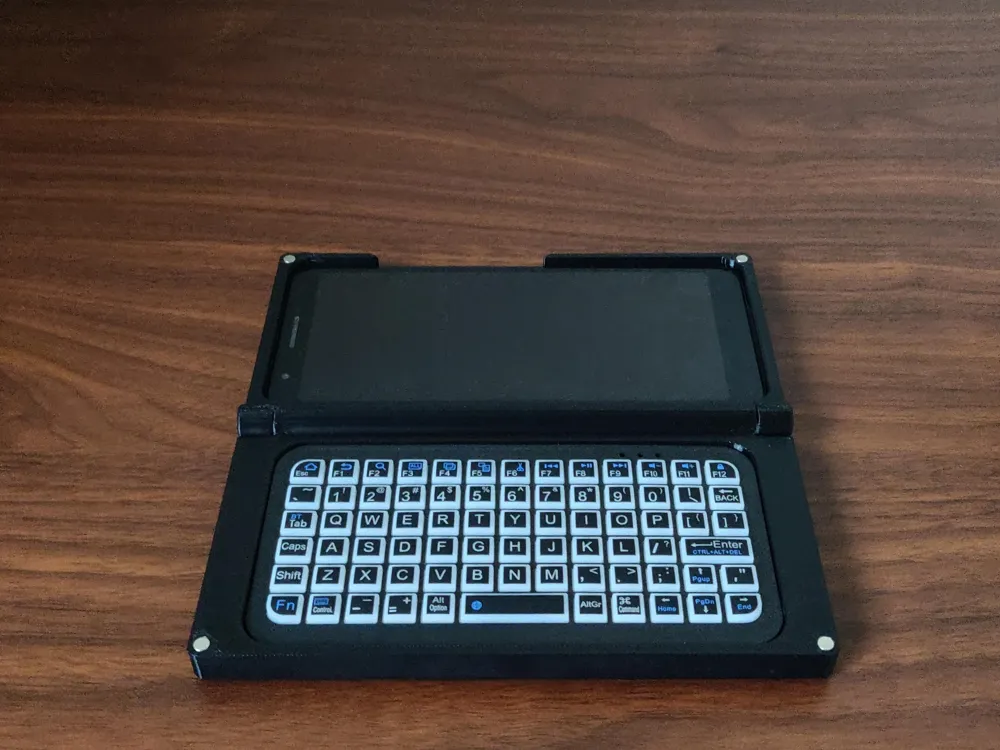
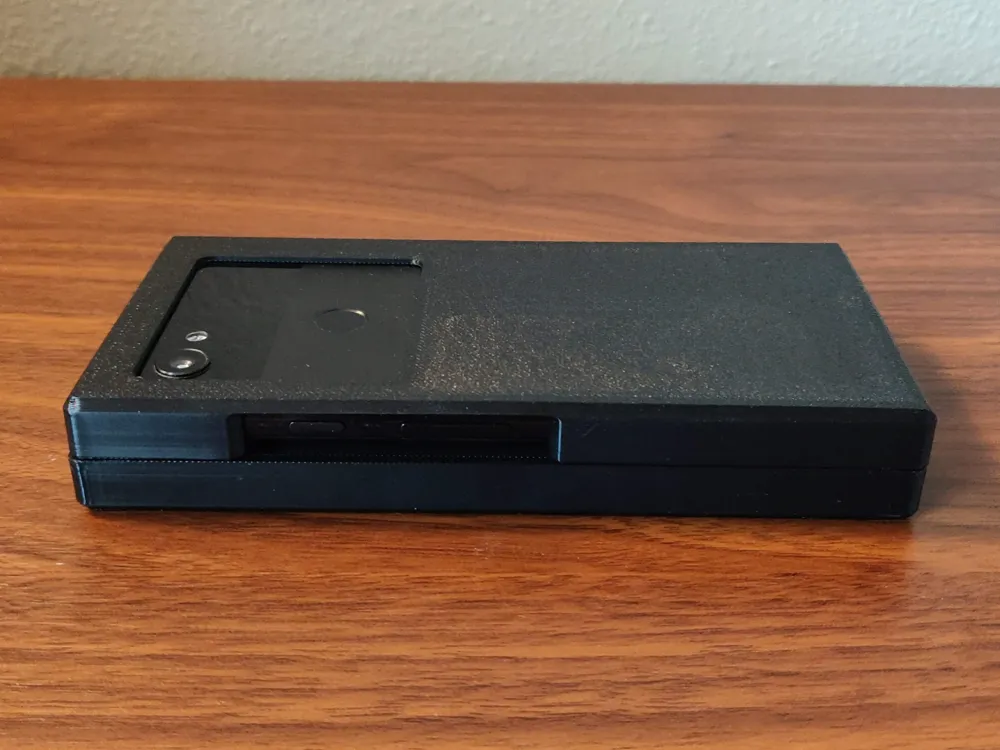
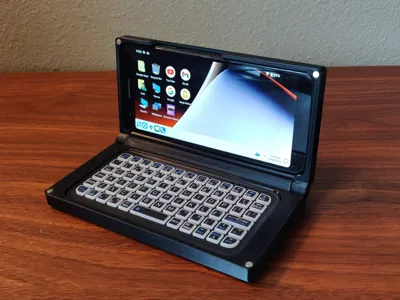
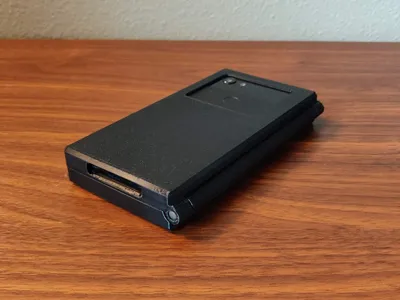
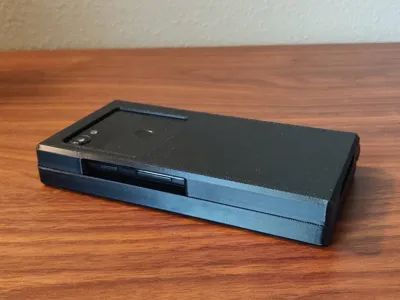
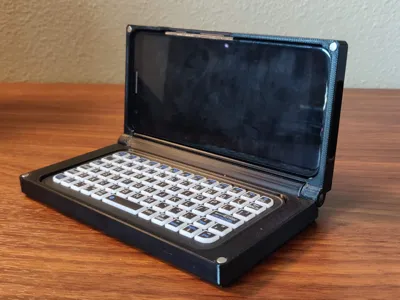
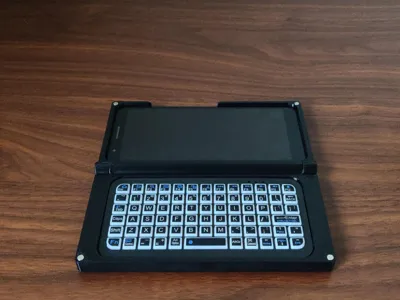
This is my DIY Palmtop Cyberdeck using the Google Pixel 3A and a mini wireless Bluetooth keyboard. It currently utilizes a Windows 10 theme but can also run Ubuntu Touch.
Recommended material: PETG
Features:
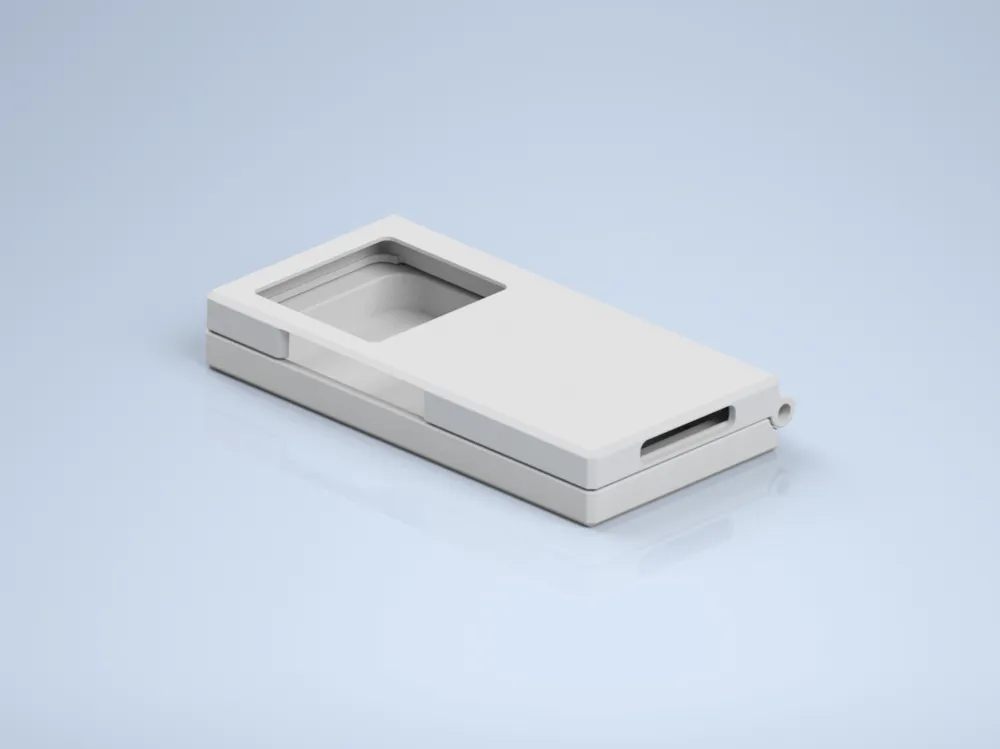
- Sleek, simple squared design
- 180 degree flip/fold
- Only 2 printed parts with minimal supports
- Snug clamshell prevents phone from sliding around
- Easy to install/remove keyboard for charging
- 4X 4x2mm magnets to help keep case closed (Optional)
Parts:
- Google Pixel 3A - Bought mine used on eBay for $50
- McMaster 5mm pins - 98380A145 (or equivalent 6mm pins)
- Mini Bluetooth Keyboard - AliExpress (or similar size)
- 4x2mm magnets - Bought a set of 50 on Amazon but anywhere should be good.
Assembly:
- Install 5mm pins (McMaster PN: 98380A145) on phone side making sure not to drive them all the way through.
- Line up the 2 printed parts folded closed and push pins in.
- Light tapping with a rubber mallet might be necessary depending on printer tolerance.
- Pins should sit flush on outer face of the case.
- Place the Bluetooth keyboard into the keyboard side
- Push Pixel 3A into phone side, phone should fit snug with little very little movement in any direction.
- (Optional) Press magnets into each corner.
- Make sure magnets are in correct orientation when closing the case before pressing in. They are a tight fit and are not intended to be removed easily once installed.
This was a fun one to make following the trend on r/cyberDeck. With tons of uses, its a nice thing to have around!
Hope you enjoy!
License

This user content is licensed under a
Creative Commons Attribution-Noncommercial-Share Alike


Comment & Rating (8)