
Airbus AIRBUS A350 Model—Standard Edition 1:100/120/144 Scale
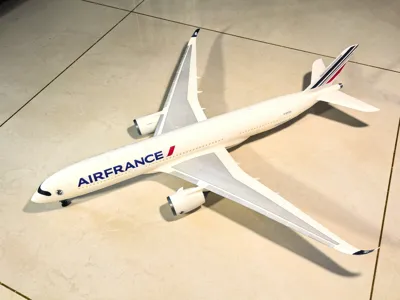
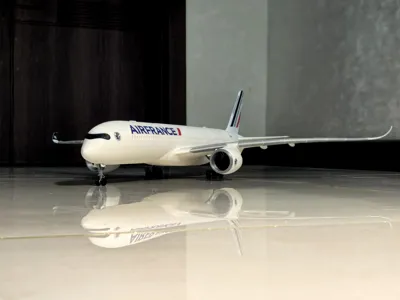
Print Profile(7)

![[1:144] A350-1000 Standard Edition-A1 mini](https://makerworld.bblmw.com/makerworld/model/USd016385b989e79/398104215/instance/2025-09-03_03e26dd23cbf28.jpg?x-oss-process=image%2Fresize%2Cw_100%2Fformat%2Cwebp)


Description
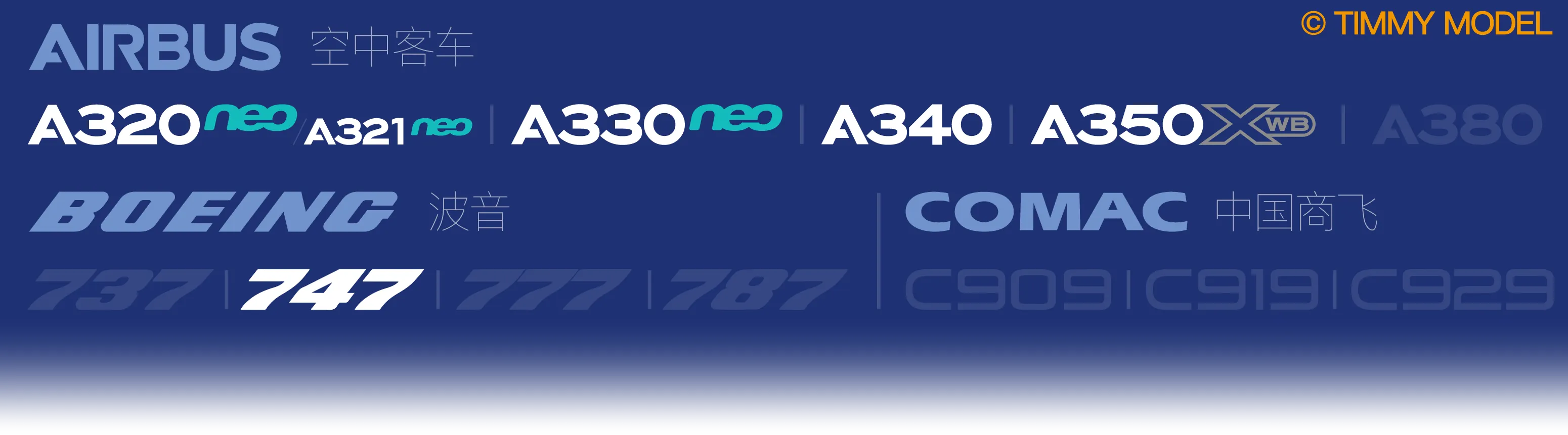
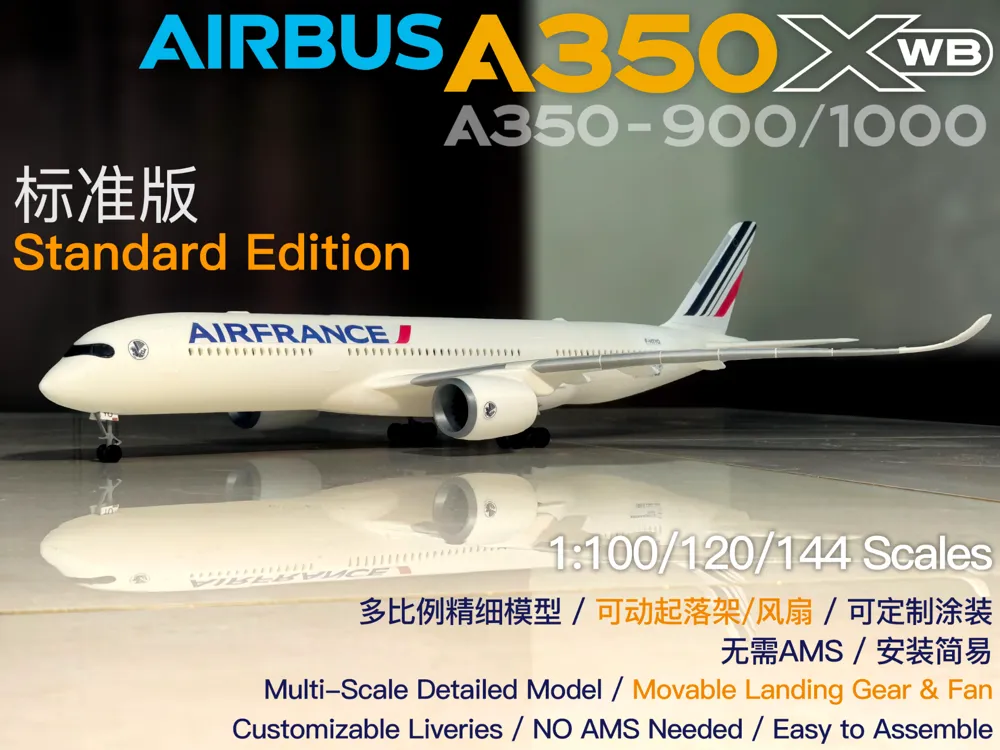
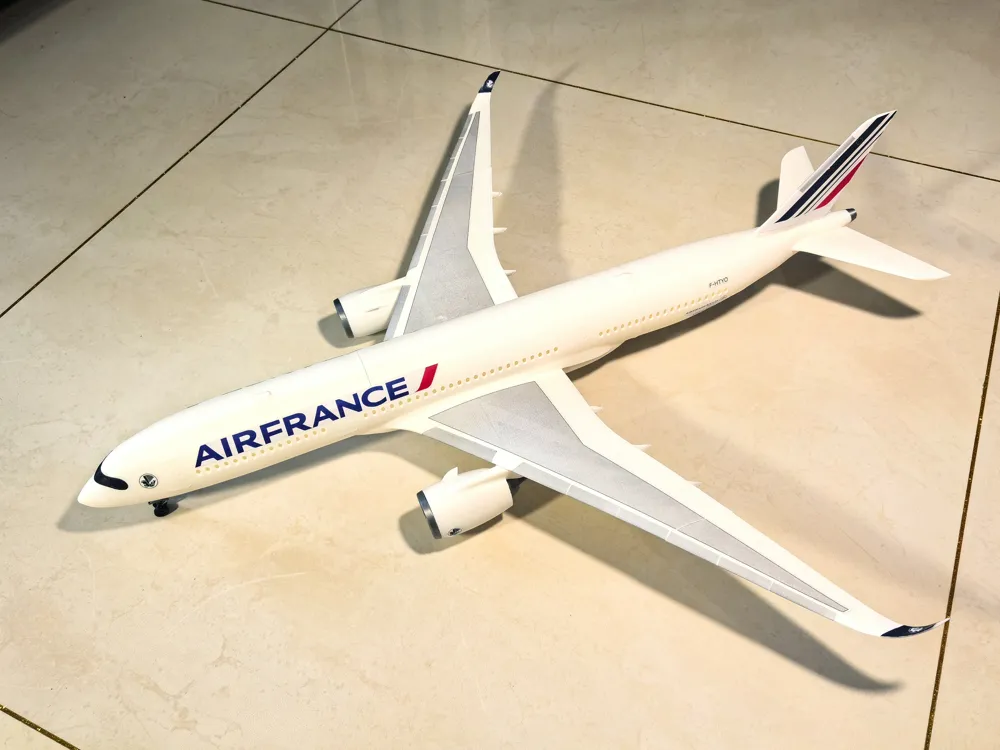
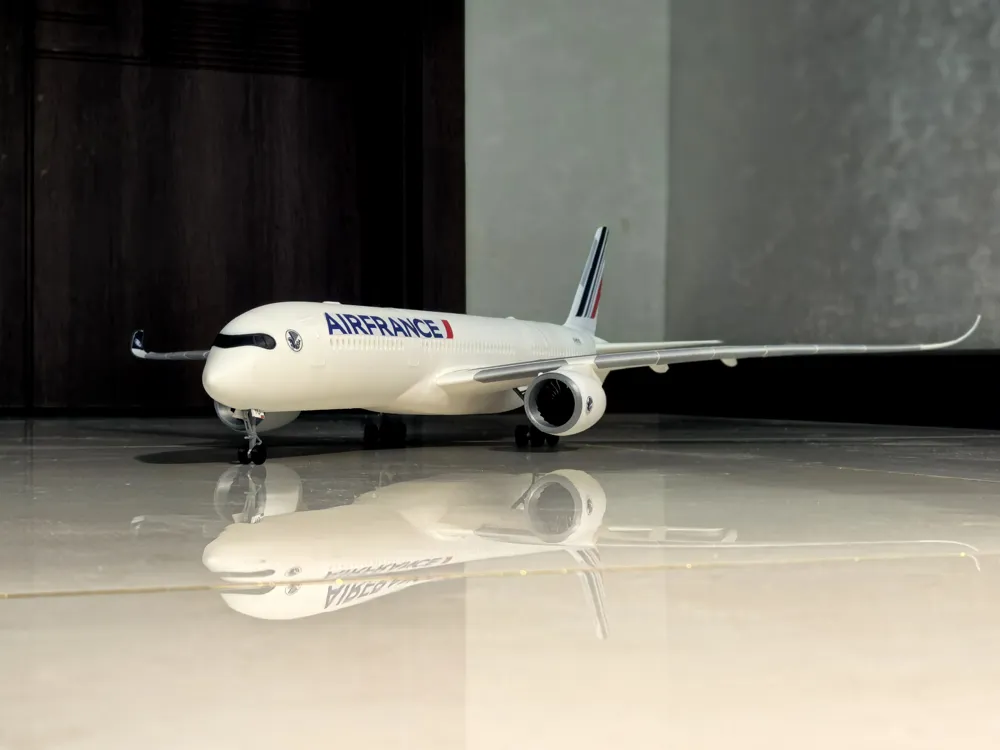
Timmy Airshow Project Fourth Release: AirbusA350—Standard Edition
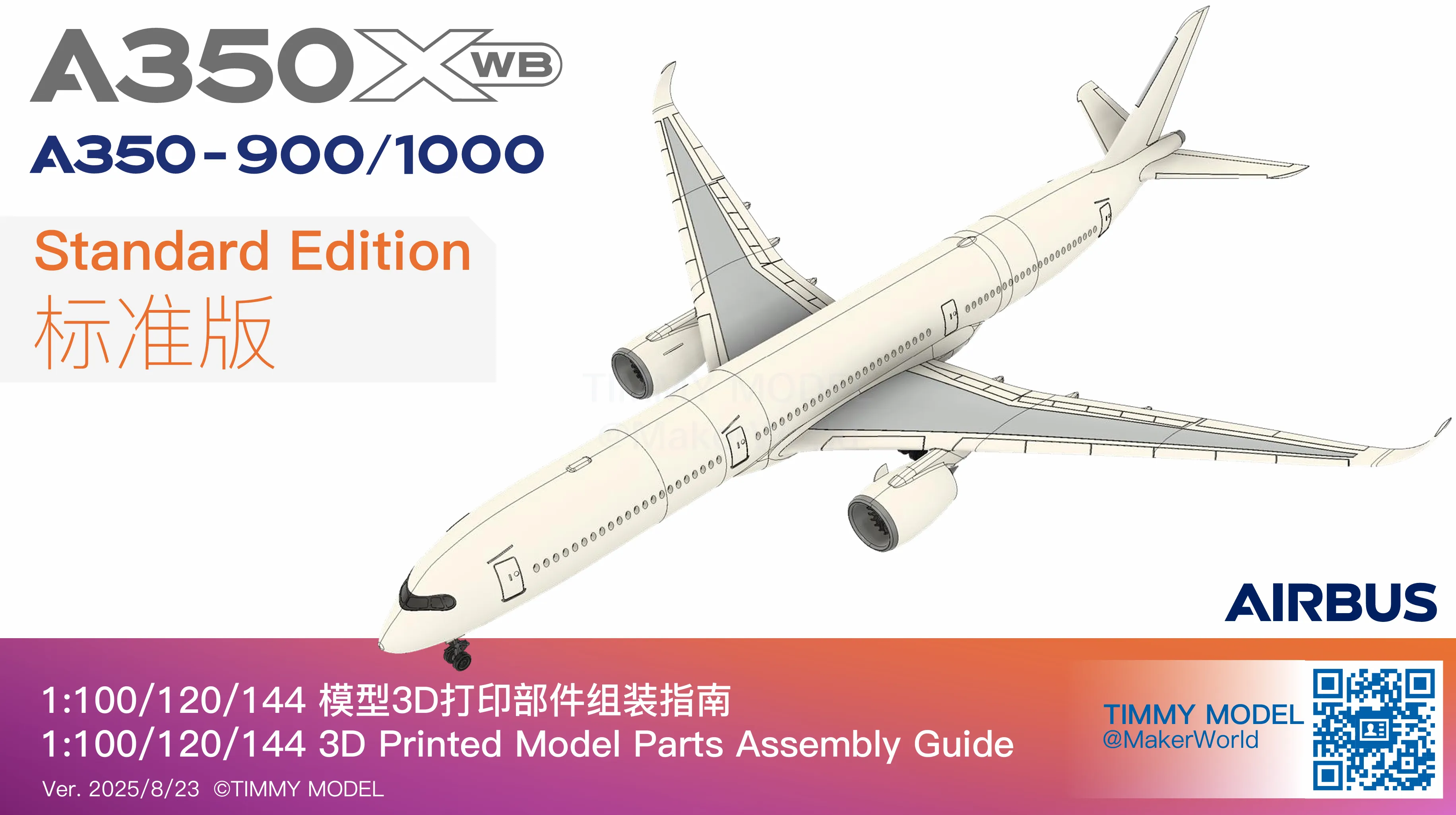
Thank you to all MakerWorld friends for your love of our models. Building on the previously released A320, A330, and A340 models, we are officially launching our fourth set of models—the Airbus A350 XWB. The models include two aircraft types: A350-900 and A350-1000, offering Standard Edition and Explorer Edition.This file is theStandard Edition.
The Explorer Edition model released this time adds an openable cockpit, further increasing playability.Click here to download.
Considering the model's size and detail effect, the Standard Edition offers three different scales: 1:100, 1:120, 1:144. The finished model dimensions are shown in the table below:
Length × Width × Height (unit: mm) | 1:100 | 1:120 | 1:144 |
A350-900 | 668×646×173 | 557×538×144 | 464×449×120 |
A350-1000 | 738×646×173 | 615×538×144 | 513×449×120 |
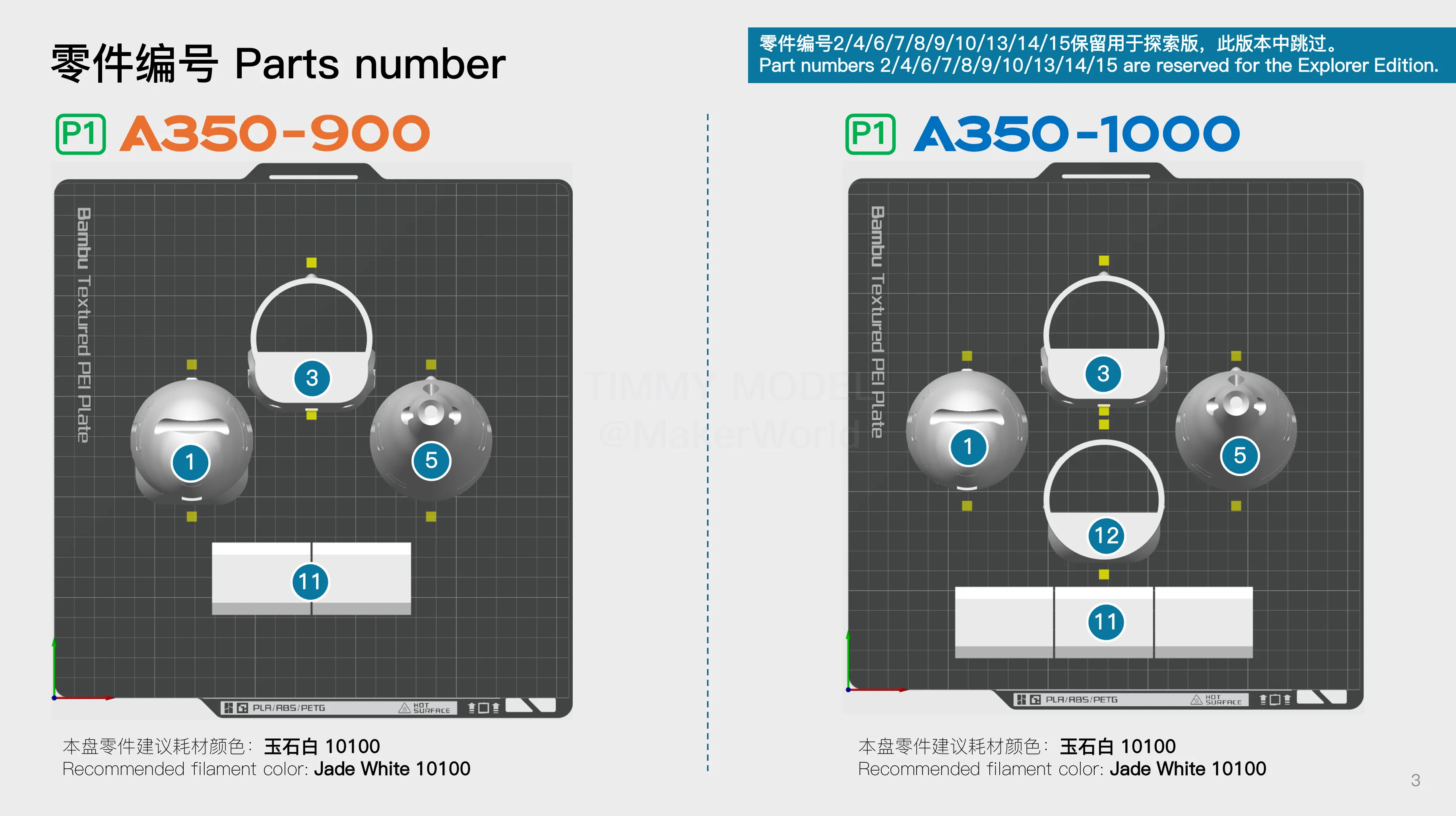
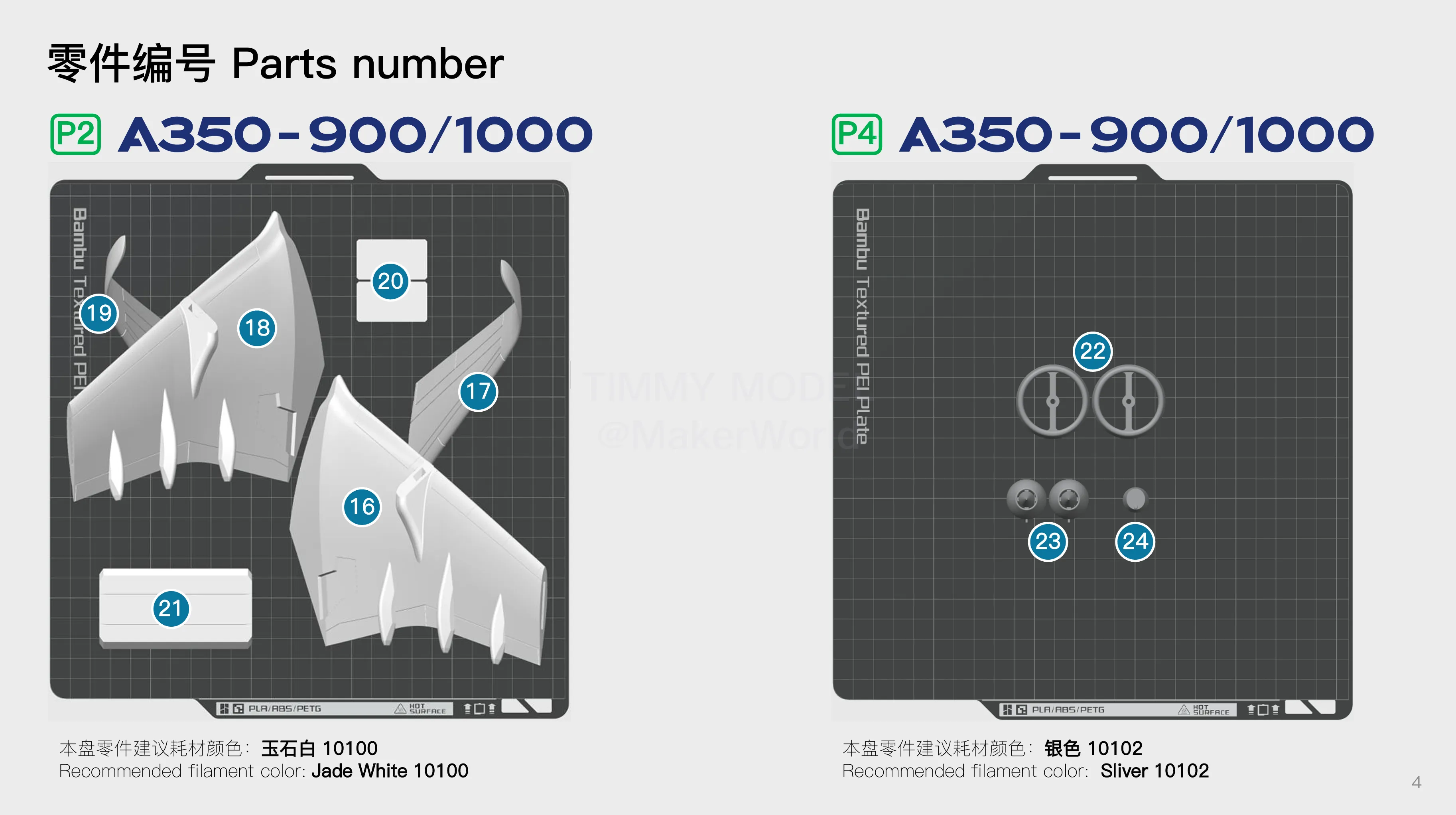
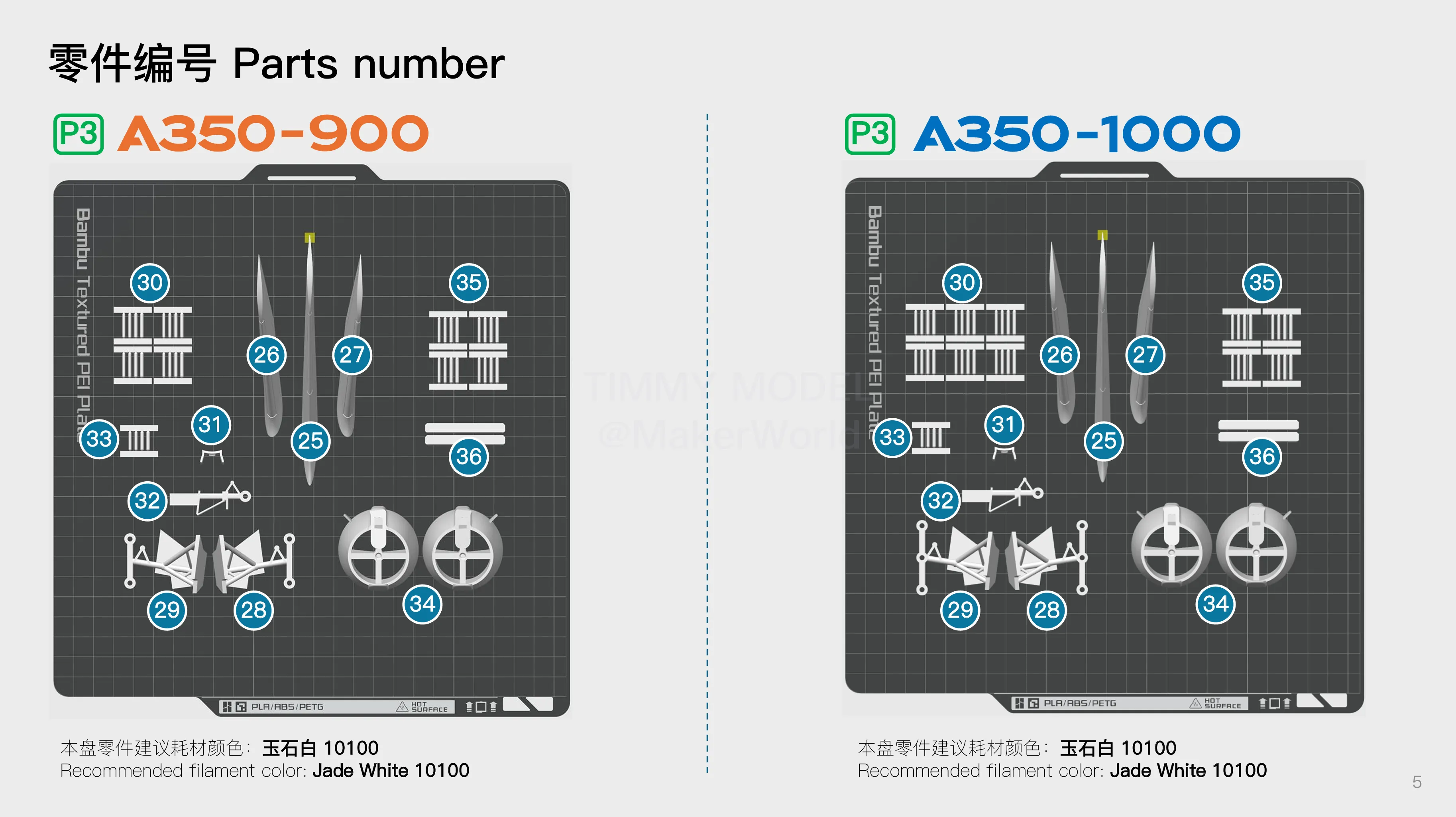
In the print profile, print files for two aircraft models and three scales are provided. Please select the corresponding files according to your preferences.The base file is universal.
1. Key Printing Requirements
Sharpening the axe does not delay chopping wood. To ensure successful printing, please be sure to follow the key printing requirements below:
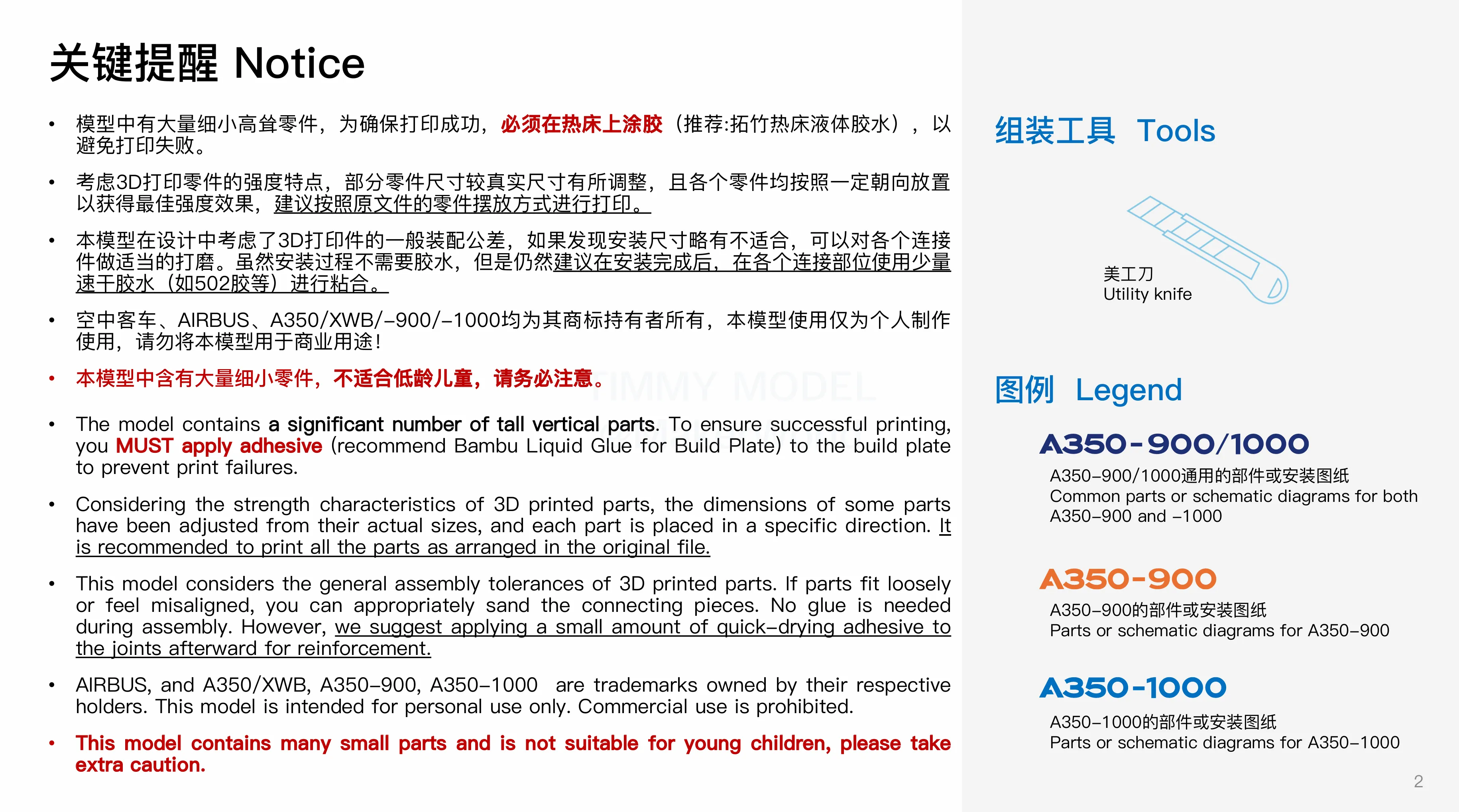
(1)For tall parts such as fuselage and wing parts, please be sure to apply glue to the heated bed when printing(Recommended: Bambu Lab heated bed liquid glue), and appropriately increase the heated bed temperature according to the selected filament.
(2)Please choose filament with good layer adhesion to ensure the strength of parts such as wings (especially winglets).It is recommended to use filaments with better layer adhesion such as PLA Basic or PLA+(Do not use filaments with poor layer adhesion such as PLA Lite), and dry the filament before printing.
2. Custom Liveries
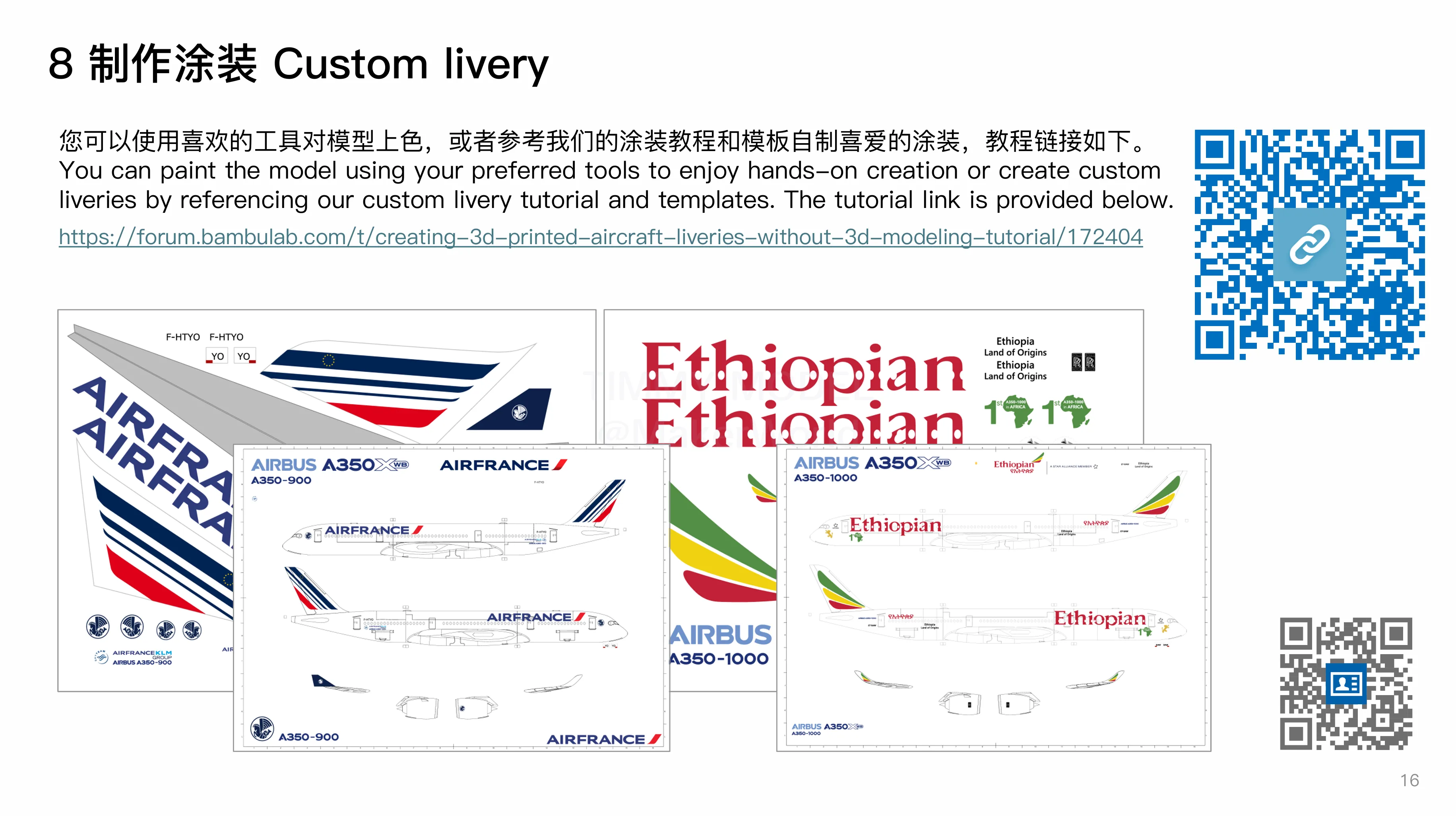
The Explorer Edition model released this time is a blank fuselage without livery lines, making it convenient for everyone to create their favorite liveries. We provide a complete DIY livery tutorial and templates.Click here to view the tutorial. Templates can be downloaded in the documents below.
——————————————————————————
Timmy Airshow Project Fourth Release: Airbus A350 — Standard Edition
Building on our released A320, A330, and A340 models, we proudly present our fourth series: the Airbus A350 XWB. This release includes both A350-900 and A350-1000 variants in Standard and Explorer Editions, this file is Standard Edition.
The Explorer Edition now features an openable cockpit, enhancing interactive playability.
For optimal print quality and detail fidelity, the Explorer Edition offers three scales: 1:100 1:120 and 1:144. Finished model dimensions:
Length × Width × Height (unit: mm) | 1:100 | 1:120 | 1:144 |
A350-900 | 668×646×173 | 557×538×144 | 464×449×120 |
A350-1000 | 738×646×173 | 615×538×144 | 513×449×120 |
In the print profile, print files for two aircraft models and three scales are provided. Please select the corresponding files according to your preferences.The base file is universal.
1. Key Printing Requirements
Sharpening the axe does not delay chopping wood. To ensure successful printing, please be sure to follow the key printing requirements below:
(1)For tall parts such as fuselage and wing parts, please be sure to apply glue to the heated bed when printing(Recommended: Bambu Lab heated bed liquid glue), and appropriately increase the heated bed temperature according to the selected filament.
(2)Please choose filament with good layer adhesion to ensure the strength of parts such as wings (especially winglets).It is recommended to use filaments with better layer adhesion such as PLA Basic or PLA+(Do not use filaments with poor layer adhesion such as PLA Lite), and dry the filament before printing.
2. Custom Liveries
The Explorer Edition model released this time is a blank fuselage without livery lines, making it convenient for everyone to create their favorite liveries. We provide a complete DIY livery tutorial and templates.Click here to view the tutorial. Templates can be downloaded in the documents below.
——————————————————————————
Timmy Airshow Project Fourth Release: Airbus A350 — Standard Edition
Building on our released A320, A330, and A340 models, we proudly present our fourth series: the Airbus A350 XWB. This release includes both A350-900 and A350-1000 variants in Standard and Explorer Editions, this file is Standard Edition.
The Explorer Edition now features an openable cockpit, enhancing interactive playability.
For optimal print quality and detail fidelity, the Explorer Edition offers three scales: 1:100 1:120 and 1:144. Finished model dimensions:
Length × Width × Height (unit: mm) | 1:100 | 1:120 | 1:144 |
A350-900 | 668×646×173 | 557×538×144 | 464×449×120 |
A350-1000 | 738×646×173 | 615×538×144 | 513×449×120 |
Two aircraft models and three scales of 3MF files are available in the print configuration. Please select the files according to your preferences. The base file is universal for all configurations.
1. Critical Printing Tips: "Prior preparation prevents poor prints."
For fuselage and wing parts (all the tall vertical structures):
- Mandatory: Apply adhesive to the heated bed and increase bed temperature based on filament type..
Material Selection:
- Use filaments with strong interlayer adhesion (e.g., PLA Basic or PLA+) to ensure part integrity — especially for wingtips. Avoid low-adhesion materials like PLA Lite.
- Dry filament thoroughly before printing.
2. Custom Liveries
The Explorer Edition includes a blank fuselage (no pre-etched lines) for custom designs. Access our complete resources:
- Custom Livery Tutorial: Click Here
- Templates: Download from the "Documents" section below.
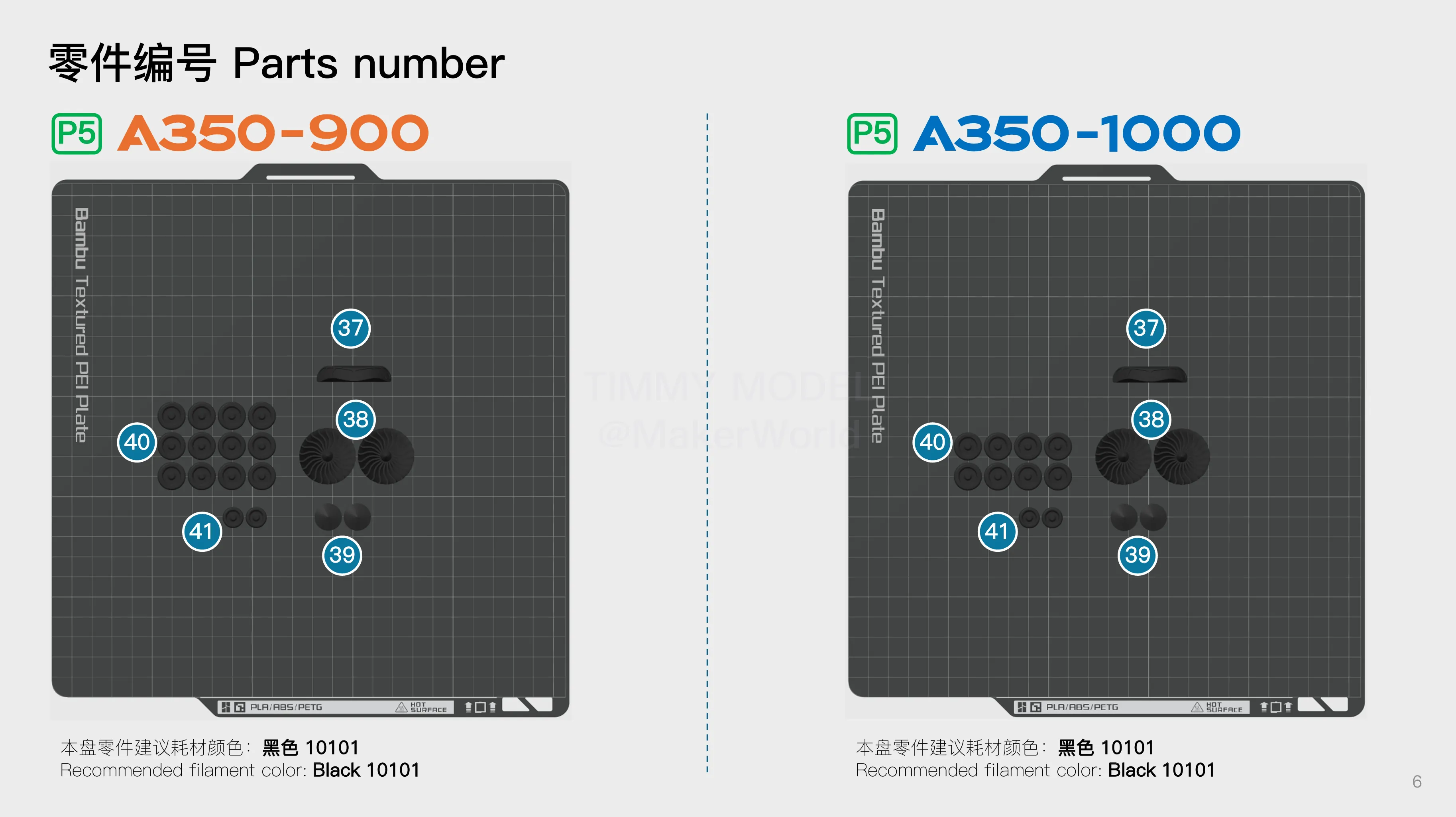
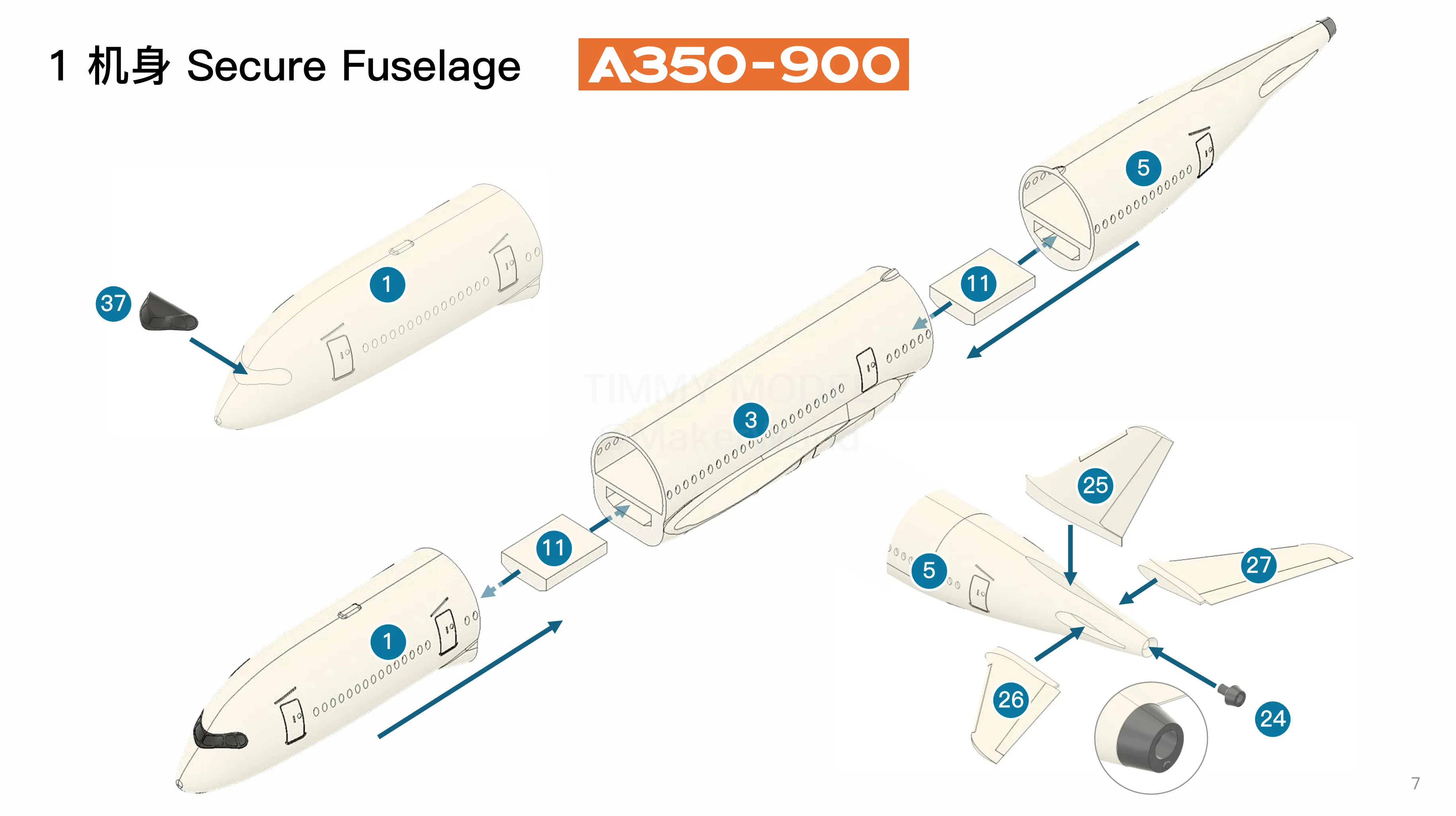
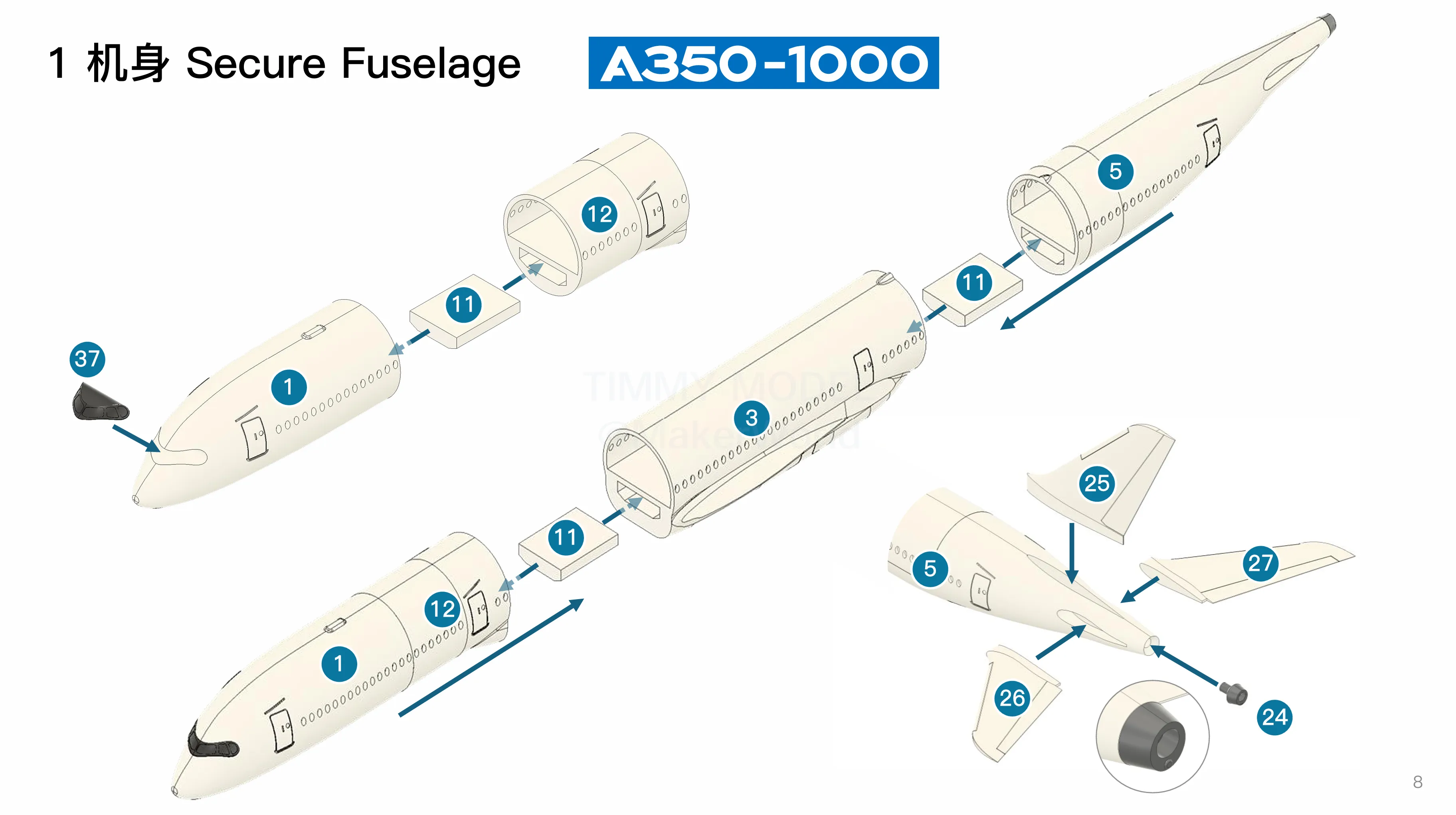
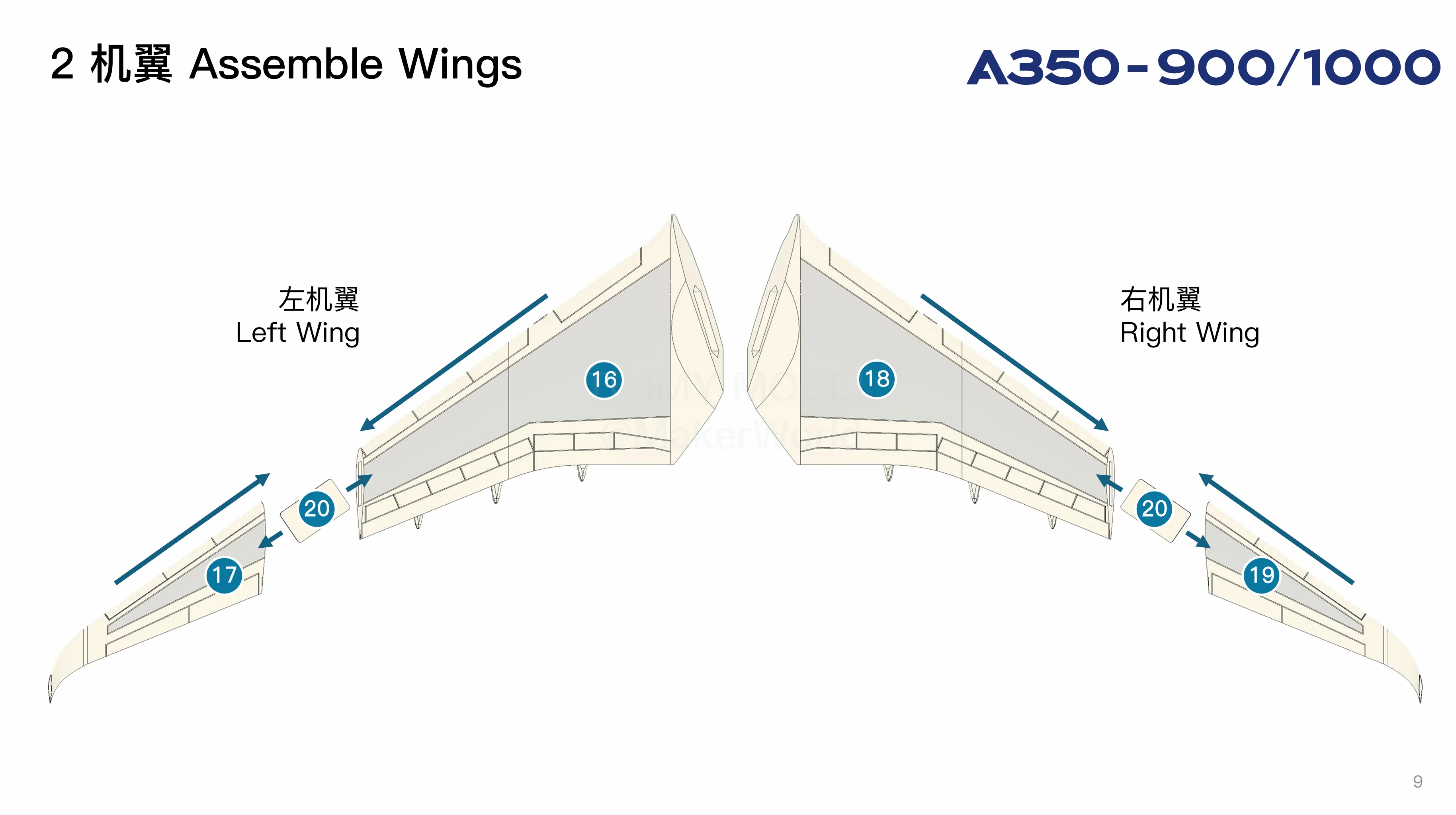
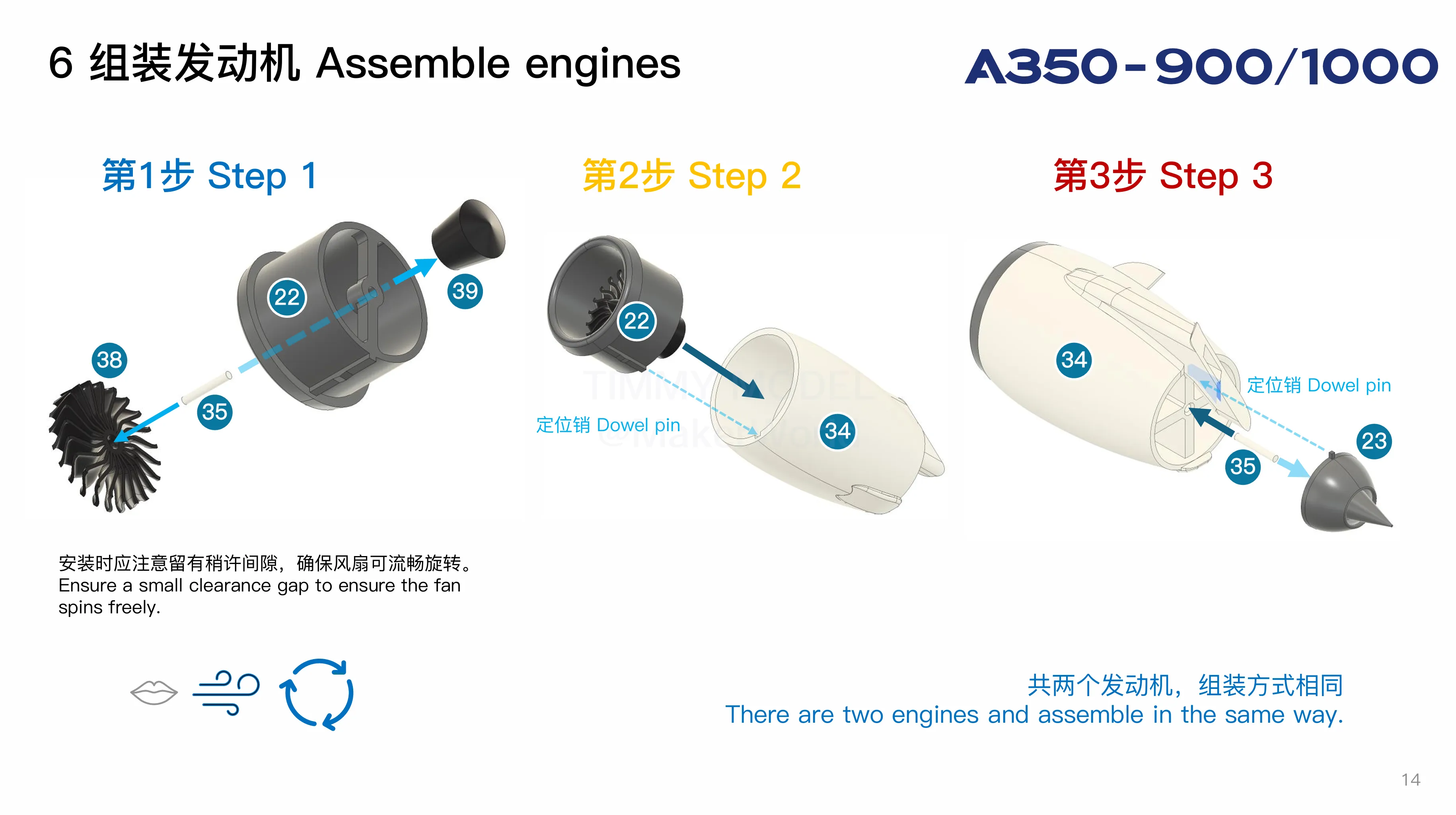
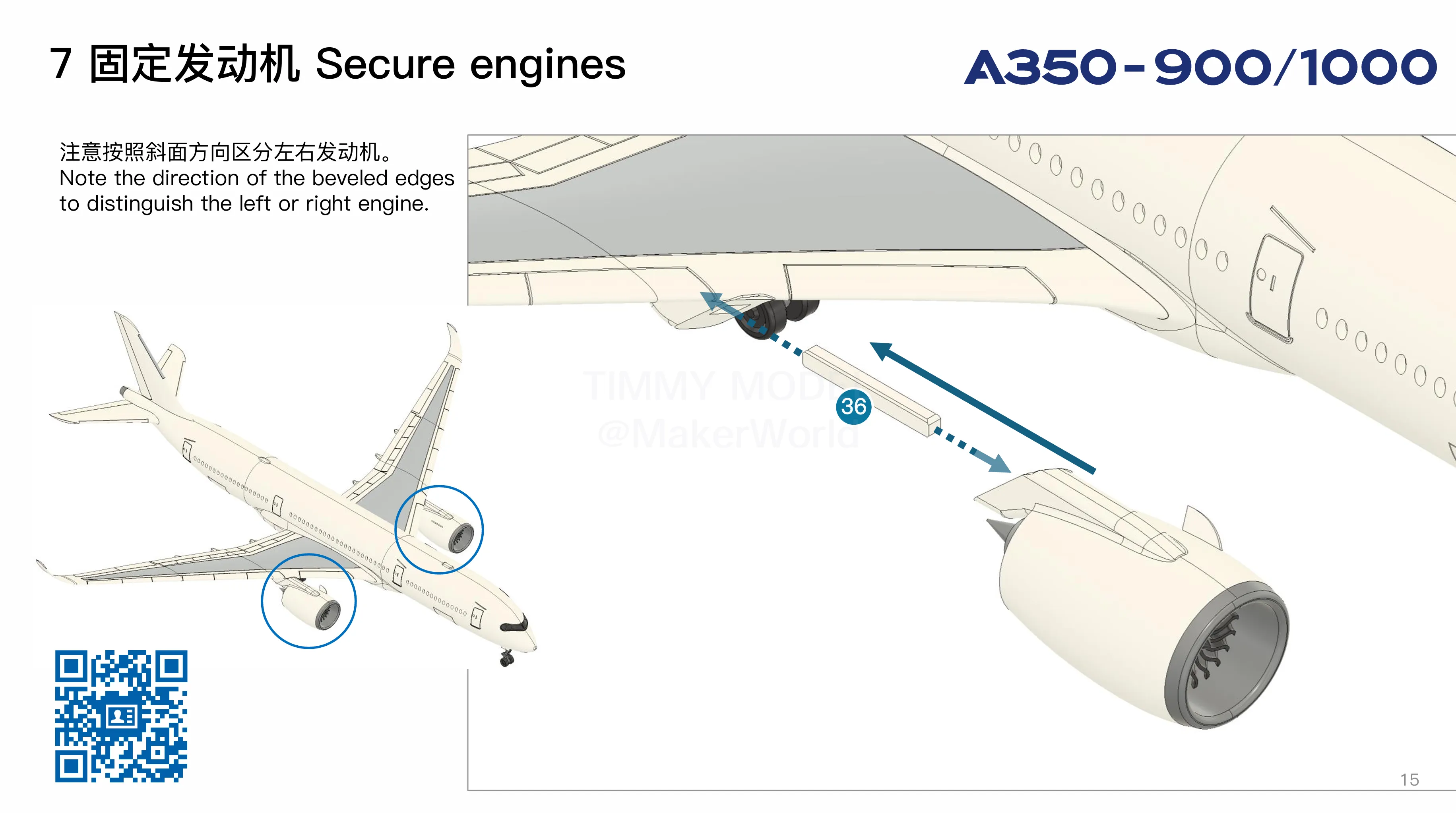
Boost Me (for free)
Sincere gratitude for your support, which inspires us to create and share more high-quality models. We will donate a portion of MakerWorld revenue to the UNICEF. 衷心感谢您的支持,激励我们创作和分享更多的优质模型,我们会将MakerWorld部分收入捐赠给联合国儿童基金会。
Membership
Subscribe to our Commercial License Membership to obtain authorization for premium model sales across both online and offline channels. As part of our commitment to social responsibility, we will donate a portion of MakerWorld revenue to the UNICEF. 欢迎订阅我们的商业许可会员,以获得线上和线下的销售优质模型的许可,我们会将MakerWorld部分收入捐赠给联合国儿童基金会。
Documentation (4)
License

You shall not share, sub-license, sell, rent, host, transfer, or distribute in any way the digital or 3D printed versions of this object, nor any other derivative work of this object in its digital or physical format (including - but not limited to - remixes of this object, and hosting on other digital platforms). The objects may not be used without permission in any way whatsoever in which you charge money, or collect fees.


Comment & Rating (151)