
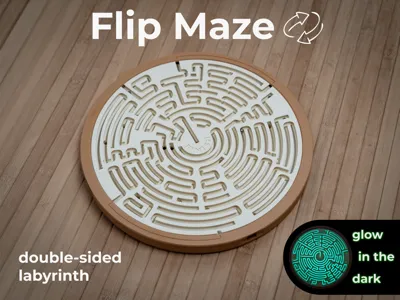
Flip Maze - double-sided labyrinth
Print Profile(5)



Bill of Materials





Description
Boost Me (for free)
Thank you for your support!
Flip Maze
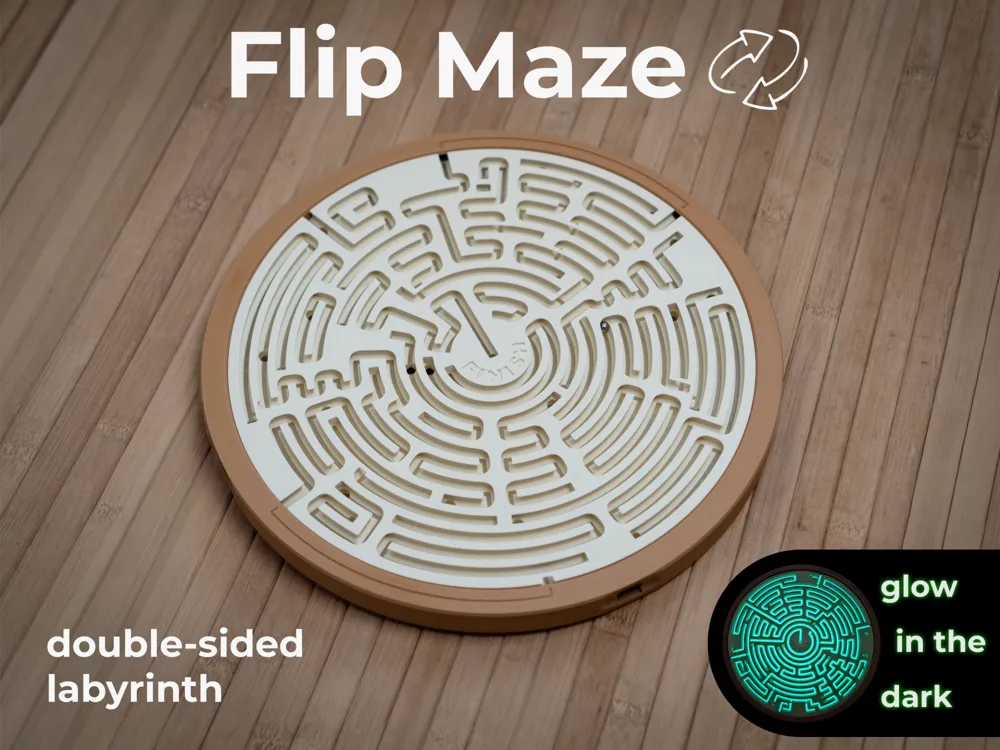
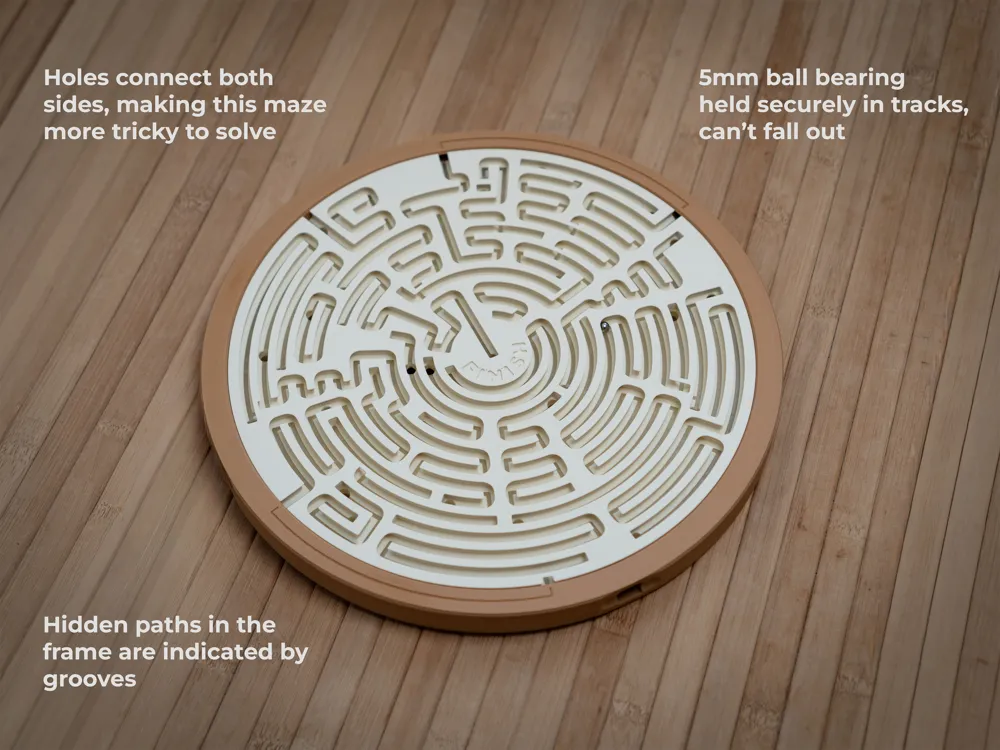

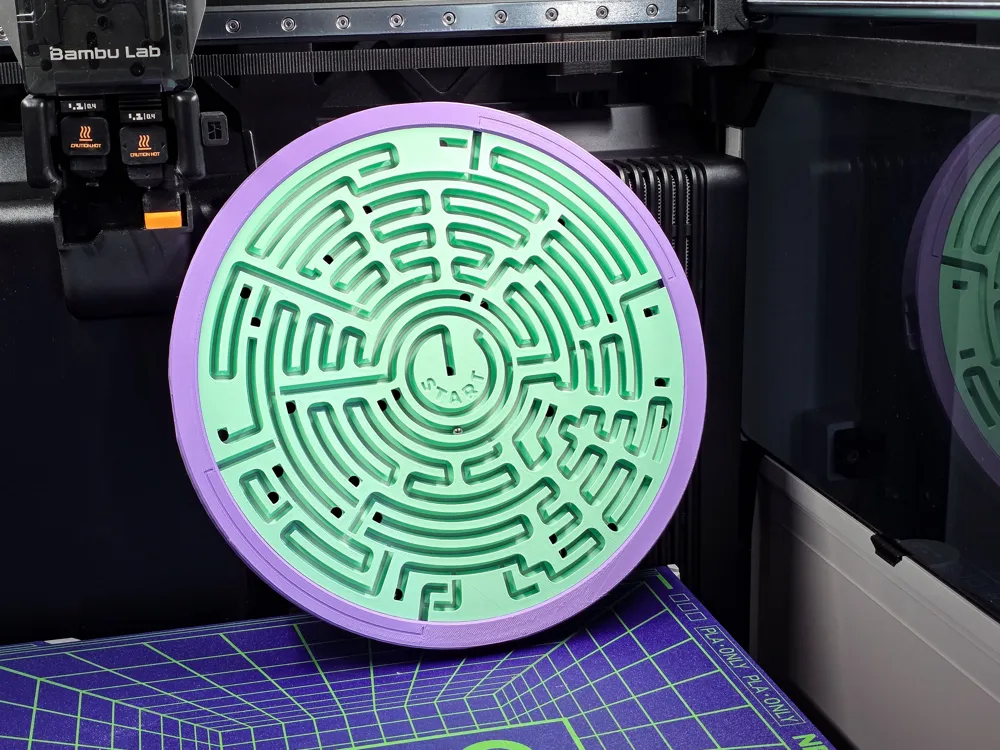
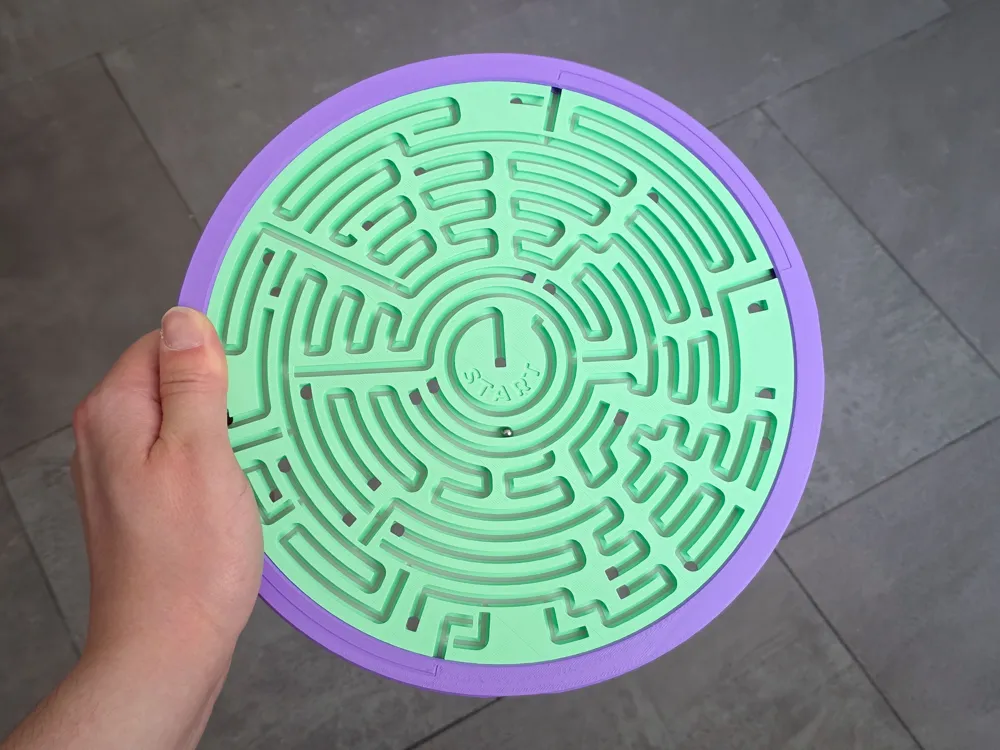
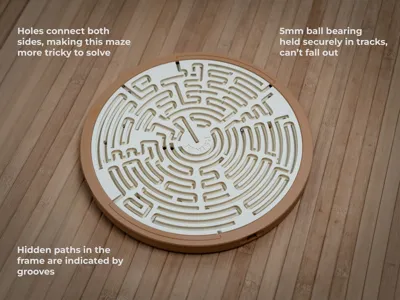
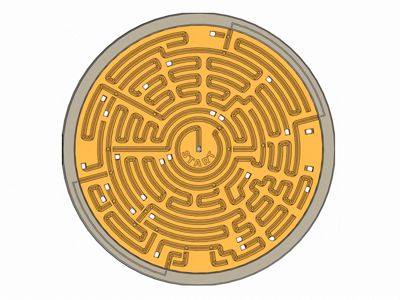
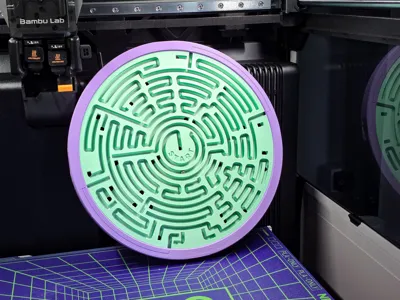
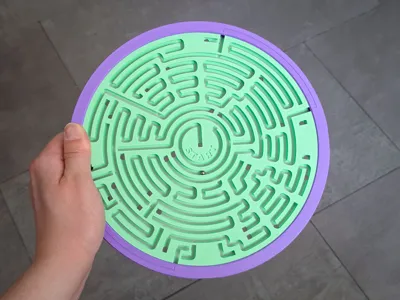

A double-sided maze with a twist: both sides are connected by holes, letting the ball slip between them. To reach the finish, you’ll need to navigate back and forth across both sides of the board for a fun and challenging puzzle experience.
The ball is securely held within the tracks, making it a safe and portable game. Perfect as a travel game or a fun toy for kids.
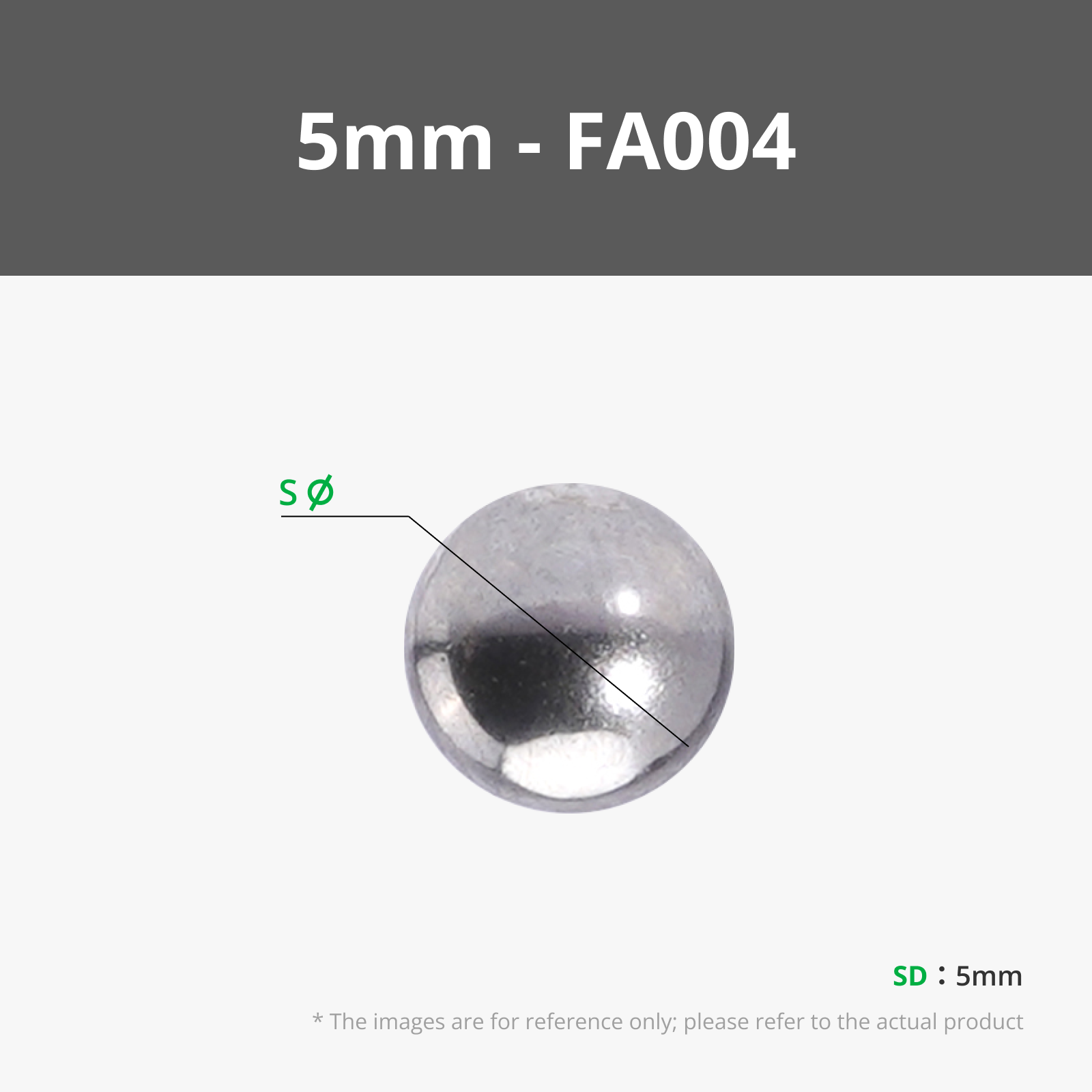
A 5 mm ball bearing works best (you will find a link to Maker's Supply below), but you can also 3D print the ball if you prefer.
Assembly is quick and tool-free. Just snap it together with the included 3D printed clips. No glue required.
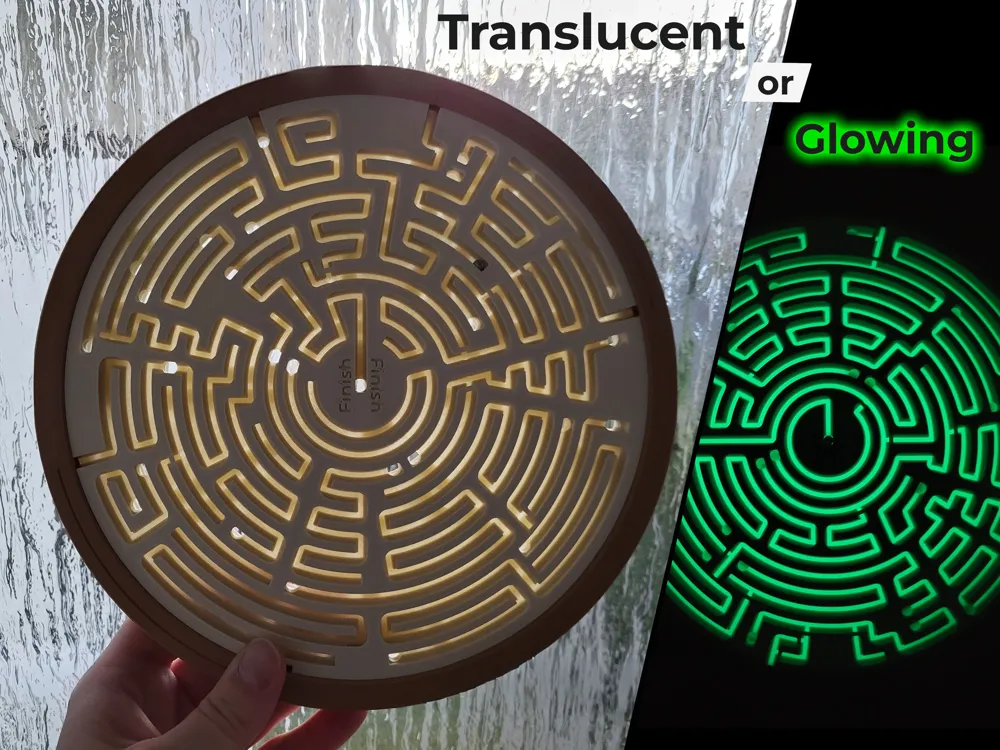
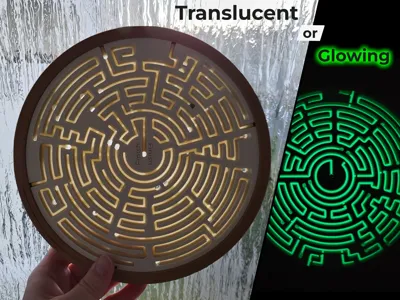
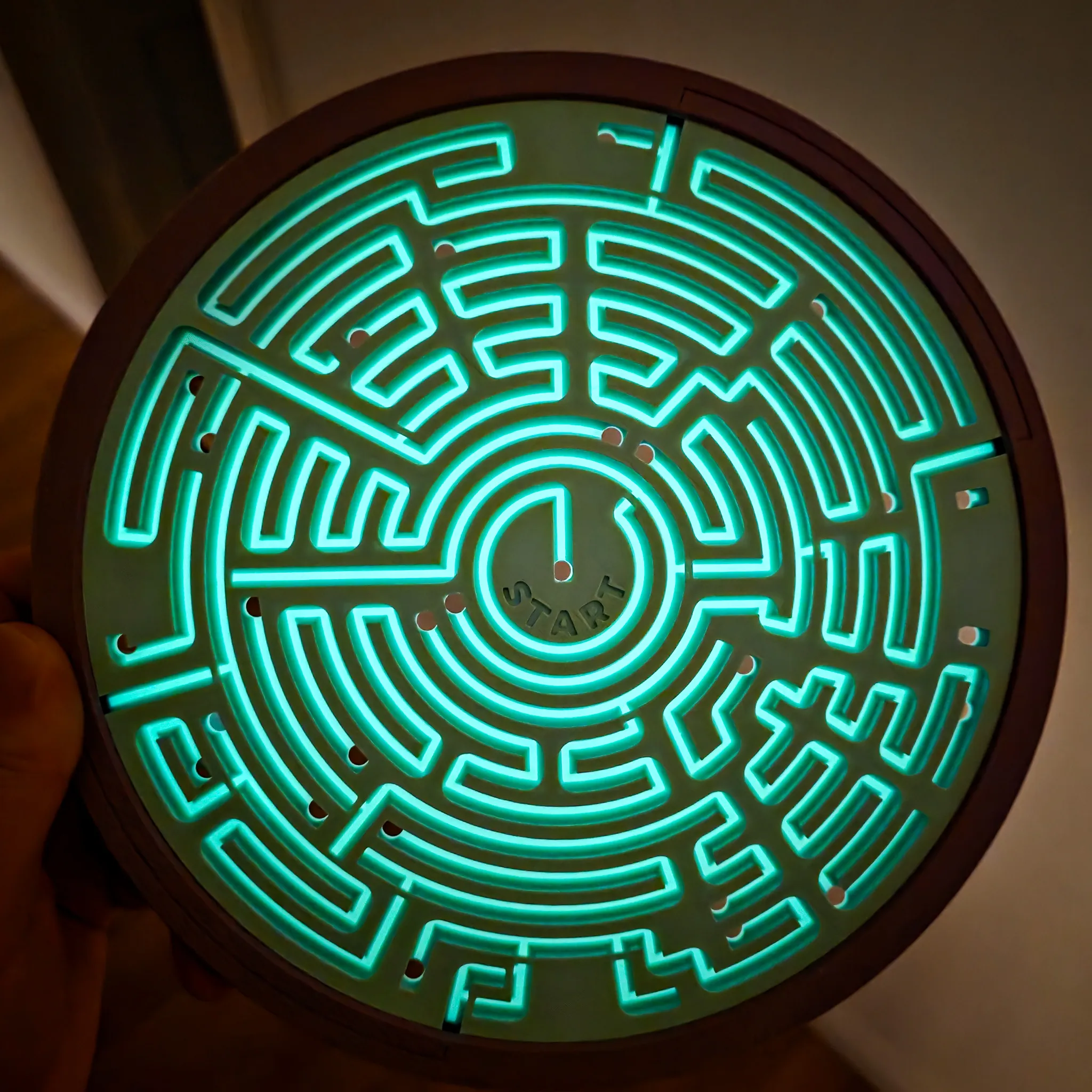
Two multi-material options are included: Translucent and Glow in the Dark. If you don’t have an AMS, you can use the No-AMS versions with built-in pauses for manual swaps.
For translucent or glow tracks, only the first 7 layers of the labyrinth plates need specialty filament—the rest can be printed in PLA Basic or Matte for a great contrast.
Make sure to remove all stringing (for example with a butane torch) so the ball can move freely in the tracks. Test if the ball can move freely in the paths inside the frame before assembly.
For the X1C you need to disable the calibration pattern when starting the print.
Documentation (1)

License

You shall not share, sub-license, sell, rent, host, transfer, or distribute in any way the digital or 3D printed versions of this object, nor any other derivative work of this object in its digital or physical format (including - but not limited to - remixes of this object, and hosting on other digital platforms). The objects may not be used without permission in any way whatsoever in which you charge money, or collect fees.


Comment & Rating (11)