
[Parametric] Book Box Storage
Print Profile(2)


Bill of Materials
- D3x2mm Round Magnet x 4:
Description
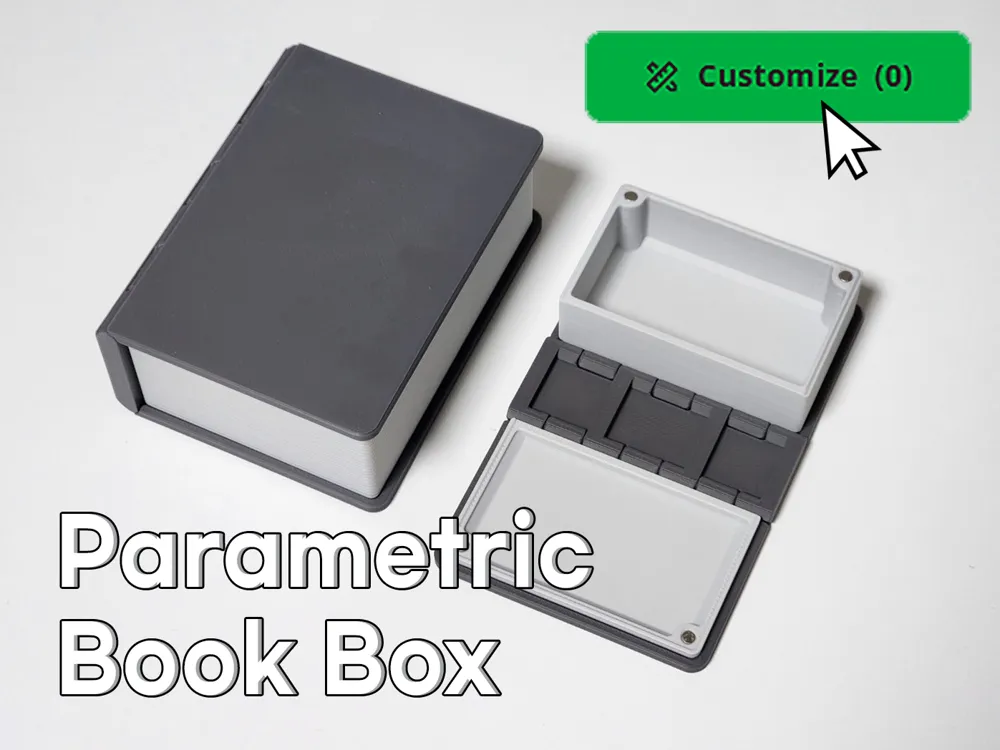
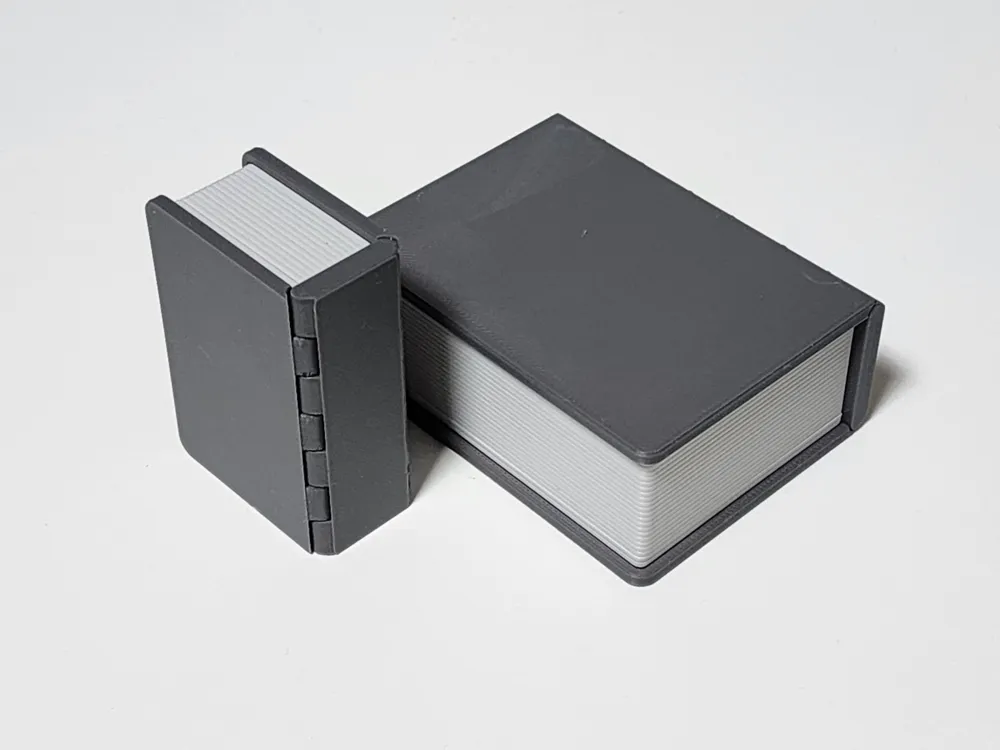
This is a storage box shaped like a book (Book box storage)
[Main Features]
- It can be folded or unfolded into a book shape and used as a storage tray
- Efficient folding structure (fixed with magnets when folded)
- Assembly with adhesive is required, but parts are separated for relatively easy printing
- By using SVG files, you can freely decorate the book cover part
- (Based on when folded into a book shape) The outer size can be changed, allowing for various sizes
[Print Profile Options]
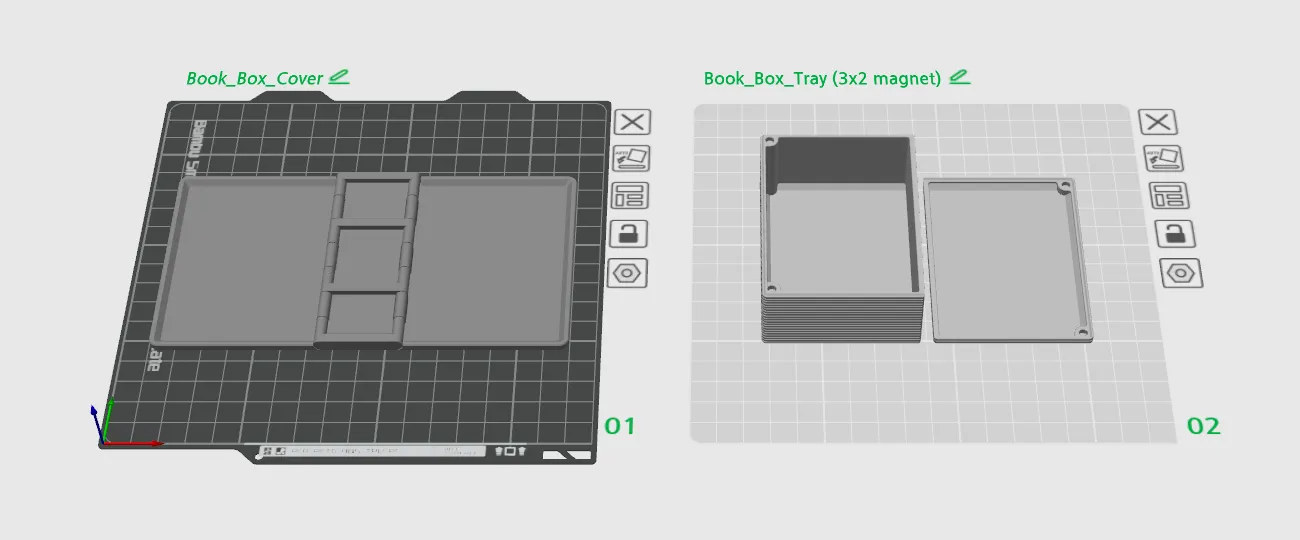
- Book Box Cover
- Book Box Tray (magnet)
- Book Box Cover: This is a blank cover without text (AMS not required)
- Book Box Tray (magnet): This is a tray part assembled to the cover using adhesive
Printable without supports
A lip has been added to hold it in place and prevent misalignment when folded
To help with smooth operation,
to print the curved surface of the hinge part more smoothly
please note that 0.12mm high-quality print settings are set as default (0.08~0.12mm layer printing recommended)
※ If the bottom part appears to be stuck together when printing the cover,
gently fold it using the hinge part, the attached part is thin and will separate relatively easily
[Parametric Customization]
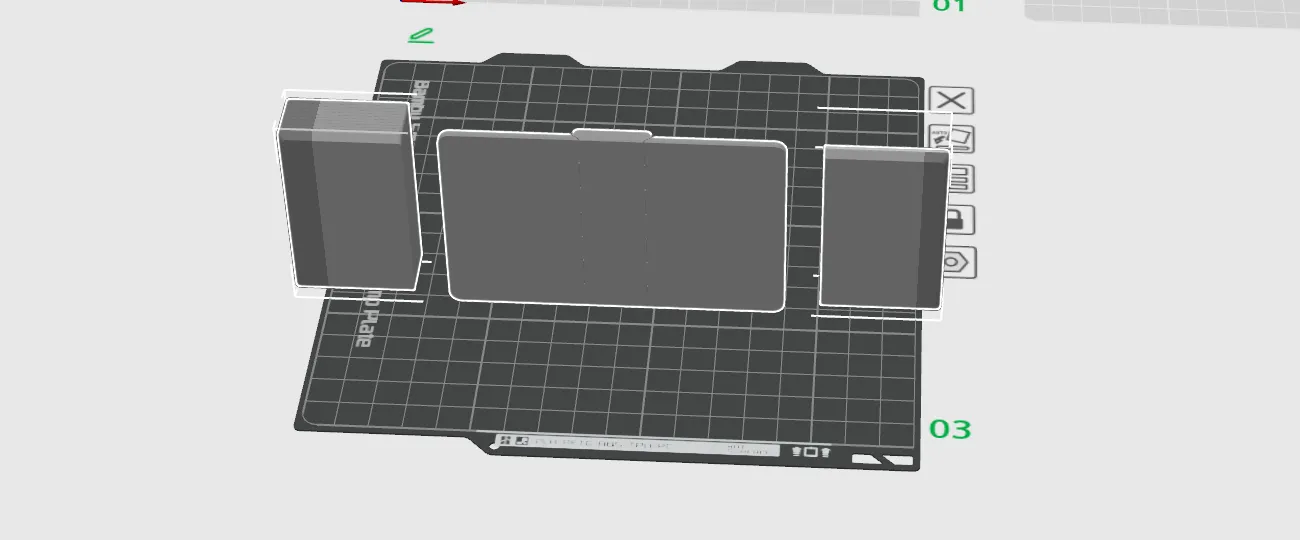
- You can set the main dimensions to create the desired size (Generated based on the outer dimensions of the cover)
The fixing magnets can be changed to your desired size (e.g., 3x2, 5x1, 5x2 magnet)
(When using the Parametric Customization feature, all parts are generated as included within one model)
- In Bambu Studio, adjust the print orientation, then right-click on the model → Split (Object)
- Without moving each object, re-select only the 3 Book Box Cover Parts, then right-click → Merge to combine them
- Arrange them on the build plate as desired and print
※ Since the Book Box Cover Part must be printed in one piece, it must be sized to fit the printable volume of each printer
(Based on a maximum of 250mm)
(Outer Width x2) + Outer Height must be less than 249mm (e.g., if width is set to 110mm, Height can be up to 29mm)
Outer Length must be less than 250mm
License

You shall not share, sub-license, sell, rent, host, transfer, or distribute in any way the digital or 3D printed versions of this object, nor any other derivative work of this object in its digital or physical format (including - but not limited to - remixes of this object, and hosting on other digital platforms). The objects may not be used without permission in any way whatsoever in which you charge money, or collect fees.


Comment & Rating (16)