
Creality K1 XY Belt Tensioner Upgrade

Print Profile(2)


Description
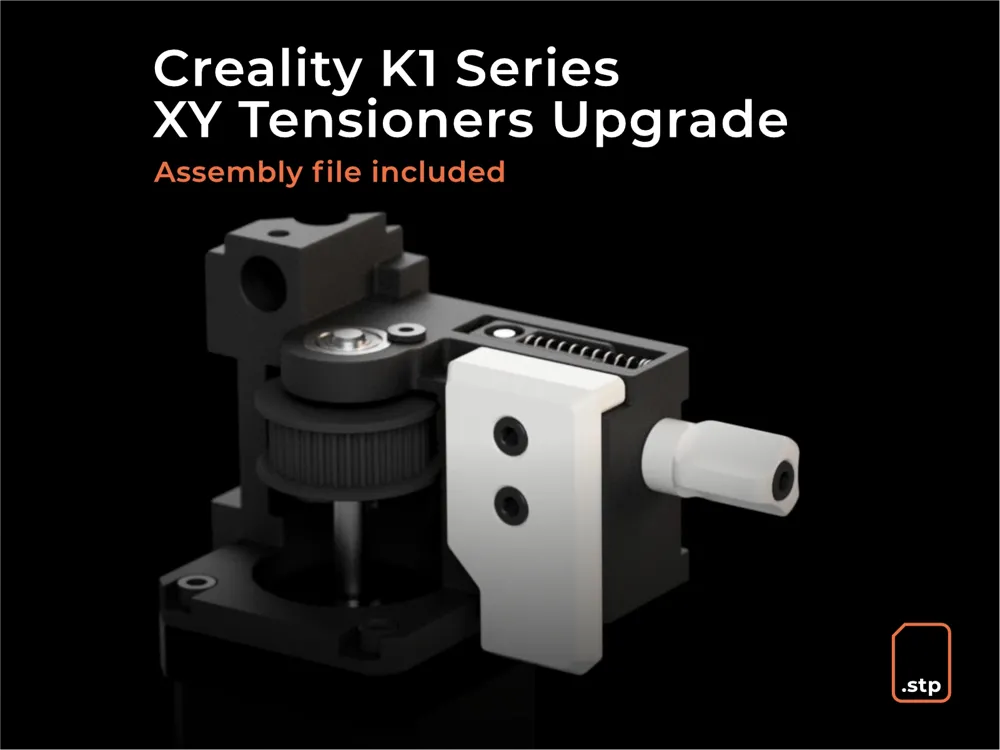
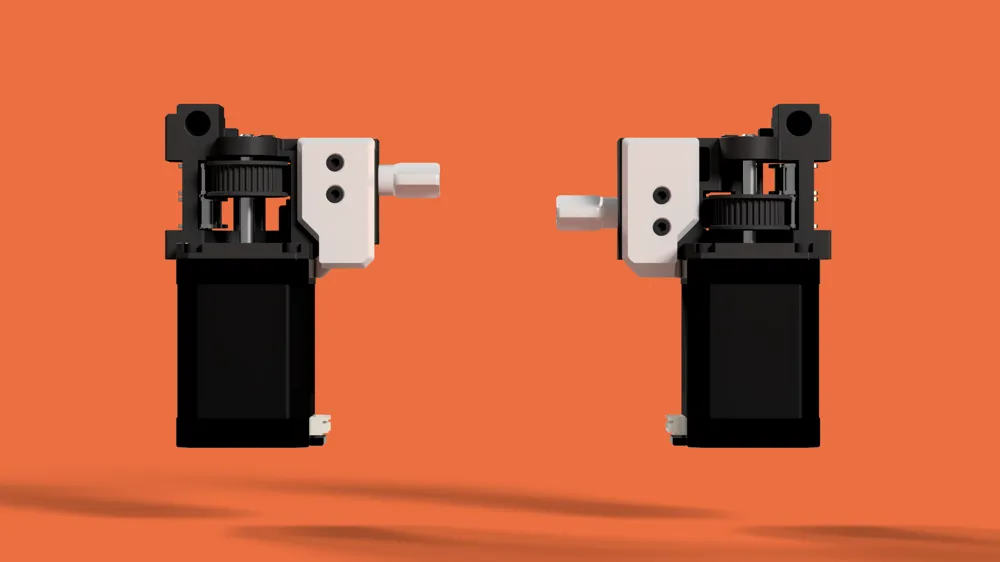
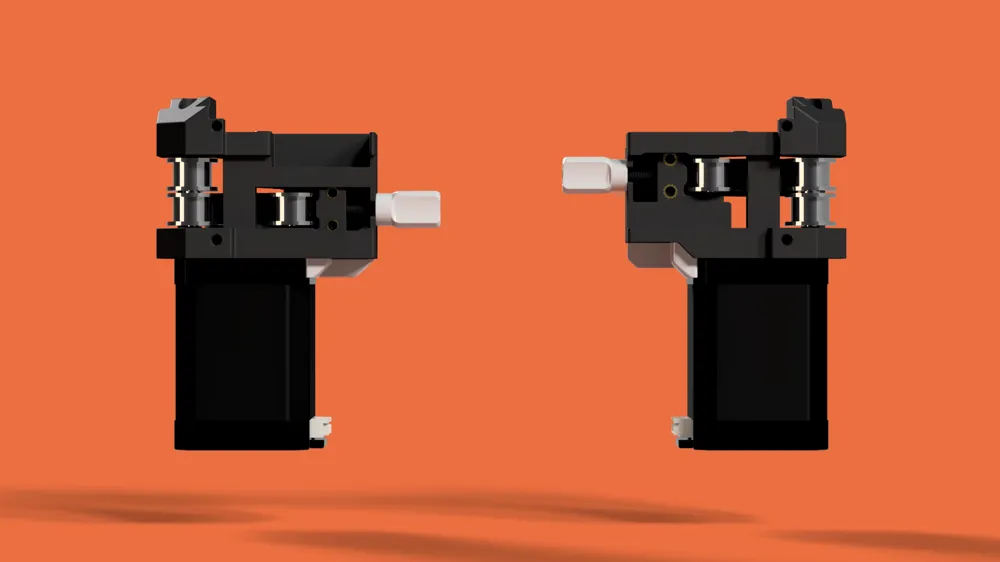
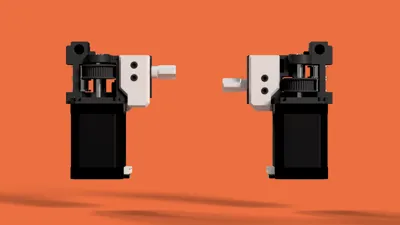
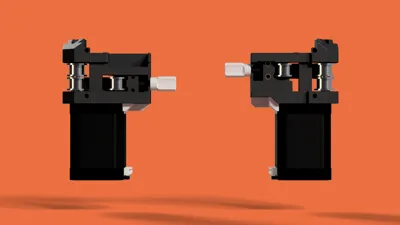
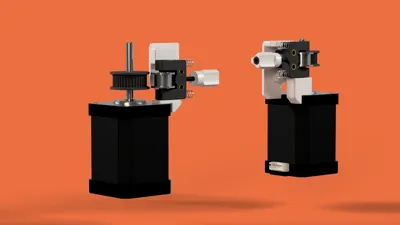
The goal of this model is the prevent the tensioner form tilting by containing it more on the Z and X axes. This will prevent the belt to wear unevenly and increase its life spend.
This model is compatible with the Creality K1, K1C, K1 Max
Recommended Print Settings :
Material : ASA / ABS
Nozzle : 0.4
Layer height : 0.2
Perimeter count : 4
Top / Bottom layers : 5
Infill : 40%
No supports
Bill of material
2 x M3 x 30mm SHCS screws
4 x M3 x 16mm SHCS screws ( for Creality K1C Only)
Installation Guide
- Remove the screws on the tensioners.
- Remove the covers of the cable race way to make some room for inserting the wedges.
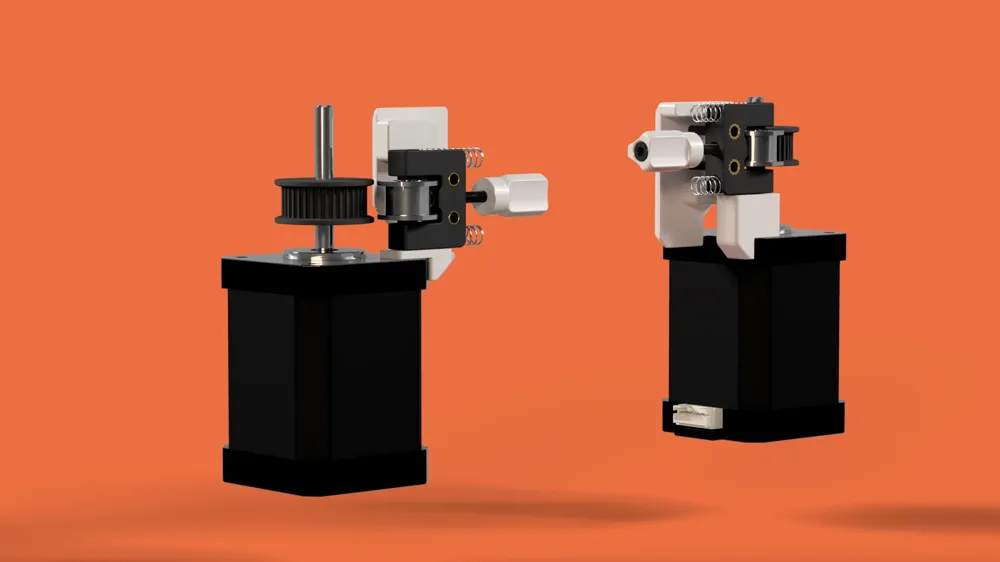
- Insert the wedge from underneath the stepper mount and slide it into place.
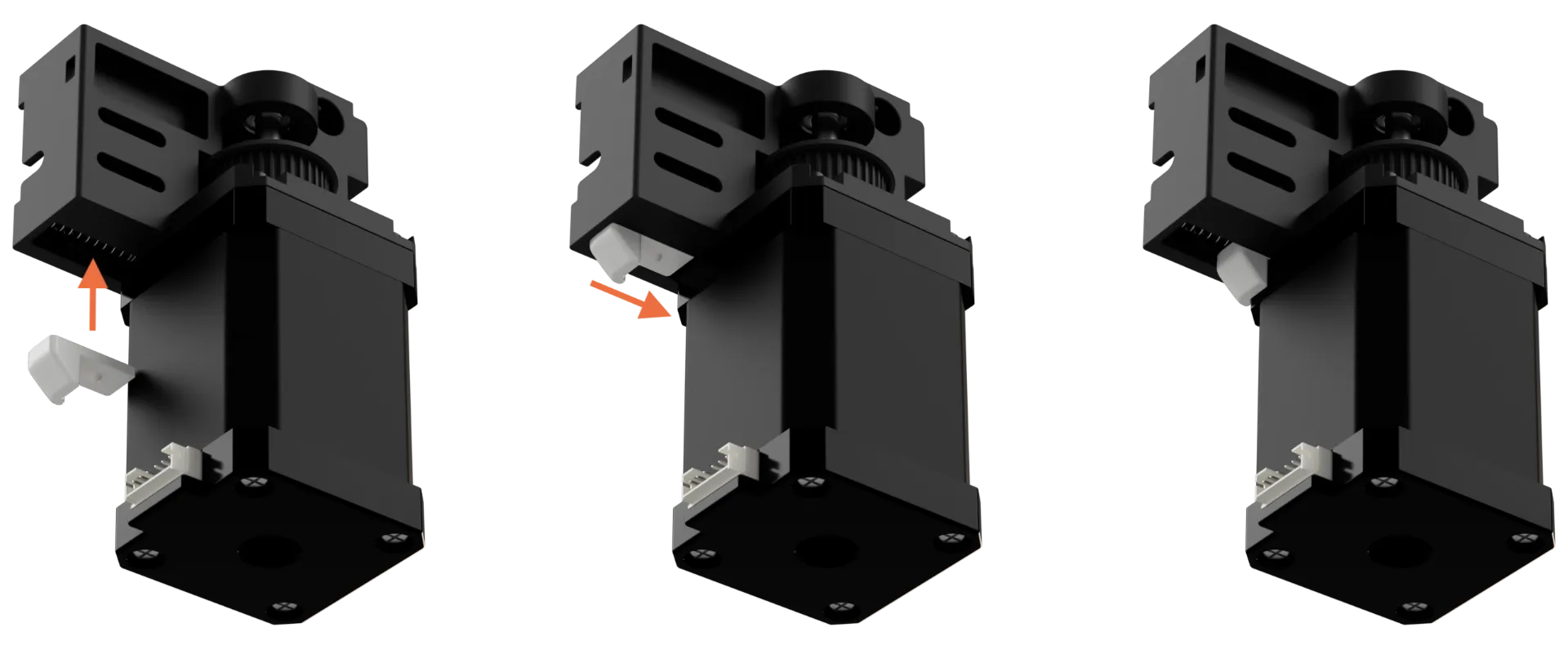
- Push on the top of the tensioner to lock in place the wedge.
- Screw the M3 x 30mm on its handle and screw it into the tensioner side.
- Place the plate and add the two screws. Don't be afraid to tighten them firmly even if you ear some cracking noises coming from the plate. It's normal the first time.
- Repeat those operations for the second tensioner.
- Put back in place the cable race way covers.
On the K1, you might need to cut a little piece of the cover in order to be able to put it back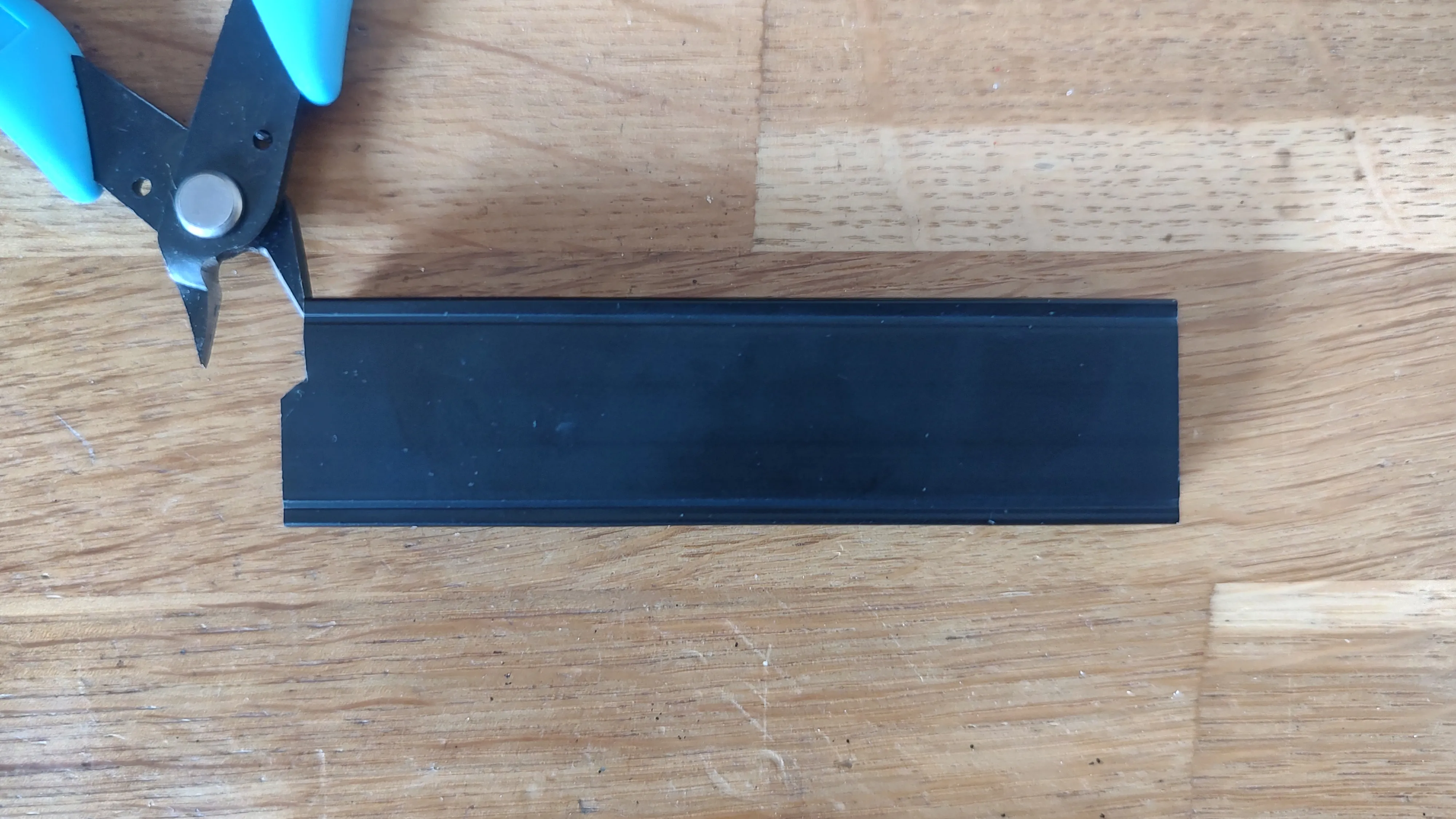
Change Log
12 November 2023
Installation Guide video added
15 October 2023
First release
Want to support my work ?
Enjoy this model? Your support means the world to me! If you love what I do, remember to like and rate the model. You can also follow me to get the latest updates.
If you wish to further help me to fuel future projects, consider buying me a coffee, I'm literally running on those! Every cup counts and is immensely valued. ☕ Cheers!
License



Comment & Rating (18)