
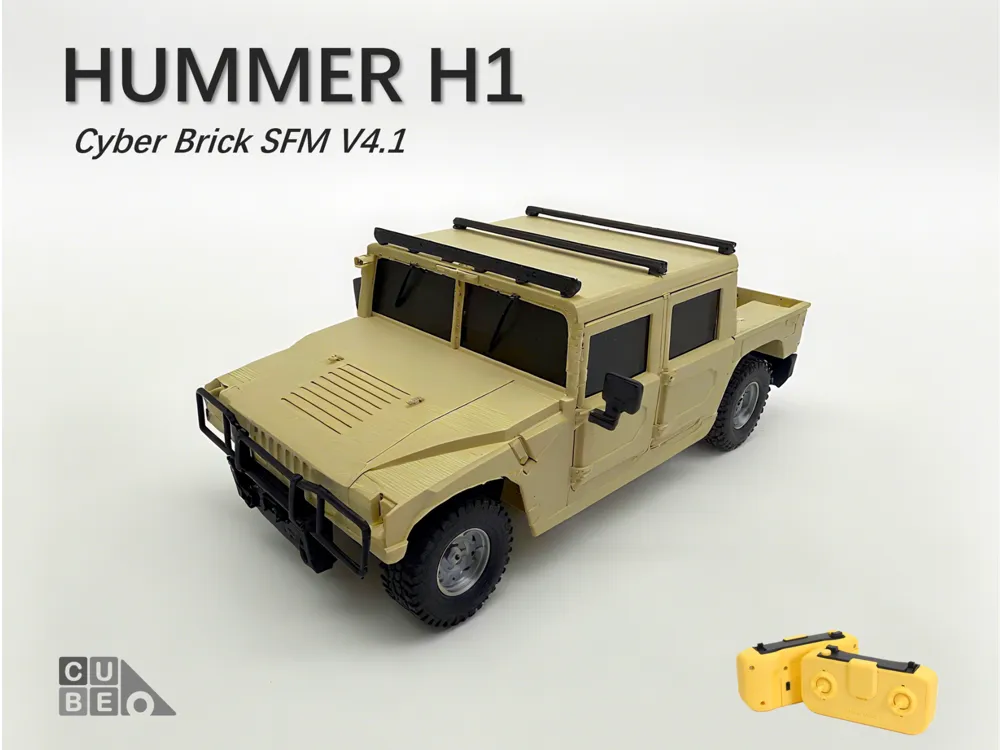
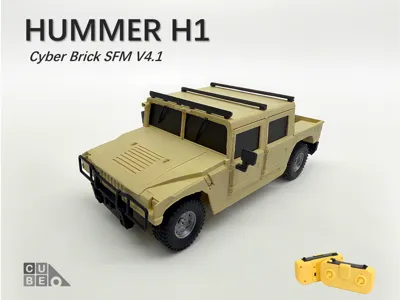
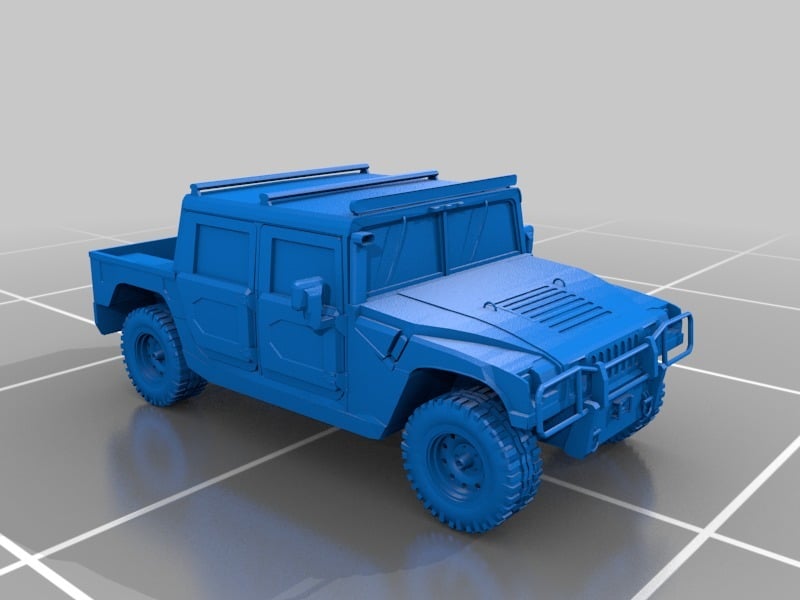
CyberBrick Hummer H1 - SFM general platform V4.1
Print Profile(3)


Bill of Materials






Description
Thanks the original model designer Stunner2211,very great job~
https://www.thingiverse.com/thing:2683530
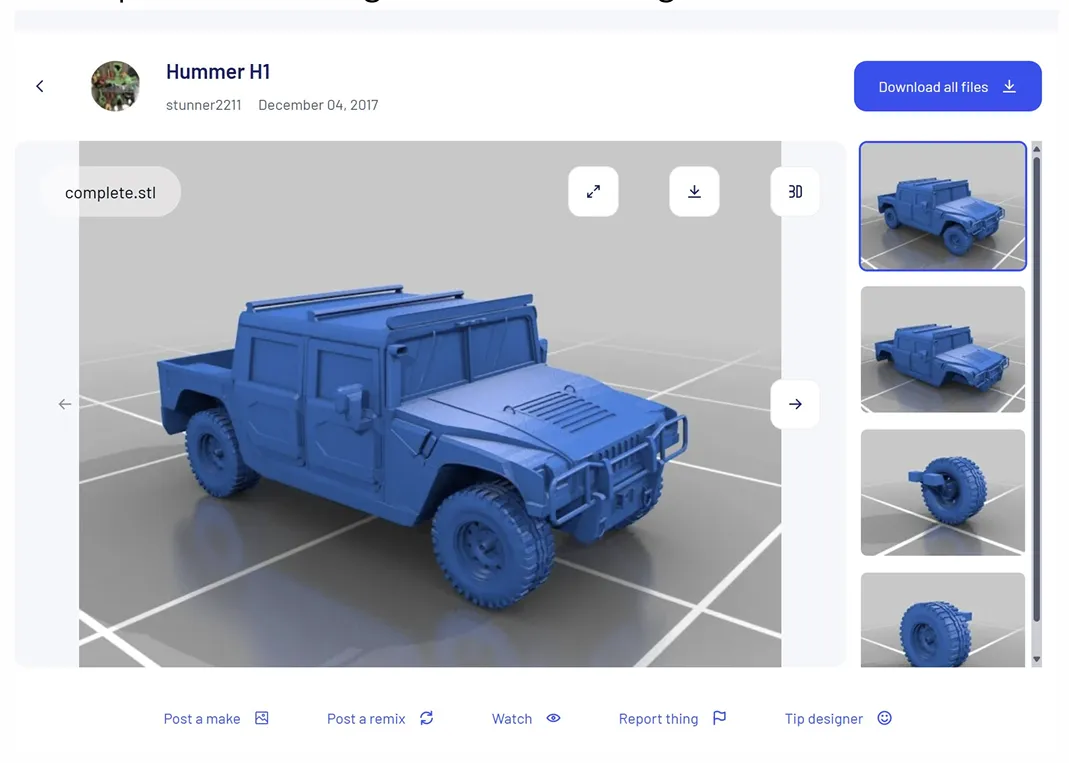
I remixed the model as follows:
- Changed the car body,make some space for the cyberbrick kit
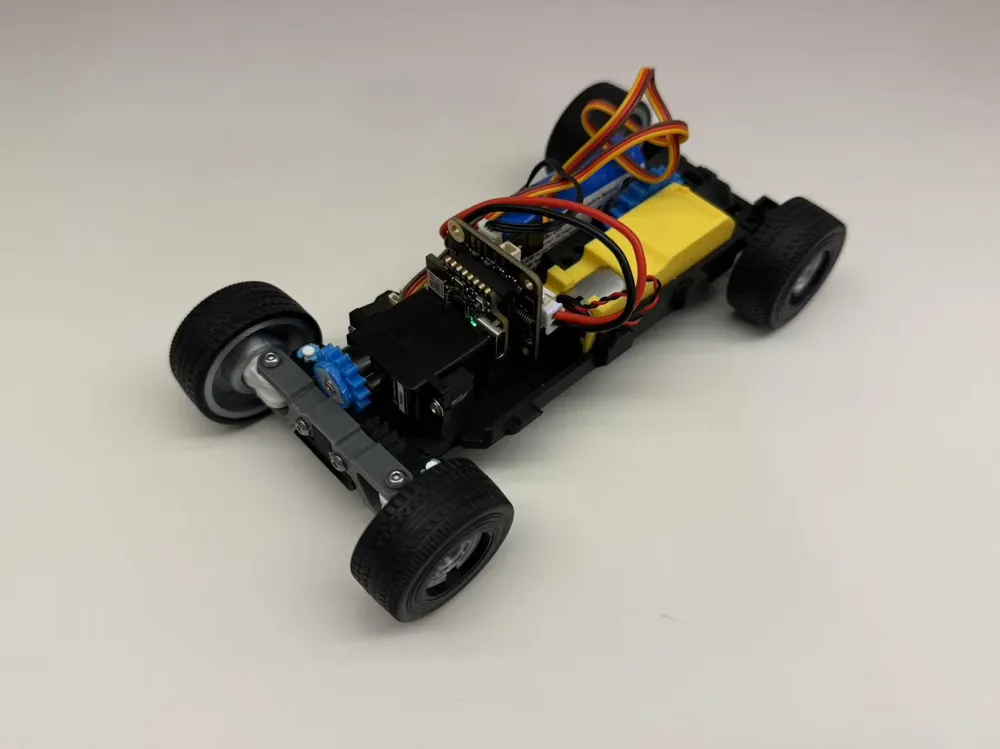
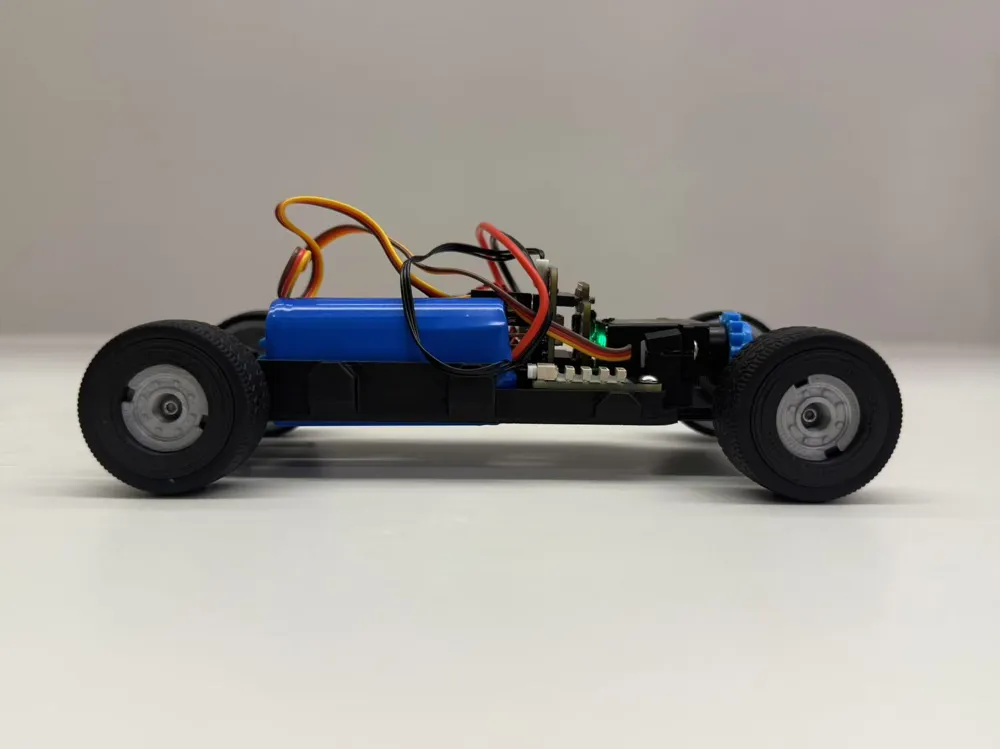
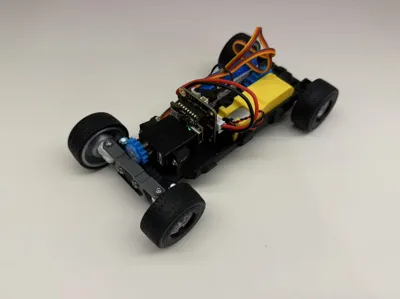
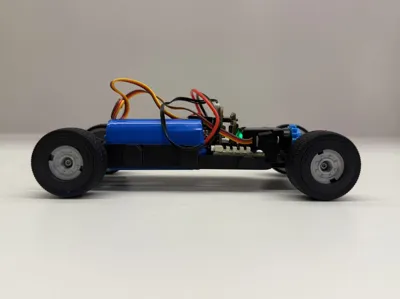
- Removed the chassis,use the SFM V4.1 cyberbrick general platform (you can download the 3mf)

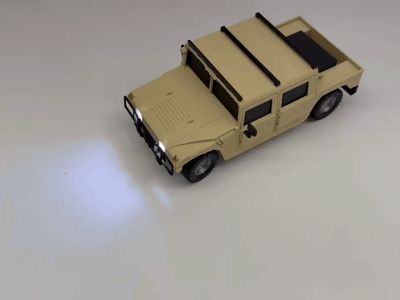
- Add some space for the car lamps
- Modified the tires/wheels,so can print with TPU,and suit with Cyberbrick kits
Change the design,so can print with out AMS.
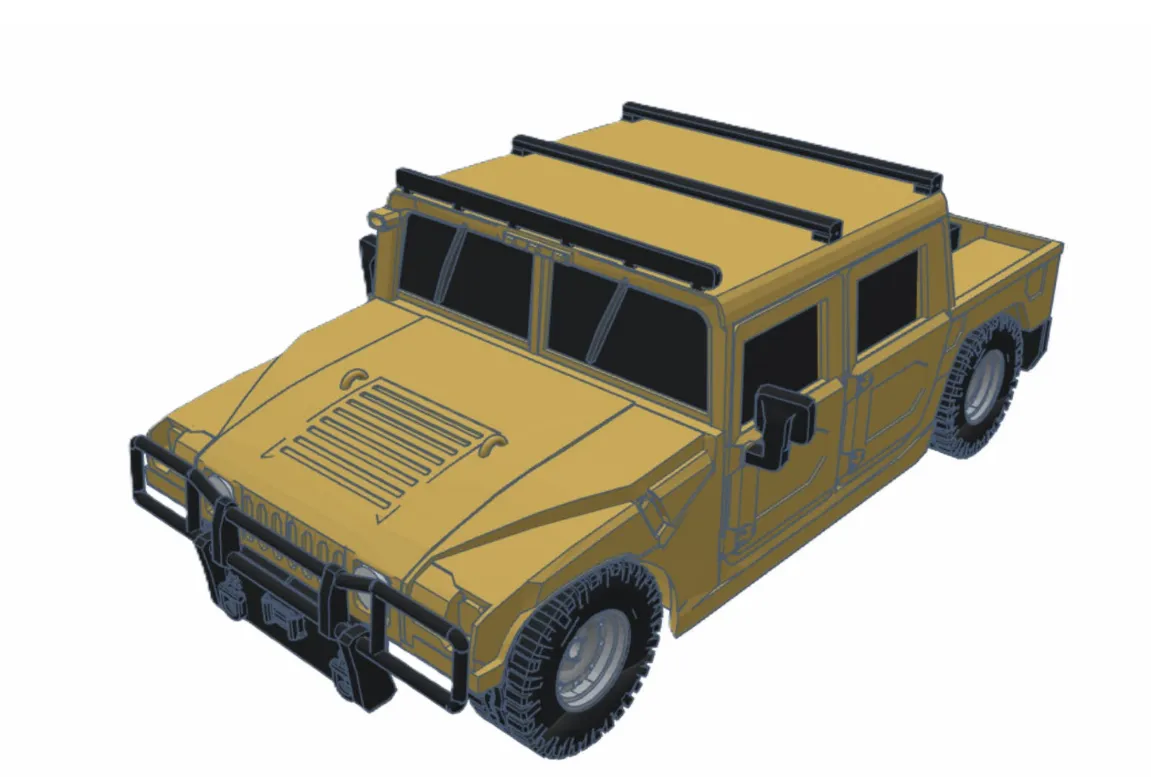
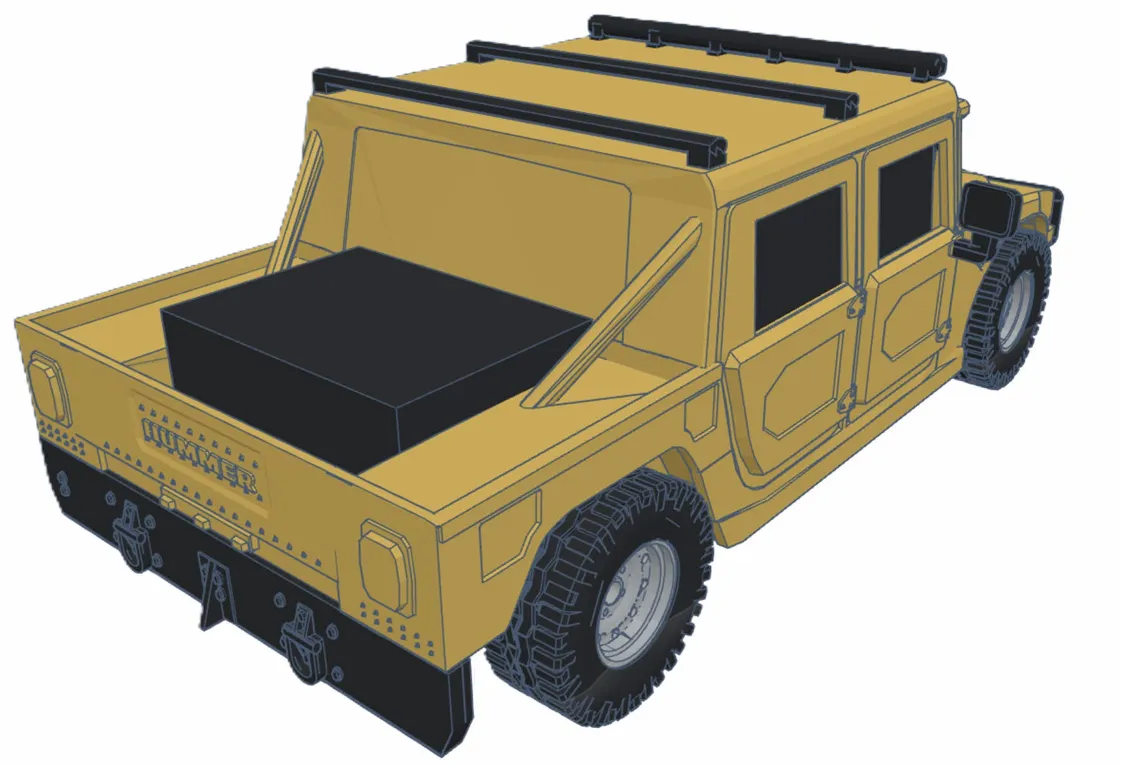
Please make sure you already done the Official Truck before,because this project may a little difficult. And please read the <Assembly Guide >first, then make decision if you want to do this project.
【About. Jason file fail error】
May the Bambu system reason,if you open the .Jason in Bambu Handy APP, may fail and show error.
Please try open CyberBrick APP,and search this project in APP directly, then you can find the “SFM V4.1.Jason”, it will work.
Let us try~
Step 1:
The SFM 4.1 general platform,download the 《SFM-CyberBrick Vehicle General Platform A1mini V4.1.3mf》,
If you already printed the official Truck , Just print plate 4 <SFM GP V4.1> is ok
Then follow the <Assembly guide>,you will got the car chassis.
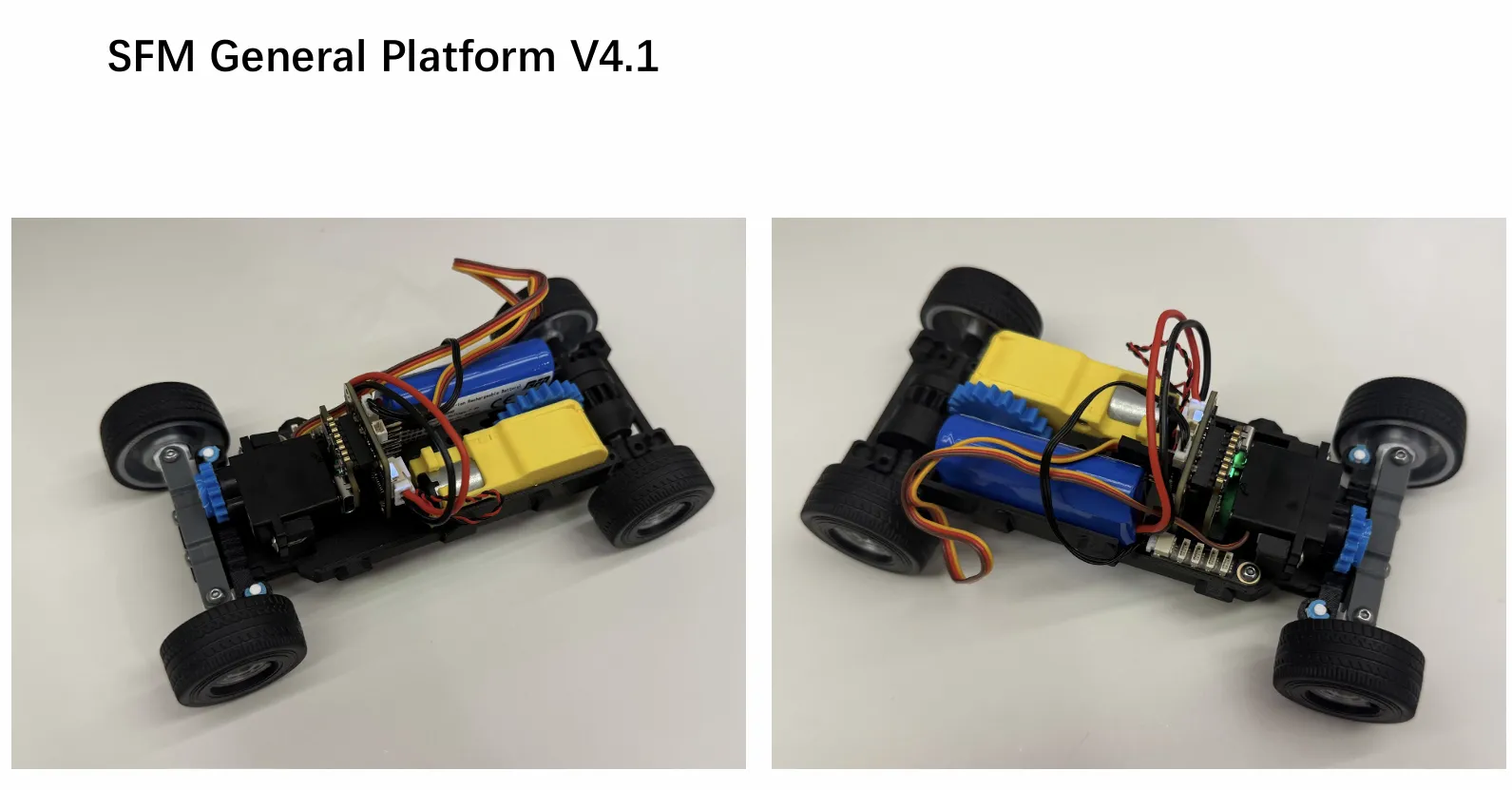
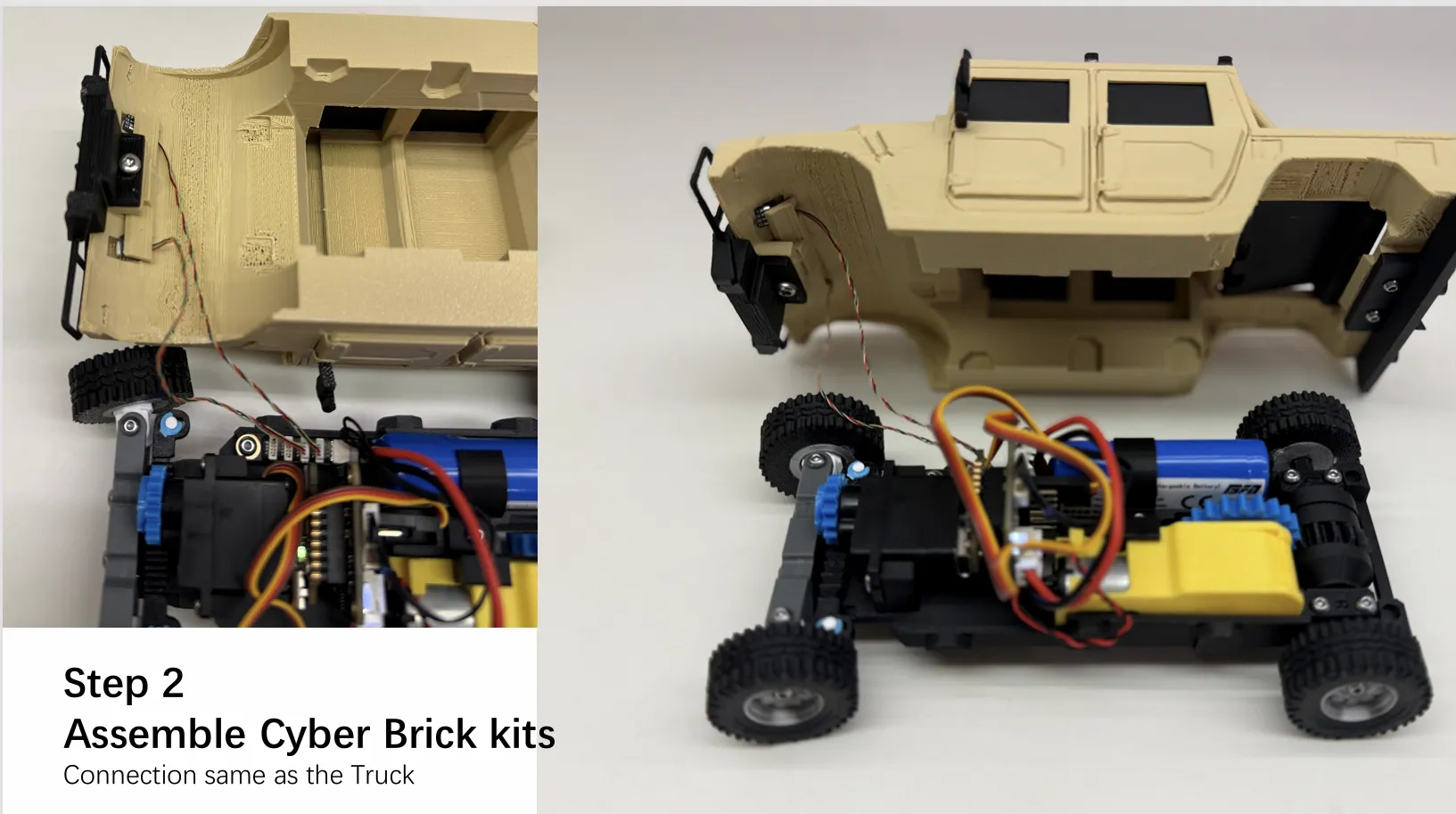
Step 2:
Step 2:
Assemble the car body/cover,need some glue and M2.5 screw*3
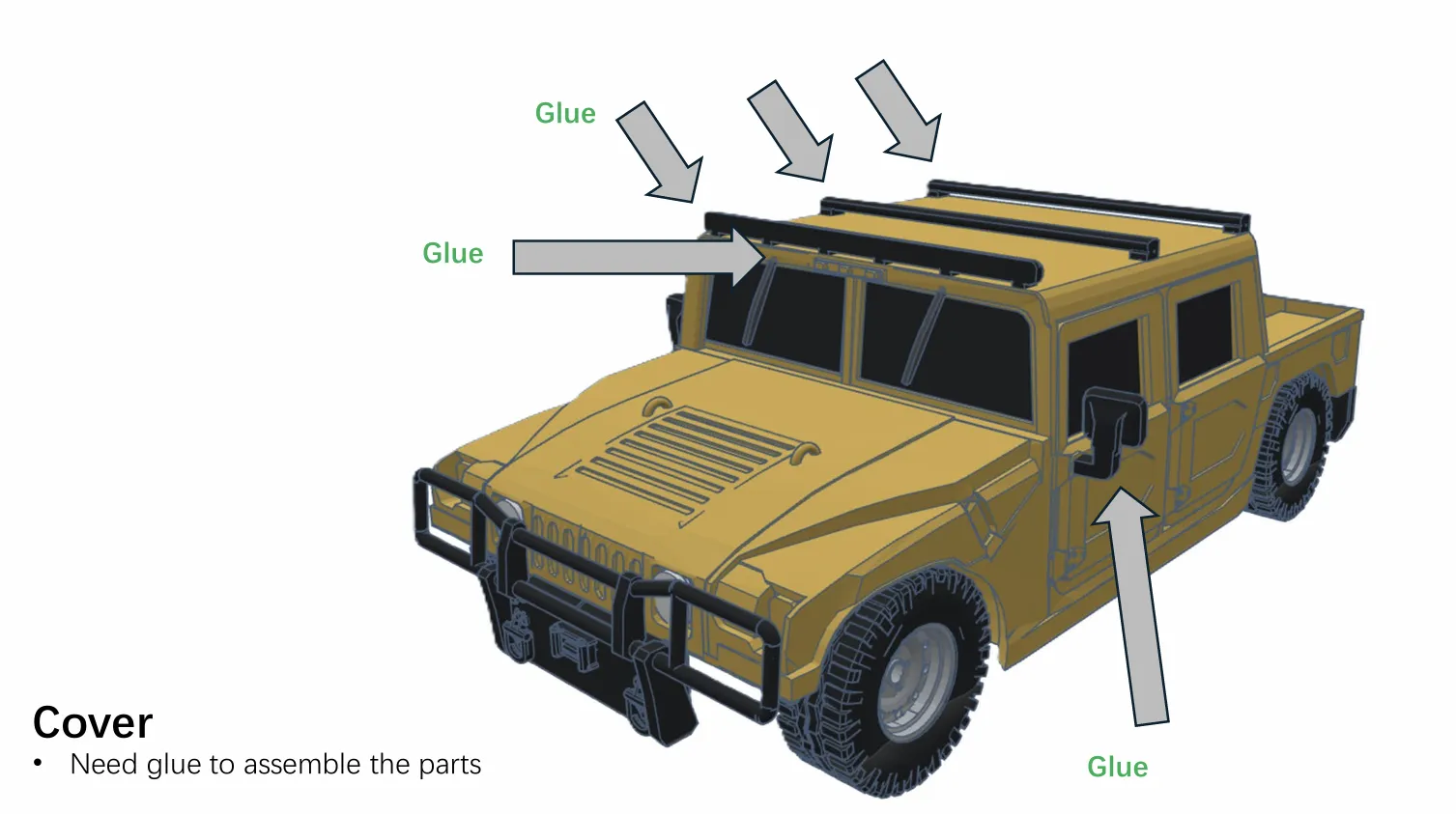
Step 3:
Connect the cyberbrick system,and done~

Test good~
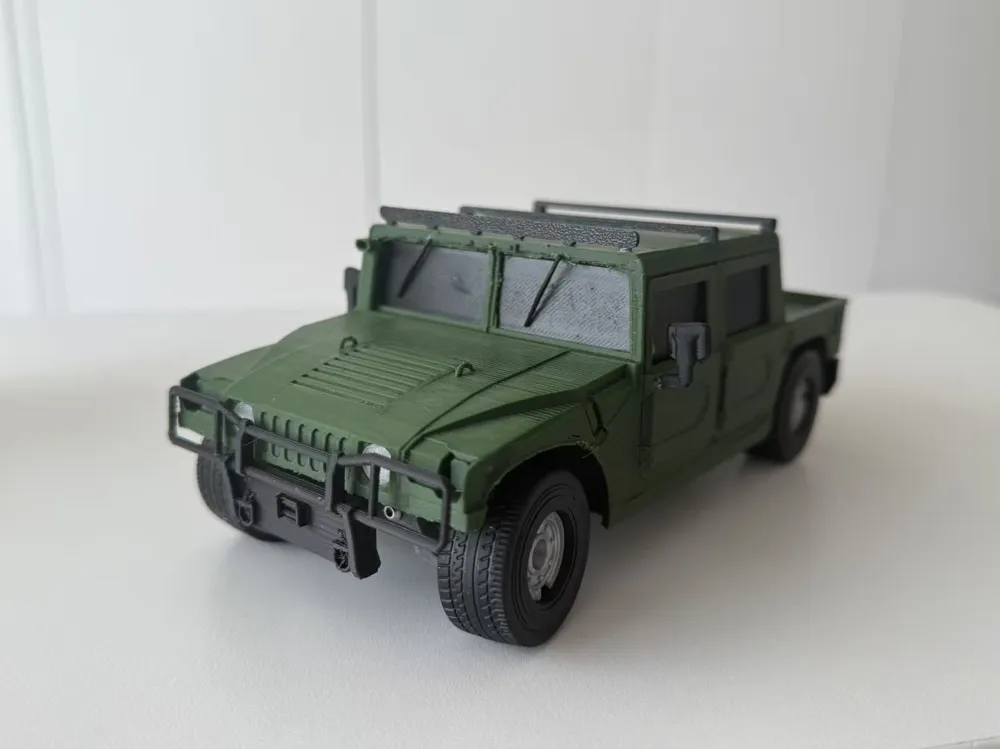
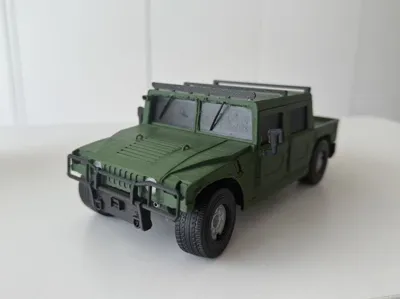
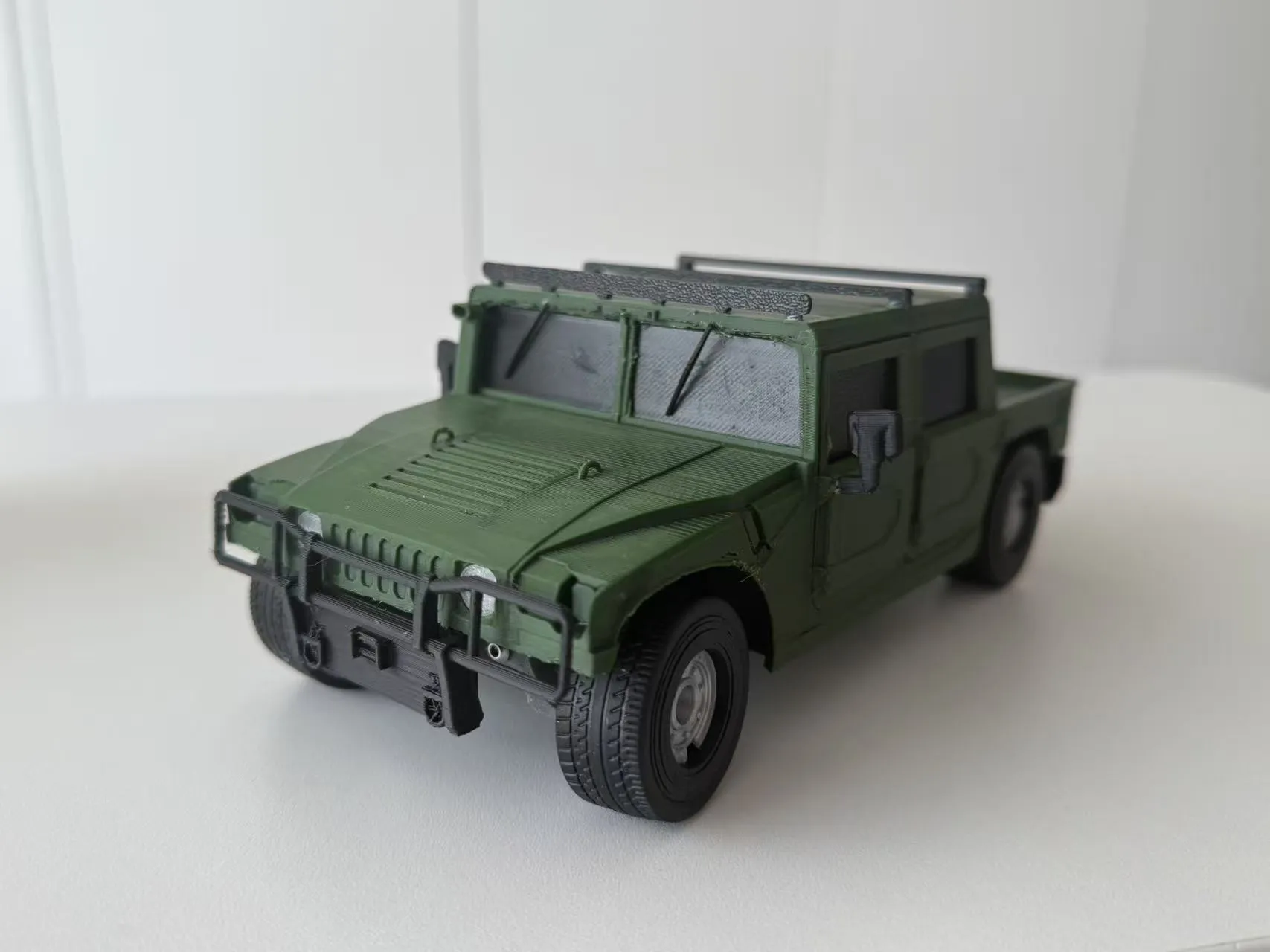
You can try different colors.
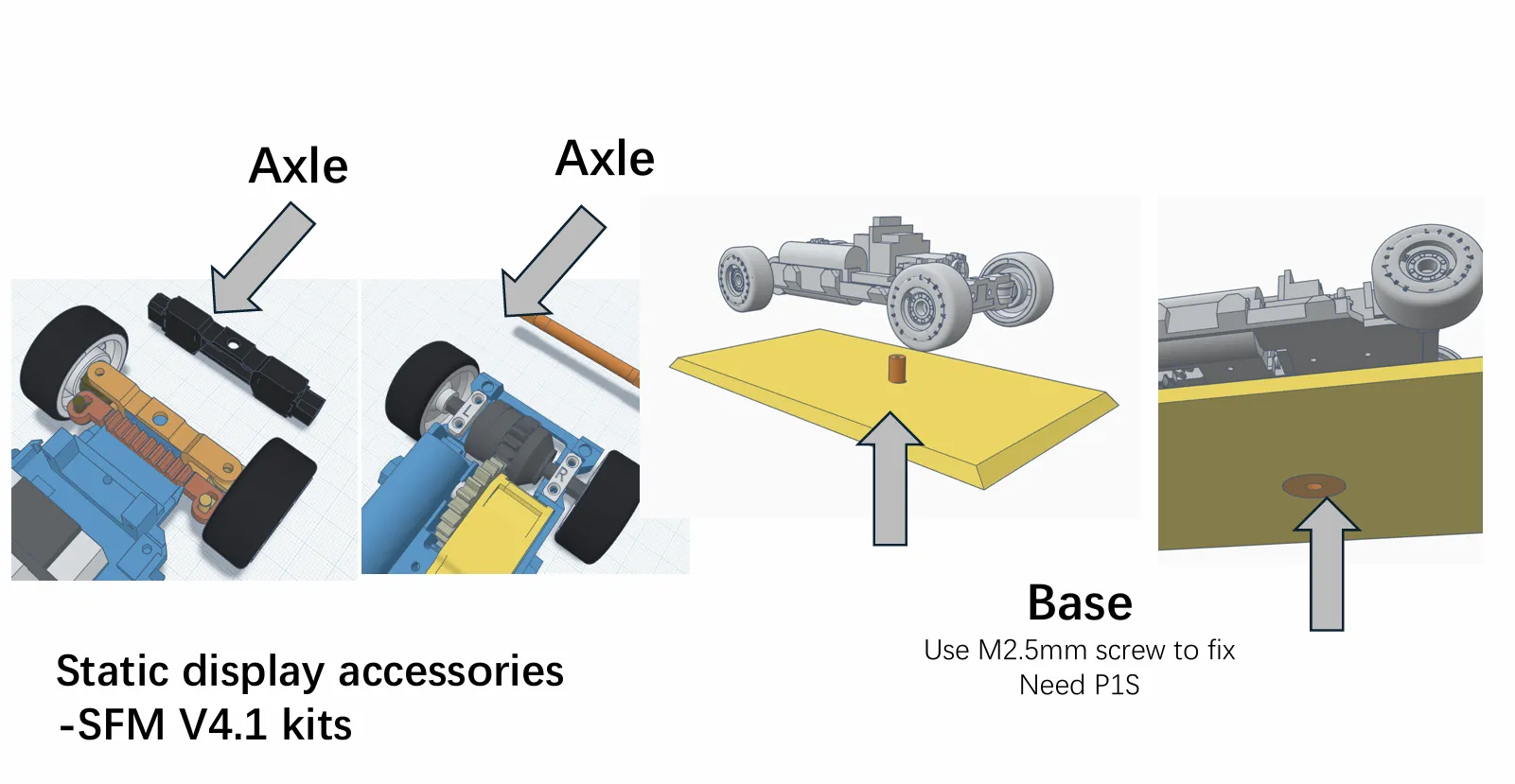
The display board can be found in <SFM V4.1.3mf>, you can remove the cyberbrick kits(use it in new project) and just display it as a static model.
I add screw holes in the bottom of SFM V4.1 bottom chassis.
If you like it, could you give me a free Boost ? Thanks
Boost Me (for free)
Bless world peace
Documentation (3)

This remix is based on
License



Comment & Rating (18)