
Console Deck V2
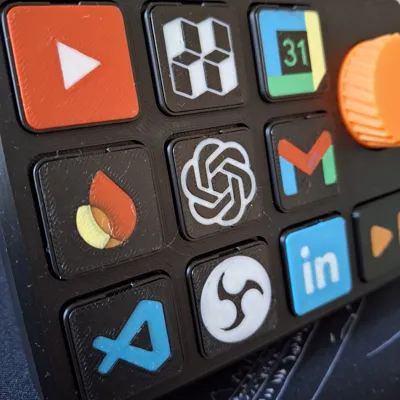
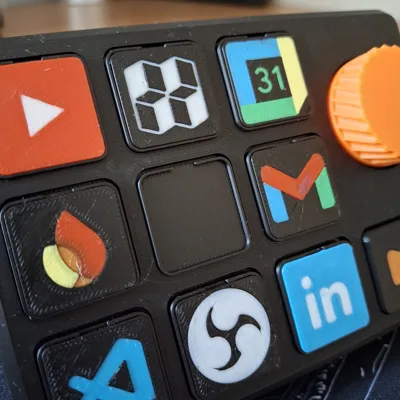
Print Profile(5)



Bill of Materials


Description
Why buy a Stream Deck for $150 when you can print one for $10?
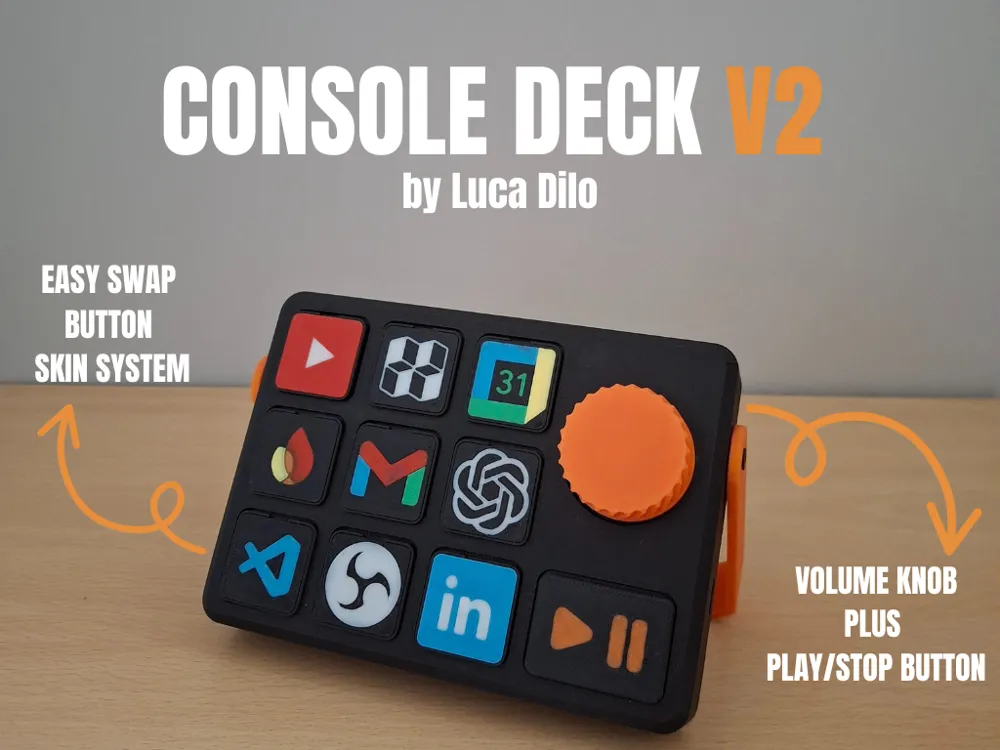
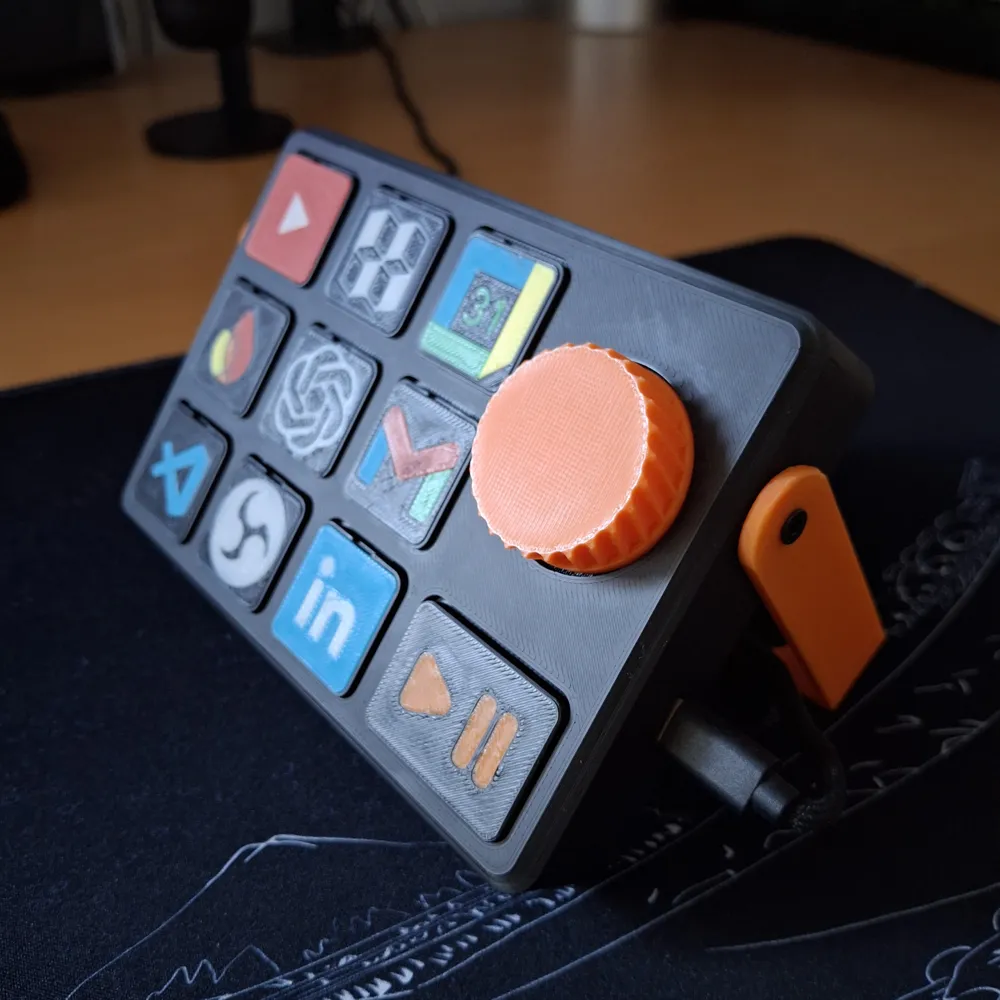
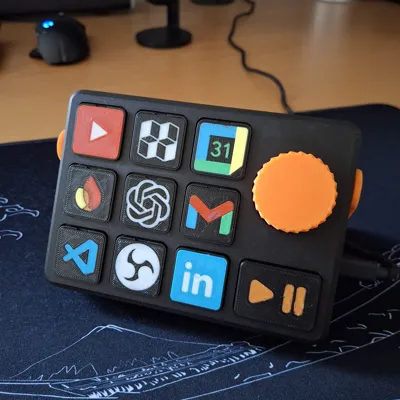
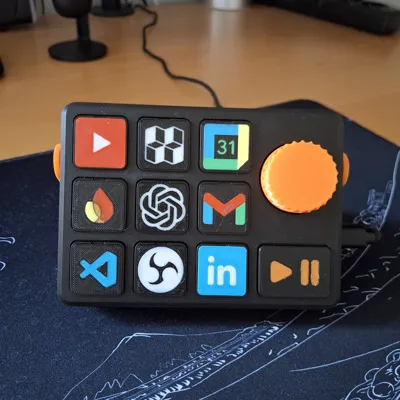
Console Deck V2 is the free, open-source version of my modular desktop controller — Arduino-based, fully customizable, built by the community.
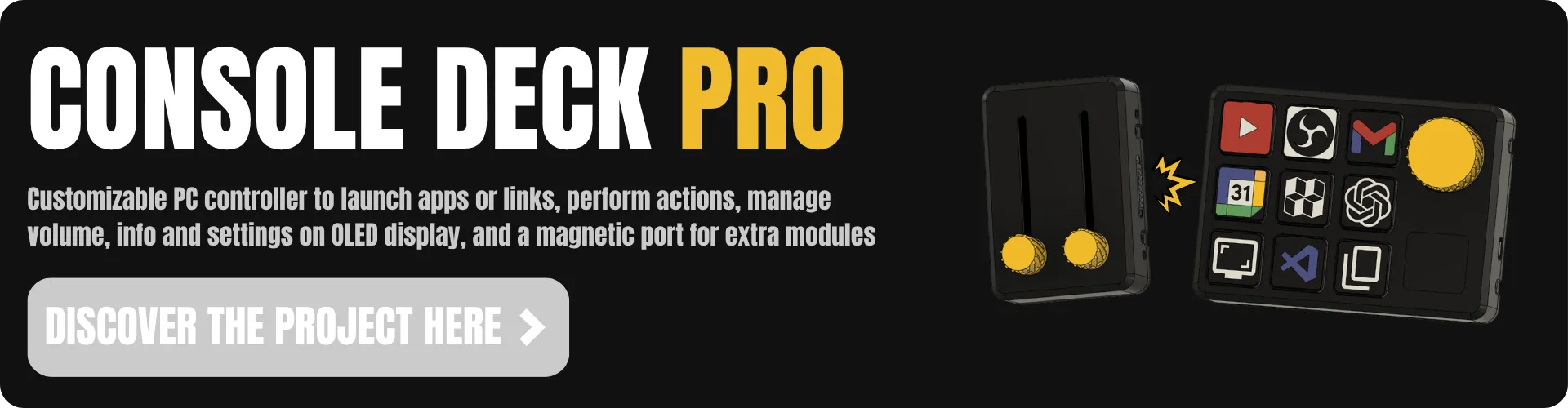
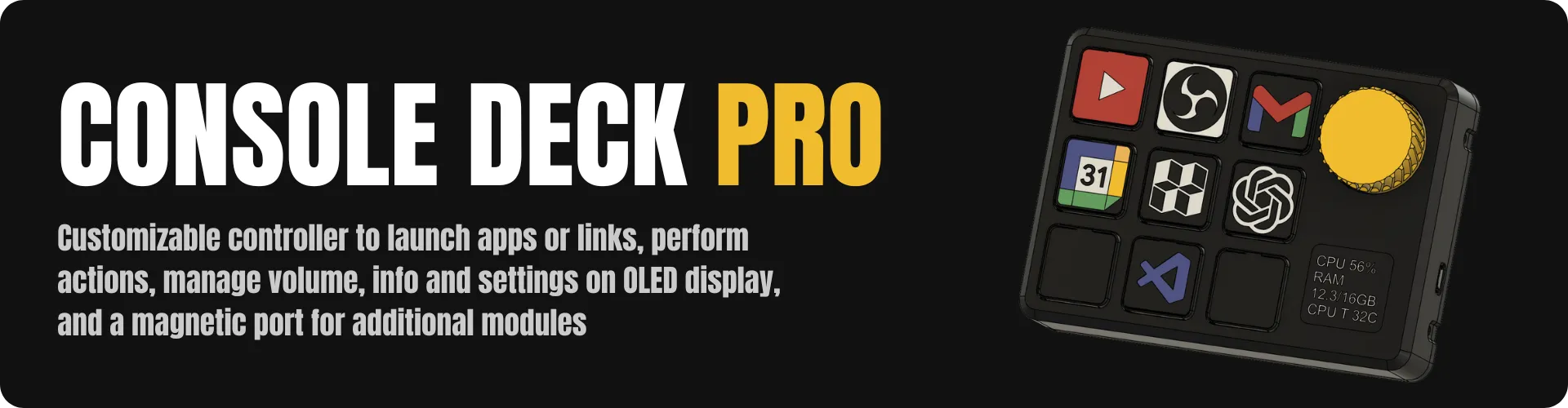
🚀 Ready for more? Console Deck PRO is now on crowdfunding.
Console Deck V2
*** UPDATE 14/02/2026 (see below) ***
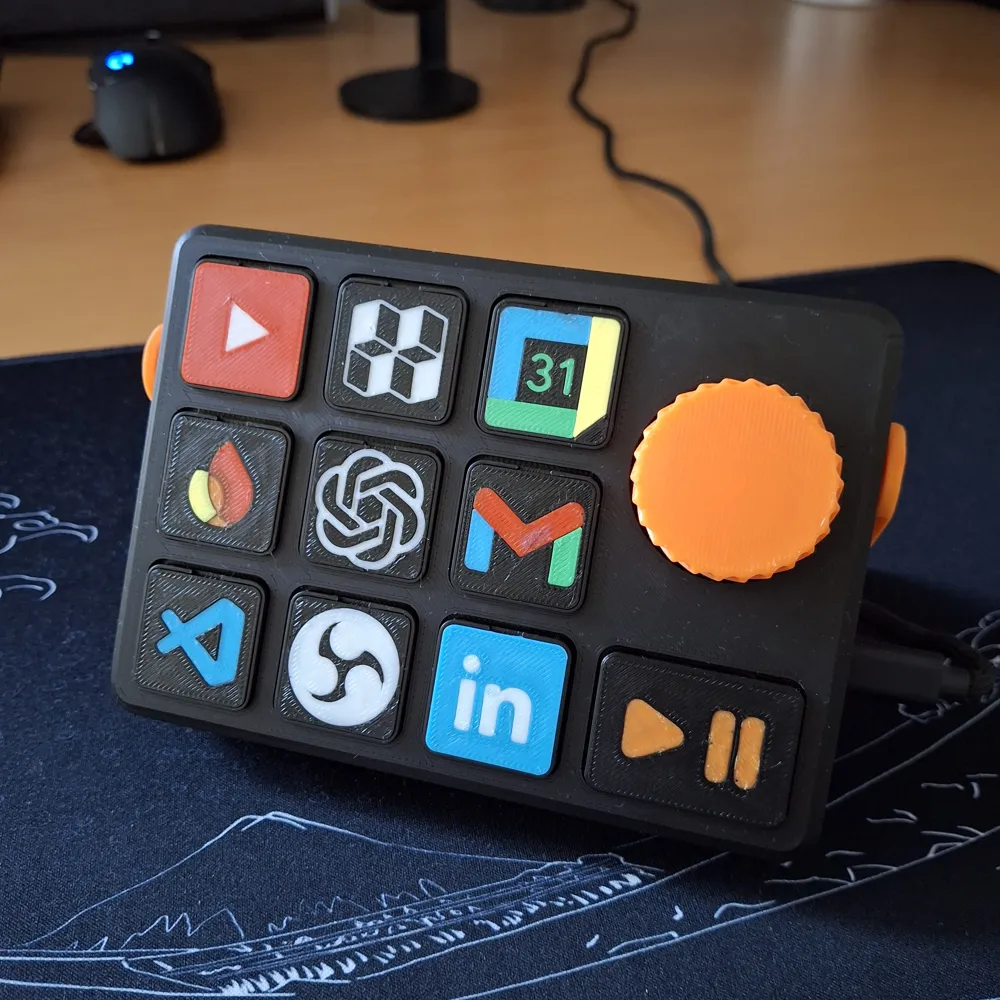
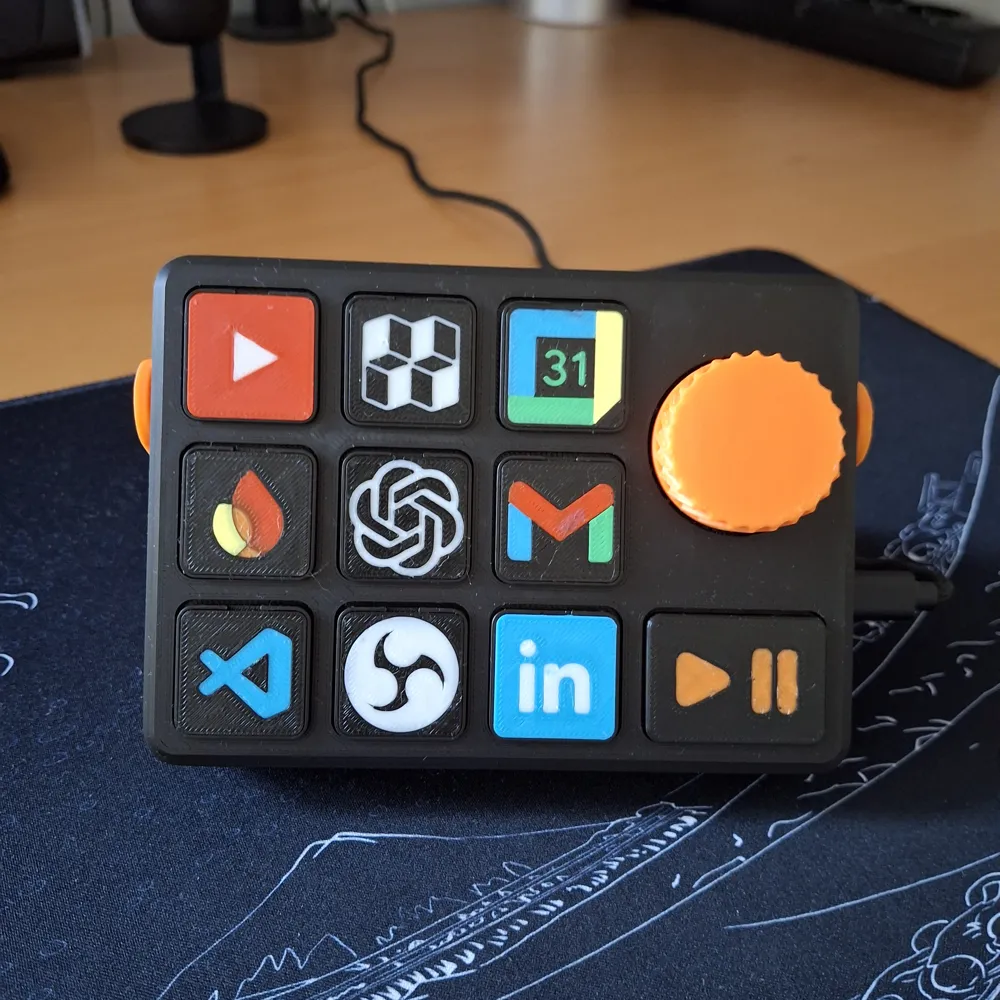
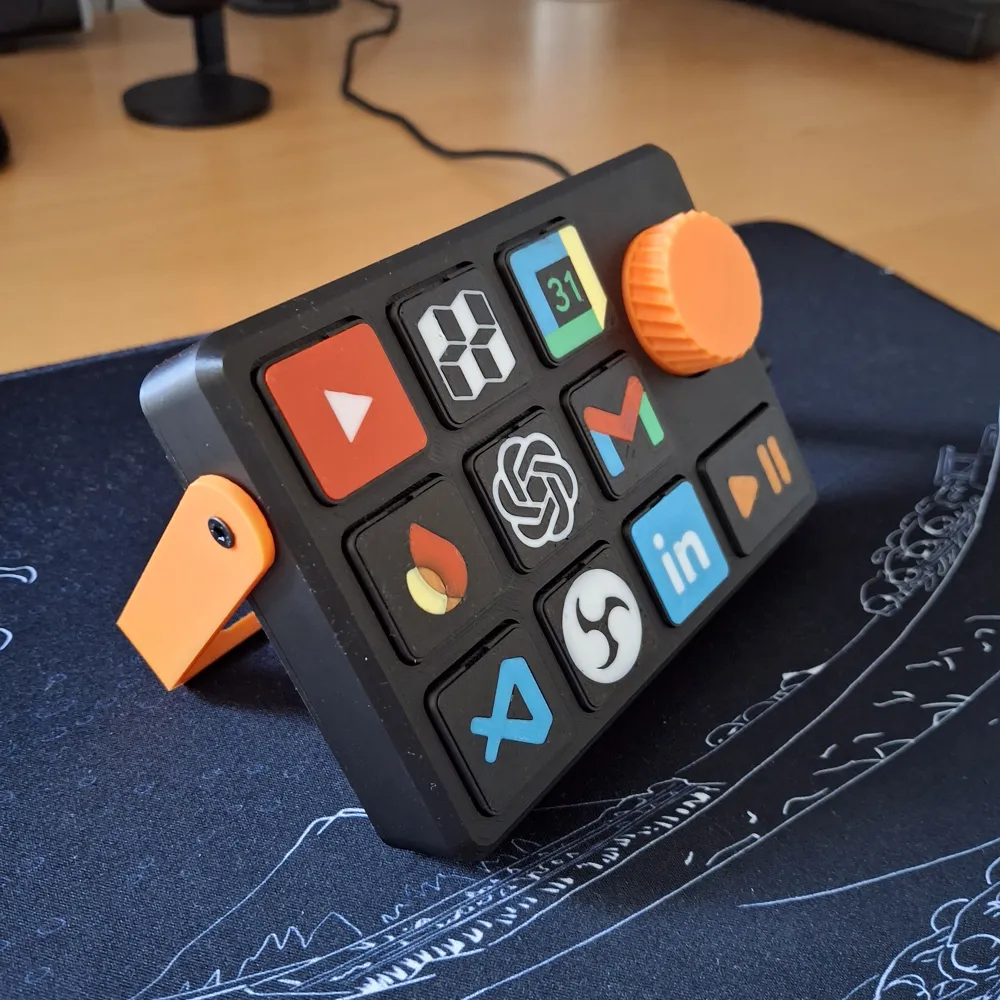
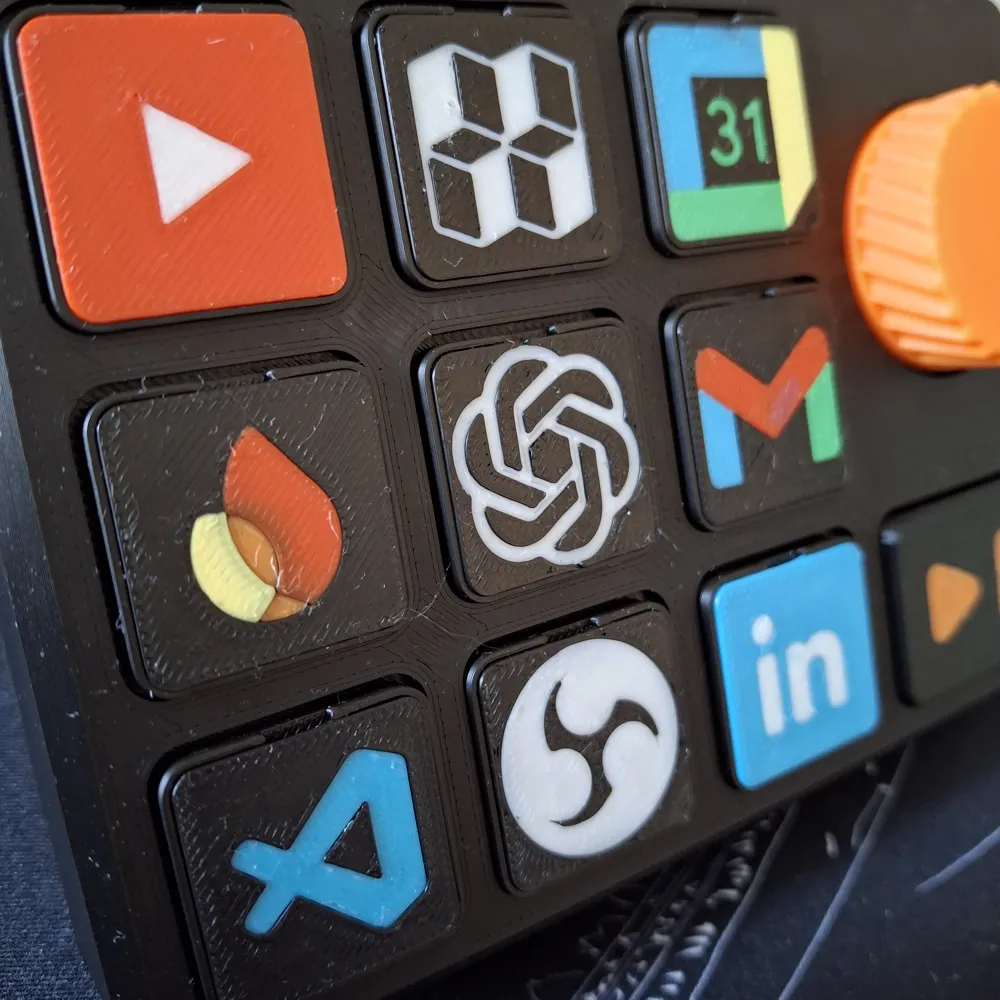
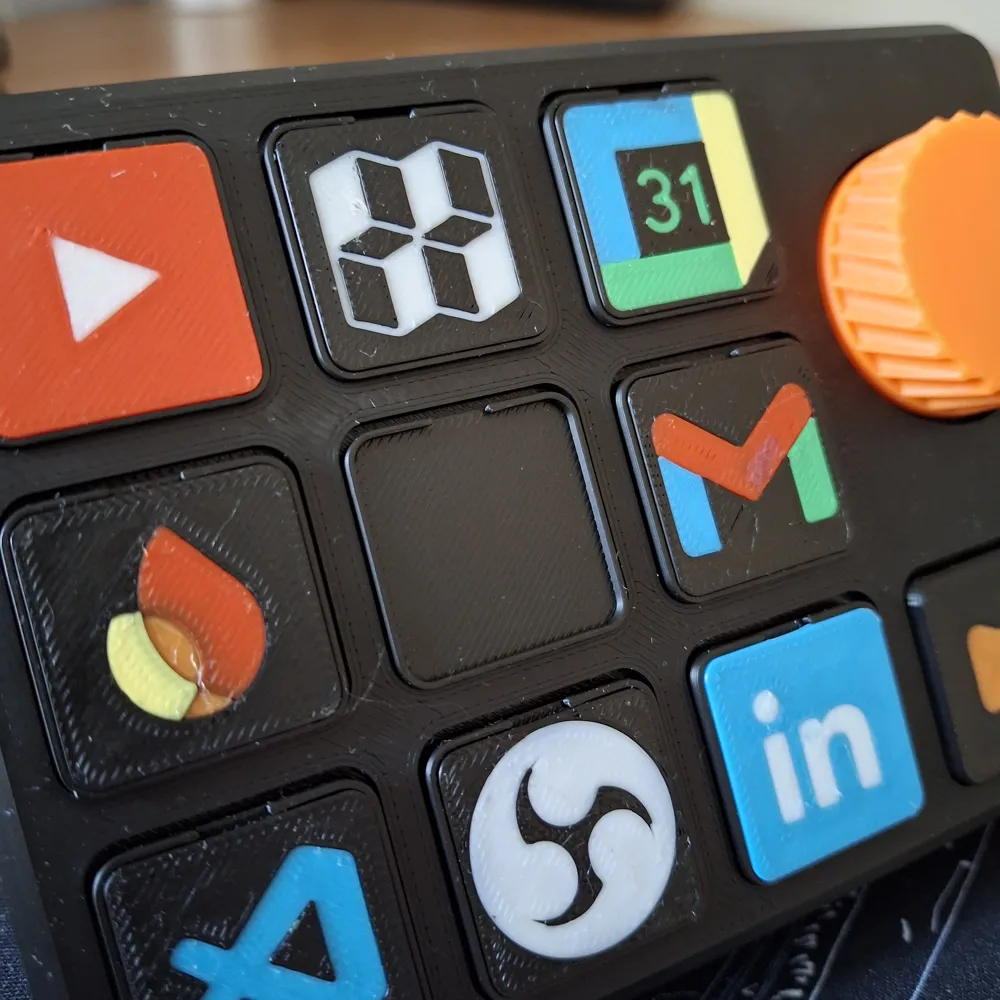
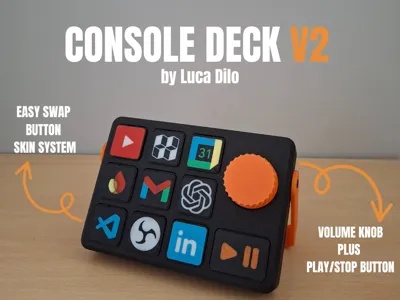
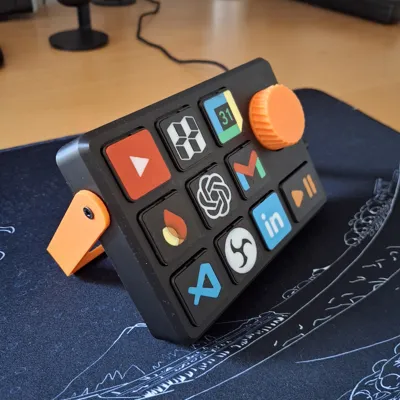
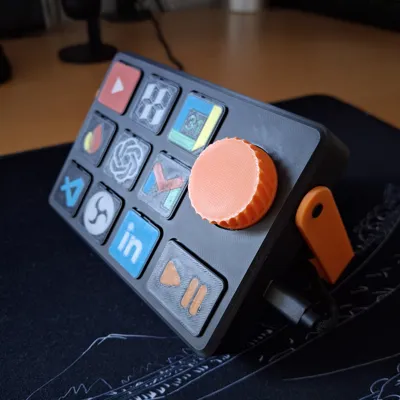
Hello everyone, I would like to introduce the improved version of Console Deck. In this version, I have improved the button skin change and added volume and media controls. I have been using it for two months now and am very pleased with it. I look forward to hearing your thoughts and suggestions for improvement. 🚀🚀
Boost Me (for free)
if you like it, support me by boosting this project 😁🚀
What do you need?
Below is a list of the components you need to purchase to complete this project. The total cost is around $10, but may vary depending on shipping and/or availability. However, don't worry, all of the components are easy to find.
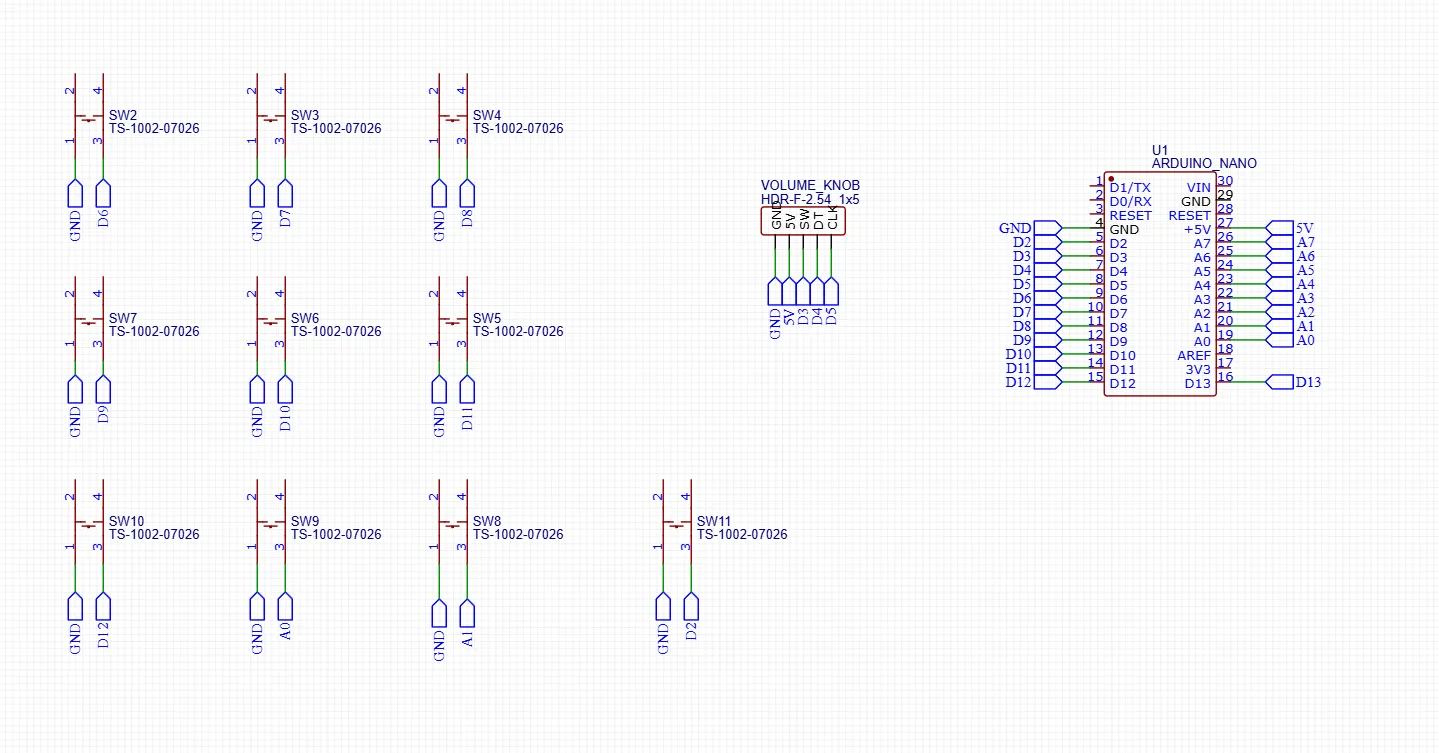
Electronics Diagram
Scripts you will need
At this repo link you can find all the scripts you need. To install everything, follow the readme in the repo or the YT video below.
Remember that you will need to install Python and the following libraries: pygame, pyperclip, and pyserial.
Want to create your own custom skin?
If you want to create your own custom skin, I have left the .step file in the STL section inside the “Custom Skin Files” folder, which you can import into your CAD and edit with the logo of your choice. Follow the video below for a custom button skin creation example.
Conclusion
In conclusion, I hope you like this project. It is proving very useful to me, and I use it every day on my desk. Let me know if you would change anything or if you need help. You can contact me here in the comments or on my Discord, in the dedicated “projects-help” channel. 🚀🥰
*** UPDATE 23/09/2025 ***
- Added electronics diagram
- Added software tutorial YT video
- Added custom button skin tutorial YT Video
*** UPDATE 17/10/2025 ***
- Added custom btn_large.STEP into CUSTOM_FILES directory
*** UPDATE 29/11/2025 ***
- update tactile switch link
*** UPDATE 14/02/2026 ***
- Fixed Main Print Profile with support and parts orientation
- Added custom second_body_stream.STEP into CUSTOM_FILES directory
- Added link to the PRO version on Makerworld Crowdfunding section
License

You shall not share, sub-license, sell, rent, host, transfer, or distribute in any way the digital or 3D printed versions of this object, nor any other derivative work of this object in its digital or physical format (including - but not limited to - remixes of this object, and hosting on other digital platforms). The objects may not be used without permission in any way whatsoever in which you charge money, or collect fees.


Comment & Rating (302)