
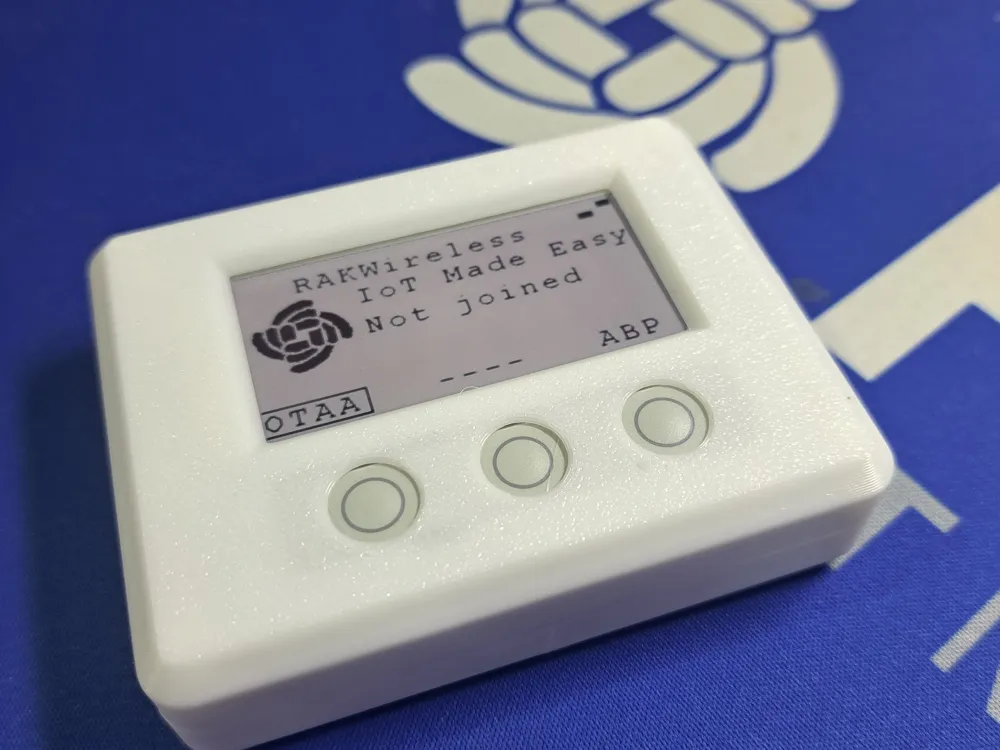
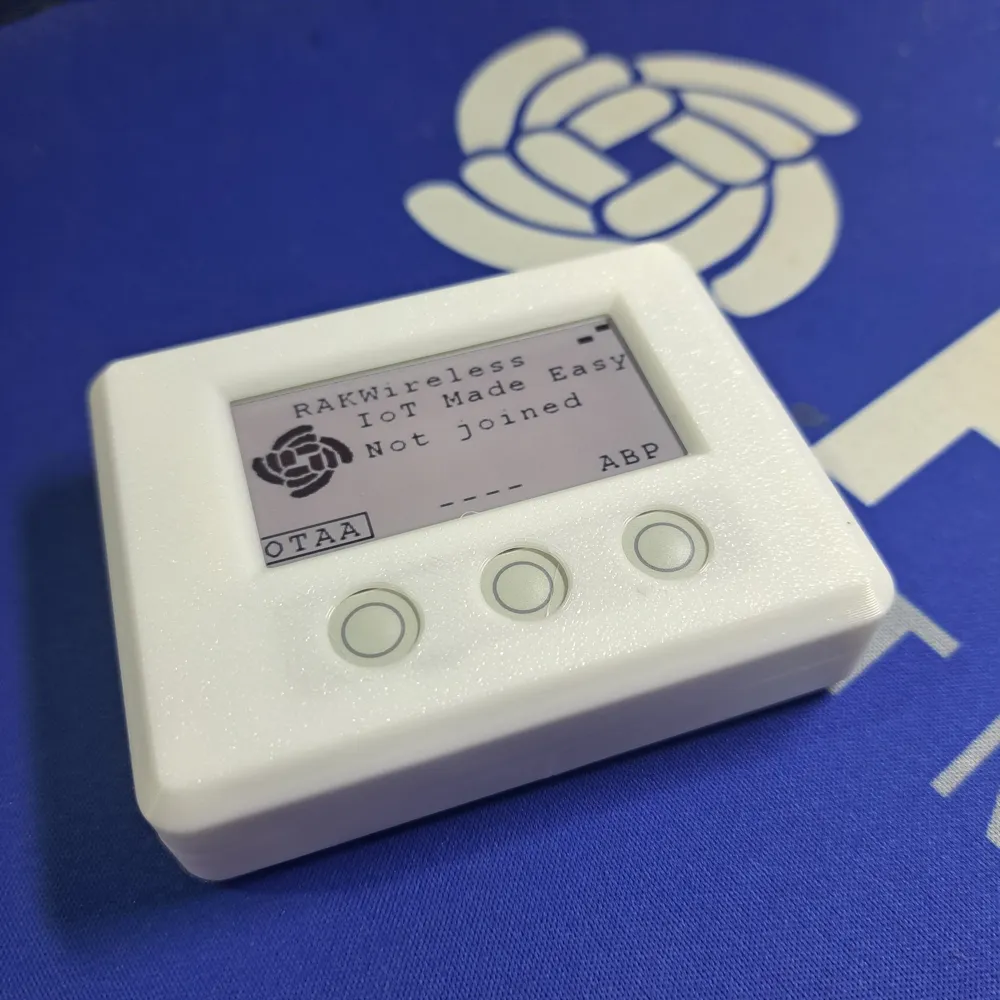
RAKwireless Enclosure for RAK14000 EPD and buttons
Print Profile(1)

Bill of Materials

- RAK4631 WisBlock Core Module nRF52840 x 1: https://store.rakwireless.com/products/rak4631-lpwan-node
- RAK14000 WisBlock E-paper Display x 1: https://store.rakwireless.com/products/wisblock-epd-module-rak14000
Description
Checkout my enclosure and accessory collection for RAKwireless WisBlock, WisMesh Meshtastic and MeshCore devices ==> RAKwireless Origins.
All my models come with STEP files and Fusion 360 project files for customization.
-------------------------------------------------------------------------------------------------------------------------------

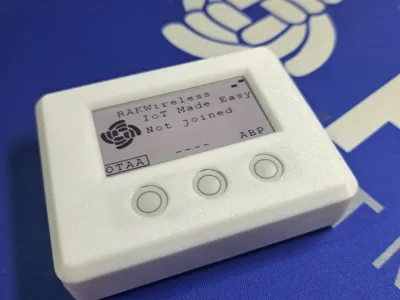
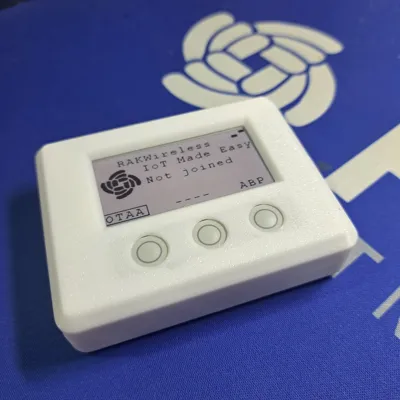
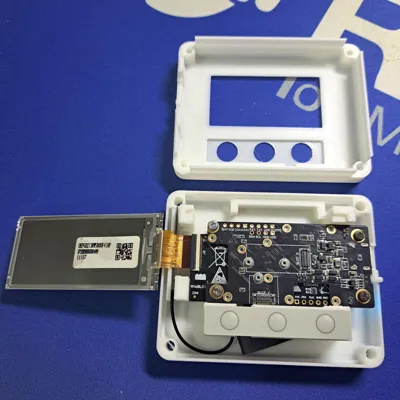
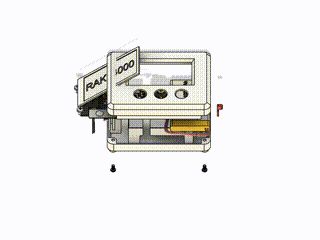
RAKwireless RAK14000 enclosure with buttons
The idea for this enclosure is based on a customer inquiry for a simple LoRaWAN end node for demos and a small Meshtastic enclosure designed by my colleague Daniel.
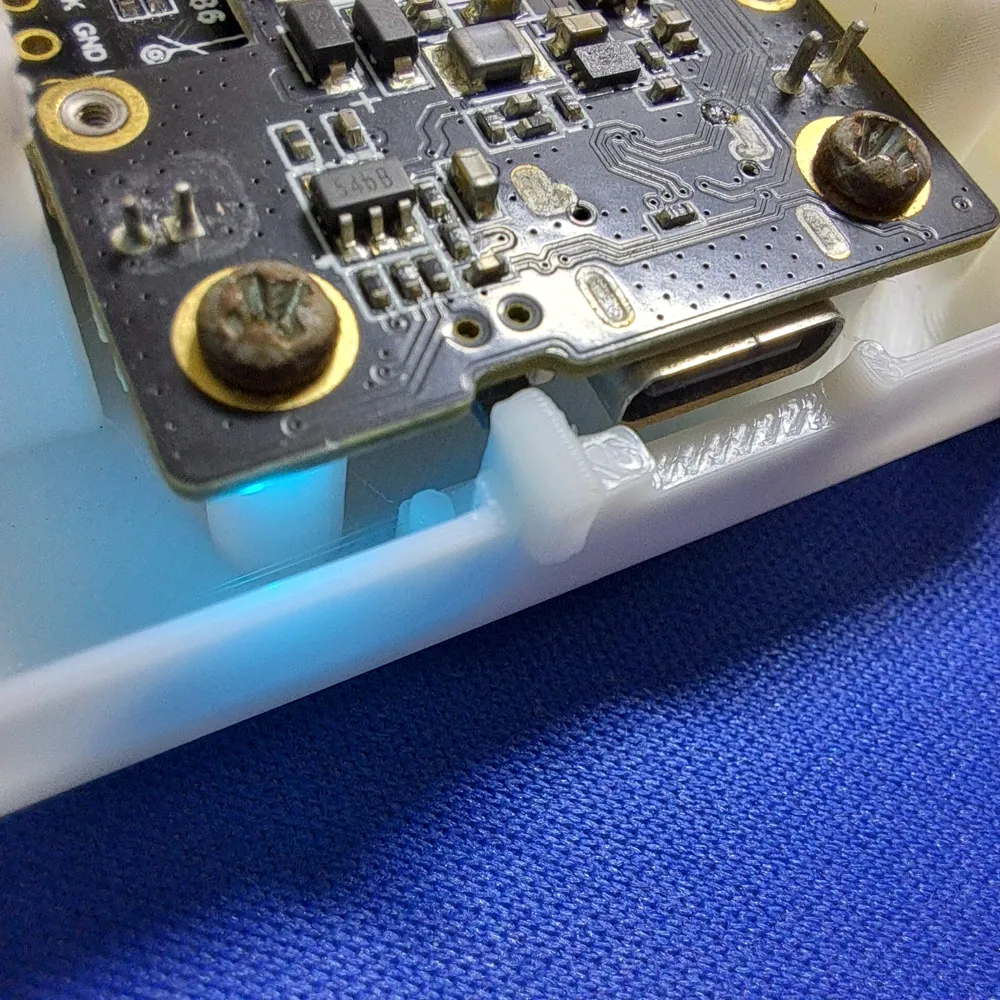
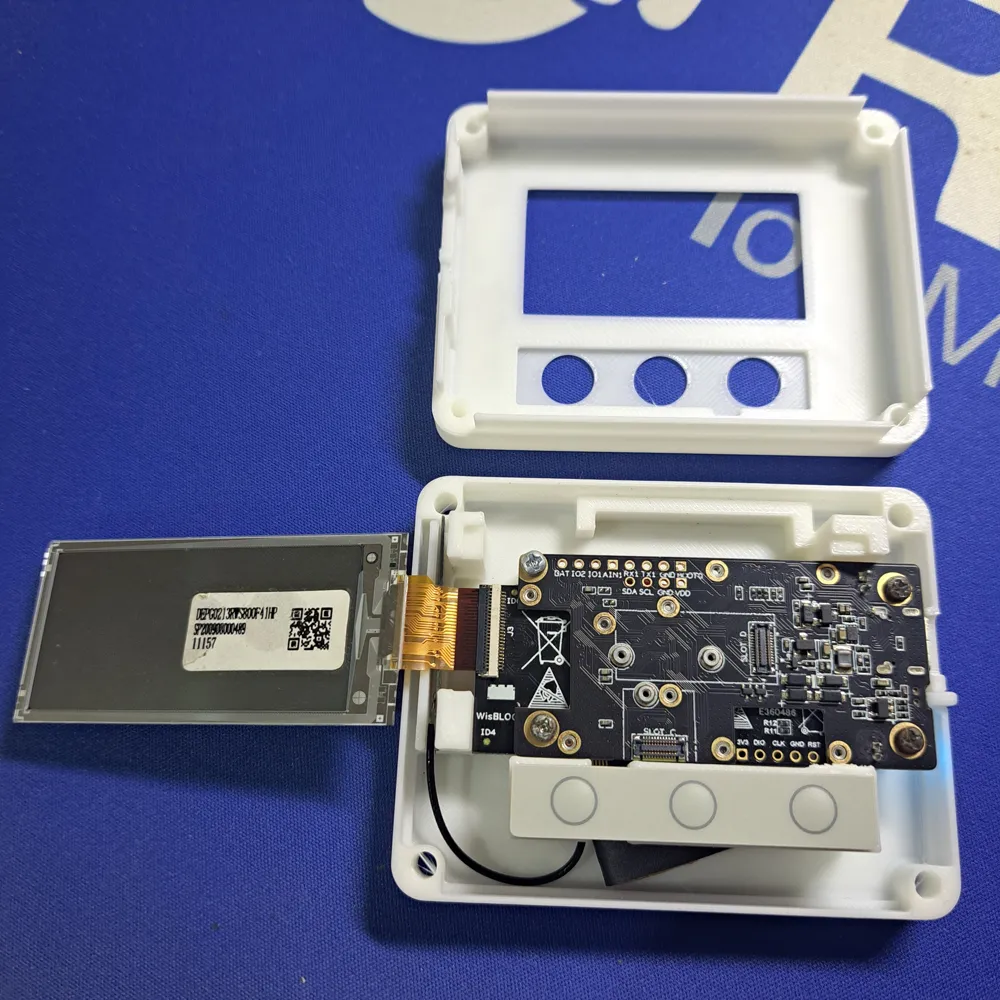
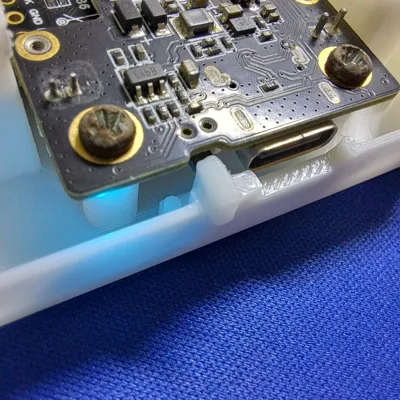
It supports a RAK19007 WisBlock Base Board, a WisBlock Core module (any core module) and the RAK14000 E-Ink display with three buttons.
For usage as a demo node, a firmware is available in our RUI3-Best-Practices repo as RUI3-E-Ink Demo.
With a RAK4631 Core module it can be used as well as a Meshtastic Node. Get the WisMesh RAK4631 Starter Kit and add the RAK14000 E-Ink display to it.
-------------------------------------------------------------------------------------------------------------------------------
Need a customization of one of my designs or have an idea for an enclosure, but cannot find something matching? Contact me.

Documentation (1)
License



Comment & Rating (6)