Search models, users, collections, and posts

Filament Color Swatches
IP Report

GIF
Print Profile(1)

0.2mm layer, 2 walls, 15% infill
Designer
6.4 h
16 plates
Open in Bambu Studio
Boost
39
162
12
5
357
51
Released
Description

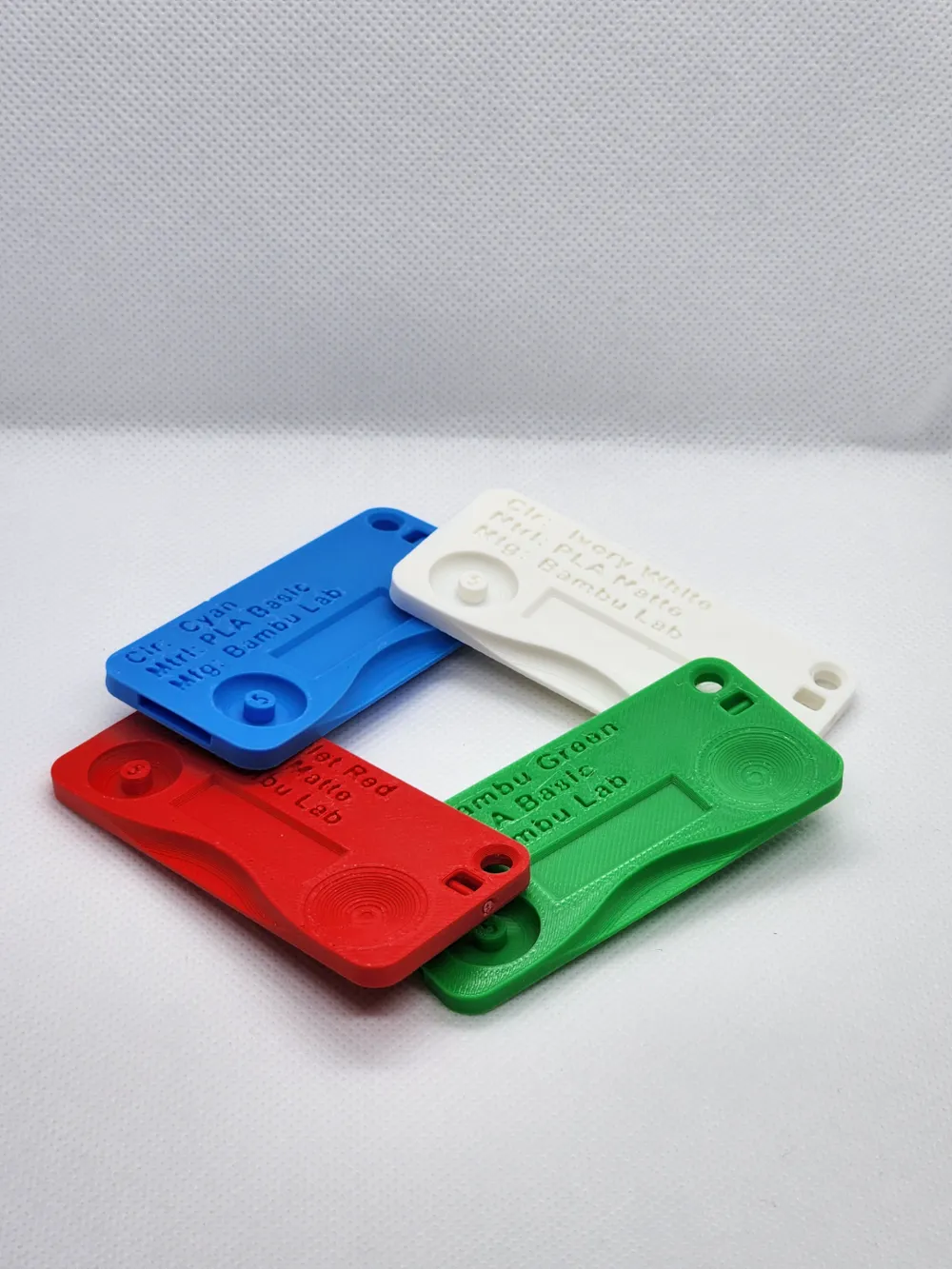
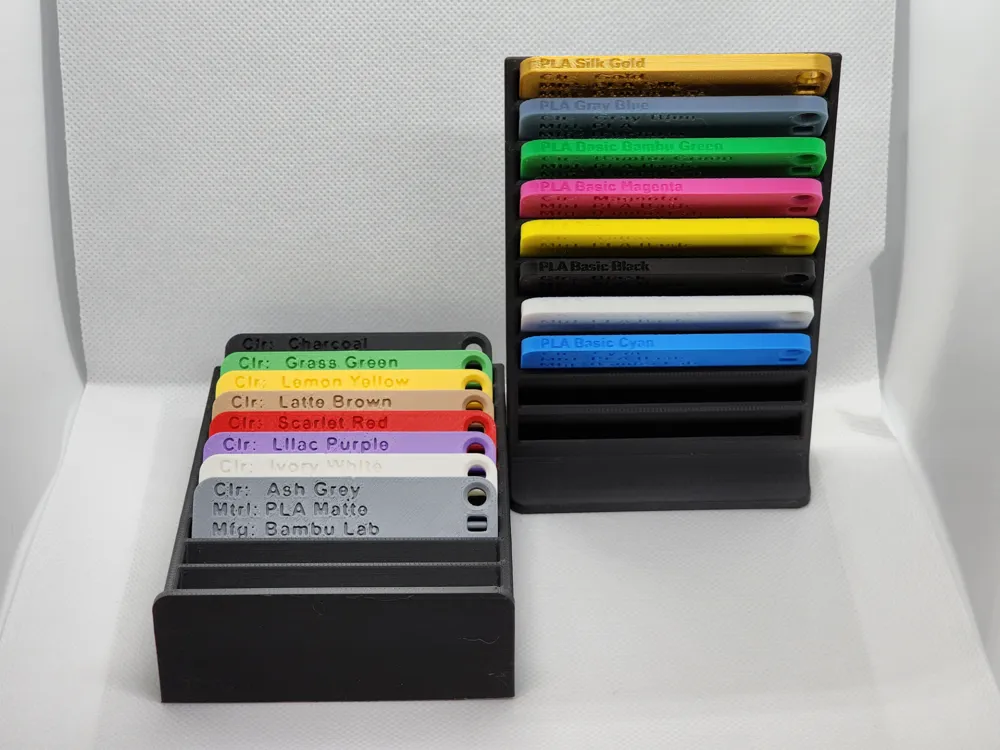
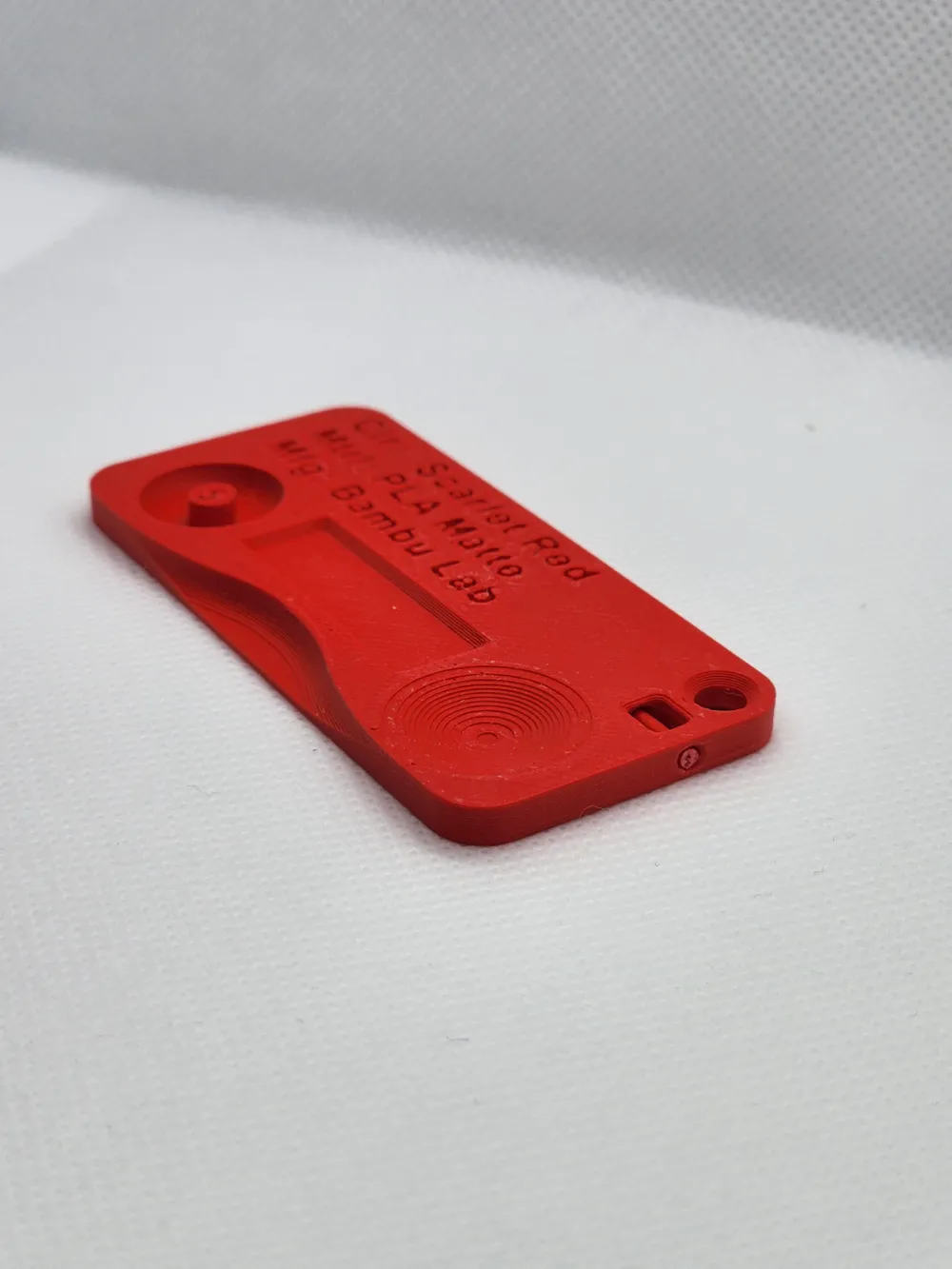
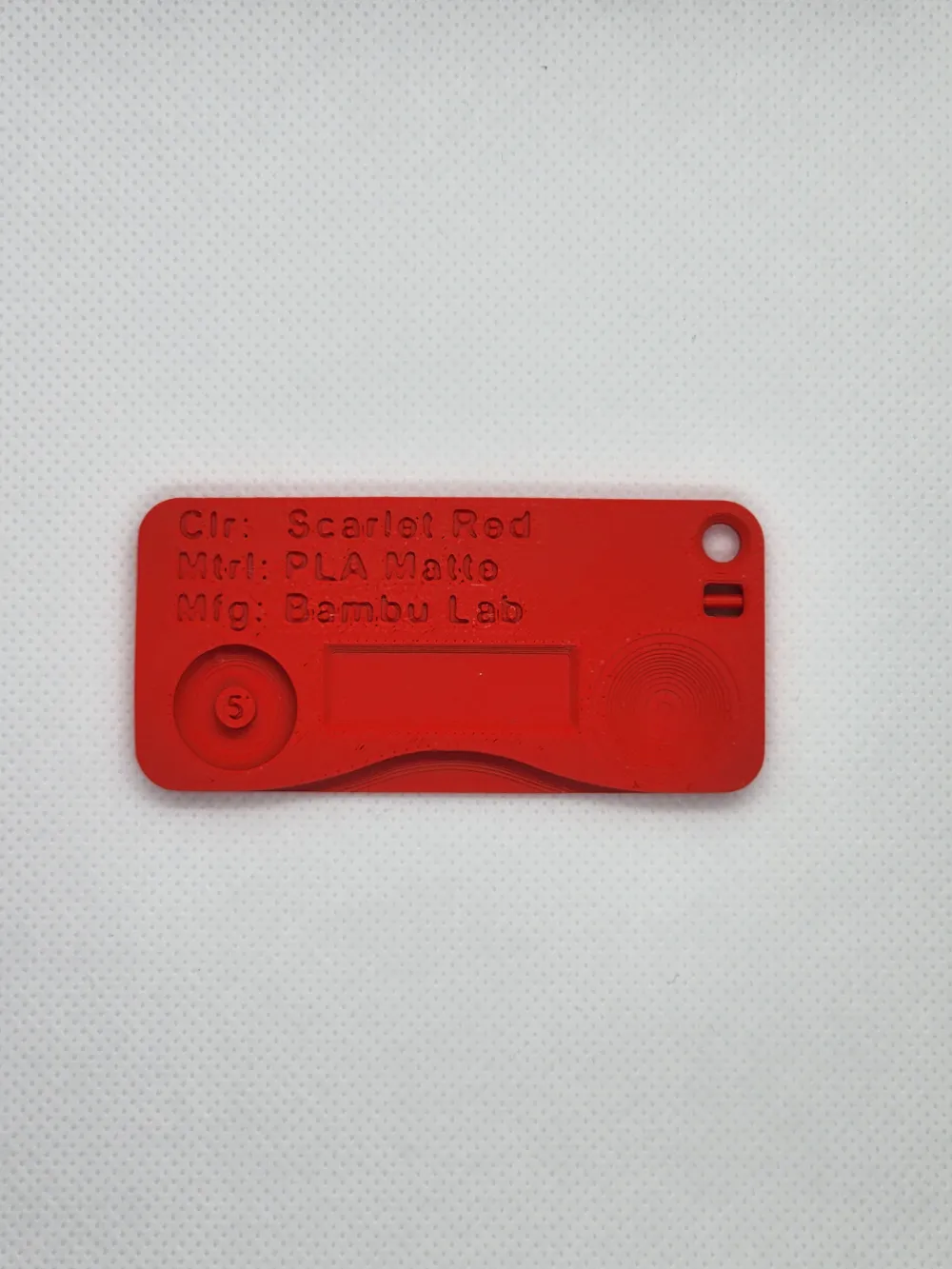
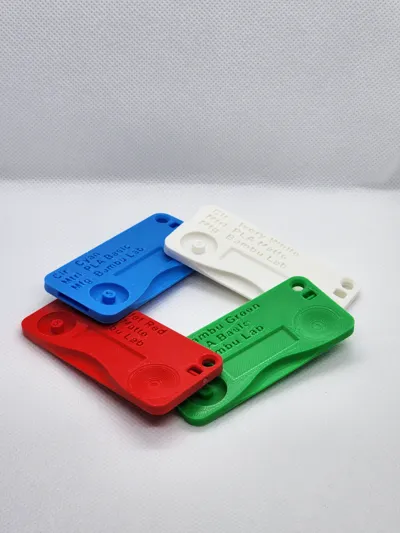
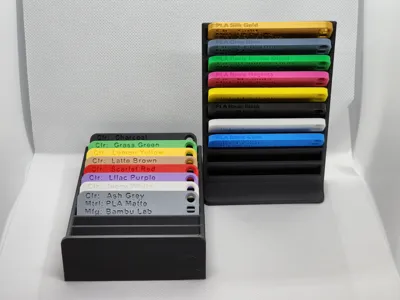
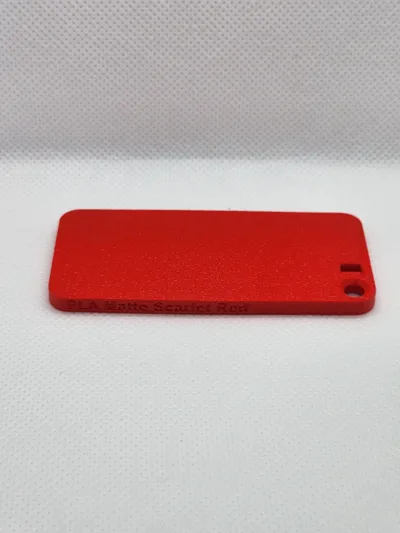
I created these color swatches to give myself or others a quick easy way to view all of my available filament colors/types. I designed various features on these swatches to allow me to see how the material looked on different geometries and provide material detail to help me remember how that material looked before starting a project.
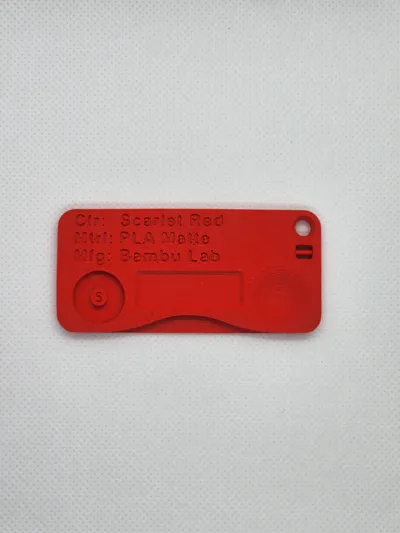
Some features on the swatches include:
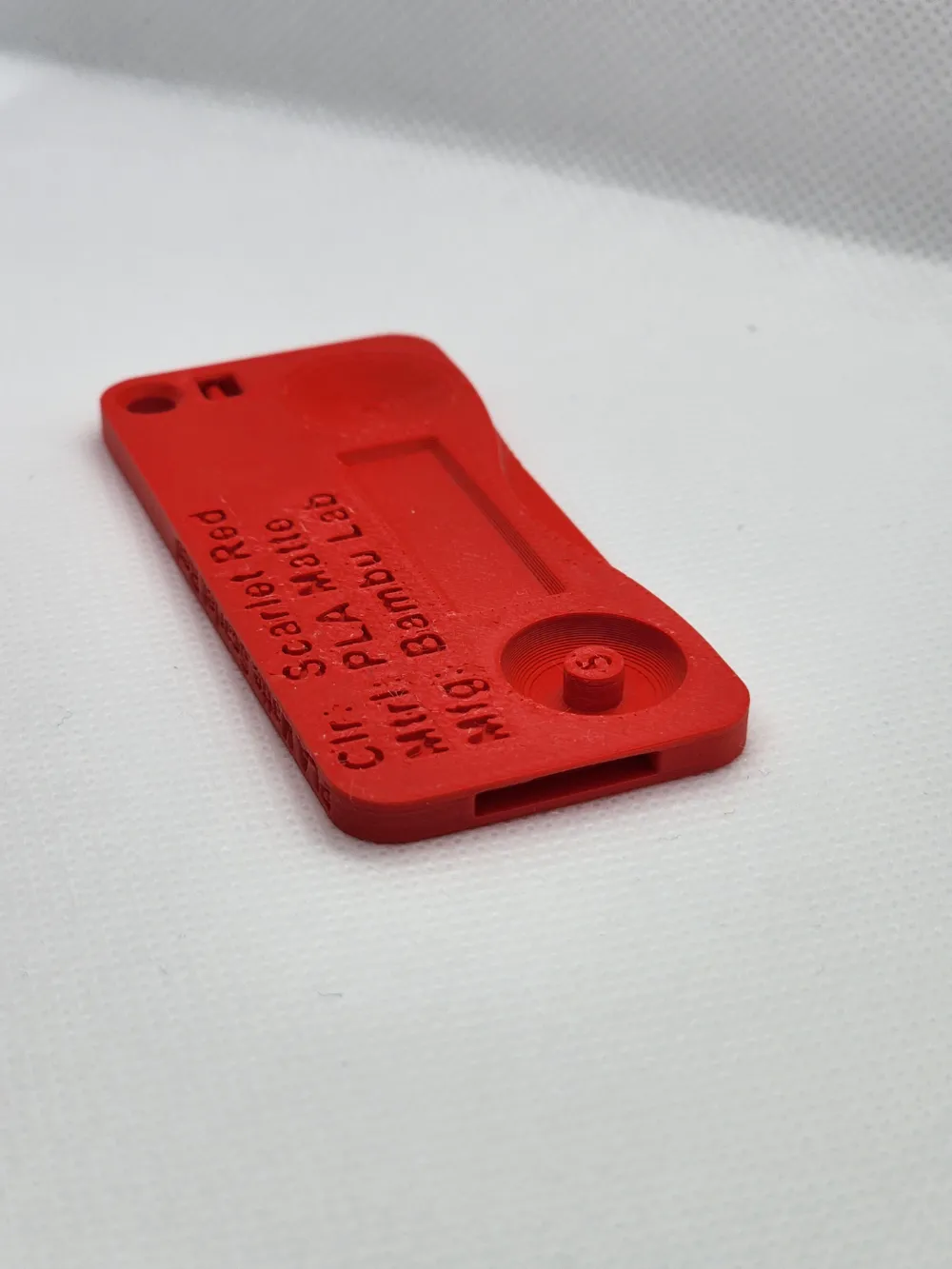
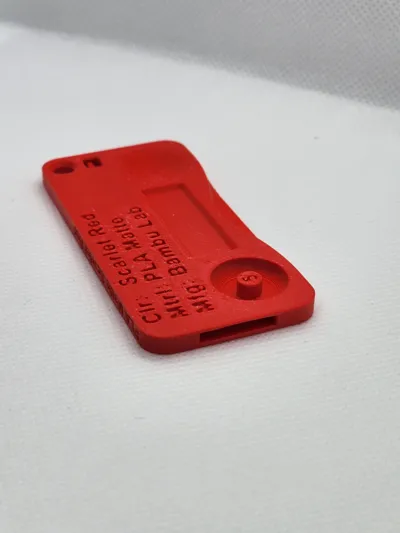
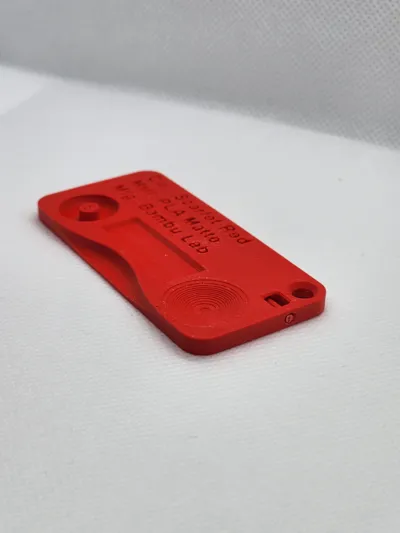
- The smooth bend at the bottom of the swatch. This allows the user to feel the blended edge while showing how the color of the material looks on various curves.
- The 5mm cylinder at the bottom left of the swatch. This allows the user to see small debossed text in a 5mm extruded cylinder.
- The rectangular flat surface at the center of the swatch. This location was left blank to allow for additional labeling of the swatches.
- A small thumb indentation to hold the swatches at the bottom right of the swatch.
- A 1.75mm filament sample display near the top right of the swatch. This is a small location to view the “Raw” filament to compare it to spools of filament. (note - “Raw” filament may need to be glued into this holder)
- Keyring hole at the top right of the swatch. This is just a hole to allow these to be put on some type of large key ring.
- The top left of the swatch is designed to display material information.
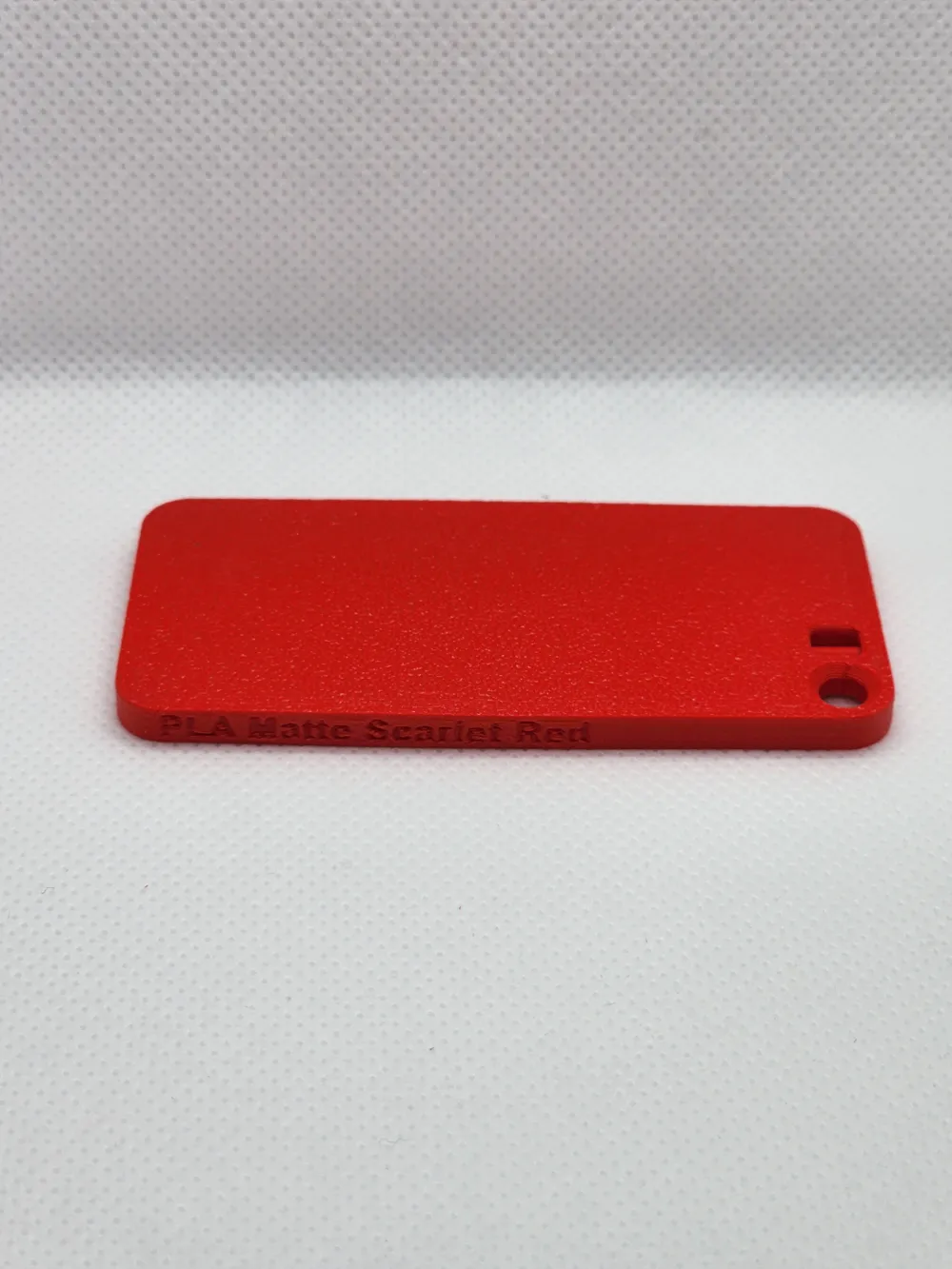
- The top side of the swatch shows a short description of the material allowing the swatch to be identified from the side.
- The left side of the swatch shows a small unsupported overhang test.
Notes:
Because Bambu Lab requires the 3mf files to be tested and printed before publishing 3mf files, the only files I included were files printed based on material I had available. Any other materials not included can be printed on the “Color Swatch - Blank” file with a sticker label used to identify material.
License

This user content is licensed under a
Creative Commons Attribution-Noncommercial


Comment & Rating (12)