Search models, users, collections, and posts

E-step / extruder calibration helper
IP Report
Print Profile(1)

0.2mm layer, 3 walls, 100% infill
Designer
23 min
1 plate
Open in Bambu Studio
Boost
7
13
4
3
66
33
Released
Description
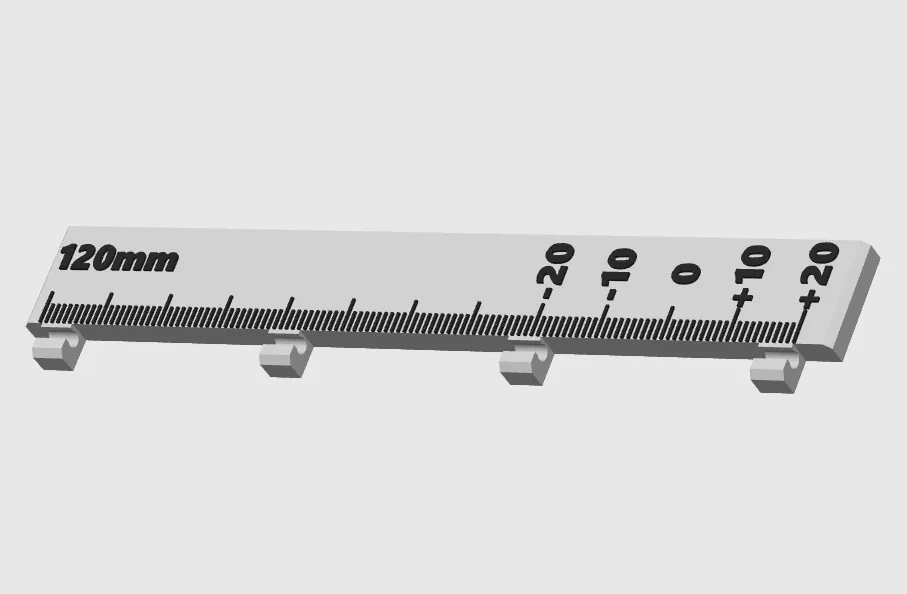
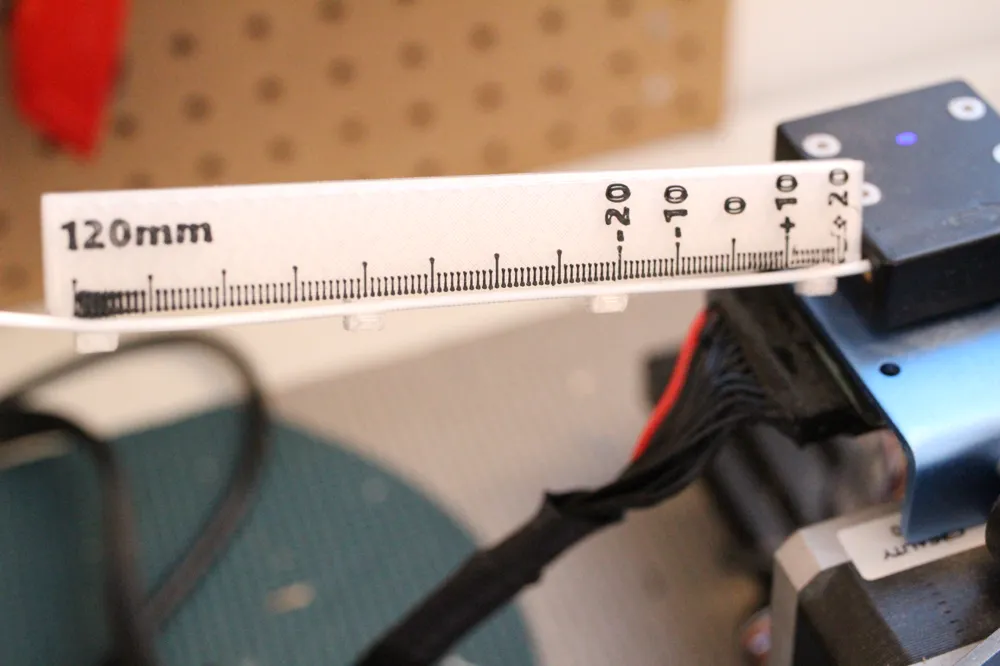
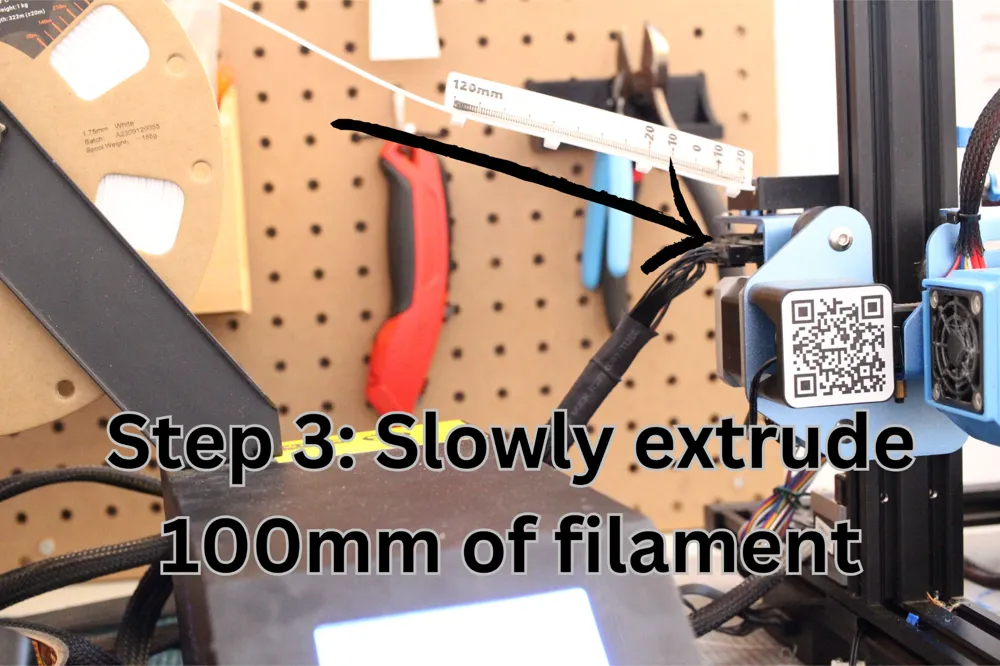
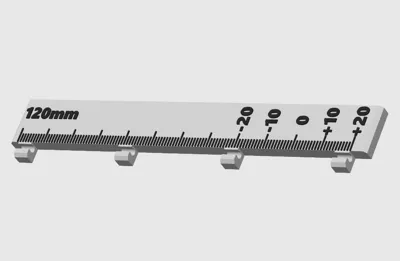
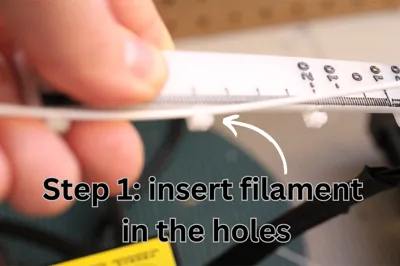
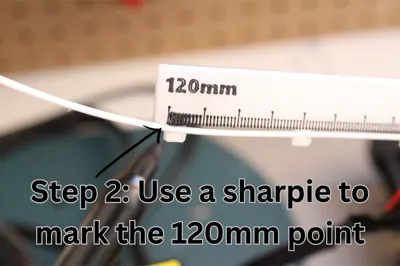
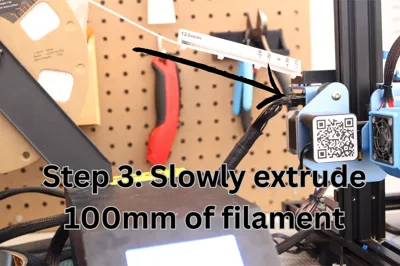
Simplify your e-step calibration process with this simple tool. It is graduated at every millimeters. The process is simple, you put a mark at 120mm, then extrude 100mm, then check how far you are from the 0.
NOTE: For more reliable result, the filament should be able to move freely, so it is better to remove it from the hotend or to remove the nozzle before doing this.
How to use it:
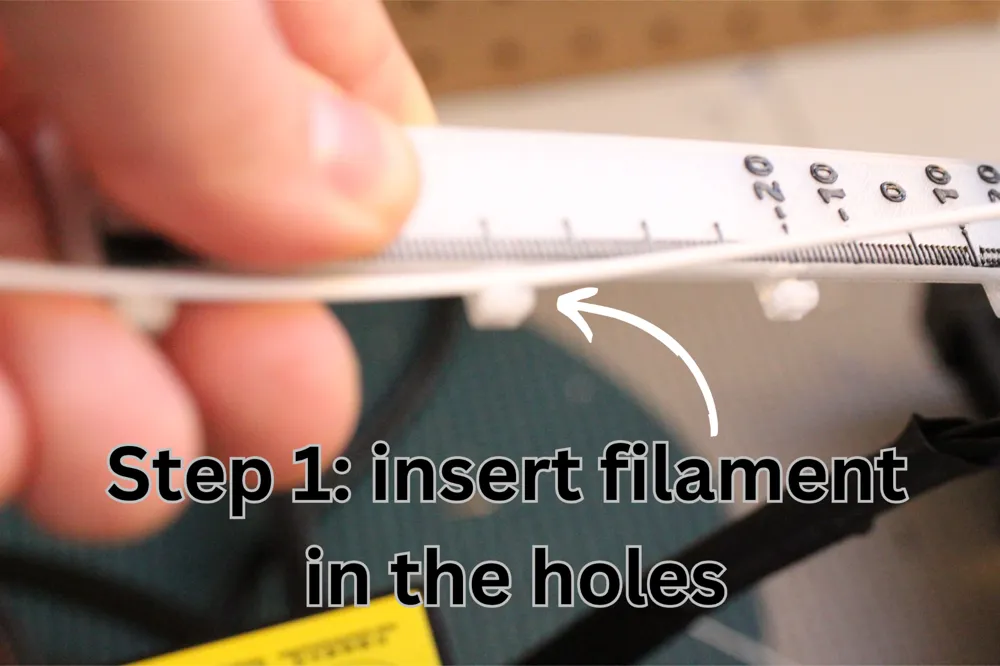
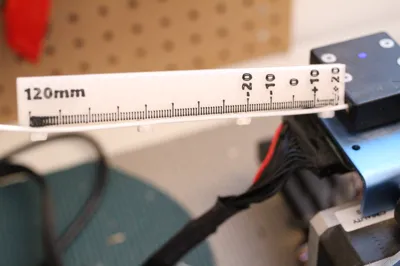
- Clip the calibration helper onto the filament and place it somewhere it will not move as the filament passes through
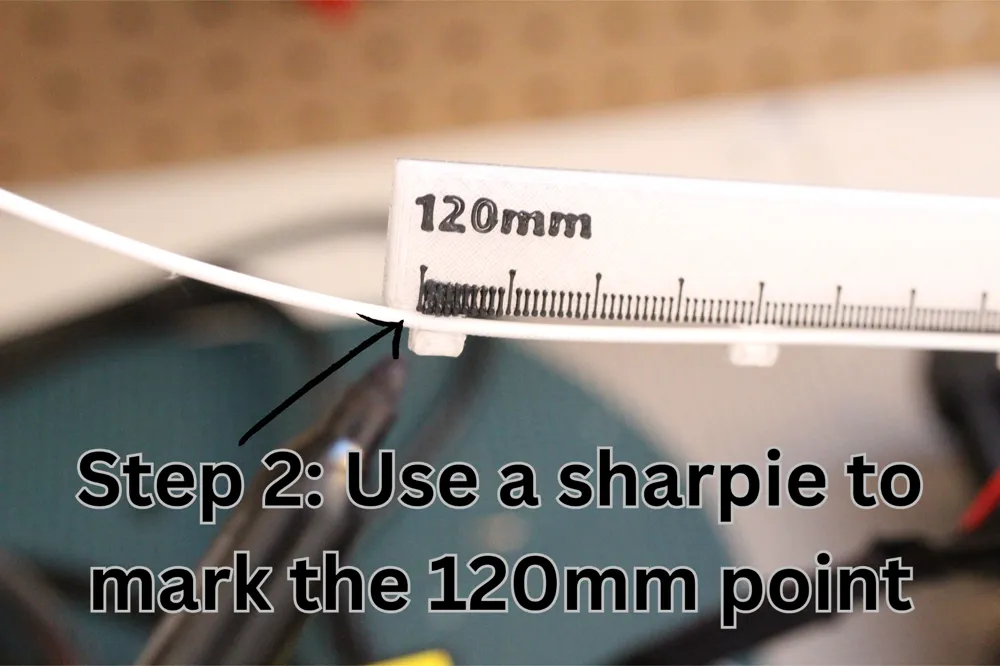
- Use a sharpie to mark the 120mm point
- Slowly extrude 100mm of filament
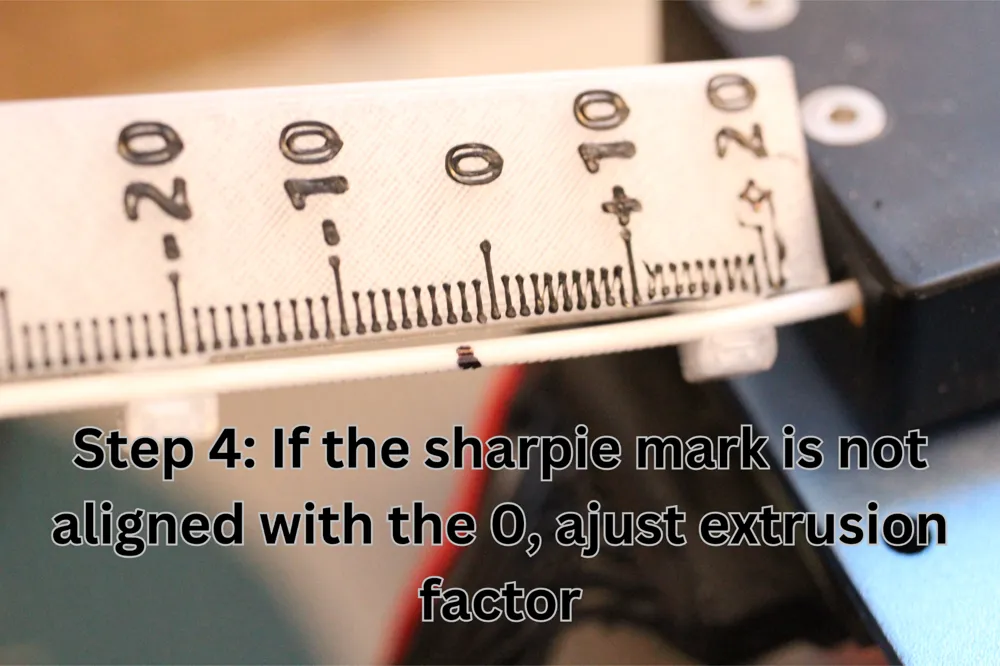
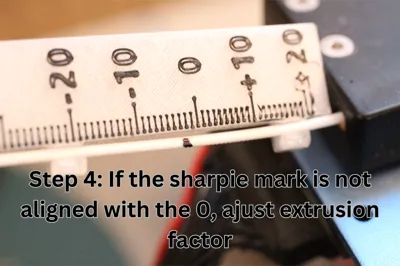
- Check the result. The sharpie mark should be aligned with the 0. A +10 would means that you overextruded 10mm (so 110mm total). A -10 would means that you underextruded 10mm (so 90mm total).
- Ajust your extrusion factor if necessary
- If you ajusted the extrusion factor, repeat the process to validate the new value.
License

This user content is licensed under a
Creative Commons Attribution-Noncommercial


Comment & Rating (4)