Search models, users, collections, and posts

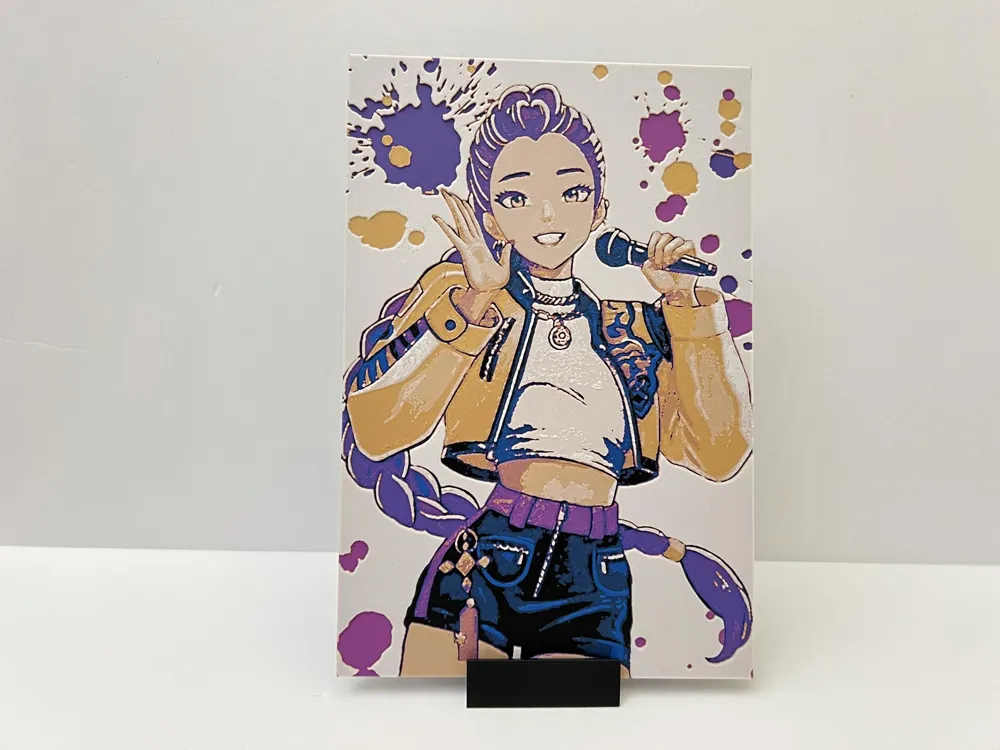
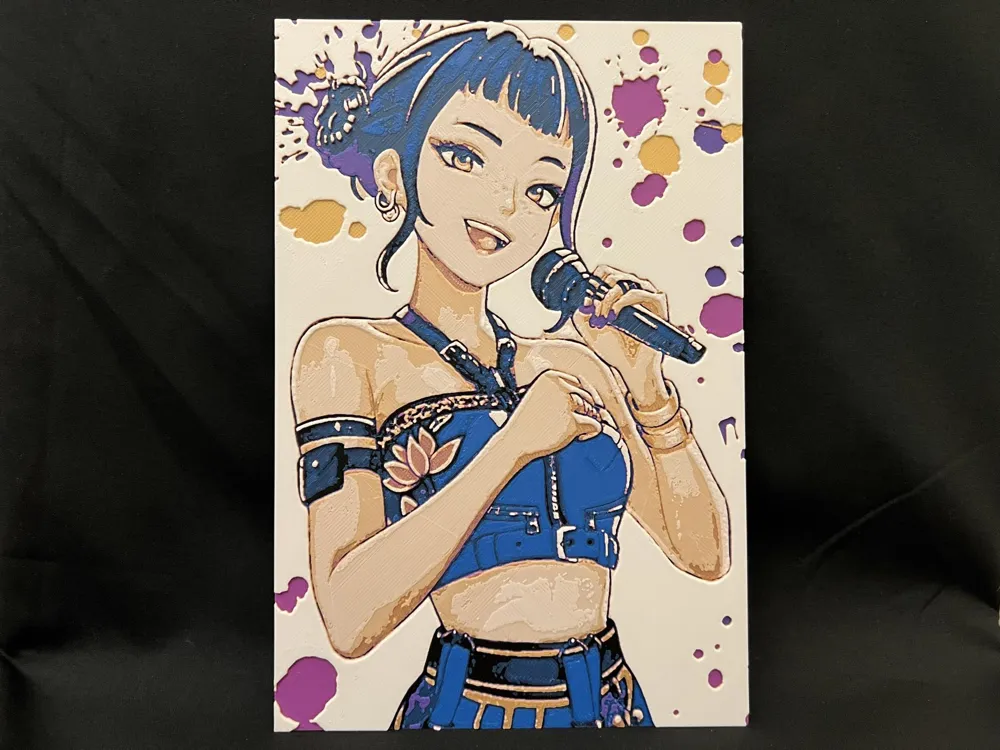
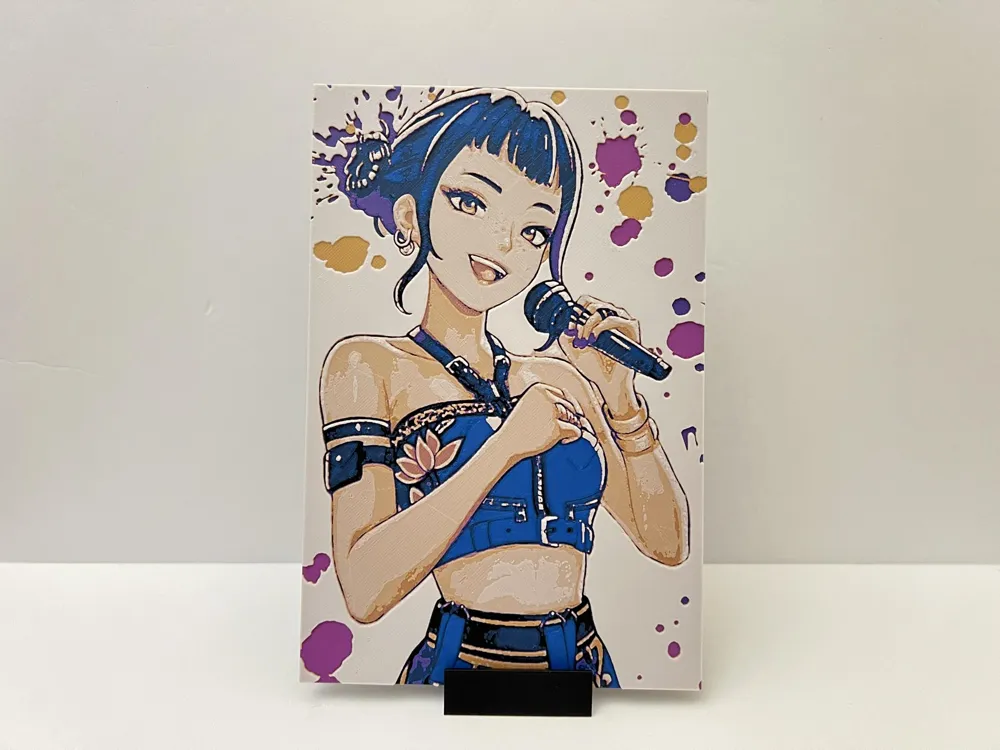
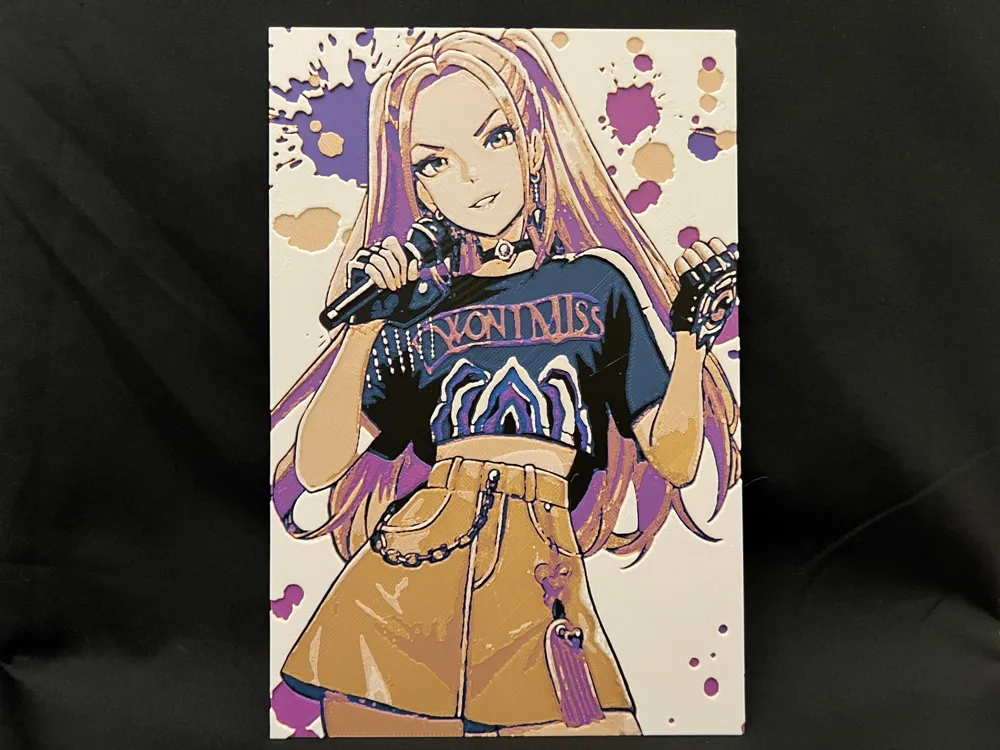
Kpop Demon Hunters - Huntr/X Members - Portraits
Print Profile(2)

All
P1S
P2S
H2D
X1E
A1
P1P
X1 Carbon
X1
H2S
H2C
H2D Pro
X2D
A2L
A1 mini

133x200mm, 3 Plates, 5 Colors, AMS Ready, 0.08mm layer
Designer
9.4 h
3 plates
5.0(27)

A1 Mini Sized, 113x170mm, 5 Colors, 3 Plates, AMS Ready
Designer
7.5 h
3 plates
4.5(2)

Open in Bambu Studio
Boost
558
1285
47
25
499
183
Released 

Description

Thank you for downloading my works. If you would like to sell my designs, past and future, a commercial license can be obtained from my MakerWorld or Patreon page.

 

Membership

License to commercially sell my designs, past and future. Different tiers available. Thank you for your membership.

Join

Boost Me (for free)

If you like the designs, please gift a boost. Thank you in advance for your support.

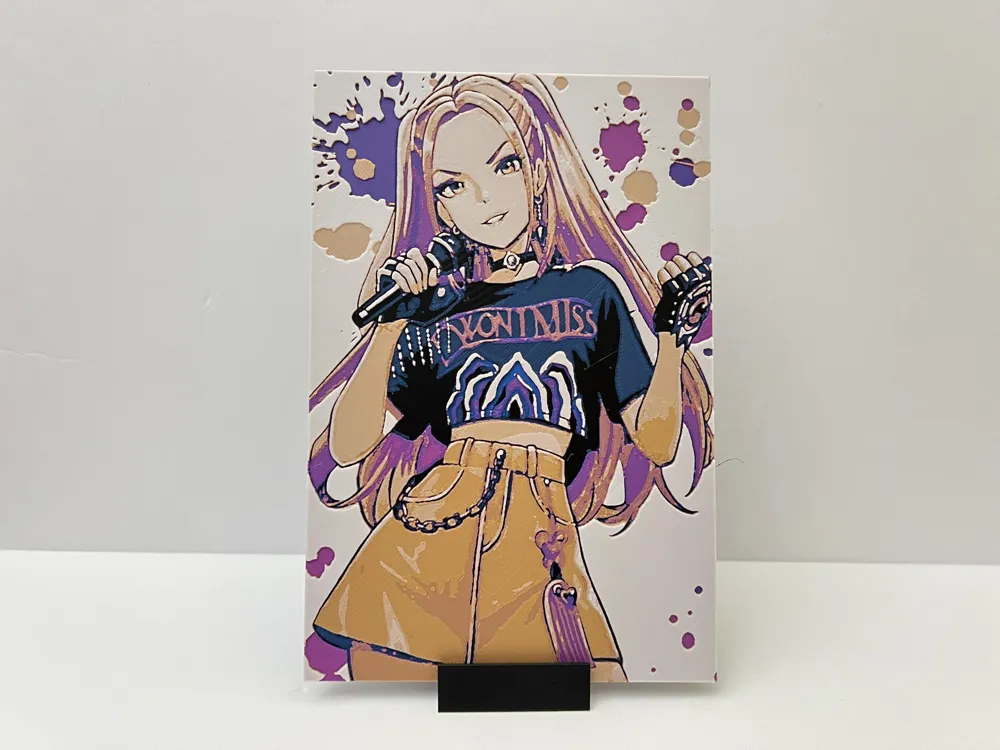
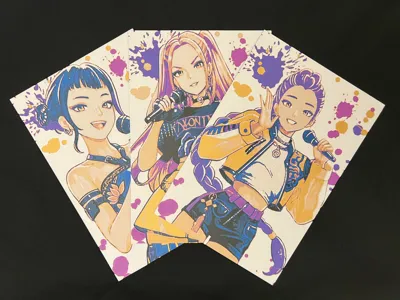
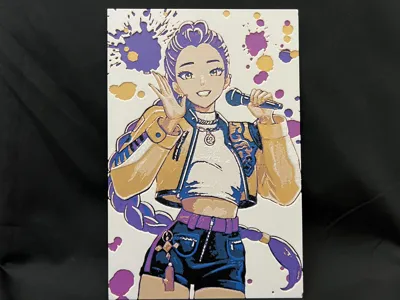
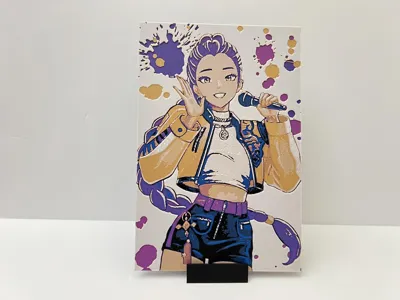
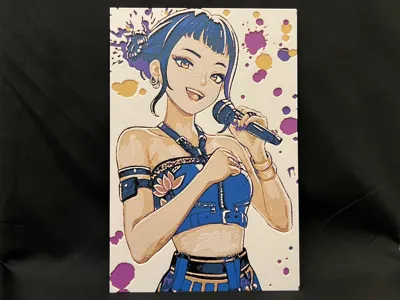
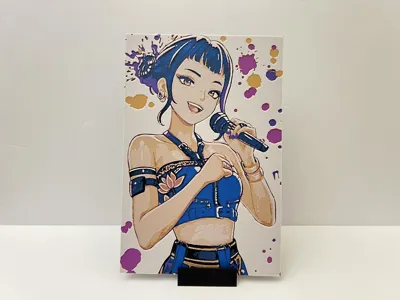
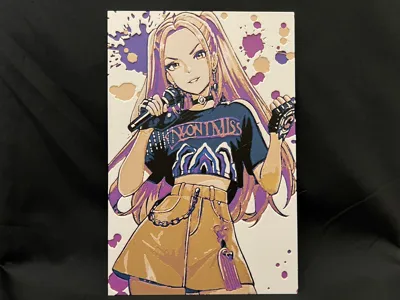
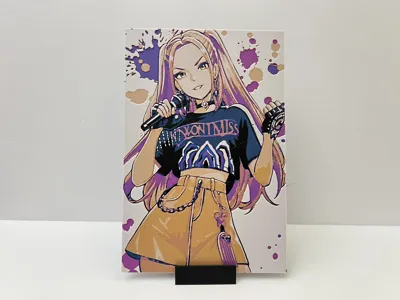
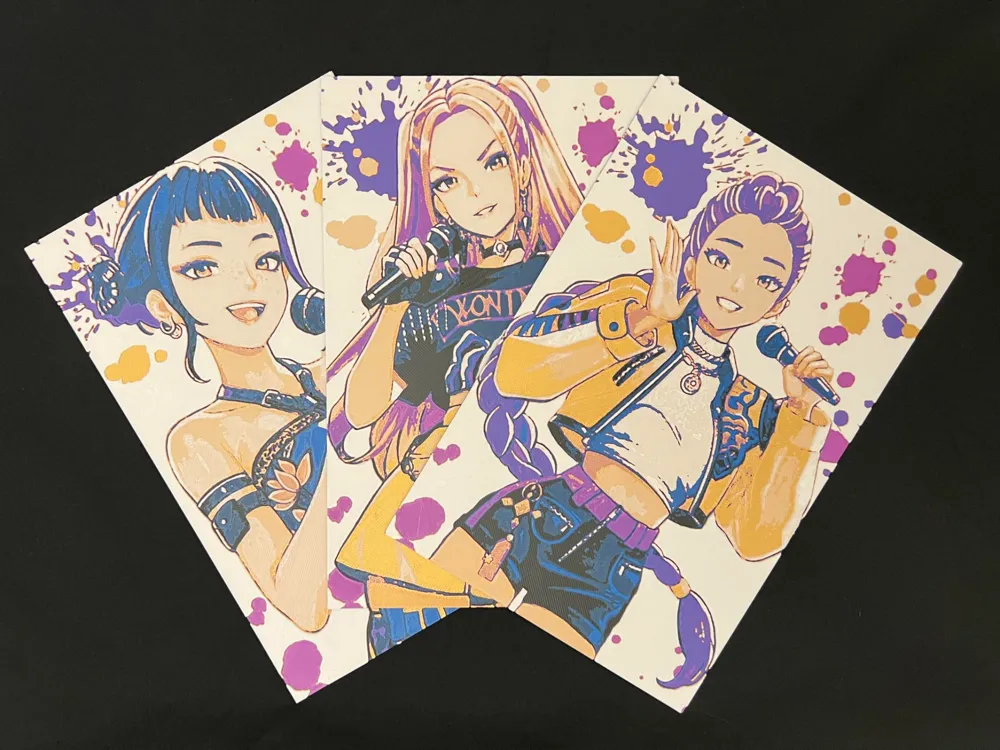
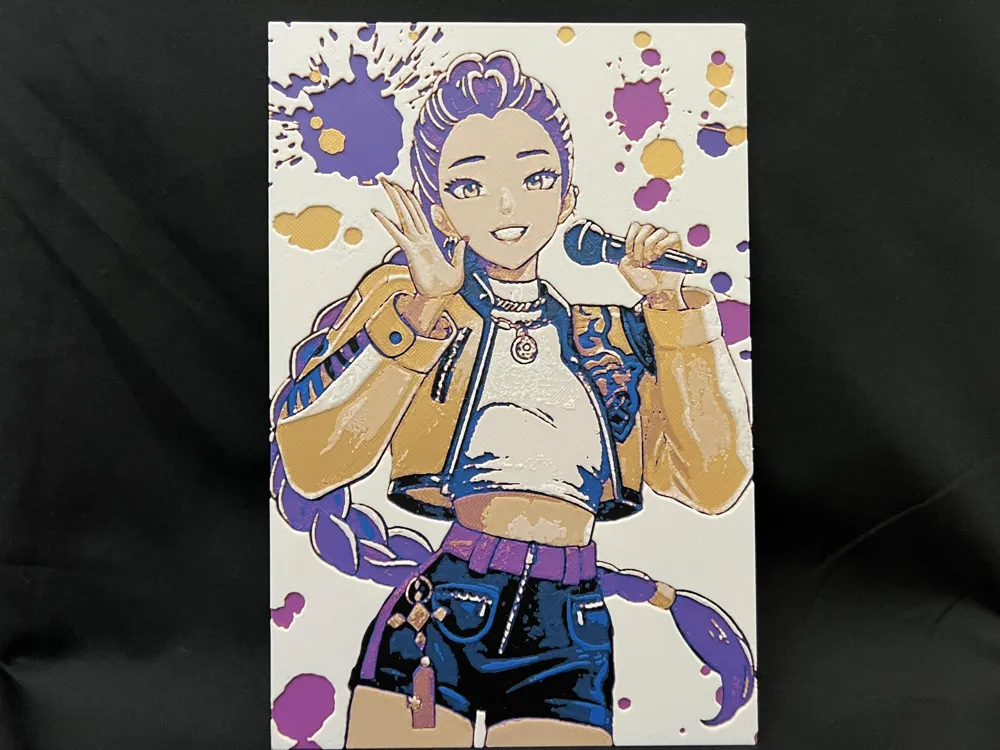
Adding onto the Kpop Demon Hunters. I wanted to celebrate each Huntr/X member with her individual portrait and bookmark. These art pieces differ from the movie. They are styled to comic book and manga art. 


KPOP Demon Hunters Members Portraits - One per plate.

Plate 1: Mira

Plate 2: Zoey

Plate 3: Rumi

Pictured are printed using an 0.4mm Nozzle

Print at 100% infill with a layer height of 0.08mm with a base layer of 0.16mm


Filaments Used:

PLA BambuLab Basic Black Transmission Distance: 0.6

PLA BambuLab Basic Cobalt Blue Transmission Distance: 3.9

PLA BambuLab Basic Magenta Transmission Distance: 3

PLA BambuLab Basic Gold Transmission Distance: 5

PLA BambuLab Basic Jade White Transmission Distance: 4.6

This print uses 5 unique filaments


Swap Instructions:

Start with Black

At layer (0.56mm) swap to Cobalt Blue

At layer (0.8mm) swap to Magenta

At layer (1.04mm) swap to Gold

At layer (1.28mm) swap to Jade White for the rest.
 

This is a five color print. Use this tutorial by Cloudy Nostalgia to print more than 4 colors on 1 AMS.


Can be resized to accommodate your printer or preference by adjusting the X and Y axis the same percentage while leaving the Z axis at 100%. The best way to achieve this: With Uniform Scale checked, adjust the Y axis to the desired size (this will ensure the X axis is the same proportion as the Y axis), uncheck the Uniform scale, adjust the Z axis back to 100%, slice plate, and print. Stringing may occur with Hueforge, just use a lighter to whisk them away. 


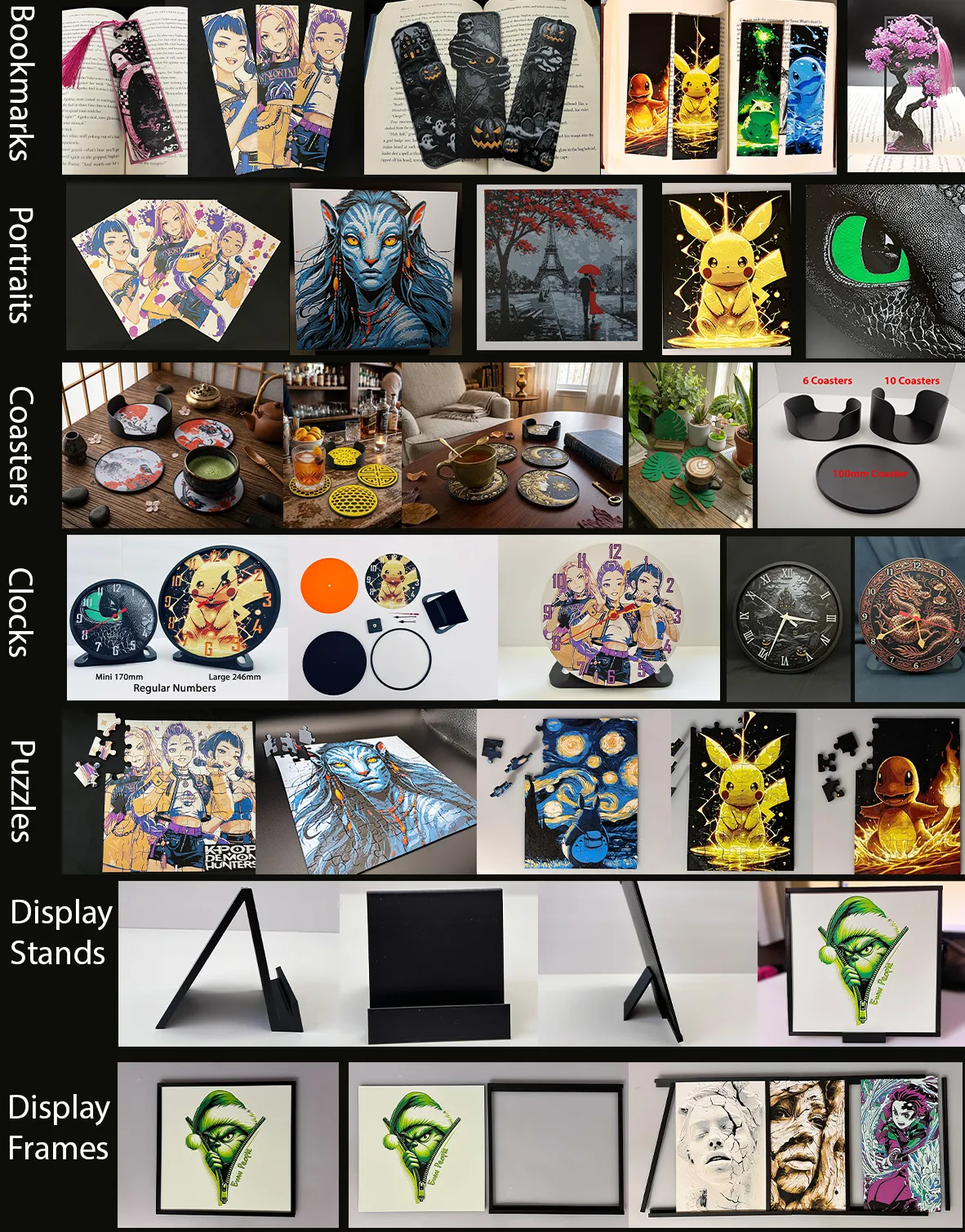
More prints: Bookmarks -- Portraits -- Coasters -- Clocks -- Puzzles -- Display Stands -- Display Frames

They are sorted and can be found in my Collections - https://makerworld.com/en/@3djd/collections
 

Comment & Rating (47)

(0/1000)

These look great but when I slice it wont let me add a pause
The designer has replied
0
Reply
you can't do a filament change and pause in the same step. go 1 layer below a color change
1
Reply
Replying to @Mattistooshorto :
WoW! 5 years of printing under my belt and I am still learning new things! Thank you!
1
Reply
Replying to @dronein7g :
Learning that has saved me on so many overnight color changes
0
Reply
Boosted
Print Profile
133x200mm, 3 Plates, 5 Colors, AMS Ready, 0.08mm layer
These came out great! I will probably have to make more for friends with the amount of compliments it gets!
1
Reply
you created your own frame?
0
Reply
Boosted
Replying to @JuanitoBanana01 :
No, I used the "Frame Boarder" and stand listed above
0
Reply
Print Profile
133x200mm, 3 Plates, 5 Colors, AMS Ready, 0.08mm layer
turned out great, niece loved it.
0
Reply
how can you make her skin that color? mine came out just plain white
0
Reply
Print Profile
133x200mm, 3 Plates, 5 Colors, AMS Ready, 0.08mm layer
espectacular
0
Reply
Boosted
Print Profile
133x200mm, 3 Plates, 5 Colors, AMS Ready, 0.08mm layer
love them so much! amazing models!
0
Reply
Print Profile
133x200mm, 3 Plates, 5 Colors, AMS Ready, 0.08mm layer
My first time printing this style of 3D art and am very impressed with the results. Great print profile, my daughter is very happy with these!
0
Reply
Print Profile
133x200mm, 3 Plates, 5 Colors, AMS Ready, 0.08mm layer
perfect
(Edited)
0
Reply
Boosted
Print Profile
133x200mm, 3 Plates, 5 Colors, AMS Ready, 0.08mm layer
You can play with colors for different outfit and appearance. The right is with glow in dark white
0
Reply
Print Profile
133x200mm, 3 Plates, 5 Colors, AMS Ready, 0.08mm layer
1
Reply
Question: Your description says use "PLA BambuLab Basic Jade White Transmission Distance: 4.6", but your profile is using "Bambu Lab PLA Matte Ivory White". Which one should I use? Awesome design, my daughter is going to love it!
The designer has replied
0
Reply
I used Basic. If you want a lighter skin tone, use matte.
0
Reply
Awesome, thanks for the update. I think yours looks great, so I'll try the basic.
0
Reply

License

If you want to use this model commercially, please join my membership.
Join Now
This user content is licensed under a Standard Digital File License.

You shall not share, sub-license, sell, rent, host, transfer, or distribute in any way the digital or 3D printed versions of this object, nor any other derivative work of this object in its digital or physical format (including - but not limited to - remixes of this object, and hosting on other digital platforms). The objects may not be used without permission in any way whatsoever in which you charge money, or collect fees.