Search models, users, collections, and posts

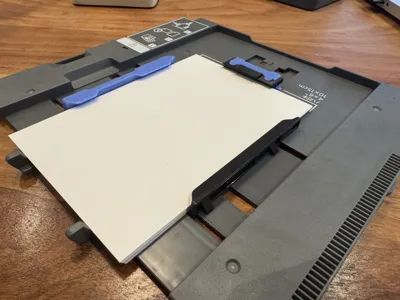
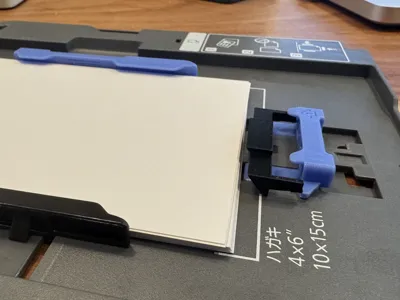
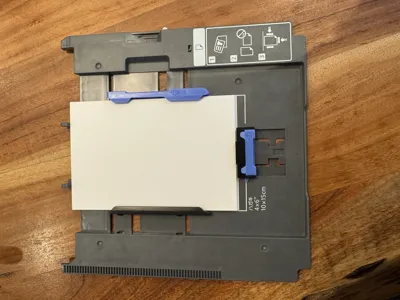
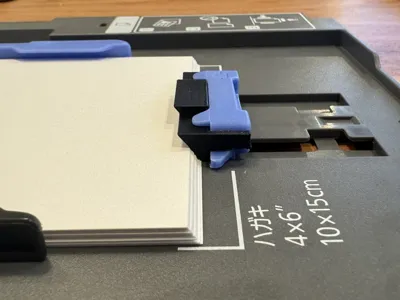
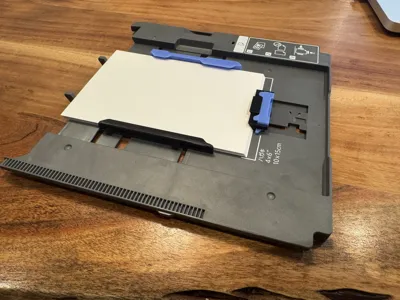
Epson 8550 Printer Photo Tray Wedge Page Spreader
IP Report
Print Profile(1)

0.12mm layer, 3 walls, 15% infill
Designer
20 min
1 plate
Open in Bambu Studio
Boost
11
29
0
0
45
28
Released
Description
Problem: Phantom paper jam from Photo Tray (Tray 1) even though there is proper paper loaded in my Epson 8550.
Issue:
- There is a reddit forum that explains the fix for this from an amazon review.
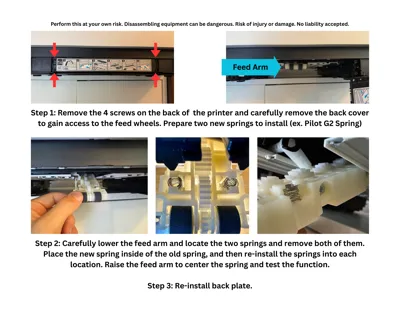
- The OP discovered two issues, (1) there was not enough spring tension on the feed arm to successfully load the paper from Tray 1, and (2) the rear slider did not properly fan or angle the paper.
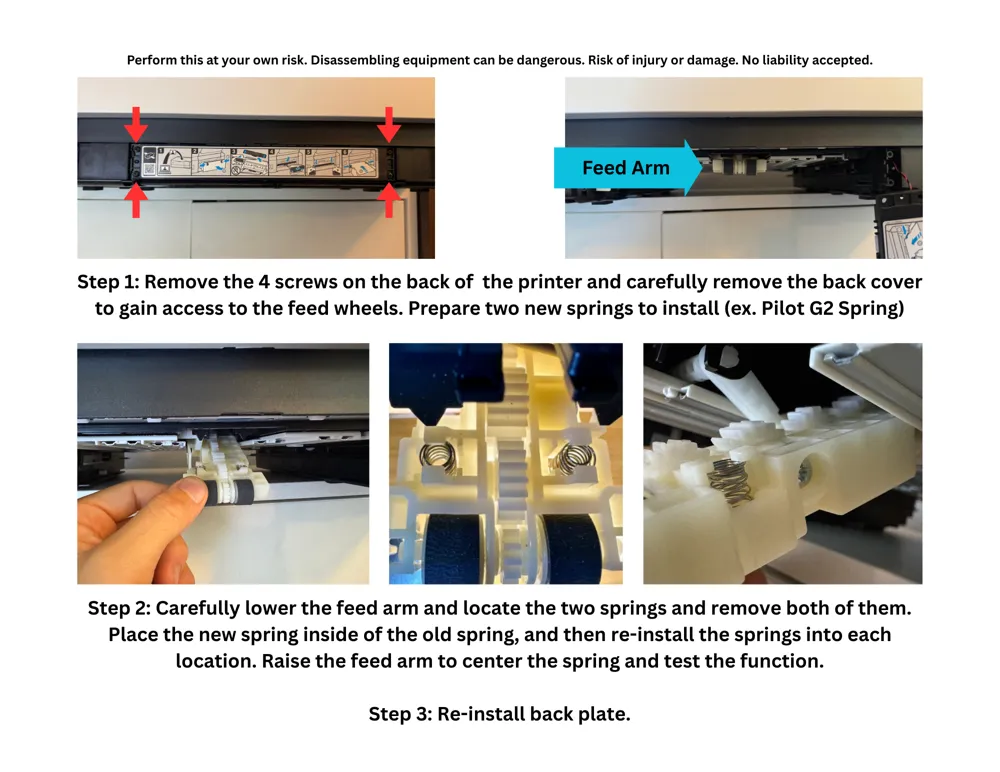
- The solutions are simple addressing the issues including (1) adding new springs to increase the force and (2) adding a wedge to the rear slider.
Solution
- (1) Springs - the OP uses two springs from two Pilot G2 Pens, and installs them on the feed arm.. The steps are outlined in the photo above.
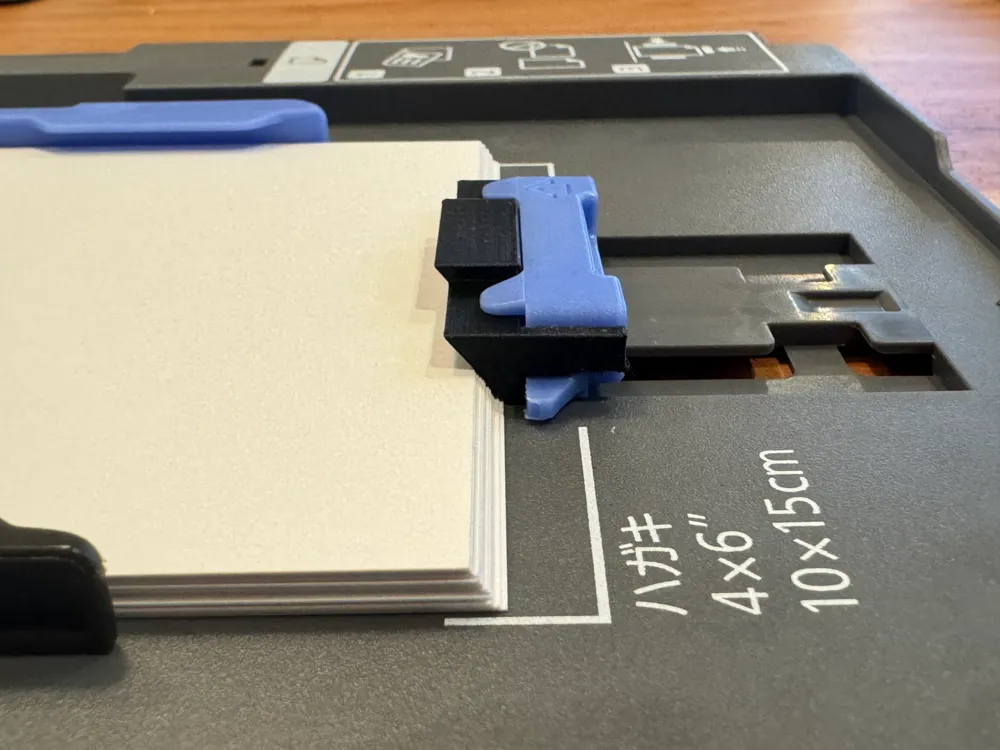
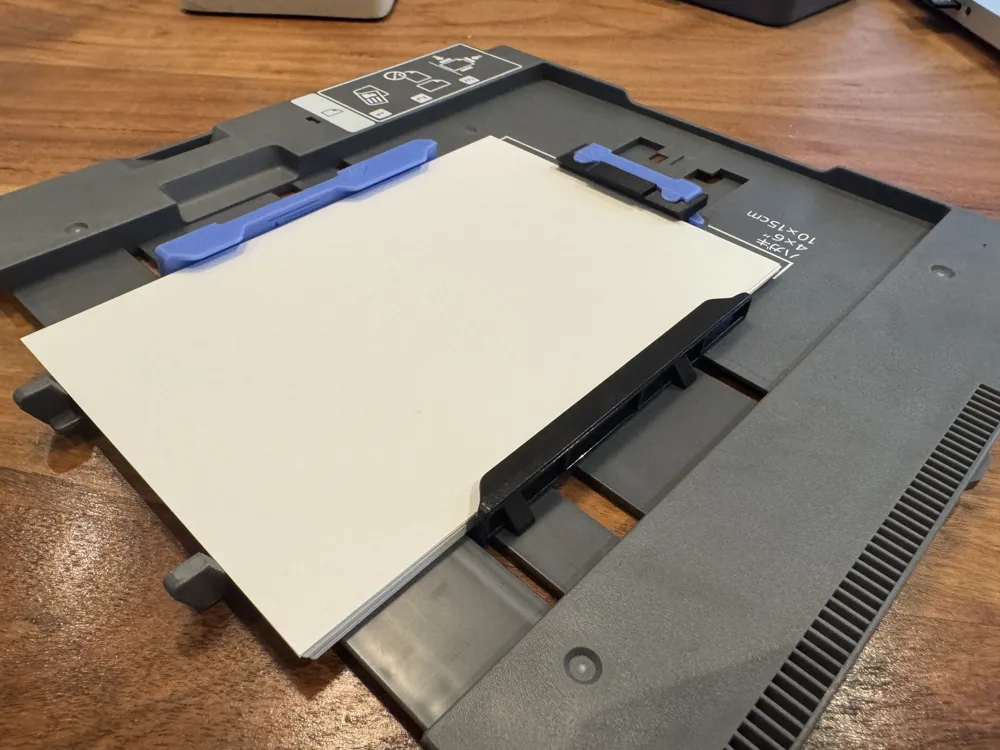
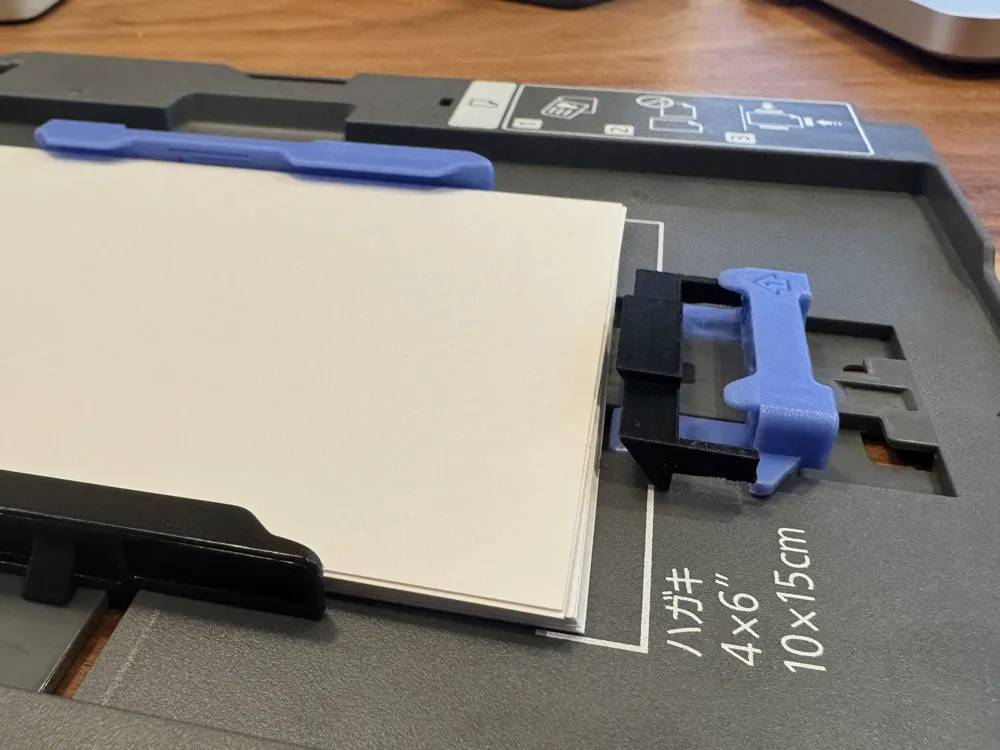
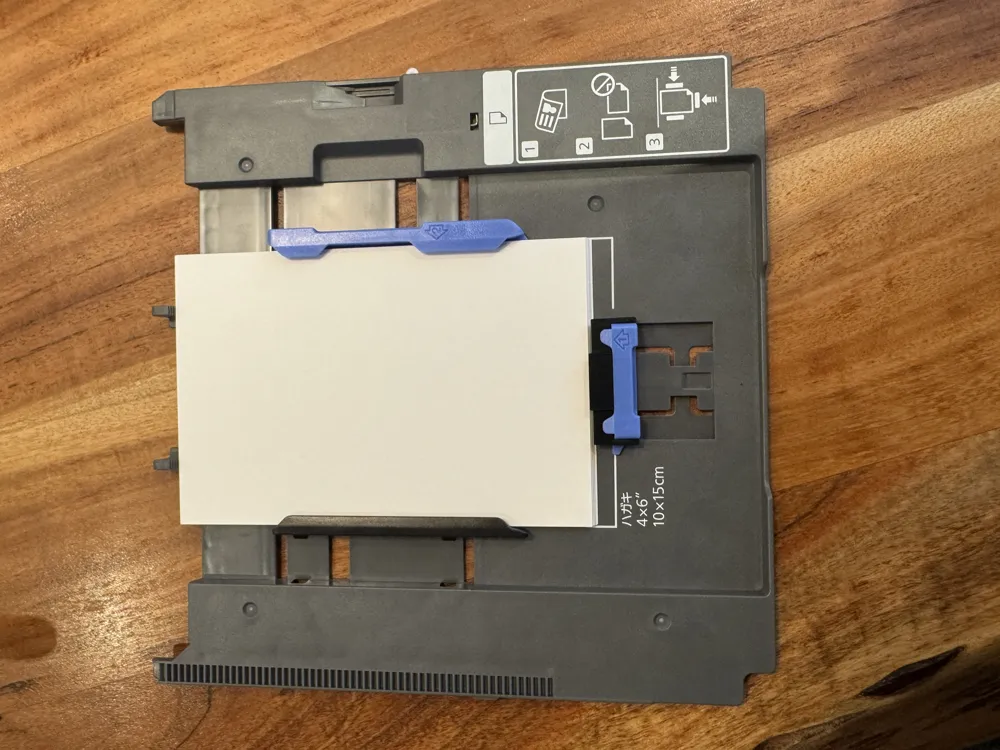
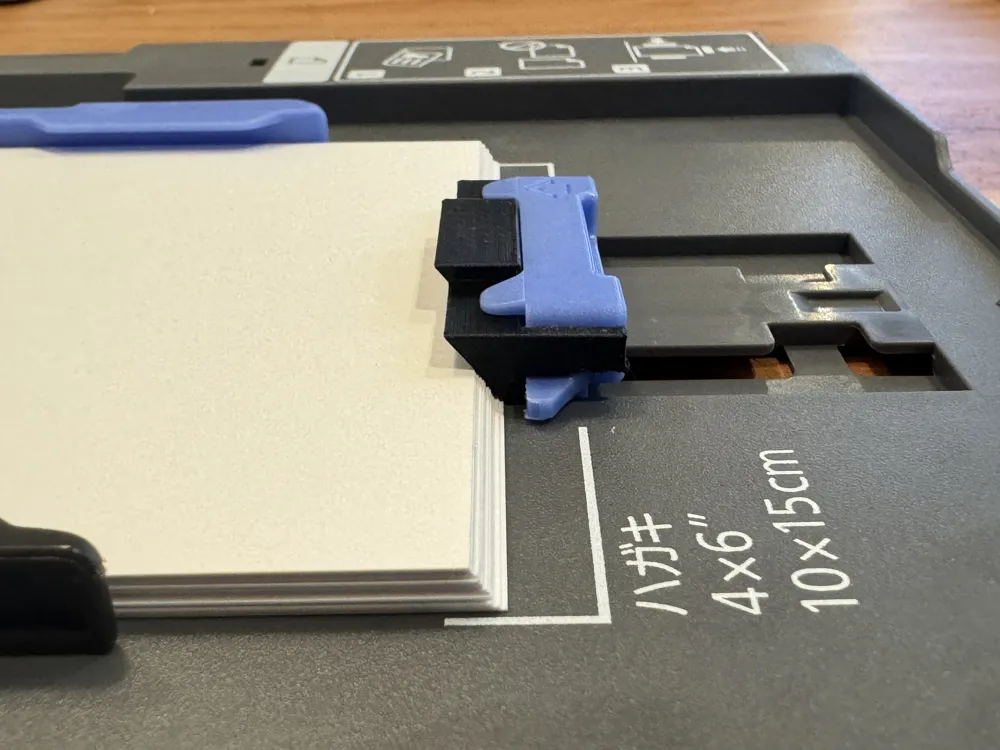
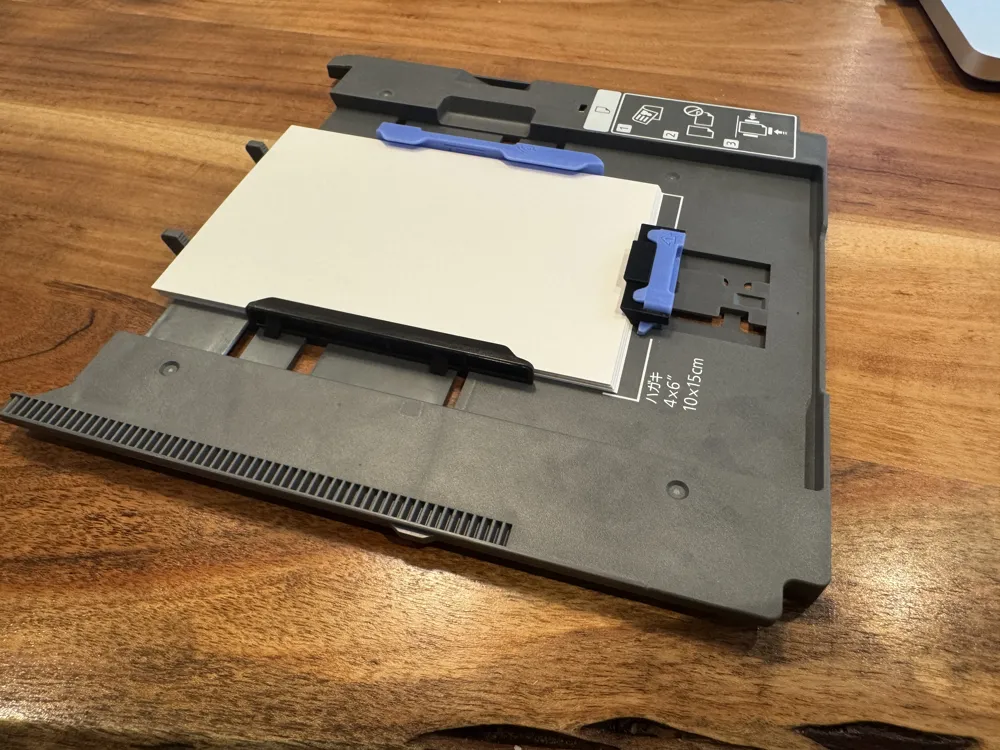
- (2) Wedge - this model is the wedge that i designed that slides over the rear slider to create the fanning and spreading of the paper.
Support me here
License

This user content is licensed under a Standard Digital File License.
You shall not share, sub-license, sell, rent, host, transfer, or distribute in any way the digital or 3D printed versions of this object, nor any other derivative work of this object in its digital or physical format (including - but not limited to - remixes of this object, and hosting on other digital platforms). The objects may not be used without permission in any way whatsoever in which you charge money, or collect fees.


Comment & Rating (0)