Search models, users, collections, and posts

Ubiquiti G5 Dome Ultra Surface Mount
IP Report
Print Profile(1)
0.2mm, Conservative
Designer
2.2 h
2 plates
Open in Bambu Studio
Boost
4
15
0
2
28
22
Released
Description
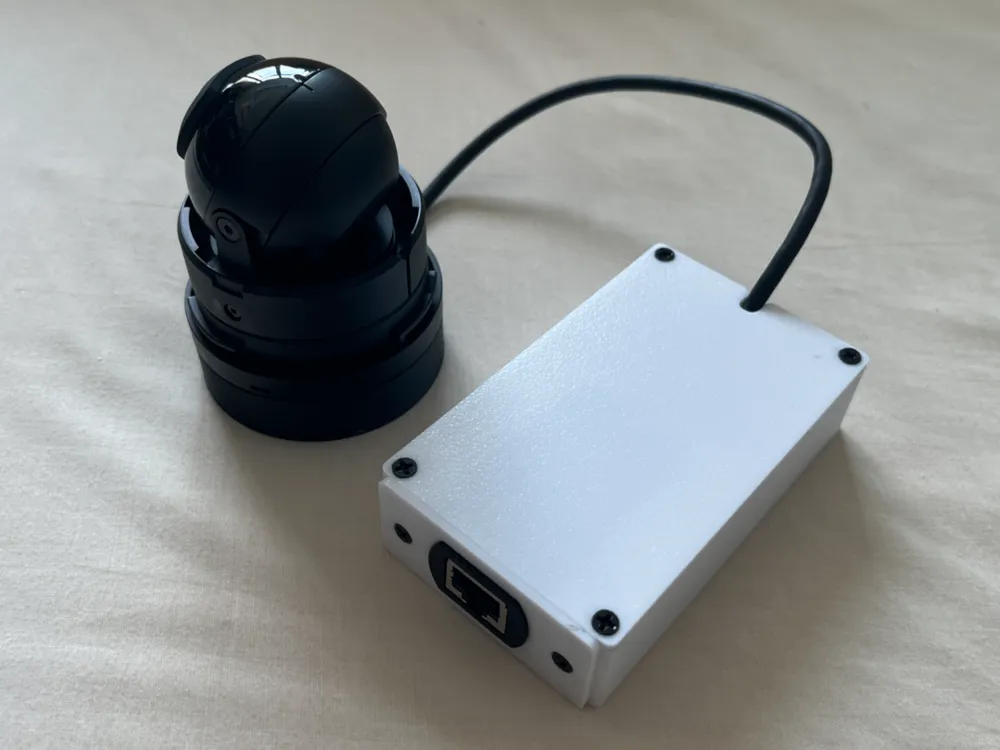
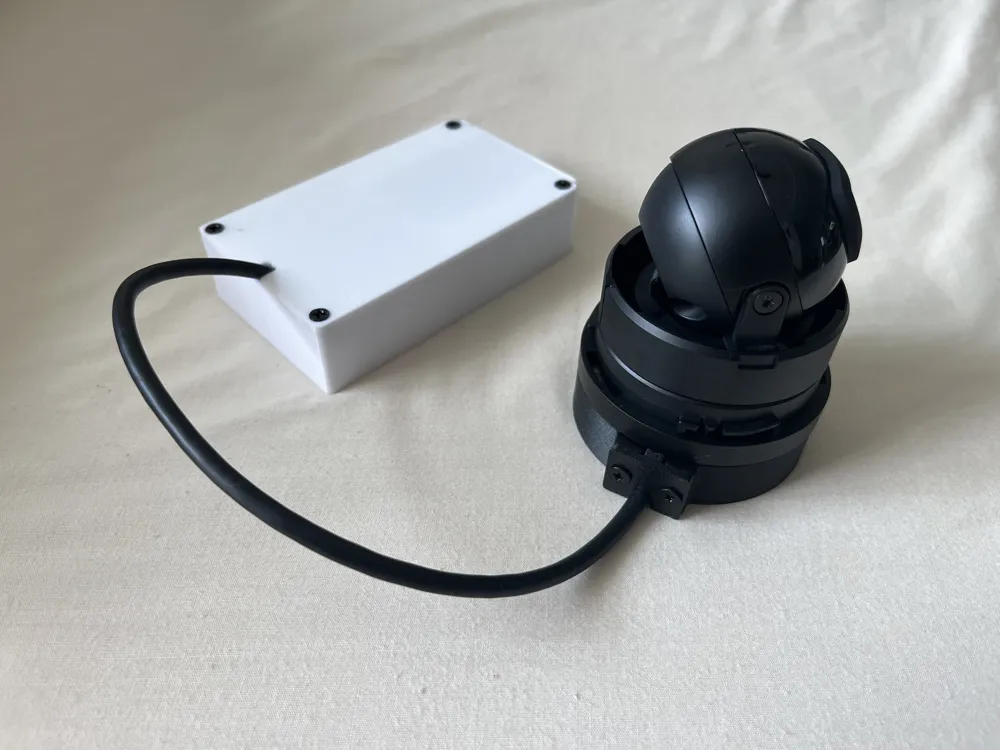
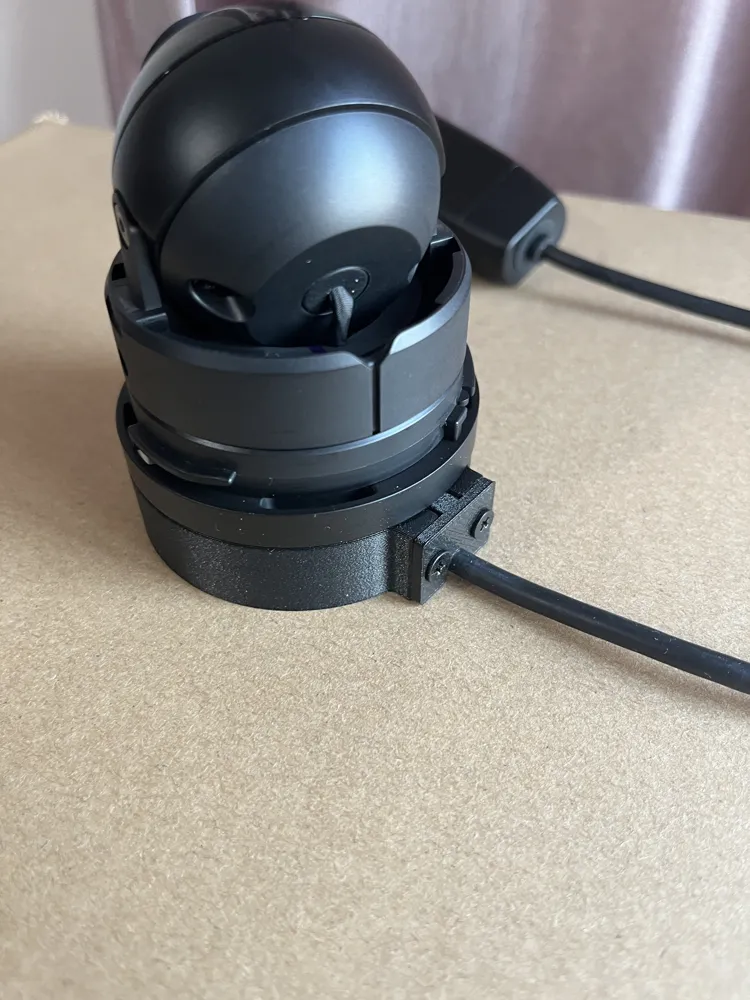
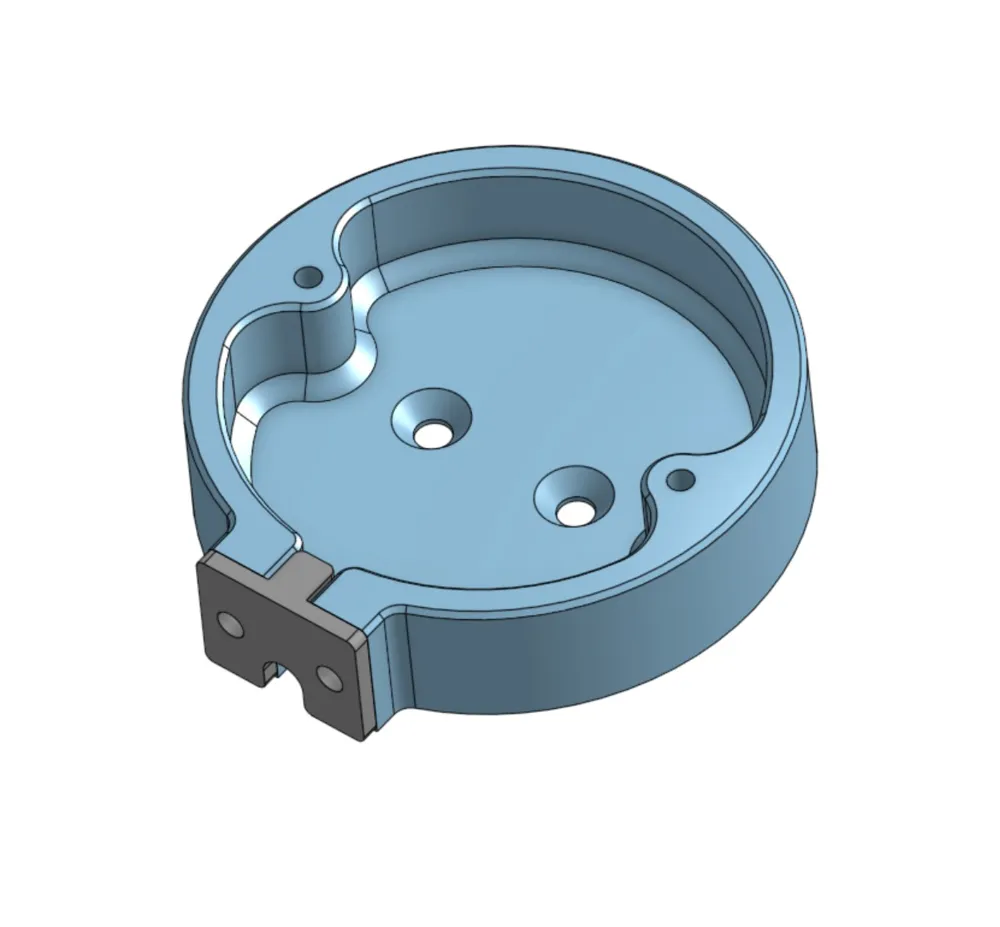
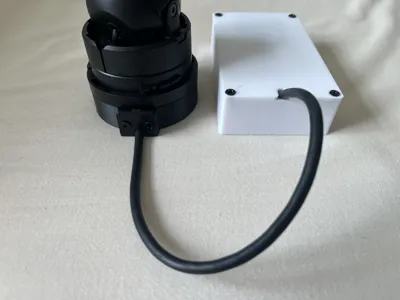
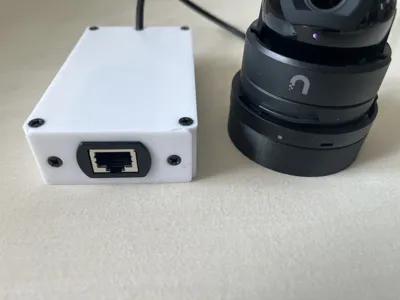
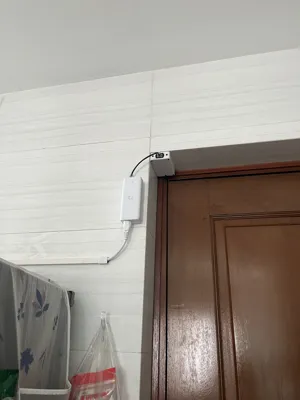
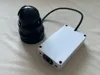
A small riser base that allows you to surface mount your Ubiquiti G5 Dome Ultra camera, as well as an optional cable management box for the external ethernet jack.
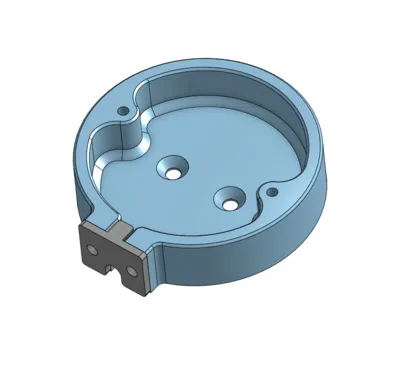
Surface Mount (G5 Dome Mount.step)
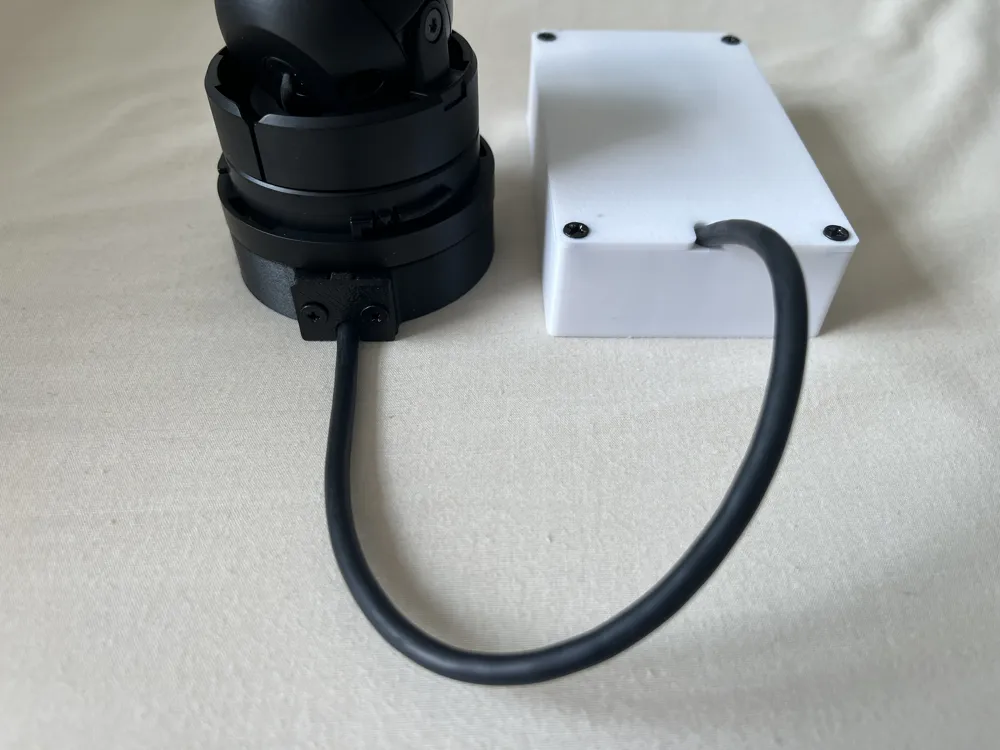
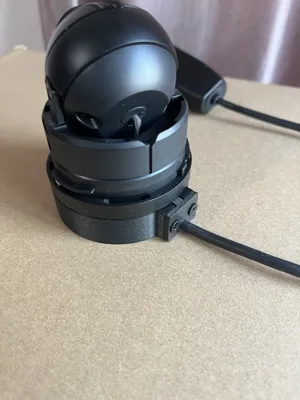
Adds 15mm to the overall height. This is the shortest it can be to allow a comfortable bend radius in the cable. Has a dust plug to seal the extra space left by the cable.
Assembly:
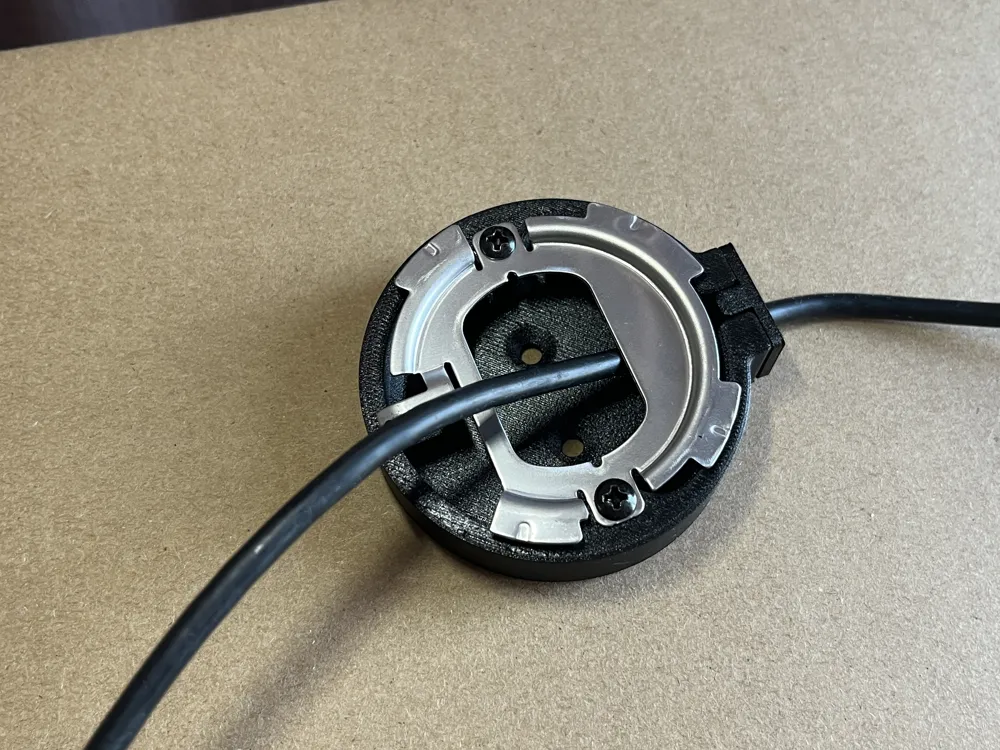
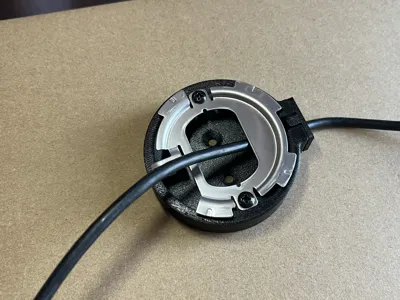
- Route the external ethernet jack through the original mounting plate
- Attach the original mounting plate via 2x M3 Screws (Up to 10mm)
- Attach the dust plug using 2x M3 Screws (Up to 6mm)
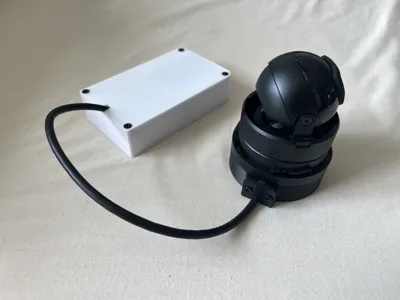
- At this point, you should have something that looks like picture 5.
- Use 2x M4 screws to attach the entire assembly to your desired surface
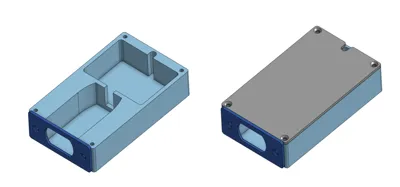
Cable Management Box (Ethernet Socket.step)
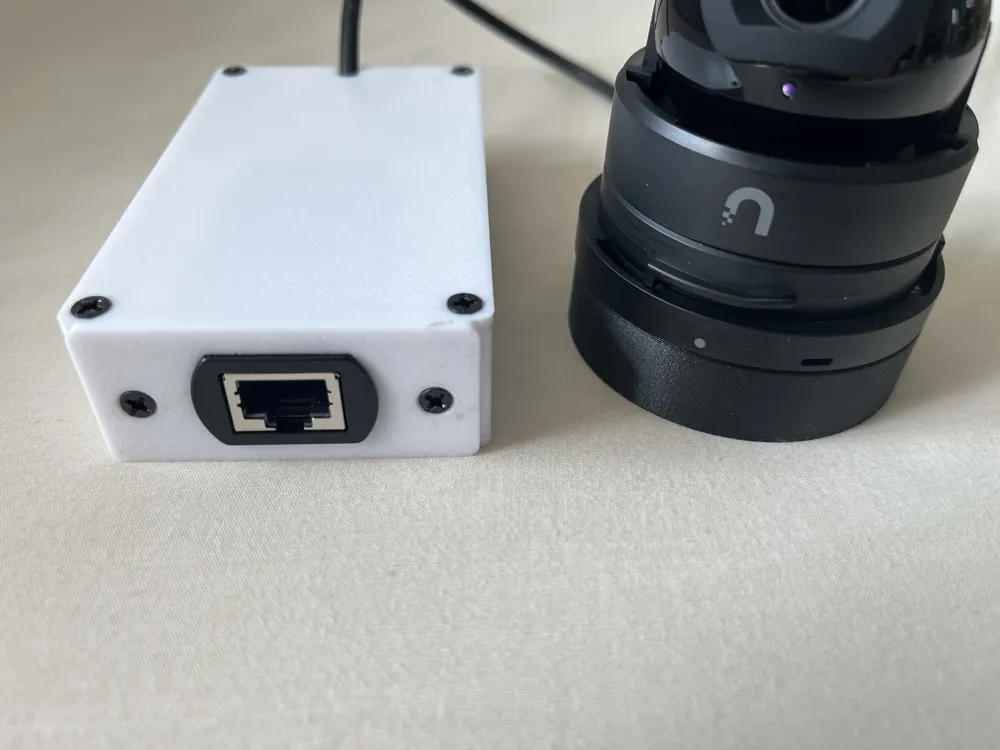
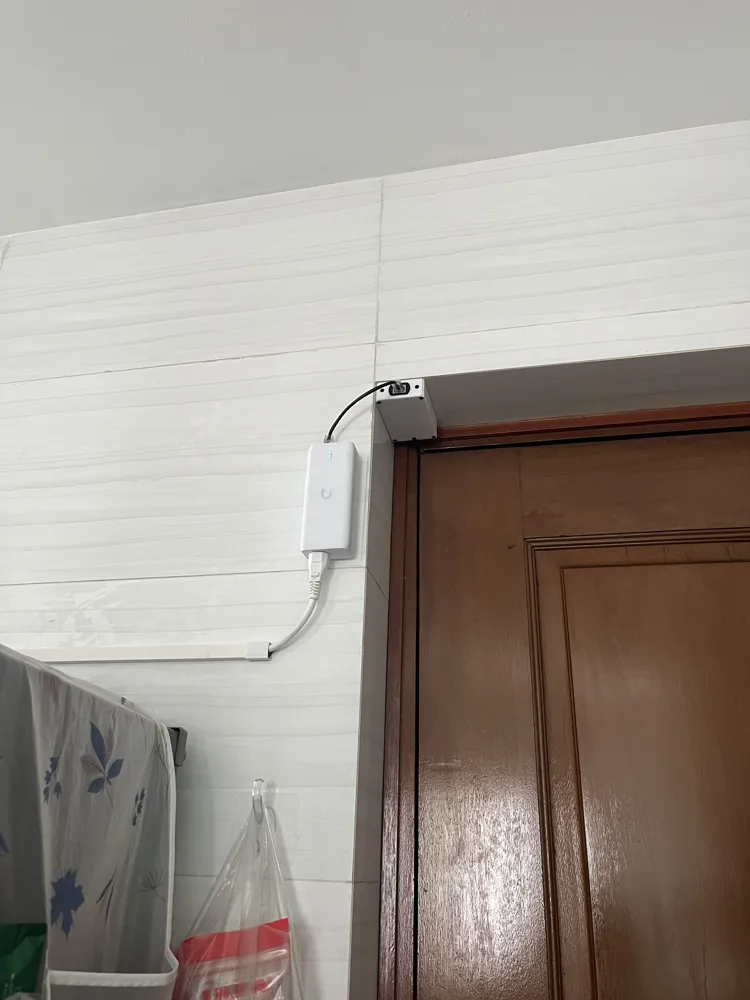
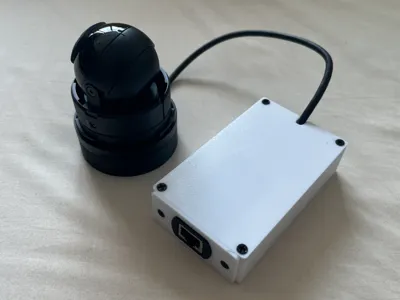
To not leave the external ethernet jack hanging around, you can use the optional cable management box to conceal and also get the optimal cable length to wherever you placed your camera
Assembly:
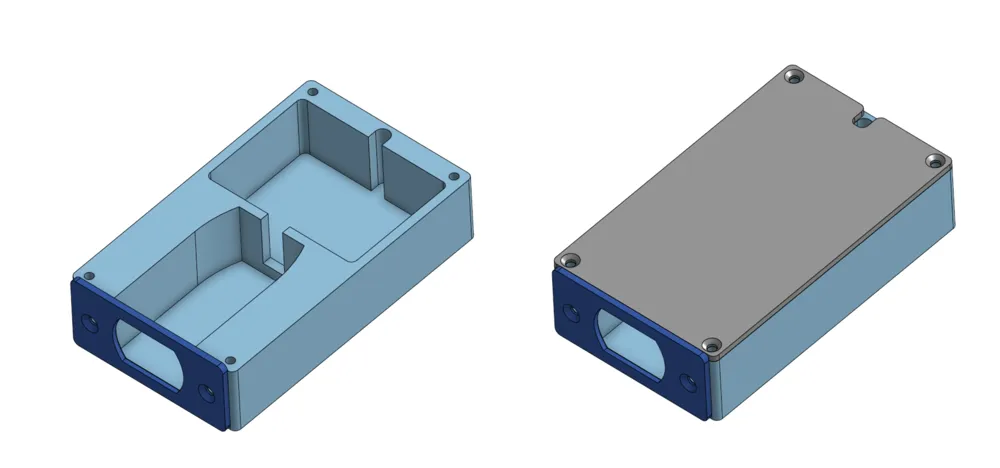
- Insert the external ethernet jack into the cutout
- Coil excess wire in the space behind the cutout
- Secure the cover using 4x M3 Screws (Up to 6mm, countersunk heads reccomended)
- Secure the faceplate using 2x M3 Screws (Up to 6mm, countersunk heads reccomended)
- (Optional) Attach the entire box using adhesives
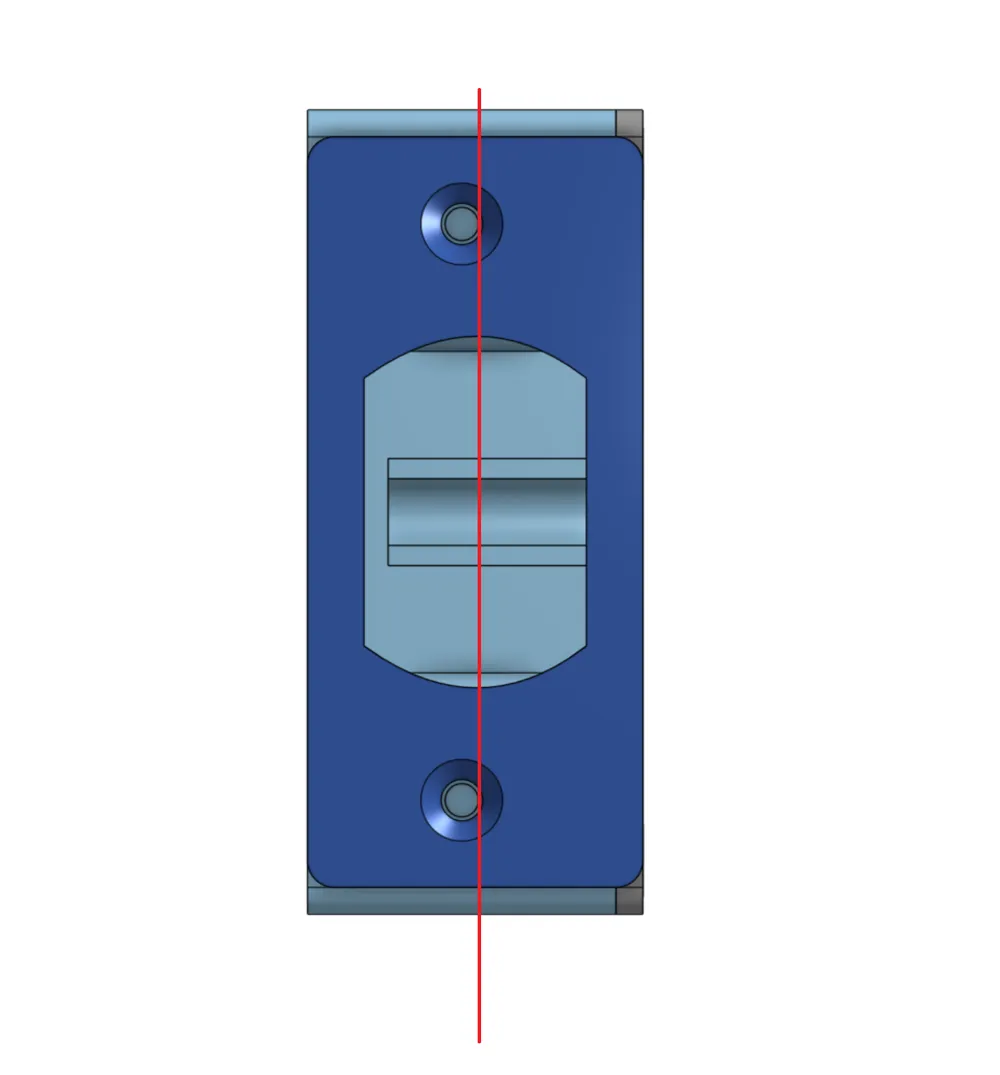
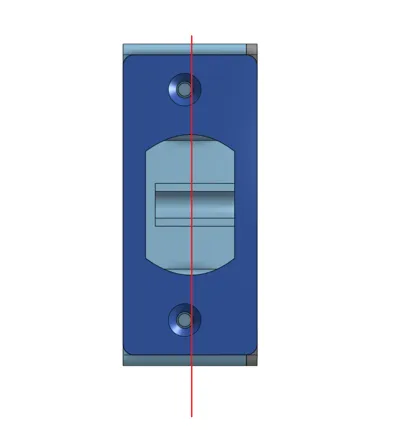
Do take note the faceplate is not symmetrical. The screw holes are slightly closer to the bottom edge (See picture 10)
License

This user content is licensed under a
Creative Commons Attribution-Noncommercial-Share Alike


Comment & Rating (0)