

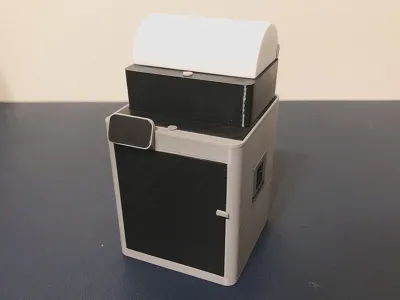
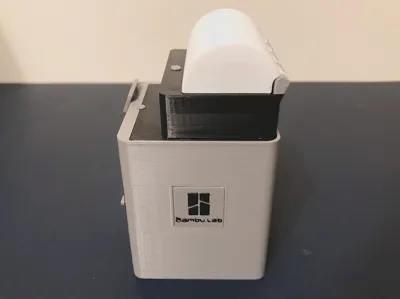
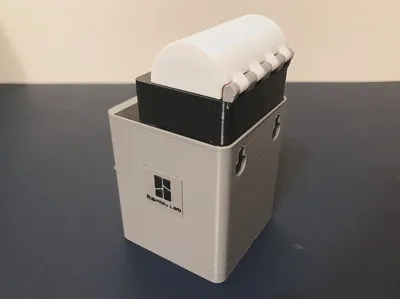
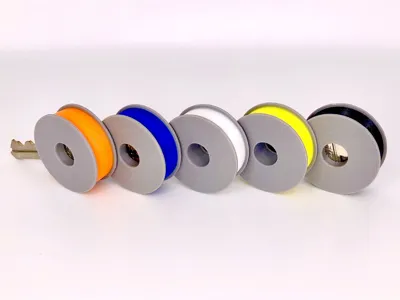
Filament spool key fob with X1Carbon holder
Print Profile(2)


Bill of Materials







Description
Boost Me (for free)
Please Boost! Your generous support will enable me to create more fun models! 😀
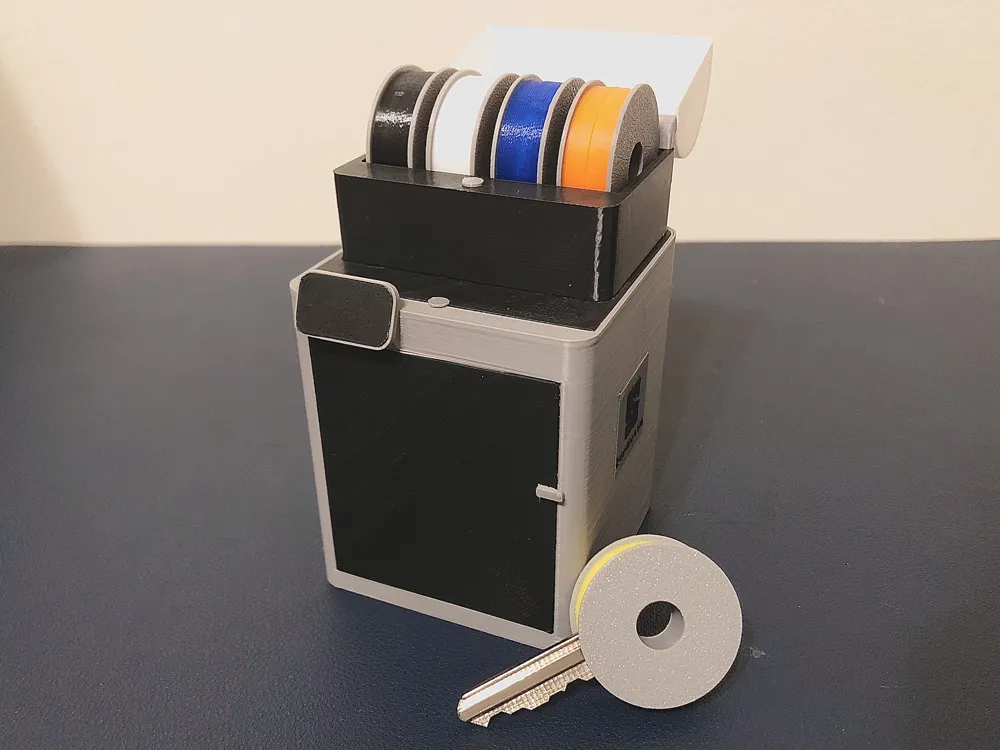
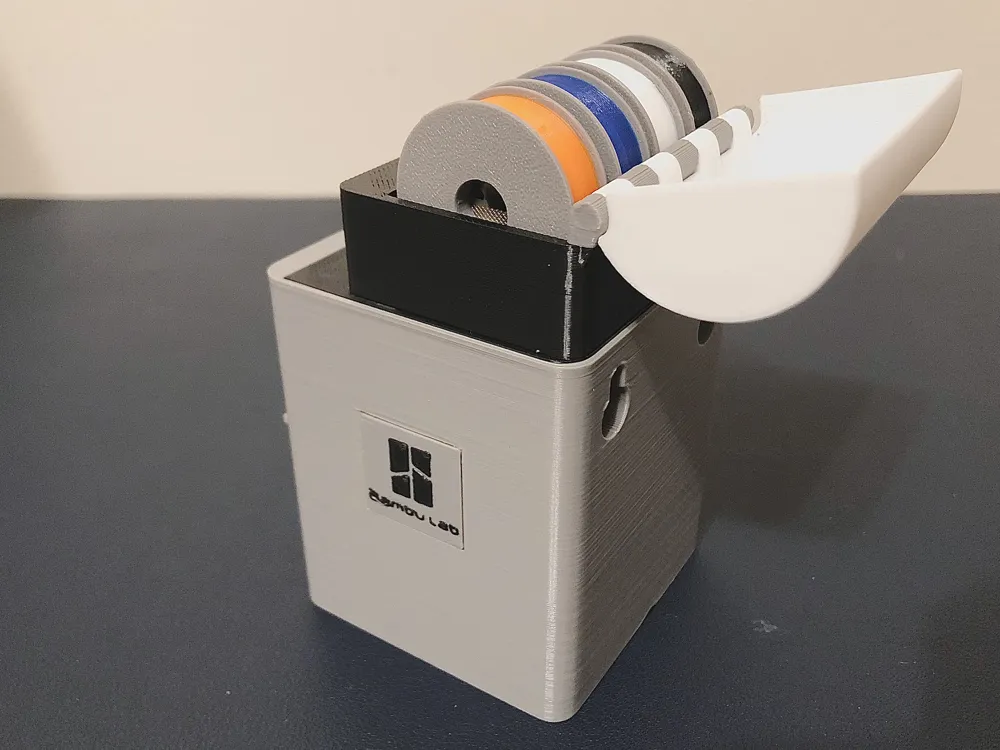
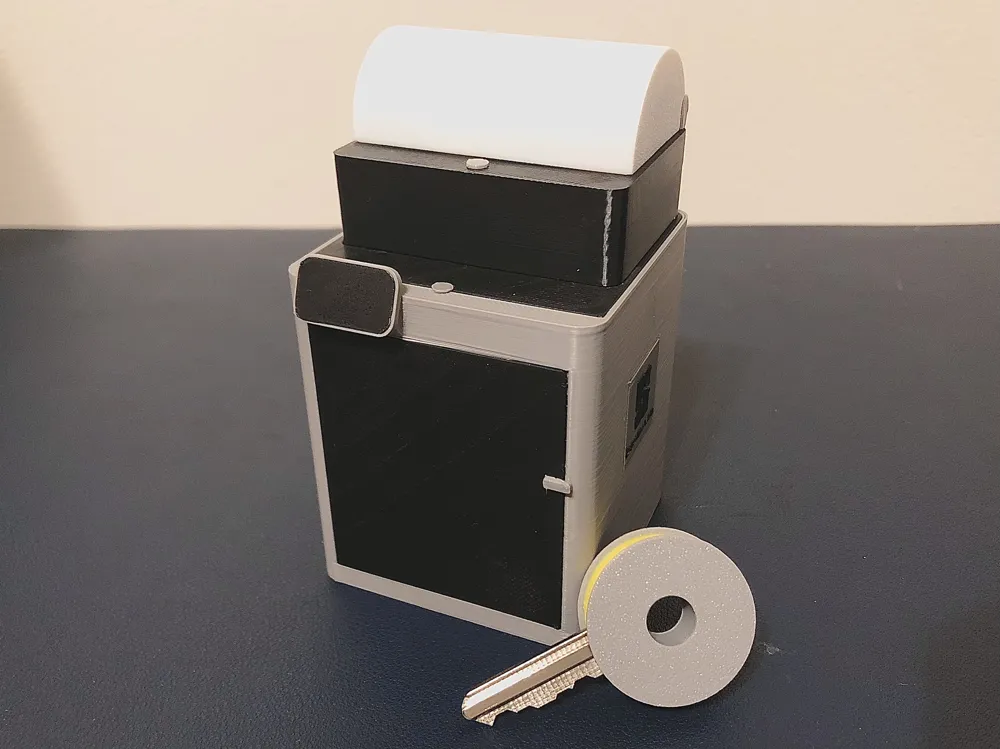
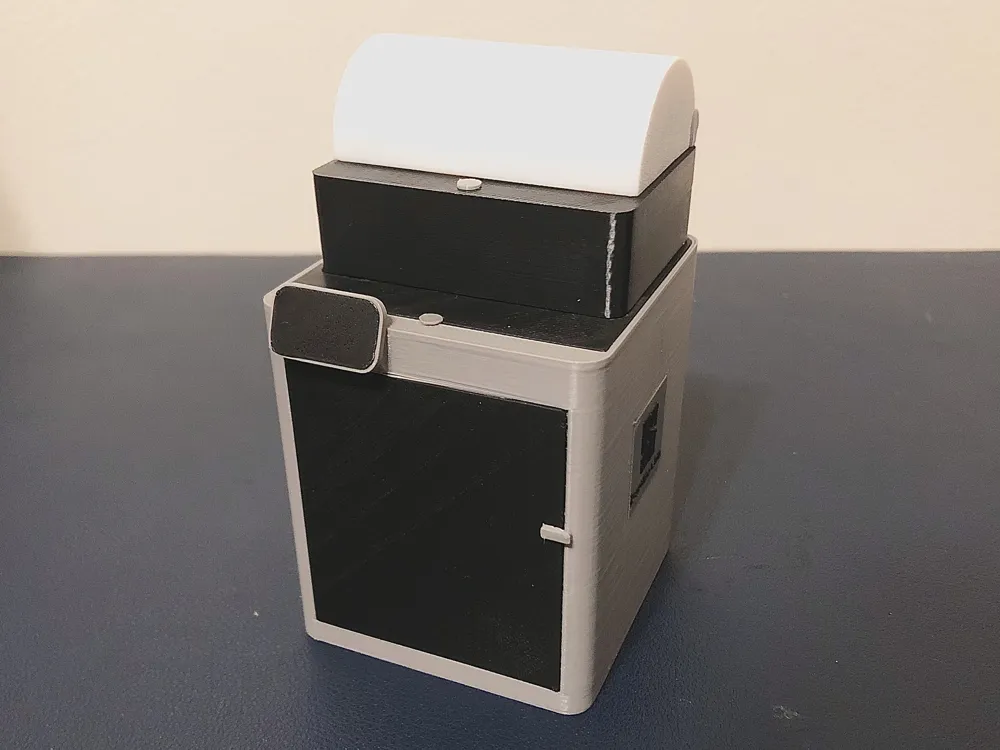
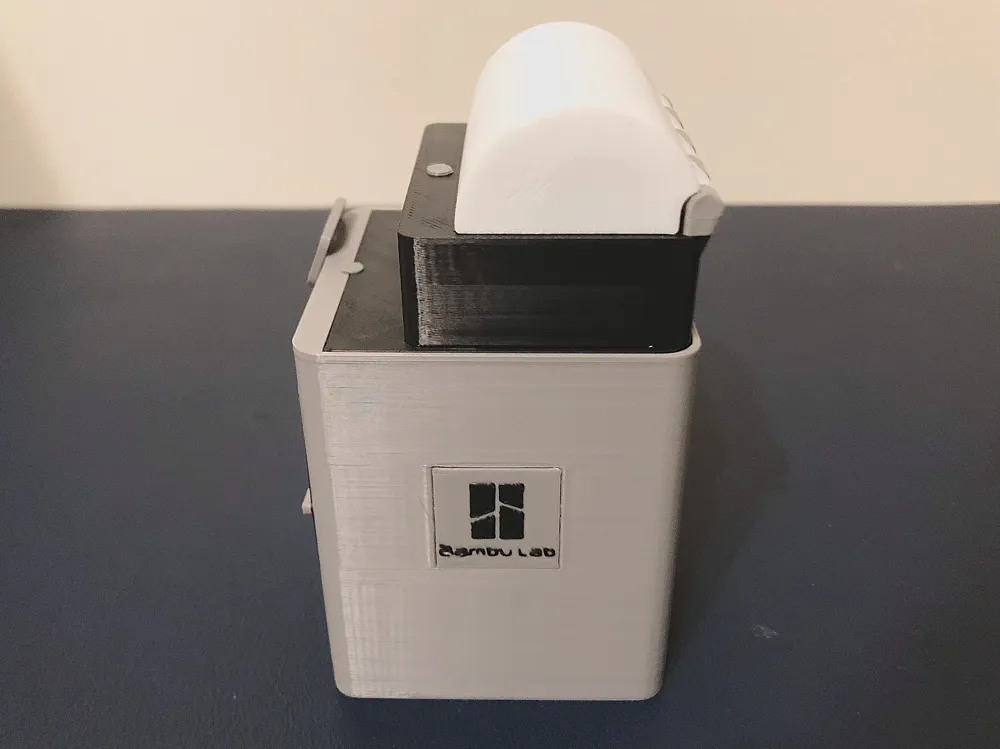
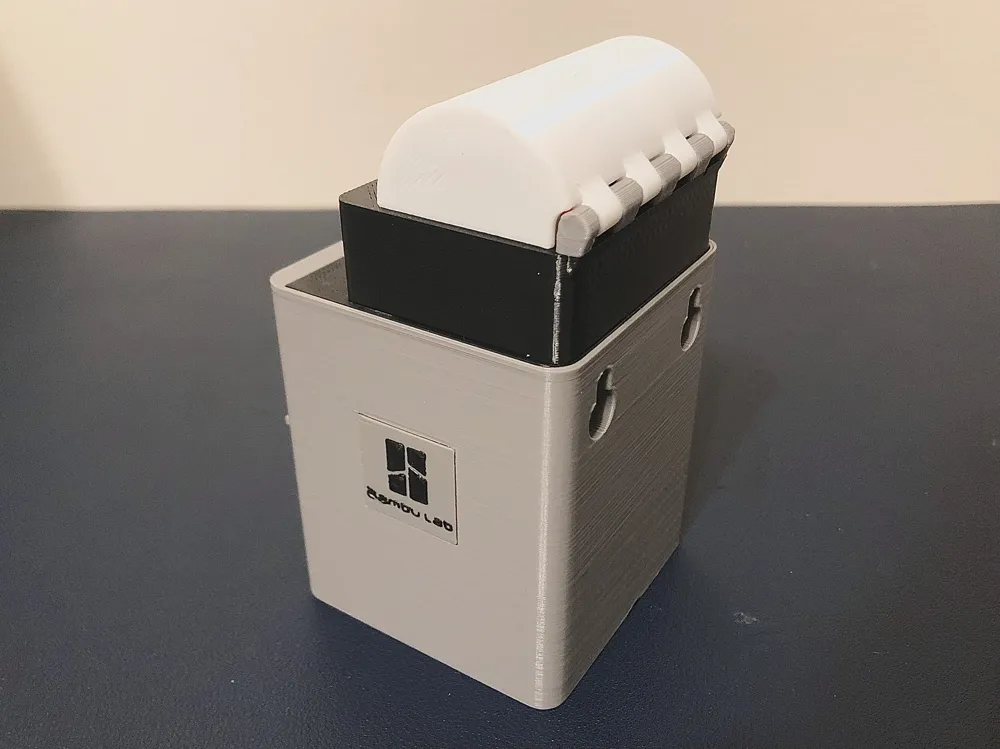
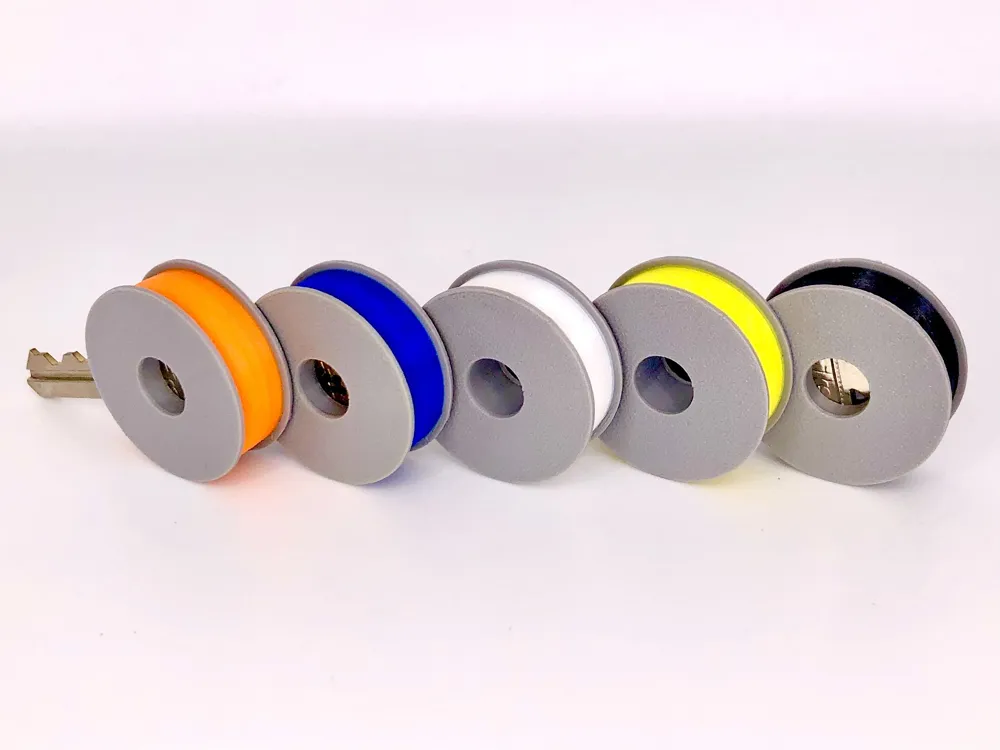
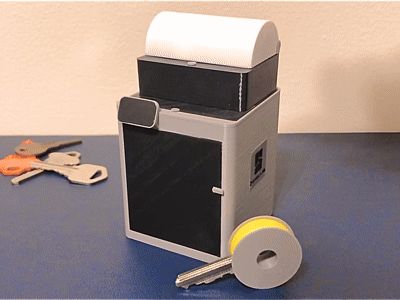
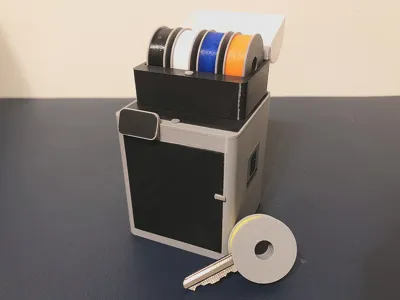
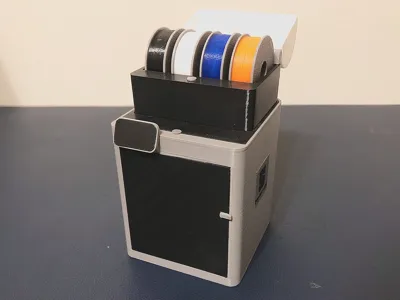
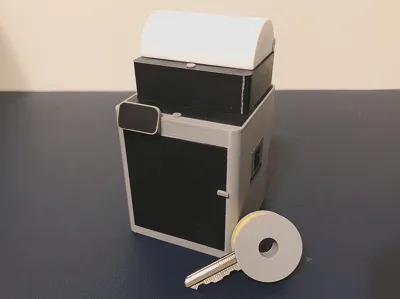
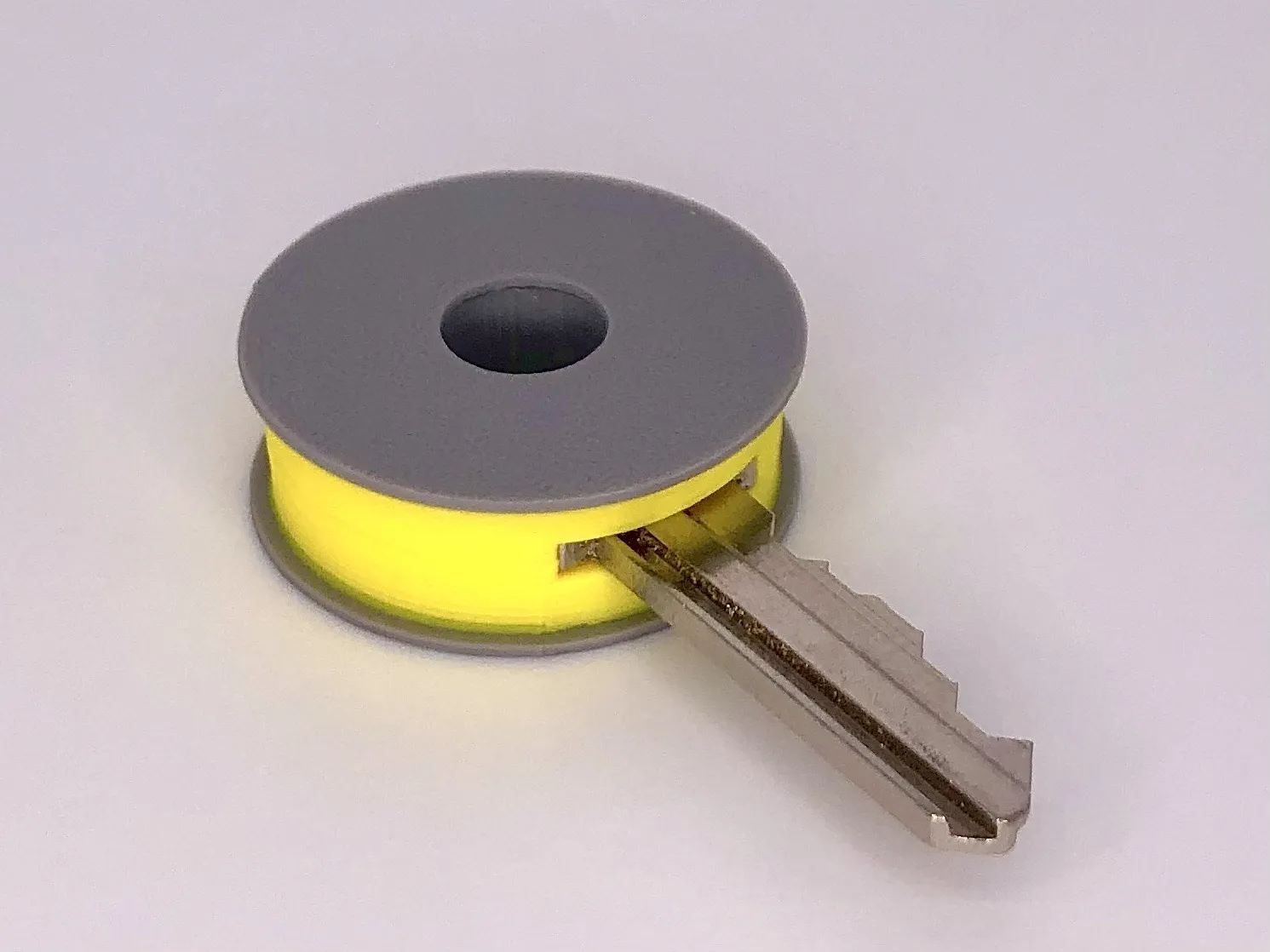
Tired of messy, misplaced and boring keys laying around your house? Just print these dimensionally accurate filament spool key covers the mini X1-Carbon and AMS 2 Pro key organizer and your good to go. The key covers are specially configured to fit the standard house key so that you can enjoy using this Model right out of the printer.
Features
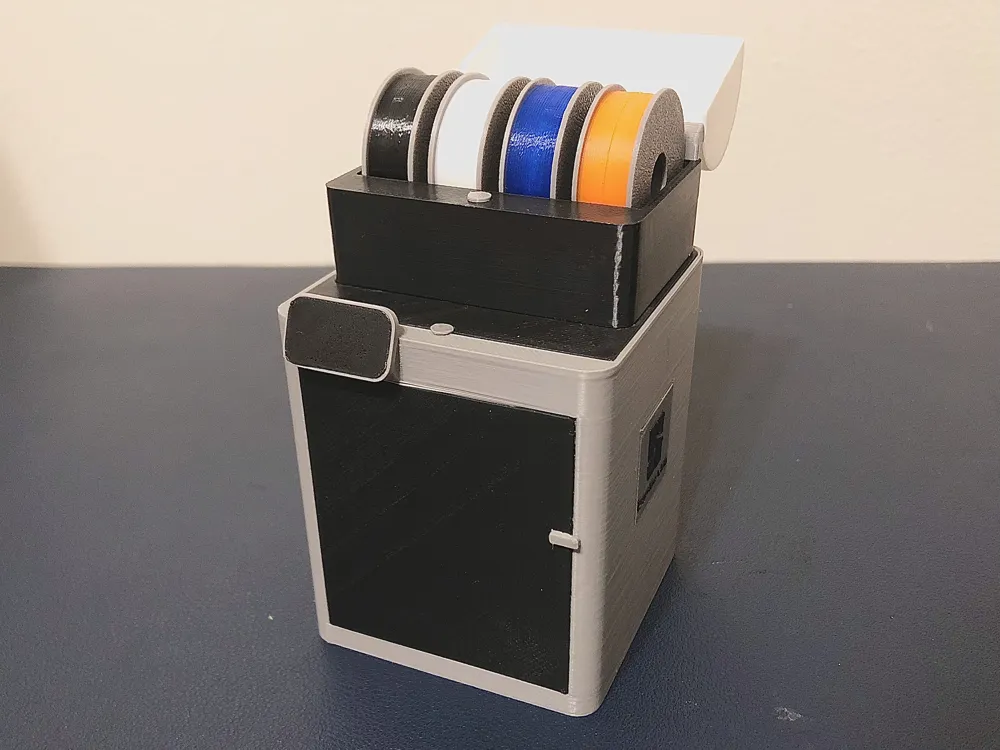
- X1-Carbon and AMS 2 Pro key holder that looks like the real thing
- P1s and AMS 2 pro key holder design also New! 🔥
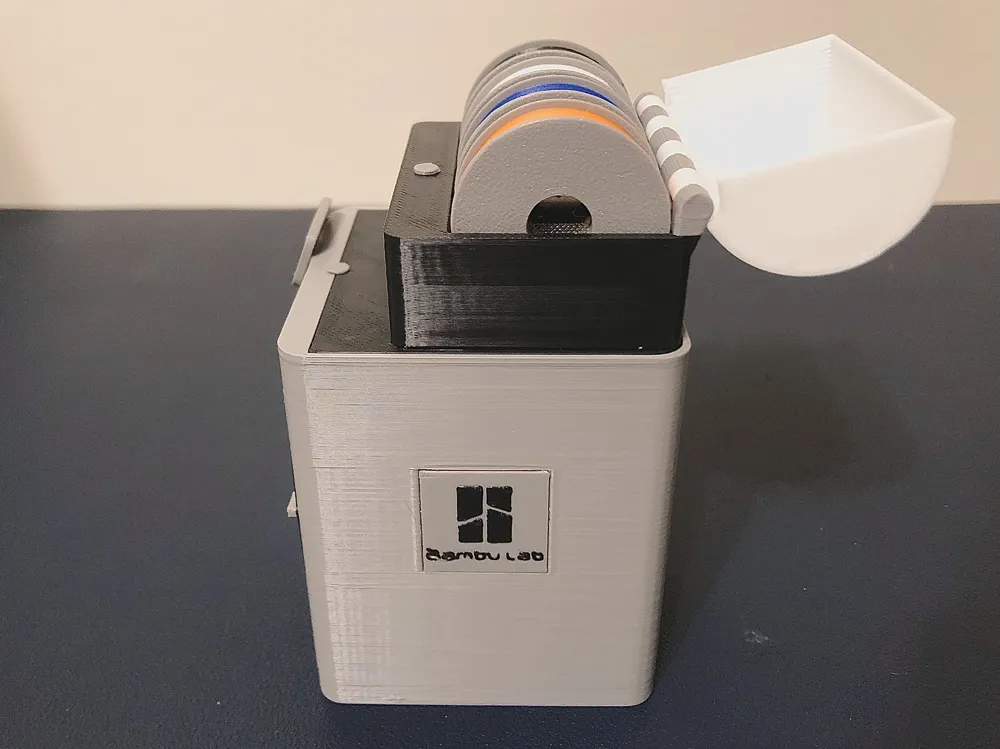
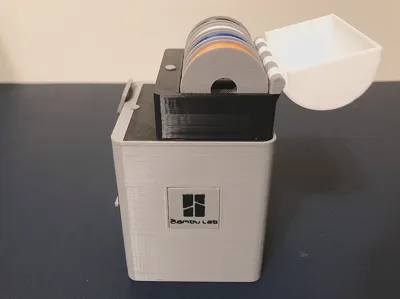
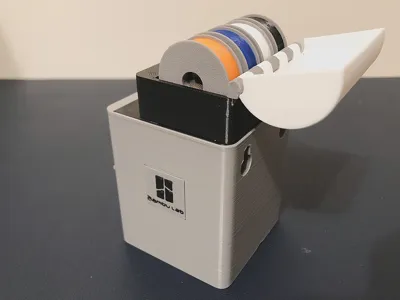
- AMS 2 Pro lid with filament hinge New! 🔥
- printable without AMS
- updated print profile New! 🔥
- coming in P1S version soon New! 🔥
Dimensions
- X1-C AMS w/cover and P1S AMS w/cover 65x60x105mm New! 🔥
- X1-C AMS/P1S AMS 65x60x87mm 📏
- filament spool fob 30x30x10mm
Tools and Materials
- 54mm of filament of any color for hinge New! 🔥
- several different colors of PLA or filaments of your choice
- multiple standard house keys 🔑
- superglue (for the X1-Carbon logos, panels and screen) New! 🔥
- 3D printer 🖨️
Printing tips
- Print using print profile
- change filament at preset pauses to desired color
- clean print plate before each print 🧼
Assembly instructions for AMS
- insert filament into hinge
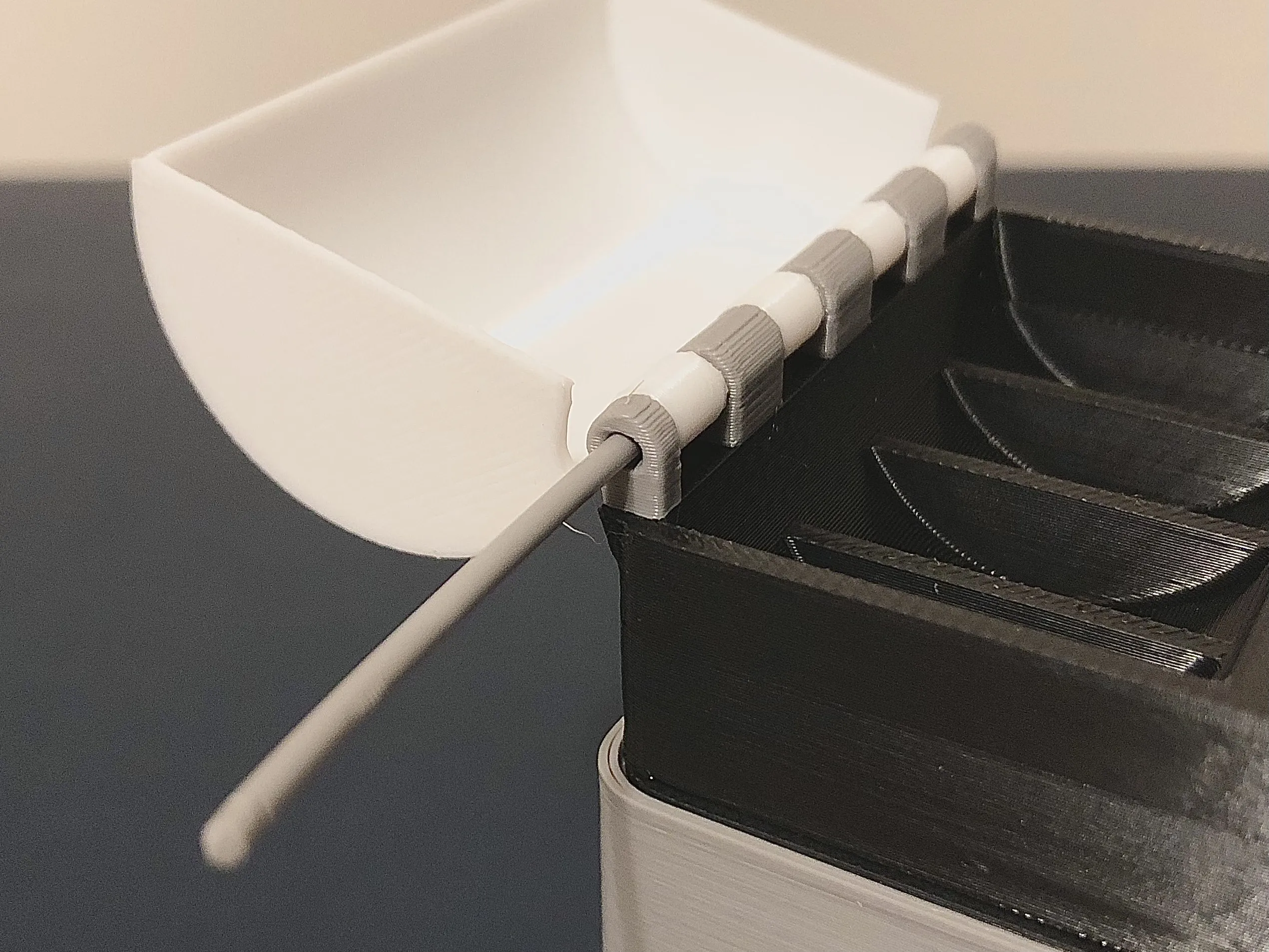
- cut filament flush with plastic
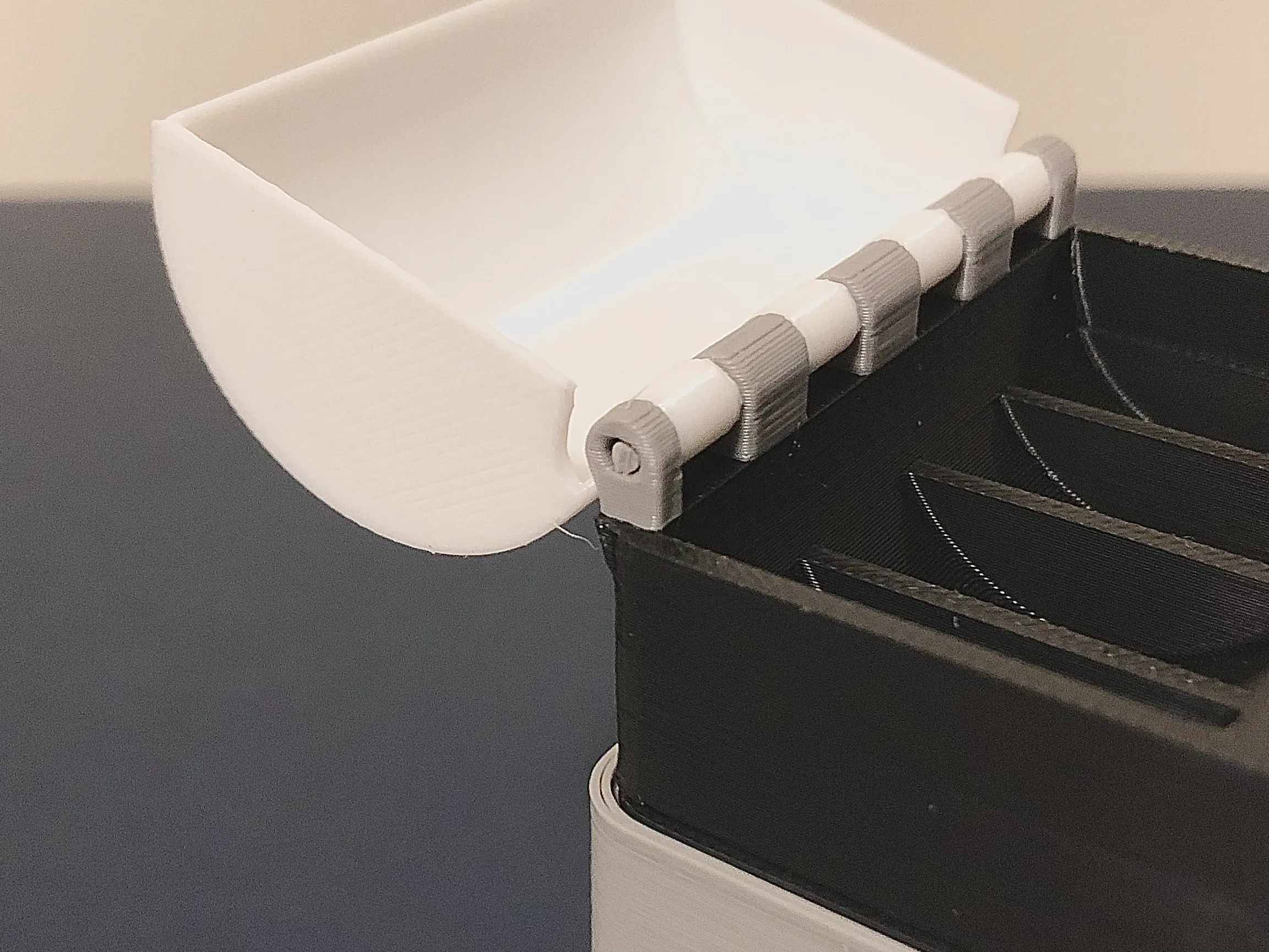
- apply superglue to edge
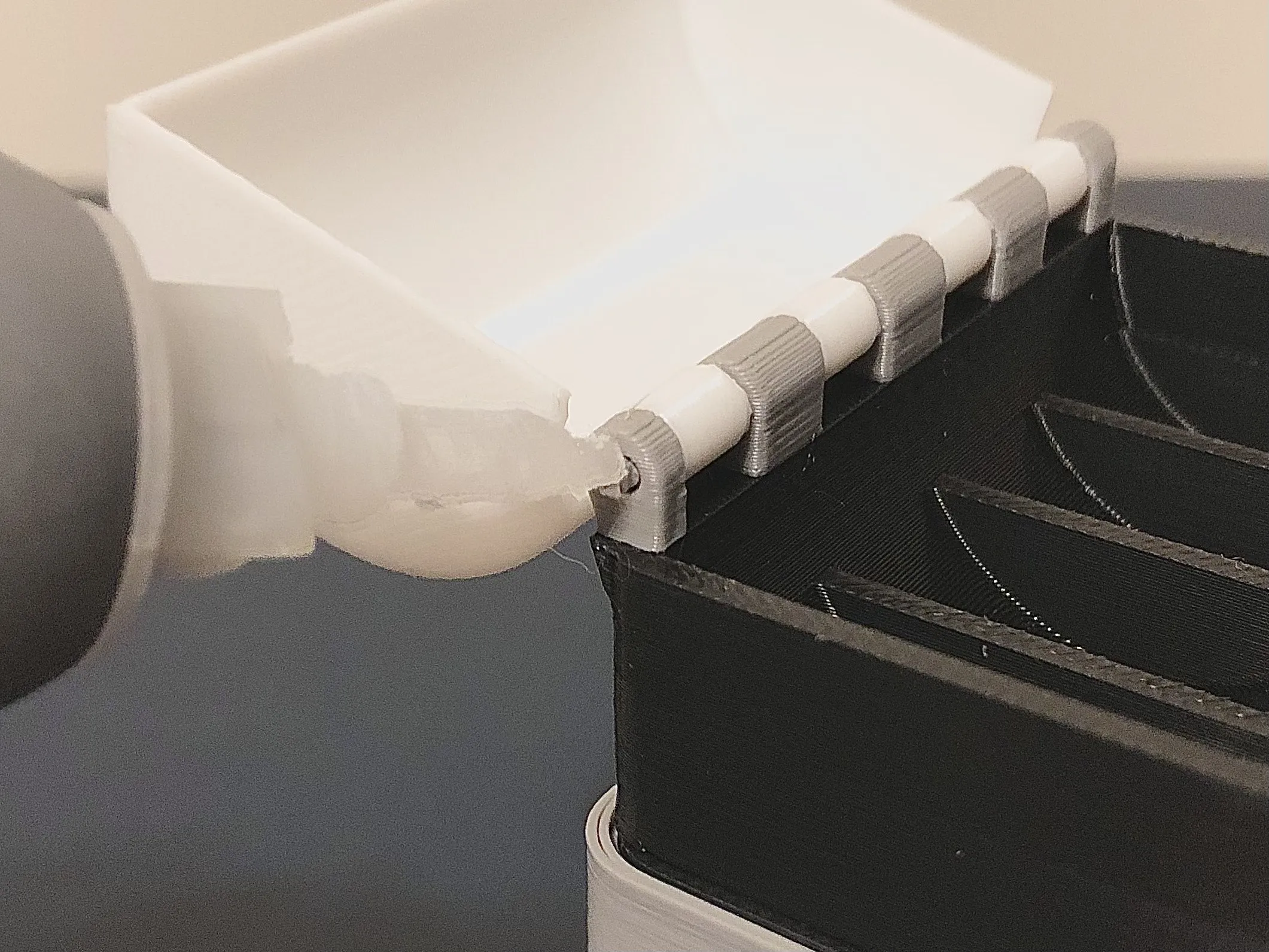
- add hinge cover
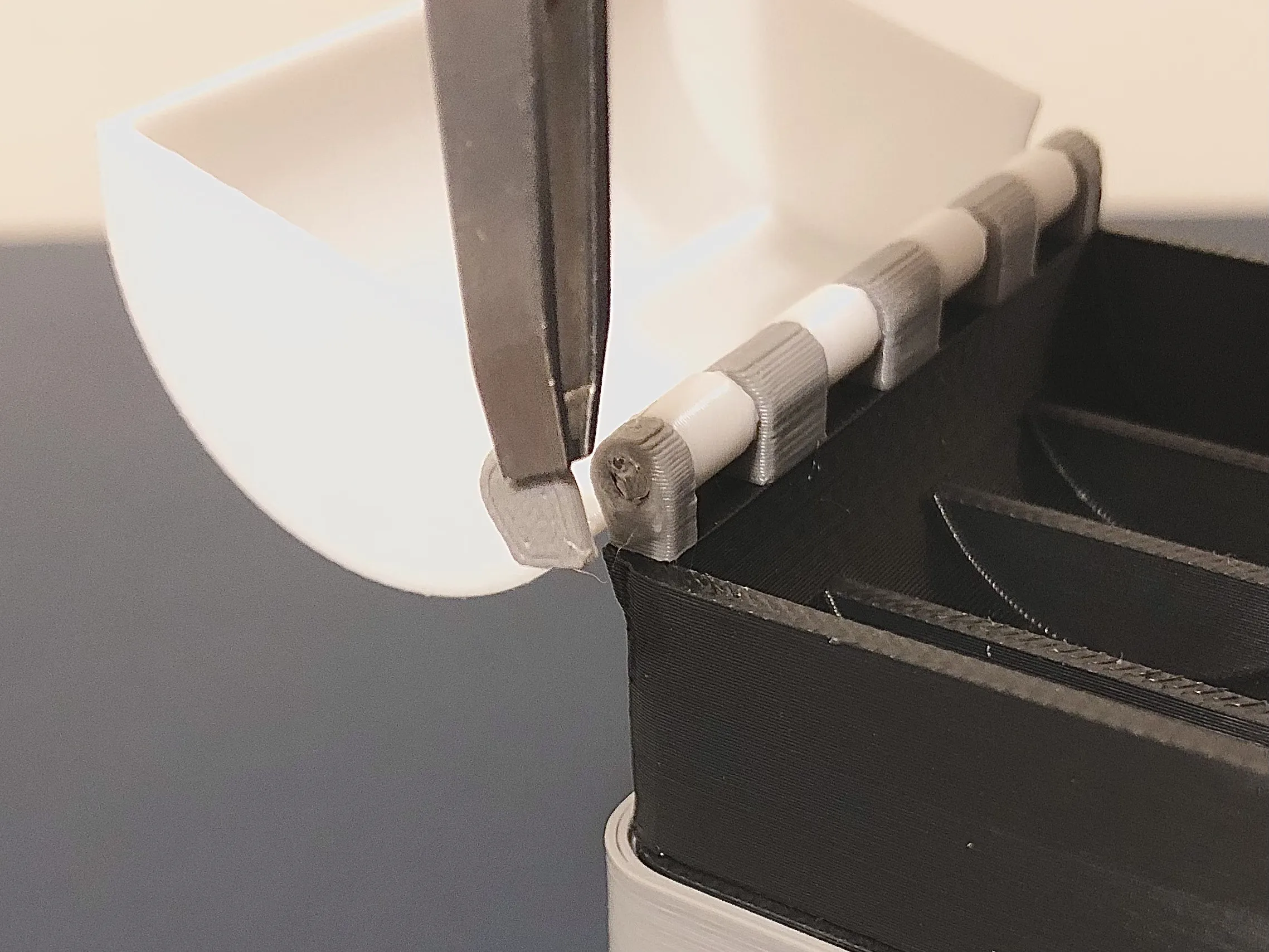
- align piece with hinge
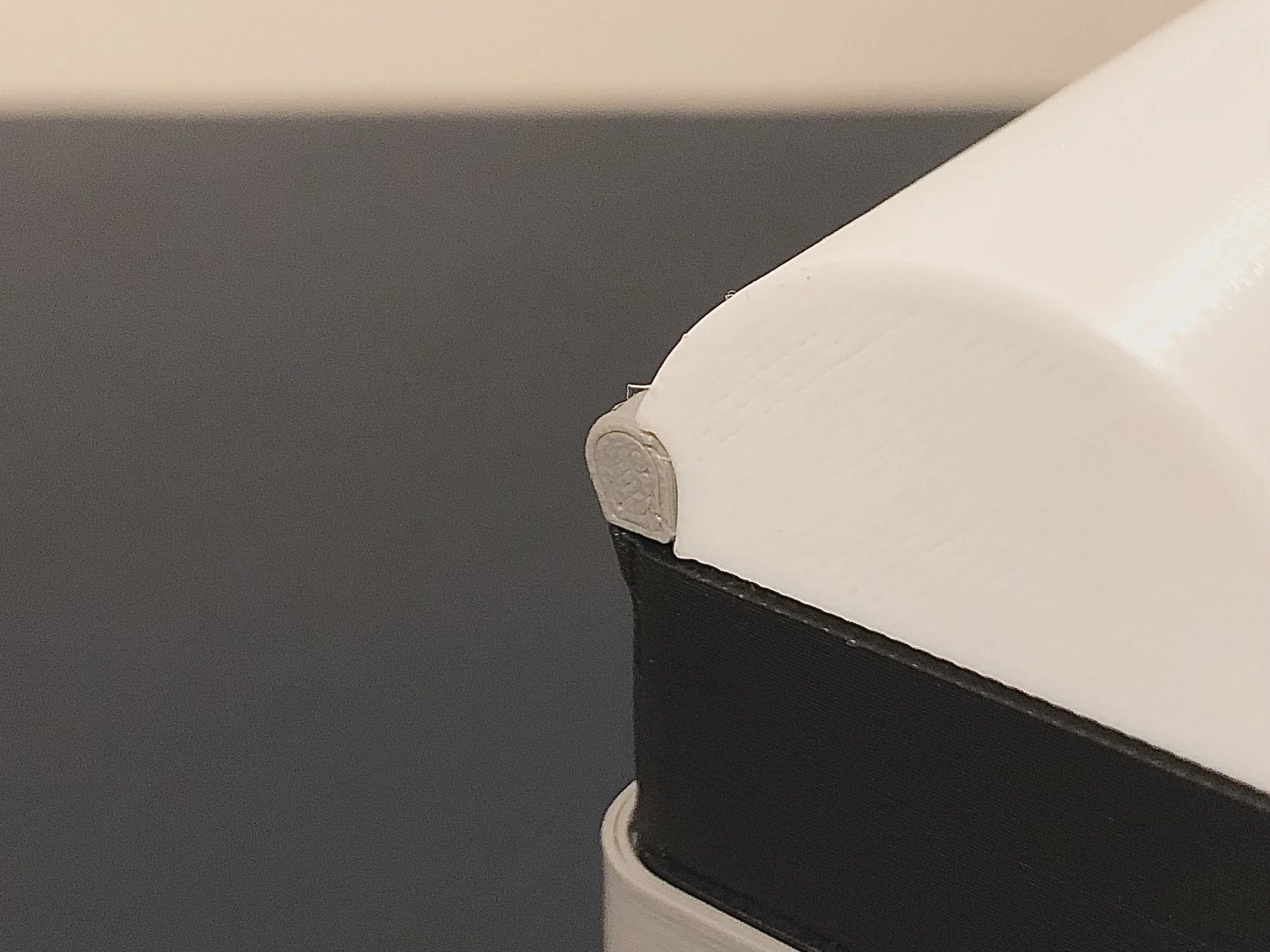
Assembly instructions for key covers
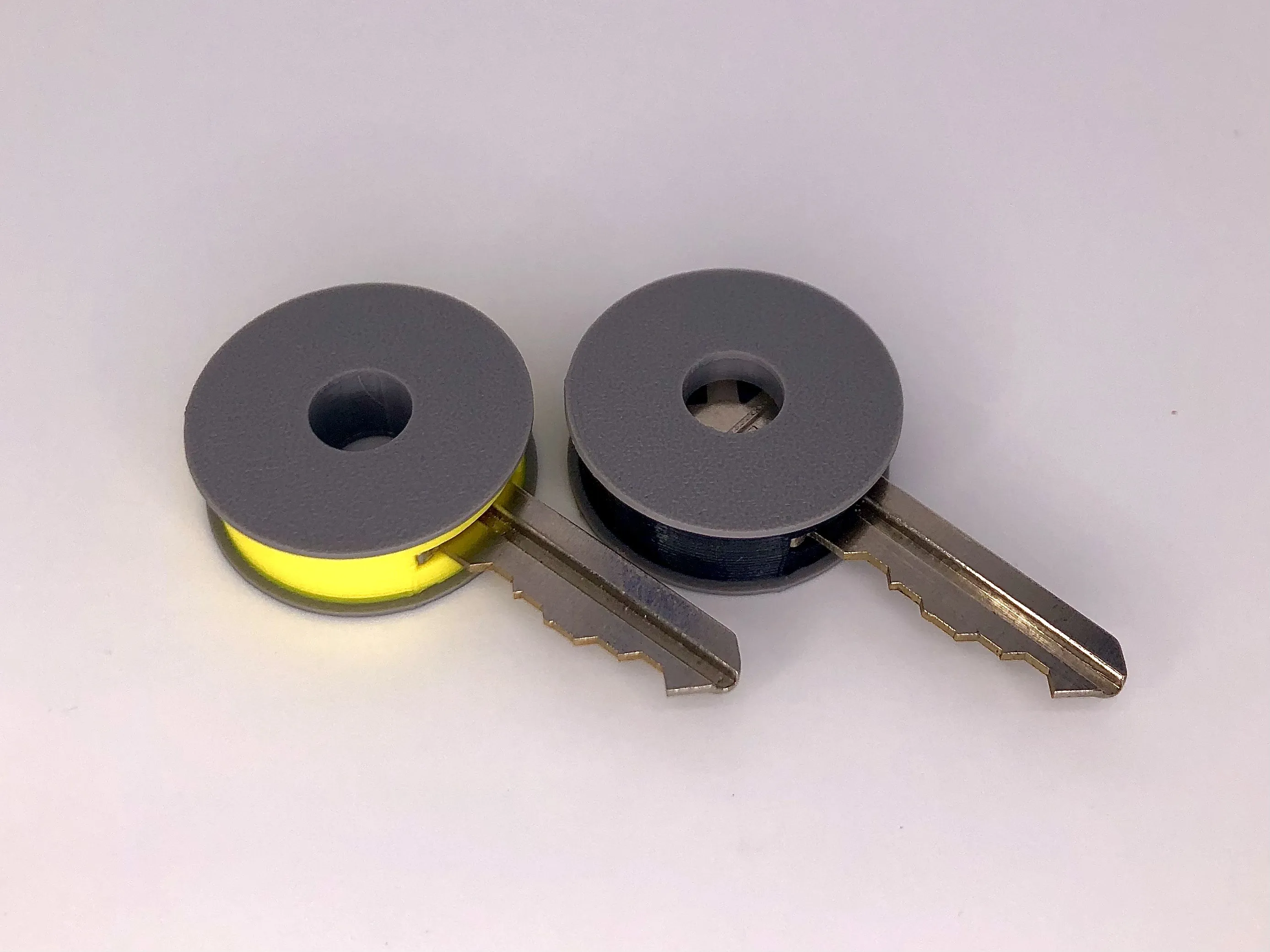
Option1 (for key without hole)
- Insert gray inner piece
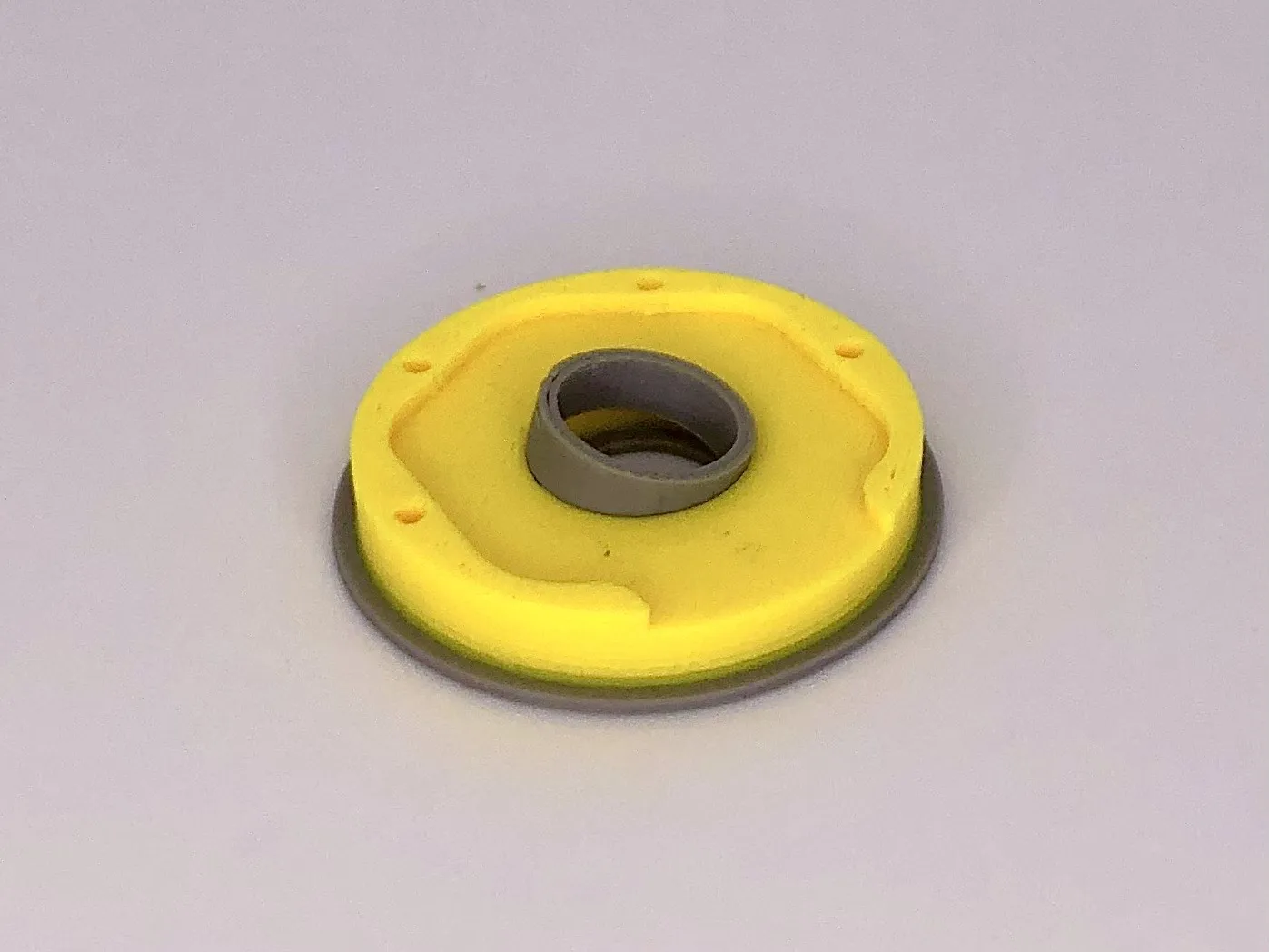
- press key into place
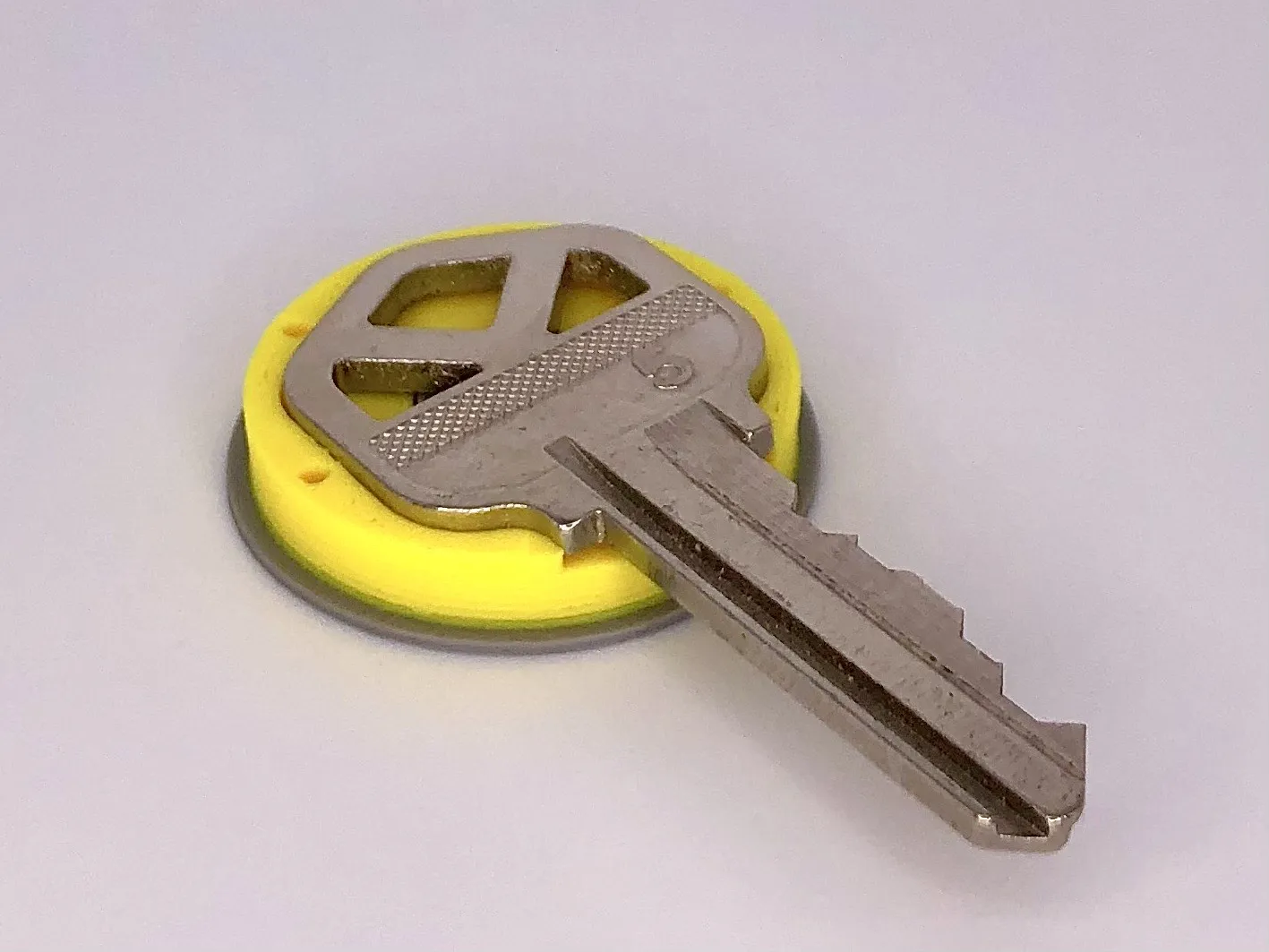
- put gray inner piece on top of key and press into place the top piece
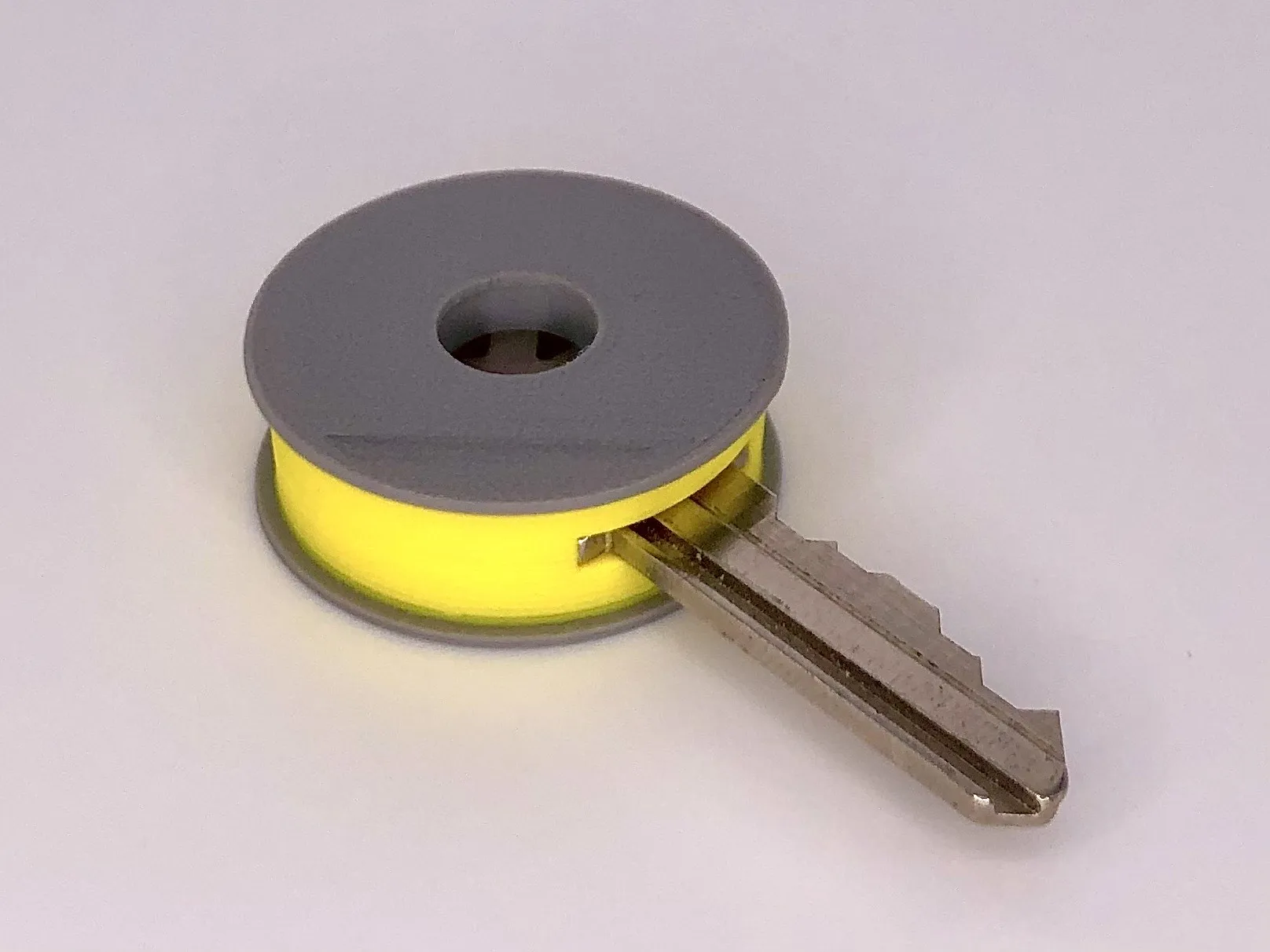
Option 2 (for key with hole)
- press key into place
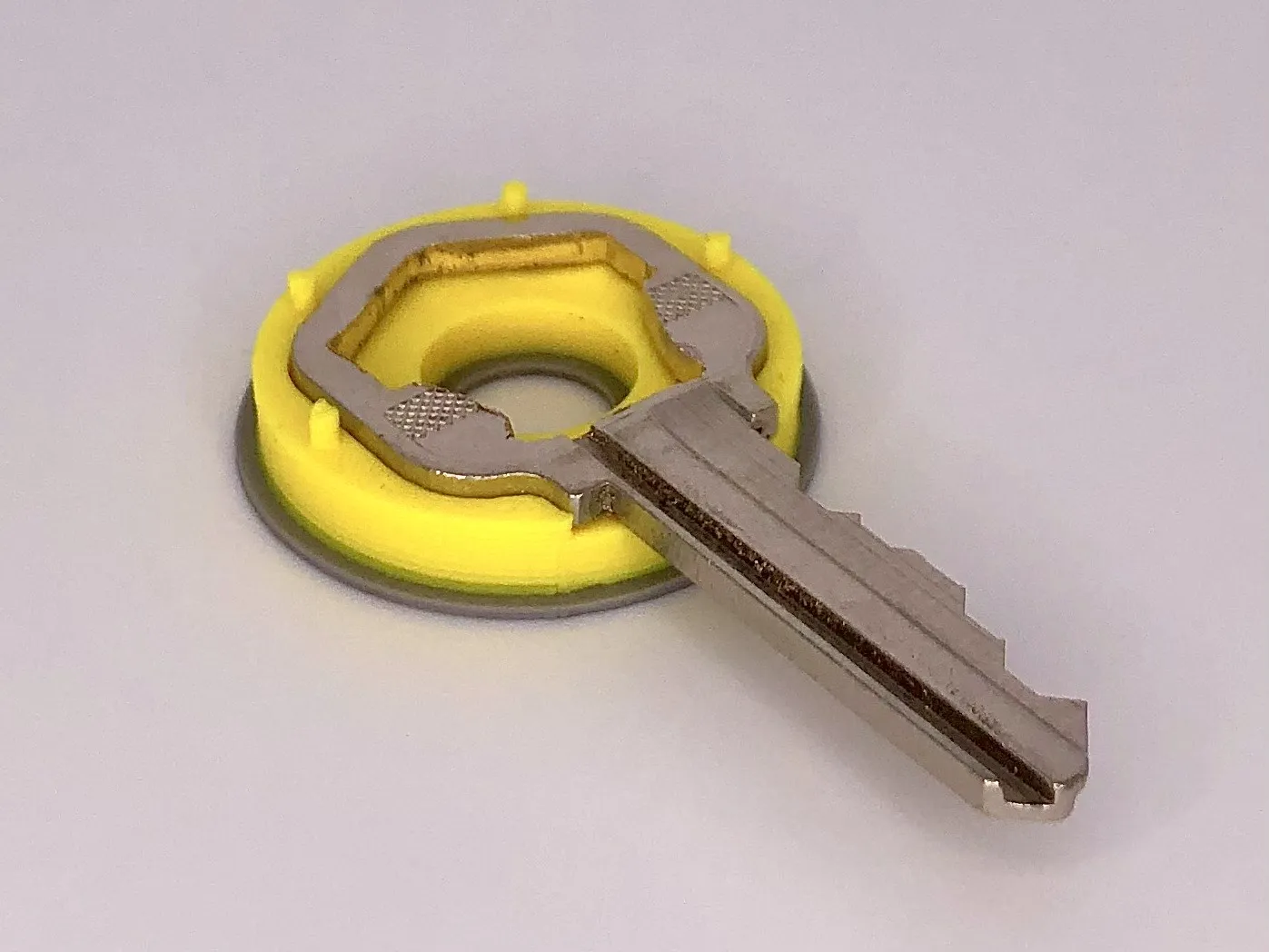
- insert gray inner piece
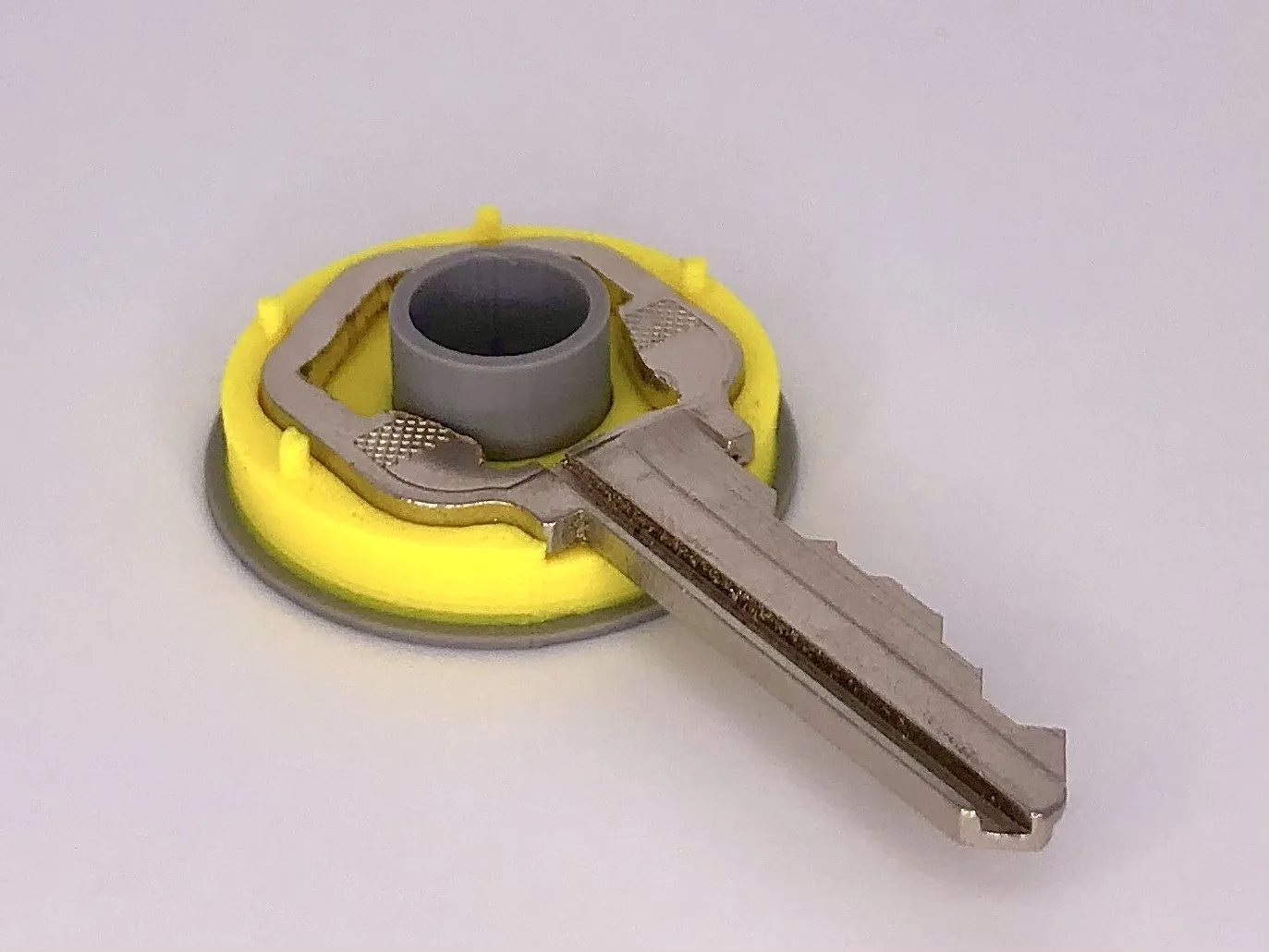
- press into place the top piece
License

You shall not share, sub-license, sell, rent, host, transfer, or distribute in any way the digital or 3D printed versions of this object, nor any other derivative work of this object in its digital or physical format (including - but not limited to - remixes of this object, and hosting on other digital platforms). The objects may not be used without permission in any way whatsoever in which you charge money, or collect fees.


Comment & Rating (67)