
Timemore Sculptor extended hopper with magnet
Print Profile(1)

Bill of Materials
Description
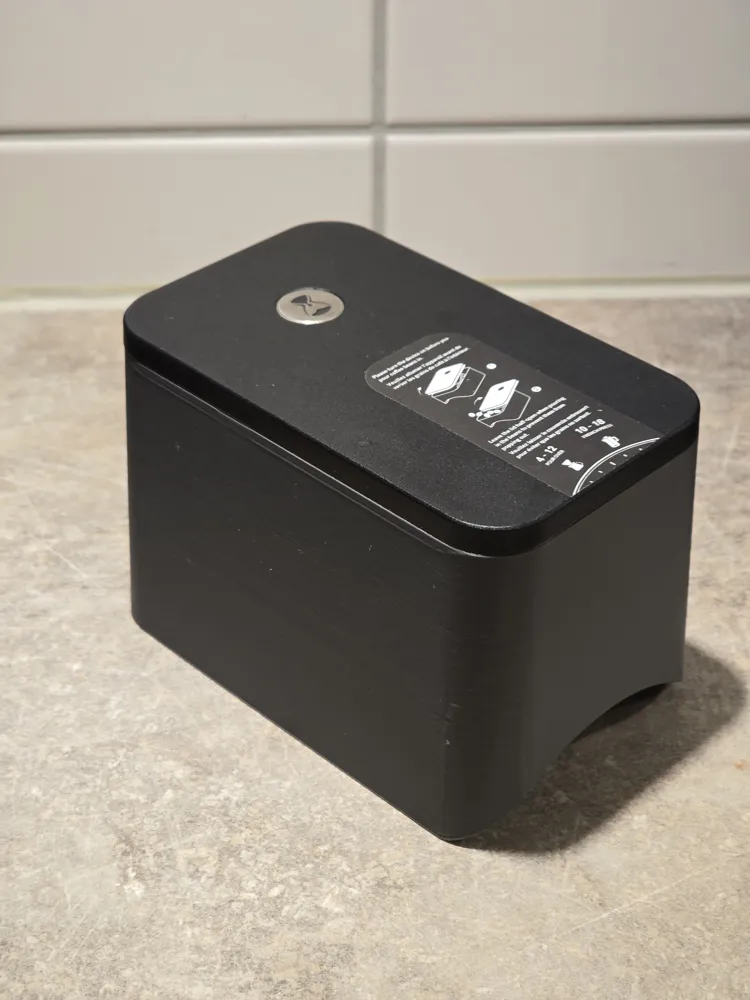
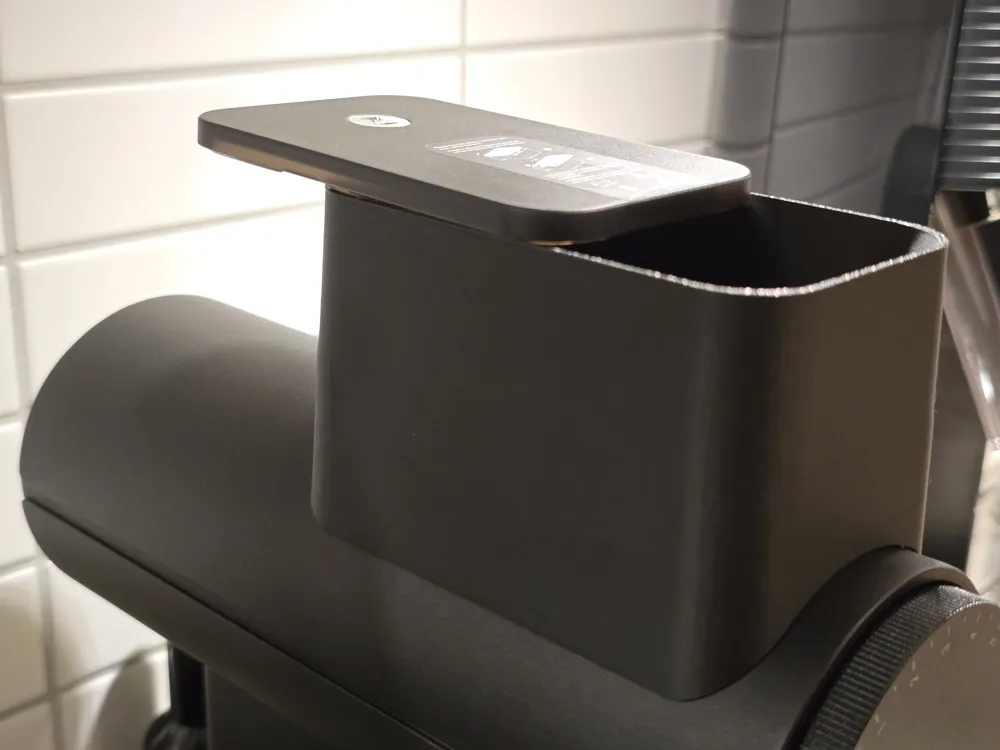
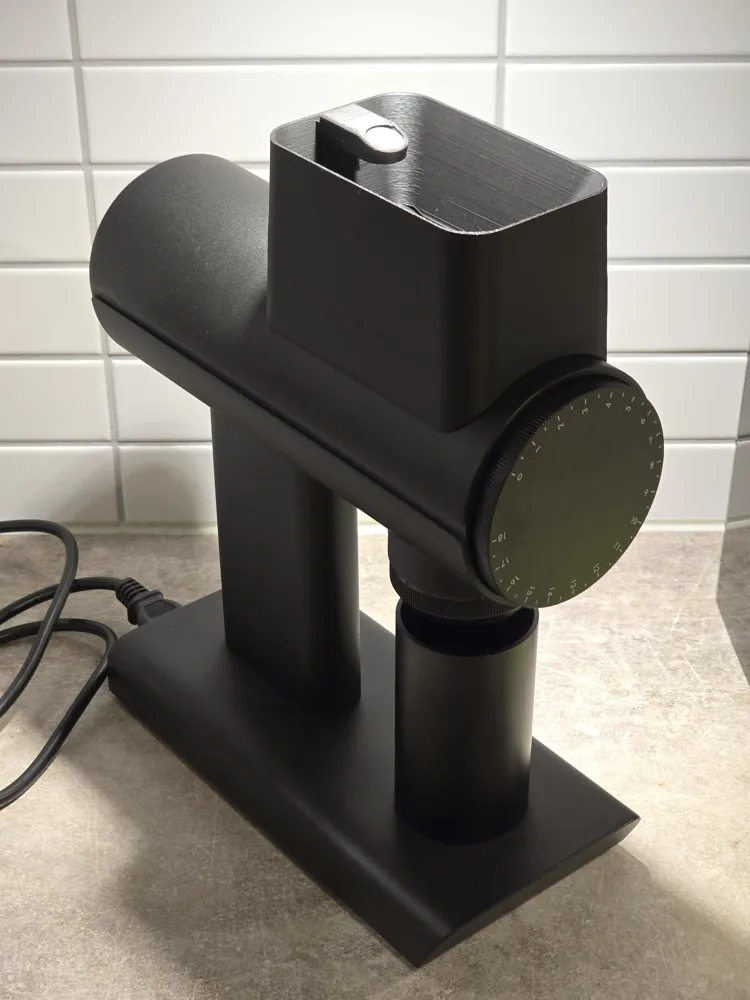
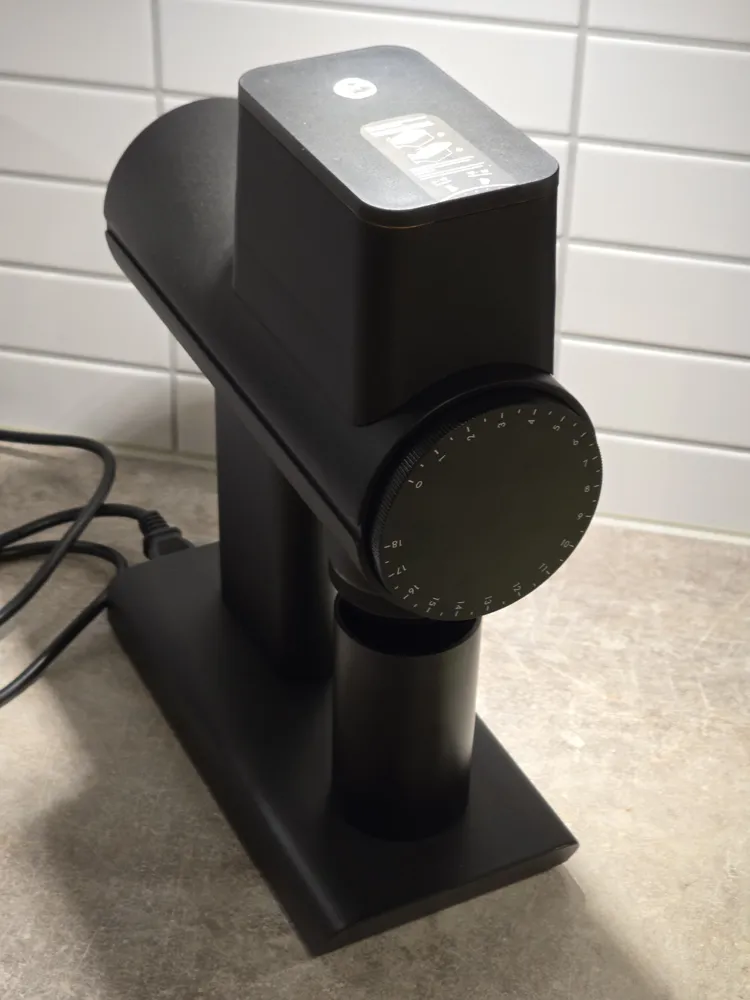
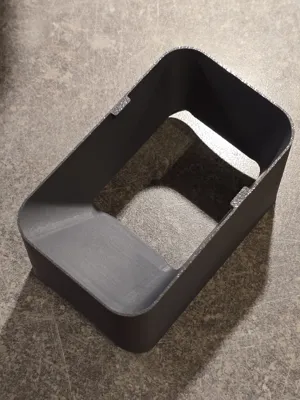
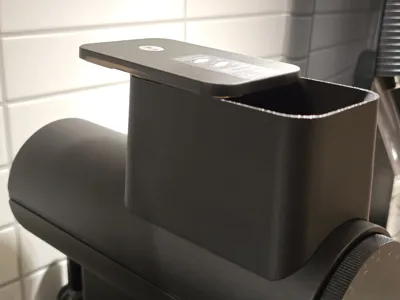
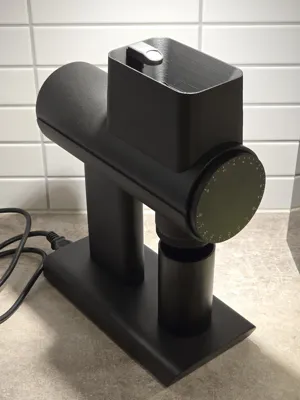
This is an extended hopper for the Timemore Sculptor 078 coffee grinder.
Timemore Sculptor is an awesome grinder, but it's coffee bean hopper comes with three annoying issues that I tried to improve with this 3d printed hopper:
- The original hopper is pop-corning a lot: bean are coming back out and make a mess around the grinder! That's why Timemore recommends using the magnetic hopper lid half-way, to prevent some of this mess, but unfortunately, the original hopper is too short and mess still happens. This extended hopper doubles the height of the original hopper, nearly eliminating the pop-corning issue. If you want to fully eliminate the issue, you probably need a much higher hopper than even the one I made, but if you're interested, drop a comment and I can upload a taller version (let me know how tall you need it to be)
- The original hopper cannot fit more than 30gr of coffee at once - I often want to grind 45-60 grams in one go. With the extended hopper, you can easily fit more than 100gr of coffee to be ground at once: no need to wait until some of your beans are done grinding before adding the remaining beans.
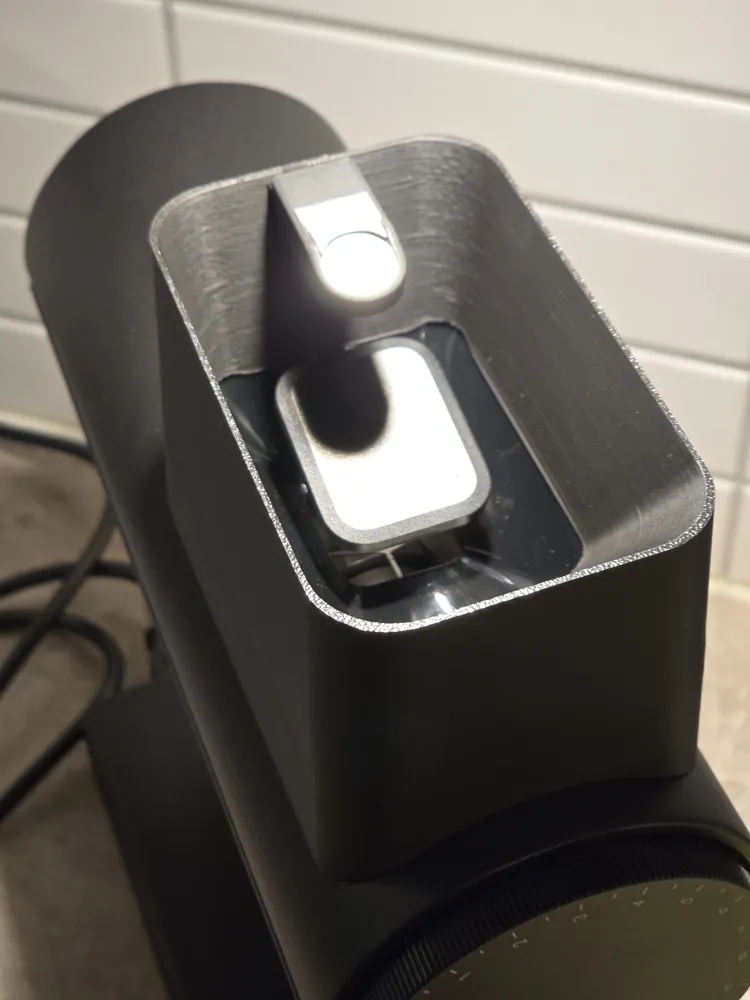
- The original hopper slide steepness is too gentle, and often the beans get stuck and need manual intervention to get into the grinder. This issue is exacerbated when you spray some water to your beans to reduce static (aka RDT method: https://www.florincoffee.com/blogs/news/ross-droplet-technique-a-complicated-name-for-a-simple-hack). The extended hopper increases the slide steepness significantly, so that your beans slide in the grinding burrs without manual involvement. Note: as this model requires the original hopper to remain in place (it wears like a “hat” - read below for mode details) it is impossible to make the steep slide go all the way to the edge of the hole right before the beans drop into the burrs for grinding - that means that unfortunately, sometimes you may still need to push the last bean or two with the brush, but this happens much less often compared to the original hopper.
The extended hopper is coming in two versions:
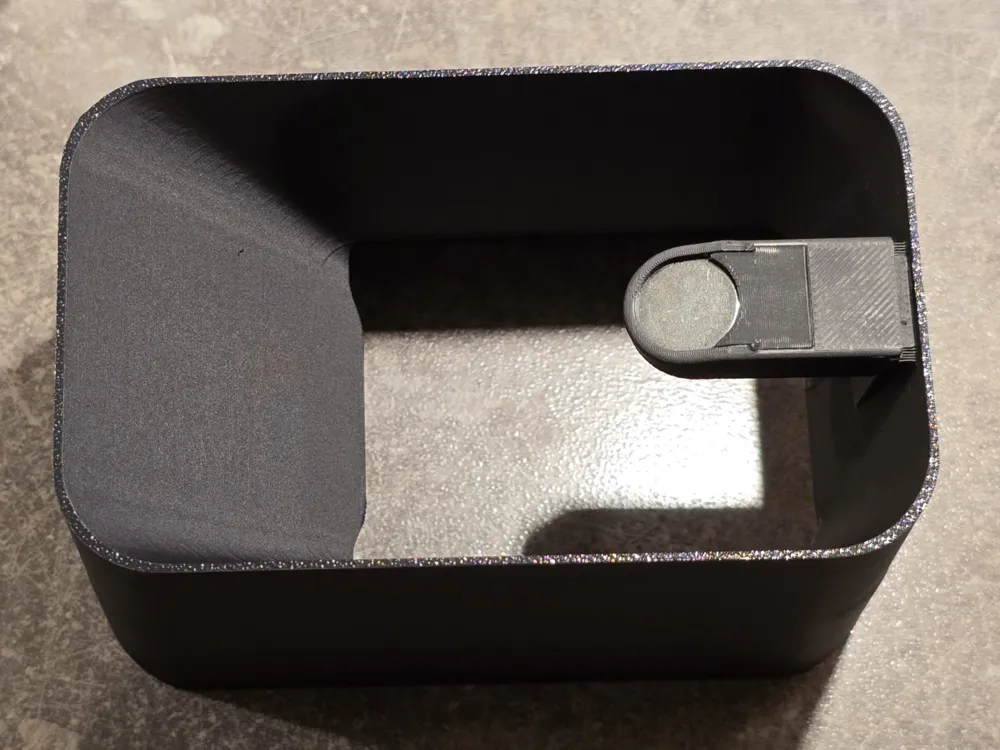
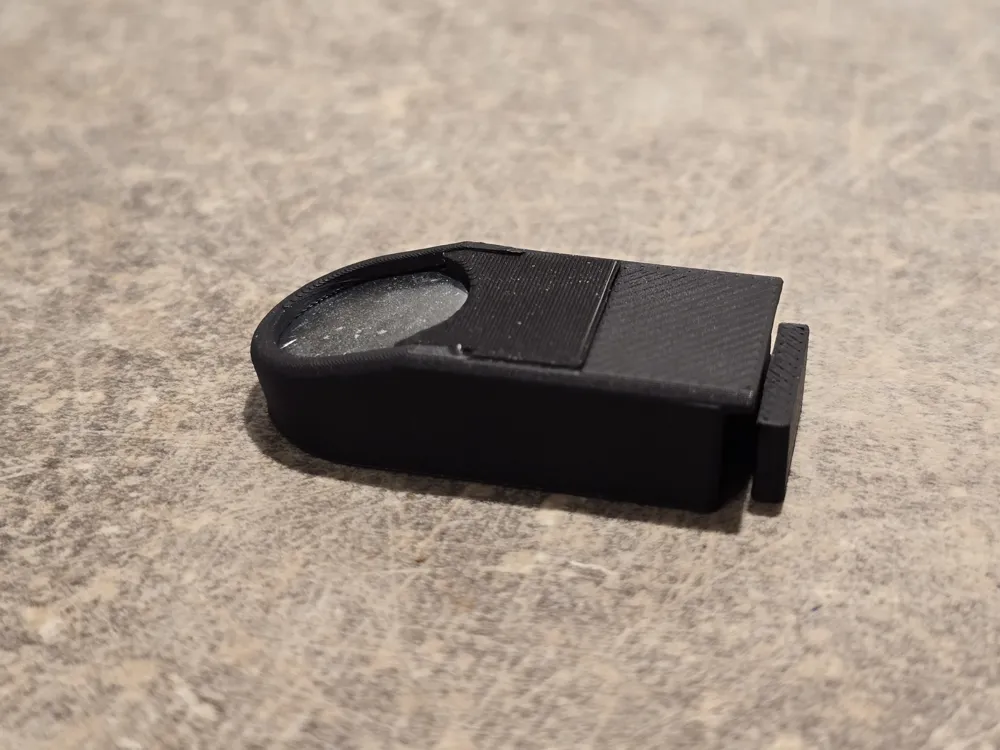
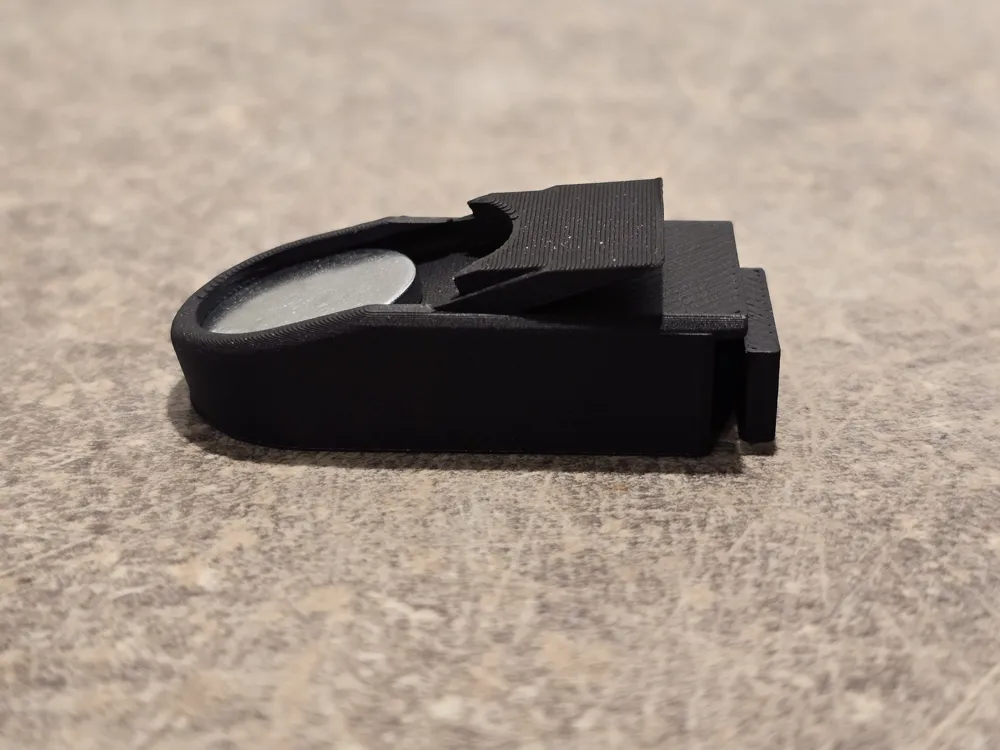
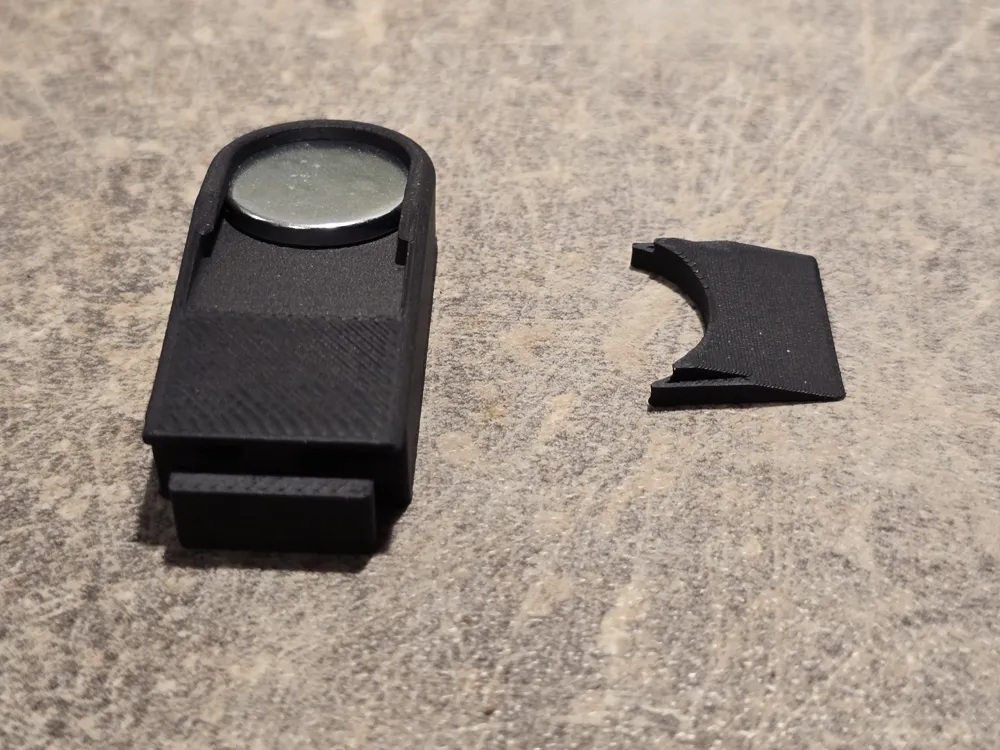
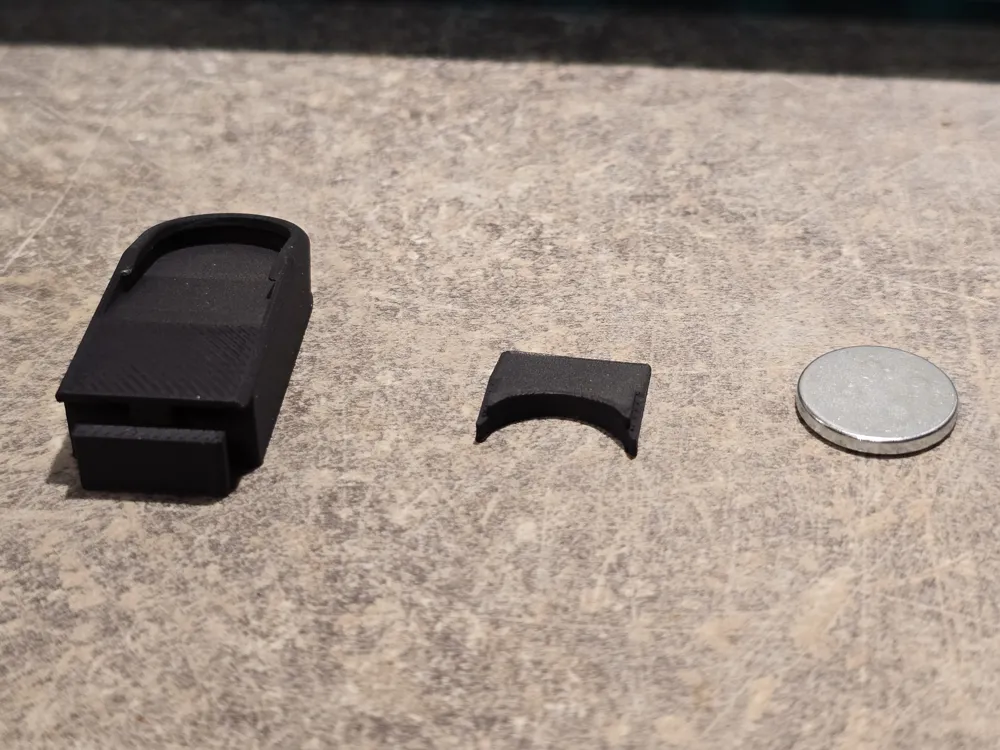
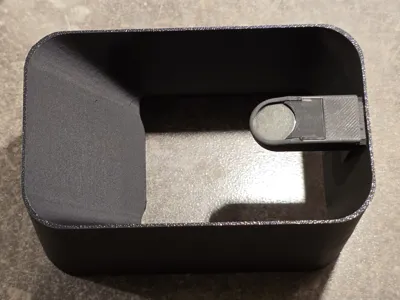
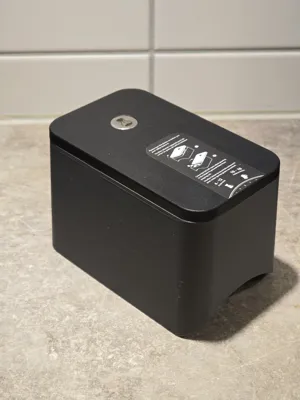
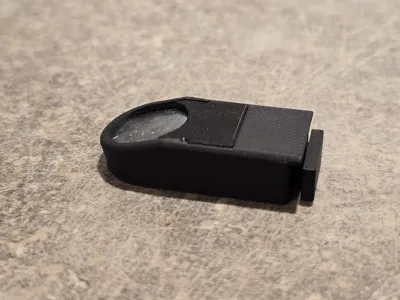
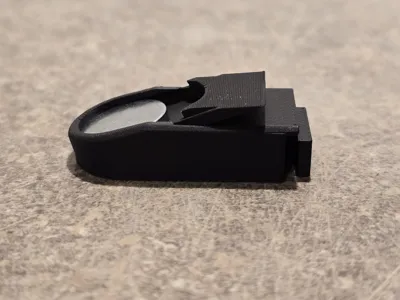
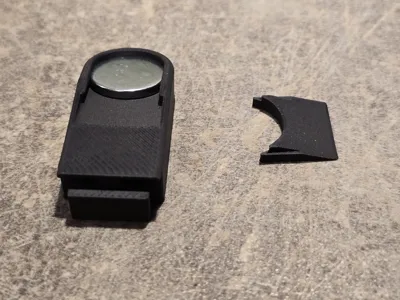
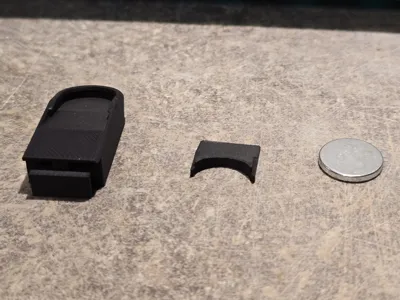
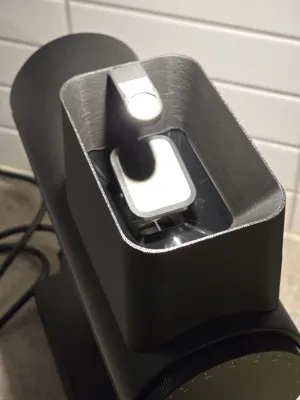
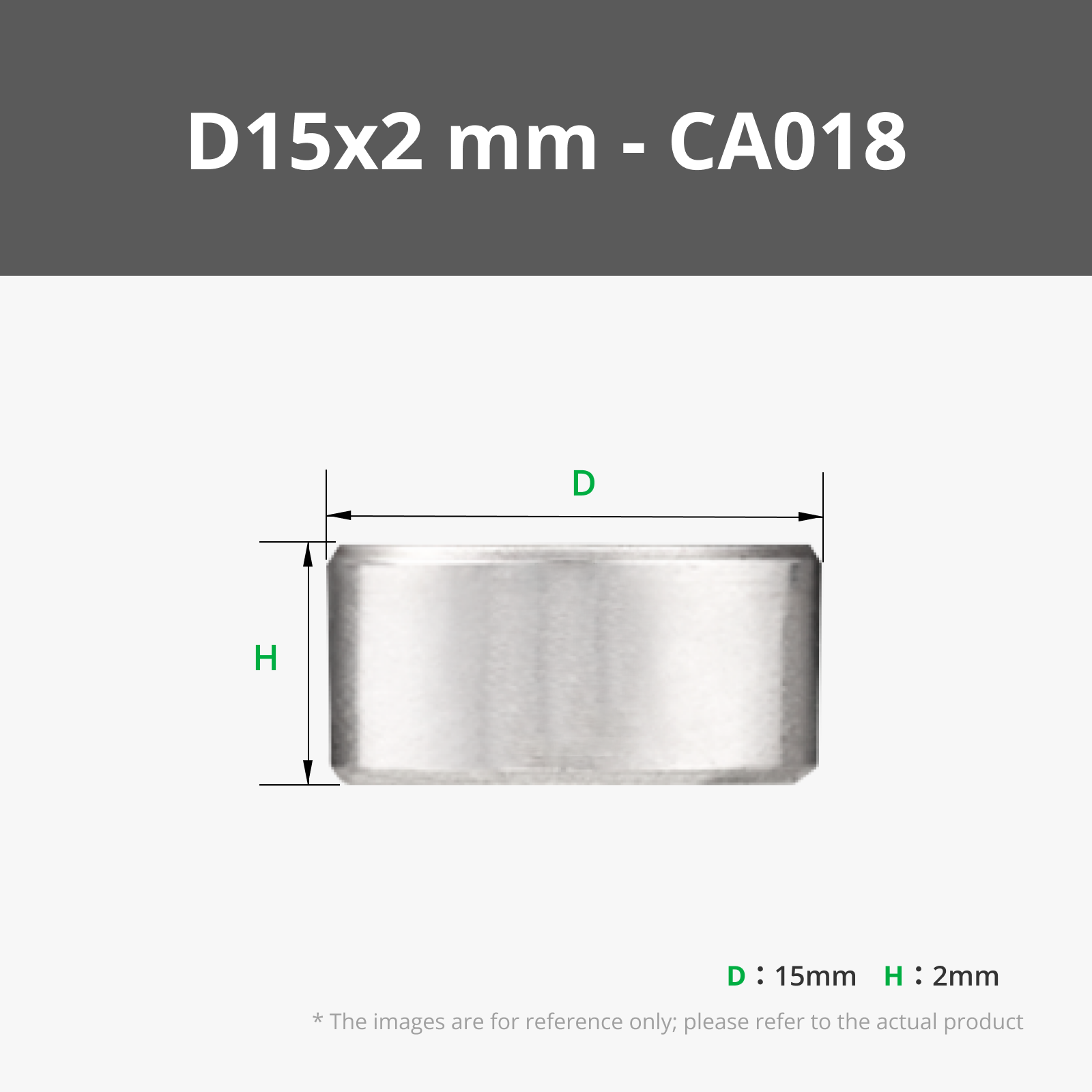
- One with a magnet holder assembly that allows reusing the original lid with the half opening capability of the original design. You will need to buy a 15x2mm magnet to use this one (I used this magnet https://www.aliexpress.com/item/1005009391695744.html).
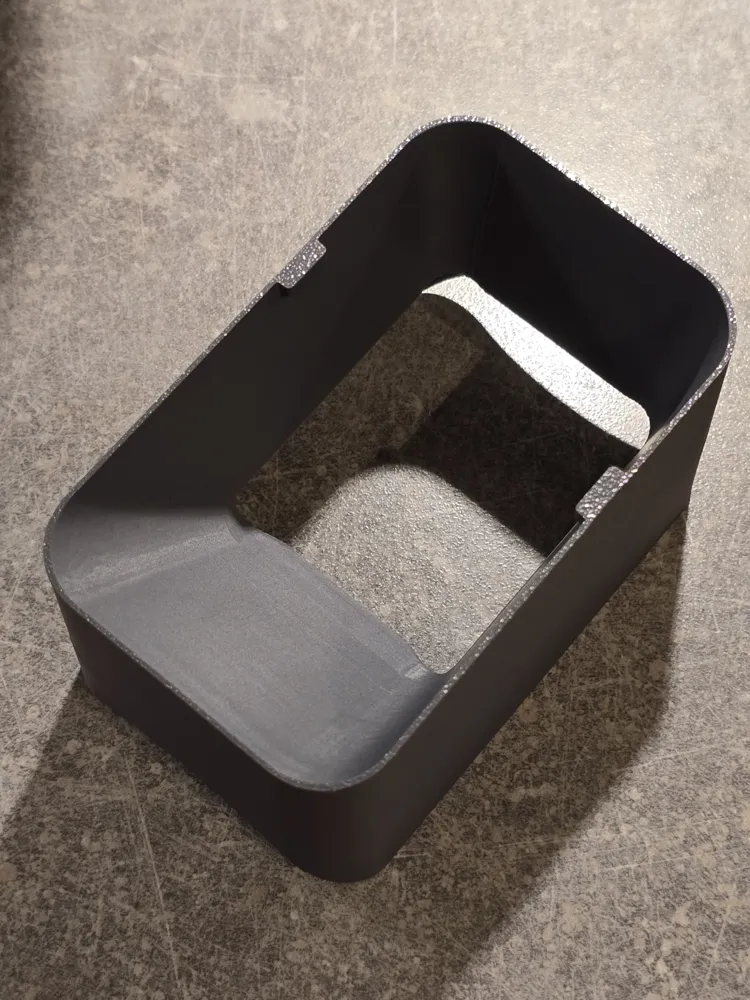
- A second one without the magnet that introduce two small lid resting surfaces at the top so that the lid doesn't fall in.
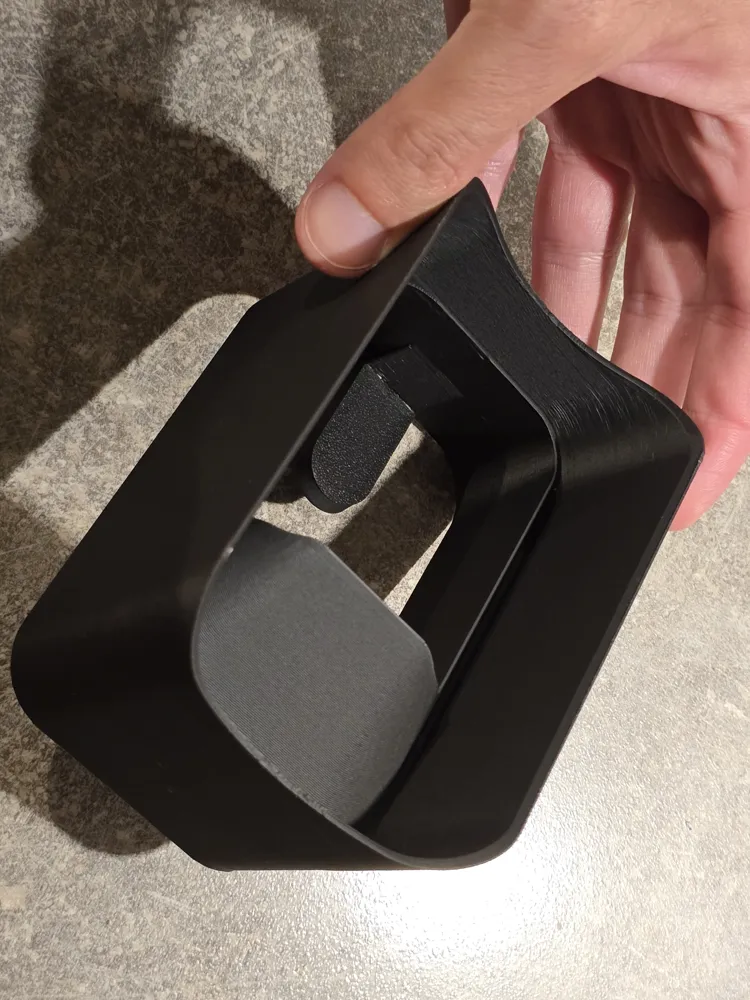
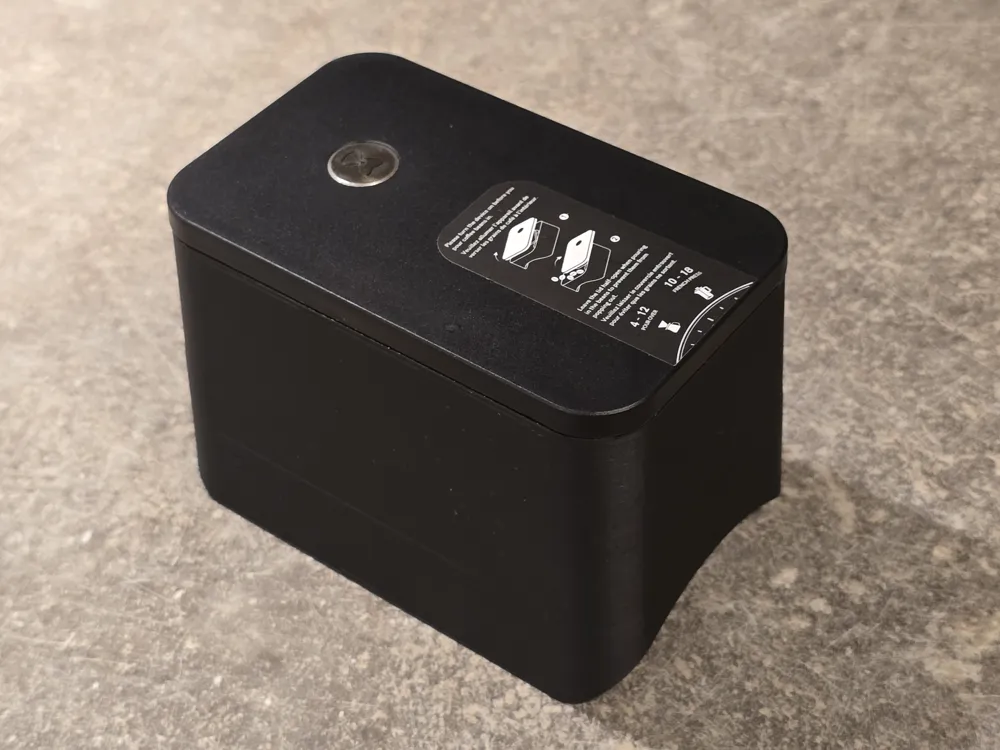
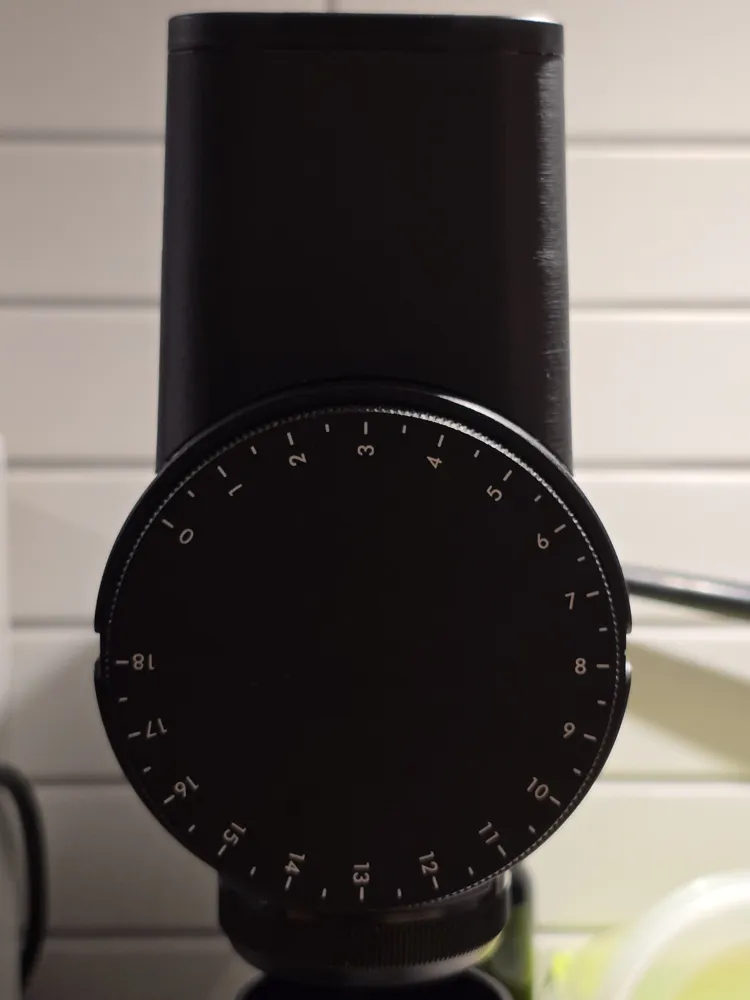
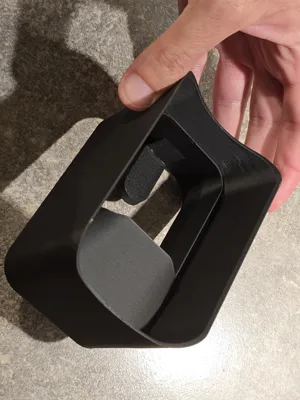
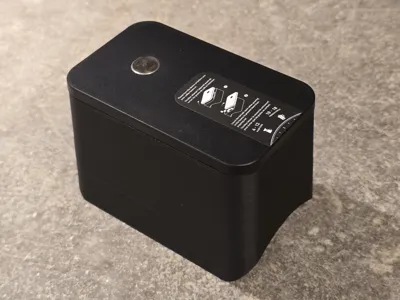
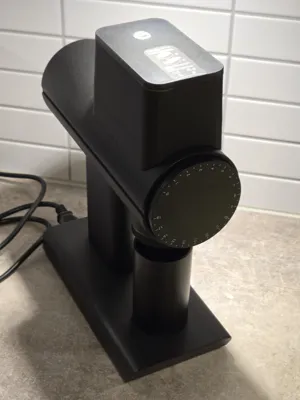
Both versions just slide over, and cover the original hopper like a hat. No need for screwing/unscrewing and messing up with your grinder. The print has a snug fit: just press the extended hopper down to get a good fit (see pictures of printed model).
The version with the magnet holder requires assembly of three components. Should be pretty straight forward (hopefully) - have a look at the uploaded pictures to see how this looks like. The second version requires no assembly.
I printed this with PLA and PETG during prototyping (both worked great), and settled on black PLA Matte material for the final print-out. I think this matches the grinder perfectly. I may try another version with PLA-CF or ASA-CF soon, as carbon reinforced materials are supposed to reveal less of the horizontal lines that come with FDM printing. I will update/report back if/when I do that.
License



Comment & Rating (4)