
Omi Ai Wearable Complete Watch Band (Instructions)
Print Profile(1)

Description
MUST READ BEFORE PRINTING
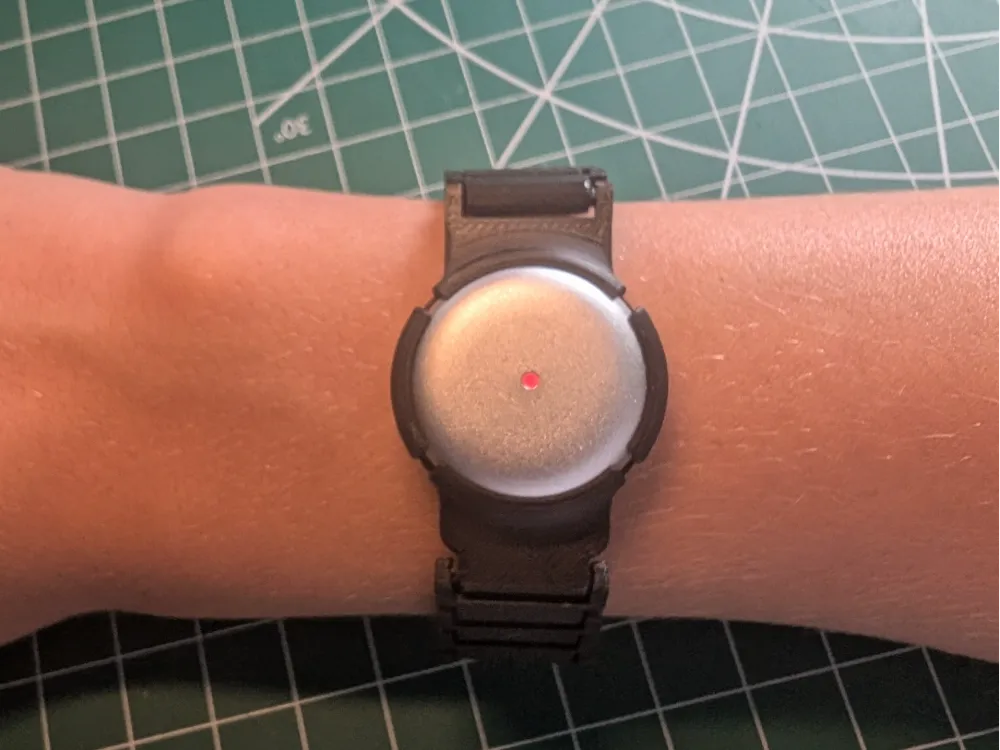
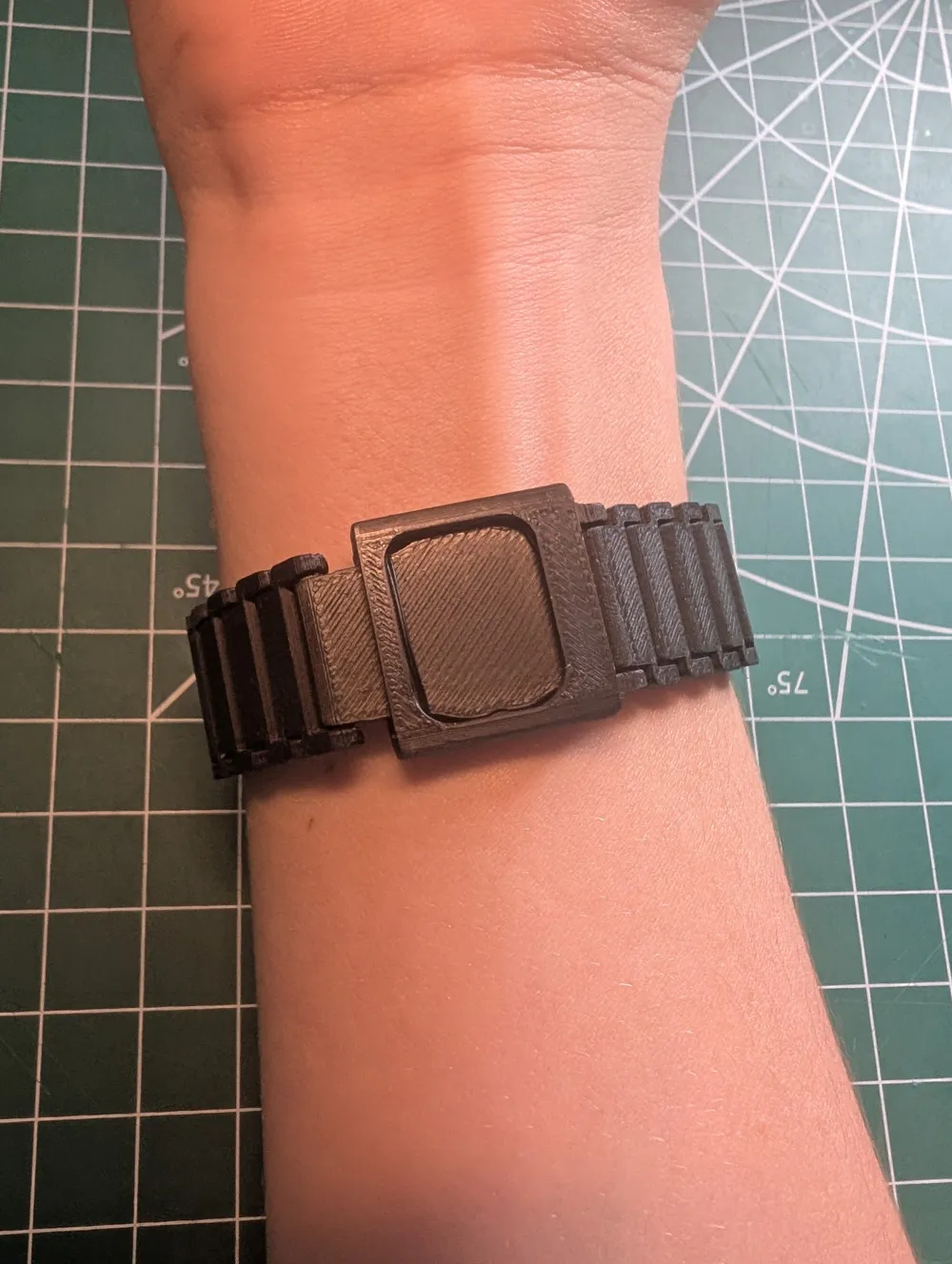
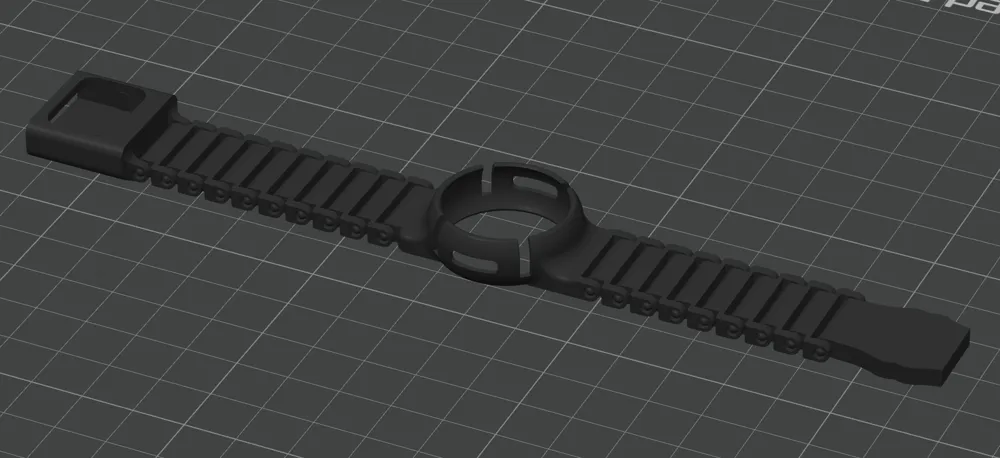
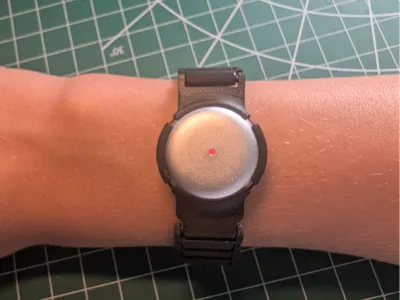
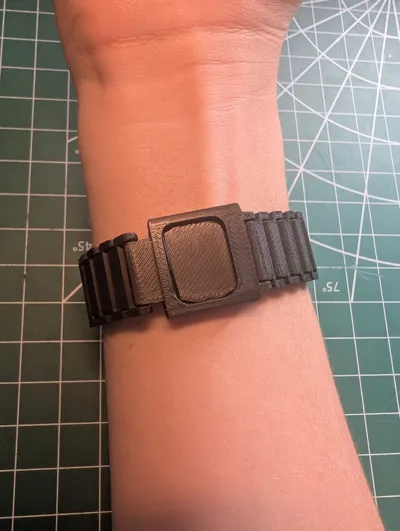
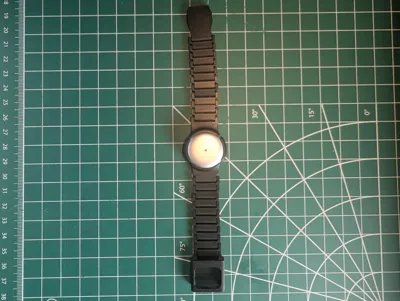
This is a watch band for the Omi AI Wearable that requires NO assembly and NO supports, only a little preparation in the slicer.
First, figure out how many chain links (Link.stl) you need. To do this, follow this formula:
(circumference of wrist where you want the watch in centimeters - 5.8cm) / 0.544 rounded to the whole number directly larger (ex: 16.97 to 17) then add one 1
Either you can modify the .3mf file provided or follow the next steps to set it up yourself.
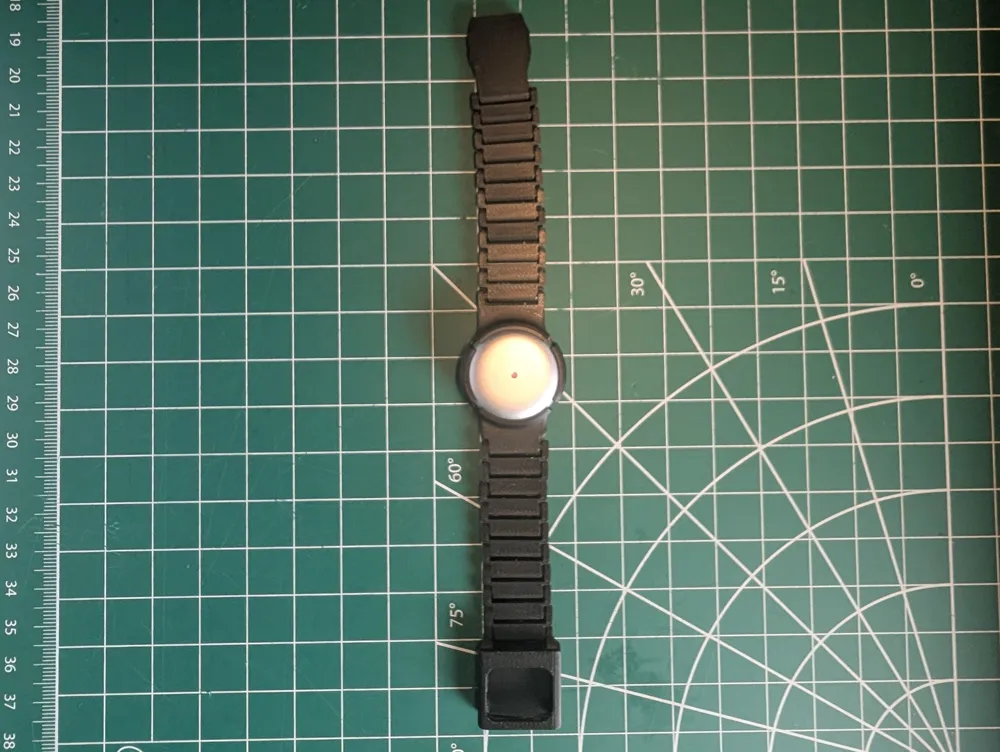
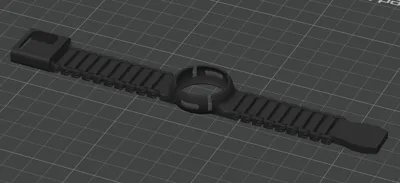
Next, in the slicer, add the main housing (Omi Watch Band Main (With Band).stl) in the center, then add the chain links, half on each side, and add the male clasp (Clasp Male.stl) and female clasp (Clasp Female.stl) on either side.
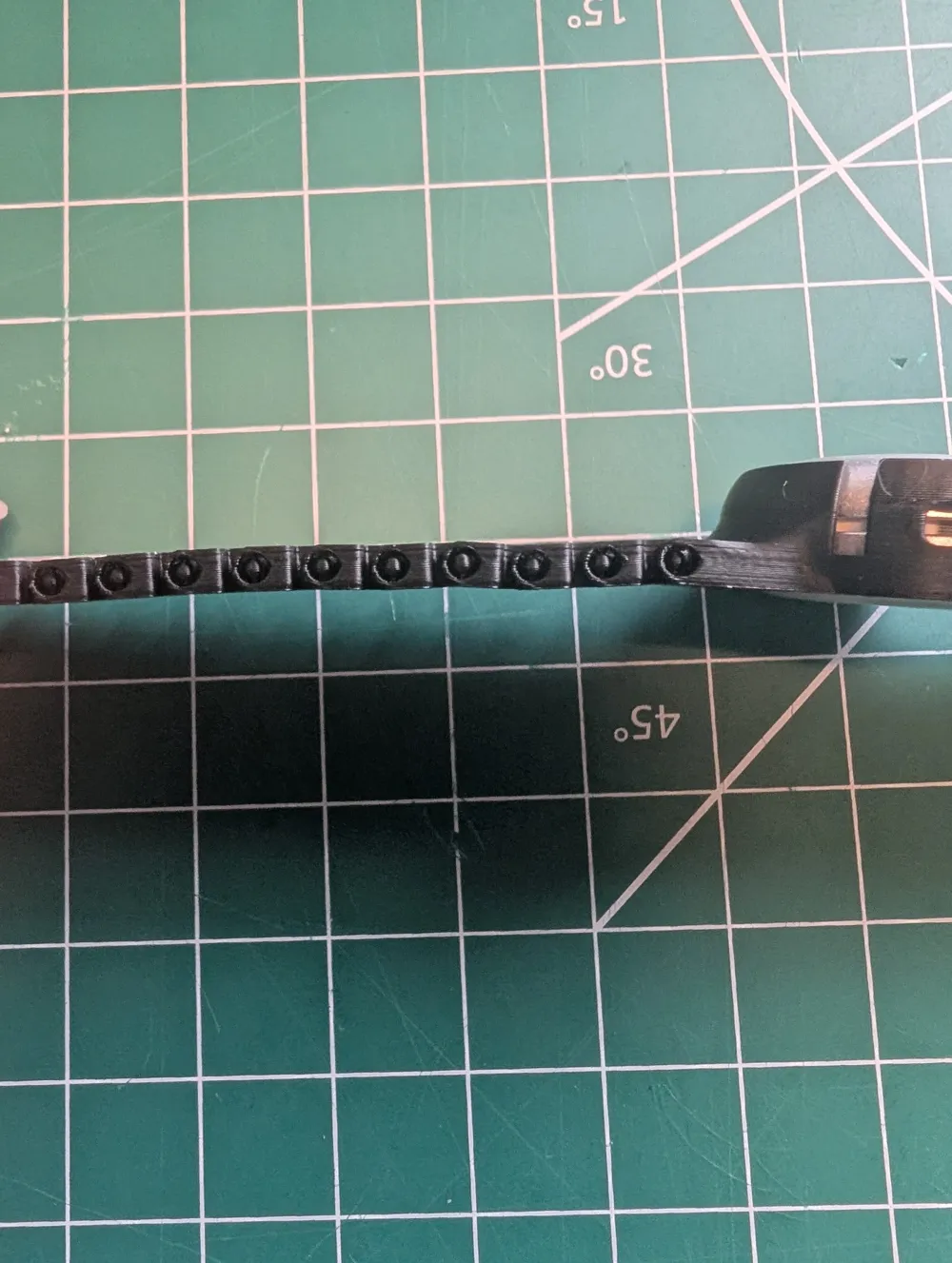
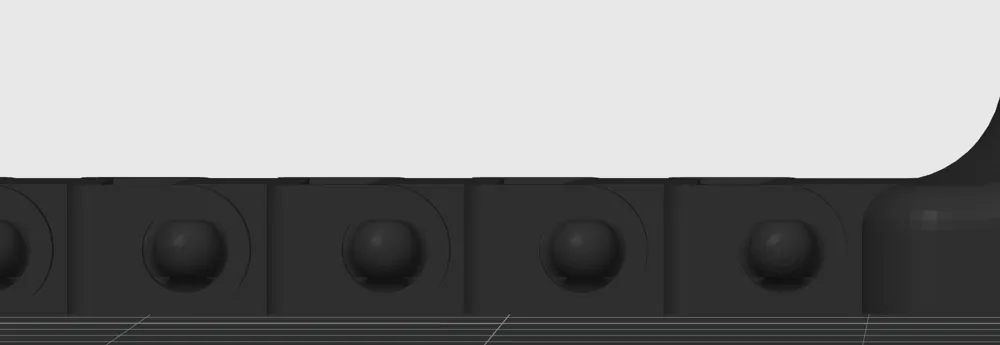
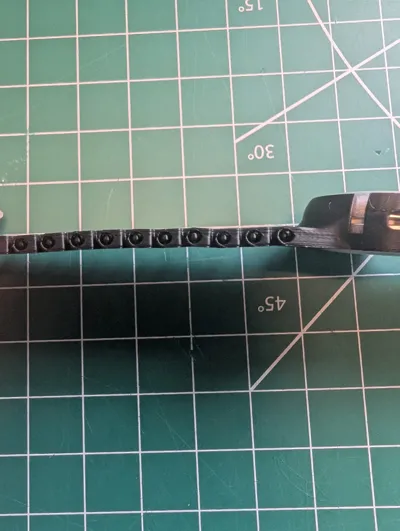
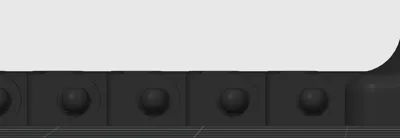
Make sure the holes are properly aligned (See pictures for reference) and the layer height should be .08 (whatever the smallest layer height you can get is).
After having printed the model, buckle and unbuckle the clasp at least 10 times to loosen it up a little so that it is easier to put on and remove.
Finally, enjoy!
License

You shall not share, sub-license, sell, rent, host, transfer, or distribute in any way the digital or 3D printed versions of this object, nor any other derivative work of this object in its digital or physical format (including - but not limited to - remixes of this object, and hosting on other digital platforms). The objects may not be used without permission in any way whatsoever in which you charge money, or collect fees.


Comment & Rating (0)