Search models, users, collections, and posts

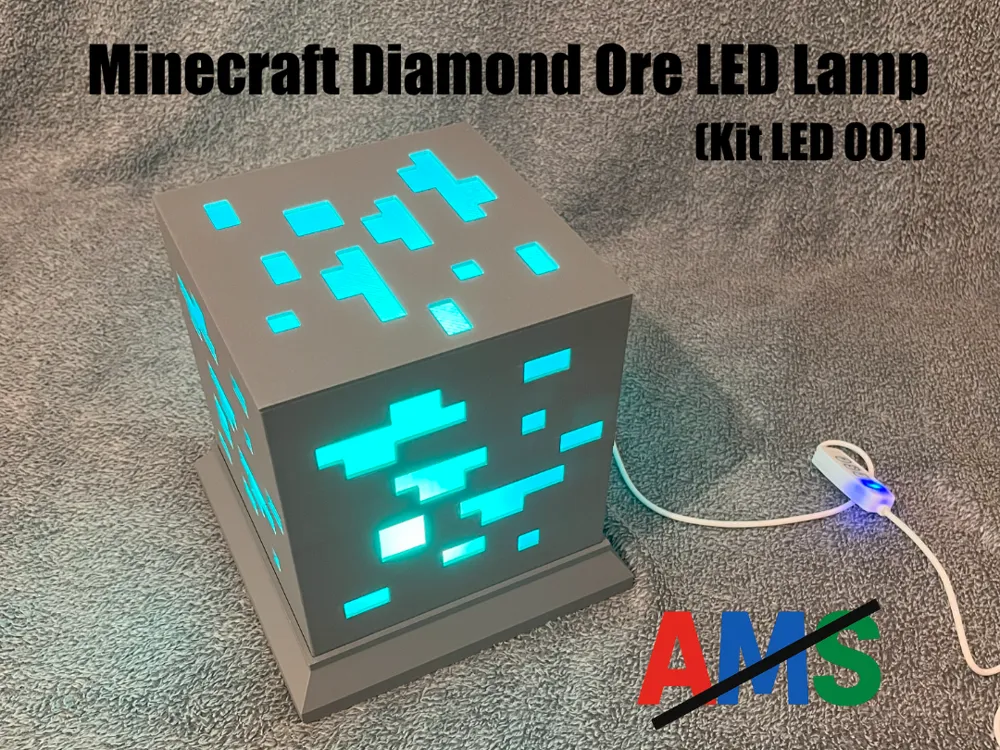
Minecraft Diamond Ore LED Lamp (Kit LED 001)
IP Report

Print Profile(1)

All
X1 Carbon
H2D Pro
P1S
P1P
X1
A1 mini
A1
X1E
H2D
H2S
P2S
H2C
X2D
A2L

0.2mm layer, 2 walls, 10% infill
Designer
10.9 h
3 plates
4.7(27)

Open in Bambu Studio
Boost
603
1254
54
37
866
256
Released 

Bill of Materials

Maker's Supply Kits and Parts
Select all
LED Lamp Kit (1pcs) - MH001
Bambu Filaments
Select all
Gray (10103) / Refill / 1kg
Teal (13612) / Filament with spool / 1 kg

Description

Content has been automatically translated.
Show original

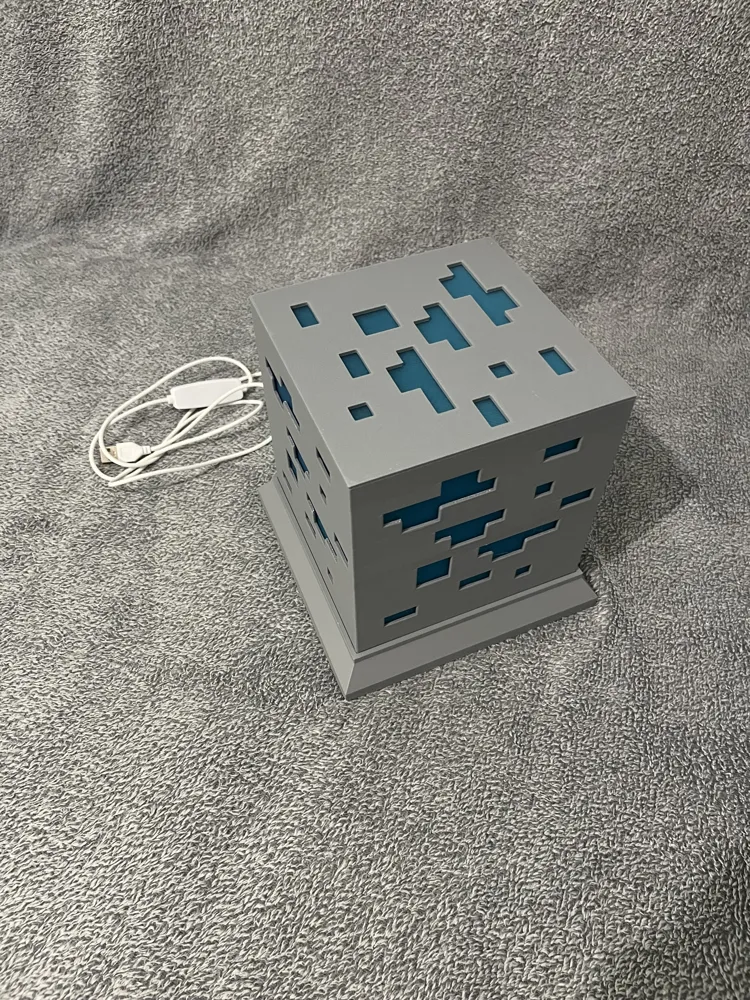
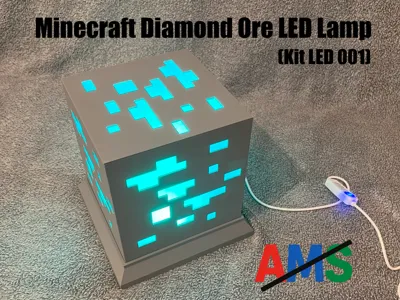
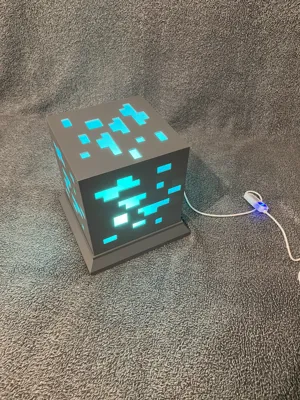
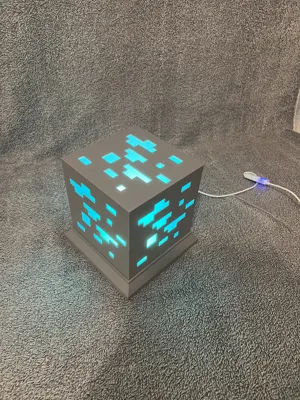
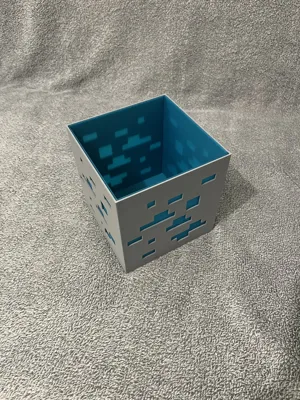
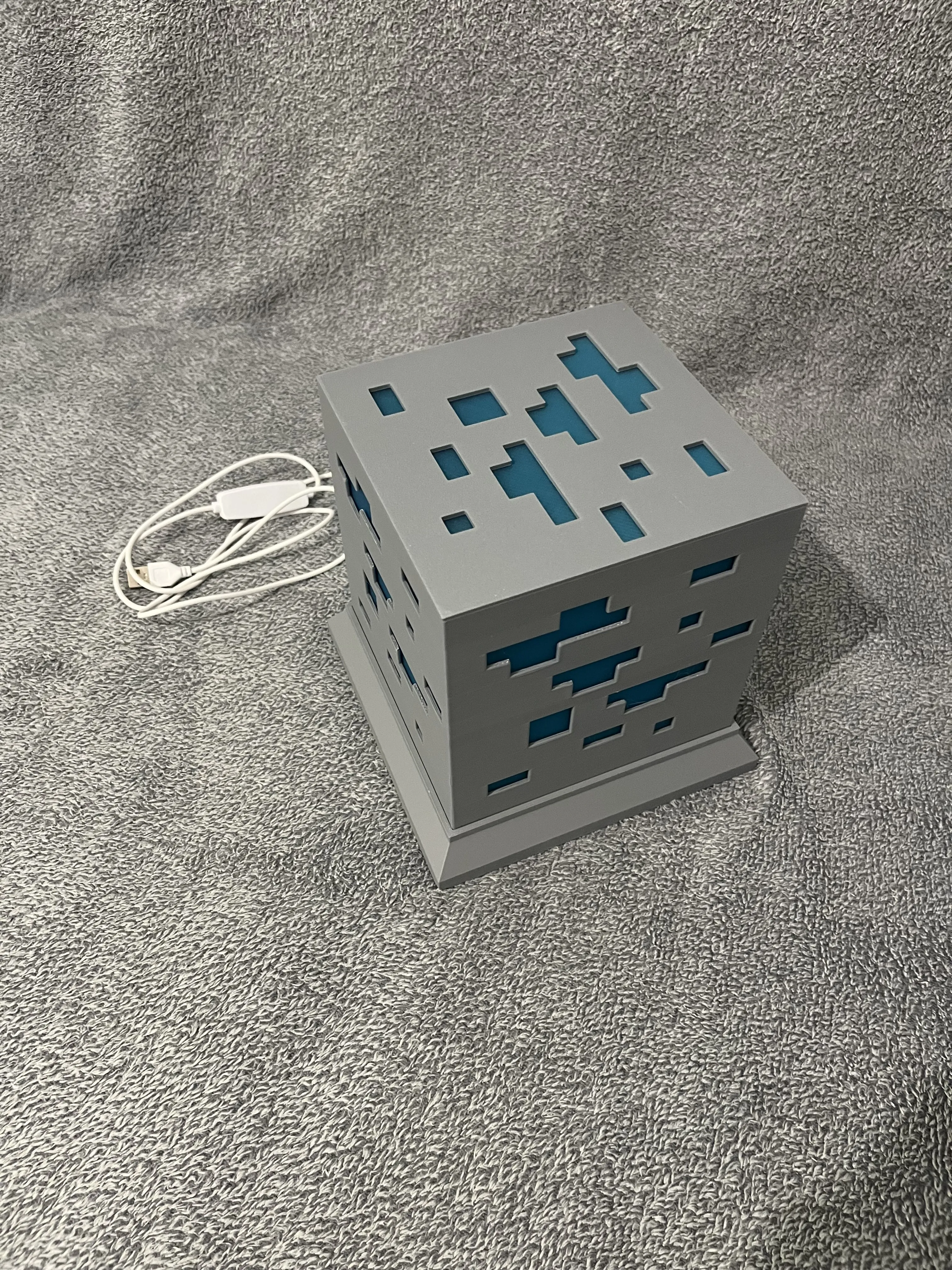
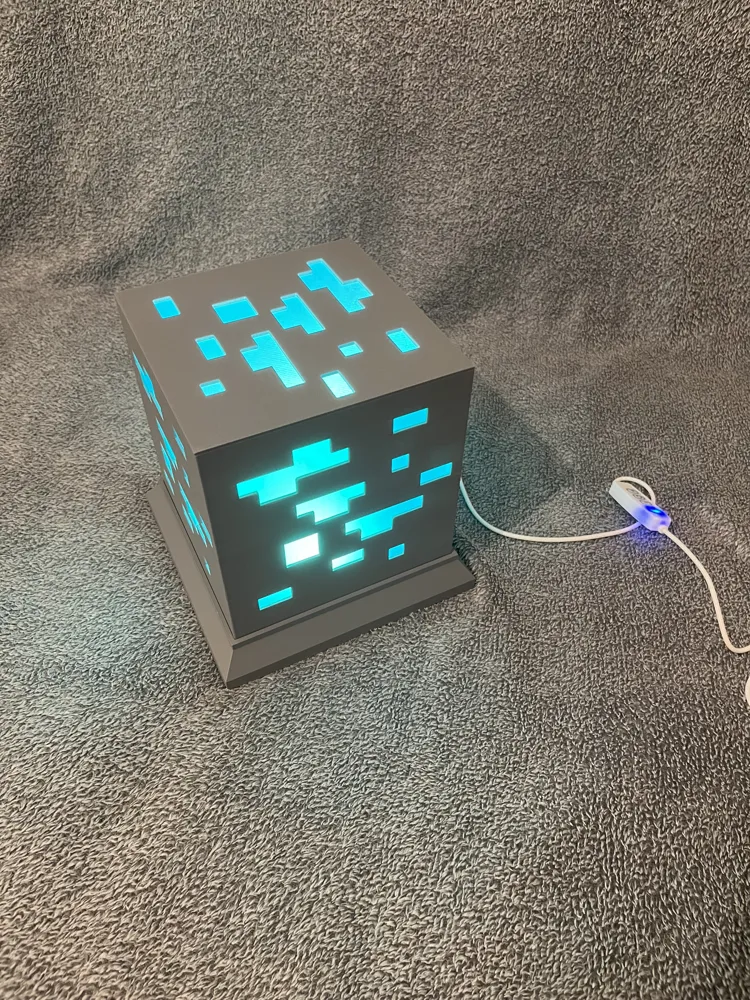
💎✨ Minecraft Diamond Ore LED Lamp (Kit LED 001) ✨💎
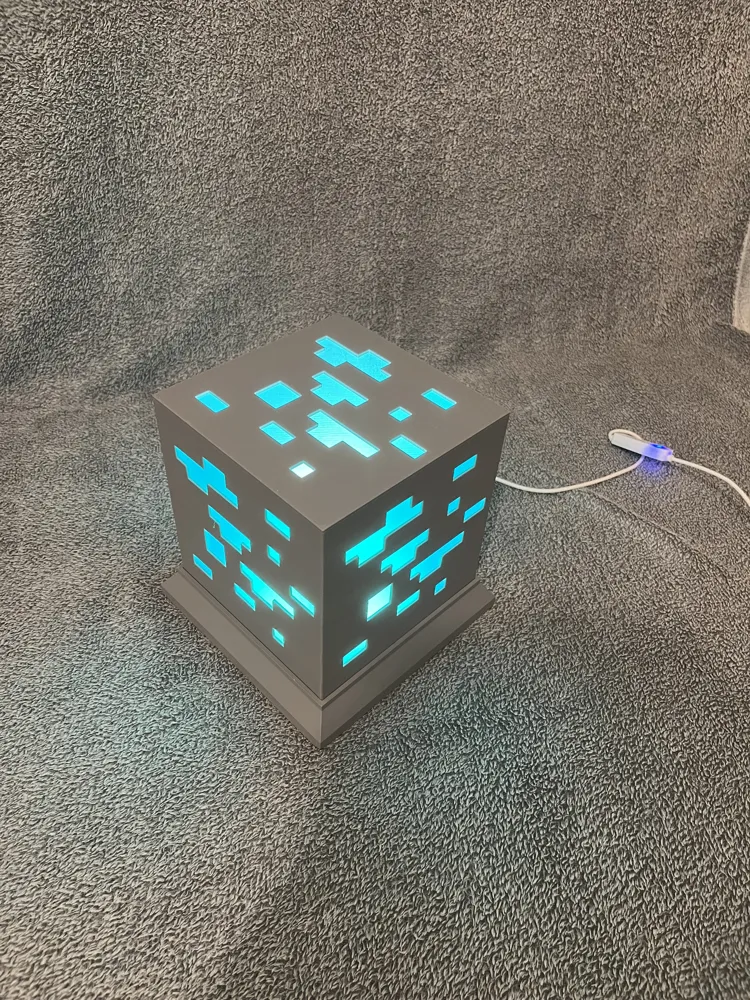
Immerse yourself in the world of Minecraft with this superb Diamond Ore LED lamp 🪙💡

🔥 Highlights:

  • No screws or glue needed 🛠️ — 100% clip-on and quick assembly
  • No AMS needed 🎯 — prints perfectly on a classic 3D printer
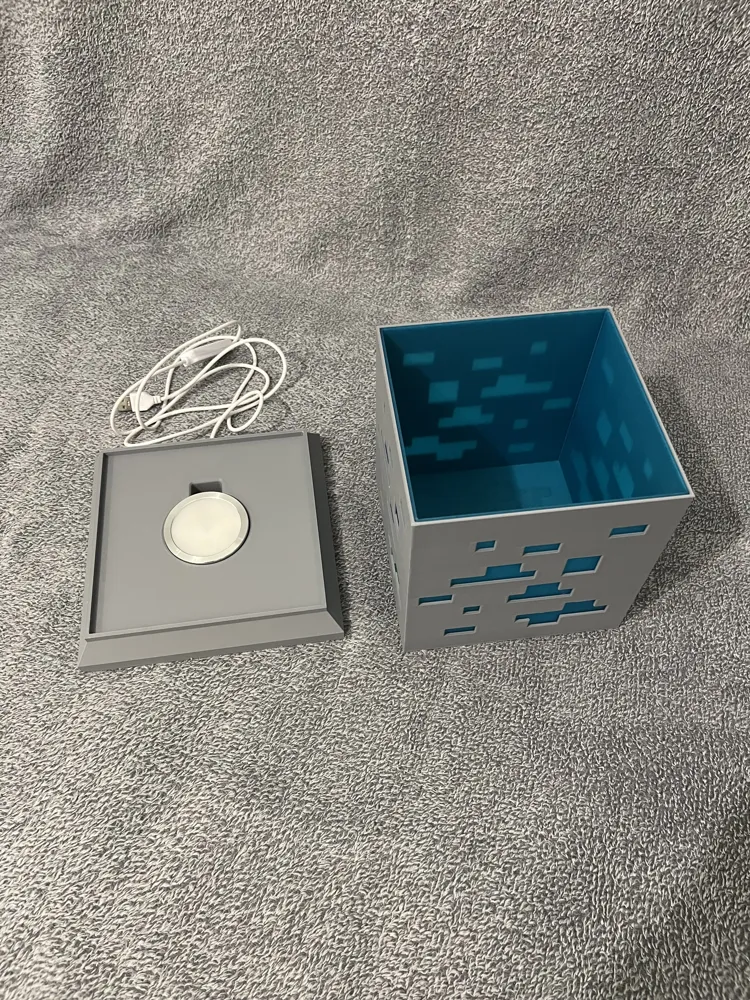
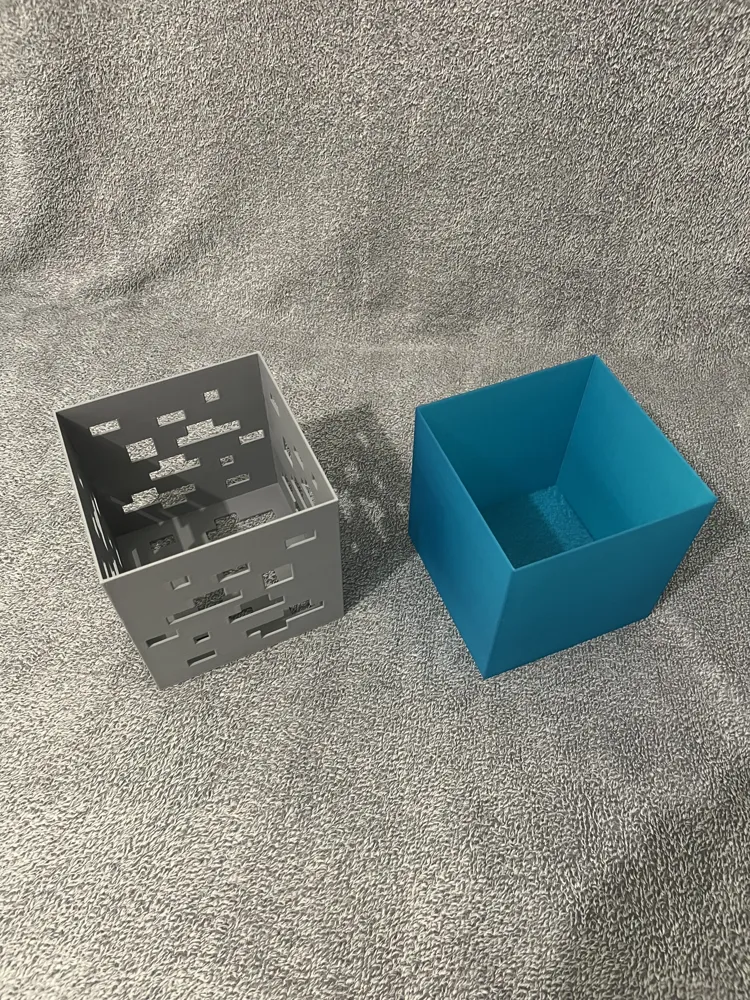
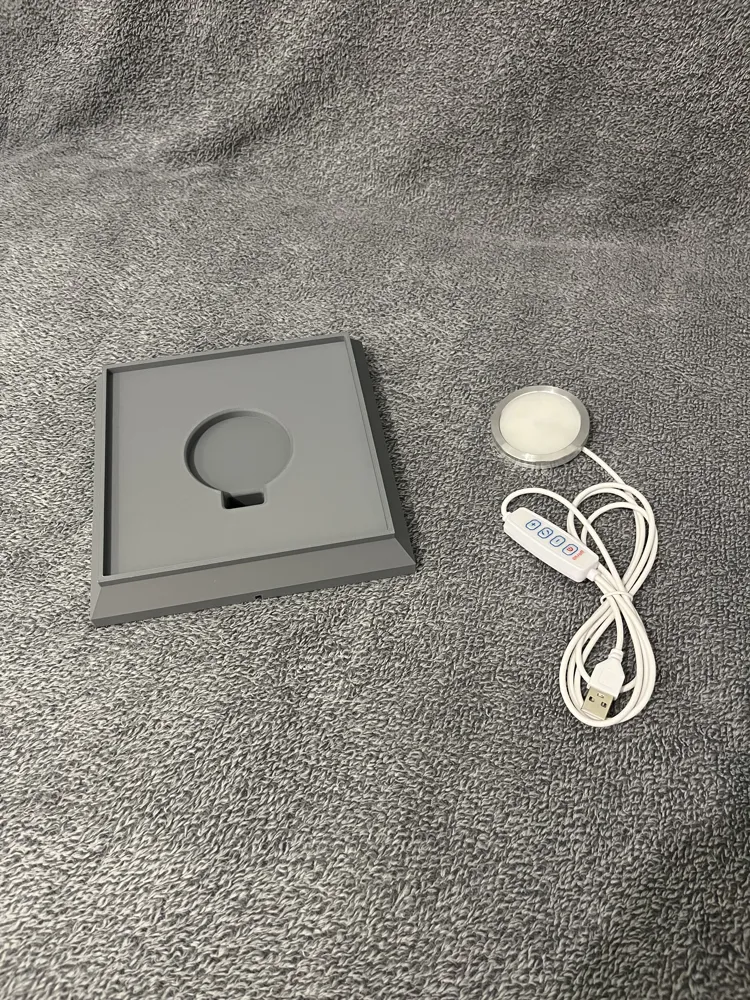
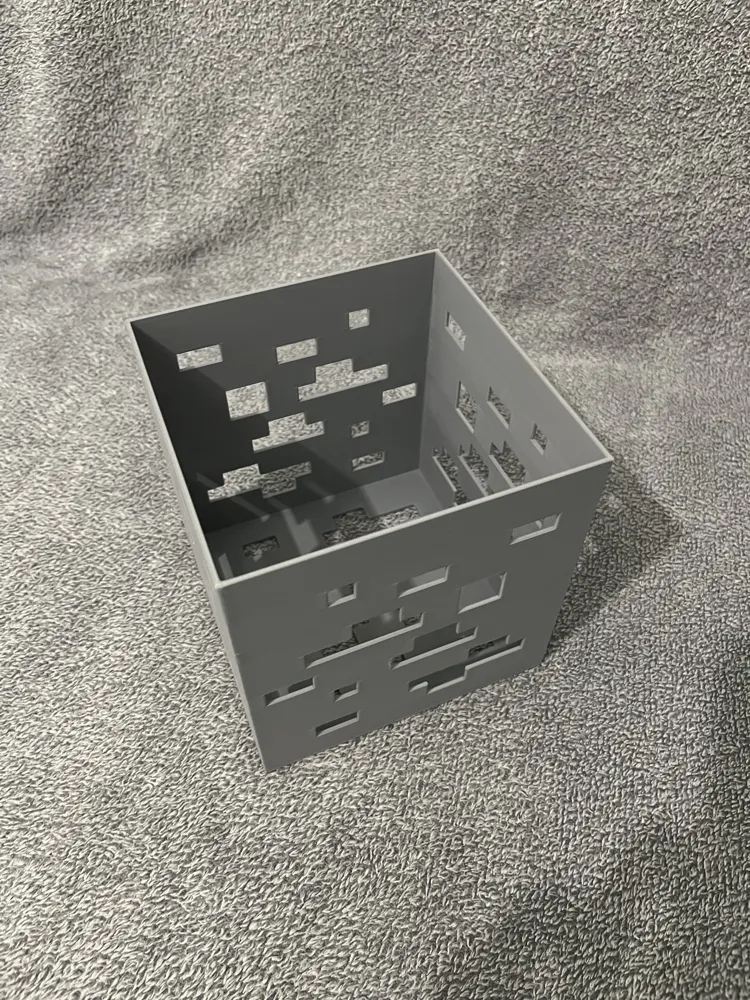
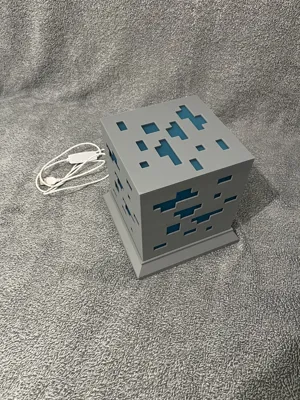
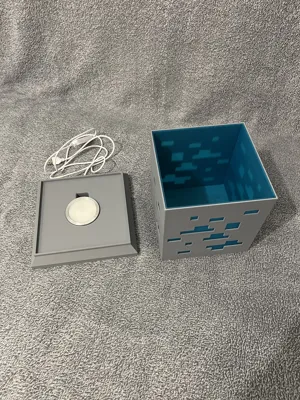
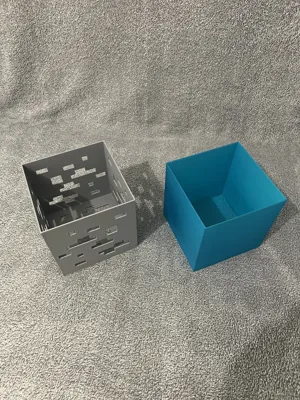
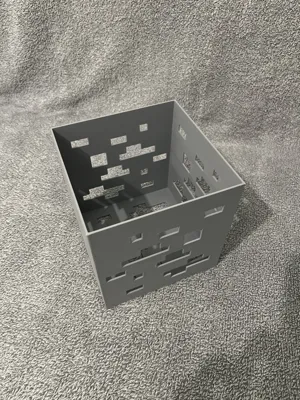
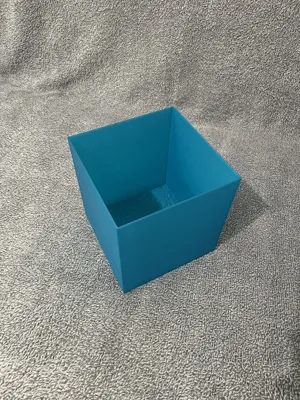
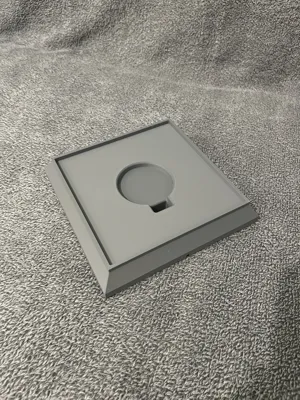
  • 3-element design:
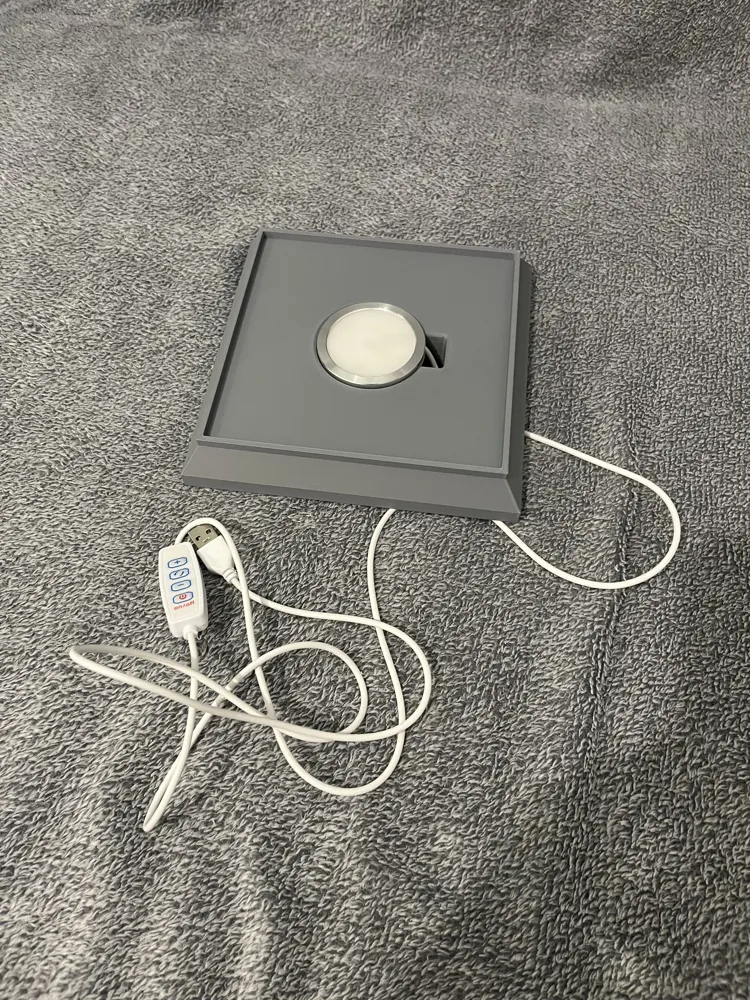
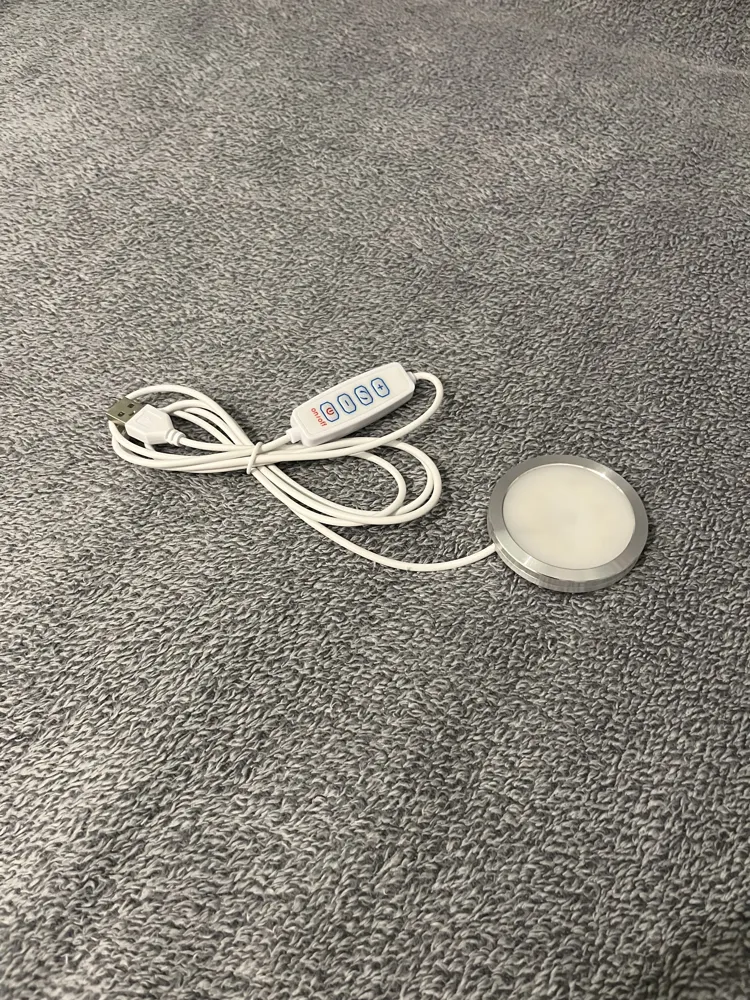
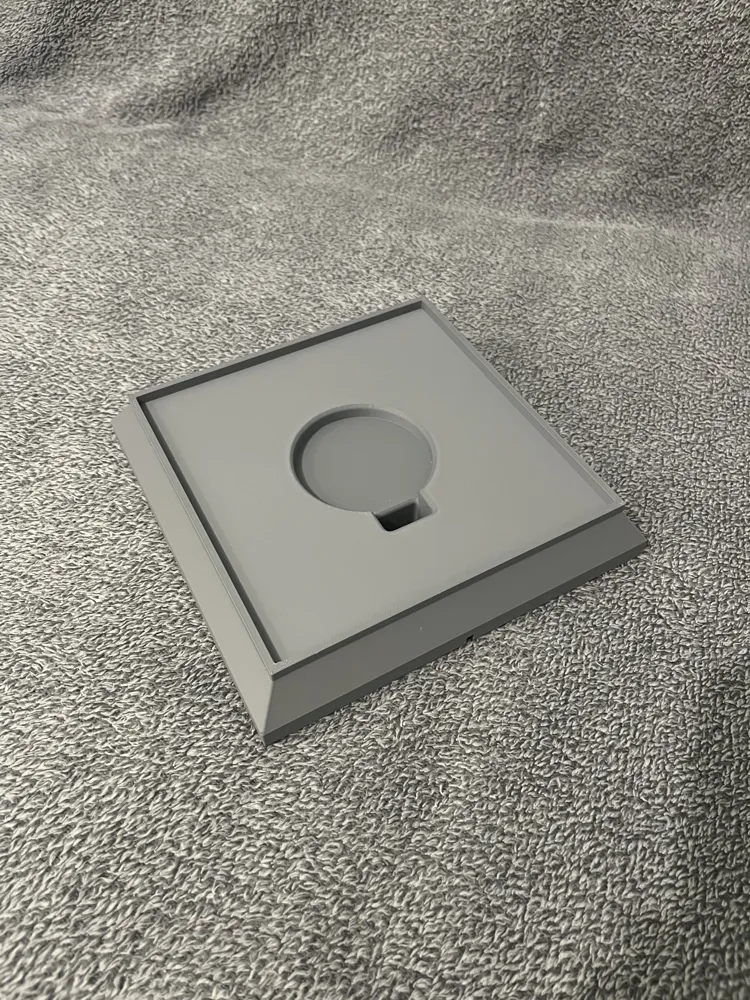
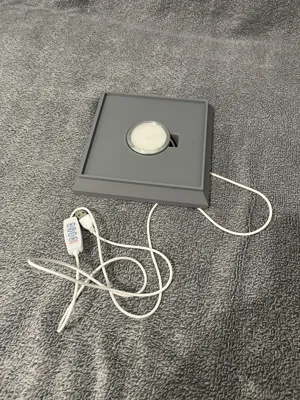
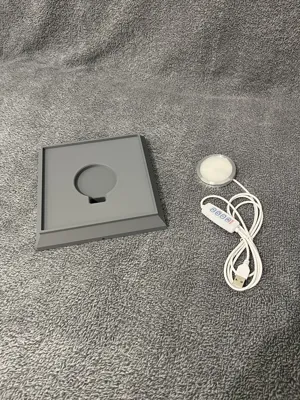
    1. The base with the LED Kit 001
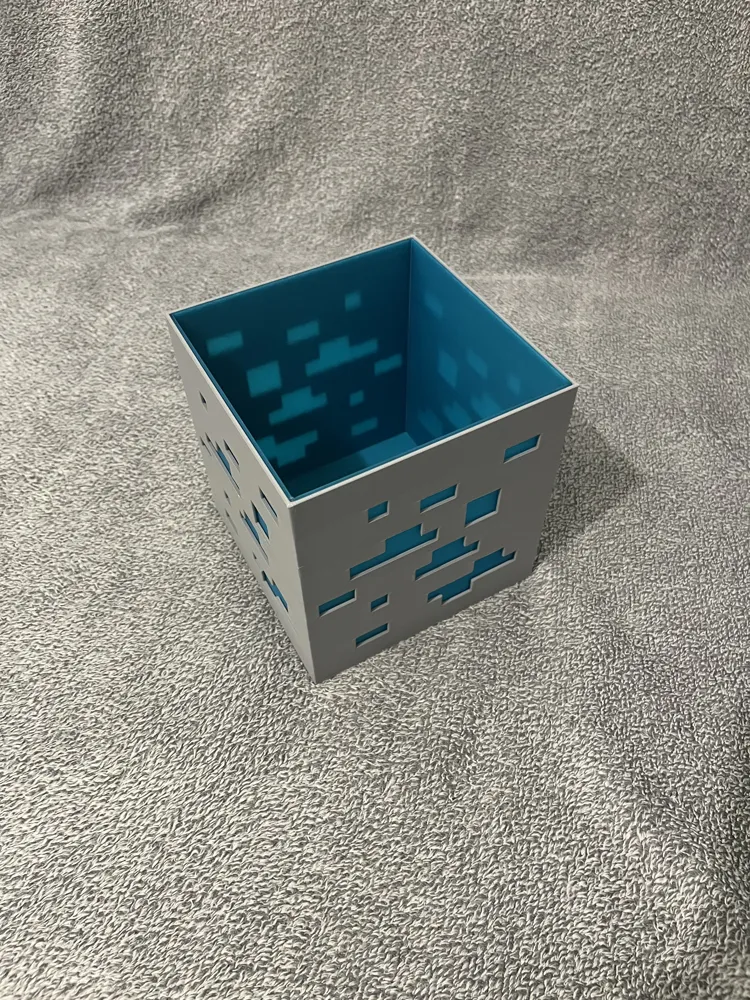
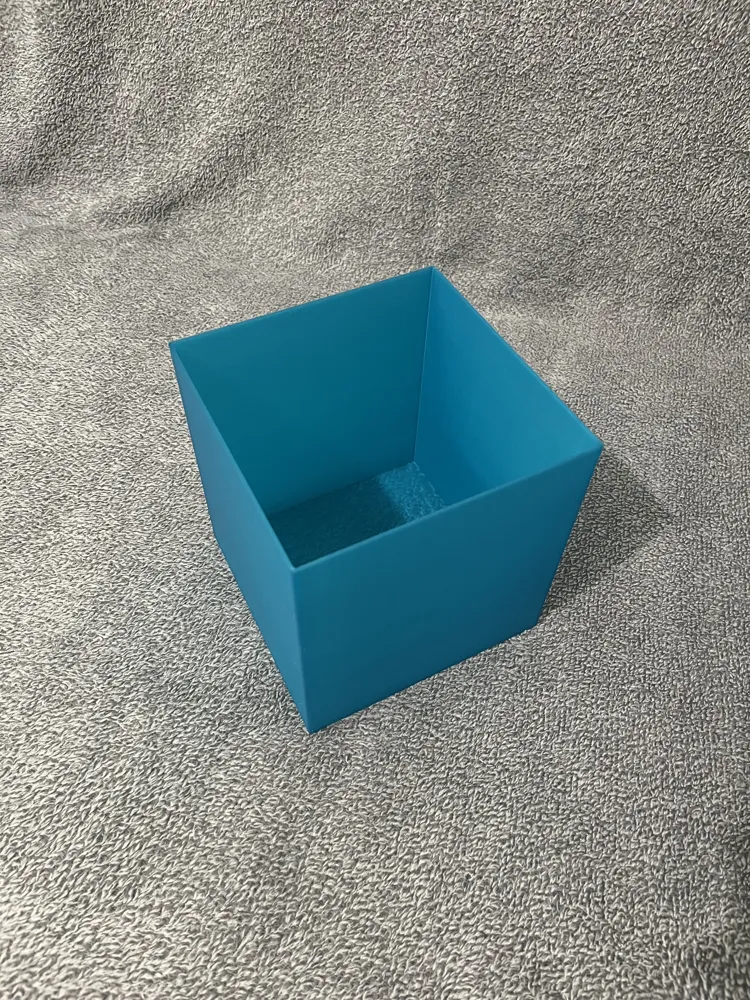
    2. The transparent blue diffuser
    3. The Minecraft-style Diamond Ore block

🛠️ Required materials:

  • 🖨️ 3D Printer (classic, no AMS)
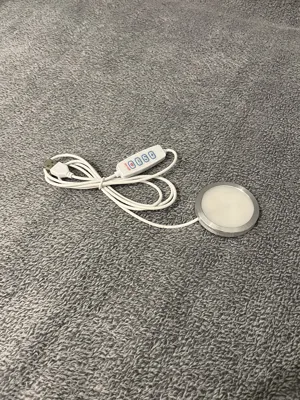
  • 💡 Bambu Lab LED Kit 001 (ref. according to your nomenclature)
  • 🎨 Gray filament (ref. according to your nomenclature)
  • 💠 Translucent blue filament (ref. according to your nomenclature)

📂 Available files:

  • The 3 elements in STEP and STL 📐
  • The Bambulab .3MF file 📦 with all the correct printing parameters ready to use

💡 Whether you're a Minecraft fan or just love beautiful design lamps, this model is designed to be simple to assemble, beautiful to look at, and fun to print.

Boost Me (for free)

💎✨ If you like this Minecraft Diamond Ore LED Lamp, show some love! ✨💎
👍 Give it a like
⬆️ Boost it
⬇️ Download and try printing it yourself!
Your support means a lot and helps this model shine brighter in the contest! 💡⚡

📋 Assembly steps:
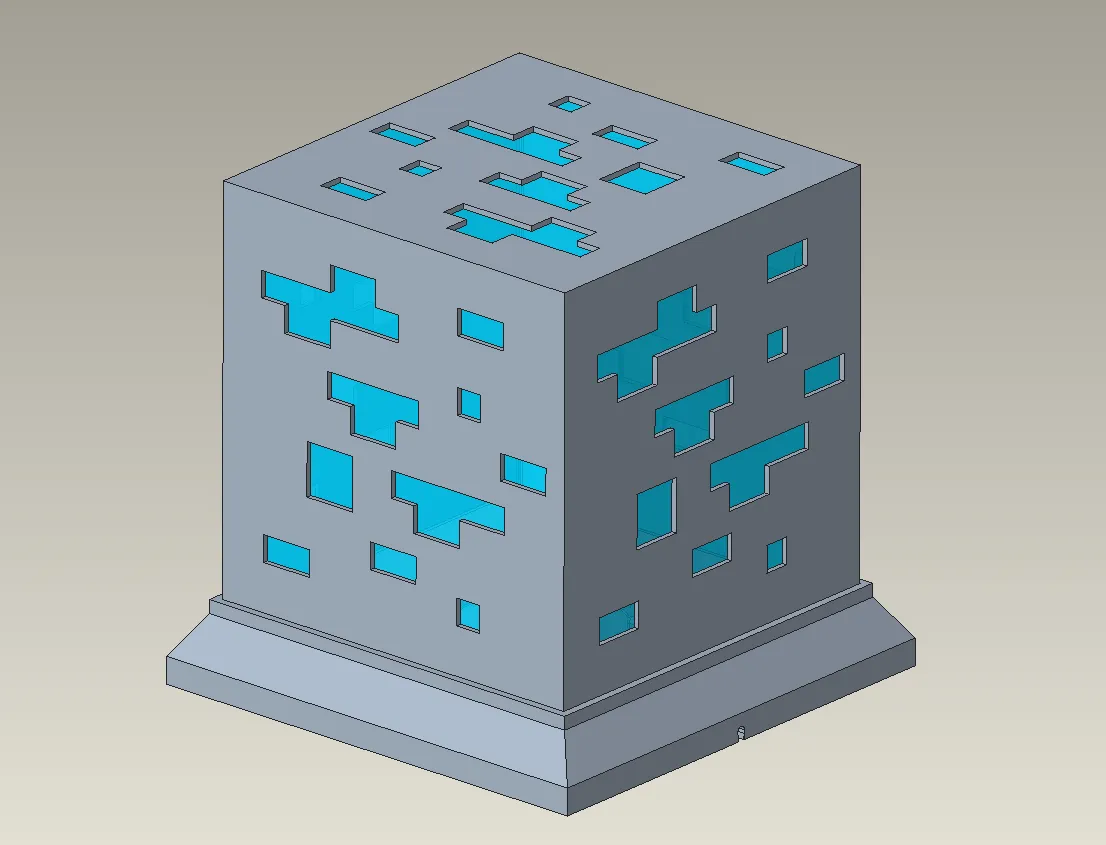
1.Place the LED Kit 001 in the base

  • Position the kit correctly so that the cable comes out through the designated opening.
  • Ensure the module is securely fixed and stable.
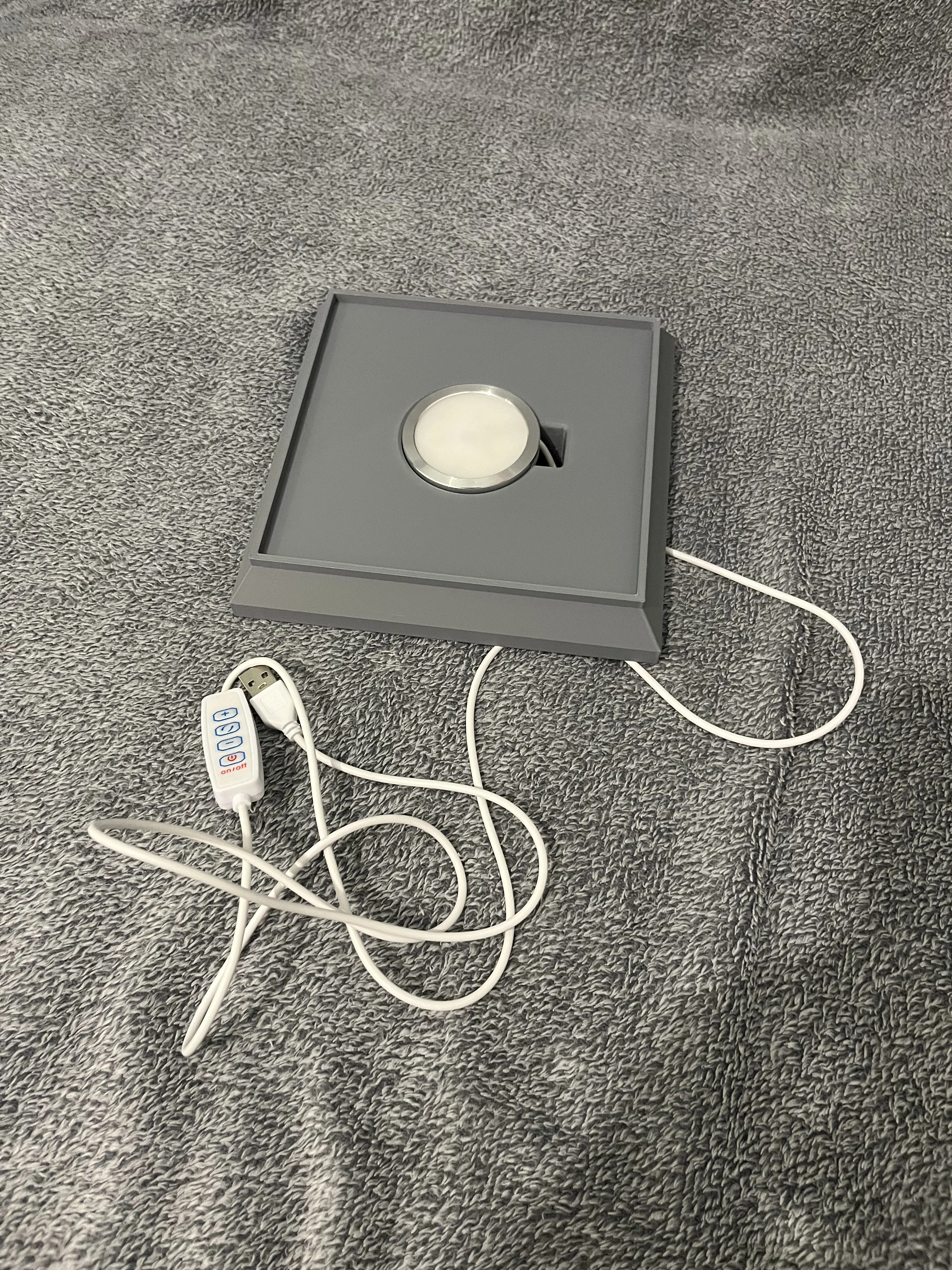
2.Insert the translucent blue diffuser into the Diamond Ore block

  • Gently slide the diffuser into its slot inside the block.
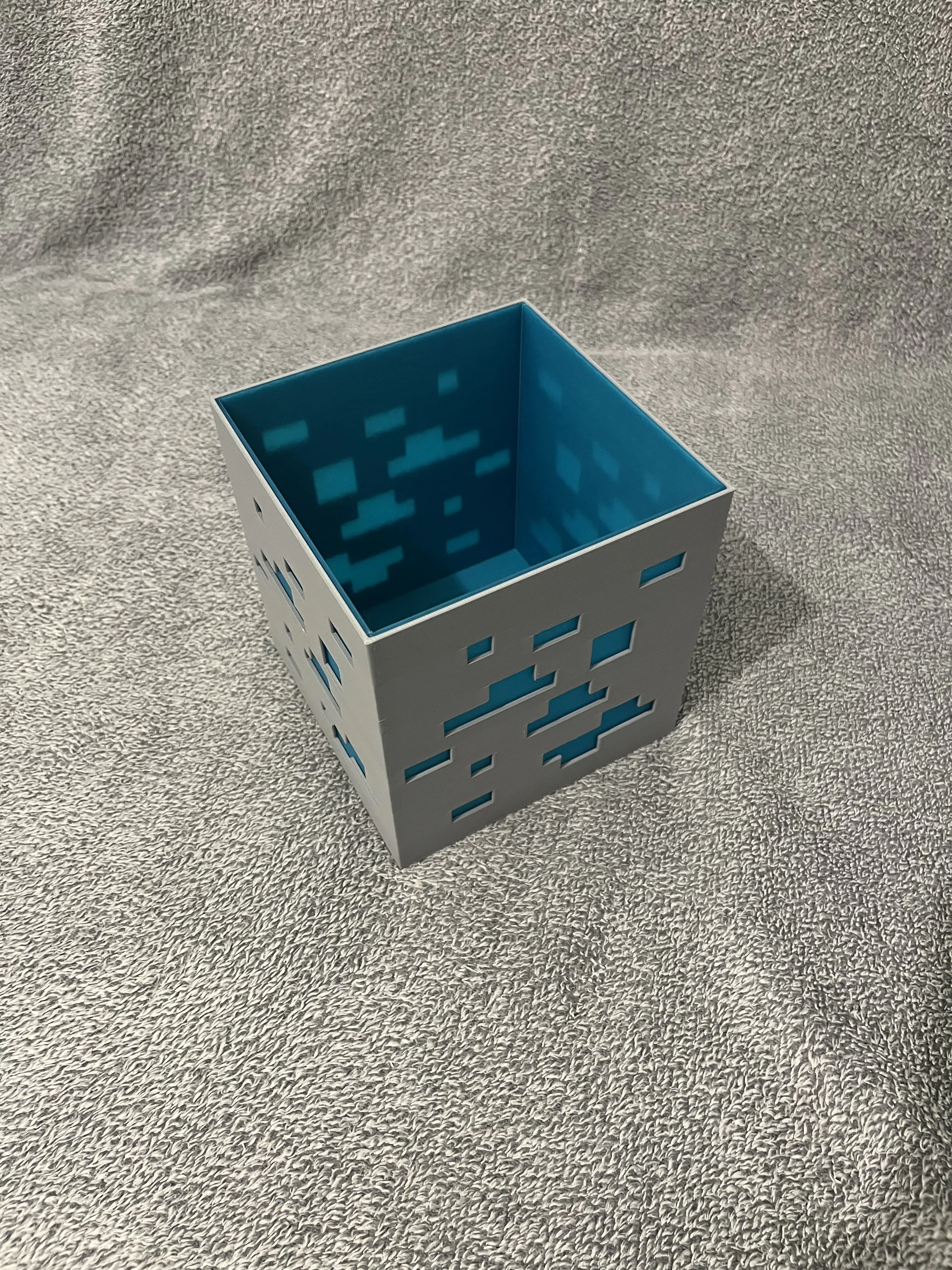
3.Assemble the top part to the base

  • Position the Diamond Ore block (with the diffuser already in place) above the base.
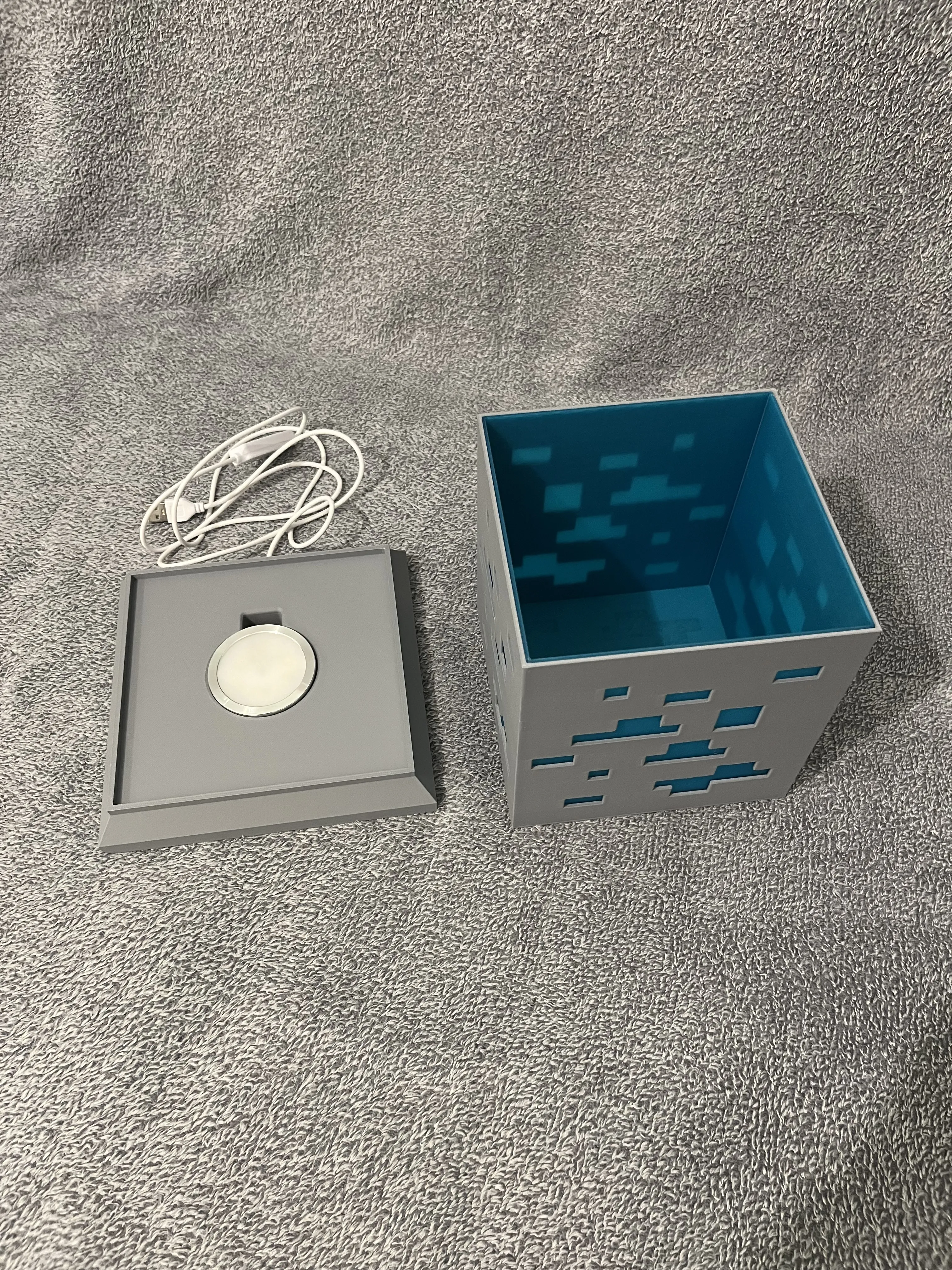
4.Connection and test

  • Connect the LED Kit 001 cable to your power source.
  • Turn it on to check that the light diffuses correctly.
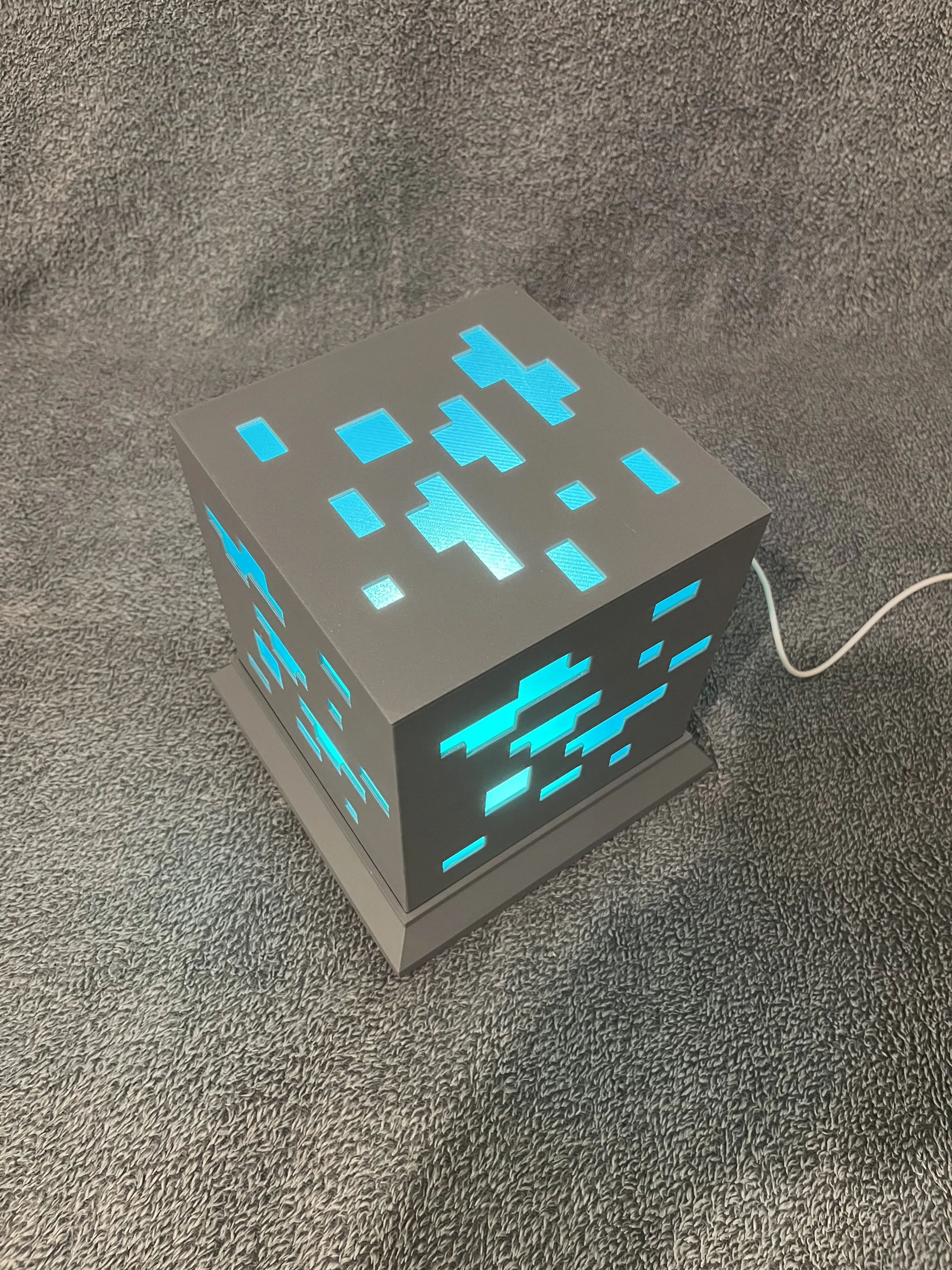
Light up the magic of Minecraft in your home!

Boost Me (for free)

💎✨ If you like this Minecraft Diamond Ore LED Lamp, show some love! ✨💎
👍 Give it a like
⬆️ Boost it
⬇️ Download and try printing it yourself!
Your support means a lot and helps this model shine brighter in the contest! 💡⚡

Comment & Rating (54)

(0/1000)

Unable to print the inner block two attempts nothing works warping and flaws
The designer has replied
Show original
1
Reply
Amazing, What filament did you use
Show original
0
Reply
Boosted
My inner block also deformed during printing. I used Bambulab PETG Translucent number 32501. I printed it with a 0.2 nozzle
Show original
0
Reply
Replying to @jera96 :
I also tried to use Bambulab PETG Translucent and had horrible warping. I am going to try it again with PLA translucent.
0
Reply
Print Profile
0.2mm layer, 2 walls, 10% infill
Print is very good but plate with the base for lamp isn't printing well but still lamp is perfect
The profile uploader has replied
profile
1
Reply
I'm sorry for the inconvenience, I'll look into fixing this.
0
Reply
Replying to @Pierre28th :
maybe, It's mine hardware problem. it's just not sticking at all but when I'm printing other models for example right now it sticks perfectly
0
Reply
Replying to @samtakoydungeon :
I'll look at that, it's the basis (this part)
0
Reply
When I slice it, the diffuser part only slices if I say I'm using a 0.2 nozzle. Is that intended?
The designer has replied
designer
1
Reply
I published a new version of the bambustudio file, I tried to modify some parameters. On my side all the parts slice well and print correctly. I don't understand why it doesn't work for you.
0
Reply
Replying to @Pierre28th :
I downloaded a new stl file from the list and it sliced now with the 0.4 nozzle. Starting print now. Thanks for the update
0
Reply
Awesome print for my grandson. Transparent file warped a bit, but the print is still usable. I ran out of the lighter gray filament and had to finish with darker filament.
The designer has replied
designer
1
Reply
Amazing, thanks you for your boost !
0
Reply
Boosted
Print Profile
0.2mm layer, 2 walls, 10% infill
I really love it! The inner walls were not smooth and had big waves in them. Once I forced the cover over it wasn't noticeable but could be because I used a PLA Glow instead so I'll probably hear gun it smooth later. Looks awesome at night and I put a motion rechargeable light inside that makes it even more placable. My son absolutely loves it and the diamond color with the Glow in blue. It is the plastic chefs kiss!
0
Reply
Same issue on the diffuser for me also, in PETG or PLA.
0
Reply
Print Profile
0.2mm layer, 2 walls, 10% infill
Great print. The only thing I changed was a wall thickness on the inner box. The original was too thin and buckled. Great design!
0
Reply
Print Profile
0.2mm layer, 2 walls, 10% infill
Great!
0
Reply
Print Profile
0.2mm layer, 2 walls, 10% infill
This really came out nice. I did have to redraw the cube in FreeCAD so I could print it in one piece with AMS since the diffuser shell would warp horribly no matter what I tried. A lot of wasted filament this way but it does end up very nice in the end.
(Edited)
0
Reply
Print Profile
0.2mm layer, 2 walls, 10% infill
Very beautiful lamp, I had a small problem with the diffuser panel but that was human error and nothing to do with the model, very nice print
Show original
0
Reply
I am unable to print the part on plate 2 with the A1mini. The slicing process fails. What should I do?
The designer has replied
Show original
0
Reply
if you want there is a smaller version on my profile for the A1 mini https://makerworld.com/en/models/1726943?appSharePlatform=copy
Show original
1
Reply
Thank you I will try that
Show original
0
Reply

License

This user content is licensed under a Standard Digital File License.

You shall not share, sub-license, sell, rent, host, transfer, or distribute in any way the digital or 3D printed versions of this object, nor any other derivative work of this object in its digital or physical format (including - but not limited to - remixes of this object, and hosting on other digital platforms). The objects may not be used without permission in any way whatsoever in which you charge money, or collect fees.