
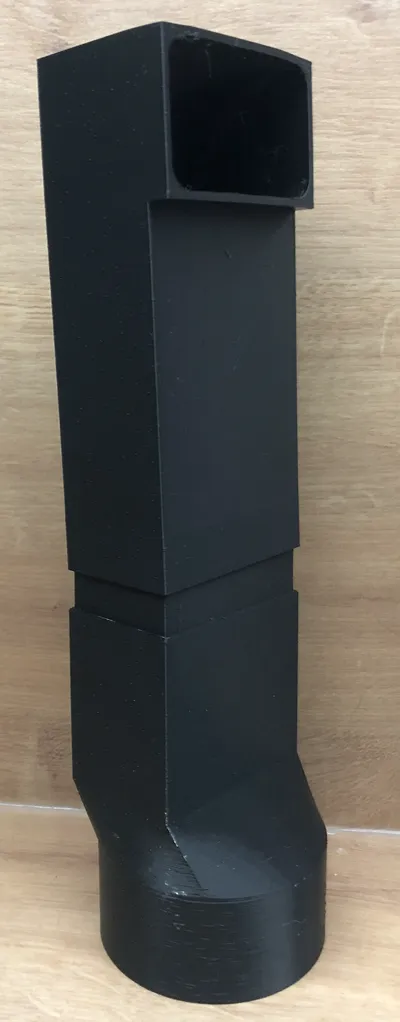
Side Exhaust Adapter for xTool S1 ver.0
Print Profile(1)

Description
✨ Description:
Boost Me (for free)
By boosting my project, you’re supporting a creator who actively listens to feedback and continuously improves every design. Every new version includes real upgrades based on community needs—better fitting parts, refined shapes, stronger connections, and smarter solutions that make your setup easier and more reliable.
OLD Version of the Xtool Adapter – Improved Design for a Perfect Fit
Link to new version - https://makerworld.com/cs/models/2532267-side-exhaust-adapter-for-xtool-s1-ver-1#profileId-2786988
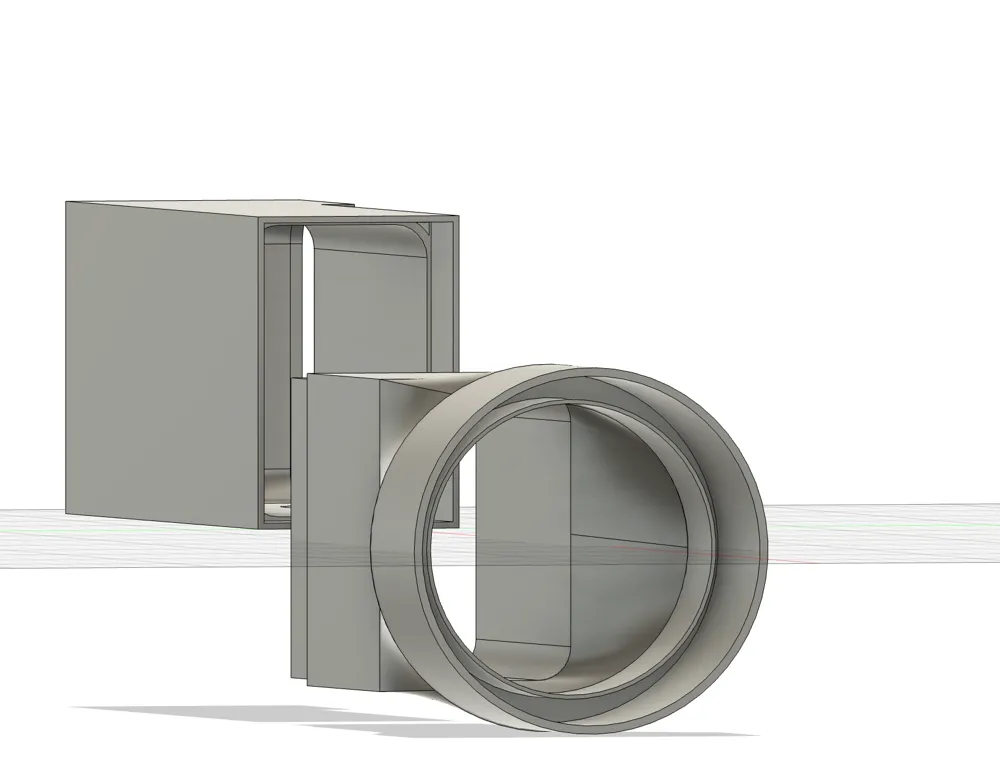
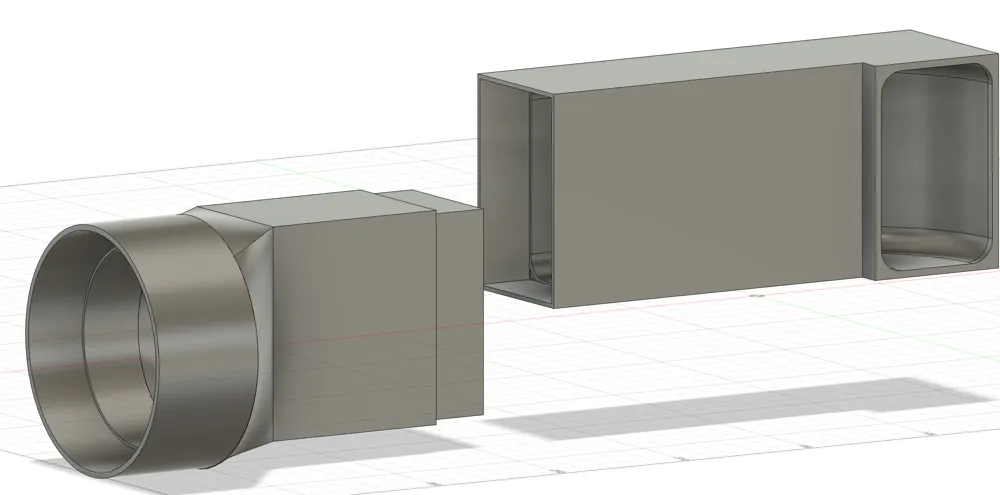
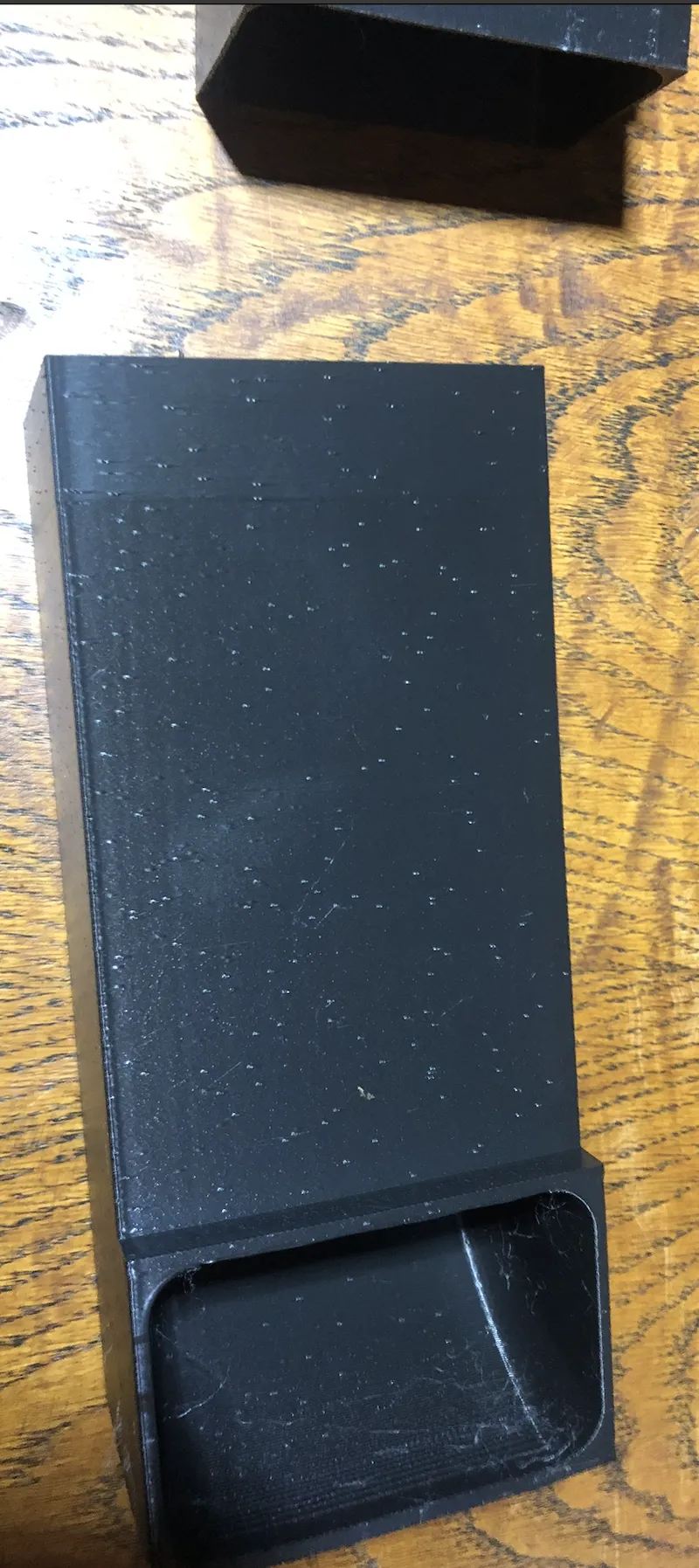
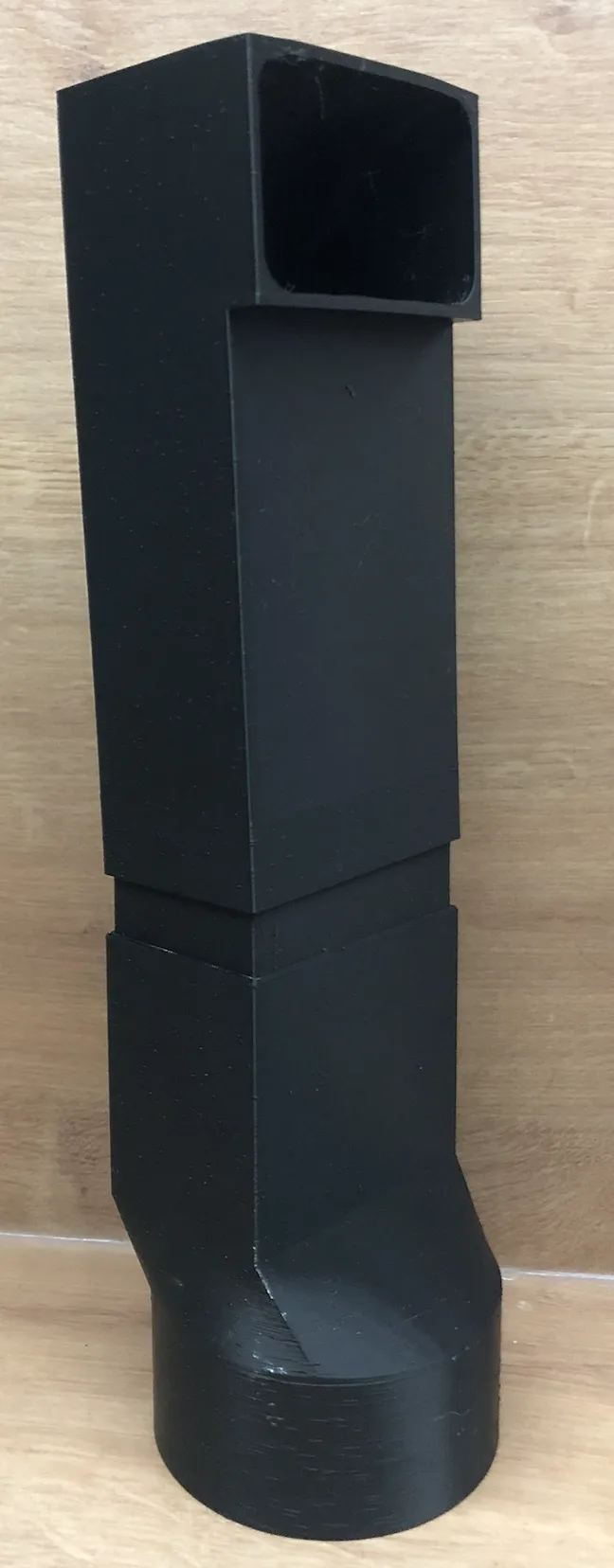
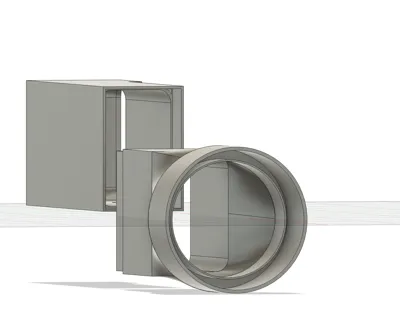
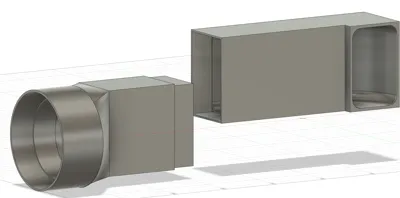
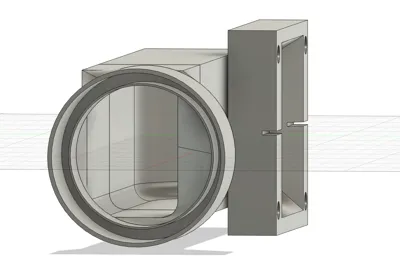
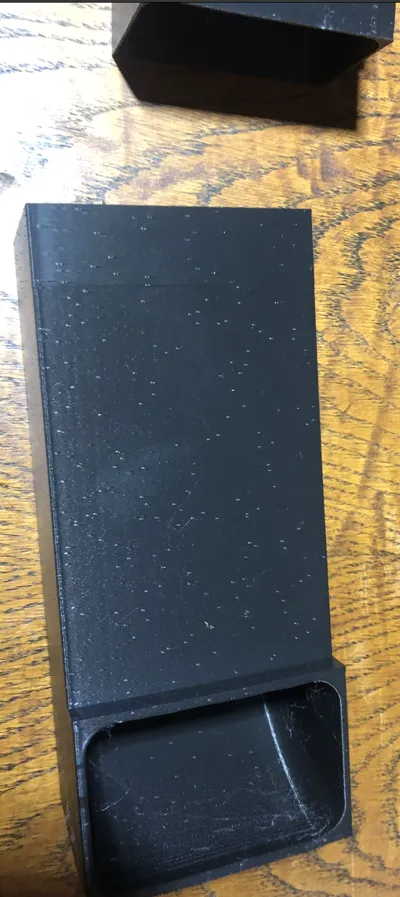
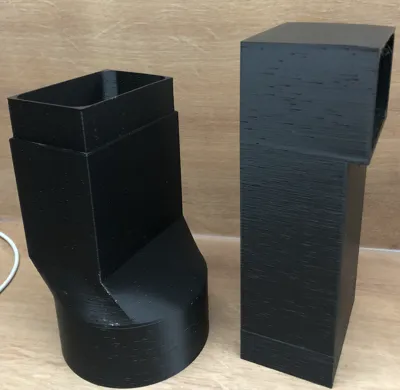
The latest version of our Xtool adapter comes with redesigned components that now connect using a male–female slip-fit system. For the best possible seal, we strongly recommend applying adhesive.
Installation tips for an airtight setup:
- First, screw the adapter into your Xtool and wrap the connection with high-quality tape to ensure maximum airtightness.
- The remaining parts simply slide together—secure them with glue for a firm, leak-free hold.
- Don’t forget to insulate your hose as well.
Thanks to user feedback, Version 3 may include a threaded hose end. Even with threads, we still recommend reinforcing the connection with tape or glue for total reliability.
All edges and curves have also been refined for smoother airflow and a cleaner look.
Your feedback and experience help us shape Version 3. A little boost would help a lot—thank you!
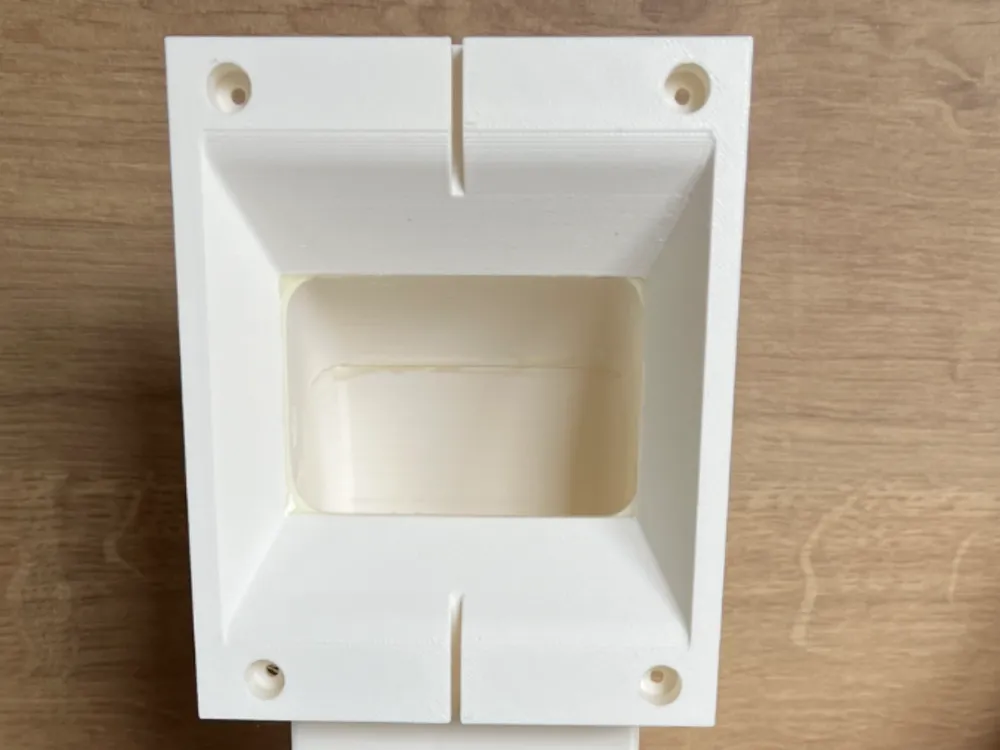
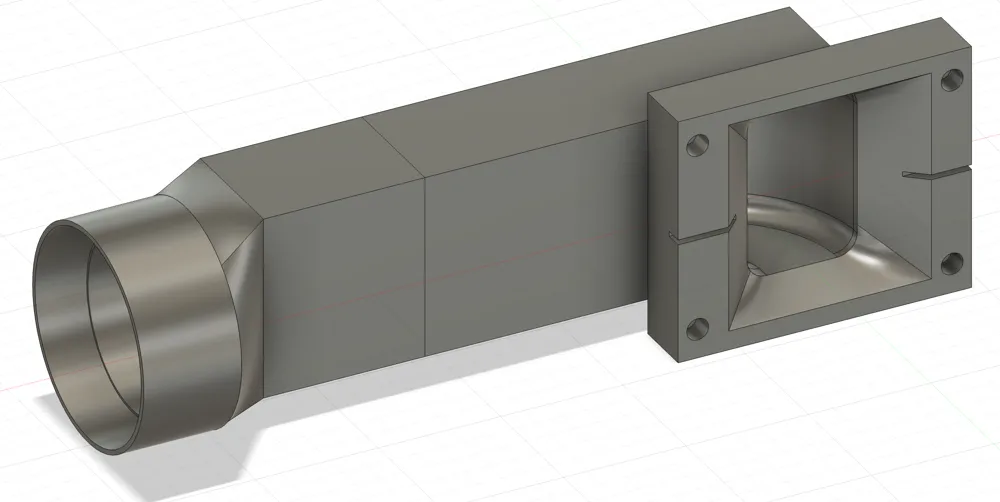
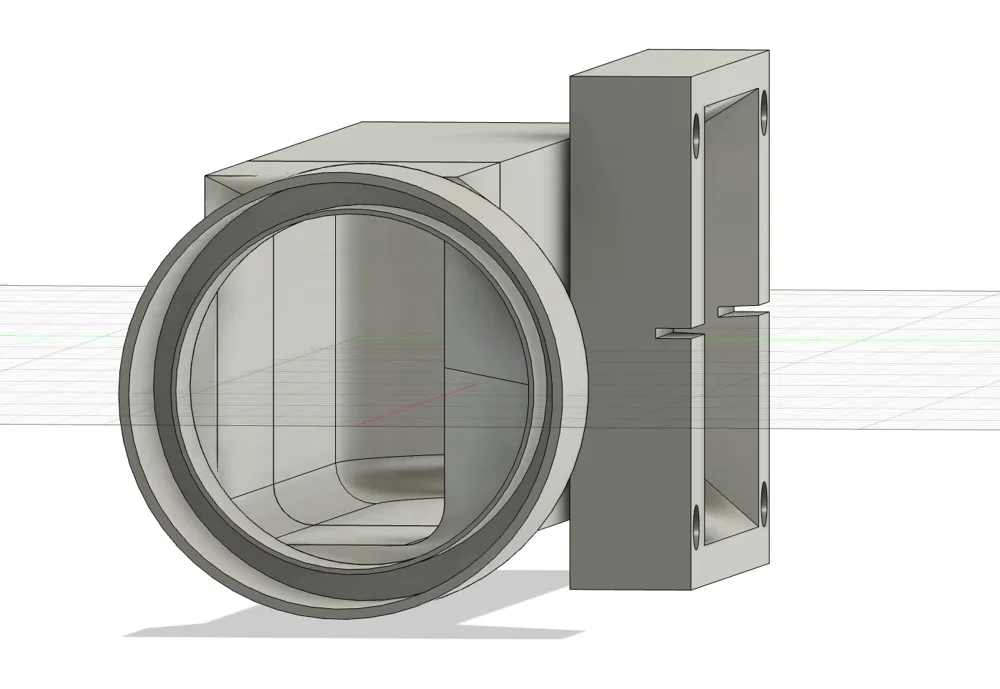
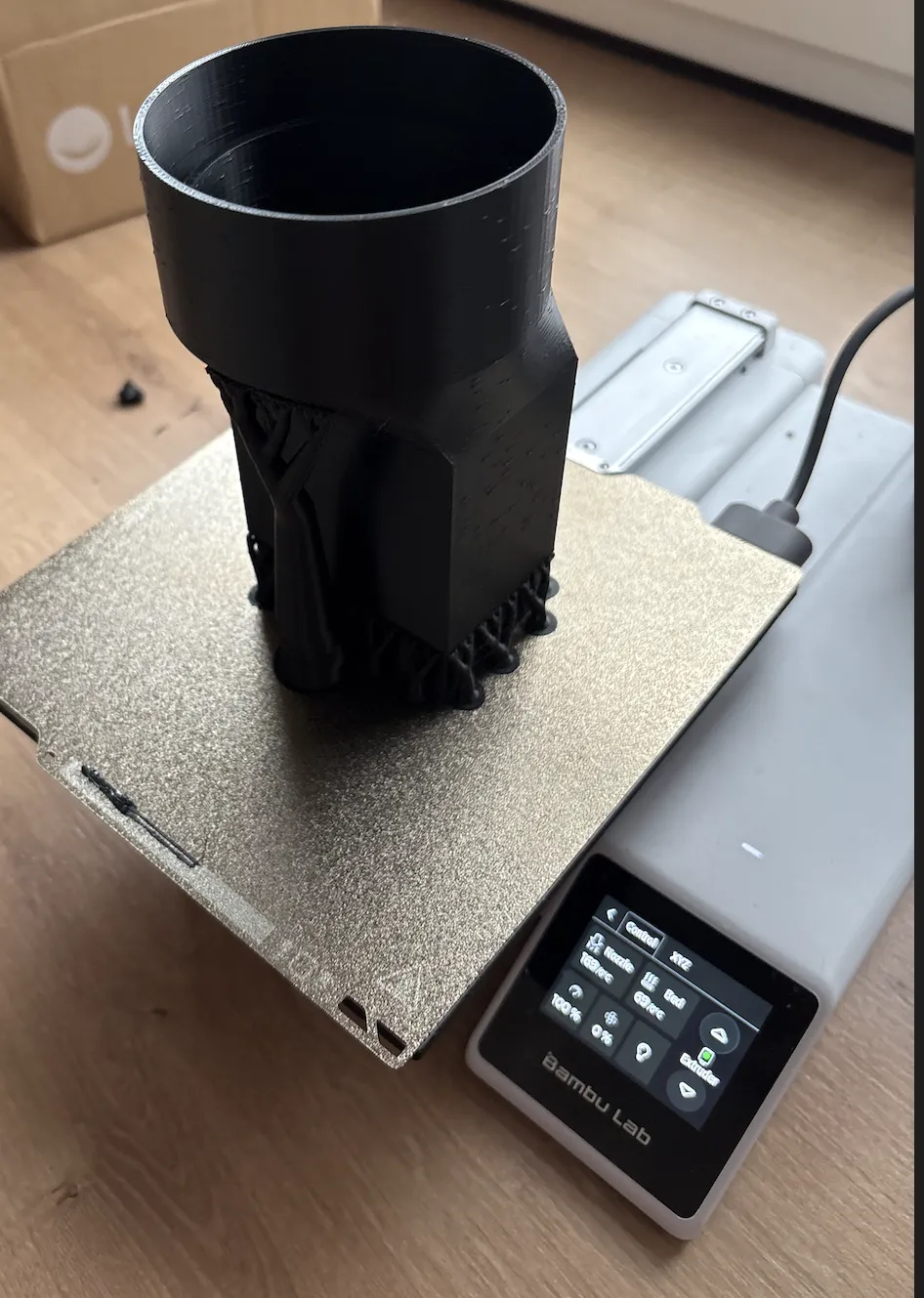
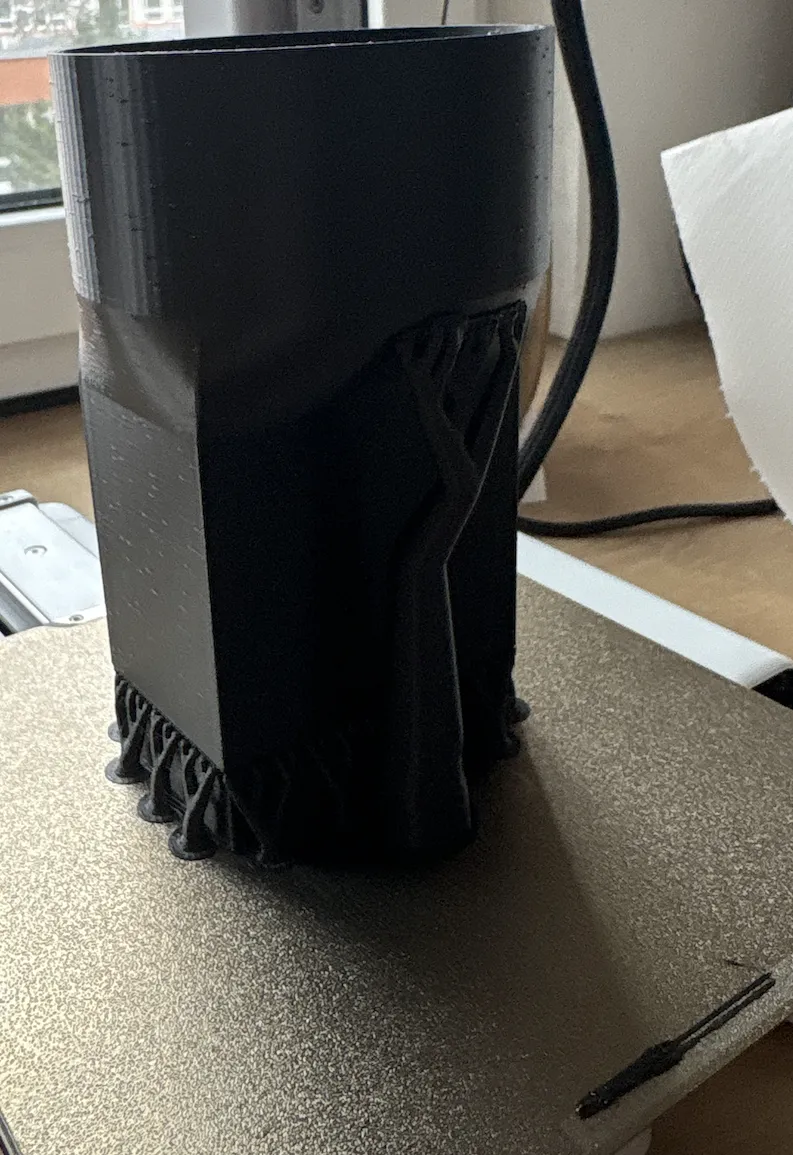
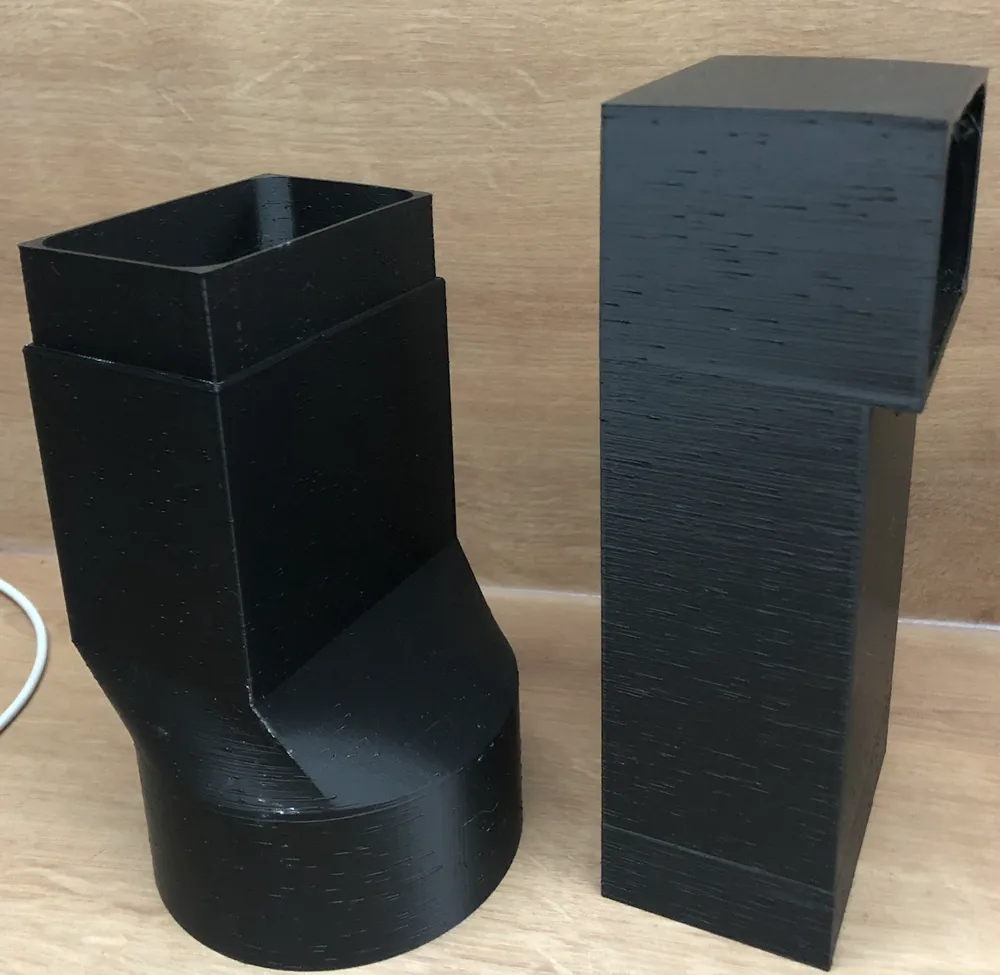
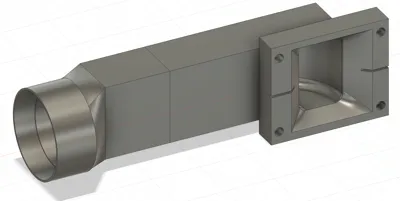
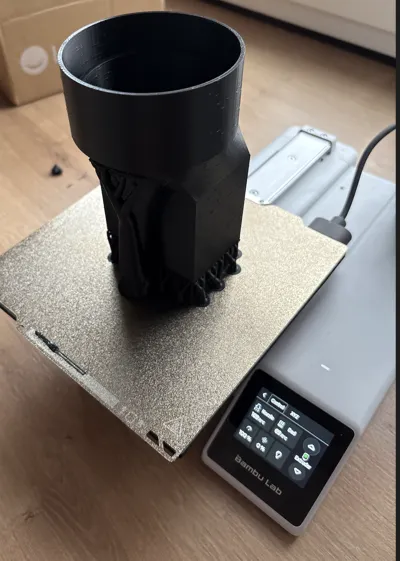
A custom 3D-printed side exhaust adapter designed specifically for the xTool S1 laser cutter.
Unlike standard rear-exit exhaust solutions, this adapter redirects the airflow out of the side of the machine, saving workspace depth and allowing better placement of your laser in tight or enclosed setups.
It is engineered to connect directly to the original xTool S1 exhaust hose – no extra adapters, clamps, or modifications are required. The fit is precise, ensuring secure attachment and smooth airflow.
📐 Specifications:
- Device: xTool S1 (20W / 40W)
- Orientation: Side-facing outlet (90° from stock position)
- Hose Fit: Original xTool exhaust hose
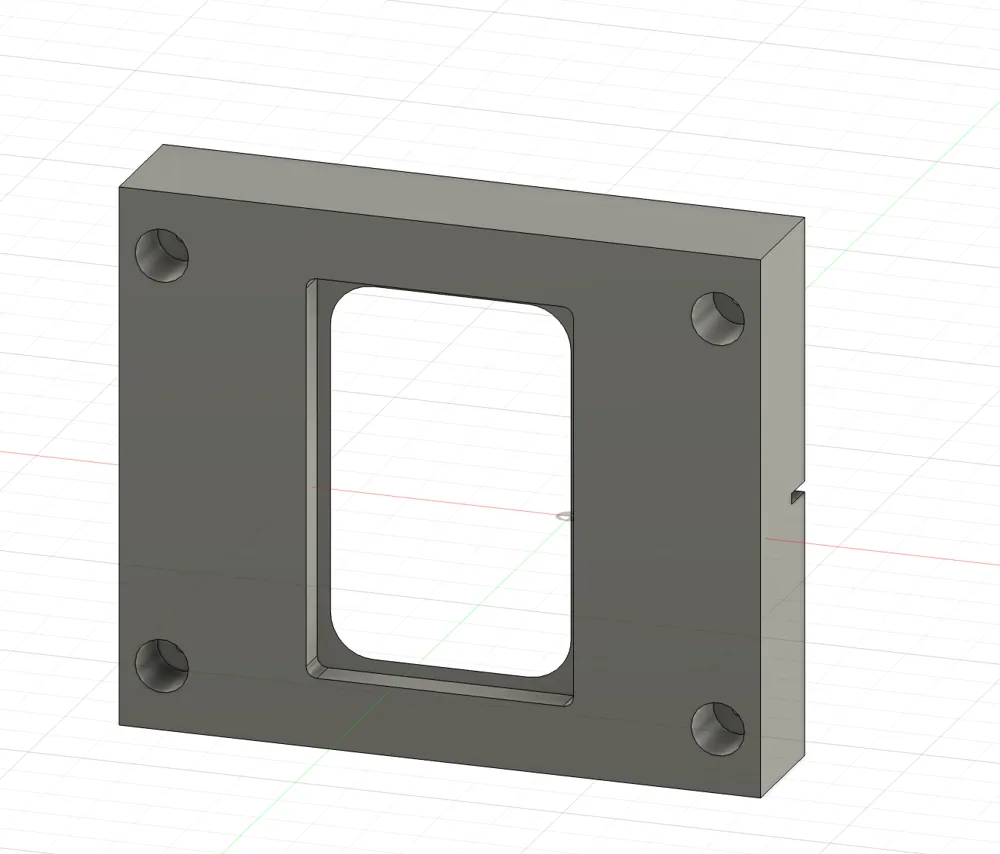
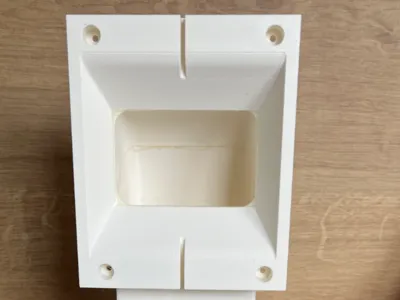
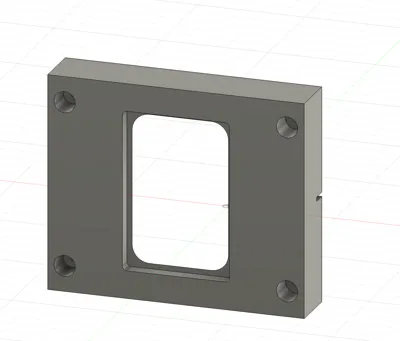
- Mounting: Replaces the stock exhaust port cover
- Design: Compact, minimal airflow resistance, reinforced structure
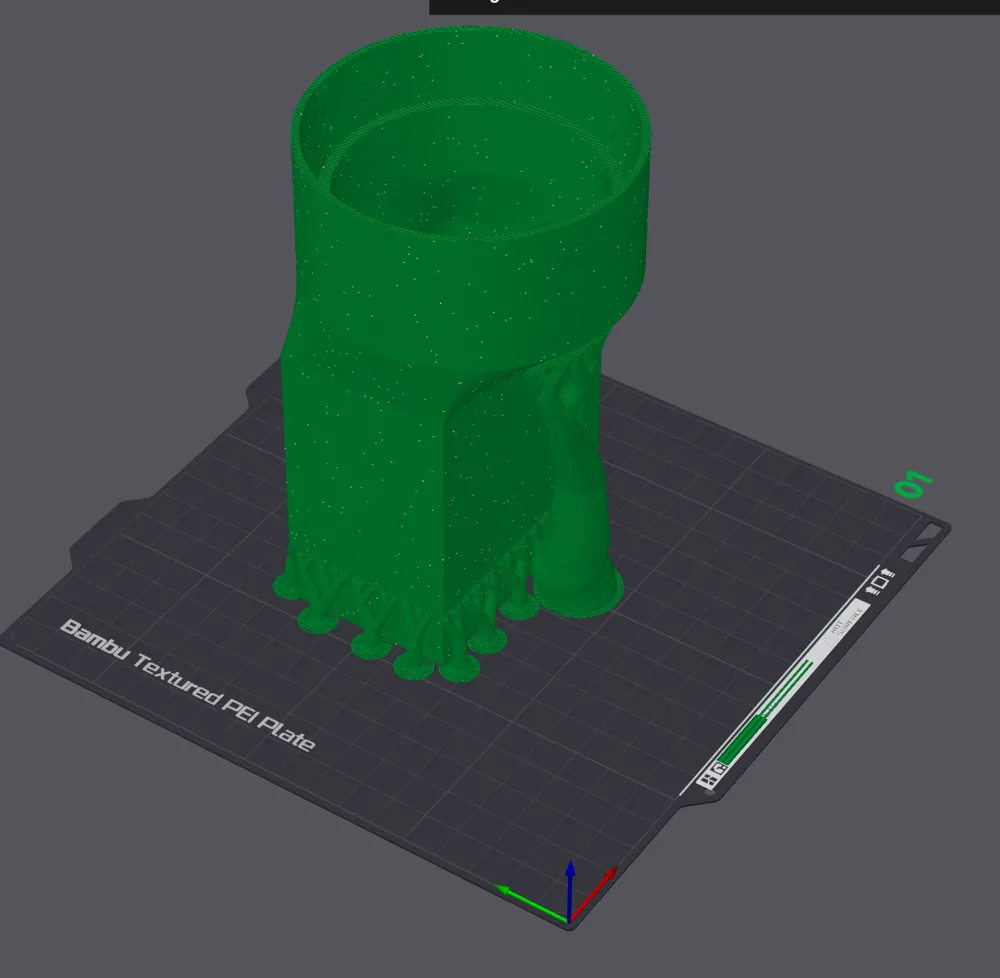
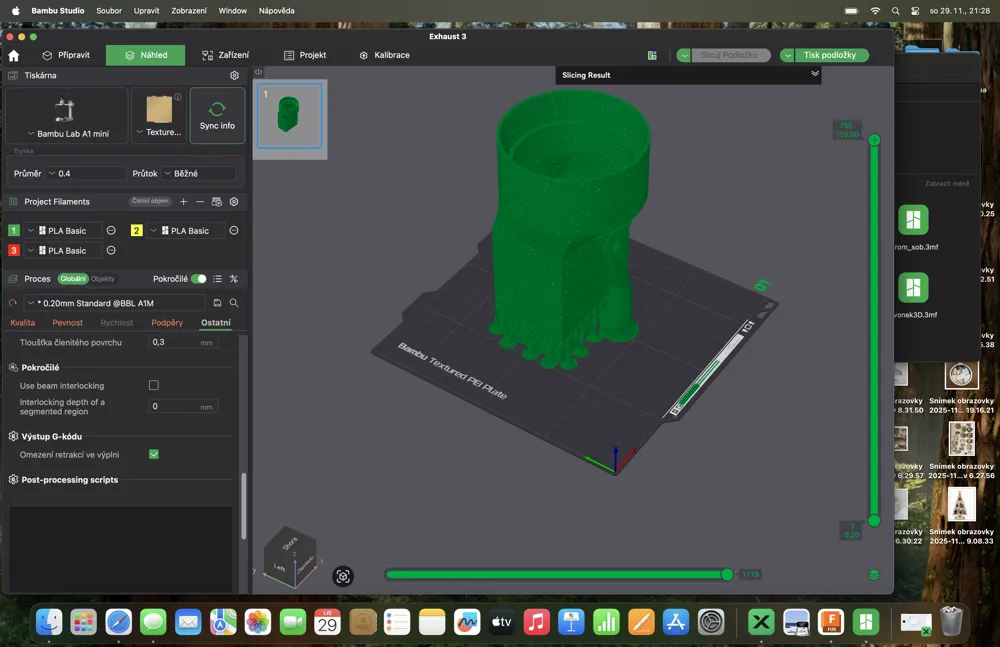
🛠️ Print Settings:
- Printer Type: FDM
- Material: PLA+ (indoor use) or PETG (higher temp & durability)
- Layer Height: 0.2 mm
- Walls: 3+ perimeters for strength
- Infill: 25–40%
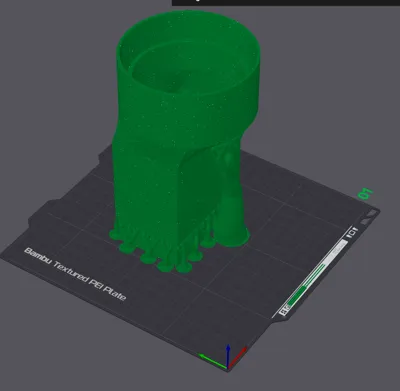
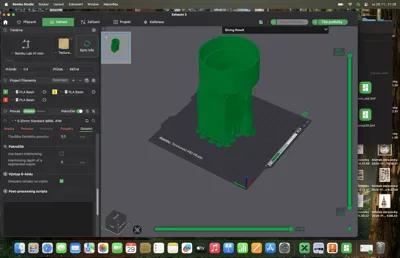
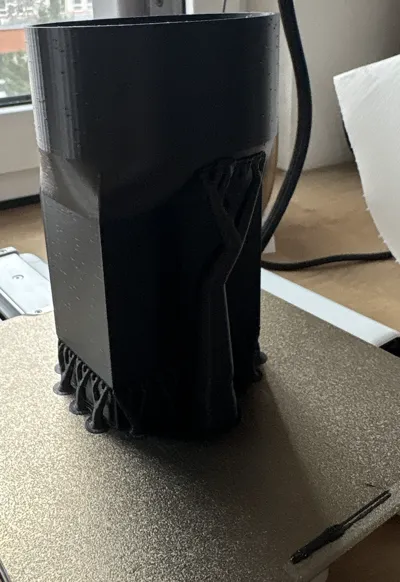
- Supports: Minimal – only for overhangs if needed
- Nozzle Size: 0.4 mm
- Estimated Print Time: ~4–6 hours depending on settings
🧾 Installation:
- Remove the stock exhaust plate from the xTool S1.
- Align and insert the side exhaust adapter in its place.
- Attach the original xTool exhaust hose directly to the new outlet.
- Ensure the hose is routed freely without kinks or sharp bends.
- Test airflow before starting laser operations.
💡 Benefits:
- Saves workspace depth – perfect for wall or shelf placement
- Maintains original hose compatibility
- No extra hardware or tools required
- Improves cable/hose management in tight spaces
Quick install & easy removal
License

You shall not share, sub-license, sell, rent, host, transfer, or distribute in any way the digital or 3D printed versions of this object, nor any other derivative work of this object in its digital or physical format (including - but not limited to - remixes of this object, and hosting on other digital platforms). The objects may not be used without permission in any way whatsoever in which you charge money, or collect fees.


Comment & Rating (14)