
Large Golden Spiral Clock - Multimaterial
Print Profile(2)


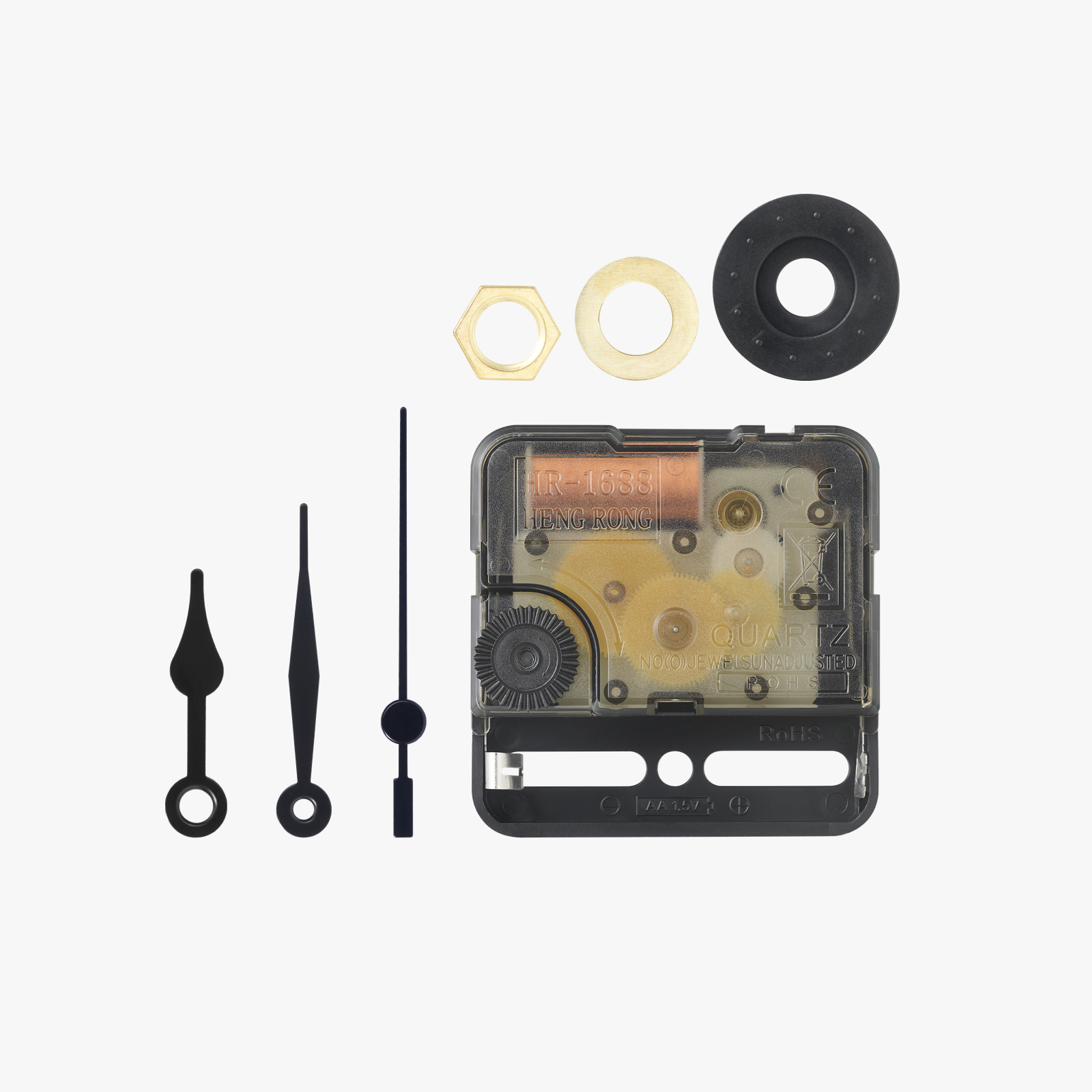
Bill of Materials



Description

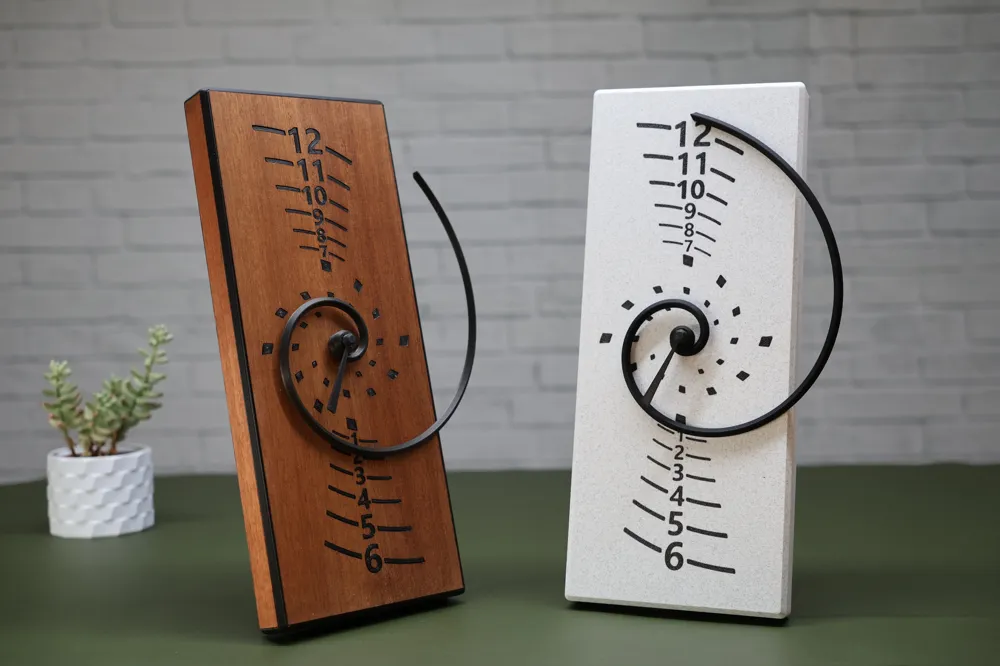
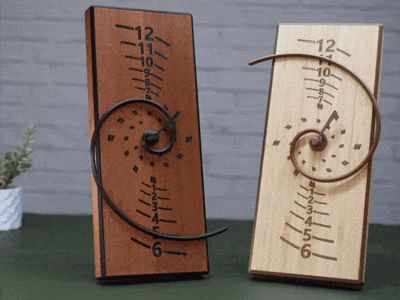
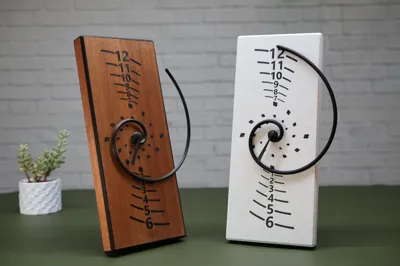
The maths behind the golden spiral give it a satisfying appearance often found in nature. This clock uses it as an hour hand which spirals outwards between the hours marked vertically on the face. It's surprisingly easy to read, and a bit different! The minutes are shown traditionally on the inner markings.
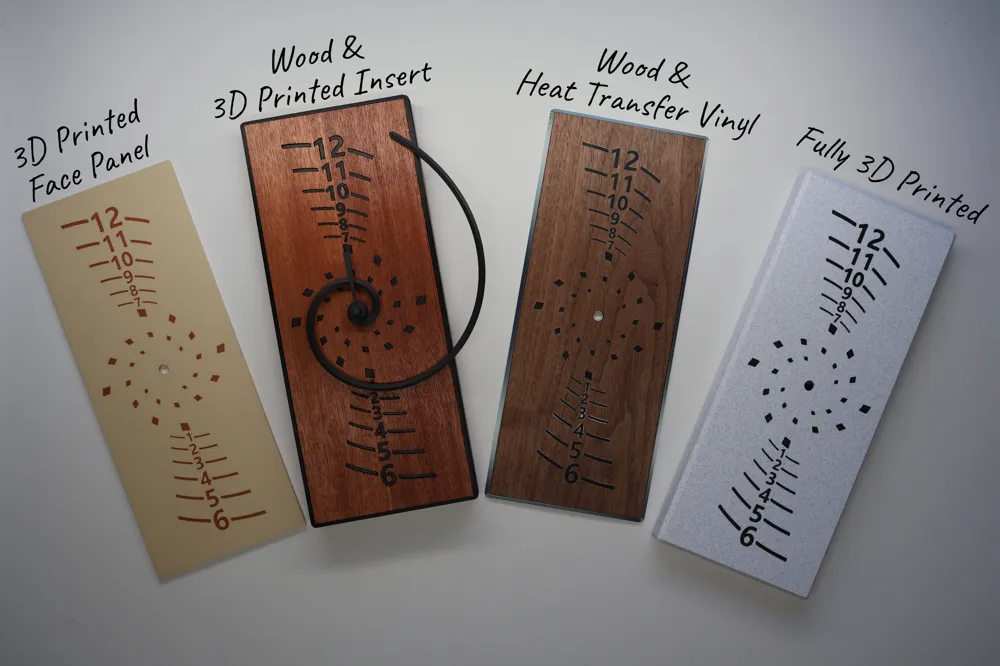
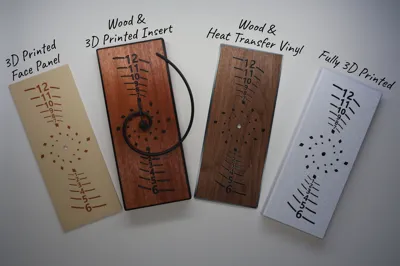
Lucky enough to own a H2D? This clock is especially designed with the H2D in mind, using most of it's build plate size and options to be 100% 3D printed or mixed material e.g. wood and plastic, and even wood, plastic and vinyl! Time to experiment. Please read the instructions to understand your options.
Own a smaller printer there is a smaller A1 mini version on makerworld.
Boost Me (for free)
A boost is exactly that, a huge boost to my confidence and reason to keep creating and sharing. This took a lot of test prints and weeks of work to test across all the possibilities. I hope you enjoy it.
Multimaterial
The instructions for a multi-material build are included in the laser and cut model profile linked here. Use the multi-material print profile from this page for the 3D printed parts.
100% 3D Printed Multicolour
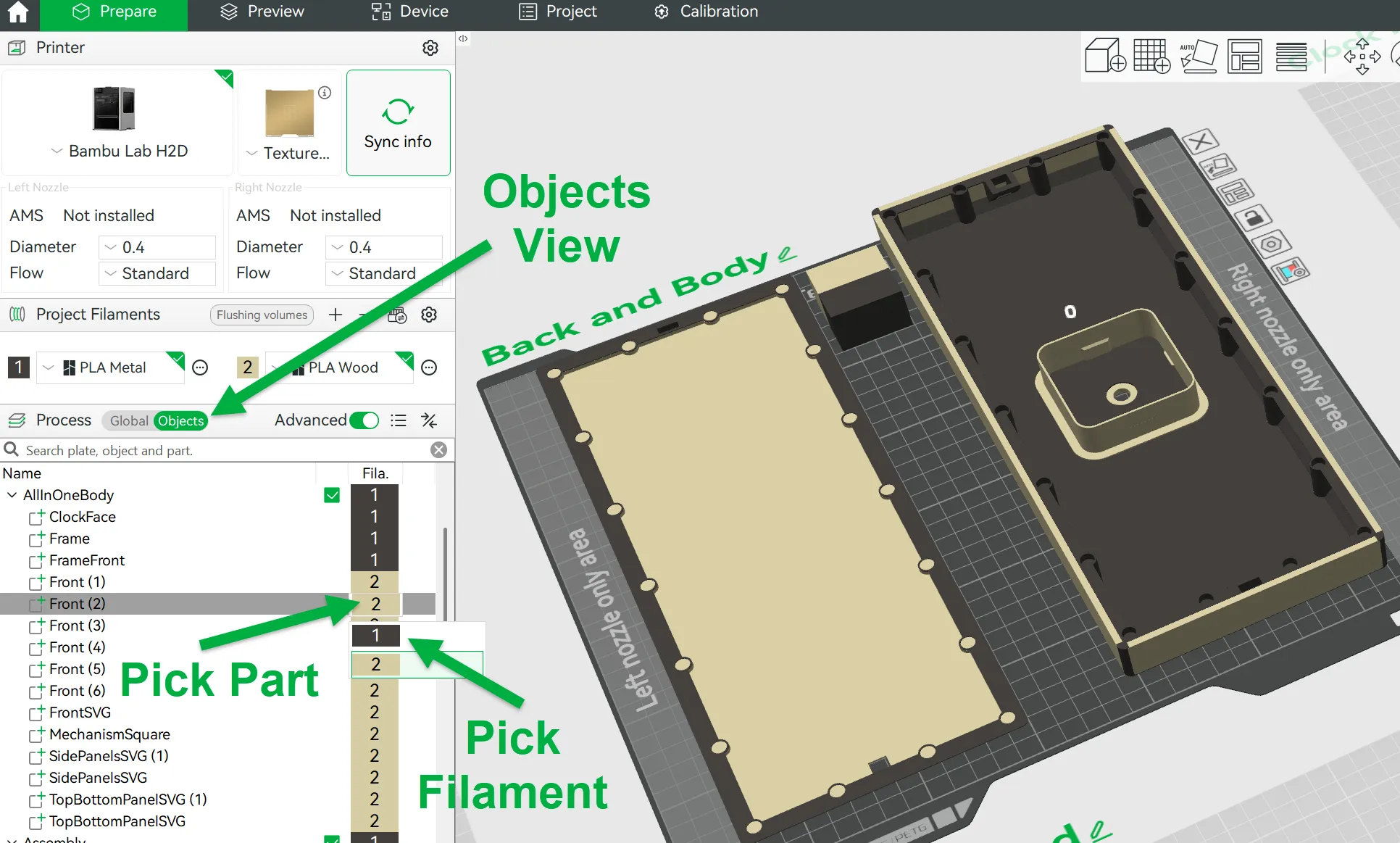
Use the ‘100% 3D Printed’ print profile. This makes good use of the H2D's dual nozzle when printed in two colours. The print profile is setup to print with the edges as the same colour as the clock face but it's easy to customise by right clicking on each model part in the Objects view of the slicer and selecting the filament you wish to use:
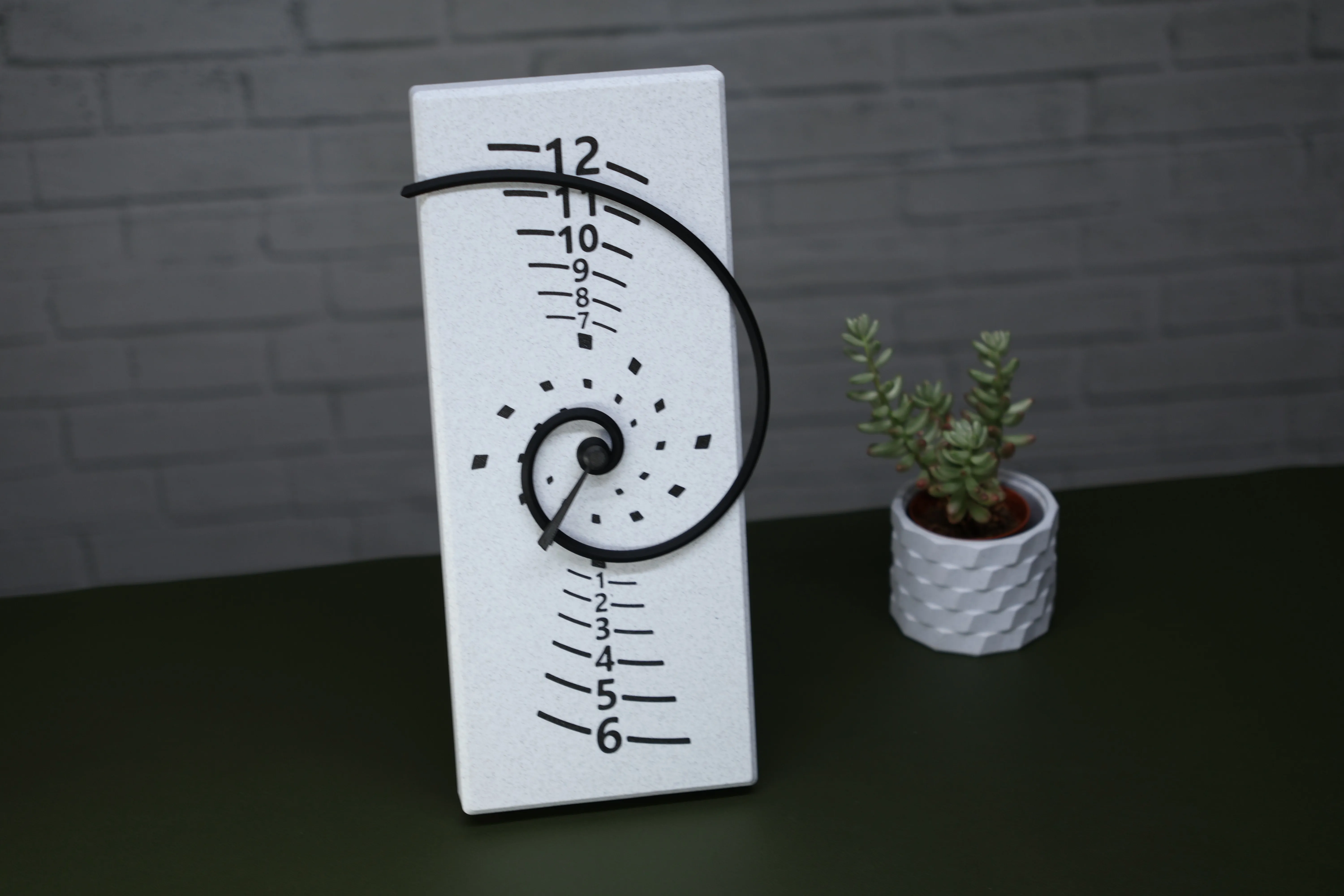
Changing the frame to the same colour as the panels gave me this lovely clock printed in Bambu White Marble and Iron Gray Metalic PLA:
3D Printed Components
Within the Multi-material print profile you will also find 3D printable panels allowing you to replace any wooden part with a printed one.
Assembly
Either follow the detailed instructions on the laser model profile or if you're going for the fully 3D printed clock, it's relatively simple.
Superglue 8 6mmx2mm magnets into the back of the frame (corners and mid sides) and then taking care to note the polarity glue 8 more to the back. I've progressed from using a biro in the image below to a wooden BBQ skewer to push the magnets all the way in, it can also help to remove any excess glue.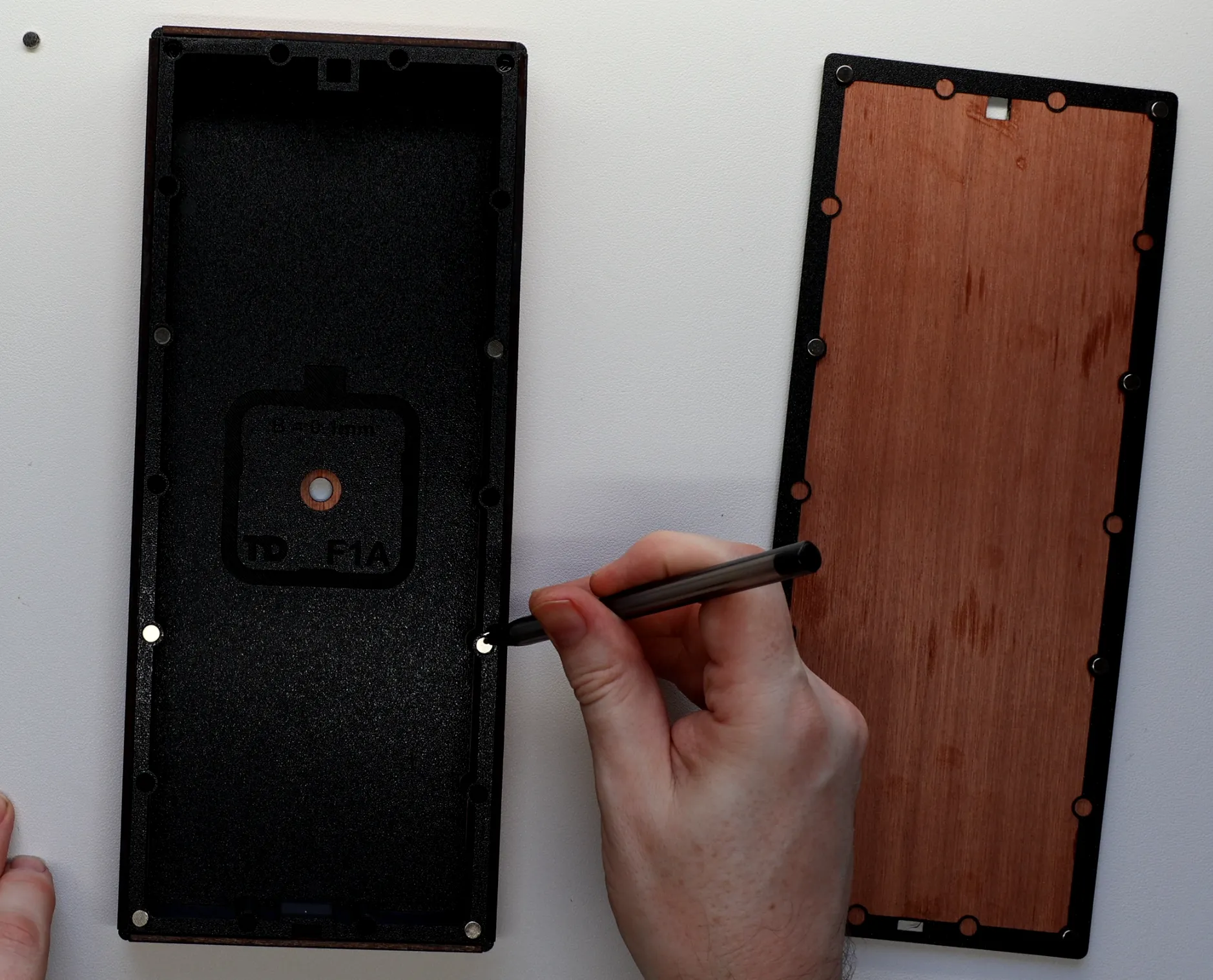
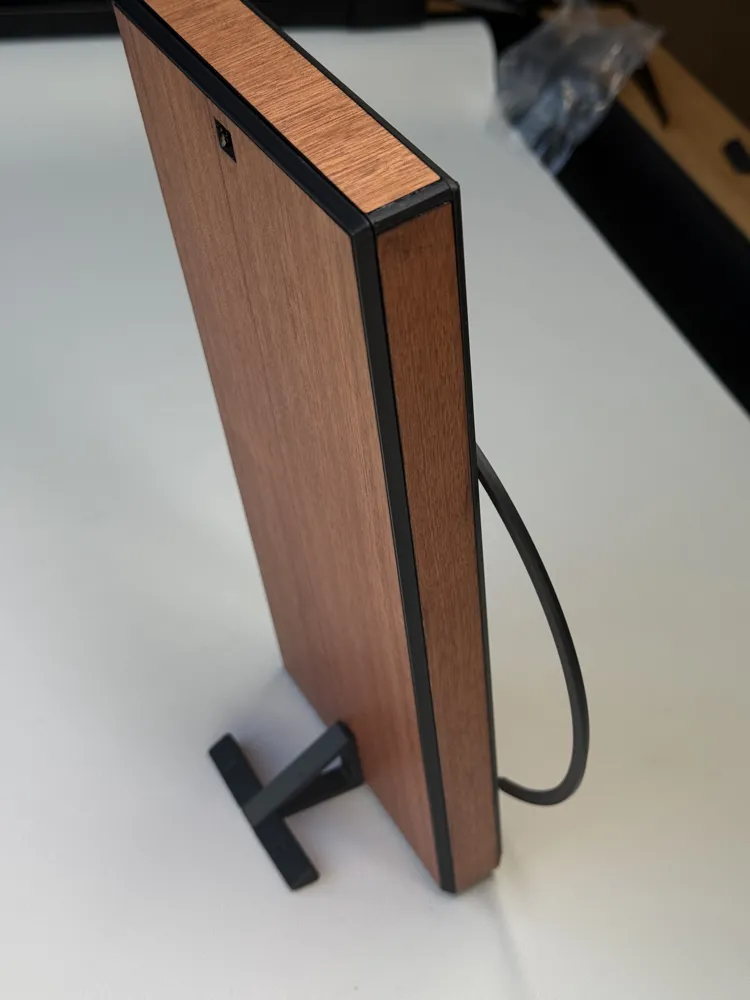
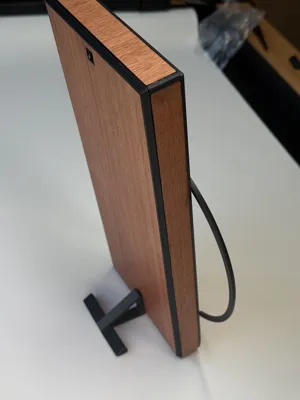
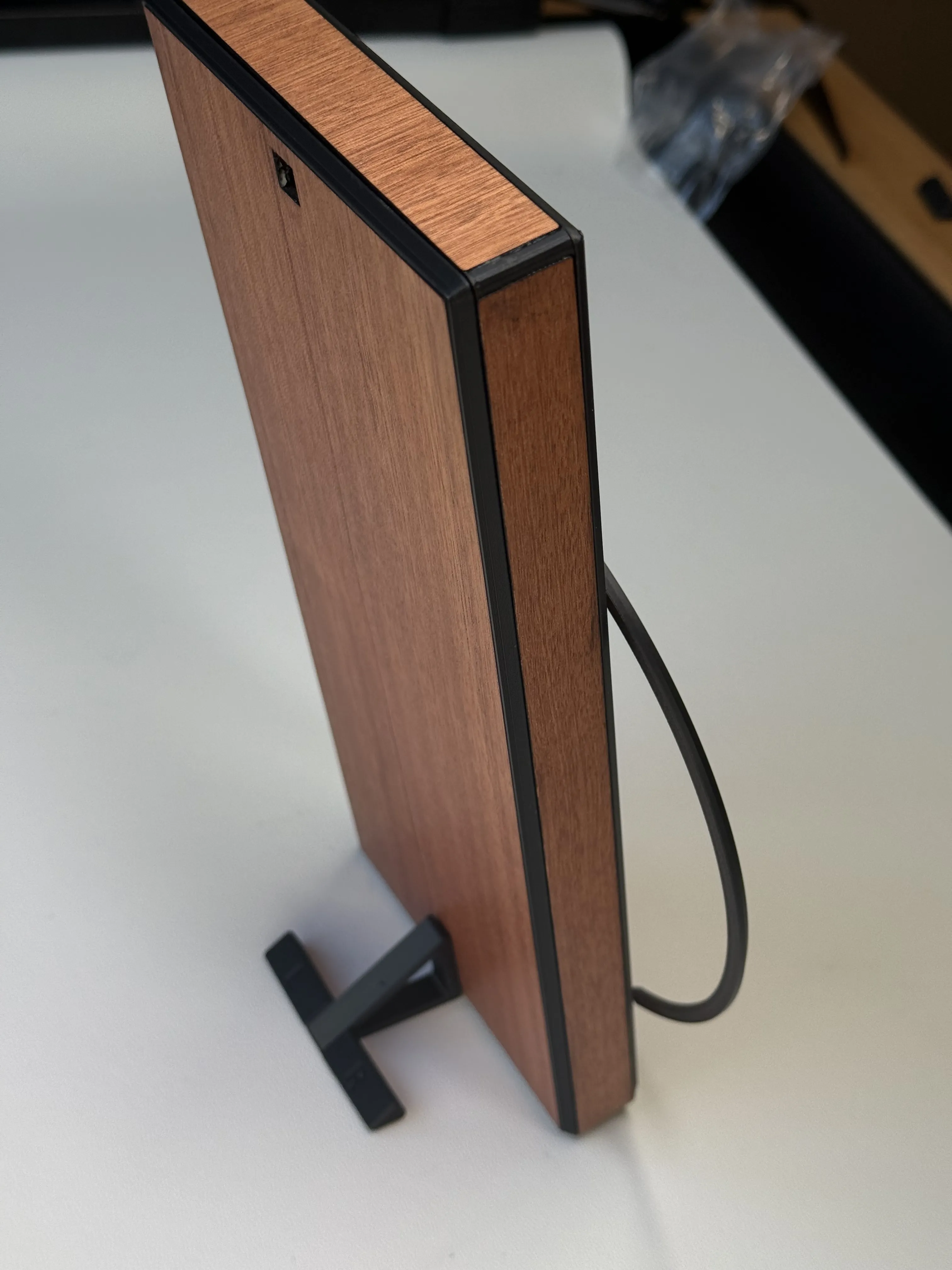
There is an optional stand which you can glue the left and right legs into and then this friction fits into the back of the clock, or it also has a hanging hole:
License

You shall not share, sub-license, sell, rent, host, transfer, or distribute in any way the digital or 3D printed versions of this object, nor any other derivative work of this object in its digital or physical format (including - but not limited to - remixes of this object, and hosting on other digital platforms). The objects may not be used without permission in any way whatsoever in which you charge money, or collect fees.


Comment & Rating (9)