
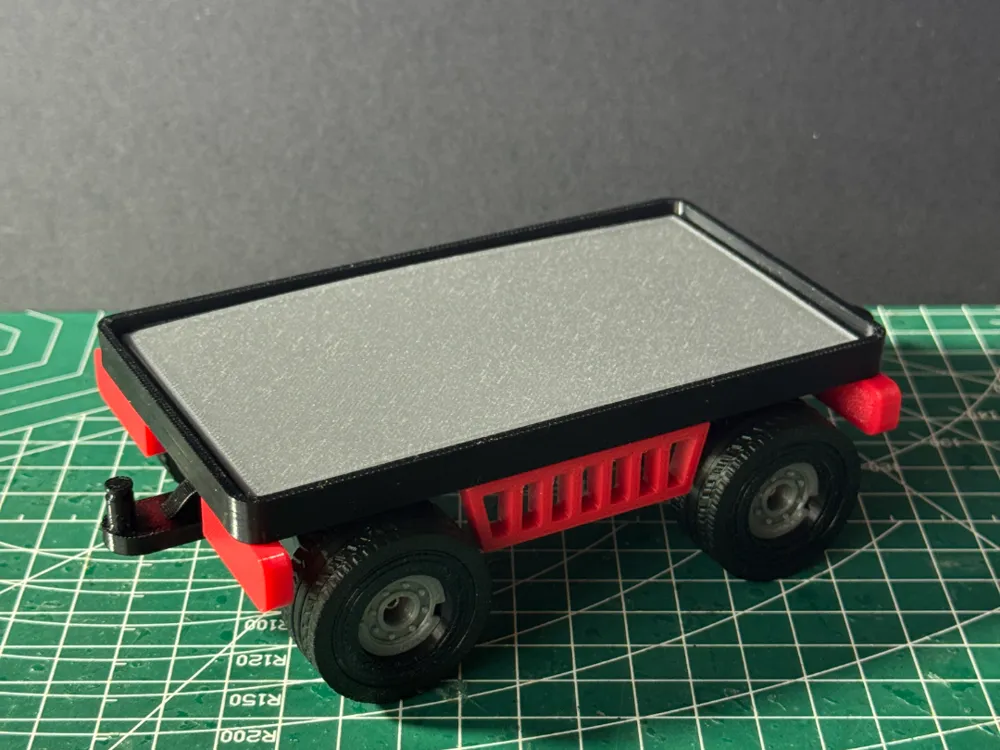
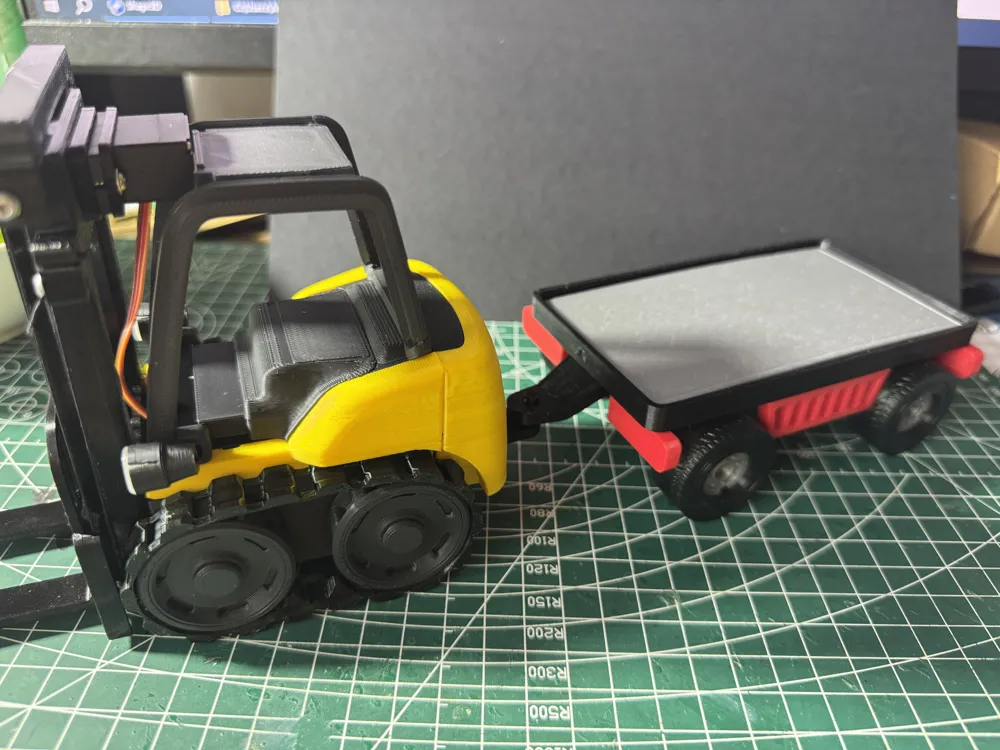
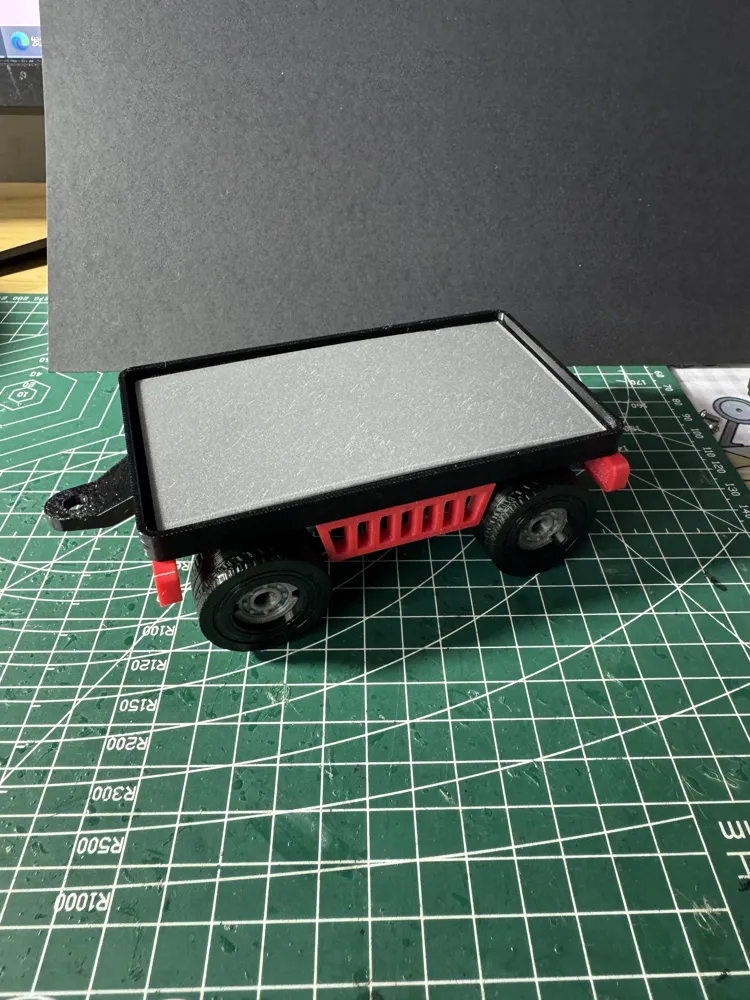
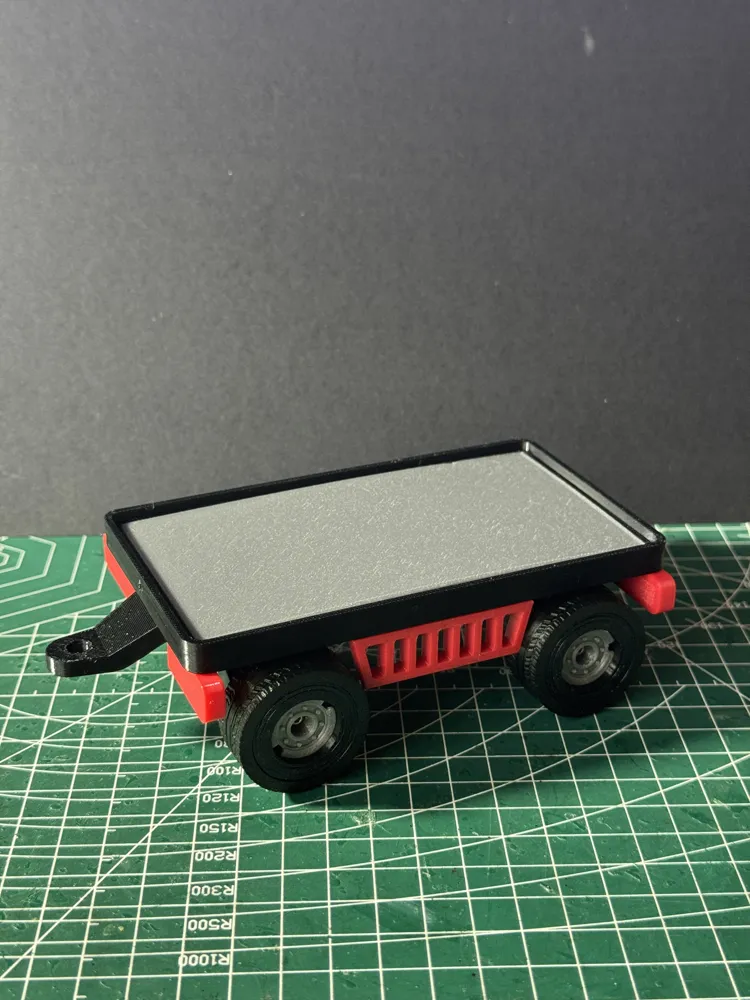
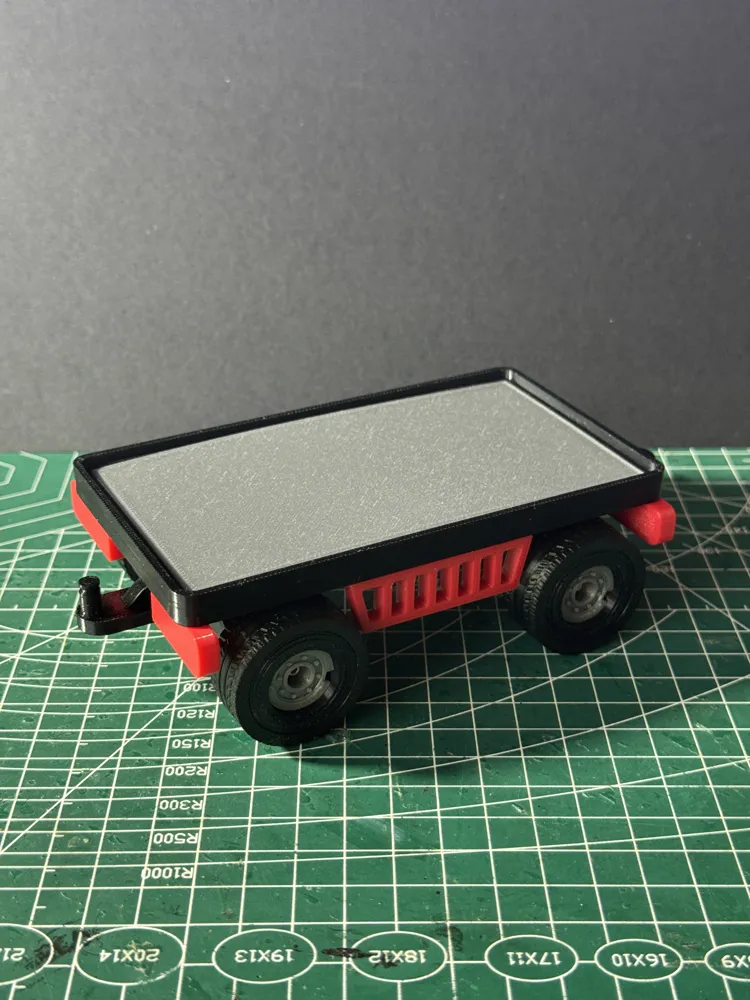
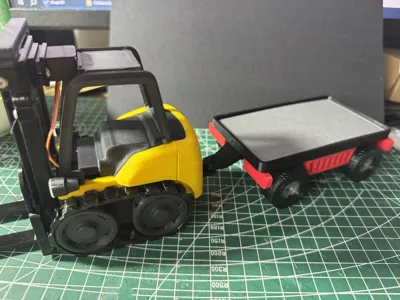
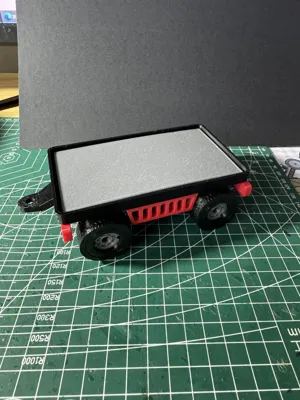
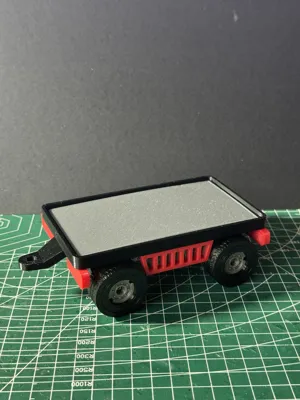
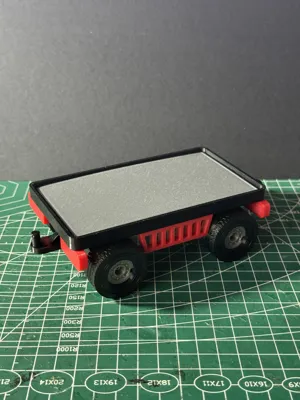
CyberBrick forklift flatbed trailer
Print Profile(1)

Bill of Materials
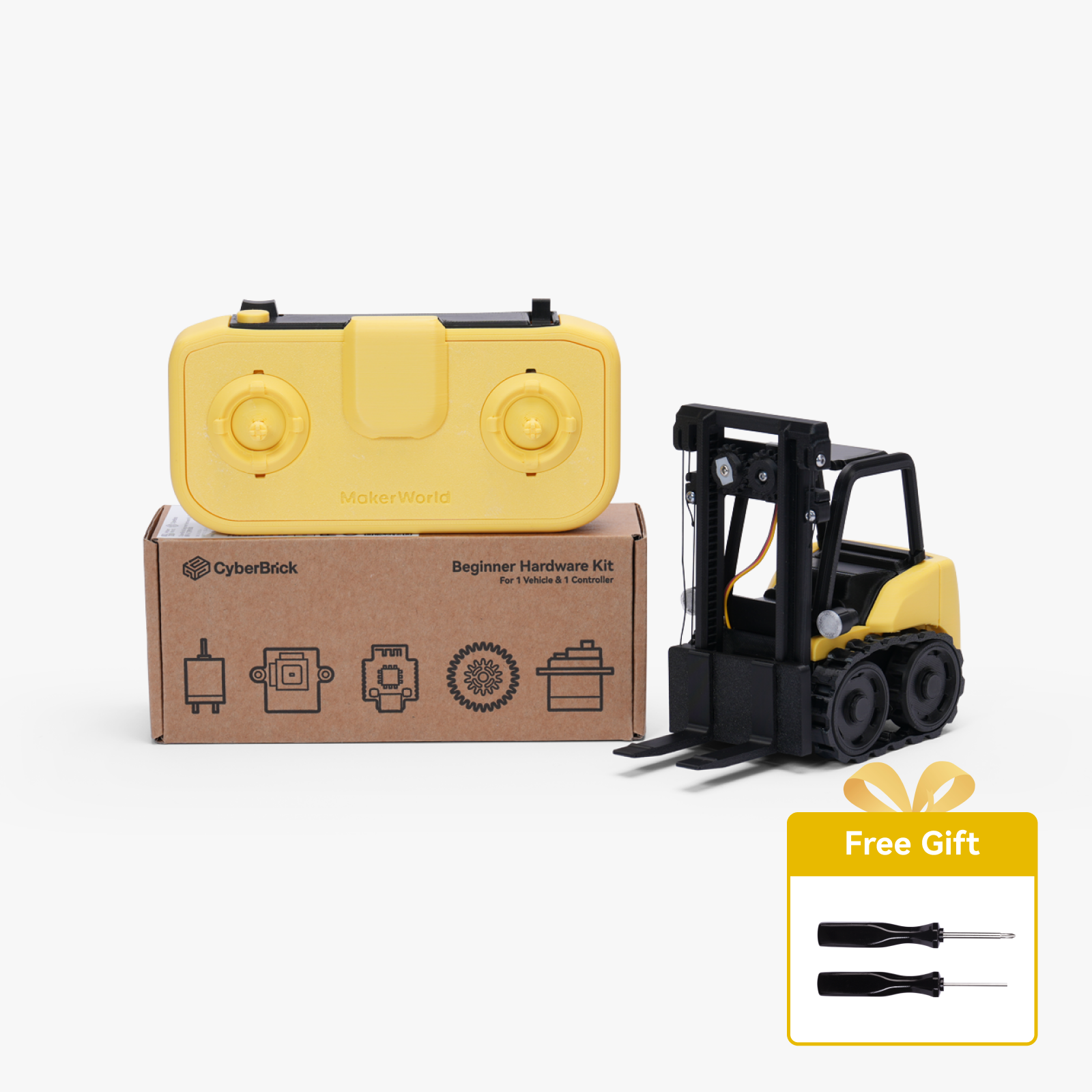



Description
Boost Me (for free)
If you like the model, please boost me, thanks
1. The wheels are installed the same way as the CyberBrick truck
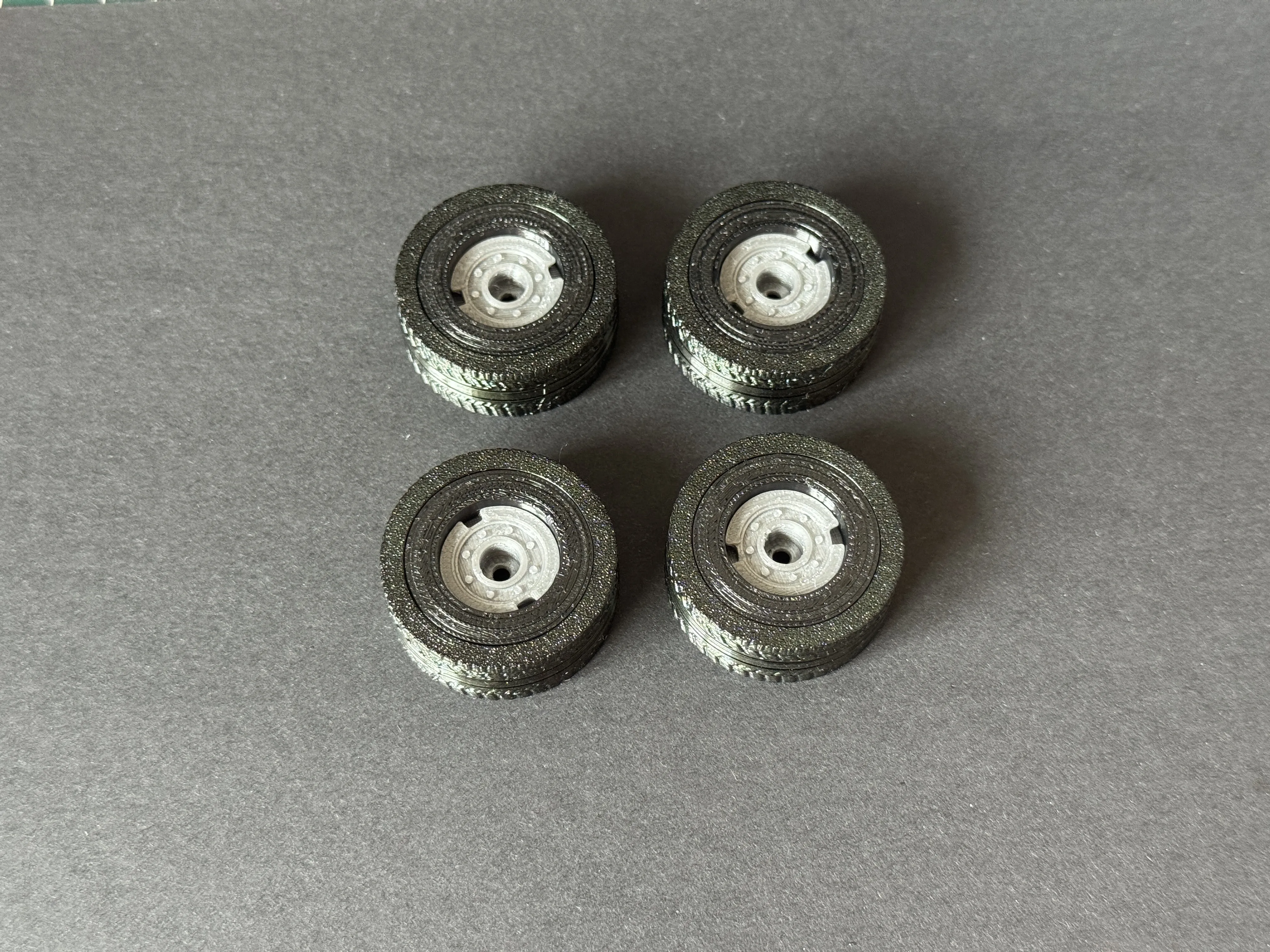
2. The front wheel assembly is shown in the figure and requires M2.5*6 pan head machine screws
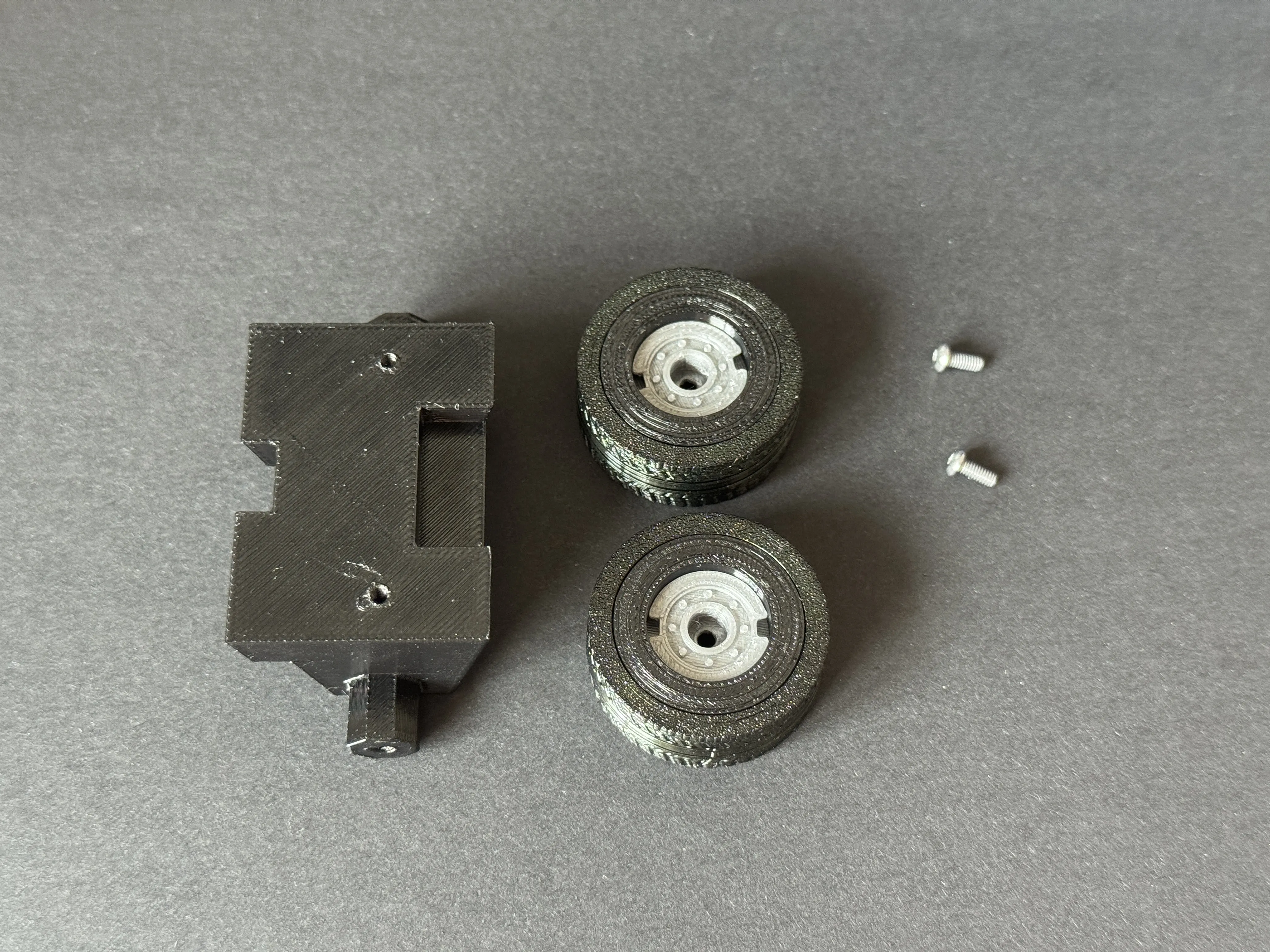
3. The rear wheel assembly is the same as the front wheel
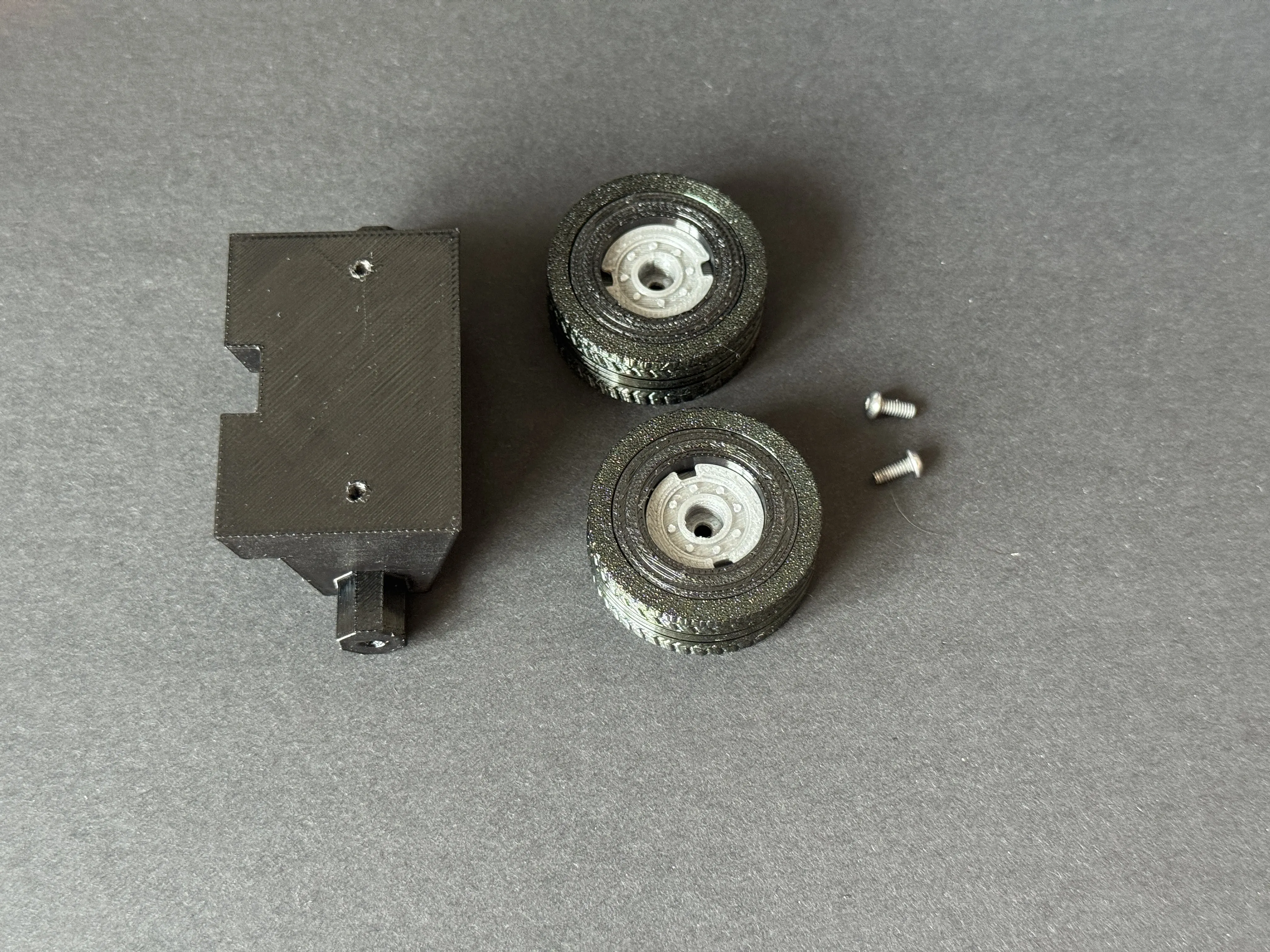
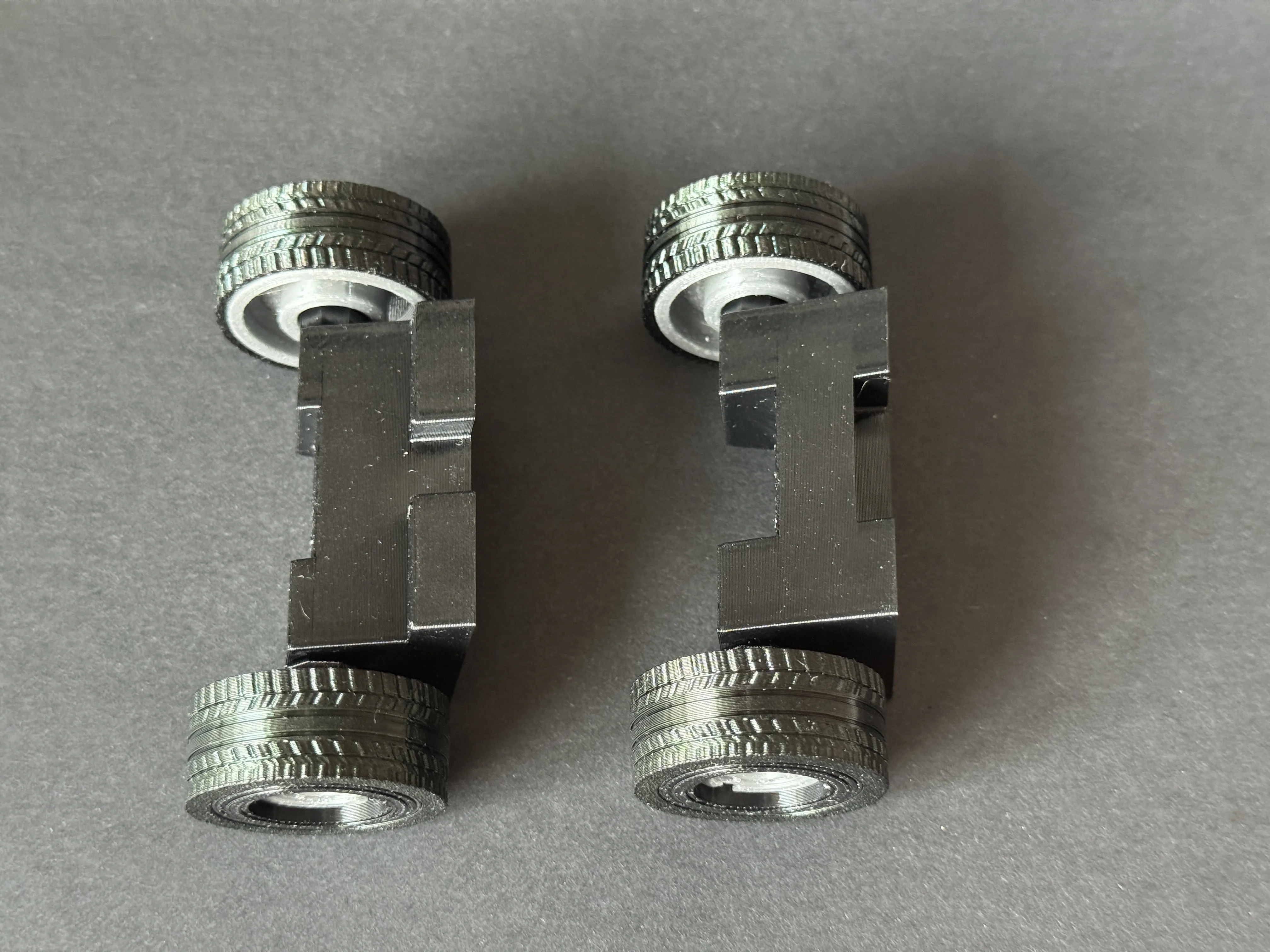
4. The front and rear wheels after assembly are shown in the figure
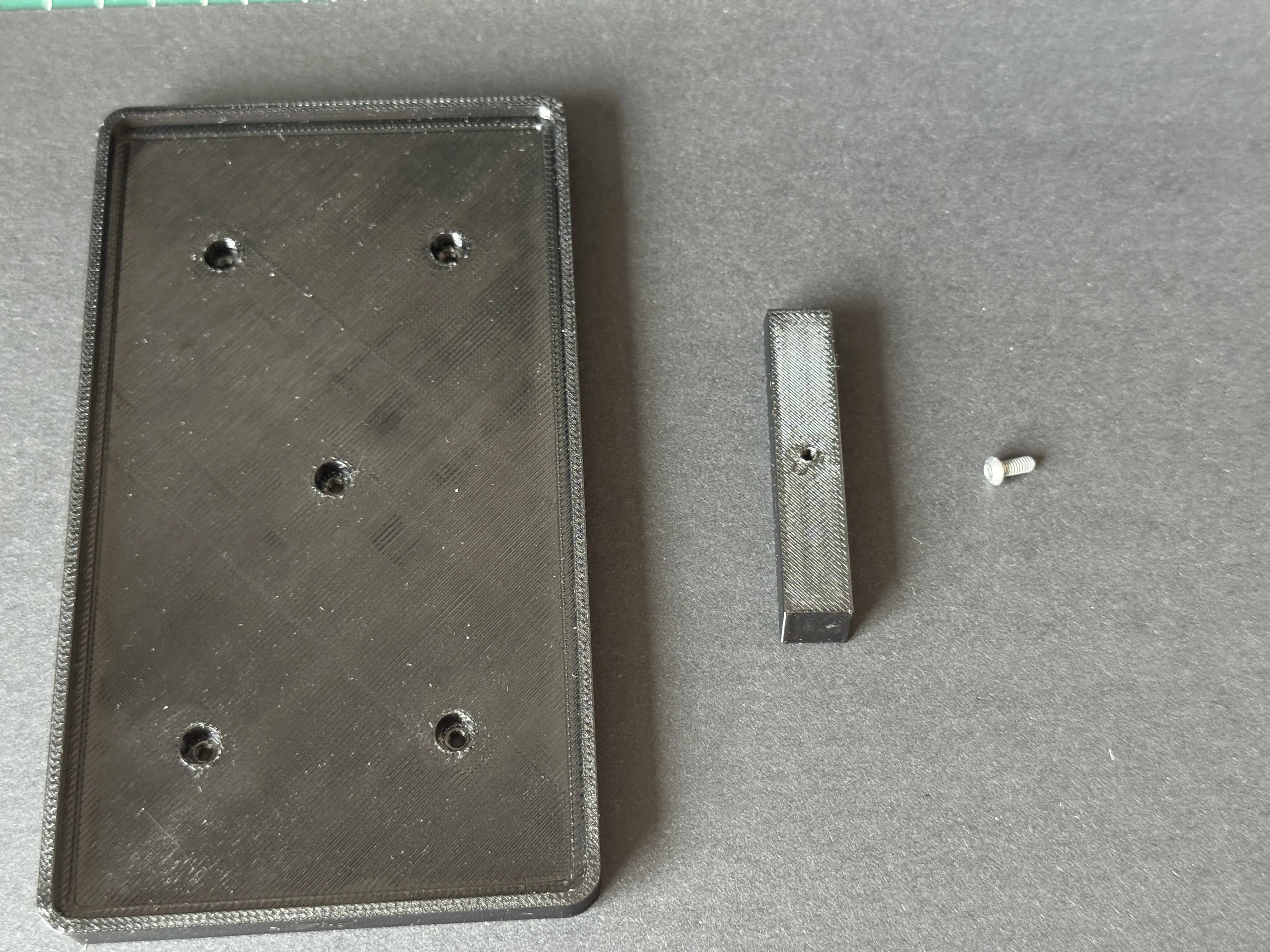
5. Secure the positioning beam and trailer board with screws
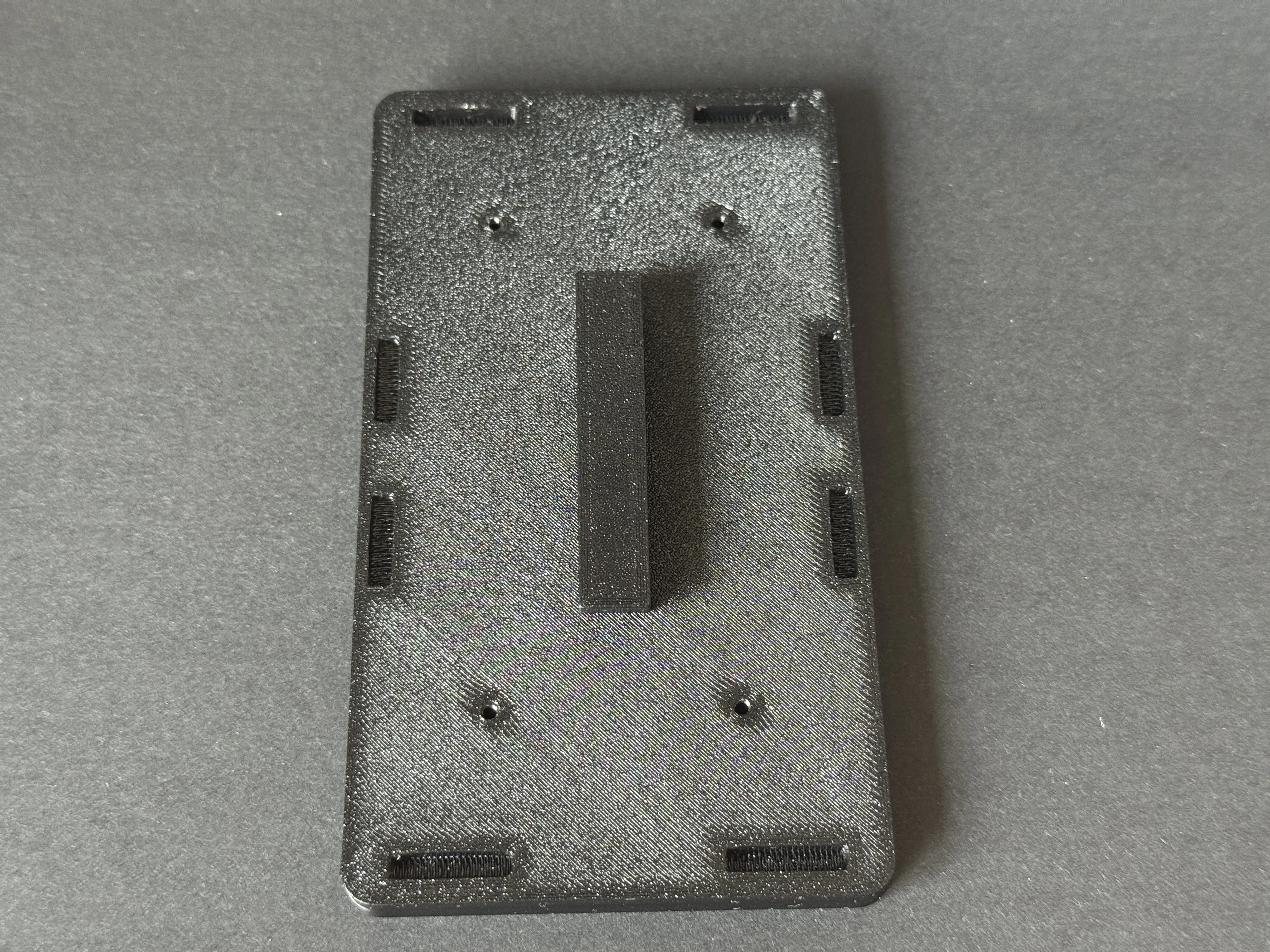
6. Install the front and rear lights (align and press firmly, no glue needed)
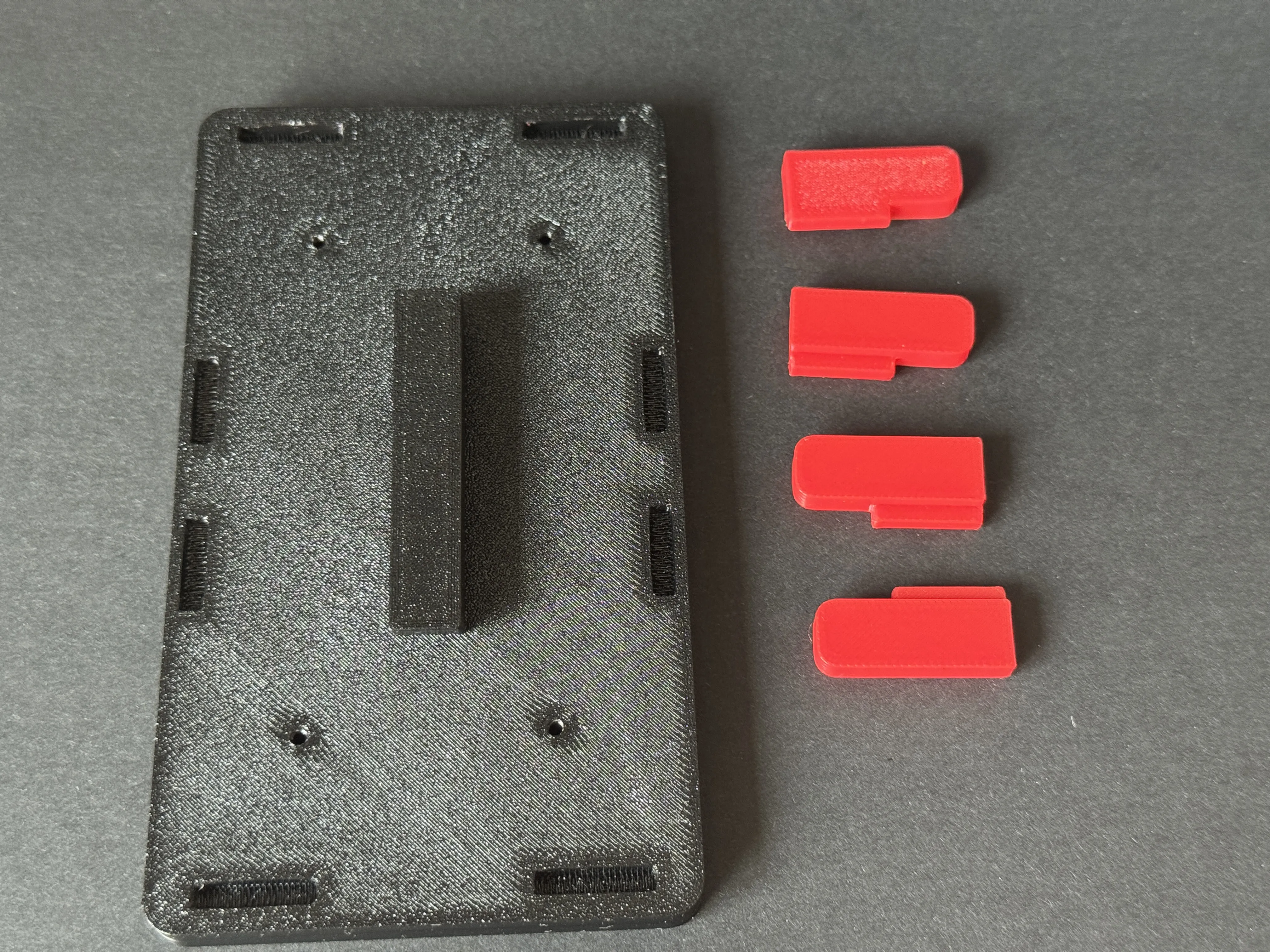
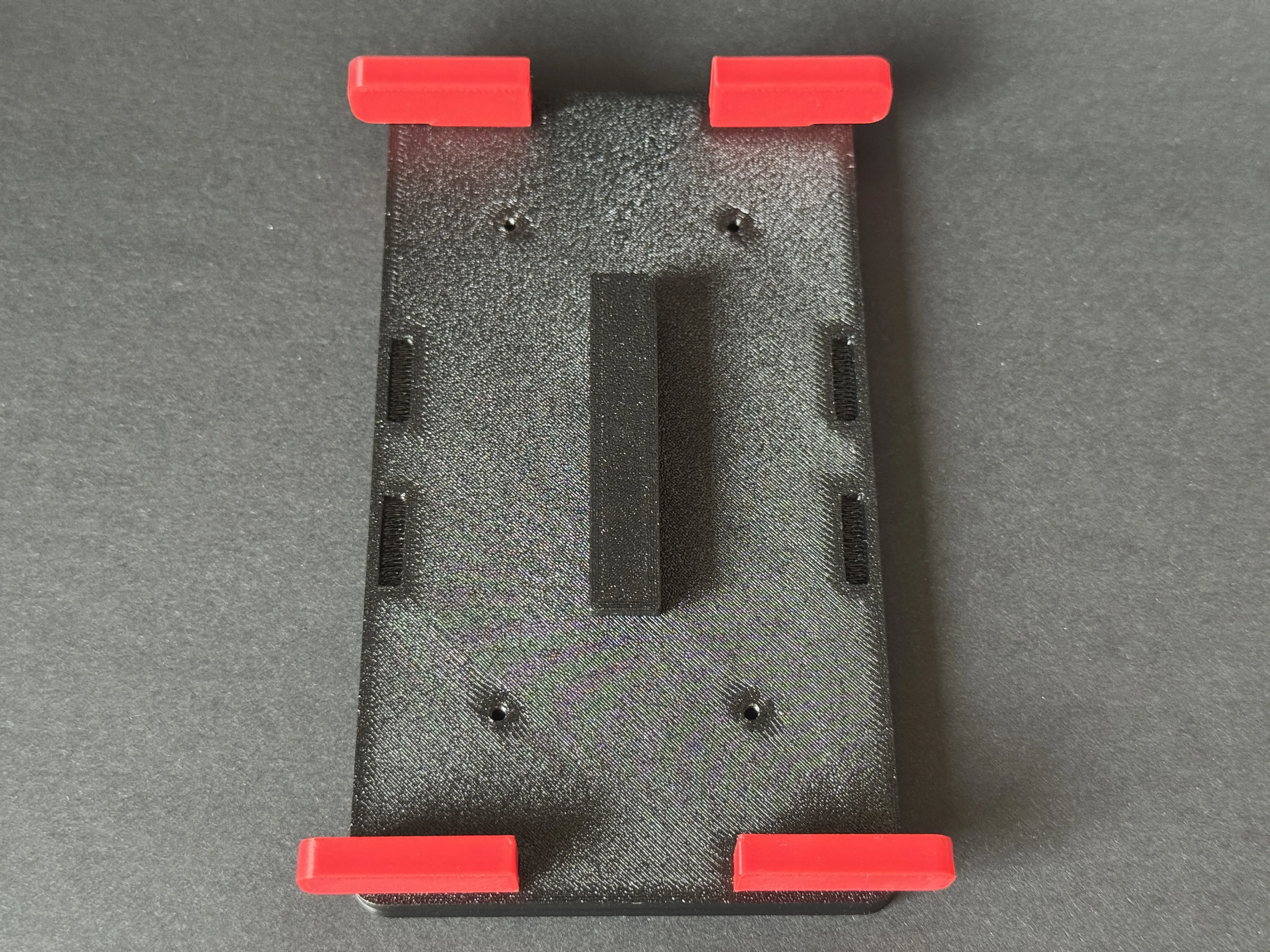
7. Install the side guards (align and press firmly, no glue needed)
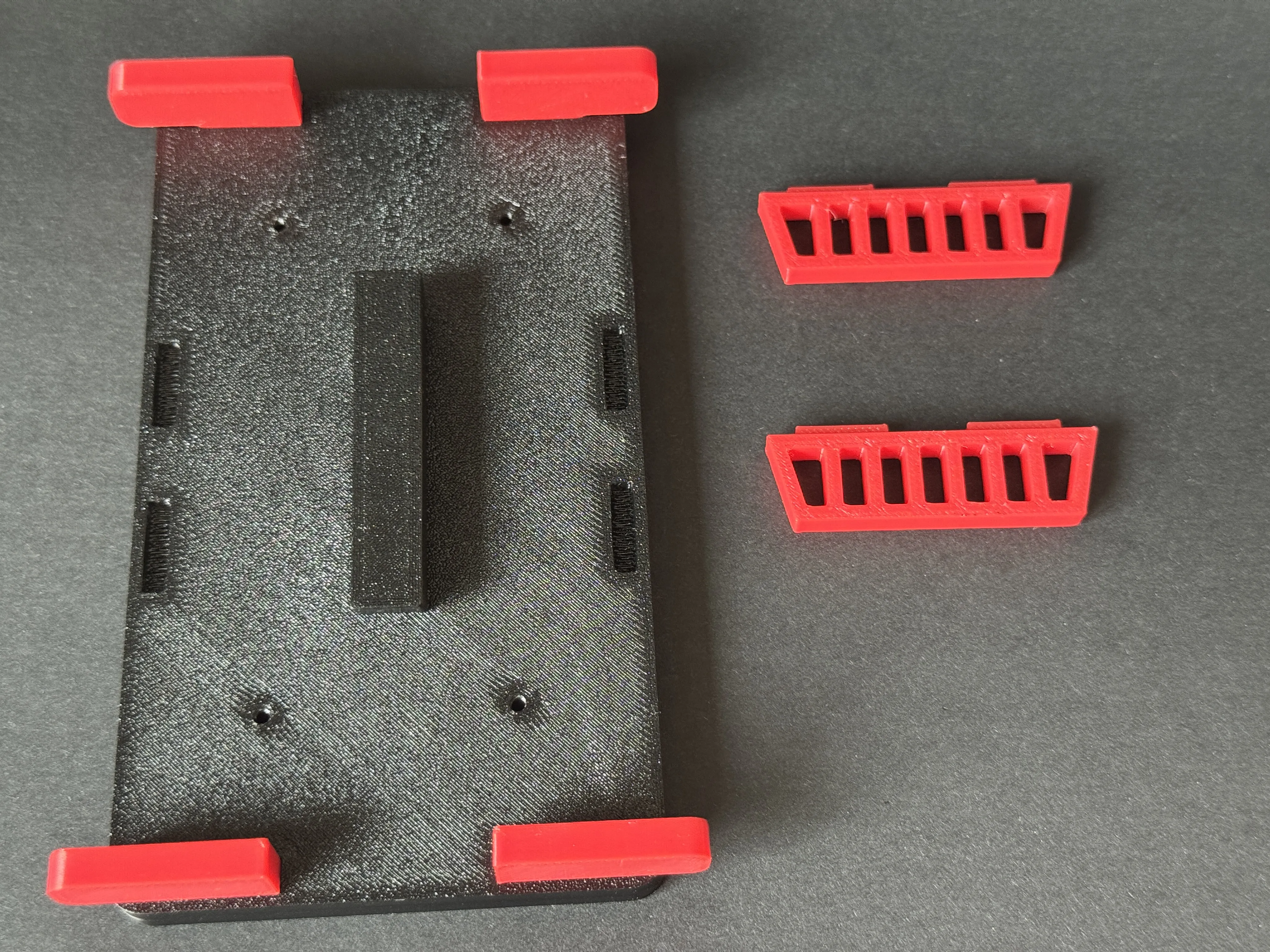
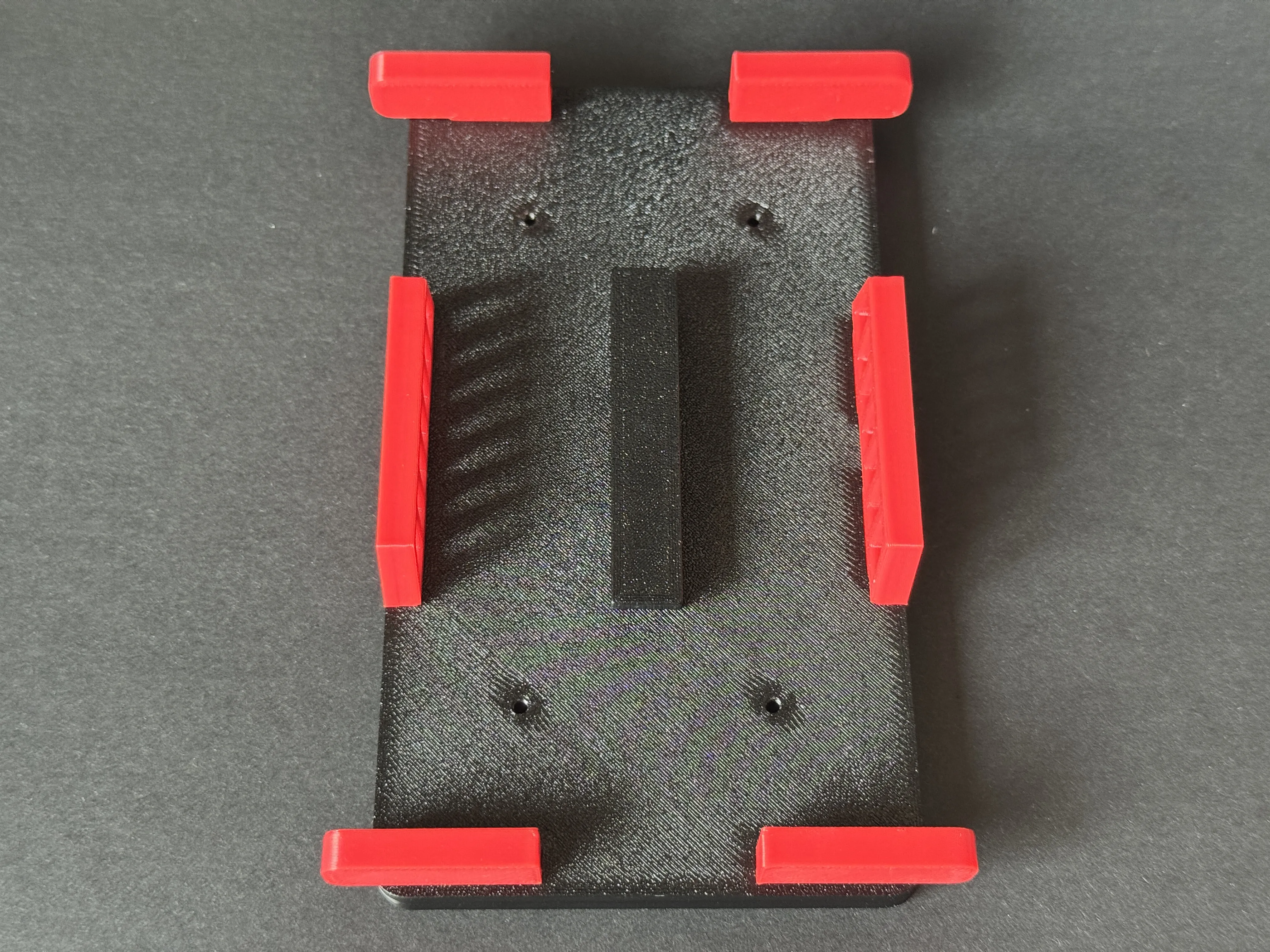
8. Install the wheel modules. The triangular pattern is for the front, and no pattern is for the rear
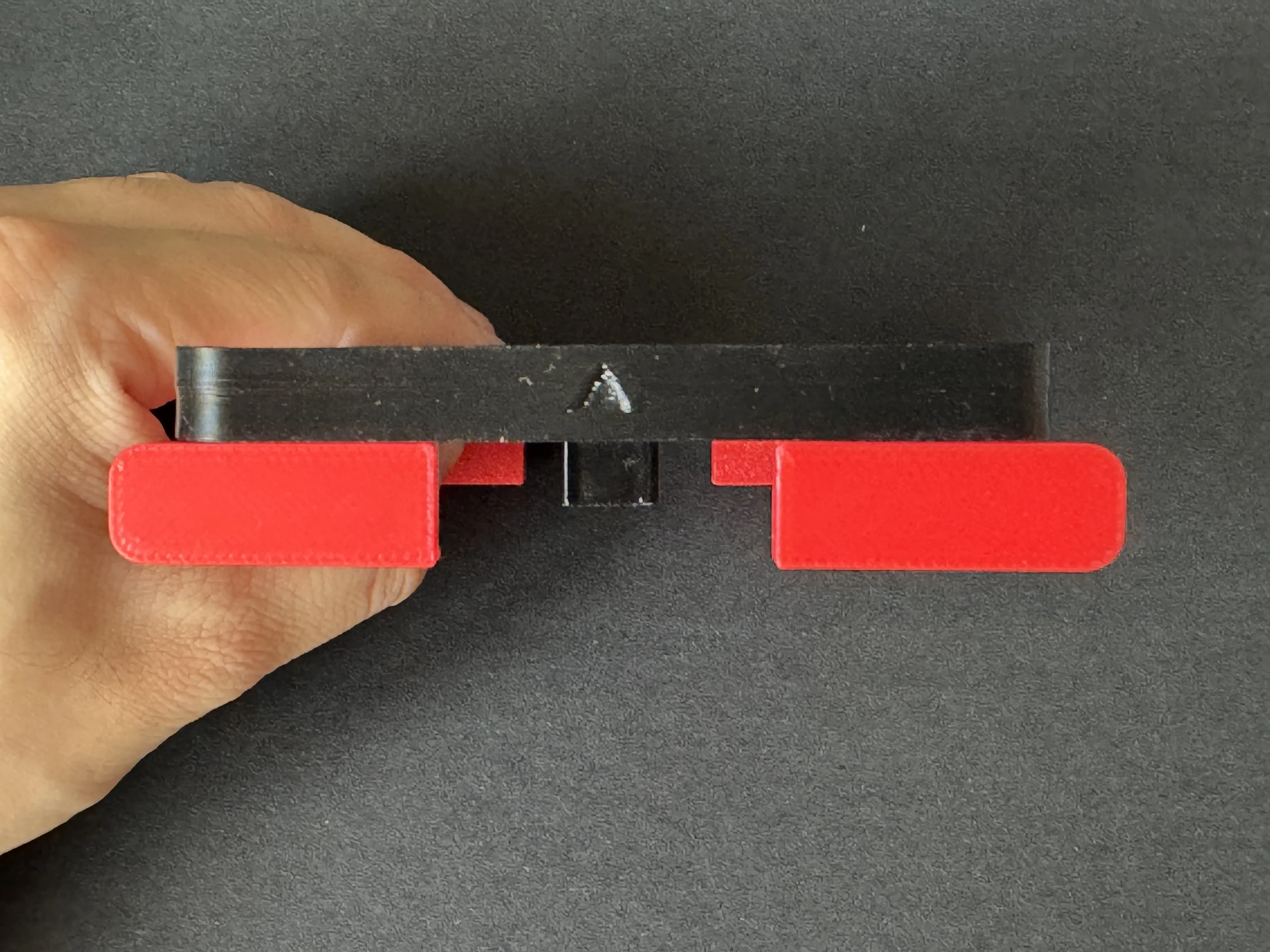
*Note that the front wheel module has a rectangular groove on the top surface
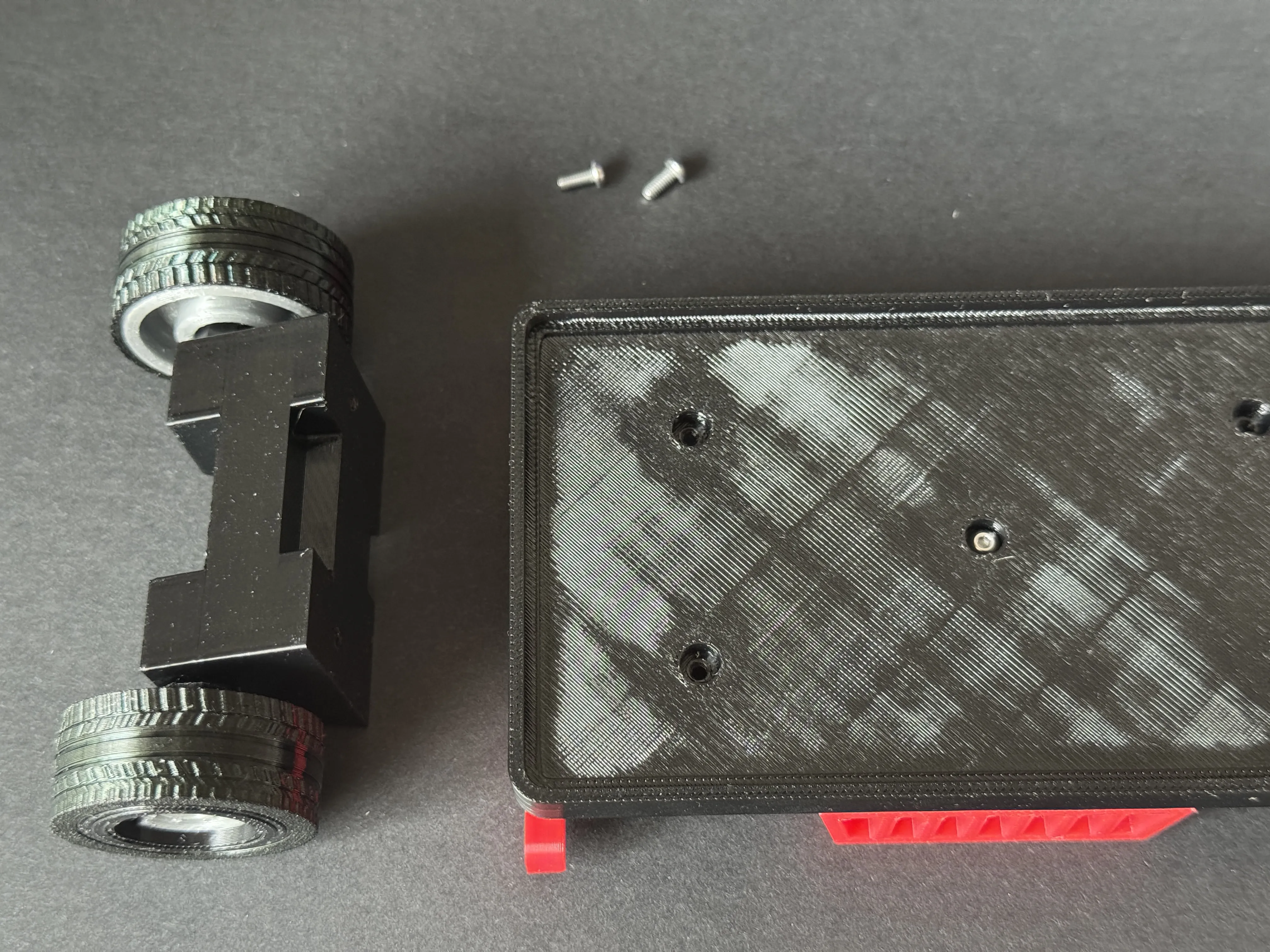
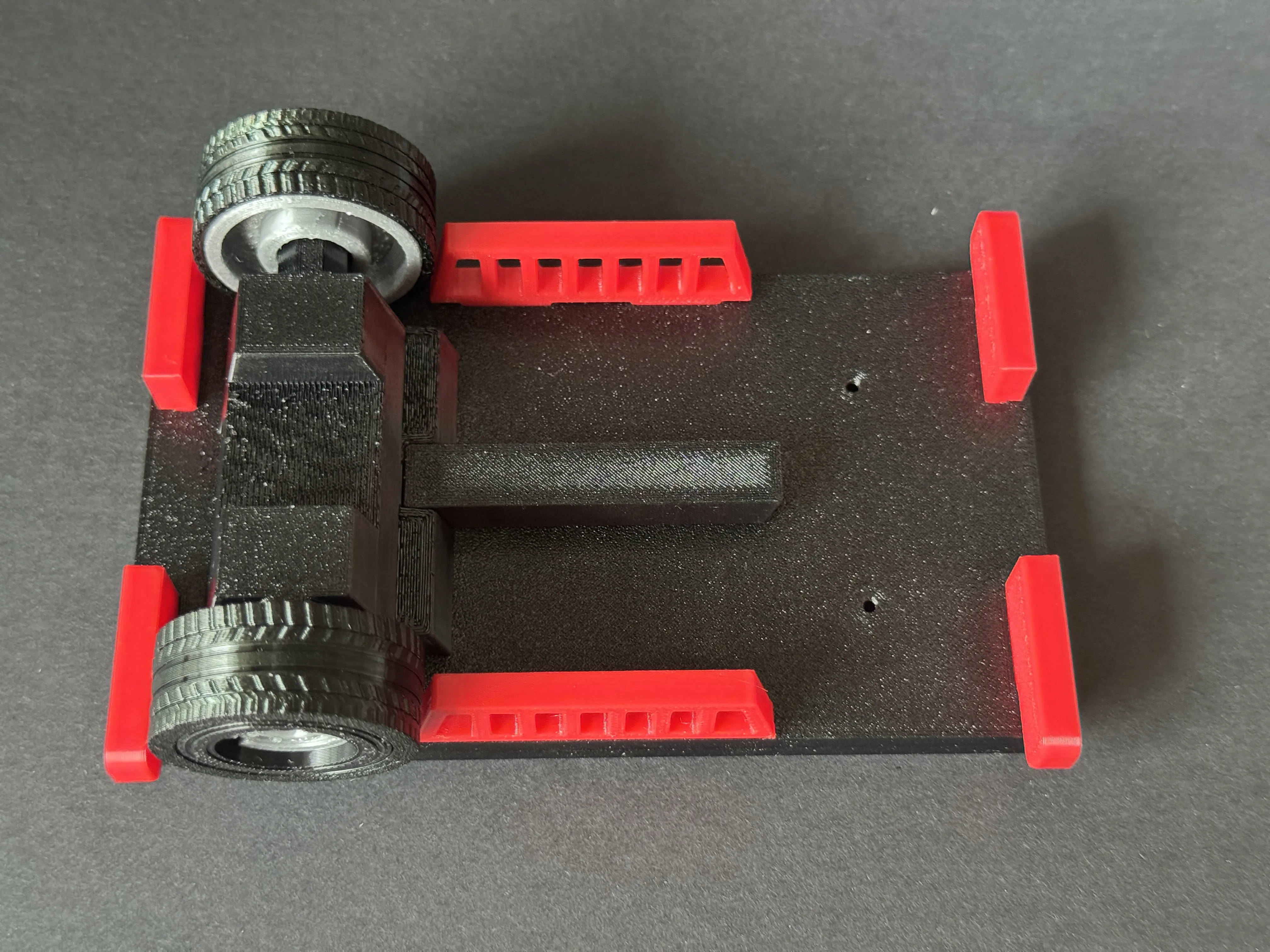
The figure below shows the rear wheel installation
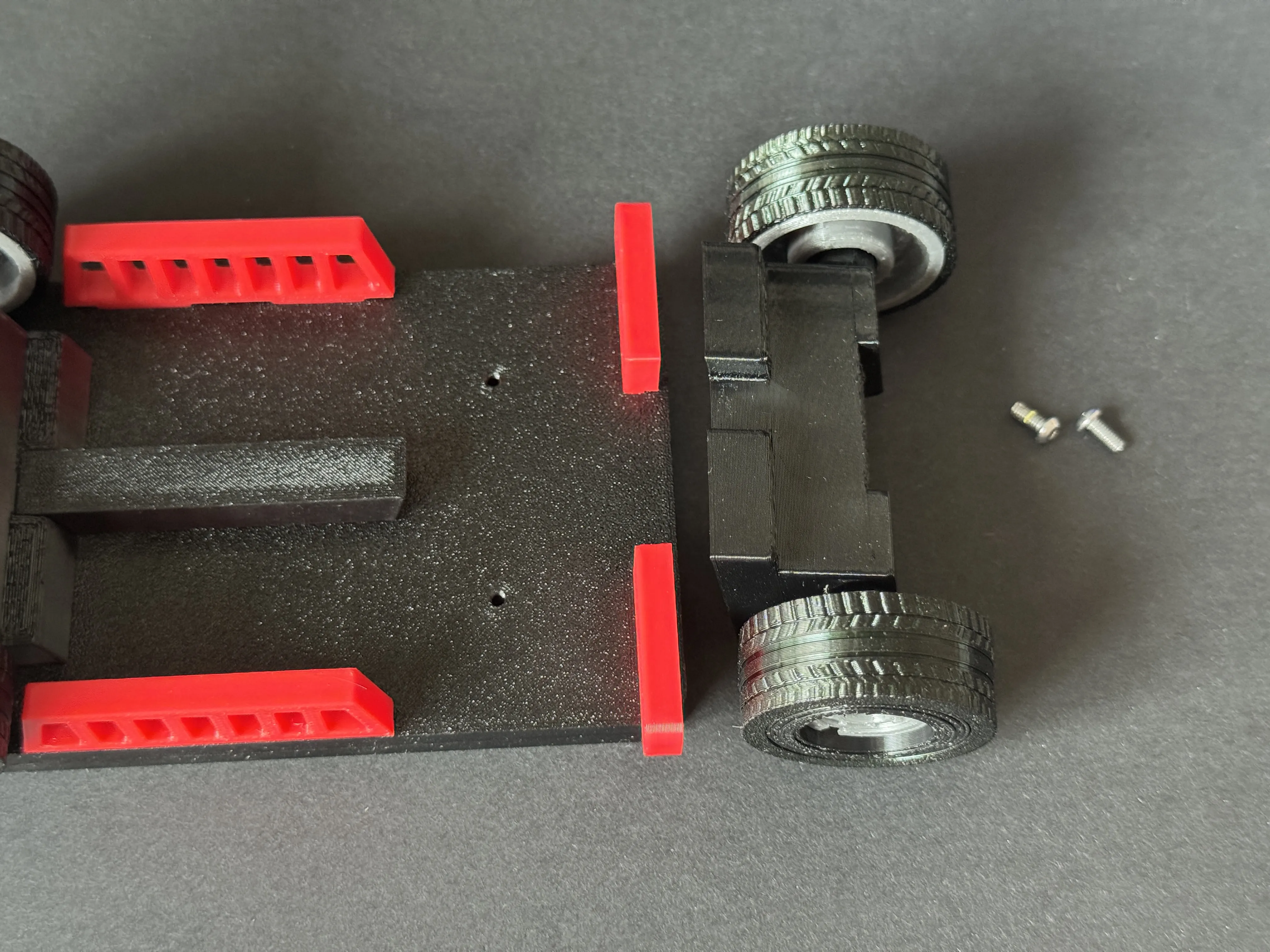
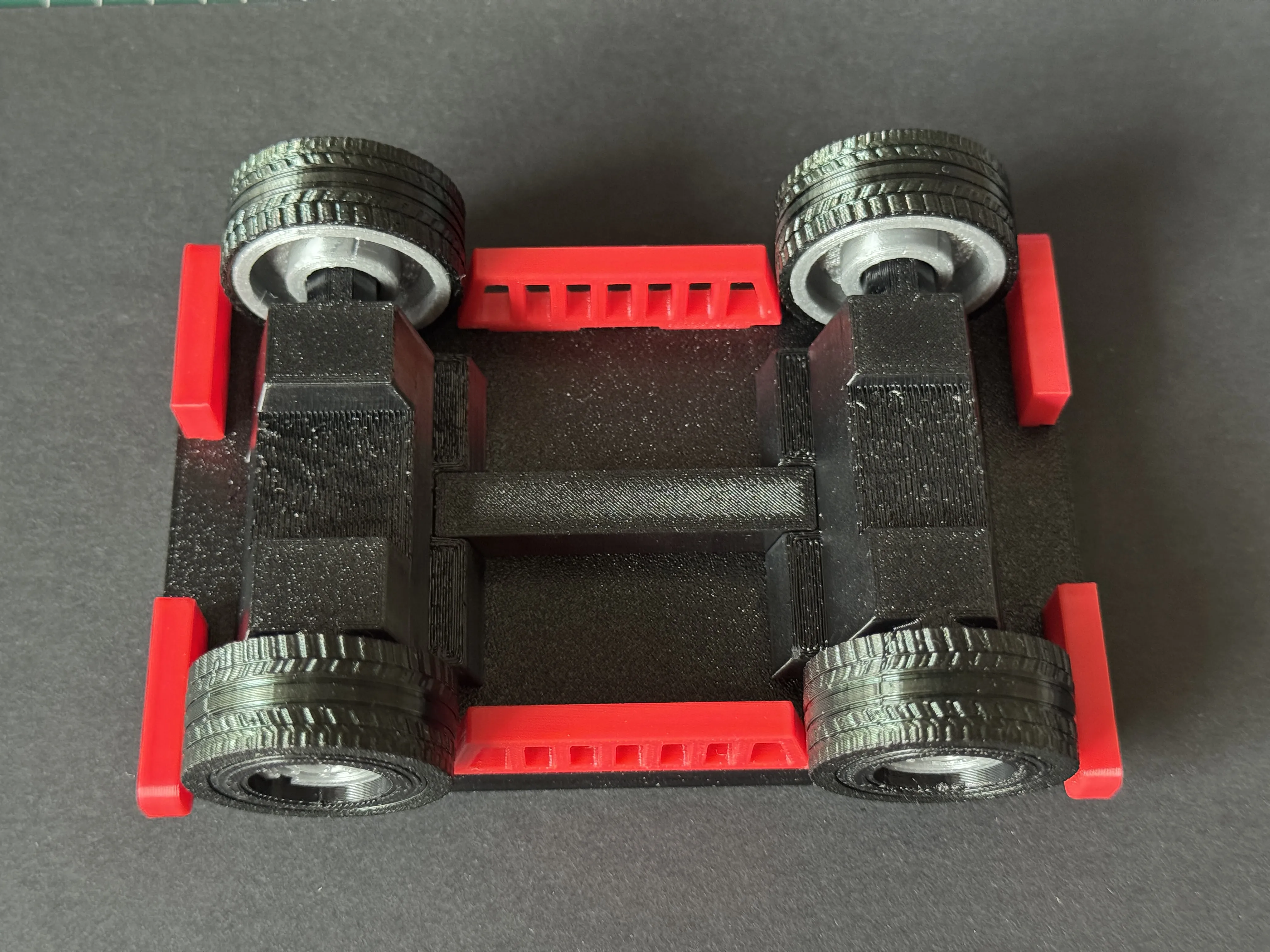
9. Install the front and rear trailer parts, please use super glue to fix them
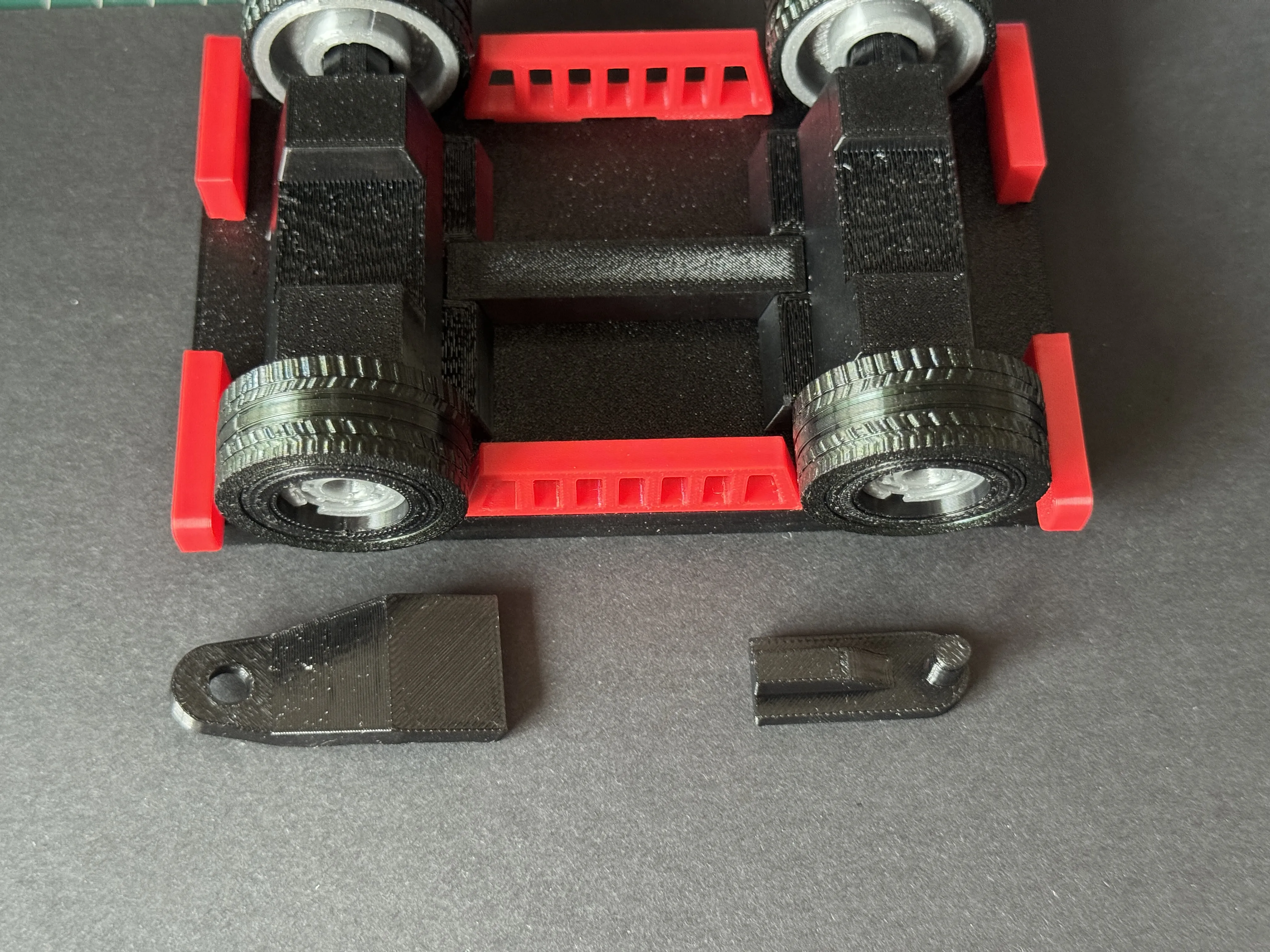
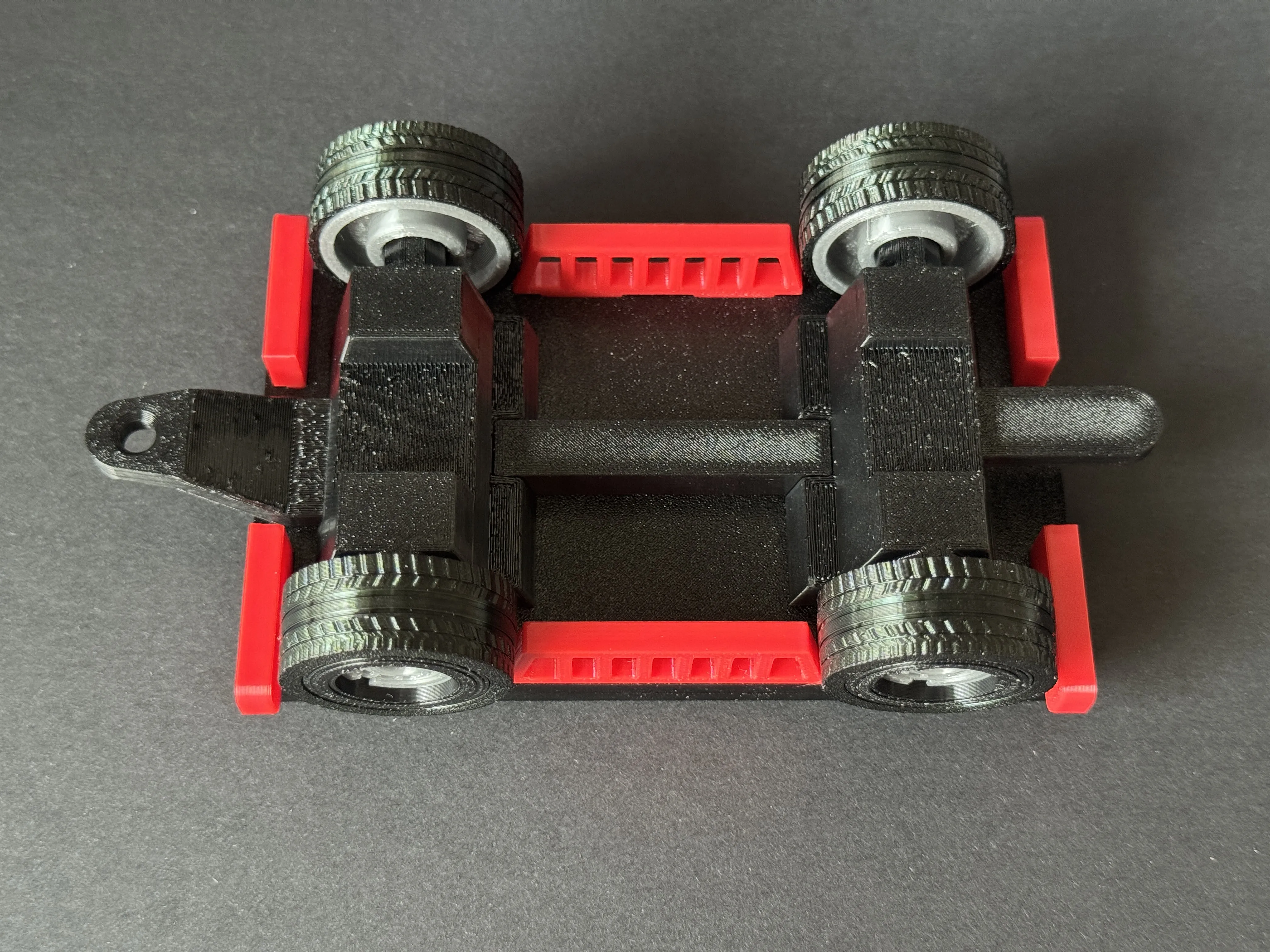
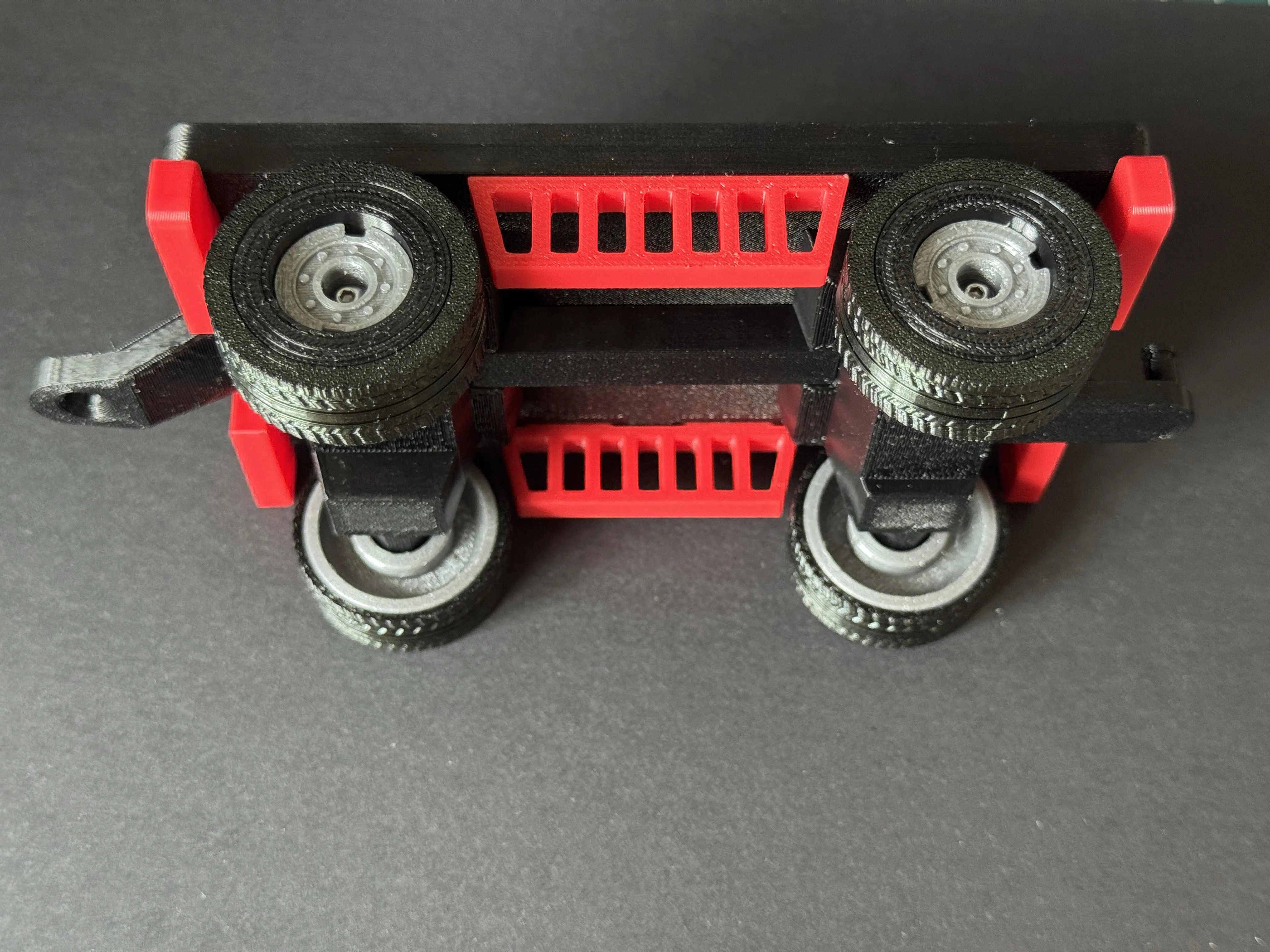
10. Install the top panel. First, apply super glue appropriately, then secure the four corners, and press the middle until firmly adhered
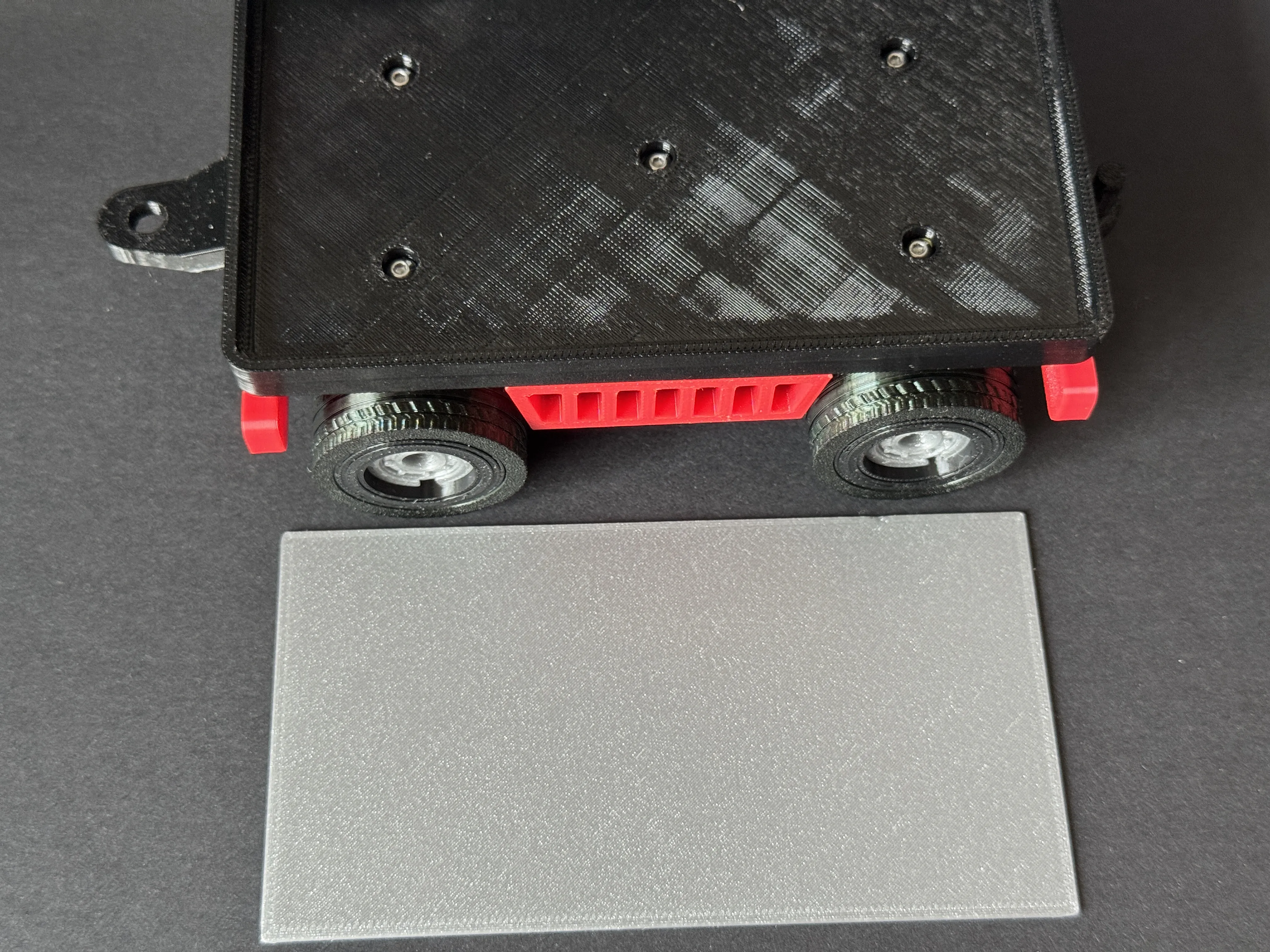
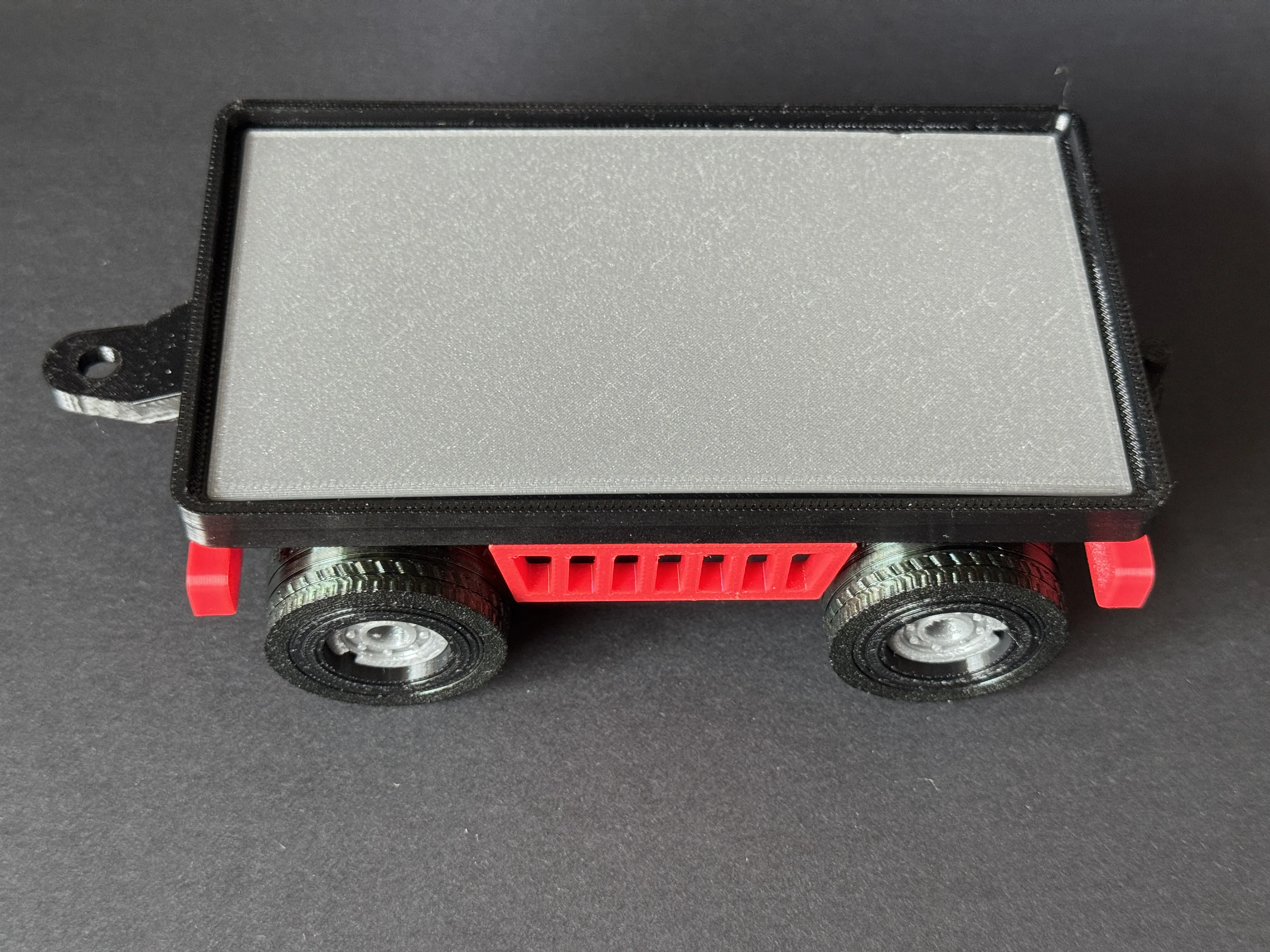
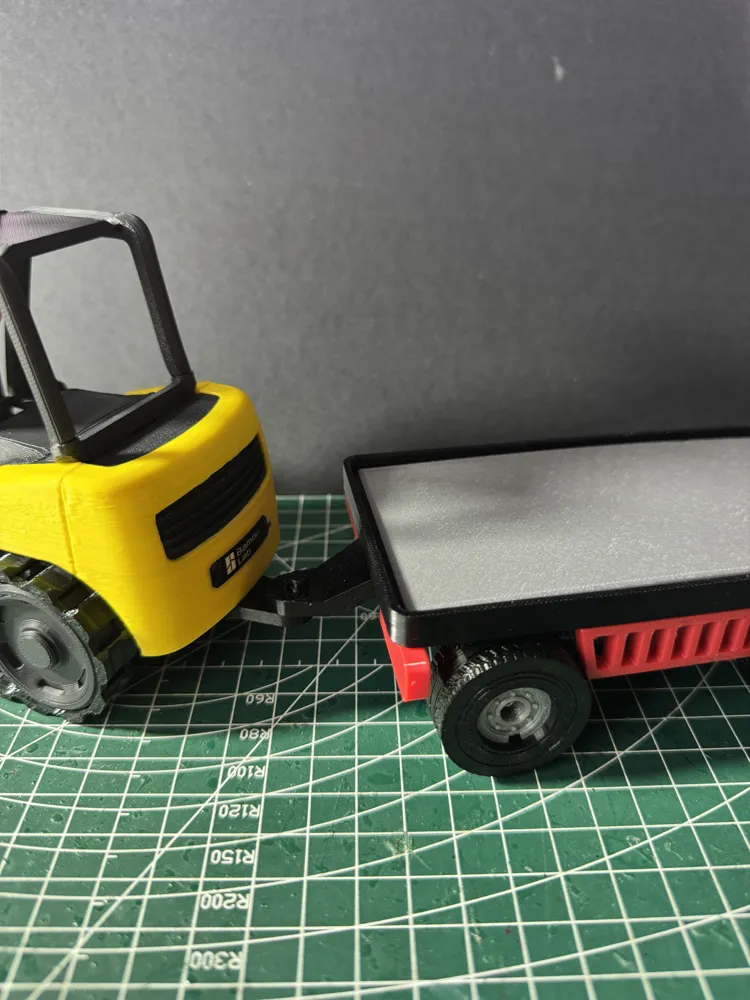
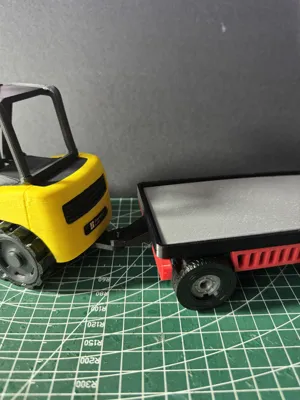
11. Install the forklift tow hook part. Please apply an appropriate amount of super glue to the adhesive surface
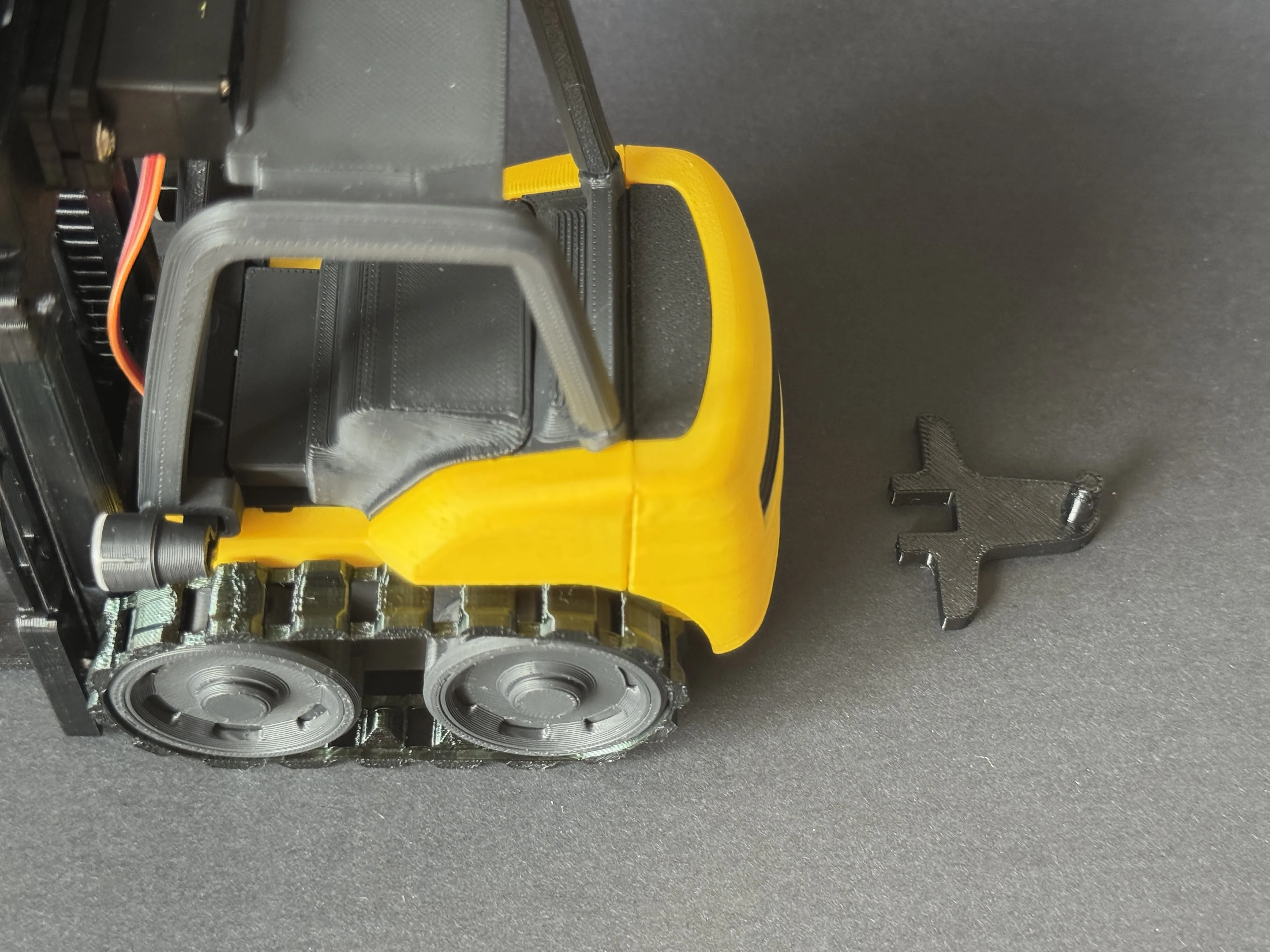
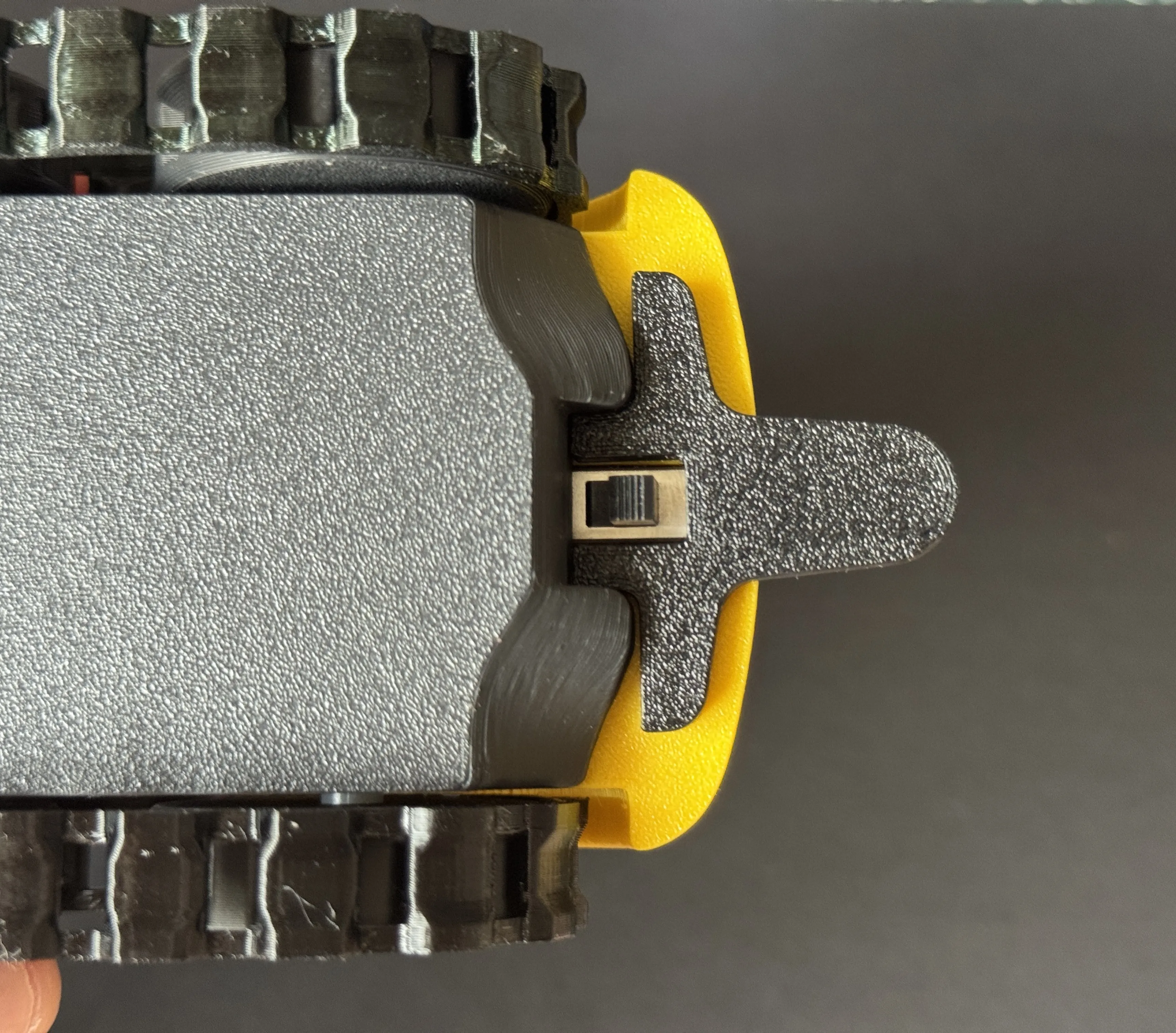
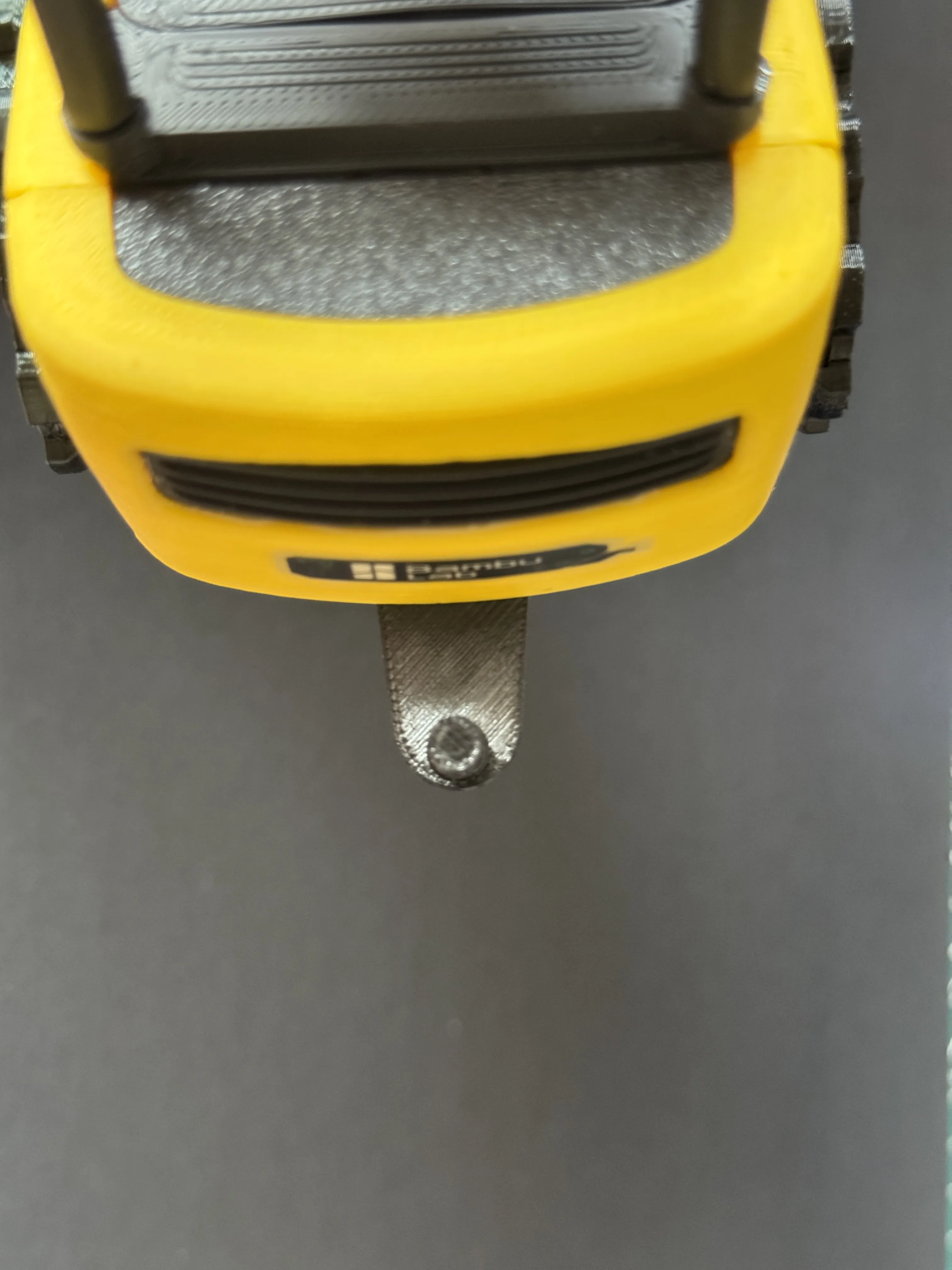
12. Install the trailer hitch retention clip
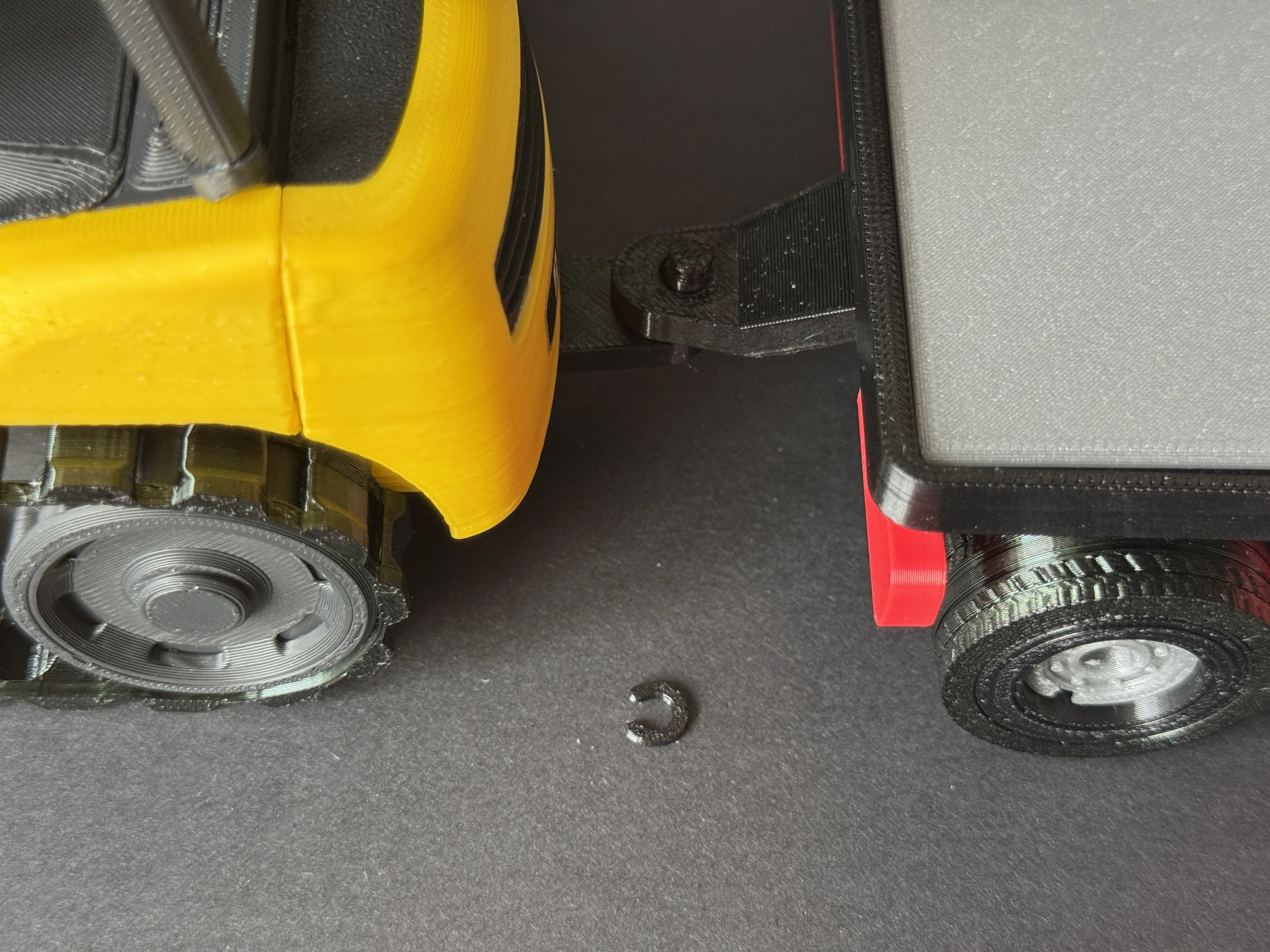
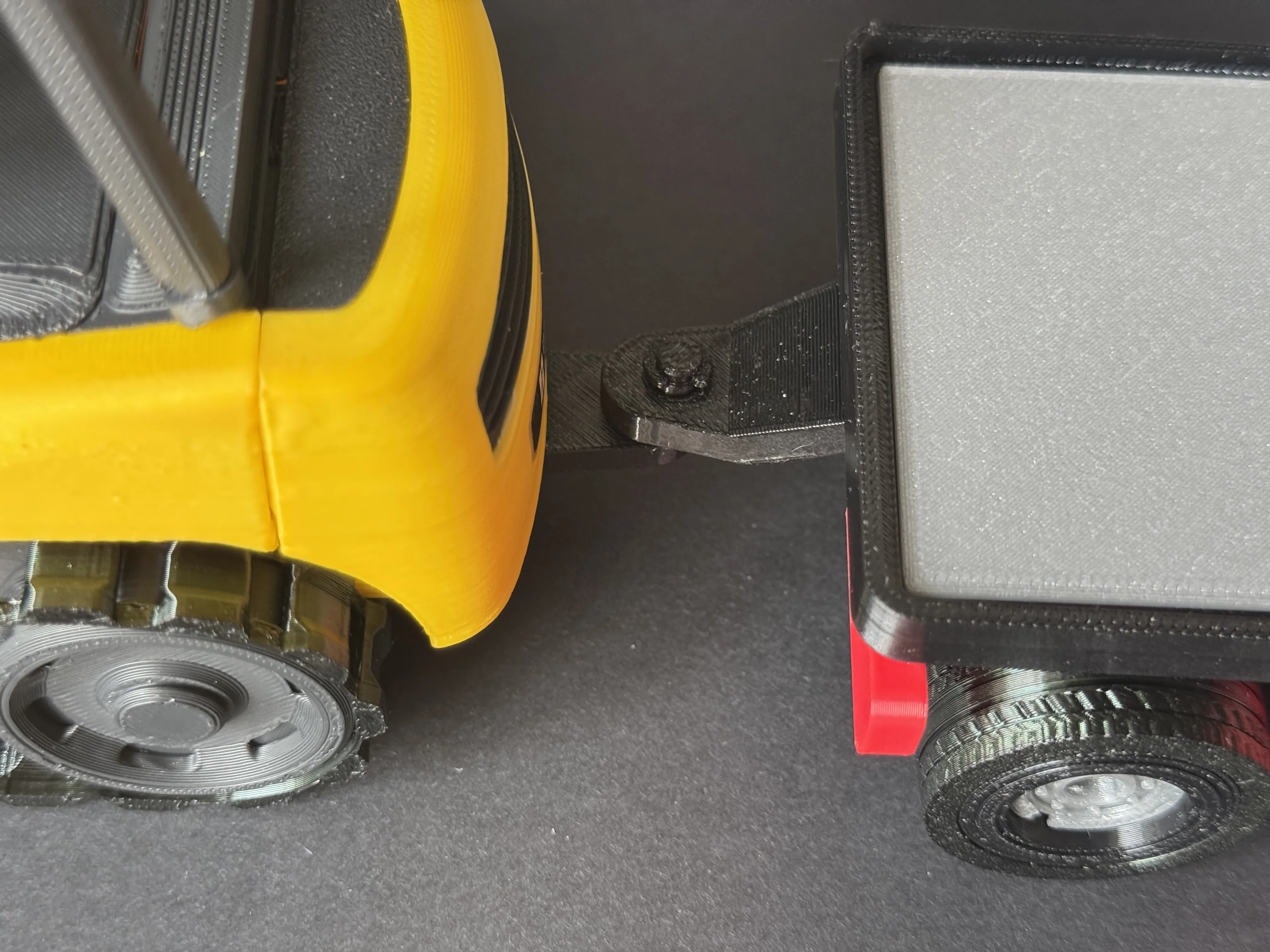
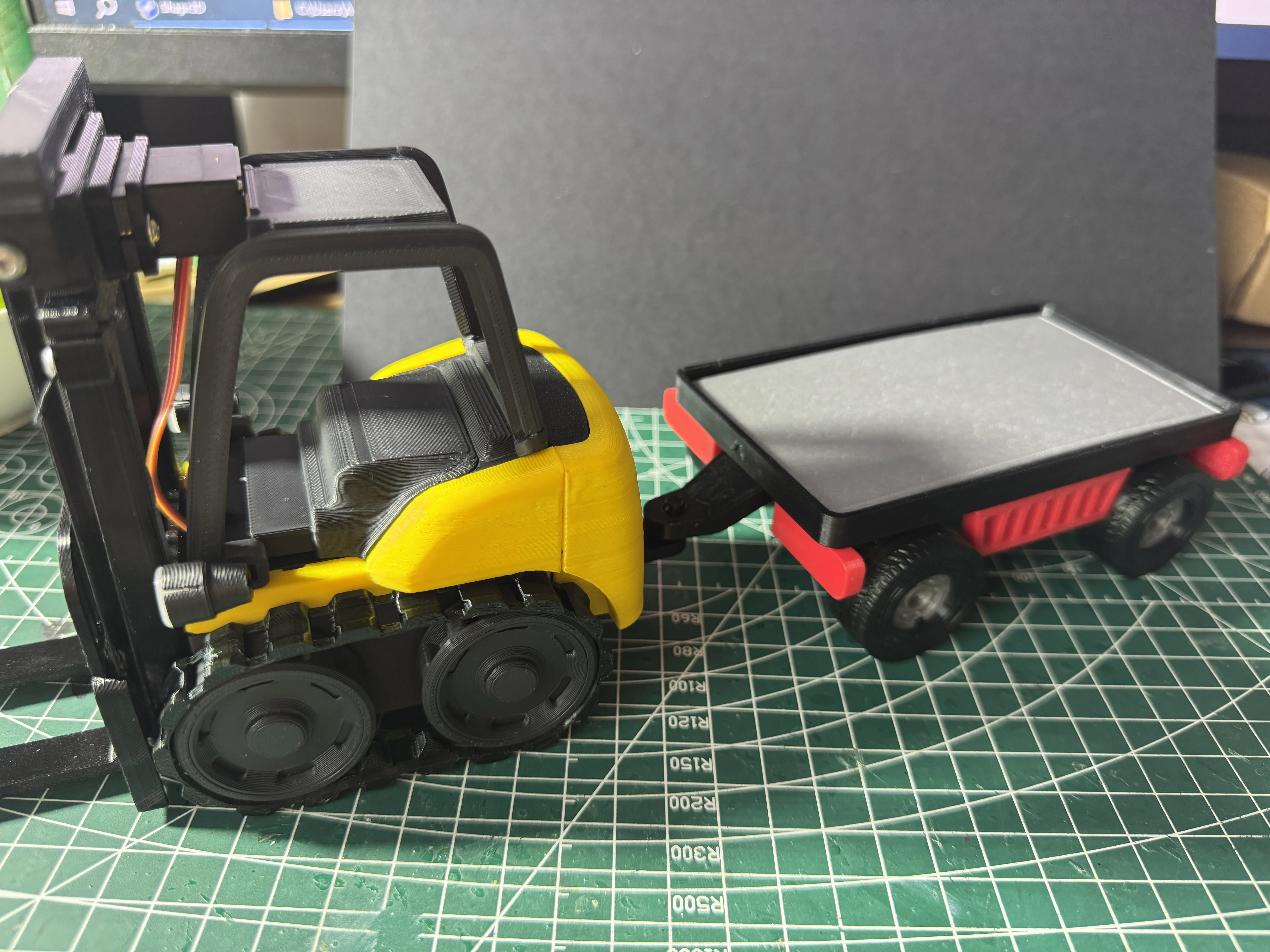
13. Finished. You can also print multiple trailers and connect them in series
License

You shall not share, sub-license, sell, rent, host, transfer, or distribute in any way the digital or 3D printed versions of this object, nor any other derivative work of this object in its digital or physical format (including - but not limited to - remixes of this object, and hosting on other digital platforms). The objects may not be used without permission in any way whatsoever in which you charge money, or collect fees.


Comment & Rating (9)