
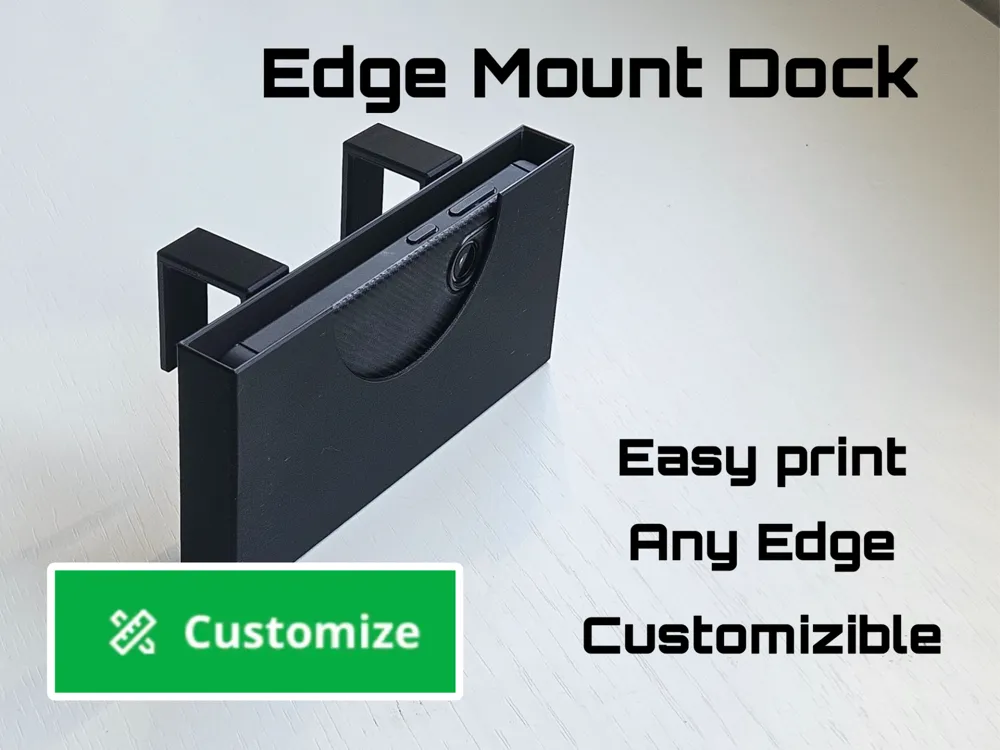
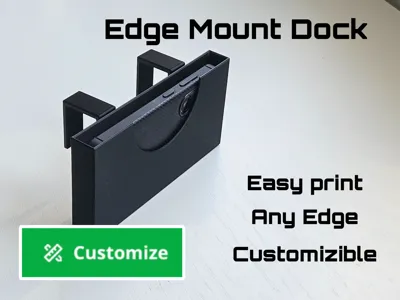
Customizable Edge Mount Dock for Any Device
Print Profile(1)

Description
If this model was useful, please like it and follow me for more designs.
Boost Me (for free)
It's free and directly supports my work.
Membership
Personal prints are free. To sell prints, join my membership to get a commercial license.
Want to support my work? You can buy me a coffee.
Update:
A lot of people asked, so i added version with slot for charger cable, one on the right side and one on the left
-----------------------------------------------------------------------------------------------------------------------------------------------------------------
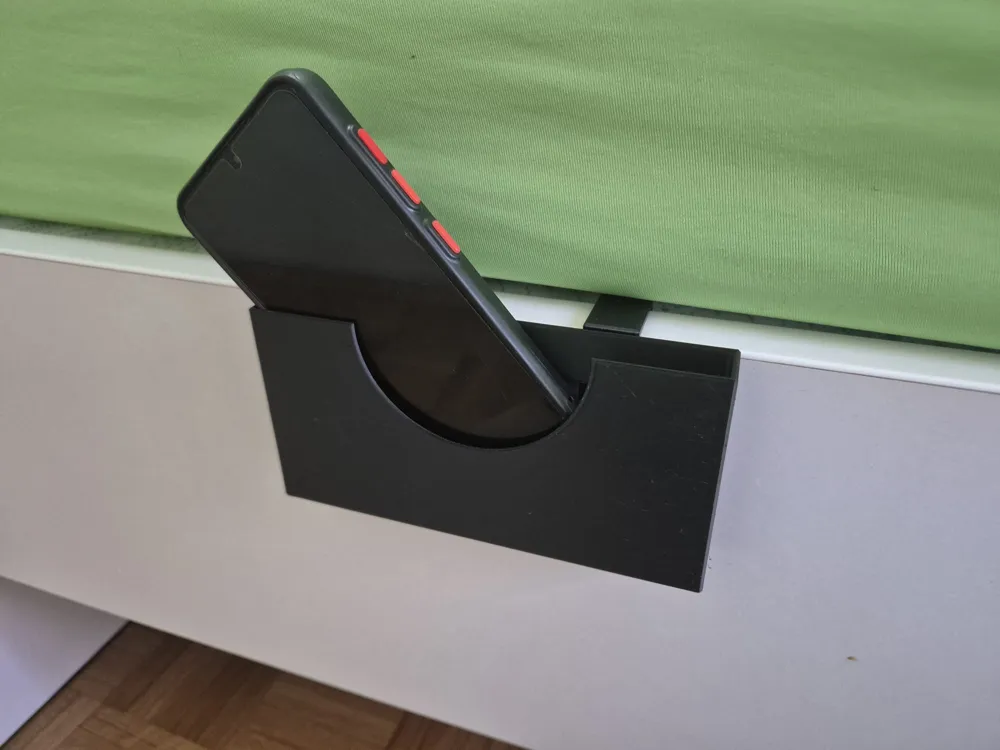
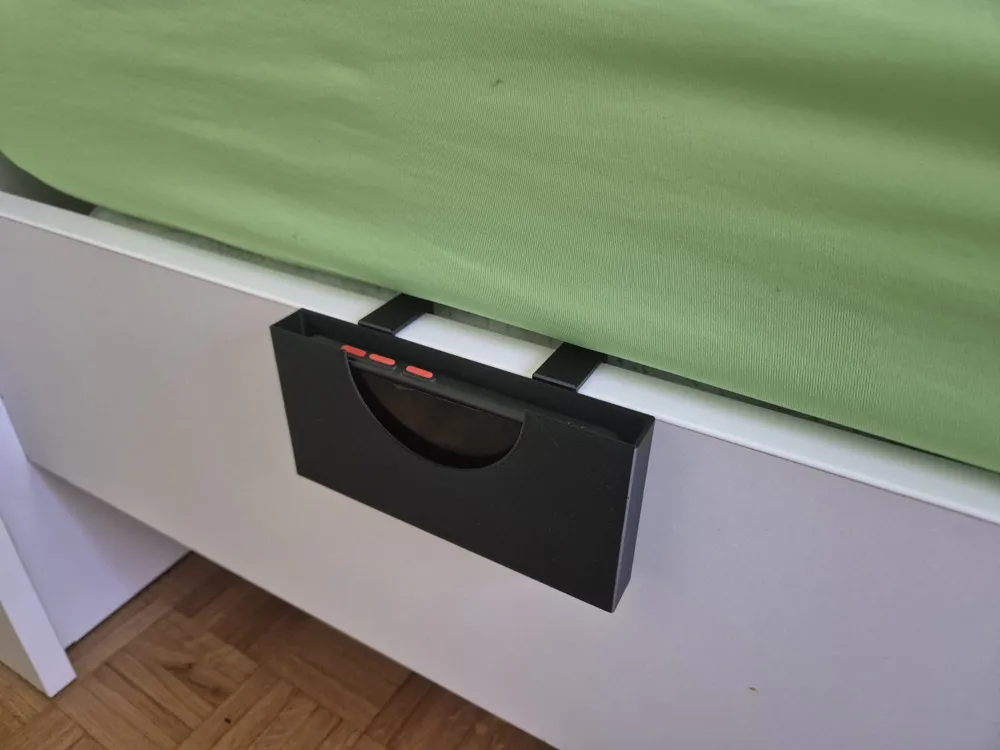
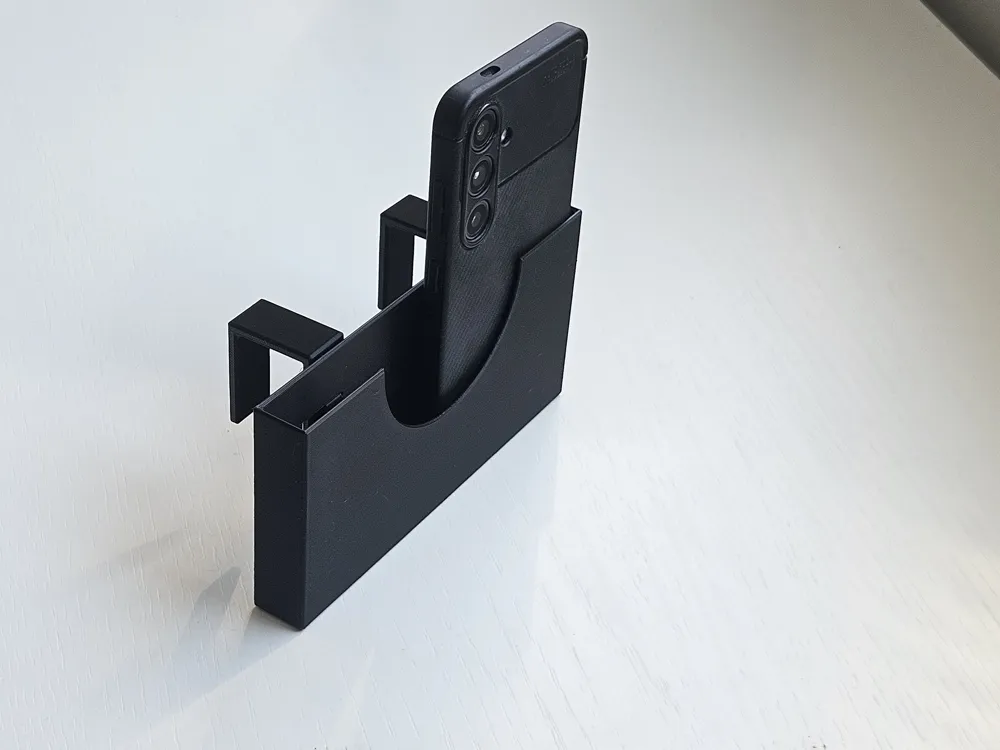
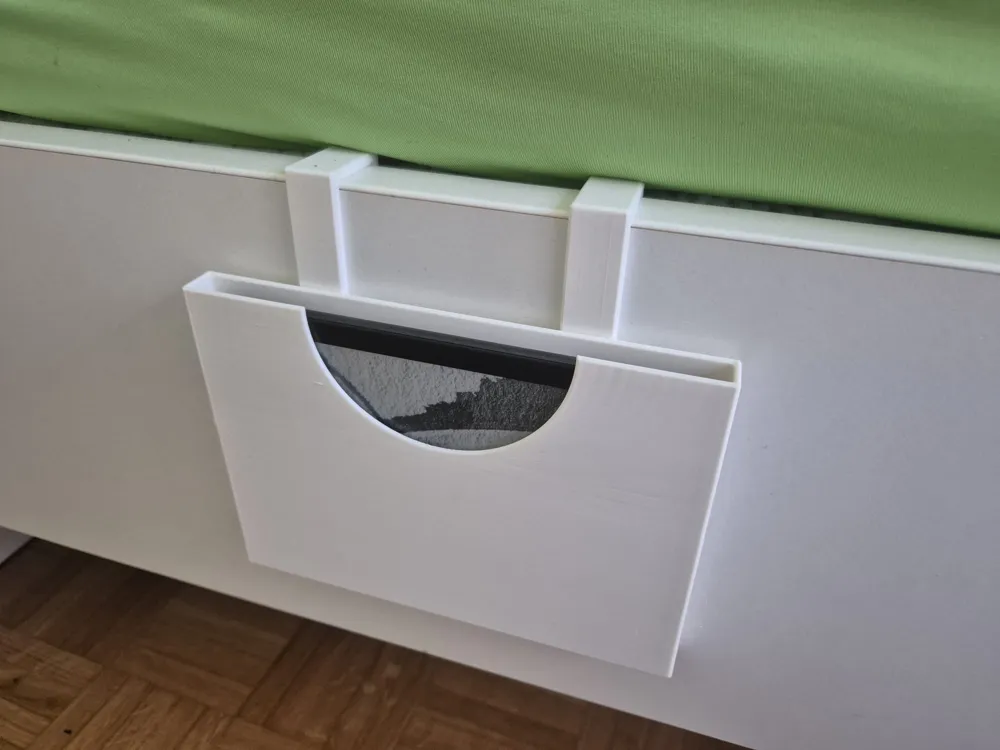
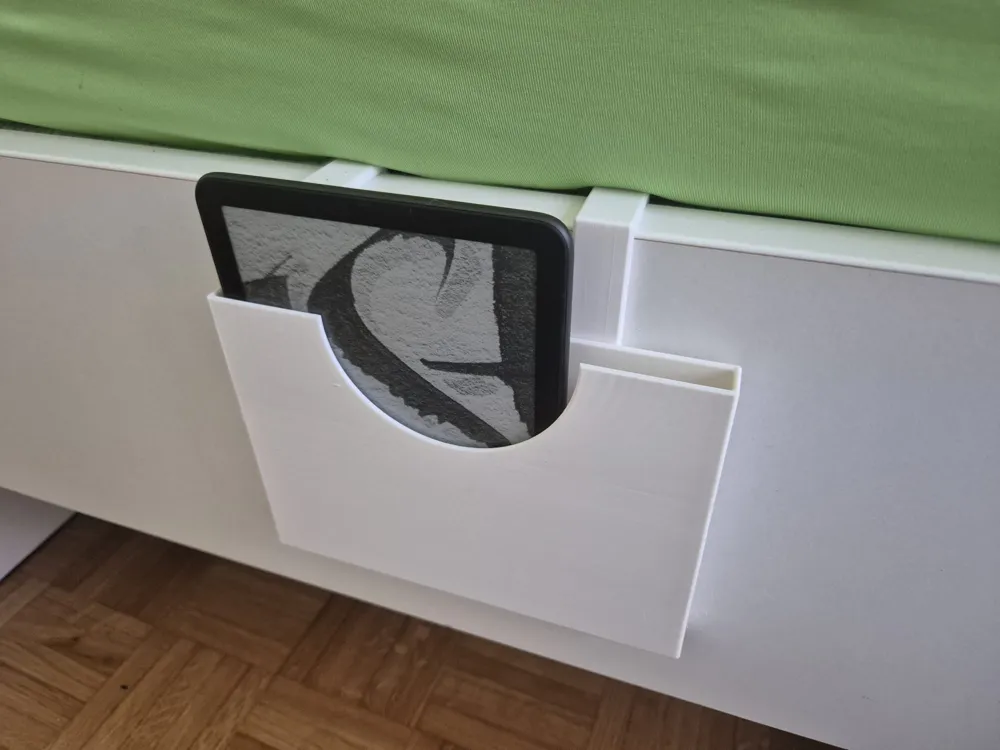
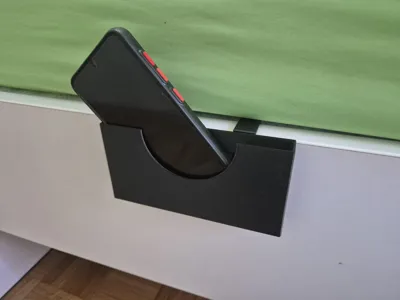
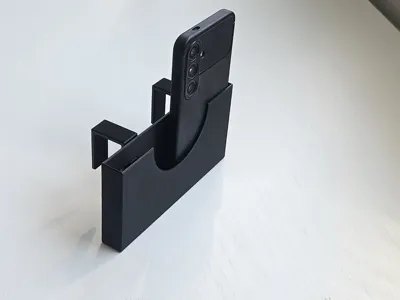
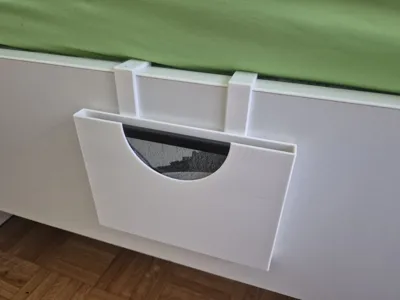
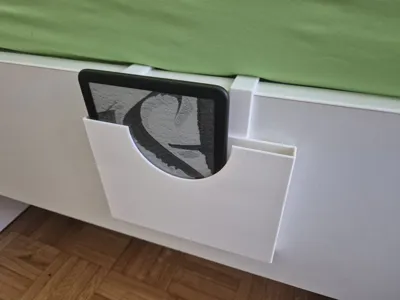
Since I don’t have a nightstand I struggled with where to put my phone for the night, and my wife had the same problem with her Kindle. This model was born as a solution to both problems.
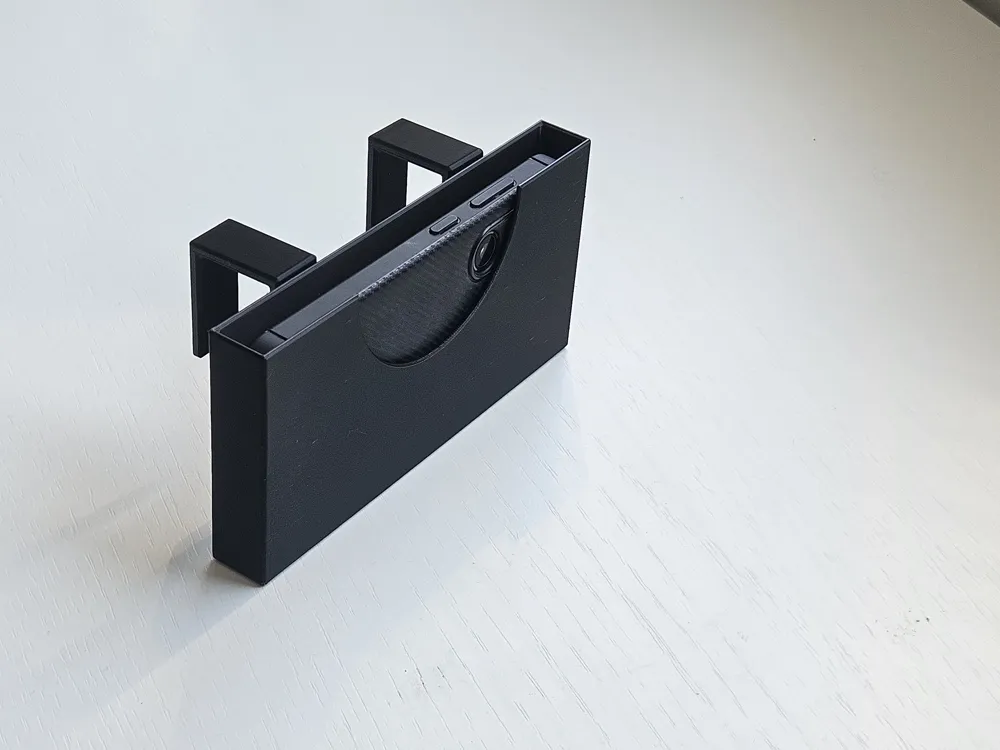
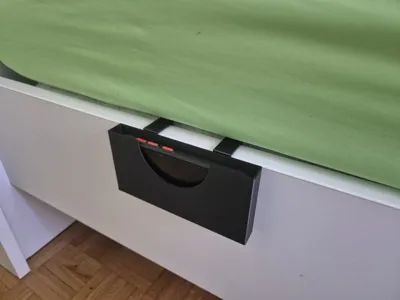
It was originally made to attach to the side of the bed frame but it can be used in many ways, you can clip it to anything you want.
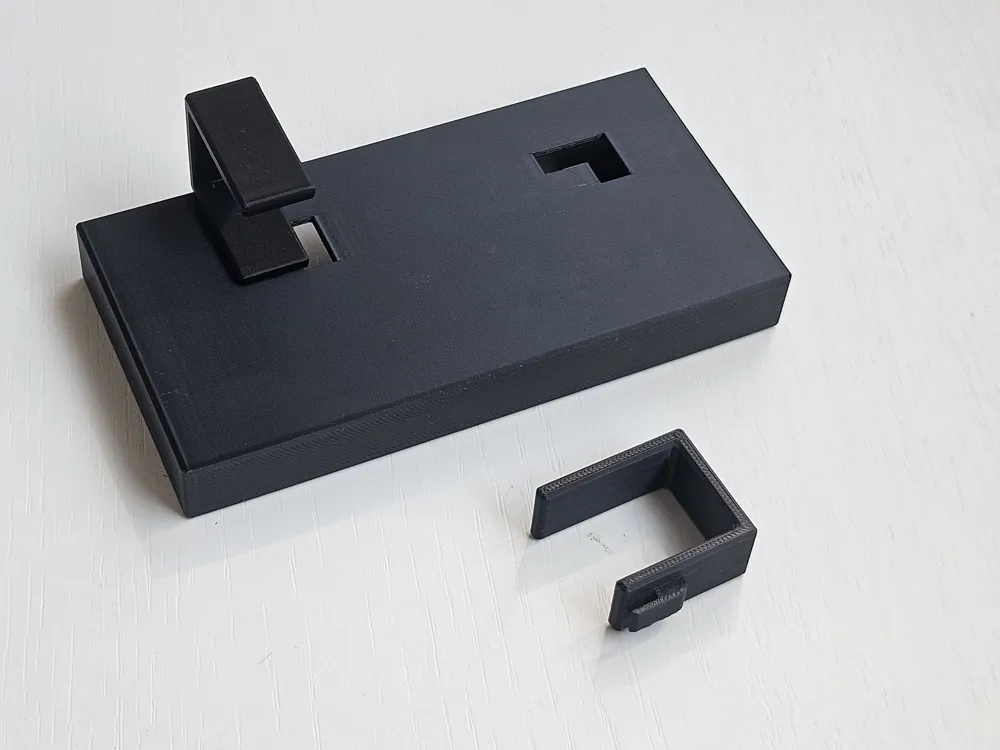
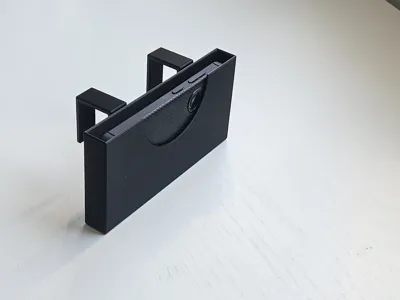
The hooks and the holder itself are fully customizable so you can edit it to fit your needs and the dimensions of your bed frame or whatever you attach it to.
Customization
Click “Customize” and enter your desired dimensions (you can reference the parameters schematic to know what to change). Then download the .3mf file. When opening in Bambu Studio it will ask if you want to import the part as a single object with several parts — choose No.
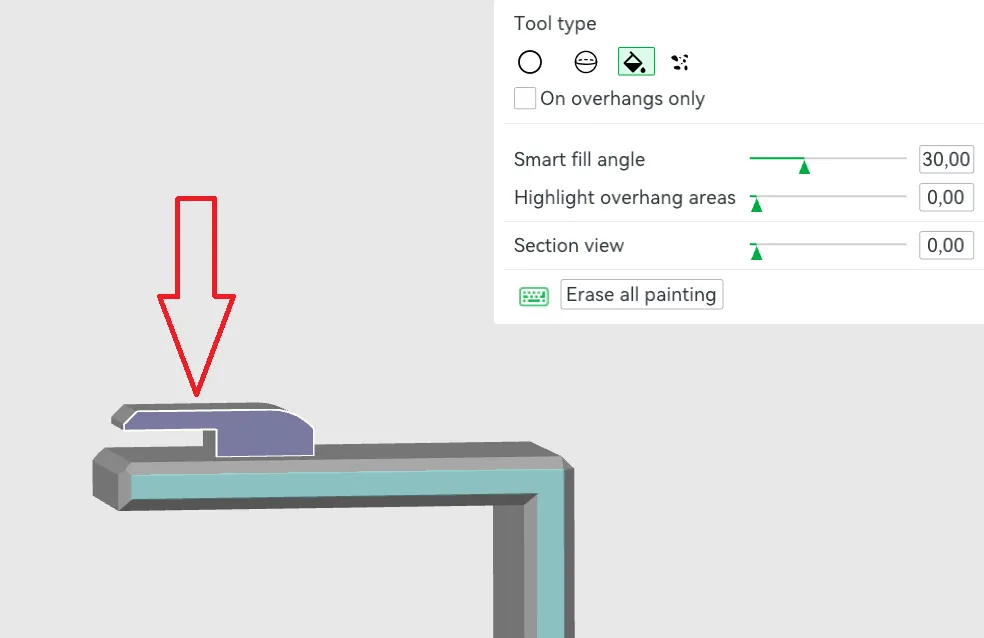
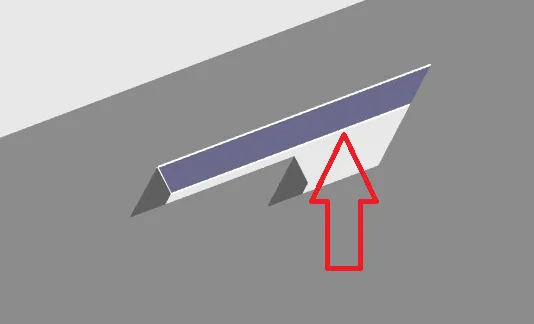
Once imported, use the “Lay on Face” tool in Bambu Studio to place each hook on its side. Then paint manual supports according to the instructions.
Assembly
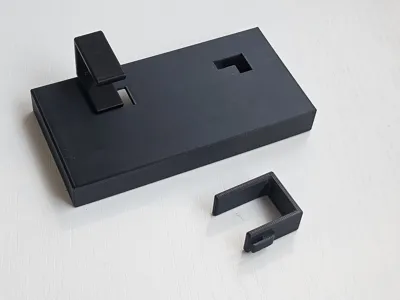
When all parts are printed, remove the supports and insert the hook into the slot, then slide it to the side to secure it. That’s it.
Note: due to support residue it may require a bit of force to insert and slide the hooks. If it’s still stuck, I recommend using a scalpel or hobby knife to clean out the surface of the slot on the box and/or the hook — that should help.
Parameters Schematic:
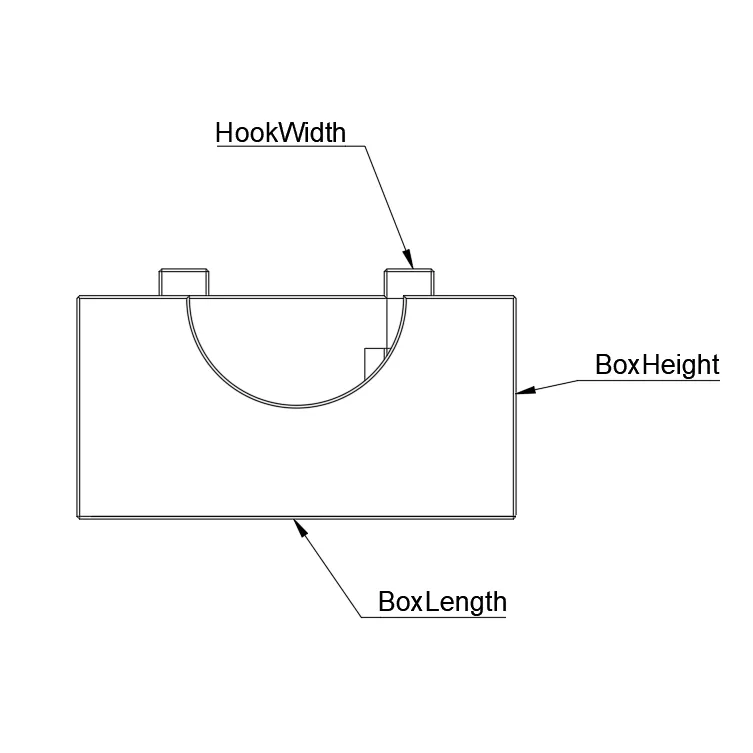 | 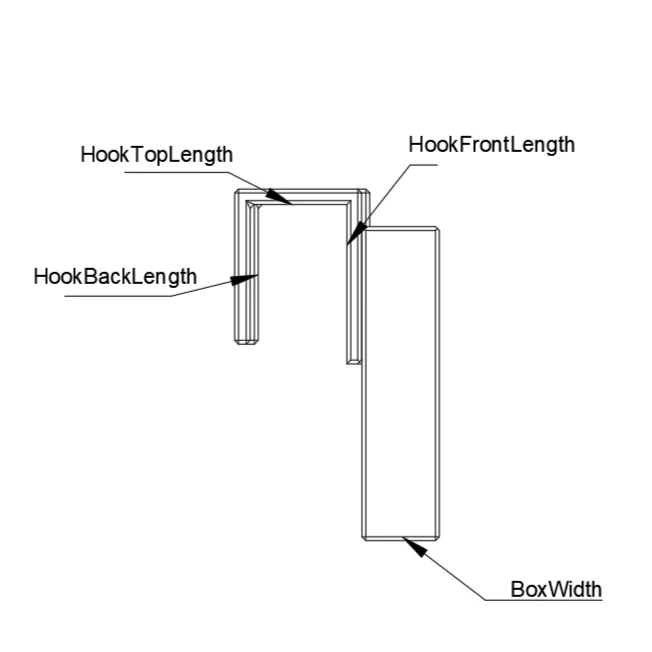 |
Note: When choosing widht of the box, i reccomend to add at leas 2mm to the size, since hook is potruding inside the box for few mm
Support setup:
| Select “Support Painting” | Choose “Fill” tool | Click this face of both hooks (facing buildplate) | Click this face of both slots (facing buildplate) |
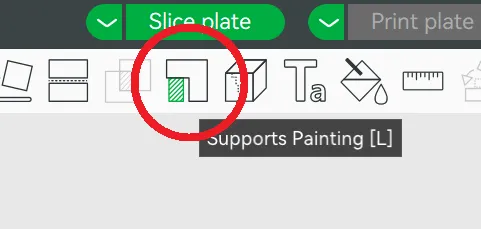 | 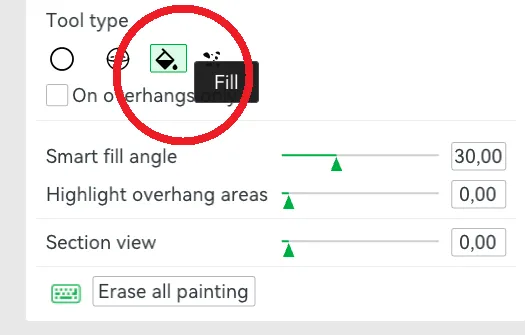 |  |  |
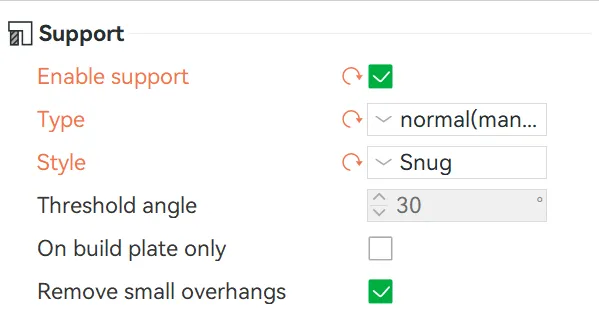
In the Support setting turn on “Enable Support”, for the Type choose “normal(manual)” and for Style choose “Snug”
Thank you and Happy Printing!
Enjoy printing!
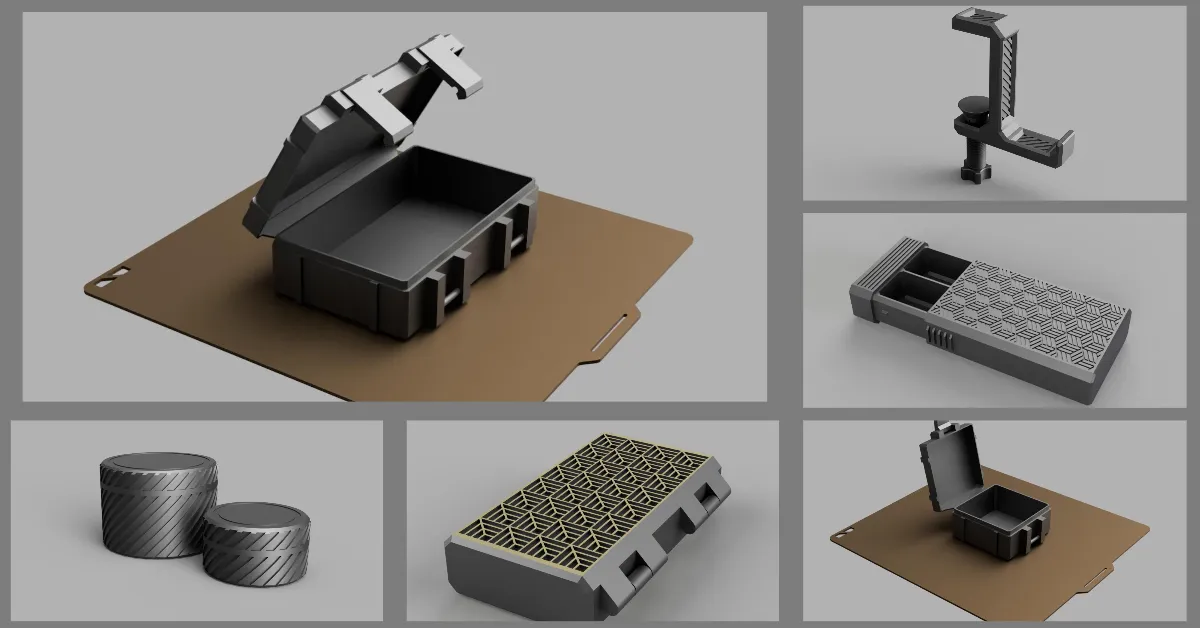
Click here to see my other designs.
License

You shall not share, sub-license, sell, rent, host, transfer, or distribute in any way the digital or 3D printed versions of this object, nor any other derivative work of this object in its digital or physical format (including - but not limited to - remixes of this object, and hosting on other digital platforms). The objects may not be used without permission in any way whatsoever in which you charge money, or collect fees.


Comment & Rating (41)