
Labelmaker
Print Profile(1)

Description
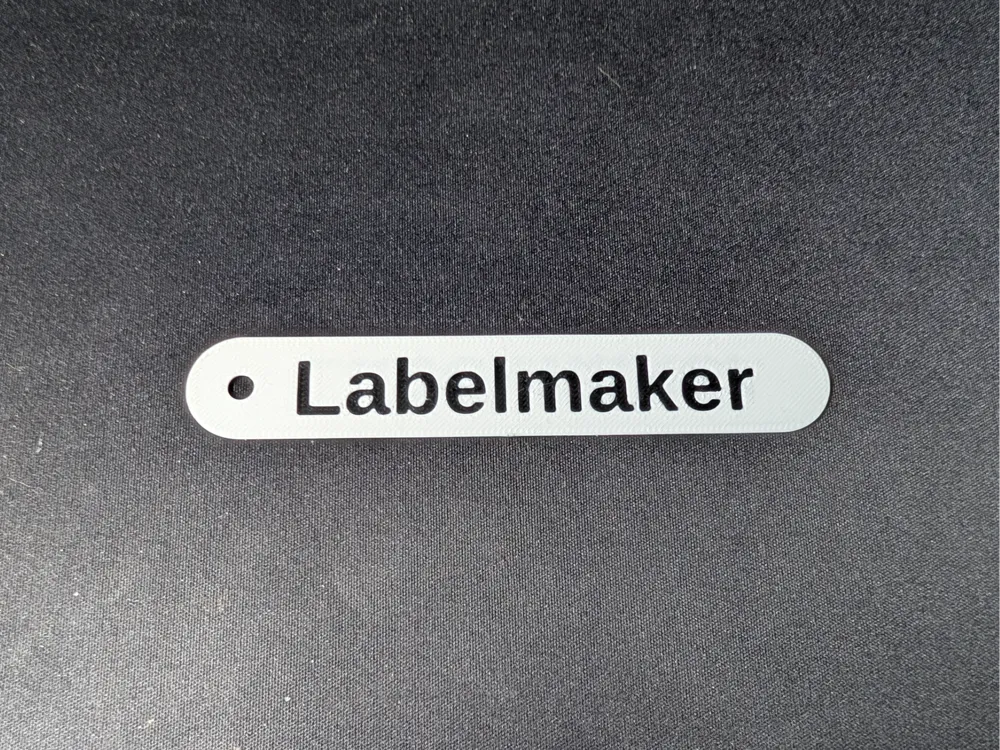
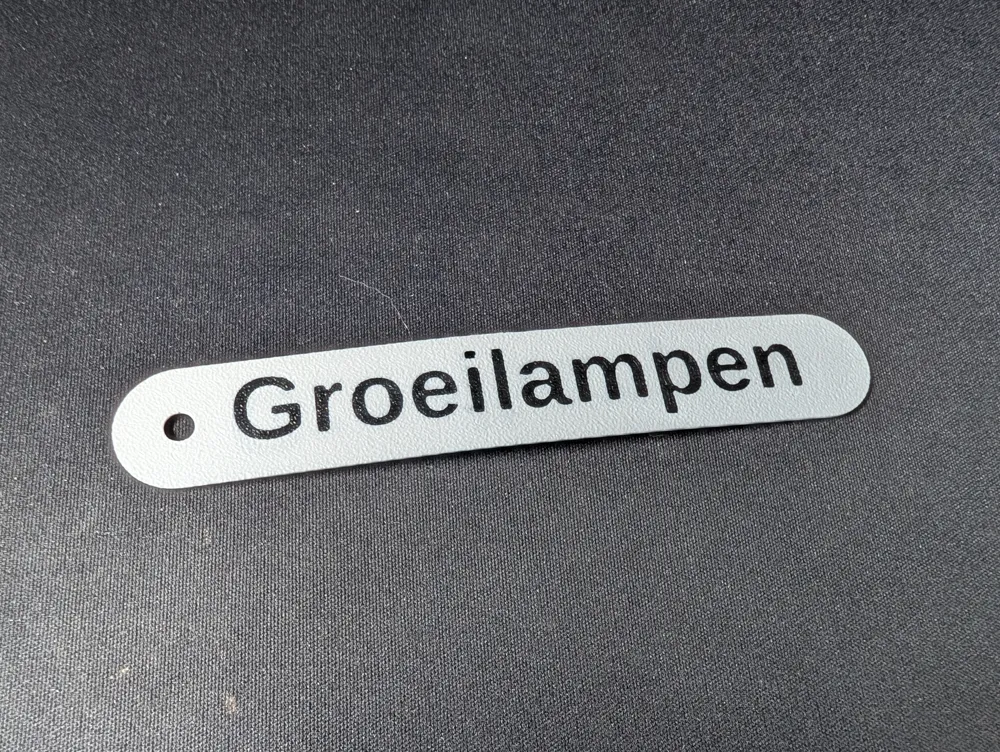
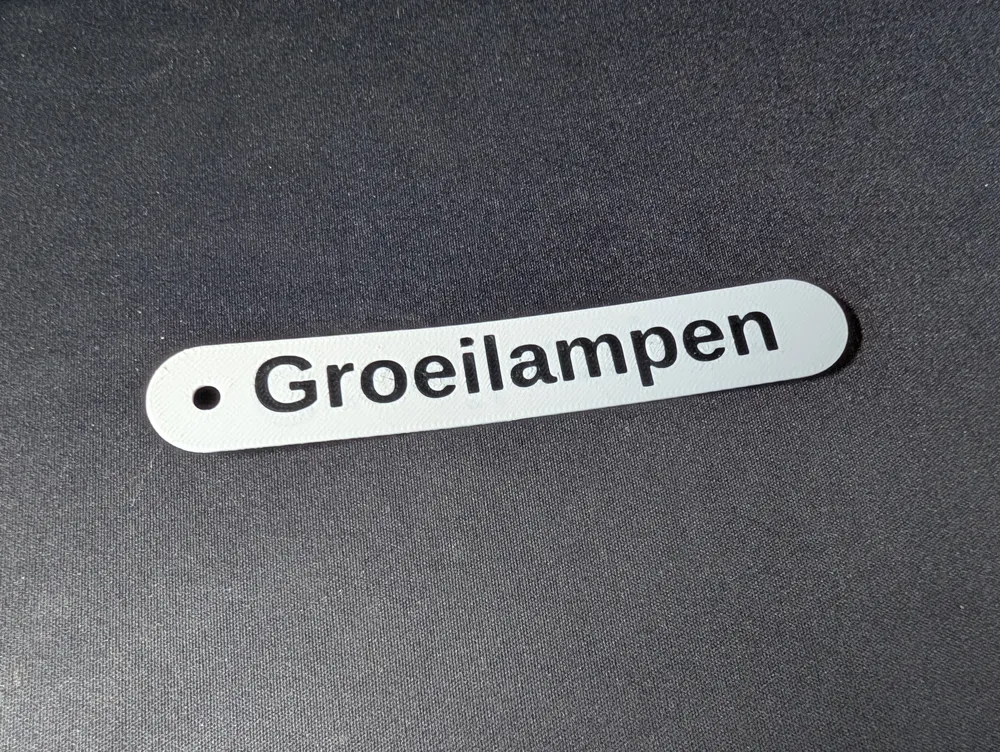
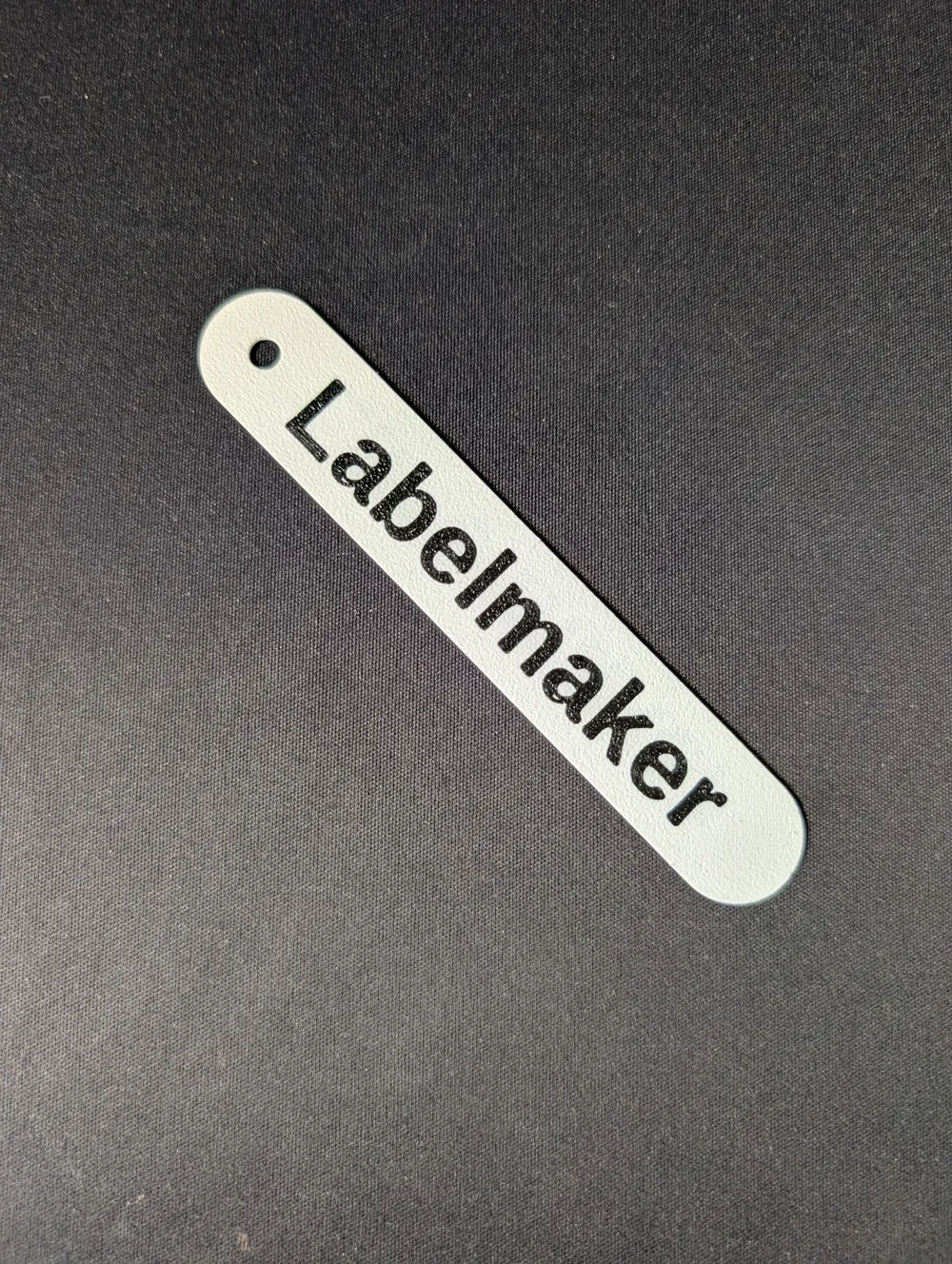
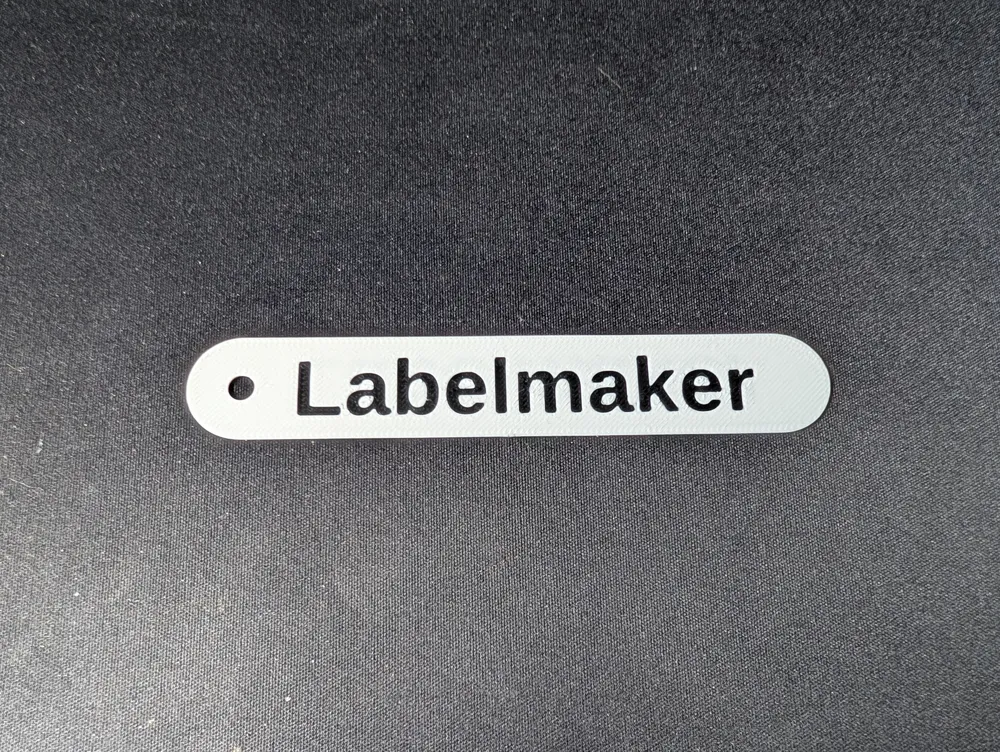
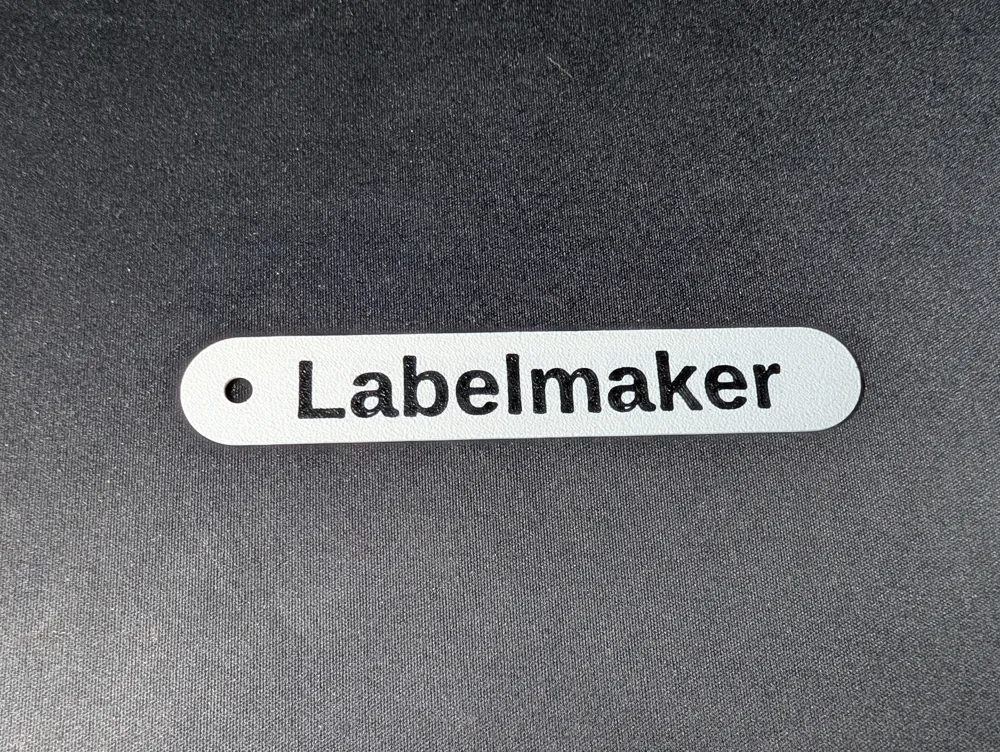
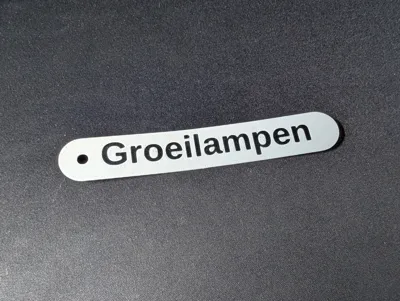
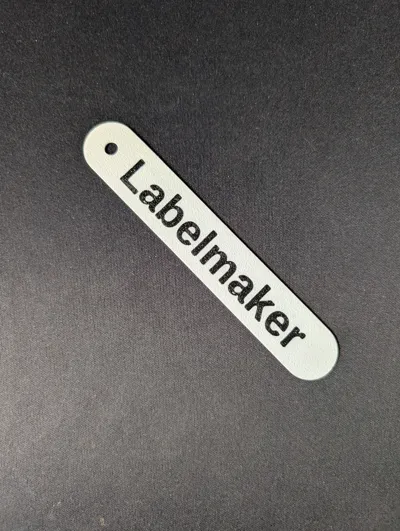
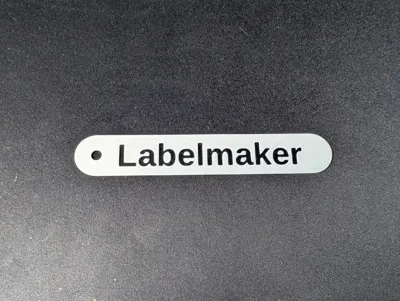
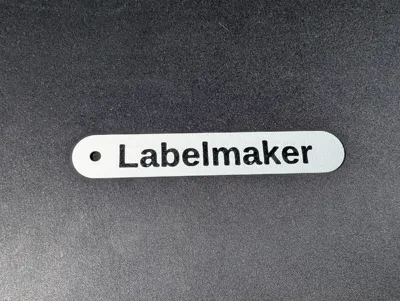
Customizable model to create a 3D-printable label with text on both sides and attachment holes for zip ties.
How to use
1. Simply enter the text you want on the label, and decide these things:
- Which way to flip the text on the back (FlipAroundX setting);
- What should the height and thickness be?
- What size should the attachment hole(s) be and should there be 1 or 2?
2. Enter these choices and hit generate. Check the preview and follow the steps below if required:
- Is your text too long? Increase the value for the Length setting;
- Is your text too small? Increase the value for the TextScale setting;
- Is the TextScale setting maxed out (1) and is the text still too small? Enable the DisableProtection setting;
3. Download the 3MF file and open it in Bambu Studio
Please note that the 3MF file is required to be able to have the text a different color from the label. Change the colors of the text/label by changing the color of the filament in Bambu Studio
Customizations
The label has a few settings that can be changed. If you are missing something, take a look at the development section at the bottom of this description.
- Text: The text on the label;
- FlipAroundX: Which way the text on the back should face.
- True: Flip around X axis (start of word stays on the same side);
- False: Flip around Y axis (top of word stays on the same side);
- TextScale: Textsize relative to the label size;
DisableProtection: Enable to get larger letters. Text size is limited to prevent uppercase letters and letters that stick down (p, g, etc.) from extending beyond the label. This can result in lowercase text that is too small. Disabling the protection can fix this.
- Height: Label height (short side) [mm];
- Length: Label length (long side) [mm];
Thickness: Label thickness [mm];
- Diameter: Attachment holes diameter [mm];
- BothSides: Add a hole on both sides of the label [mm];
Notes
My goal was to have 2 filament changes (i.e. have the print start out with the text color, change to the body color, and then move to the text color on top again. Unfortunately, Bambu Studio insists on putting the text color filament in the middle layer too (on a 3 layer print), so it has to do 3 filament changes for a 3 layer print.
Print time
A 20mm tall, 3 layer (0.6mm), 125mm long label takes about 15 minutes on a P1S, including bed leveling etc.
Development
If you want to help out improving this script, feel free to leave me a note on GitHub, the script is located here: https://gist.github.com/Timmiej93/4b53ce9bedd12e1705290a0900ebe04a
Updates
2025-08-10: Added support for multiline labels (up to 3 lines, if more are required let me know).
License

You may create derivative works based on this object, provided that all such derivative works are published exclusively on the MakerWorld platform and include proper attribution to the original creator. You may not share, upload, host, distribute, or publish this object—or any derivative work of this object—on any other digital platform, marketplace, or distribution channel. Commercial use of this object and any derivative works is strictly prohibited. This includes, but is not limited to, selling, renting, sublicensing, or using the object in any context in which you receive monetary compensation or other financial benefits.


Comment & Rating (4)