
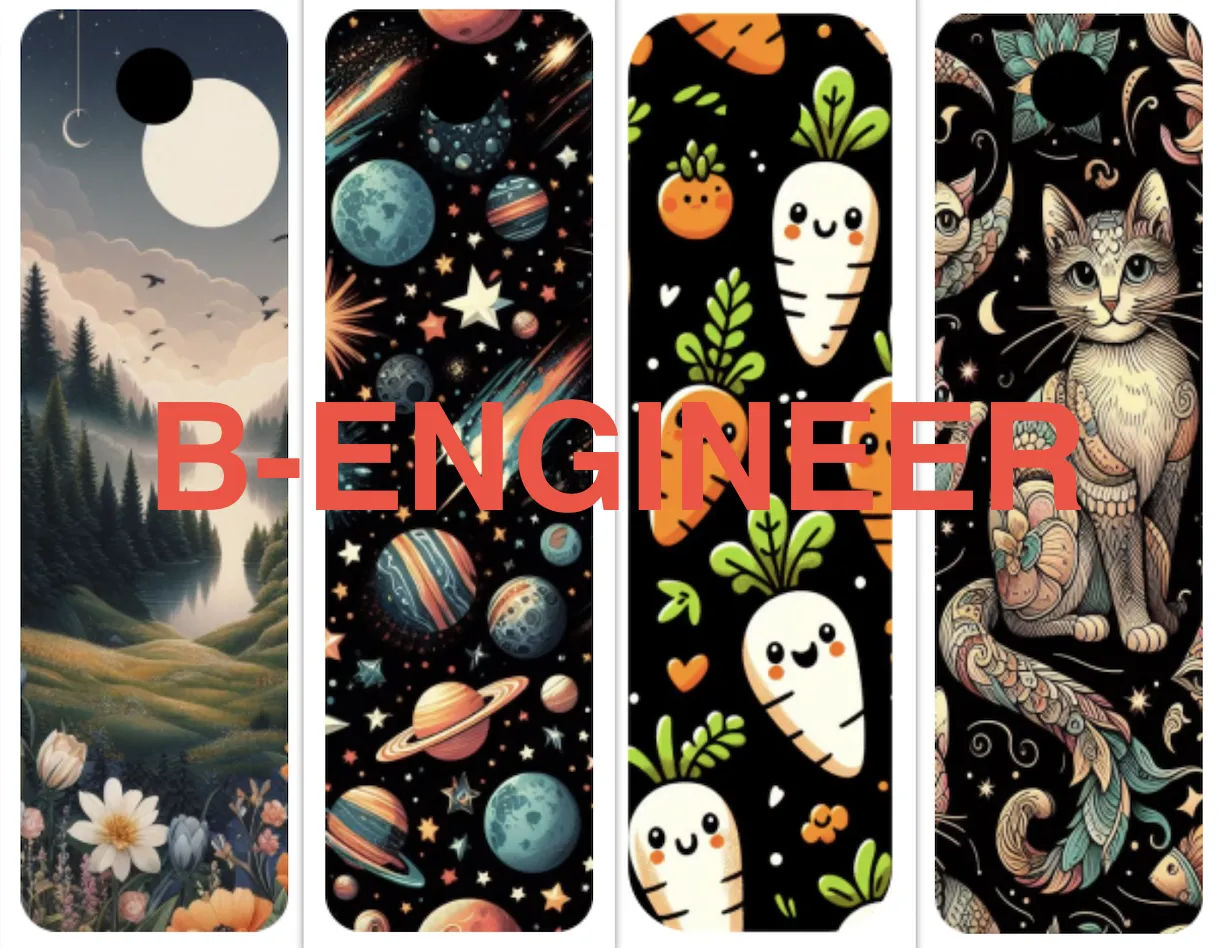
Bookmark resizable pack - cat planet landscape - Hueforge


Print Profile(4)


Description
--------if you like my work please, follow me and spread some love giving some like and follow❤️---------
Today i want Introducie a meticulously crafted set of bookmarks, designed with precision and passion using Photoshop and Hueforge.
These bookmarks are not just functional accessories but a thoughtful gift for that special someone or an exquisite addition to your home decor❤️

These bookmark are simply resizable directly in Bambu Studio using the scale function as follow (Note that you must not modify Z axis dimensions):

-If stringing occour you can simply remove it using your lighter as follow:
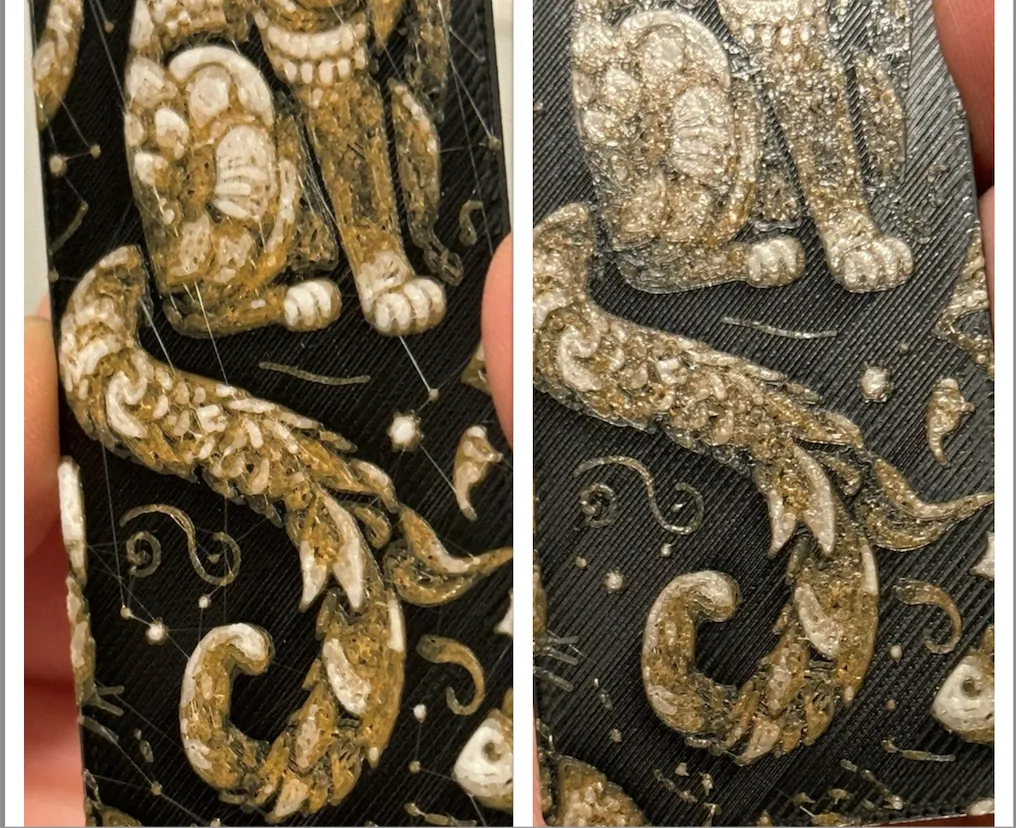
Pass the flame for only few seconds and you will be surprised by the result, from left to right picture like magic😄
HUEFORGE Instructions:
-Cat:
Print at 100% infill with a layer height of 0.08mm with a base layer of 0.16mm
Filaments Used:
PLA BambuLab Basic Black Transmission Distance: 0.6
PLA BambuLab Basic Orange Transmission Distance: 10
PLA BambuLab Basic Jade White Transmission Distance: 5
Swap Instructions:
Start with Black
At layer #8 (0.72mm) swap to Orange
At layer #11 (0.96mm) swap to Jade White for the rest.
-Planet:
Print at 100% infill with a layer height of 0.08mm with a base layer of 0.16mm
Filaments Used:
PLA BambuLab Basic Black Transmission Distance: 0.6
PLA BambuLab Basic Yellow Transmission Distance: 6
PLA BambuLab Basic Orange Transmission Distance: 10
PLA BambuLab Basic Jade White Transmission Distance: 5
Swap Instructions:
Start with Black
At layer #8 (0.72mm) swap to Yellow
At layer #10 (0.88mm) swap to Orange
At layer #12 (1.04mm) swap to Jade White for the rest.
-Valley:
Print at 100% infill with a layer height of 0.08mm with a base layer of 0.16mm
Filaments Used:
PLA BambuLab Basic Black Transmission Distance: 0.6
PLA BambuLab Basic Yellow Transmission Distance: 6
PLA BambuLab Basic Orange Transmission Distance: 10
PLA BambuLab Basic Jade White Transmission Distance: 5
Swap Instructions:
Start with Black
At layer #8 (0.72mm) swap to Yellow
At layer #10 (0.88mm) swap to Orange
At layer #12 (1.04mm) swap to Jade White for the rest.
-Carrots:
Print at 100% infill with a layer height of 0.08mm with a base layer of 0.16mm
Filaments Used:
PLA BambuLab Basic Black Transmission Distance: 0.6
PLA BambuLab Basic Yellow Transmission Distance: 6
PLA BambuLab Basic Orange Transmission Distance: 10
PLA BambuLab Basic Jade White Transmission Distance: 4
Swap Instructions:
Start with Black
At layer #8 (0.72mm) swap to Yellow
At layer #10 (0.88mm) swap to Orange
At layer #12 (1.04mm) swap to Jade White for the rest.
If you want any modifications or variations, feel free to ask, if you have specific requests write to me privately, and I will do my best to fulfill your desires❤️
License

You shall not share, sub-license, sell, rent, host, transfer, or distribute in any way the digital or 3D printed versions of this object, nor any other derivative work of this object in its digital or physical format (including - but not limited to - remixes of this object, and hosting on other digital platforms). The objects may not be used without permission in any way whatsoever in which you charge money, or collect fees.


Comment & Rating (4)