
SSD into a DVD slot of a HP EliteDesk 705 G4
Print Profile(1)

Description
My Story 📖
I had this HP EliteDesk 705 G4 with a traditional HDD that was working fine, but I wanted to add an SSD to boost performance for my main applications. The thing is, I didn't want to replace the HDD completely - it's perfect for storing files and other stuff where speed isn't critical.
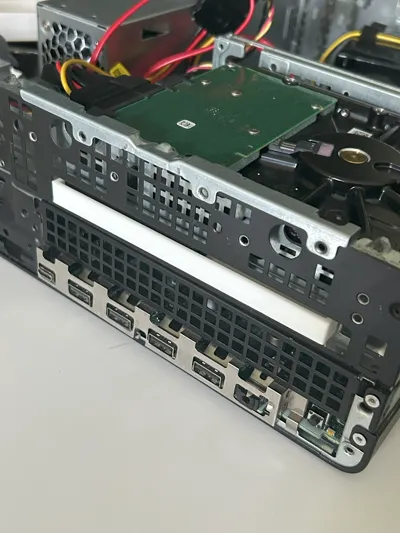
So I had this dilemma: where to put the new SSD? I could just leave it loose somewhere inside the case, but that felt messy and might mess with the cooling airflow. Then I noticed the empty DVD slot just sitting there, unused (like most DVD drives these days, right?).
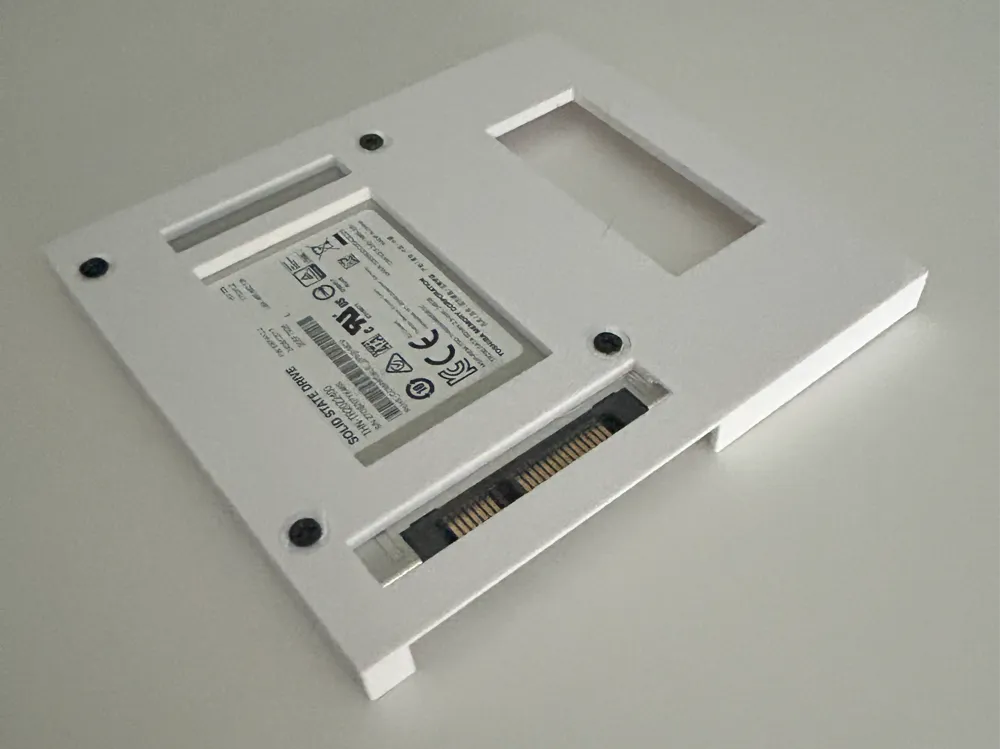
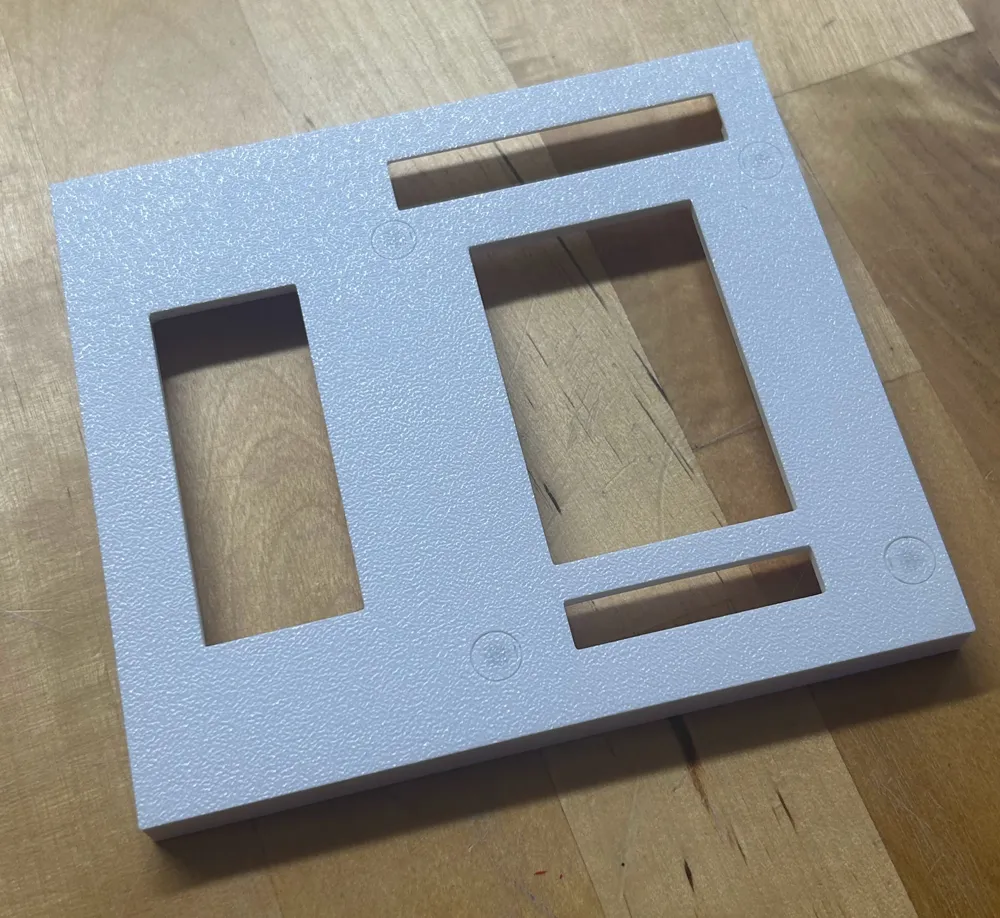
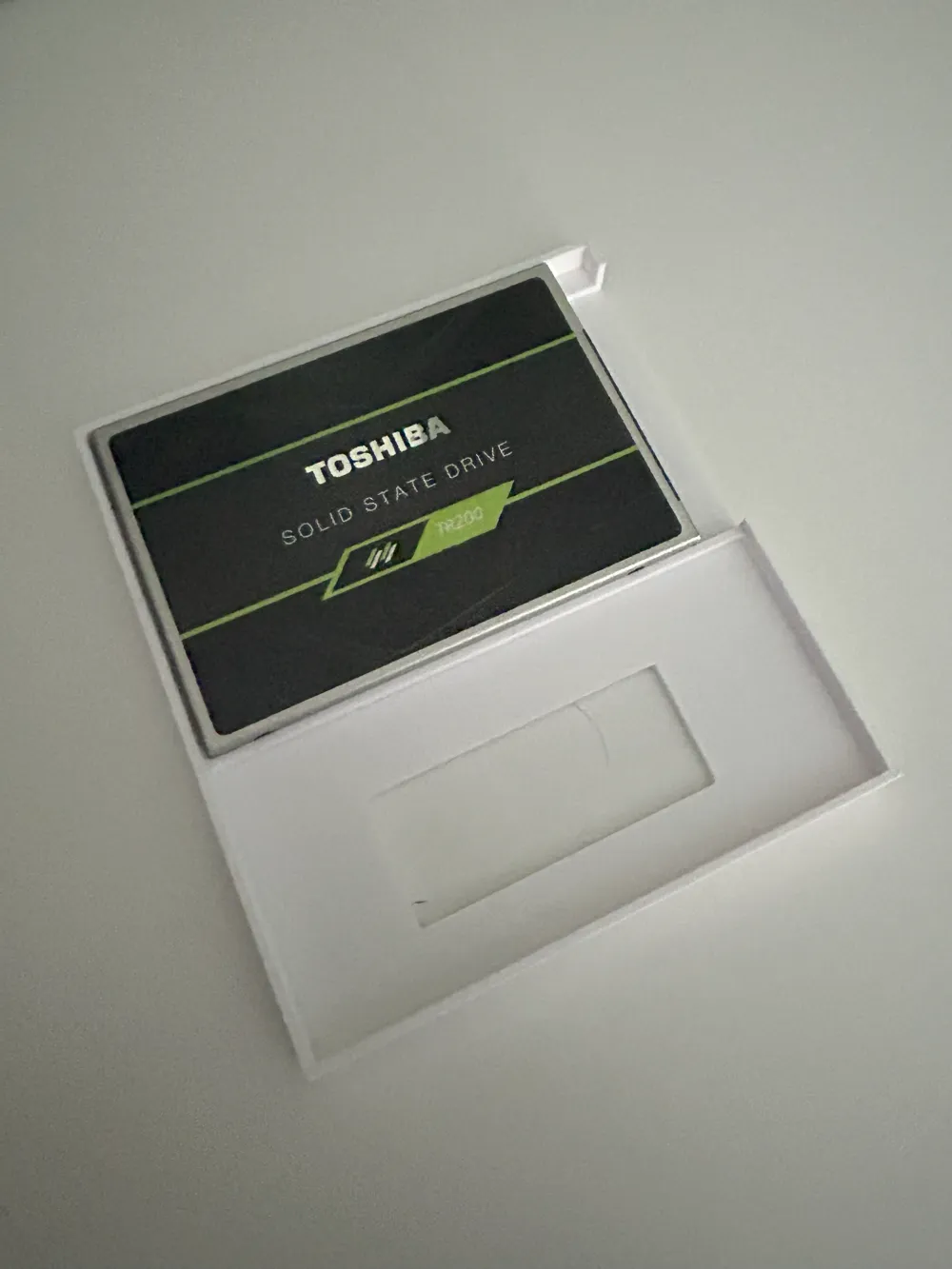
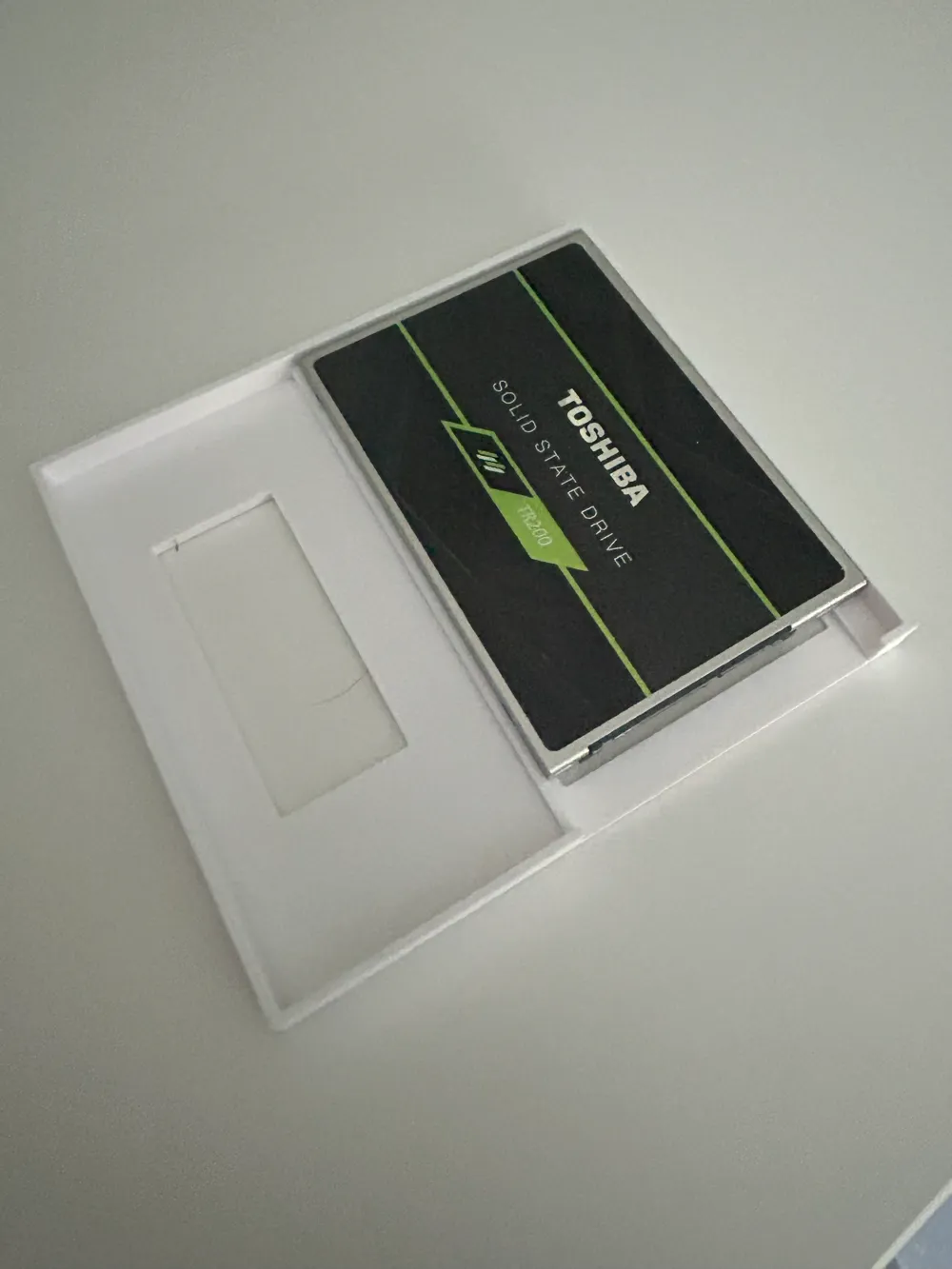
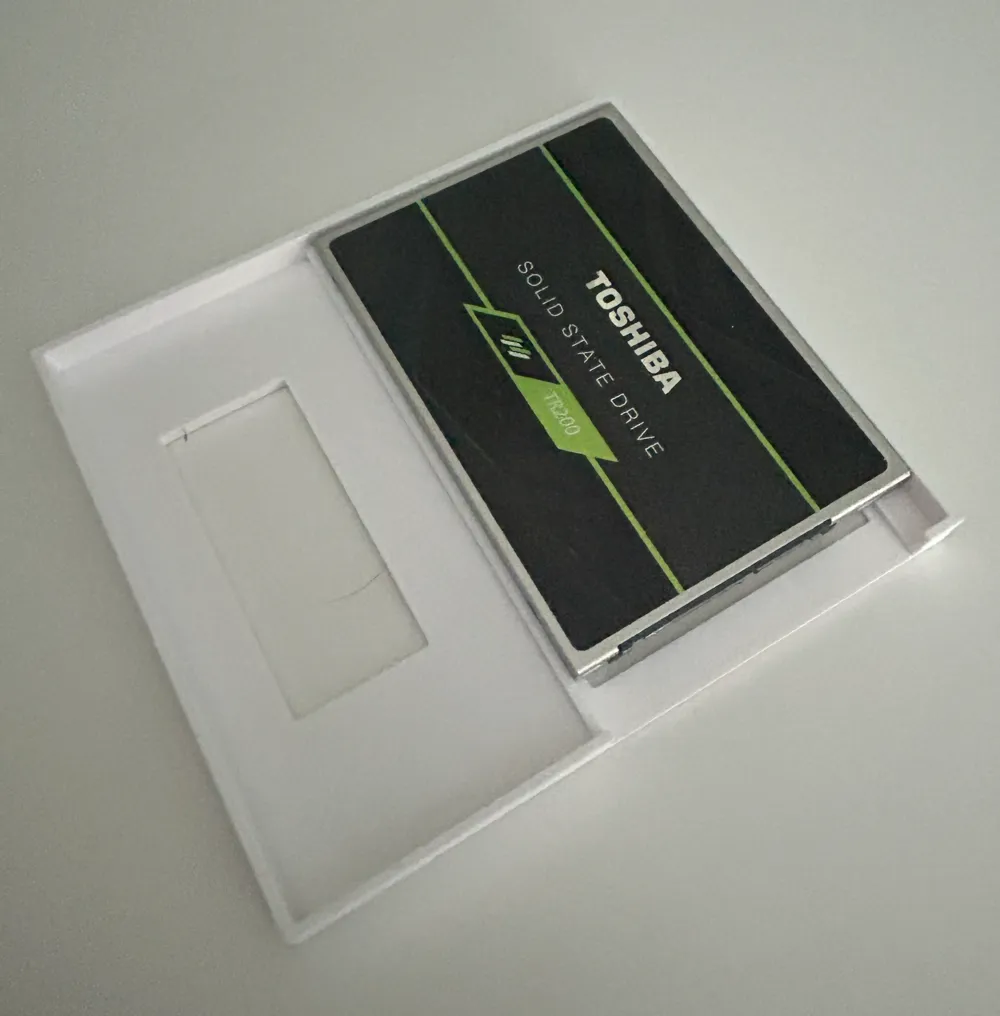
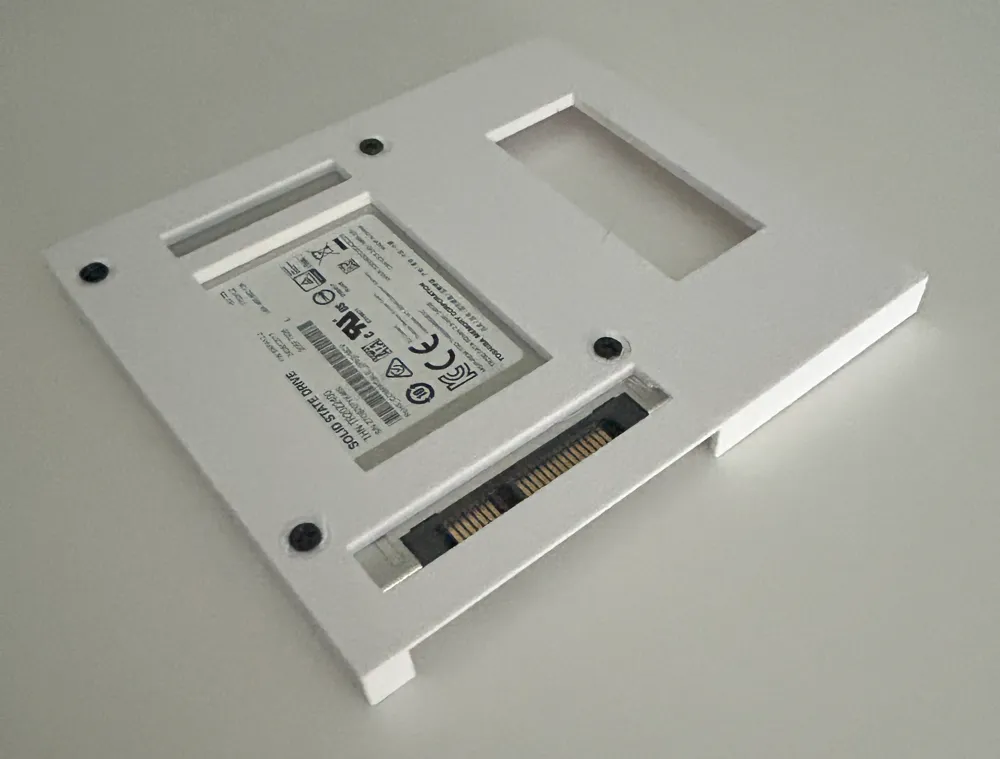
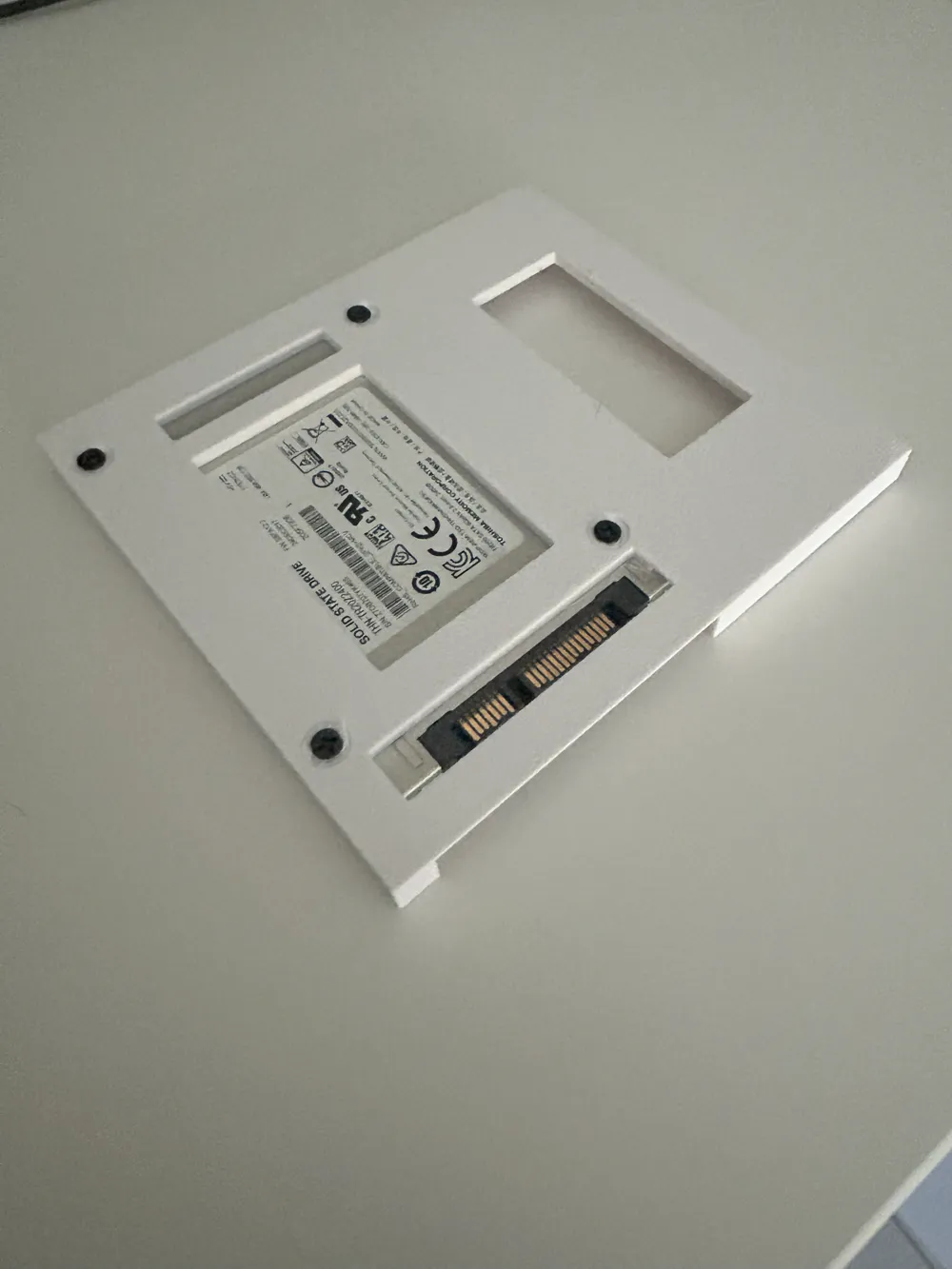
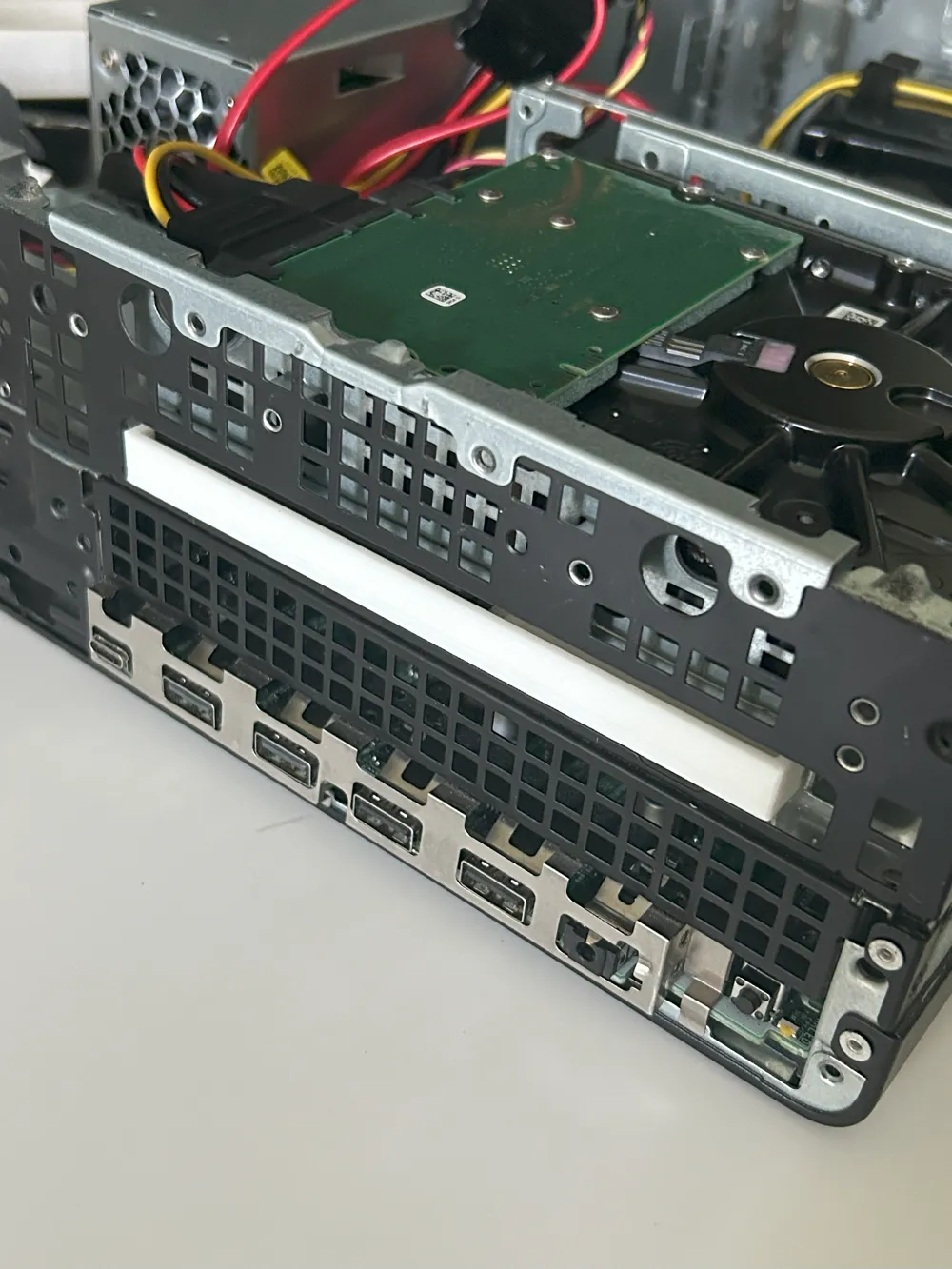
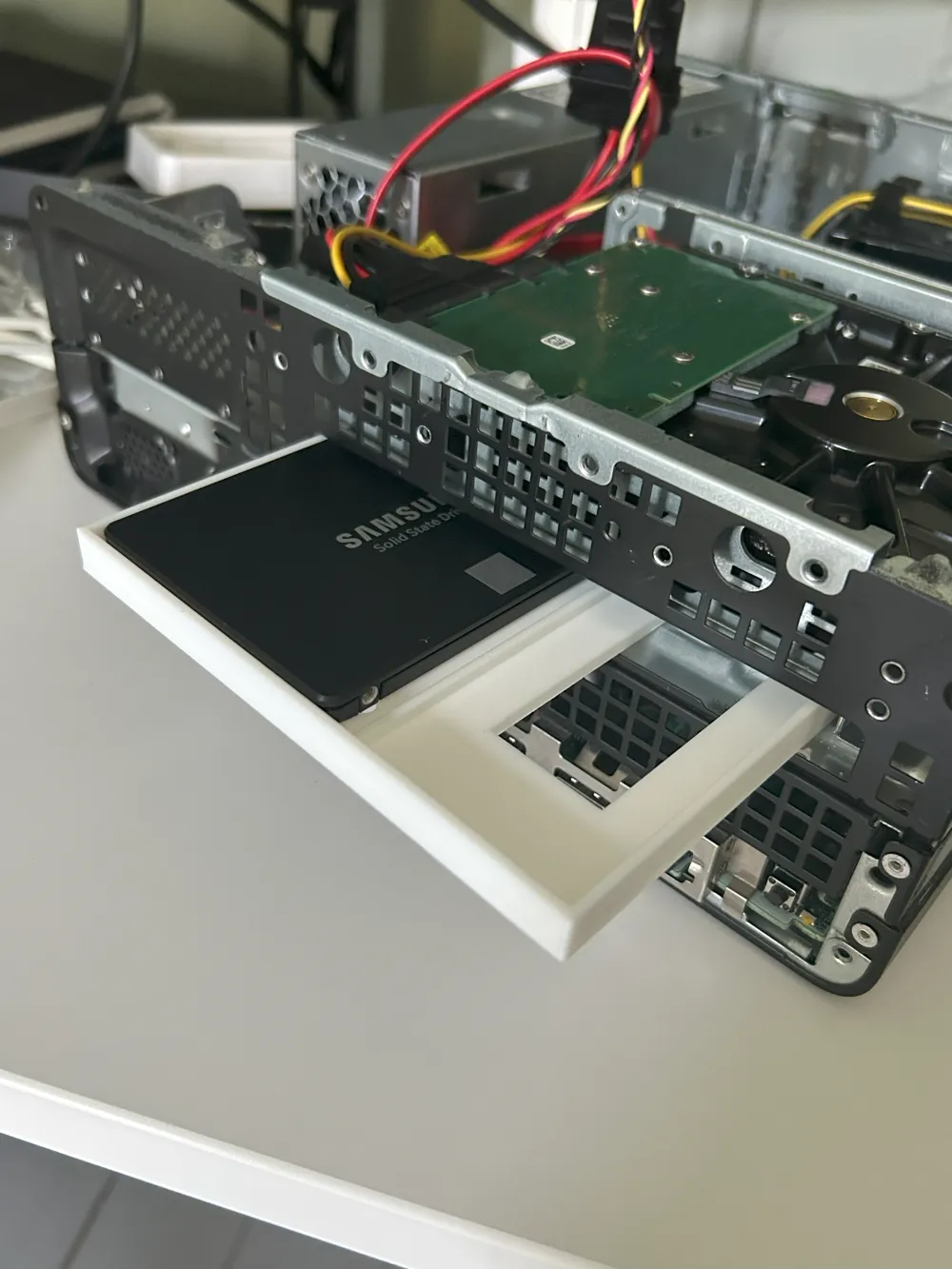
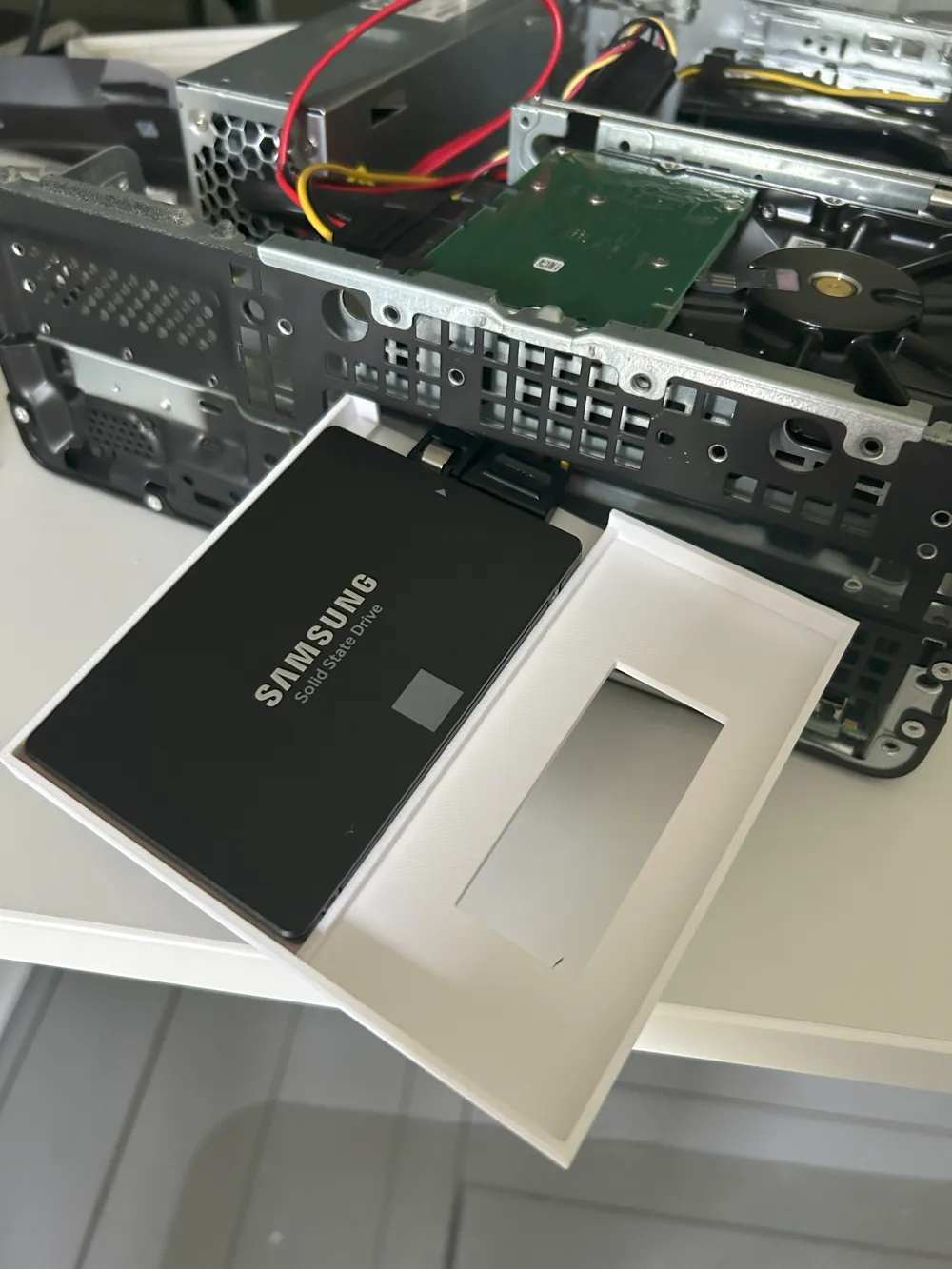
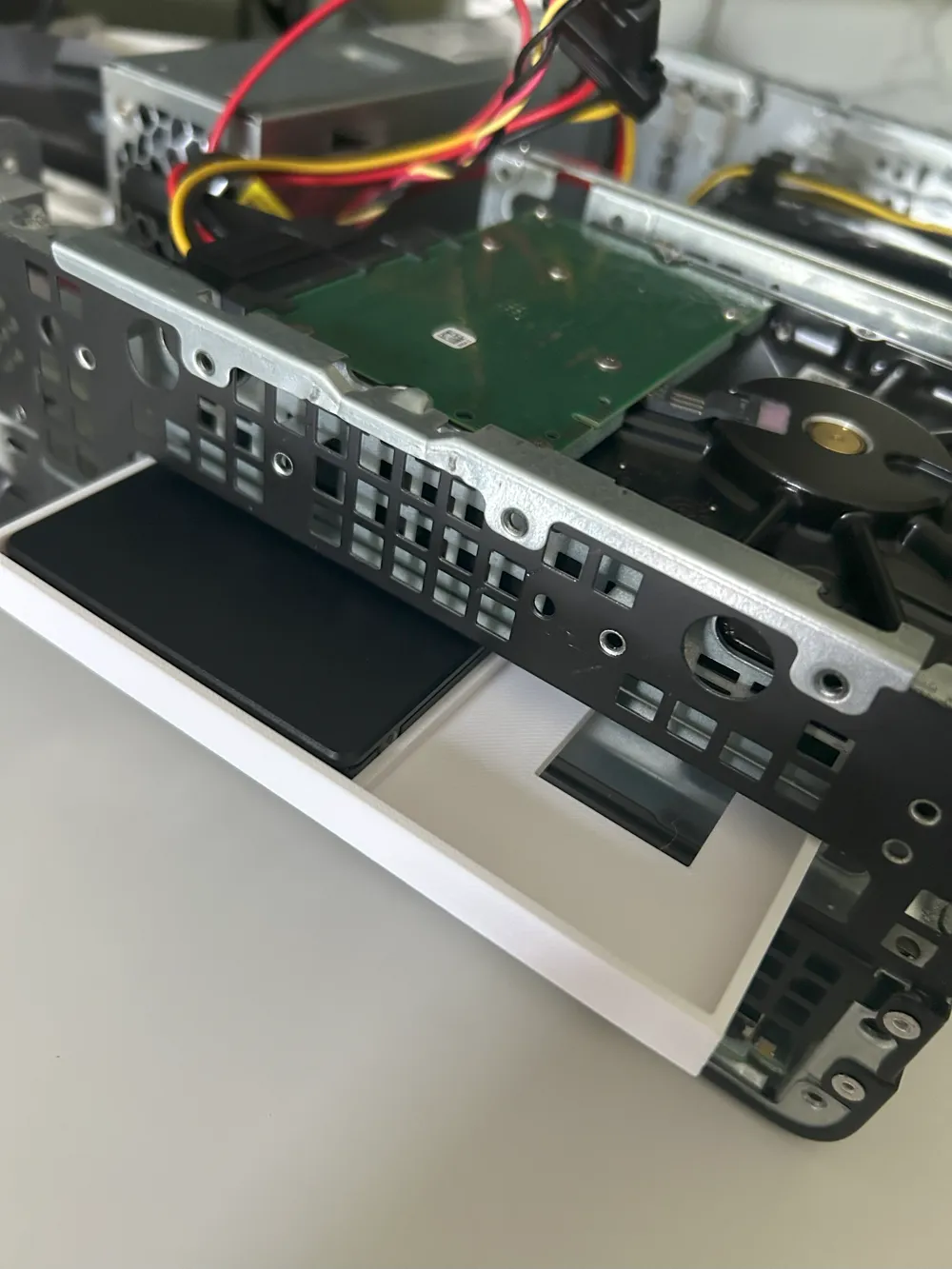
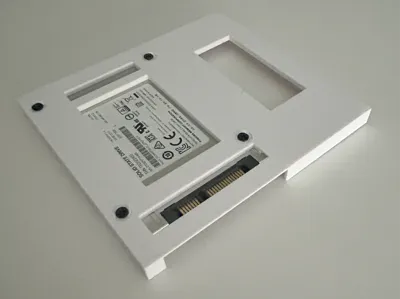
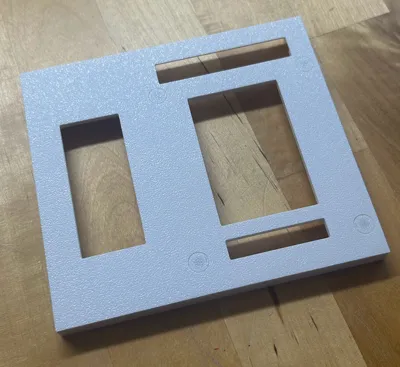
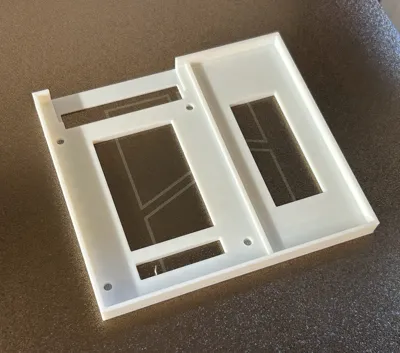
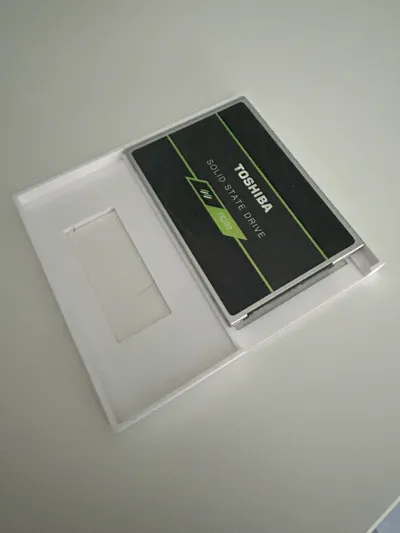
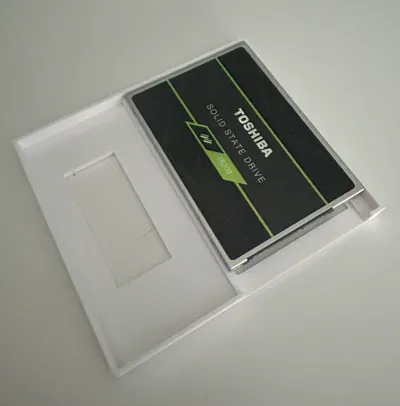
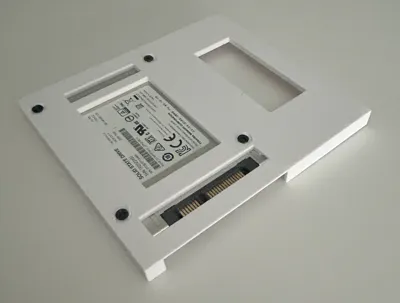
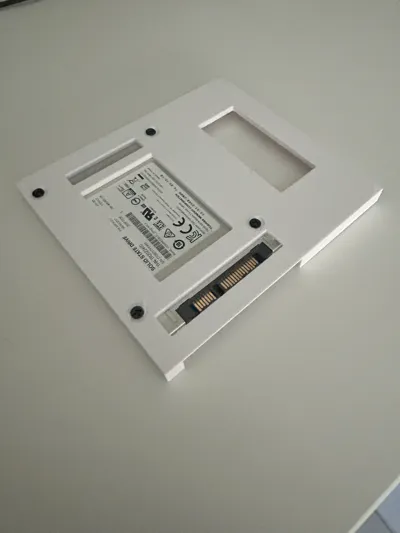
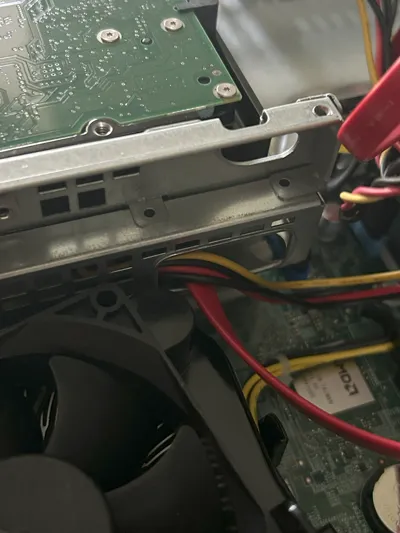
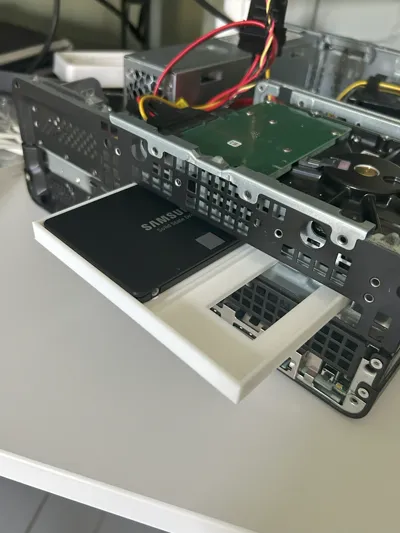
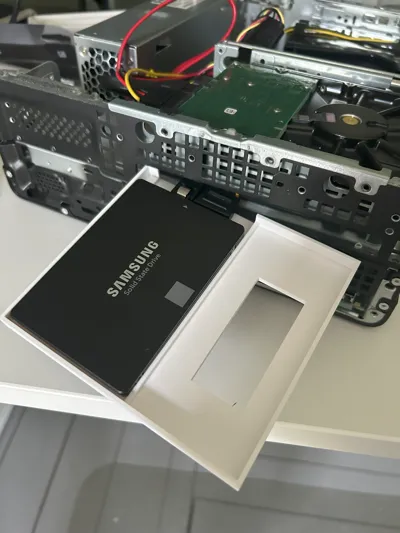
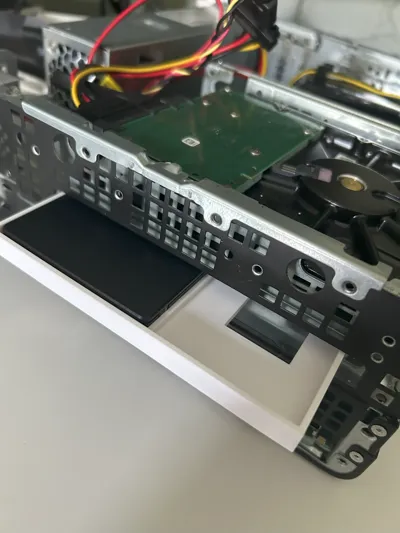
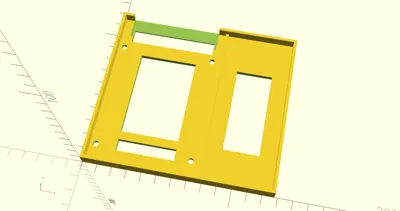
The SSD fits in the DVD slot, but it would just rattle around loose. That's when I decided to design this adapter to properly mount it. As a bonus, I discovered the adapter positions the SSD perfectly aligned with an existing cutout in the metal case - probably originally designed for DVD cables - making cable management super clean!
🚀 What This Adapter Does
- Secure Mounting: Transforms your unused DVD slot into a proper SSD mount
- Smart Positioning: Aligns the SSD with existing cable cutouts in the case
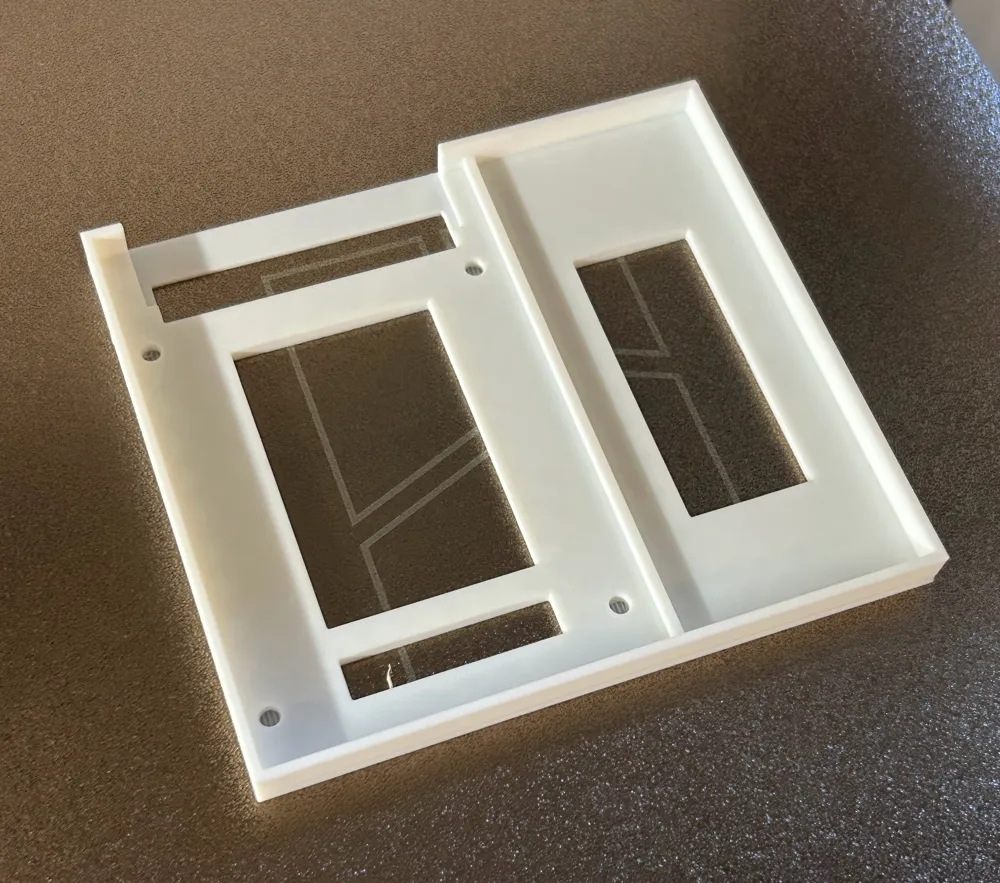
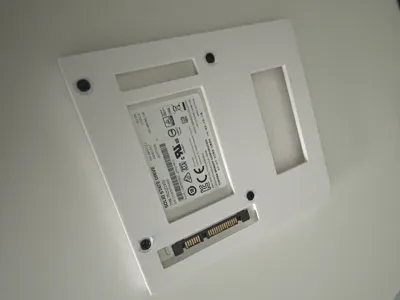
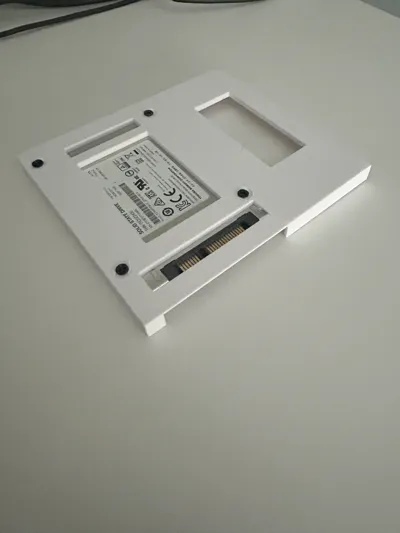
- Easy Installation: Open-top design makes cable connections hassle-free
- No Modifications: Doesn't affect your existing HDD or cooling setup
- Clean Setup: Strategic cutouts and cable routing keep everything tidy
📋 What You'll Need
- Hardware: 4x M3 screws (5-7mm length) - optional
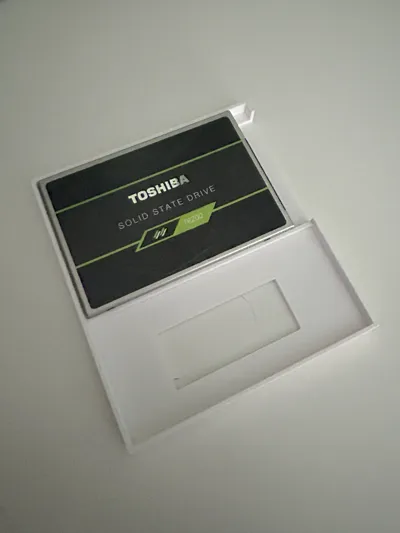
- SSD: Any standard 2.5" SATA SSD (I tested with Samsung EVO and a Toshiba TR200)
- Tools: Just a screwdriver
🖨️ My Print Settings
- Layer Height: 0.20mm (what I used)
- Infill: 15%
- Material: PETG (recommended for computer environments), though PLA printed fine too
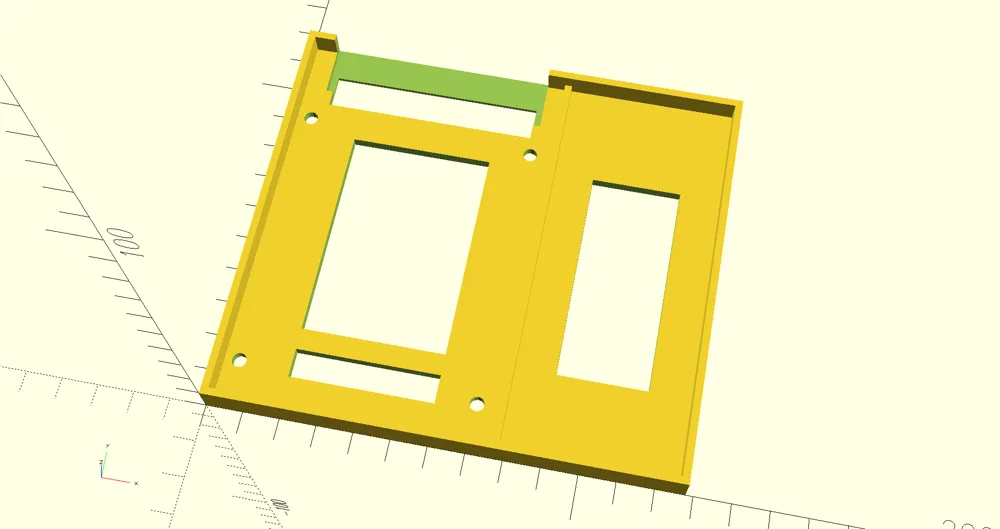
- Supports: Normal (auto), build plate only - helps with the screw holes
- Print Time: About 1 hour
- Orientation: Bottom face down
🔧 How I Installed It
- Printed the adapter (supports help get clean screw holes)
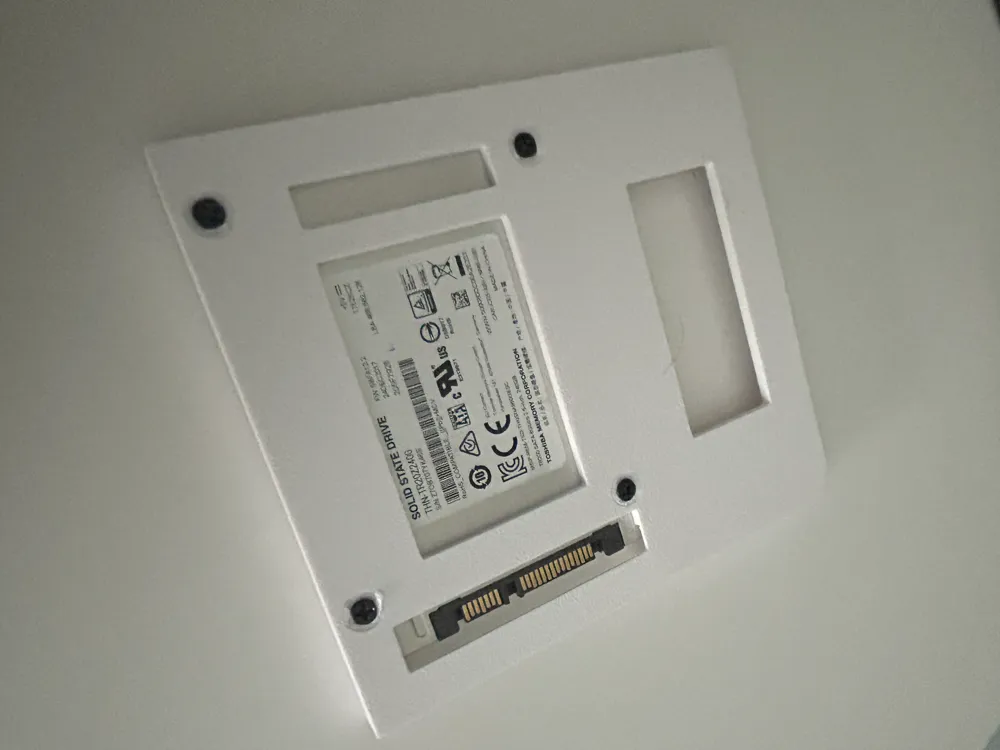
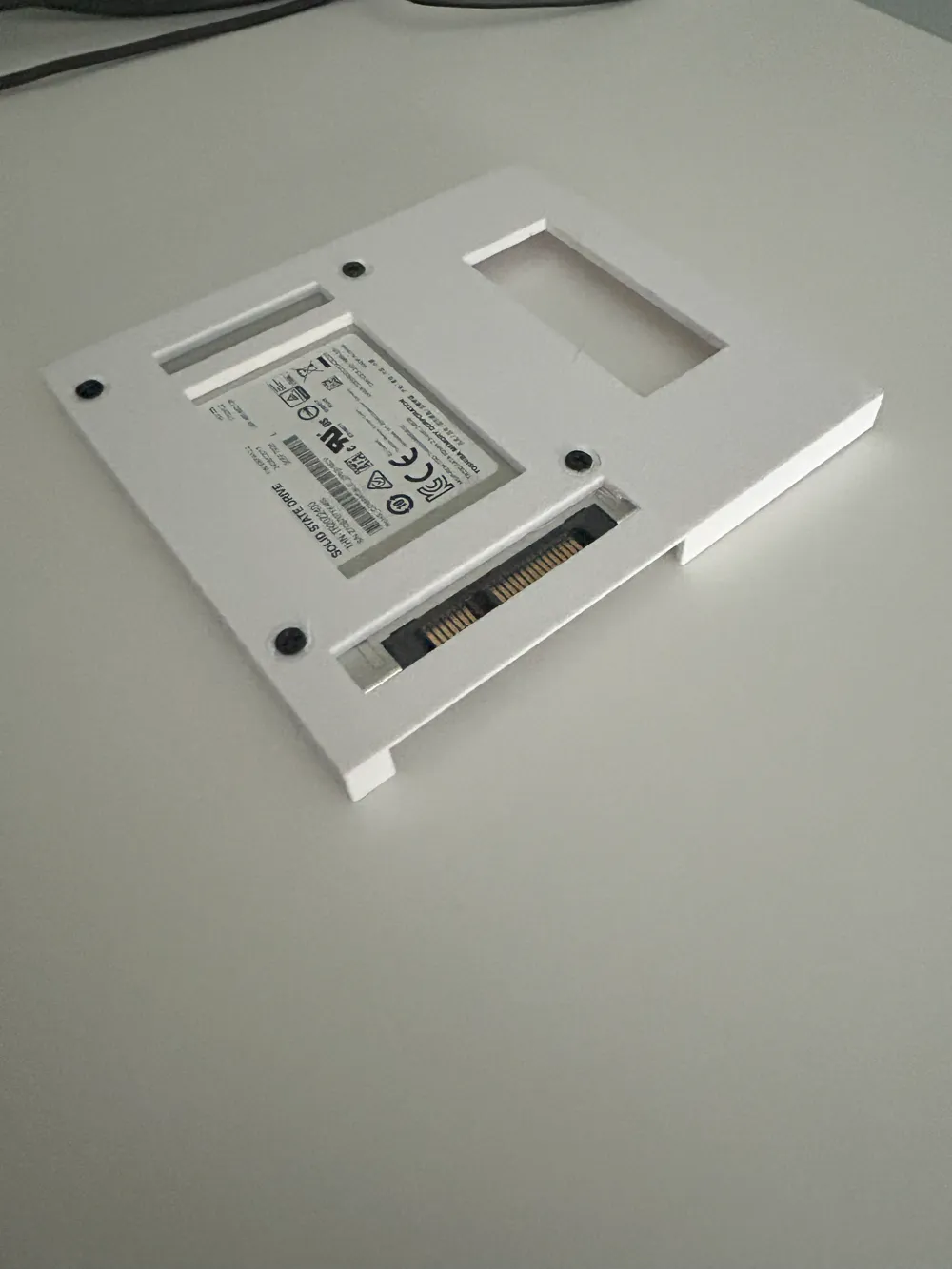
- Mounted my SSD with M3 screws from the bottom - they sit flush thanks to the countersunk design. (Though honestly, the SSD stays put even without screws since the DVD slot keeps everything snug)
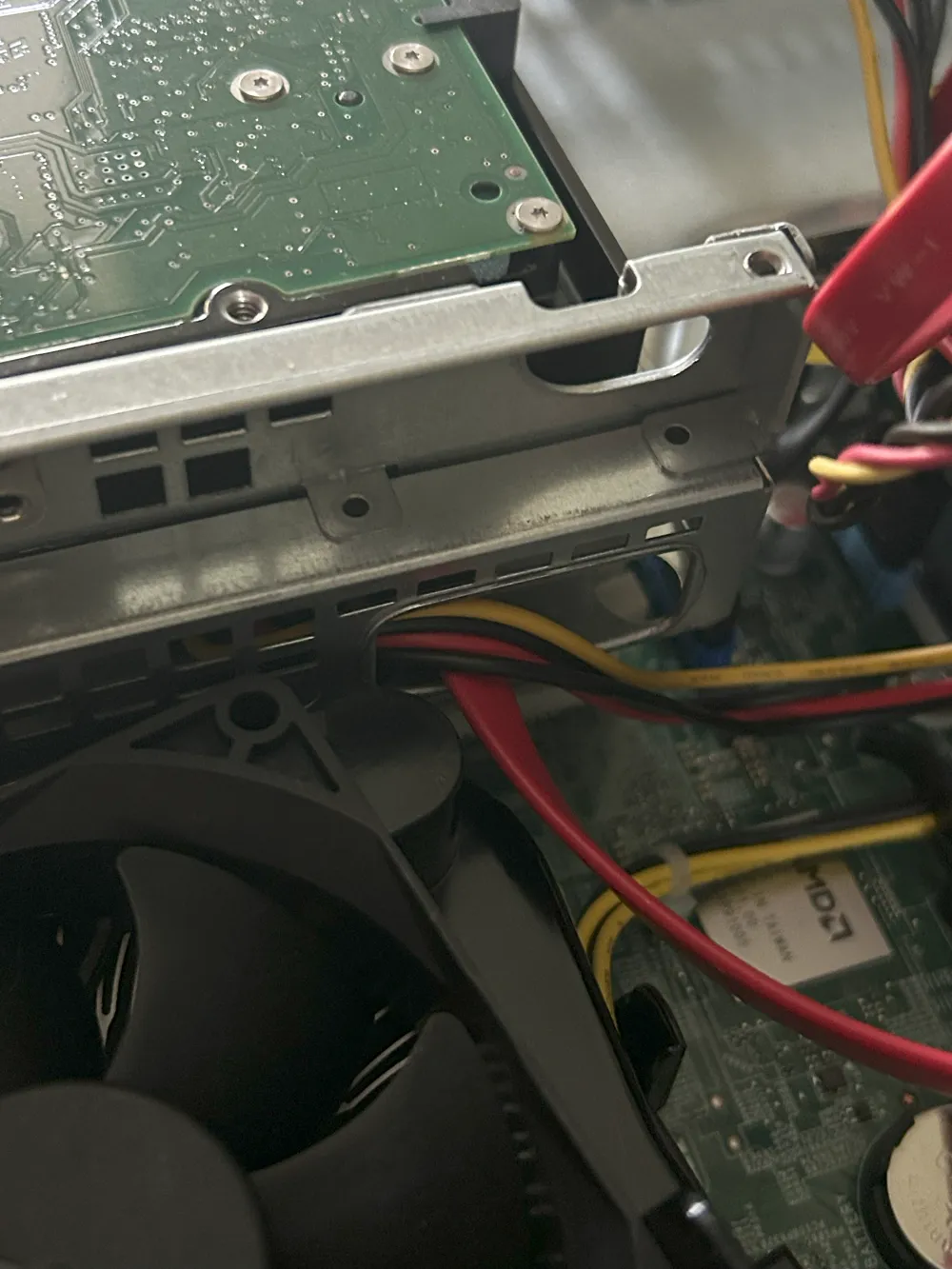
- Connected SATA cables through the cable notch - lines up perfectly with the case cutout!
- Slid everything into the DVD slot
- Now I have both my old HDD and new SSD working together!
⚠️ Important Notes
All dimensions are approximate based on my specific HP EliteDesk 705 G4. DVD slot sizes might vary between models, so double-check your measurements before printing!
The adapter works great for keeping both drives without affecting the original setup or airflow. Plus, that cable alignment with the case cutout makes it look like it was meant to be there.
🎯 Bottom Line
Perfect solution if you want to add an SSD without losing your existing storage or messing with your computer's internals. The DVD slot was just sitting there unused anyway!
Feel free to modify the design for your specific case (credits appreciated!). If you make one, I'd love to see how it turned out! 😊
License



Comment & Rating (1)