Search models, users, collections, and posts

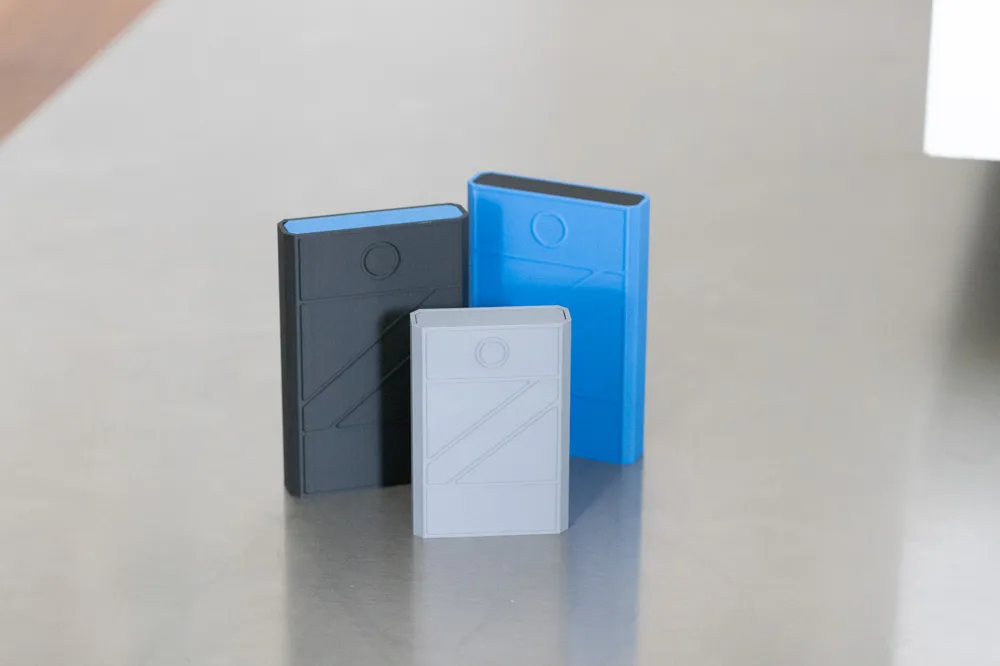
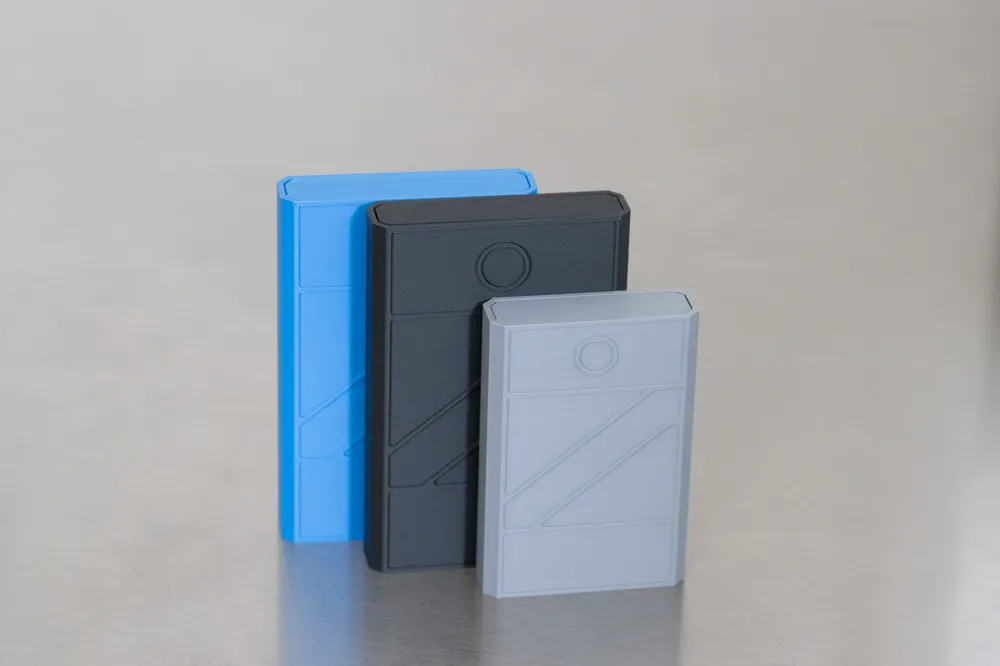
Box – Magnetic Open & Lock
IP Report
GIF
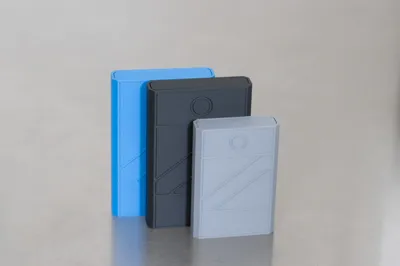
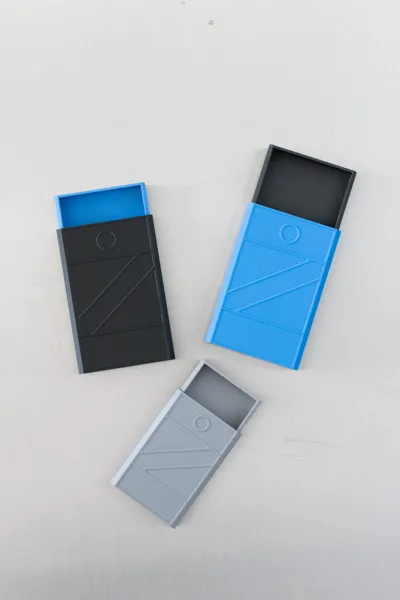
Print Profile(6)

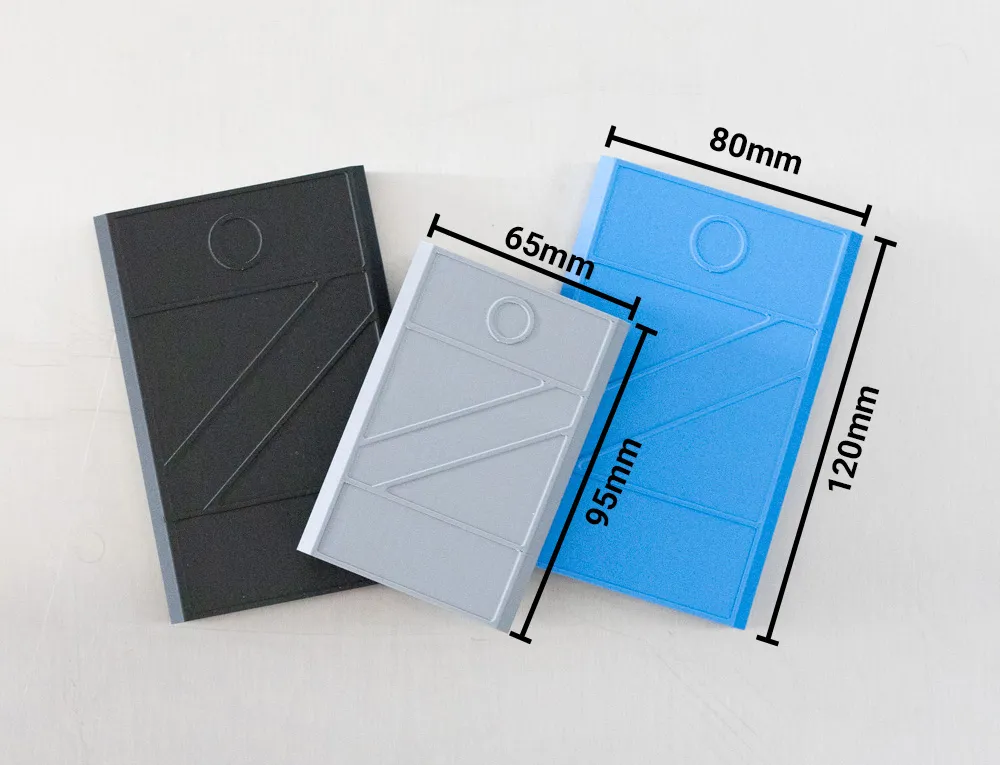
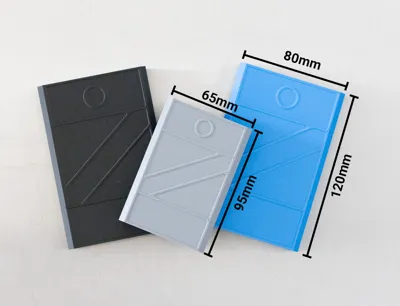
120mm x 80mm A1 / A1 mini / H2D print by layer
Designer
3.5 h
1 plate
95mm x 65mm, 0.16mm layer, 3 walls, 15% infill
Designer
1.8 h
1 plate

95mm x 65mm A1 / A1 mini / H2D
Designer
2.9 h
1 plate

120mm x 80mm, 0.16mm layer, 3 walls, 15% infill
Designer
2.3 h
1 plate
Click to see more
Open in Bambu Studio
Boost
434
1268
93
49
663
385
Released
Bill of Materials
Maker's Supply Kits and Parts
Select all



Description
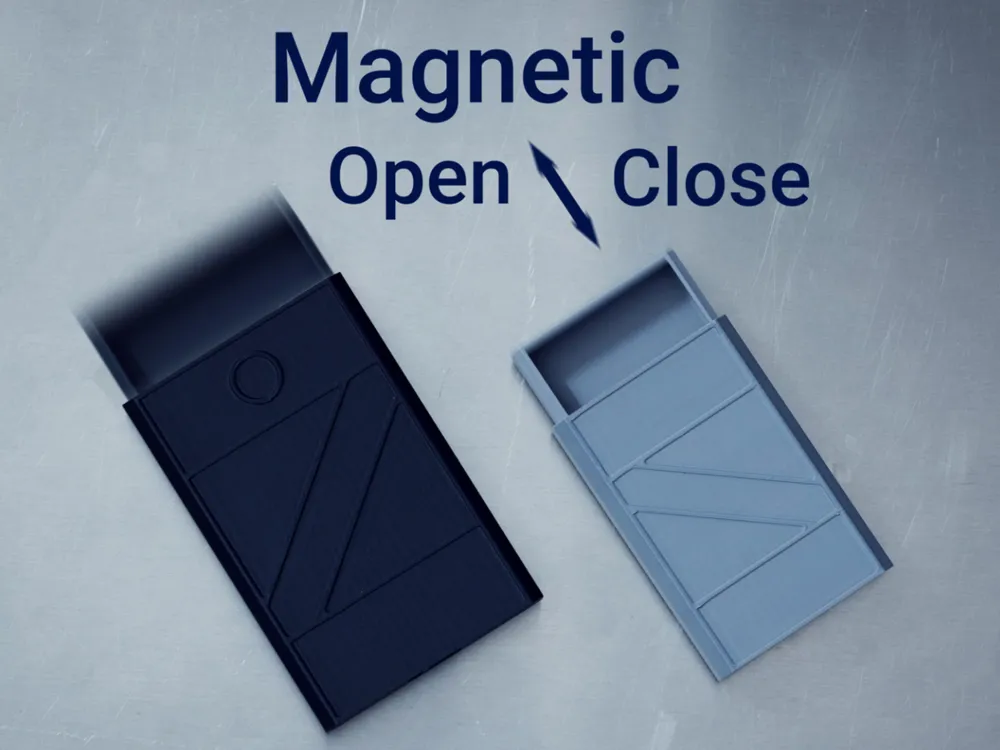
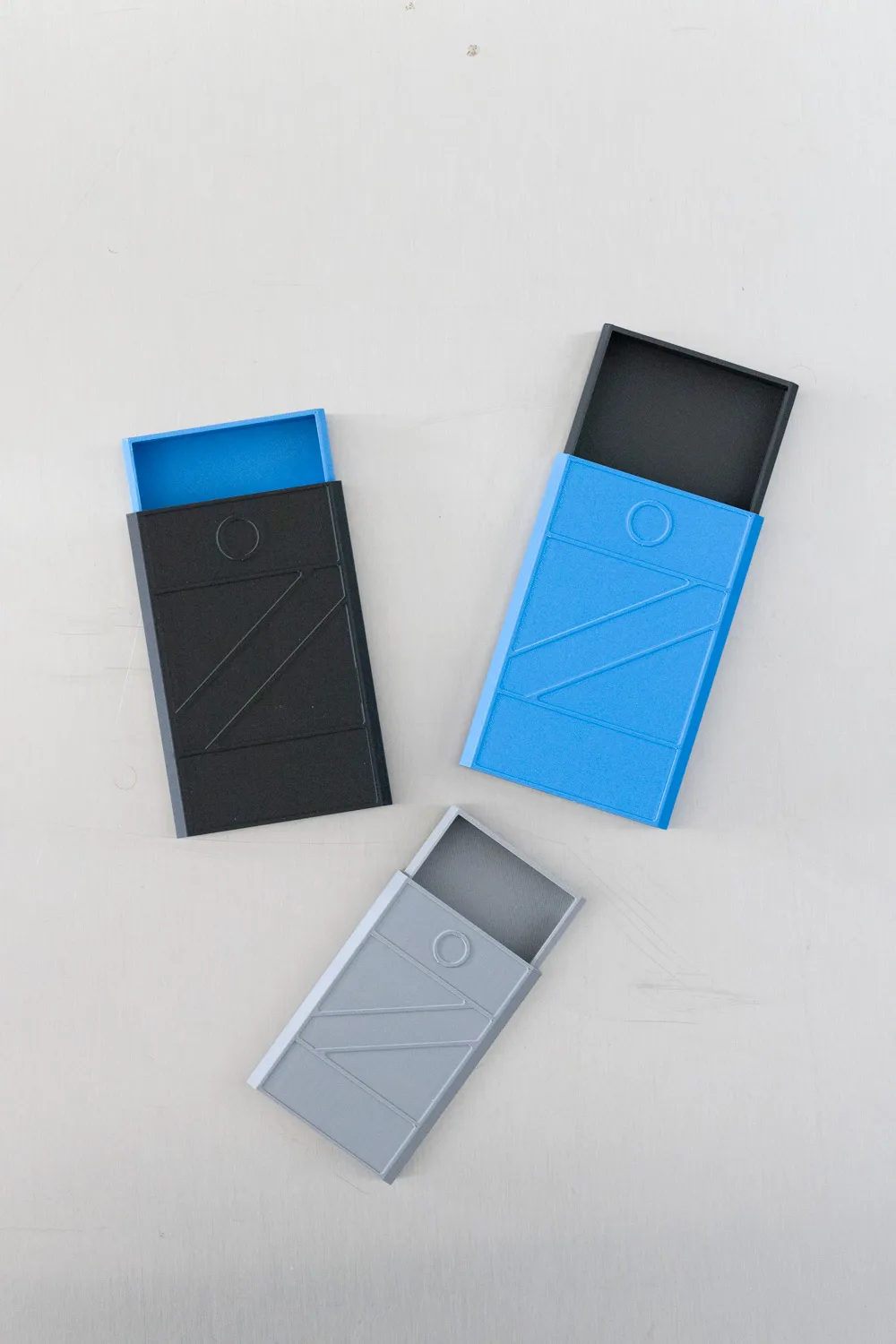
Snap-Open Magnetic Box – Auto Open & Lock

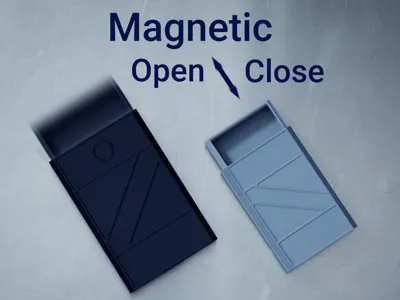
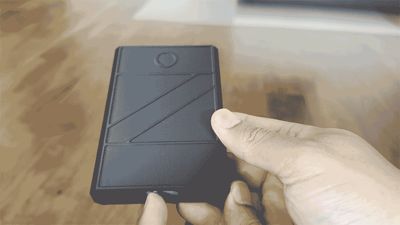
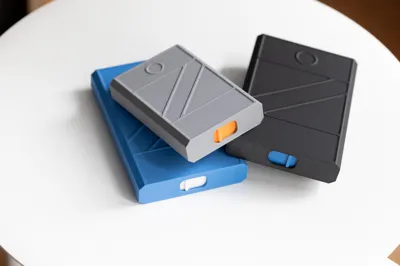
Built-in magnetic closure system and an auto-opening mechanism. When closed, magnets securely hold the tray shut. With a slide of the release switch, the tray pops open automatically thanks to the magnets.
🛠️ Assembly
🧲 Step 1: Installing the Magnets
- Magnets: 6 in total 6mm x 3mm
- Polarity matters: Ensure magnets are installed so they attract when the case is closed and push when you wanna open it
- Tip: Let two magnets naturally snap together, then mark one side with a marker
- Add a drop of super glue (CA glue).
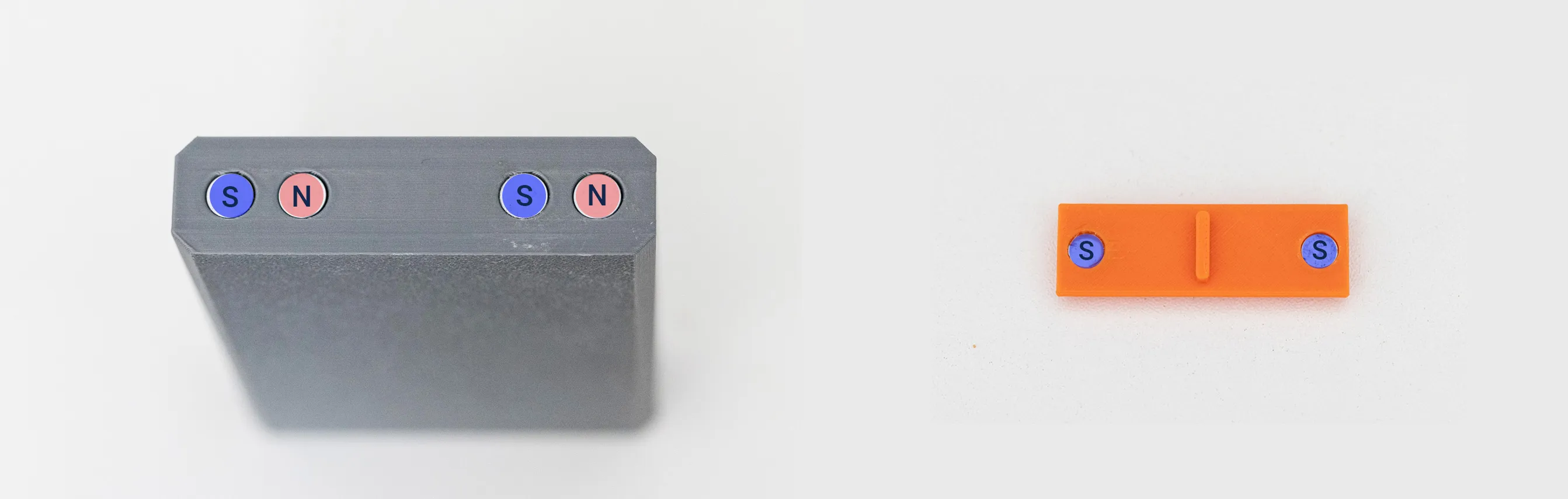
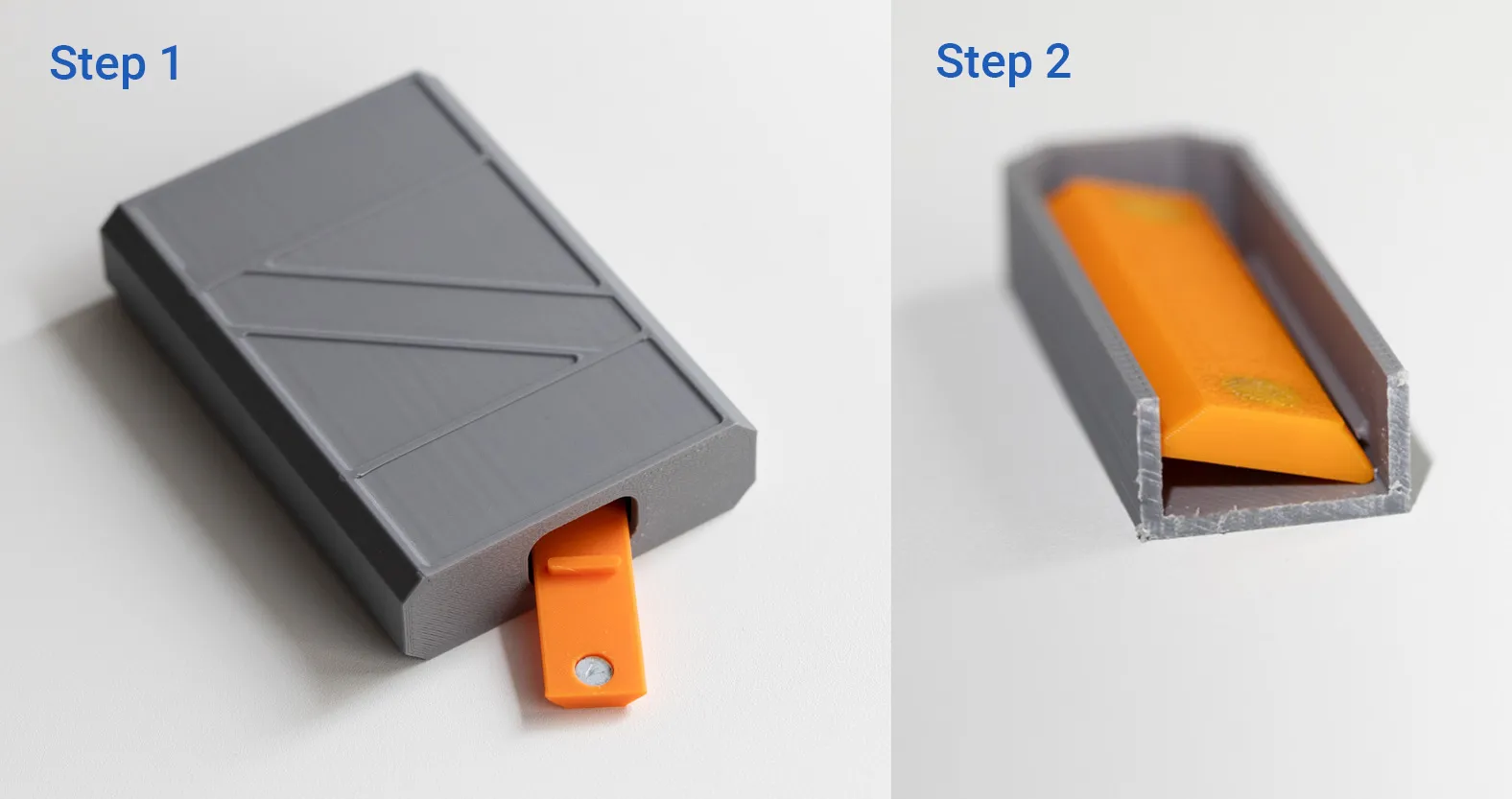
🔄 Step 2: Installing the Sliding Switch
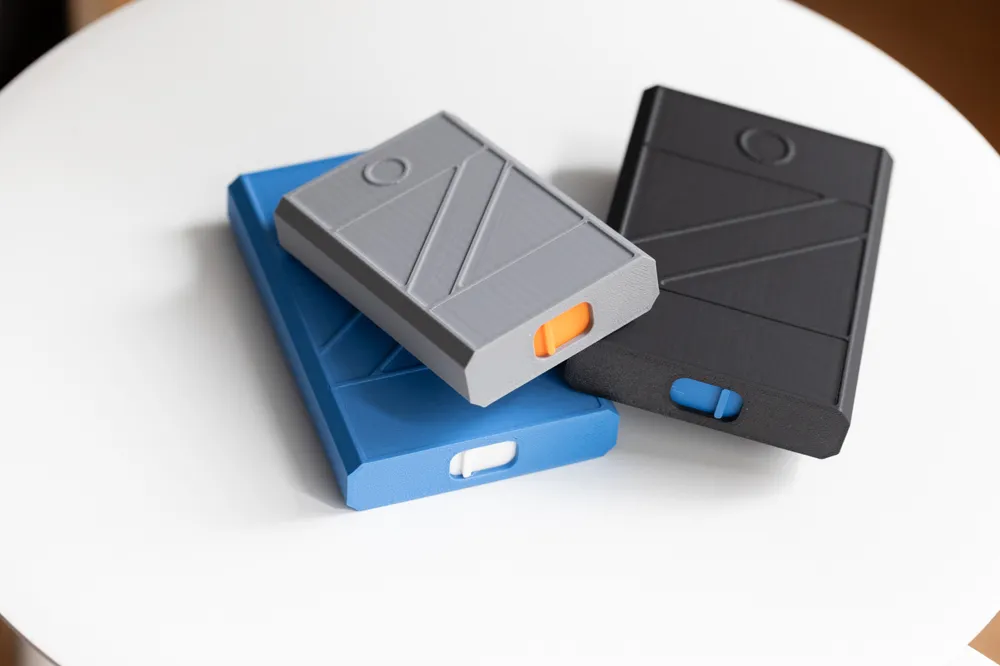
- The sliding switch locks and releases tray
- Its easiest inserted from underneath - Step1
- Tilt the switch at an angle - Step 2
- Once aligned, press it gently from above until you hear or feel a soft click. I used a pen to press down the slider
- Slide the switch back and forth to confirm smooth motion and latch release.

✅ Final Test:
- Put the tray into the case until the magnets click into place.
- Slide the release switch.
The tray should pop open smoothly.
License

This user content is licensed under a Standard Digital File License.
You shall not share, sub-license, sell, rent, host, transfer, or distribute in any way the digital or 3D printed versions of this object, nor any other derivative work of this object in its digital or physical format (including - but not limited to - remixes of this object, and hosting on other digital platforms). The objects may not be used without permission in any way whatsoever in which you charge money, or collect fees.


Comment & Rating (93)