
RocketBoost Lamp – Launch Your Savings (NO AMS)

Print Profile(6)


Bill of Materials


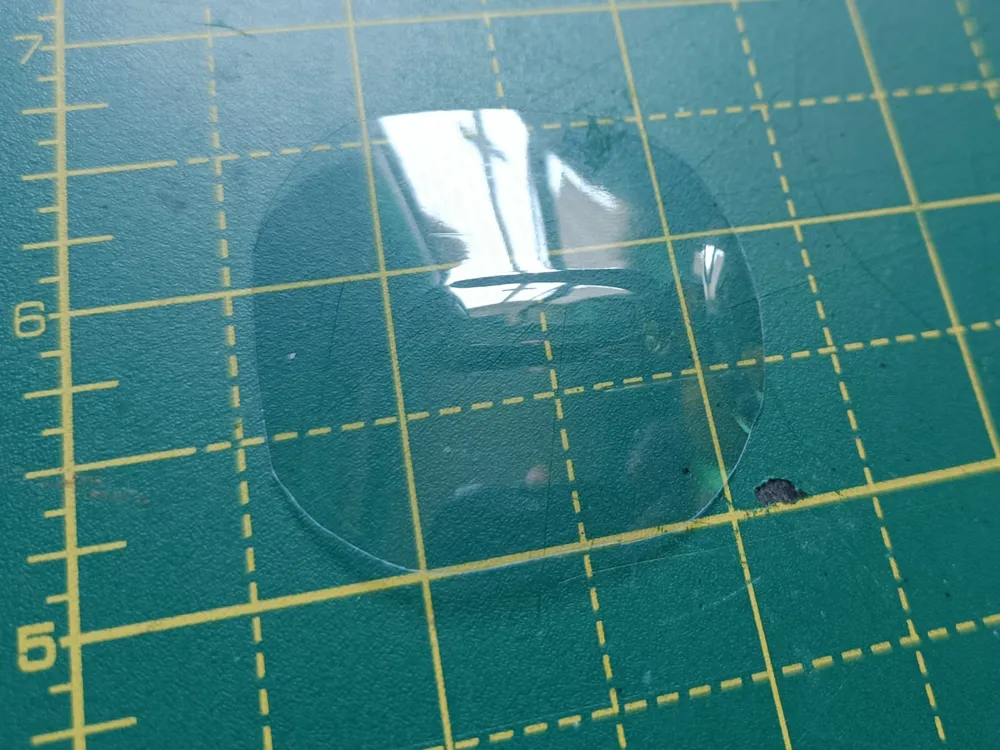
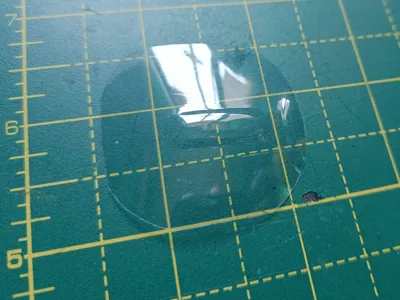
- An empty transparent water bottle x 1: to use for cutting out the porthole (45x50mm)
- Cyanoacrylate super glue x 1: to join parts together for greater stability
Description
RocketBoost Lamp – Launch Your Savings (NO AMS)
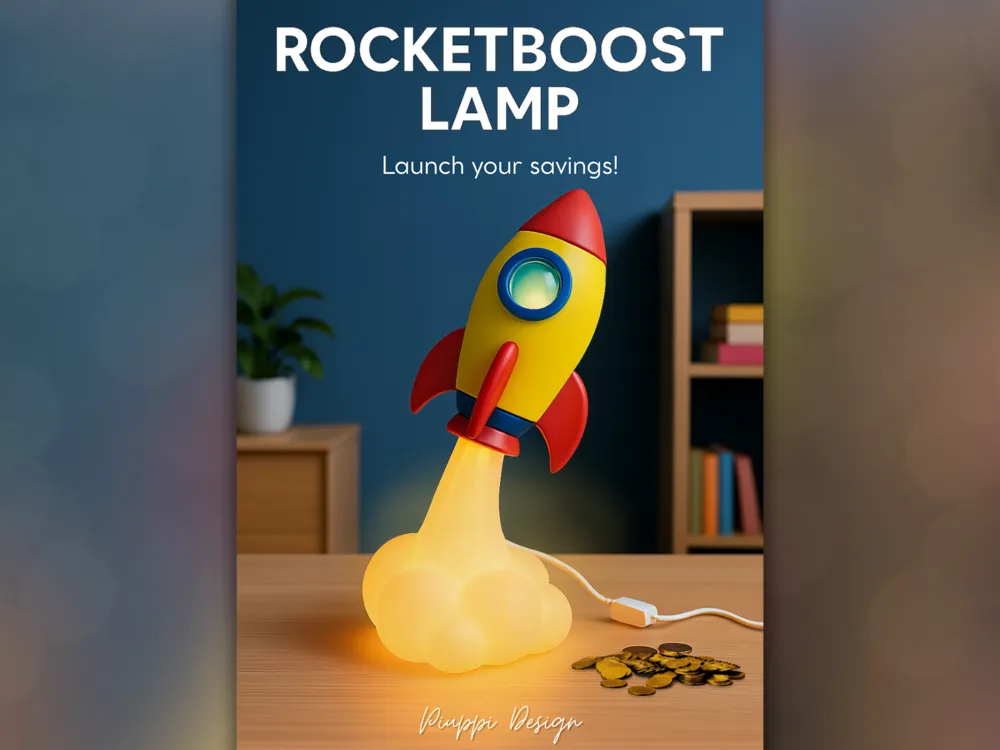
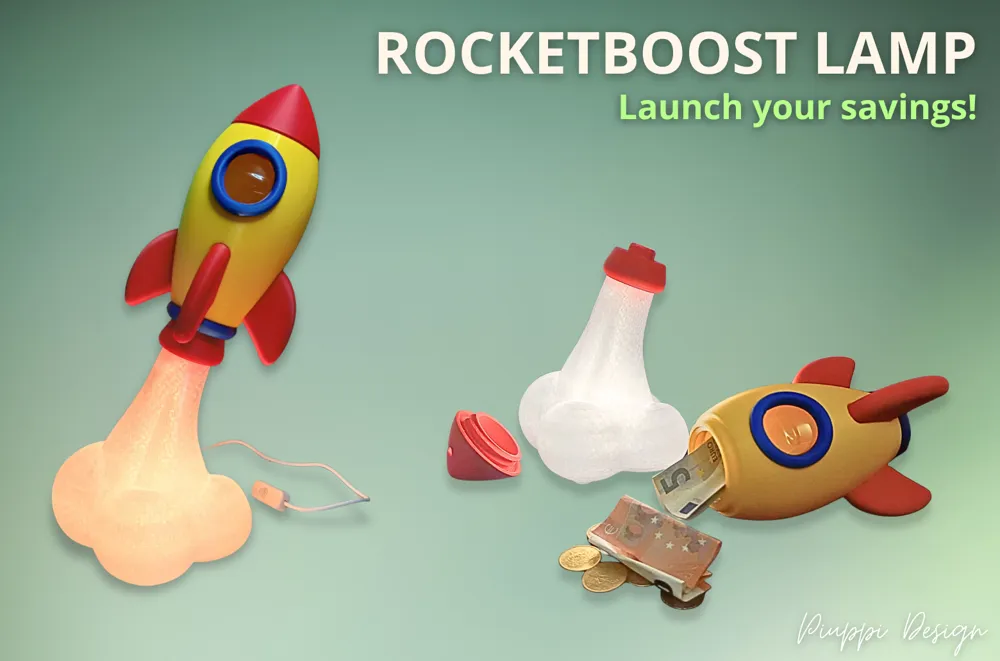
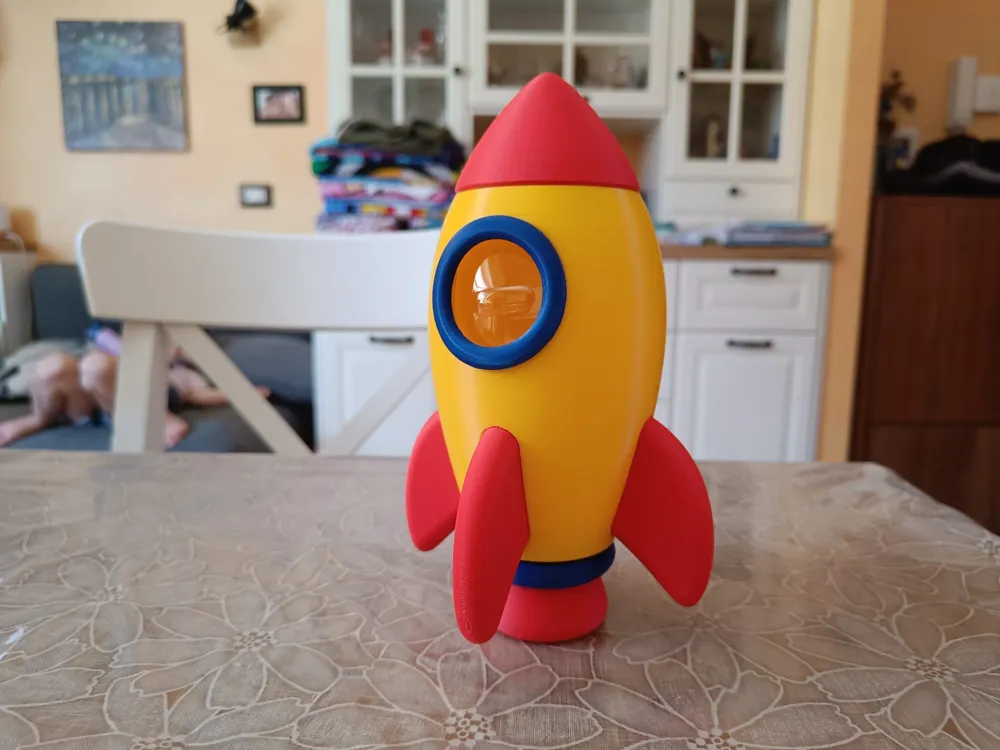
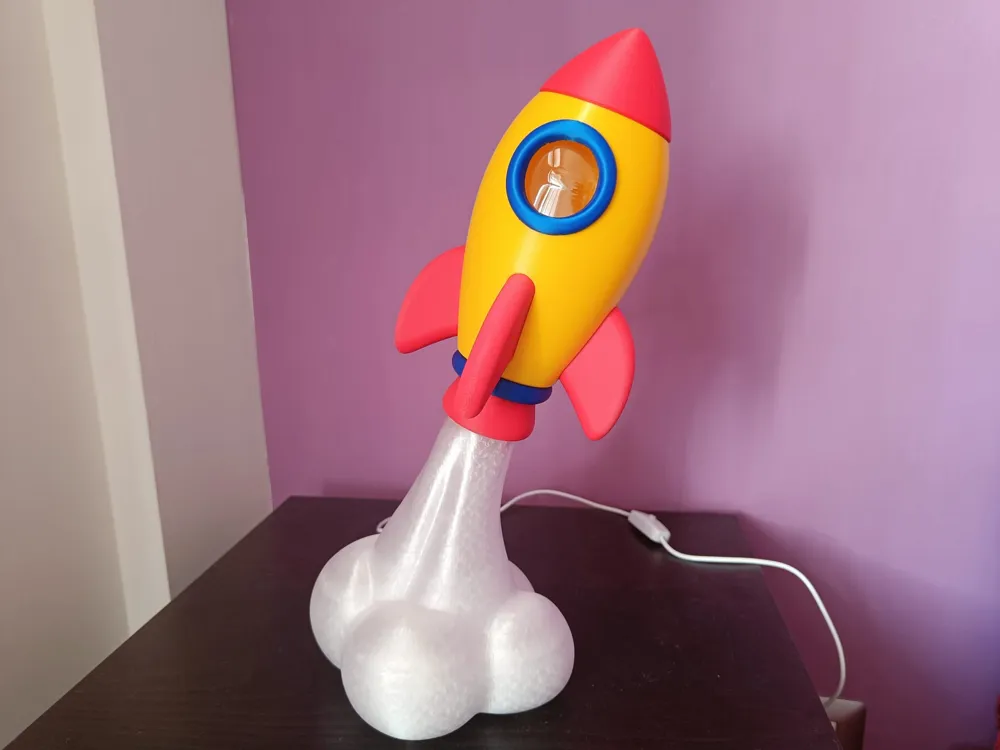
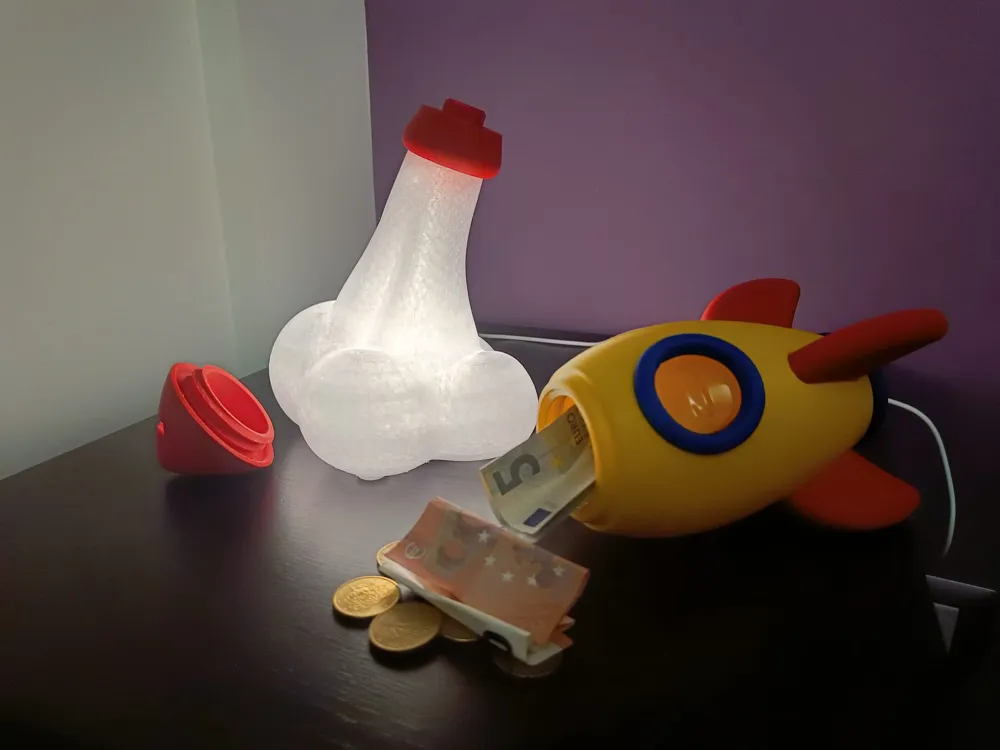
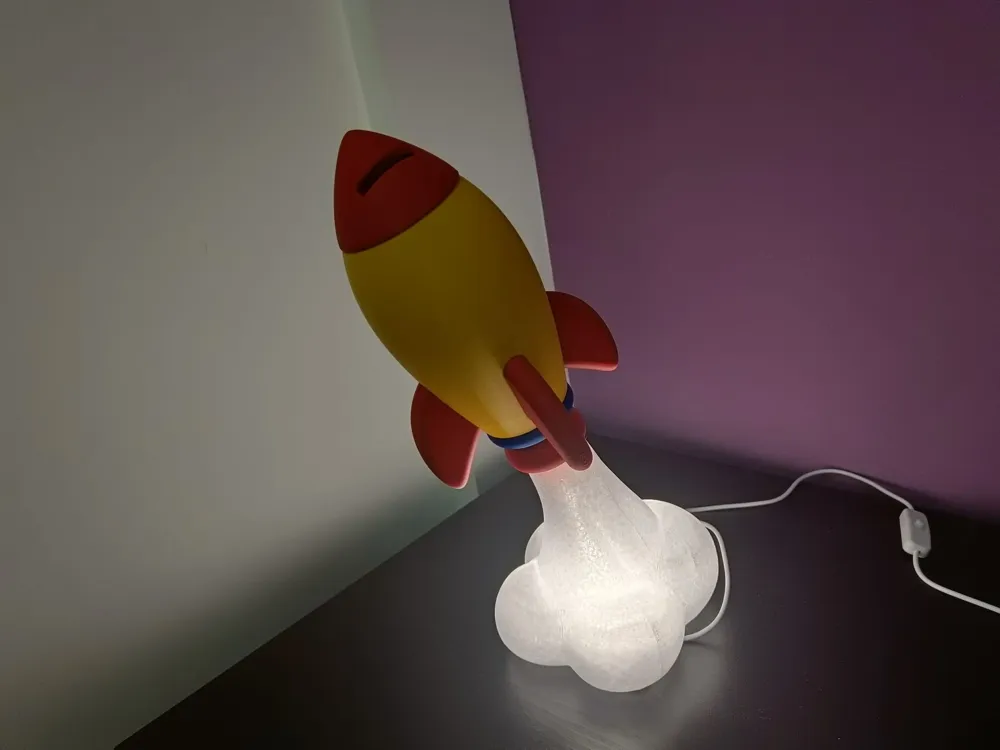
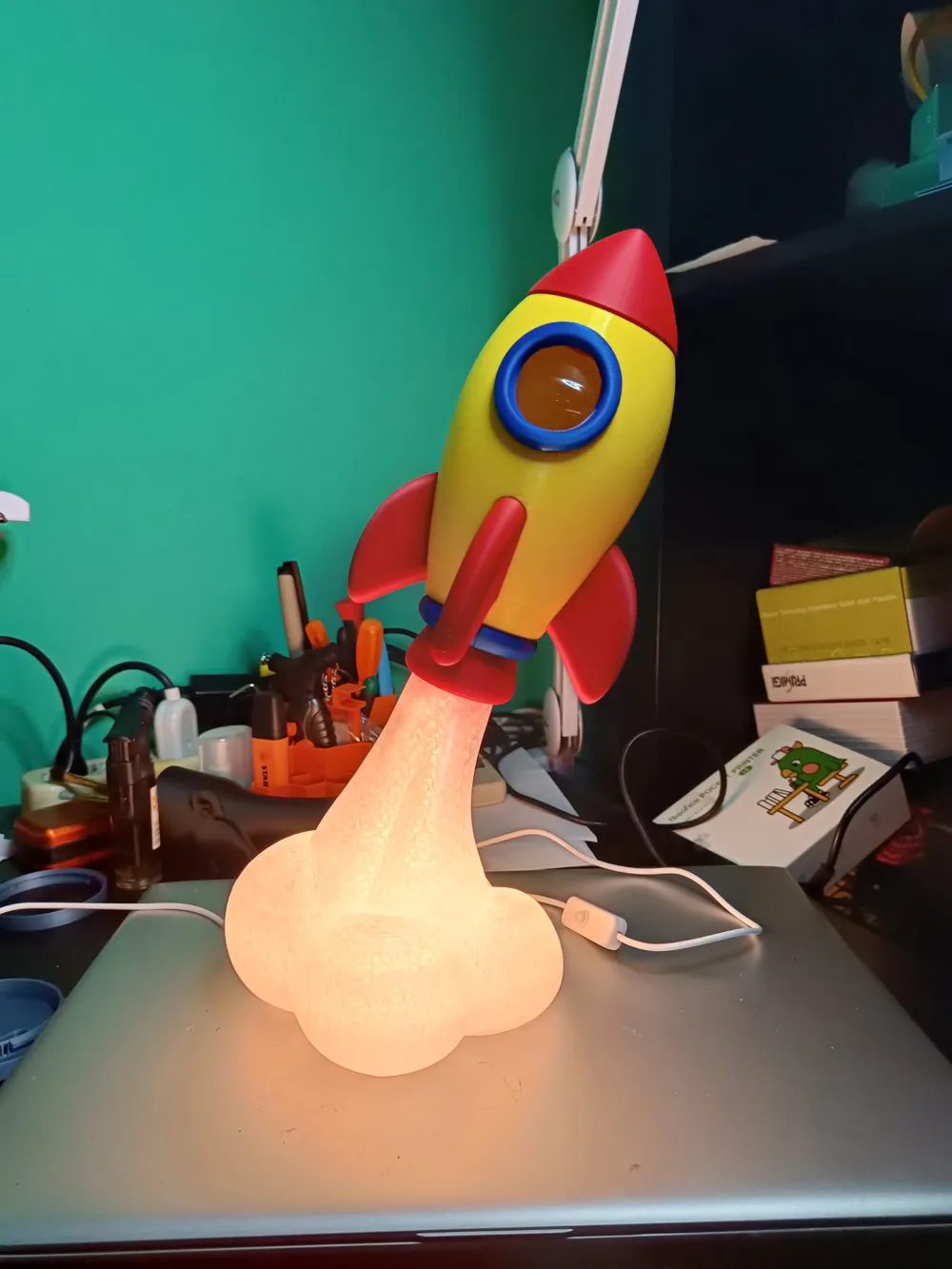
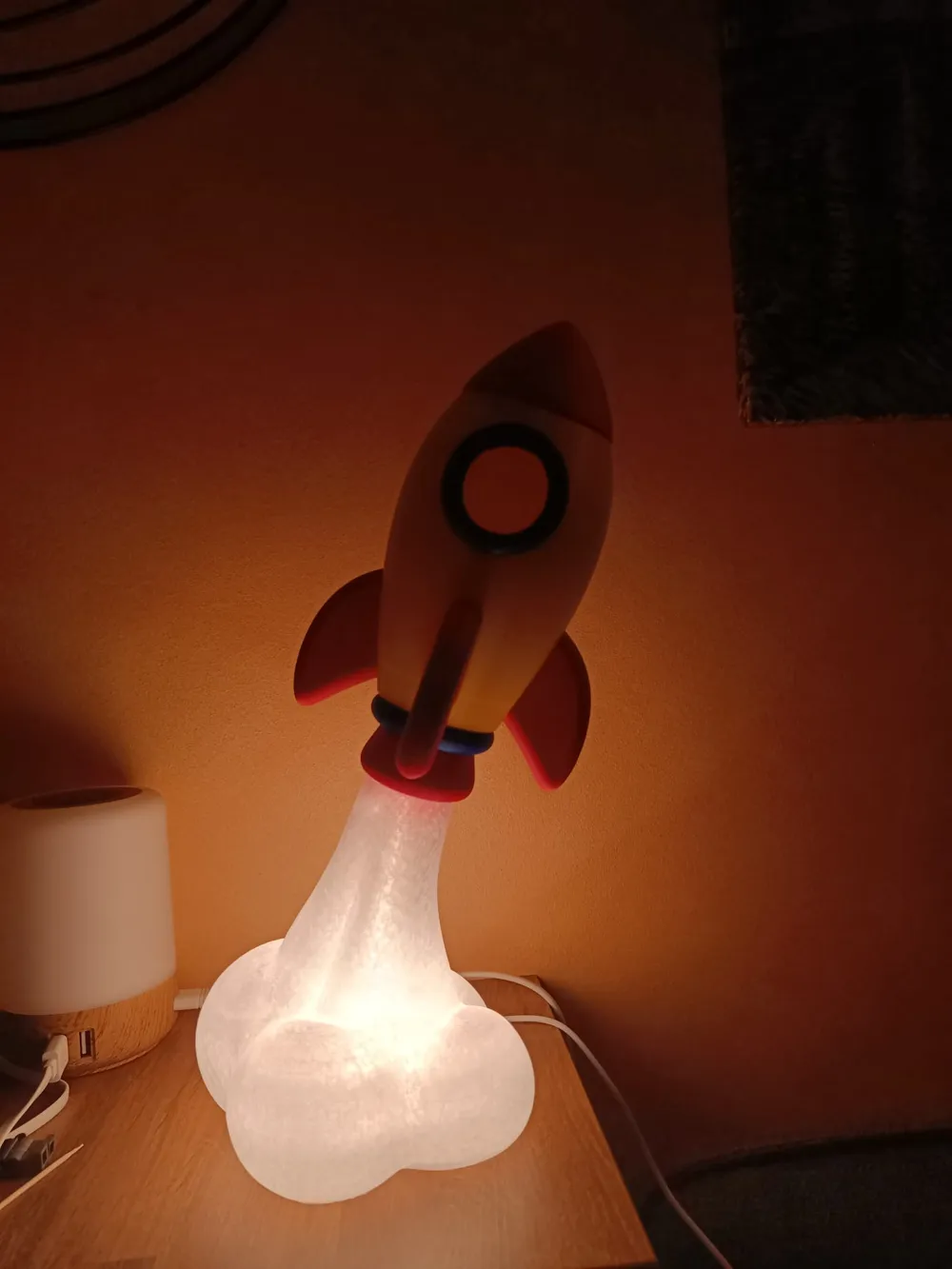
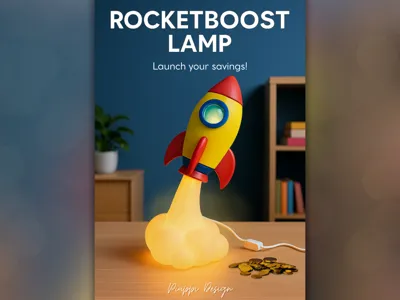
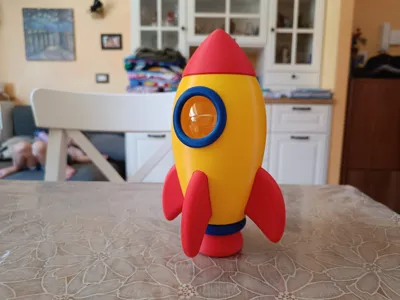
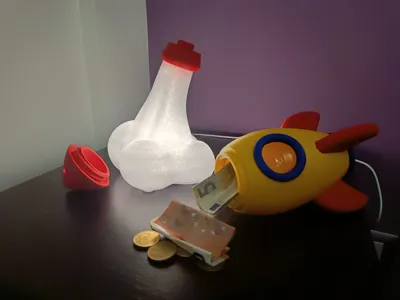
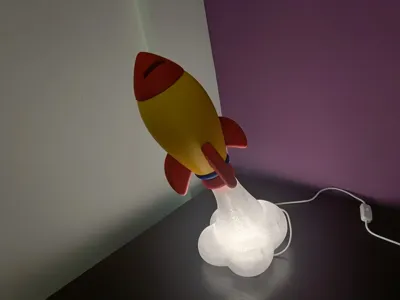
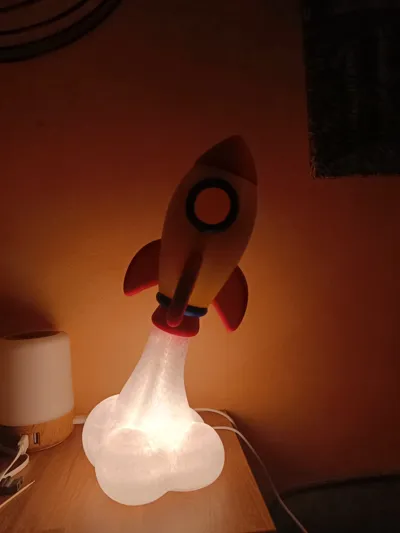
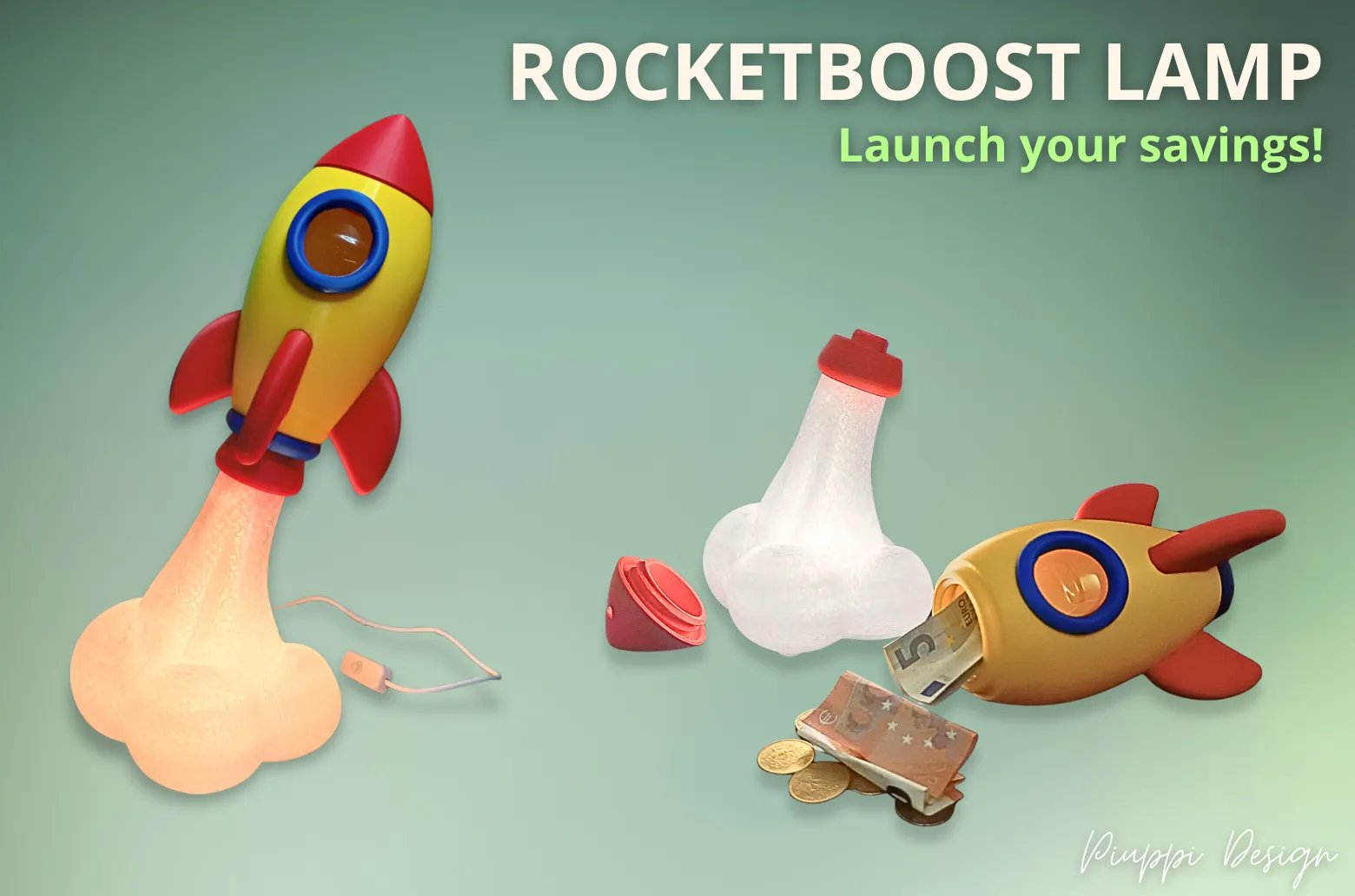
A rocket ready for liftoff… but also an atmospheric lamp with the soul of a piggy bank!
Boost Me (for free)
Do you like my model? Boosting is free and a valuable way to support me in creating new models that I can continue offering for free on this platform. Thank you! ❤️
*** DISCLAIMER – Before printing ***
Before printing, it is essential to properly calibrate your printer, especially to manage vibrations, and to calibrate your filaments (flow, temperature, etc), particularly PETG. Make sure your filament is dry and of good quality to achieve the best results.
Please read carefully the paragraph “TIPS for best results” at the end.
If you encounter issues such as support detachment or other difficulties, please contact me or leave a comment before posting a negative review. I will be happy to help you find a solution tailored to your printing environment.
As you can see from the photos I have shared and those from other satisfied users, the model prints correctly. If you experience problems, consider that they may be due to your printer’s settings or conditions, and we can work together to resolve them.
Negative reviews without direct communication harm the effort and passion I put into creating and sharing this model for free with the community.
Thank you for your understanding and happy printing!
***** UPDATE 2026/04/12 *****
If you're afraid of spaghetti on the shuttle body, print using the ‘upside_down’ profile!
***** New Project Alert *****
🚀 Loved RocketBoost Lamp?
also check out my new ZombieHead Lamp!👇
Same bright spirit… just a bit more scary this time.
🧠 Perfect for Halloween!*************************

Check out the video here:
RocketBoost Lamp is a project designed to combine aesthetics, functionality, and the true maker spirit.
How did the idea come about?
It all started with the boost symbol from MakerWorld.
A rocket that represents not just creative momentum, but also real economic support for makers: each boost is recognition for the effort put into creating a new design — a small contribution that can truly make a difference.
From here, the concept:
• The rocket symbolizes the boost — the creative energy that propels a project upward.
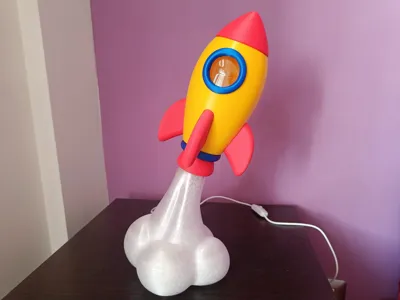
• The translucent, luminous, and dramatic smoke cloud represents a design’s successful liftoff.
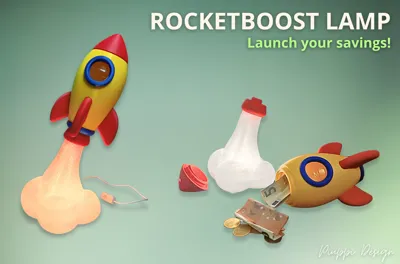
• The integrated piggy bank is a fun and tangible symbol of the real value of the boost: every bit of support can turn into new tests, new filament, new ideas.
In short, a small rocket with a big mission: to light up ideas and fuel makers’ projects!
RocketBoost Lamp is a tribute to this virtuous MakerWorld ecosystem, where community support turns into real resources to help creators bring ever more functional and surprising designs to life.
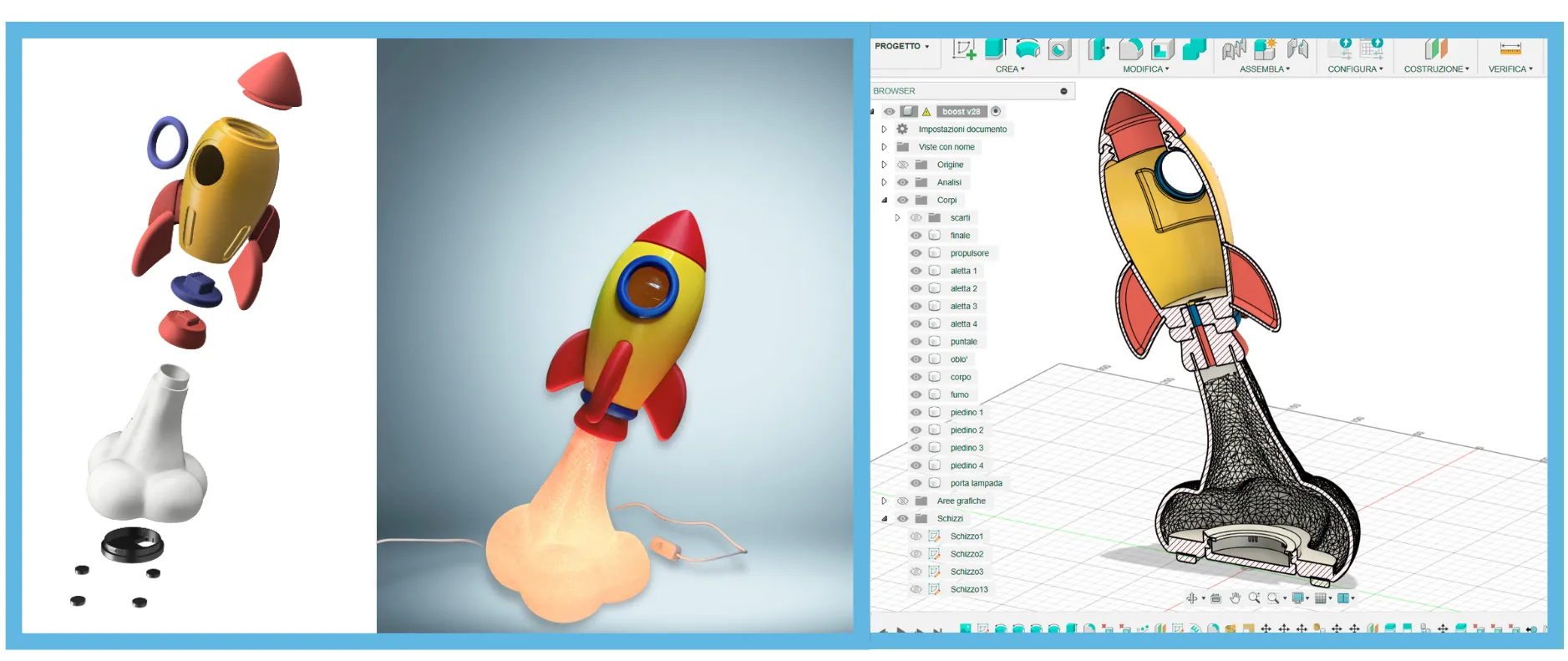
Model Features

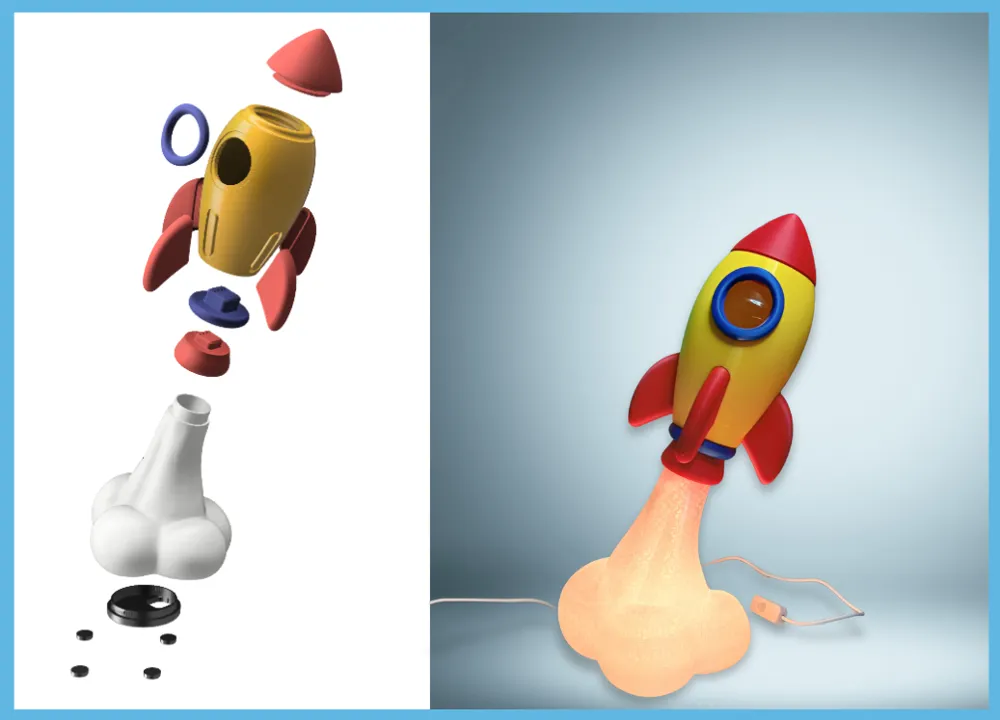
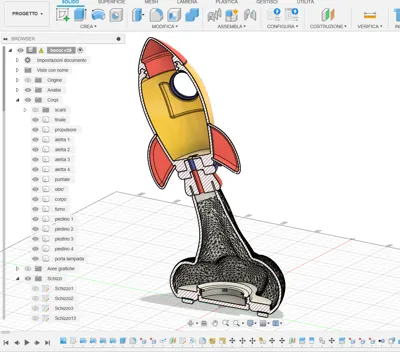
• The modular design (NO AMS required) allows for a seamless assembly without glue (only the base feet need to be glued). However, depending on your filament and printer tolerances, a small amount of adhesive might be needed for a perfect fit (except the ogive, which is threaded!).
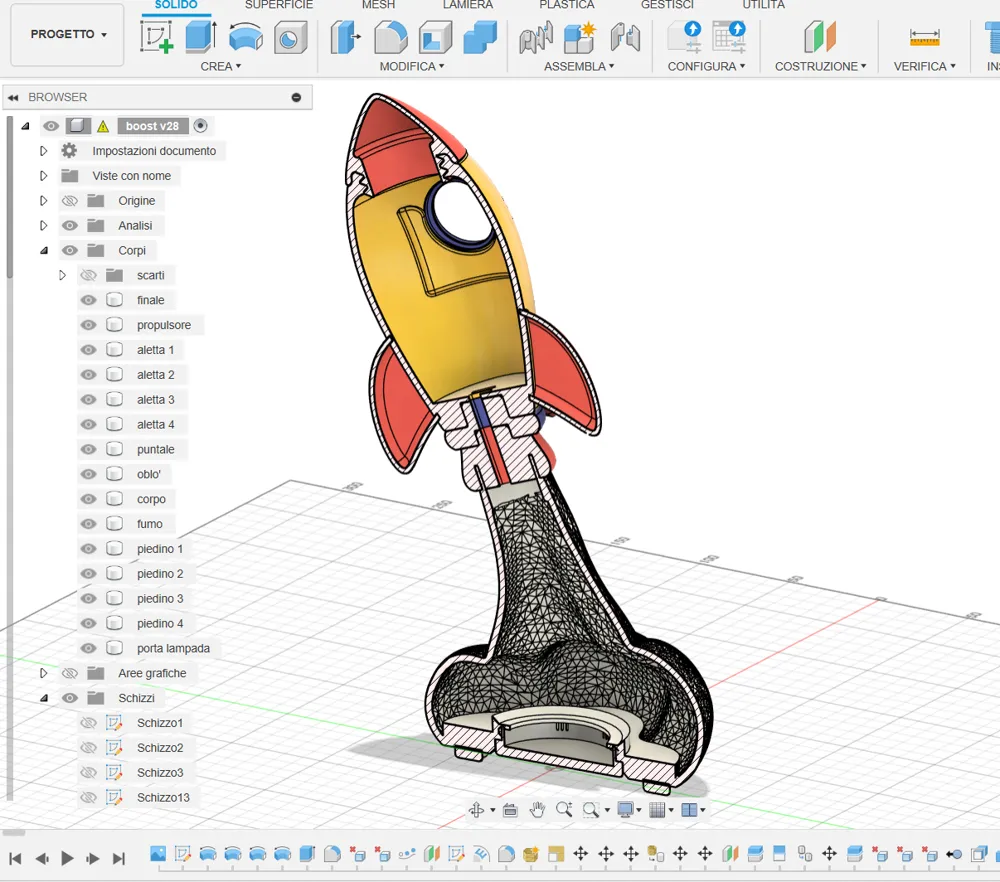
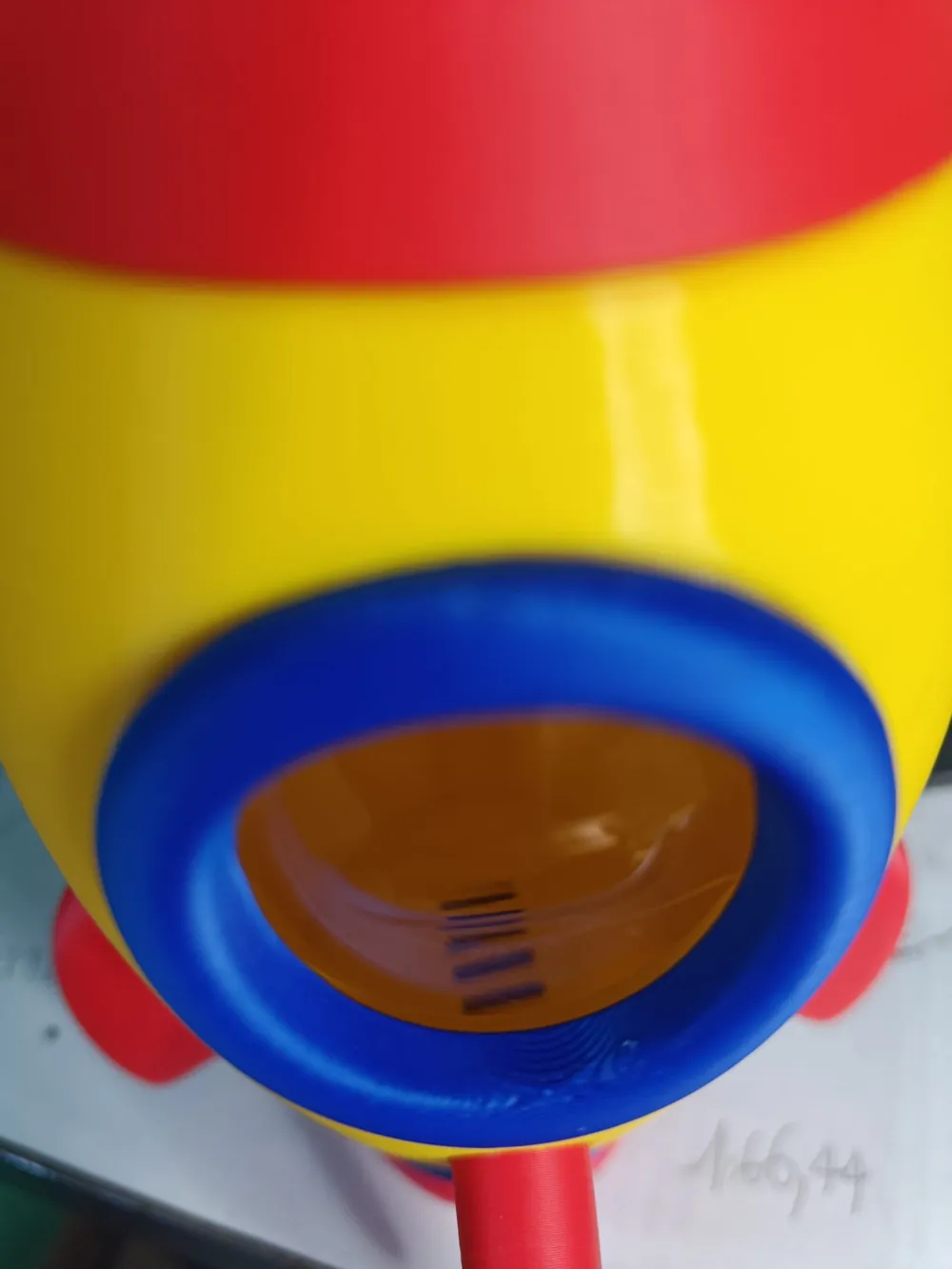
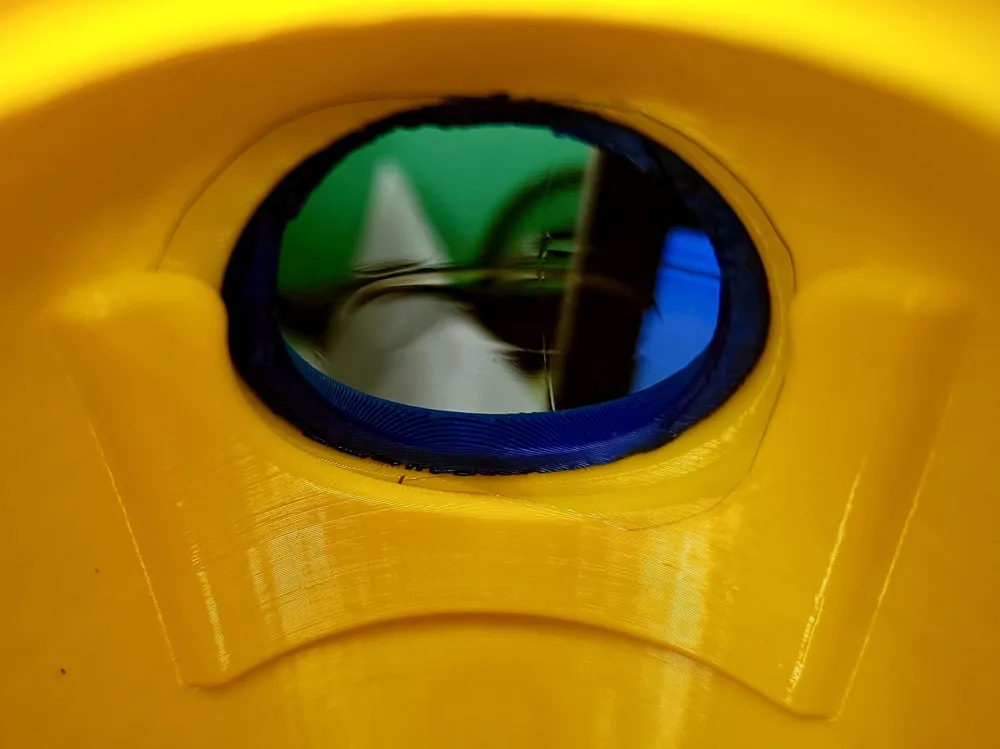
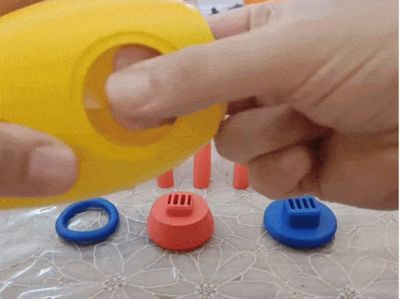
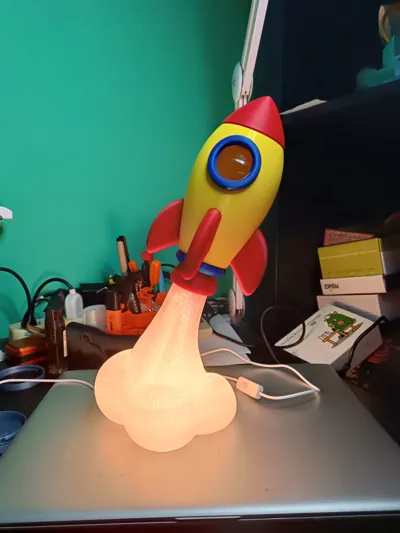
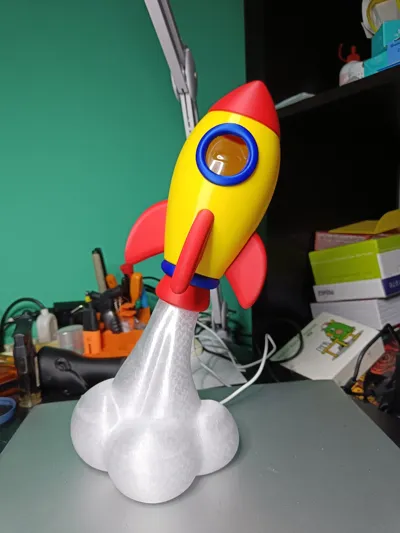
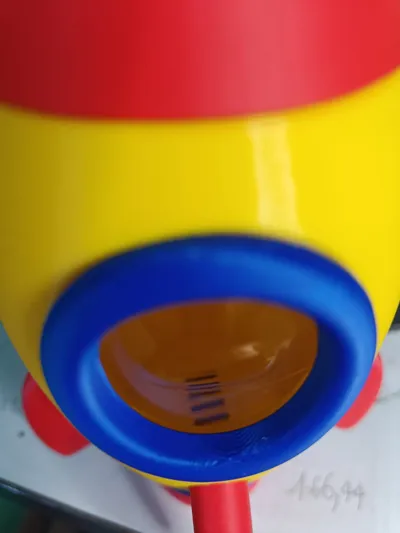
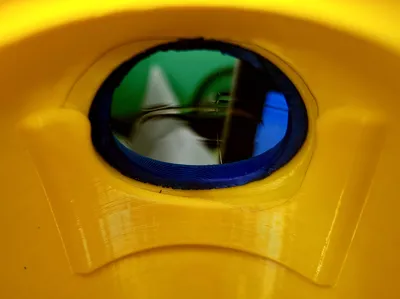
• The rocket body is a piggy bank with a slot on the back, and it includes a viewable porthole. The porthole glass can be made from a piece of clear plastic bottle, about 50x45 mm, with rounded edges. It fits into a dedicated slot inside the rocket.
• The ogive can be unscrewed easily to retrieve the contents without breaking anything when the piggy bank is full.
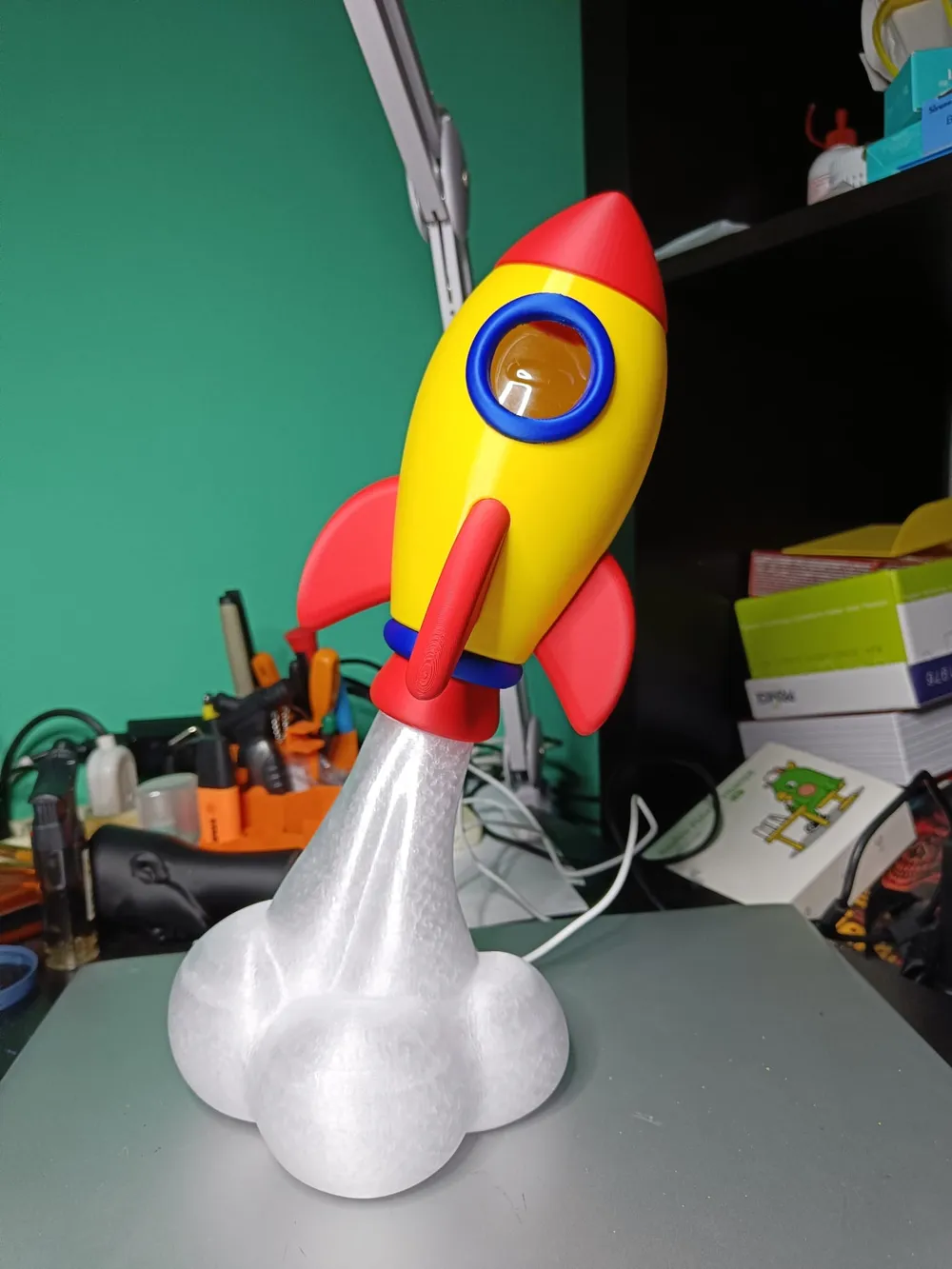
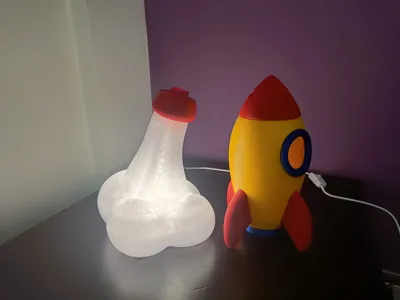
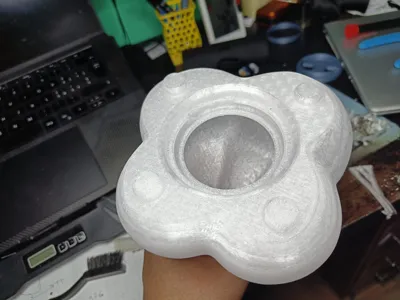
• The exhaust cloud is made of Bambu Lab PETG Translucent Clear (Code No. 32101) and holds the LED Lamp Kit-001 (model MH001) by Bambulab with its dedicated screw-in connector.
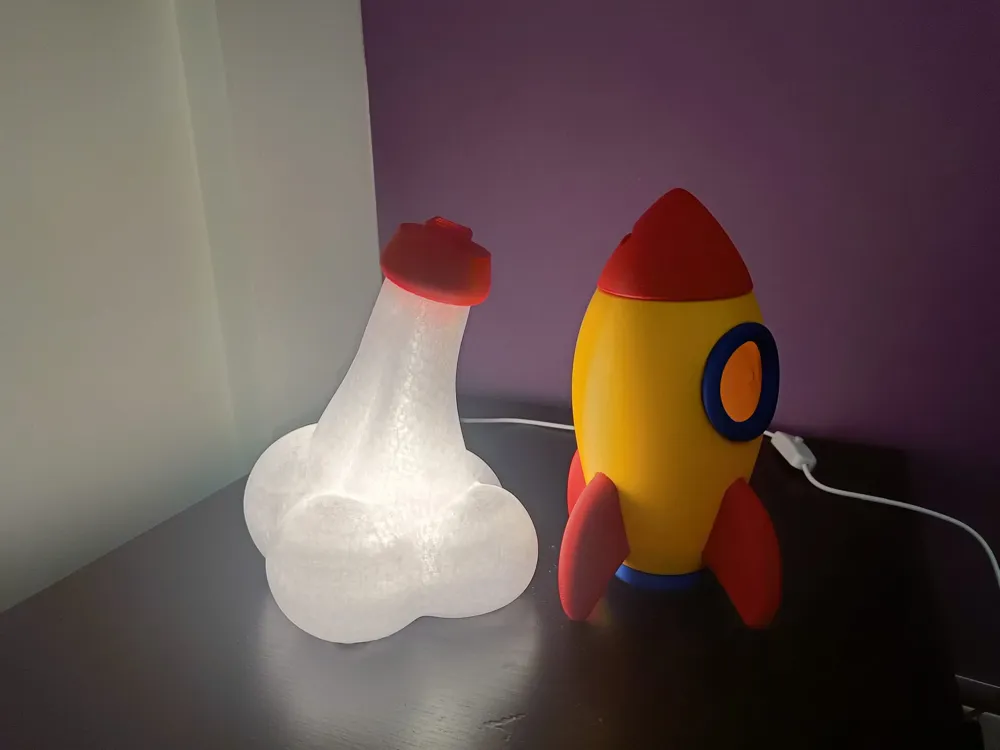
• The lighting effect is extremely scenic—it really looks like the rocket is taking off!
• The rocket can be detached from the illuminated base for easy emptying or repositioning.
• The modules include internal air vents to help dissipate any heat from the LEDs and gently diffuse light into the rocket body.
Lighting Requirements
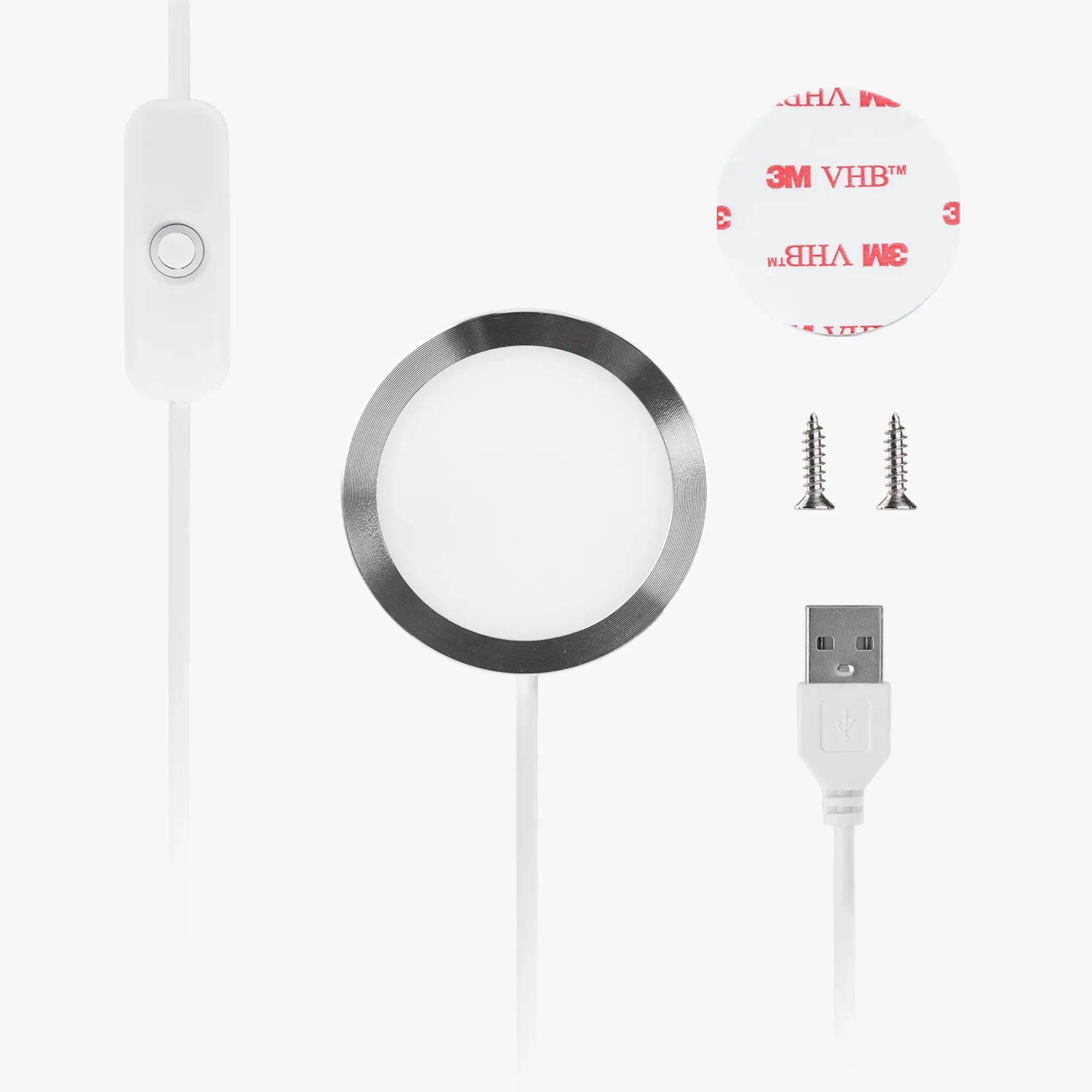
To bring this model to life, you'll need a LED Lamp Kit-001 (model MH001) from Maker’s Supply, which fits perfectly into the base. However, other LED solutions can be used if preferred.
TIPS for best results:
- Let all printed parts cool down completely before fitting them together.
- Take your time removing and cleaning supports. Use a cutter to carefully remove any burrs or imperfections on the back of certain components (e.g., the porthole) that might interfere with assembly.
- Glue the blue porthole ring in place – but check its orientation first with a dry fit before applying glue.
- Also glue the red rocket fins for a stronger, more secure build.
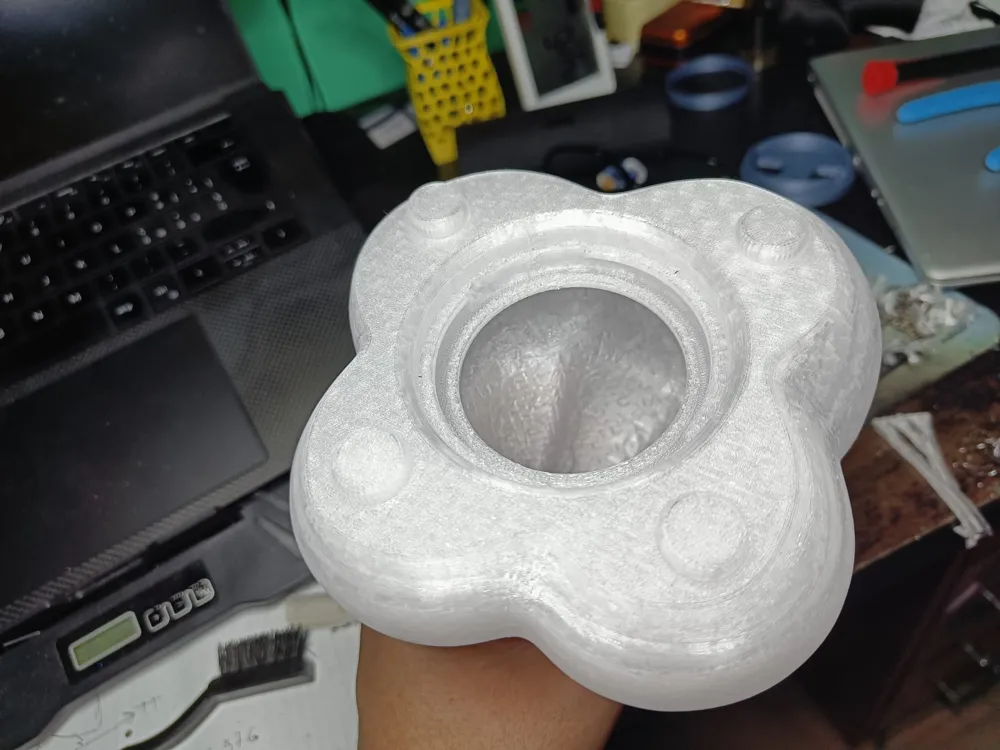
- To attach the four feet to the PETG smoke cloud-shaped base, first remove the 4 support structures from the base to create the recesses where the feet will fit. Be sure to clean off any remaining support material thoroughly before applying a small drop of super glue.
- The large hole in the smoke cloud-shaped base, which holds the LED kit in its screw-in connector, should be cleaned carefully to remove all support remnants. If possible, use a craft knife to smooth the contact surface between the base and the lamp’s screw connector. The connector only needs to be screwed in about a quarter turn to secure it.
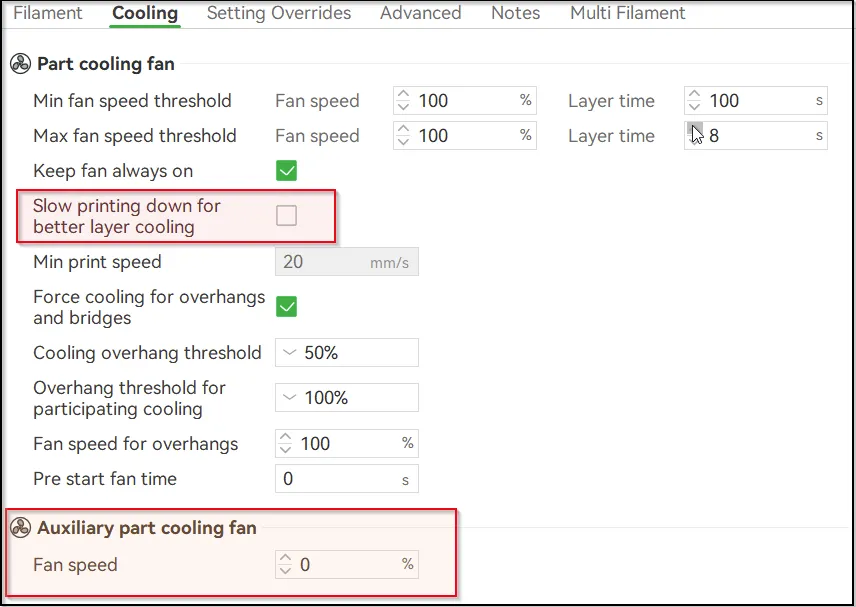
- For PLA and PETG, disable the auxiliary fan and uncheck the “slow printing down for better layer cooling” option:
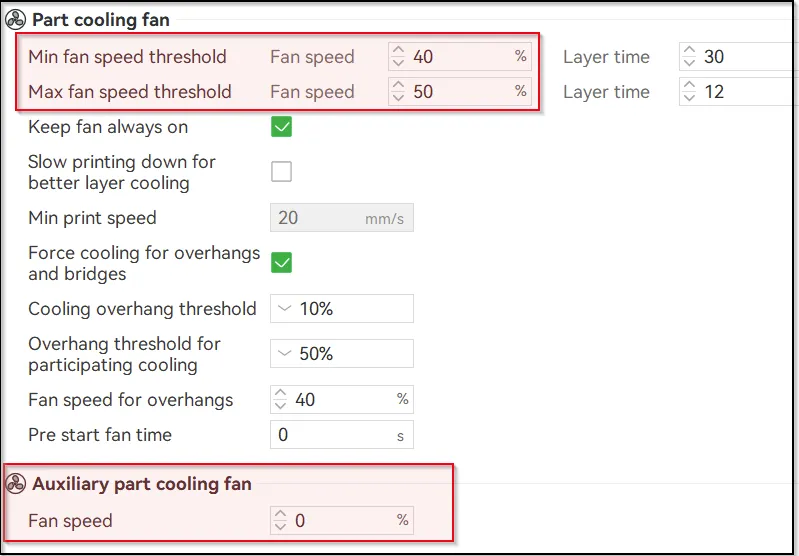
- For PETG filament use this cooling settings:
Happy printing!
Documentation (2)

License

You shall not share, sub-license, sell, rent, host, transfer, or distribute in any way the digital or 3D printed versions of this object, nor any other derivative work of this object in its digital or physical format (including - but not limited to - remixes of this object, and hosting on other digital platforms). The objects may not be used without permission in any way whatsoever in which you charge money, or collect fees.


Comment & Rating (944)