
Print Profile(9)


Bill of Materials

Description
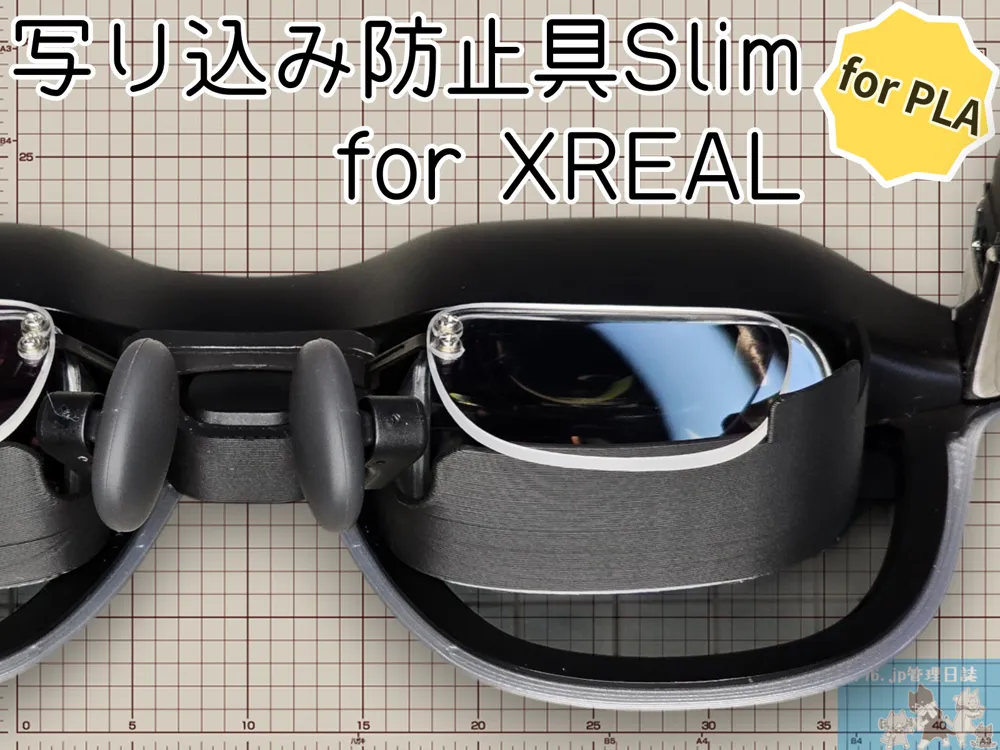
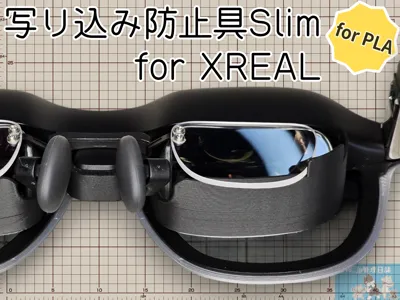
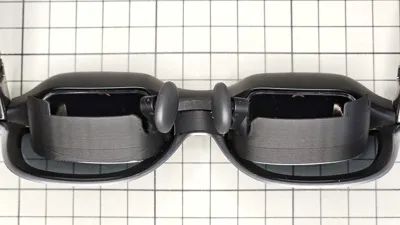
This is a renewed version of the reflection prevention tool previously released
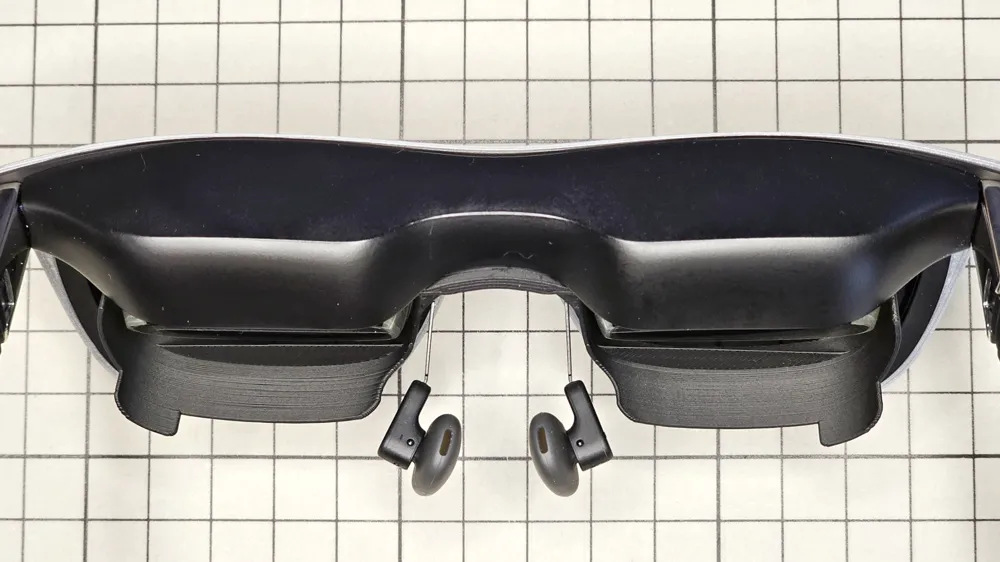
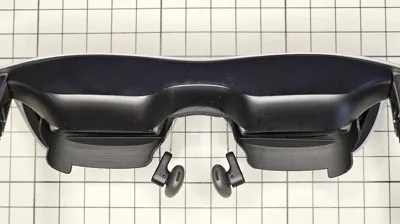
This part prevents reflections from below, which are a concern with XREAL Air / Air 2 / One that use birdbath optics
We previously changed models depending on whether insert lenses were used, but there were opinions that the insert lens compatible version, in particular, obstructed the downward-diagonal view, hindering work
Reconstructed with the concept of "Is it acceptable if it prevents about 85% instead of 100%, even if a shoulder or so is slightly reflected outside the screen?" this is the new "Reflection Prevention Tool Slim"
Mail order has started on BOOTH for those who do not own a 3D Printer
We are including cat goods as a bonus that can only be obtained here
https://nyantic.booth.pm/items/7272668
For those who want to focus on the screen, we recommend the previous version
For those who perform tasks that require their gaze to move back and forth between the screen and their hands (e.g., keyboard), this Slim version is recommended
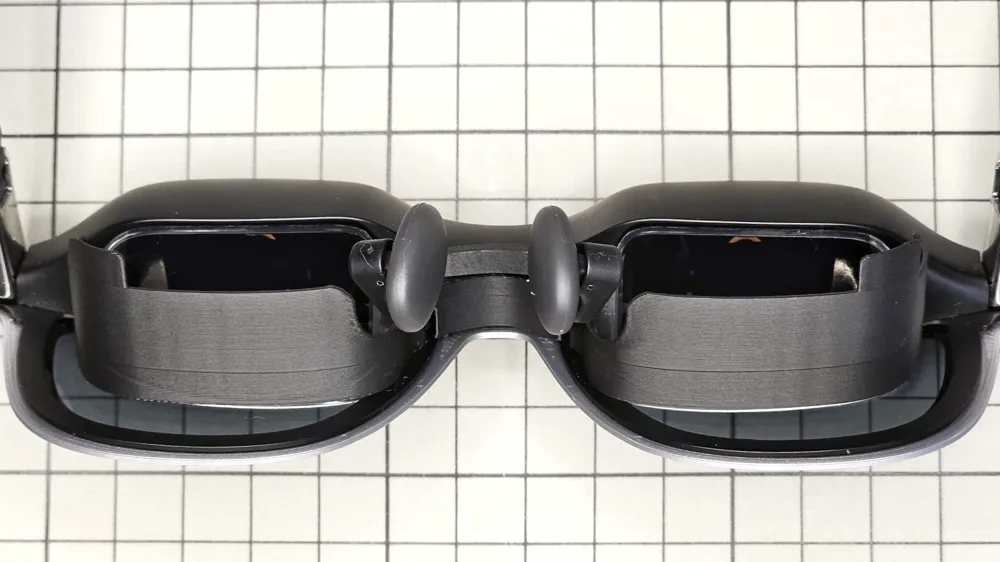
Now, the same model can be used whether or not insert lenses are installed
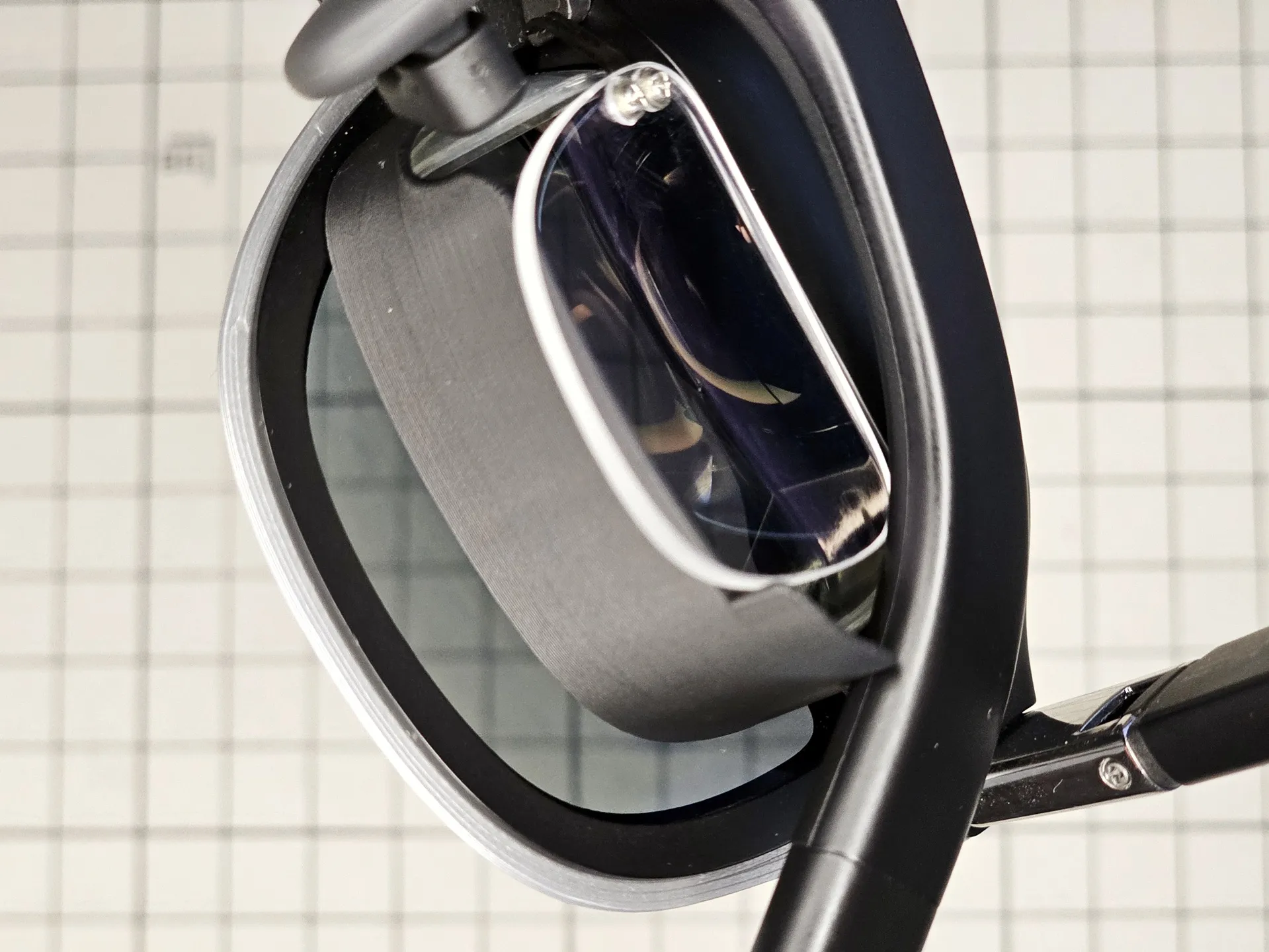
You can fold the temples and store them in the case with the insert lenses attached
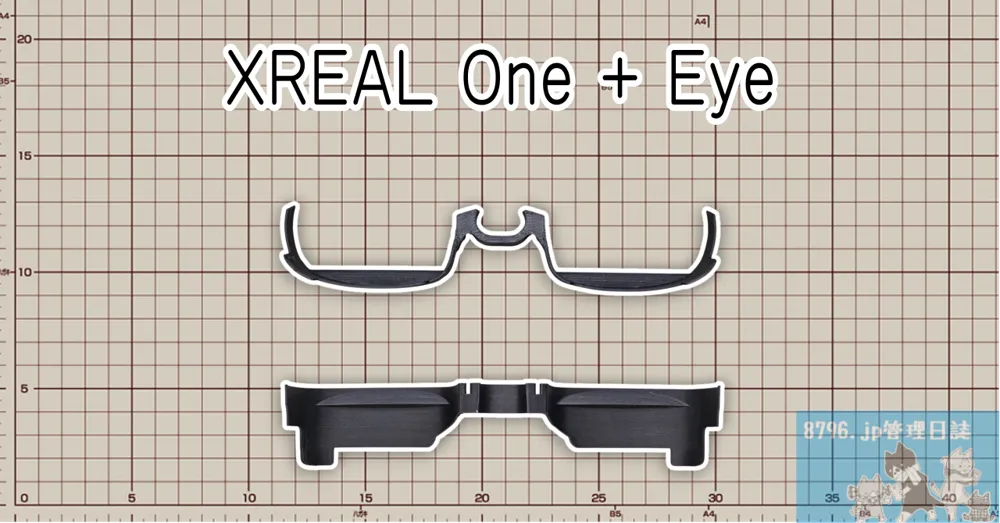
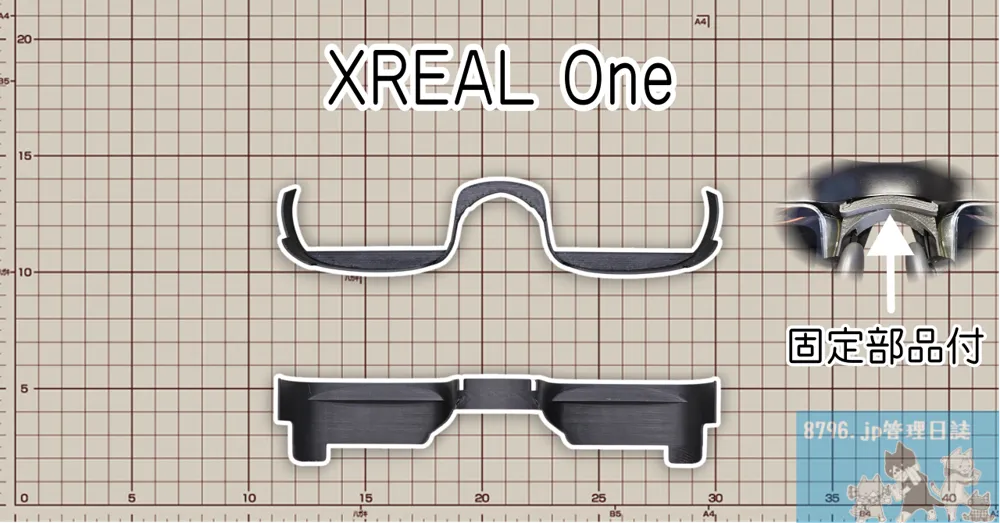
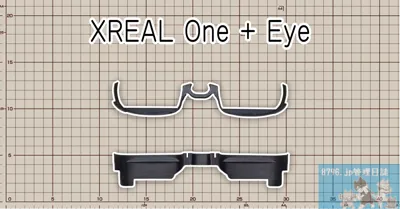
- For XREAL One + Eye
- This is for XREAL One with XREAL Eye attached. It can also prevent the XREAL Eye from falling off. Although the appearance is not ideal, it can also be used without the XREAL Eye
- If using insert lenses, attach the reflection prevention tool first, then insert the lenses
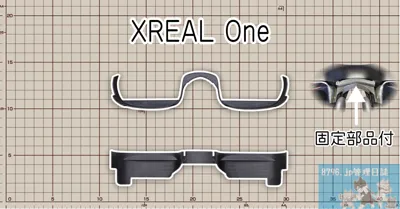
- For XREAL One
- XREAL Eye cannot be attached, but it has a clean look
- If using insert lenses, attach the reflection prevention tool first, then insert the lenses
- If not using insert lenses, attach the simultaneously printed fixing part into the insert lens slot
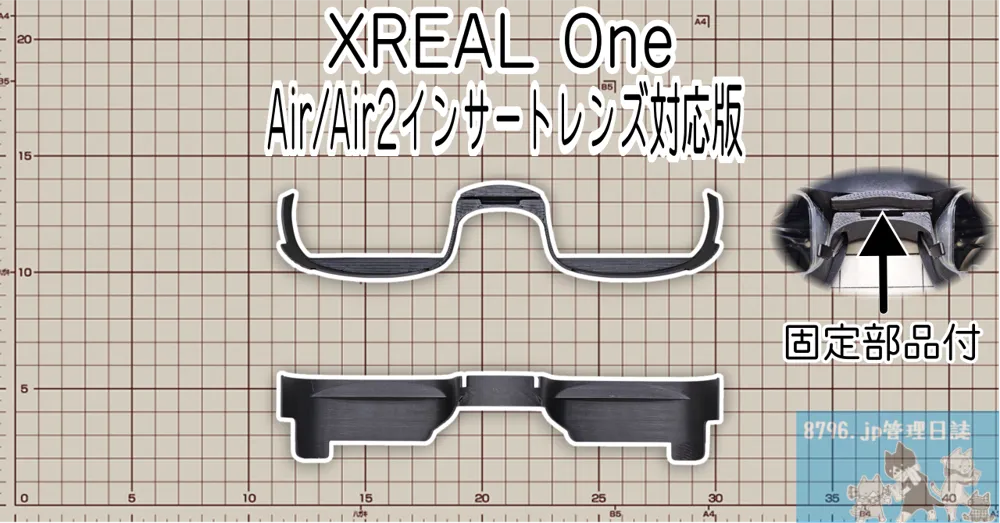
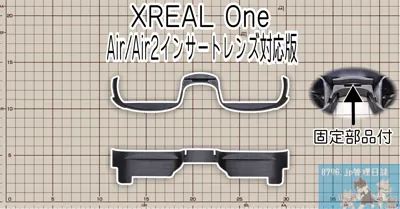
- For XREAL One (compatible with Air / Air 2 insert lenses)
- It has a slit for attaching XREAL Air / Air 2 insert lenses. XREAL Eye cannot be attached
- Before attaching insert lenses, attach the simultaneously printed fixing part into the insert lens slot
- Finally, fully insert the Air / Air 2 insert lenses into the slit
- For XREAL Air
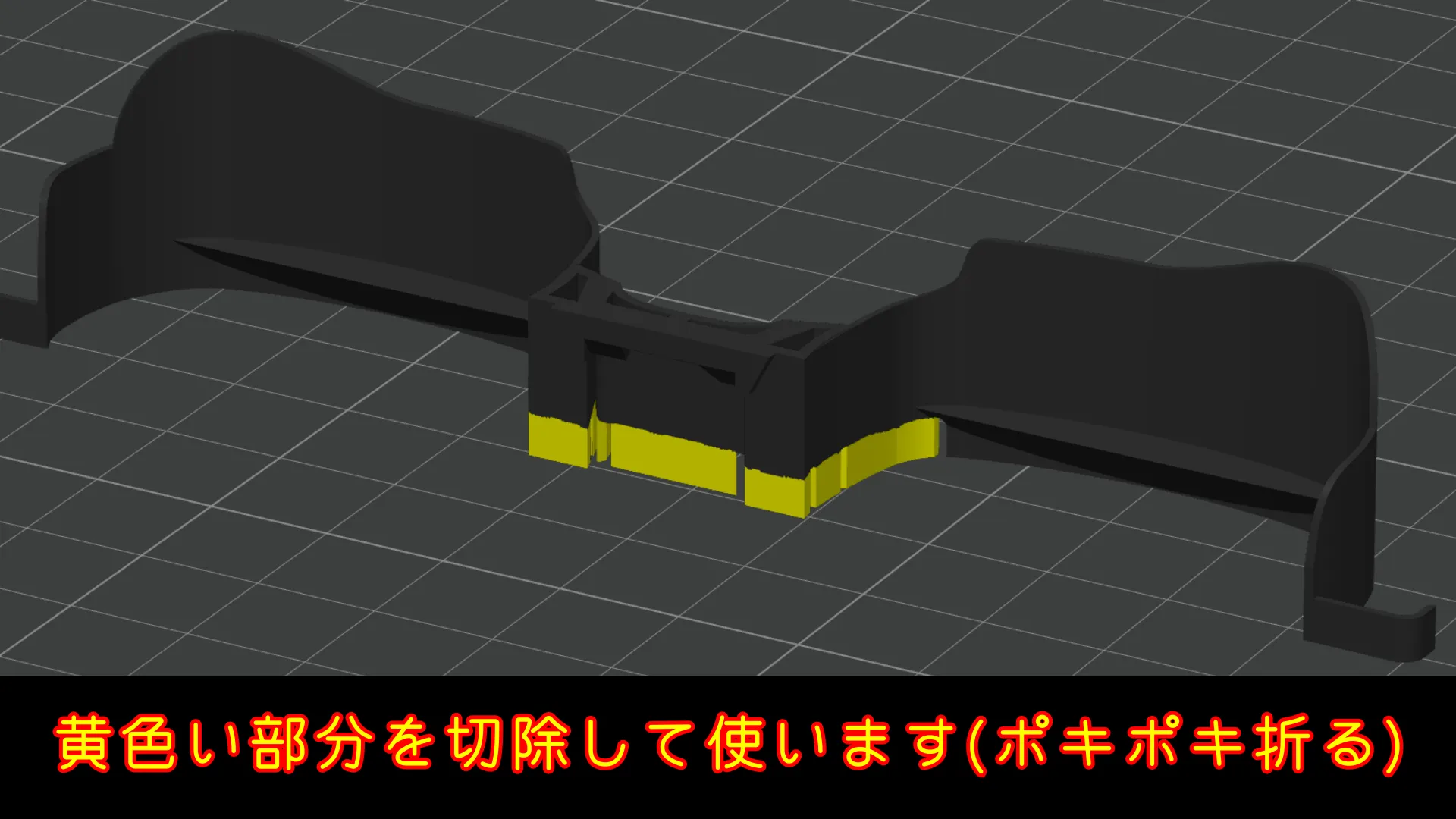
- After printing, break off the support-like part and use it
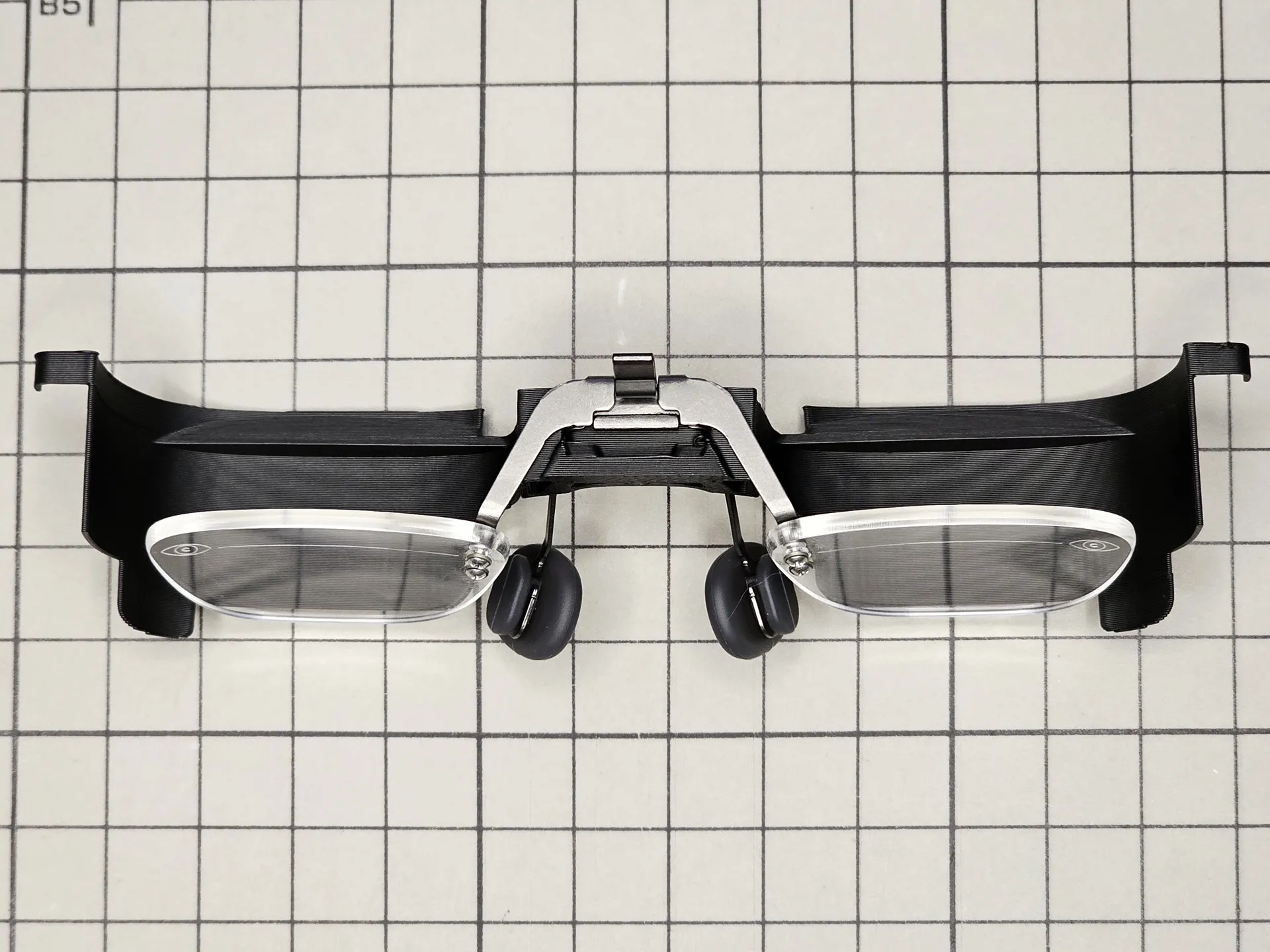
- Attach the reflection prevention tool to the nose pad metal, insert the lenses, then attach it to the glasses
- Finally, hook the left and right protrusions onto the rim of the glasses
- For XREAL Air 2
- After printing, break off the support-like part and use it
- Attach the reflection prevention tool to the nose pad metal, insert the lenses, then attach it to the glasses
- Finally, hook the left and right protrusions onto the rim of the glasses
*For XREAL Air / Air 2, please break off the yellow part shown below. The part to be broken off has a cut, making it easy to remove. If it's a bit stiff, use nippers or similar tools
Here is an installation image when using XREAL Air / Air 2 insert lenses. The order is nose pad metal -> insert lenses
For printing, we recommend matte black filament. We anticipate Bambu Lab PLA Matte Charcoal
License



Comment & Rating (16)