
Big Brick Light Up Lightsaber with Stand
Print Profile(1)

Description
Thanks for checking out my model! Interested in supporting my work or selling prints?
Support Crew – Show some love and help keep the projects flowing
Galactic Maker Foundry – Sell physical prints of my original designs
Foundry License+ – Sell prints and use my photos for listings
🎉 Supporter-only Discord coming soon – get early access, tips, and sneak peeks!
Membership
Join here to support or get a license
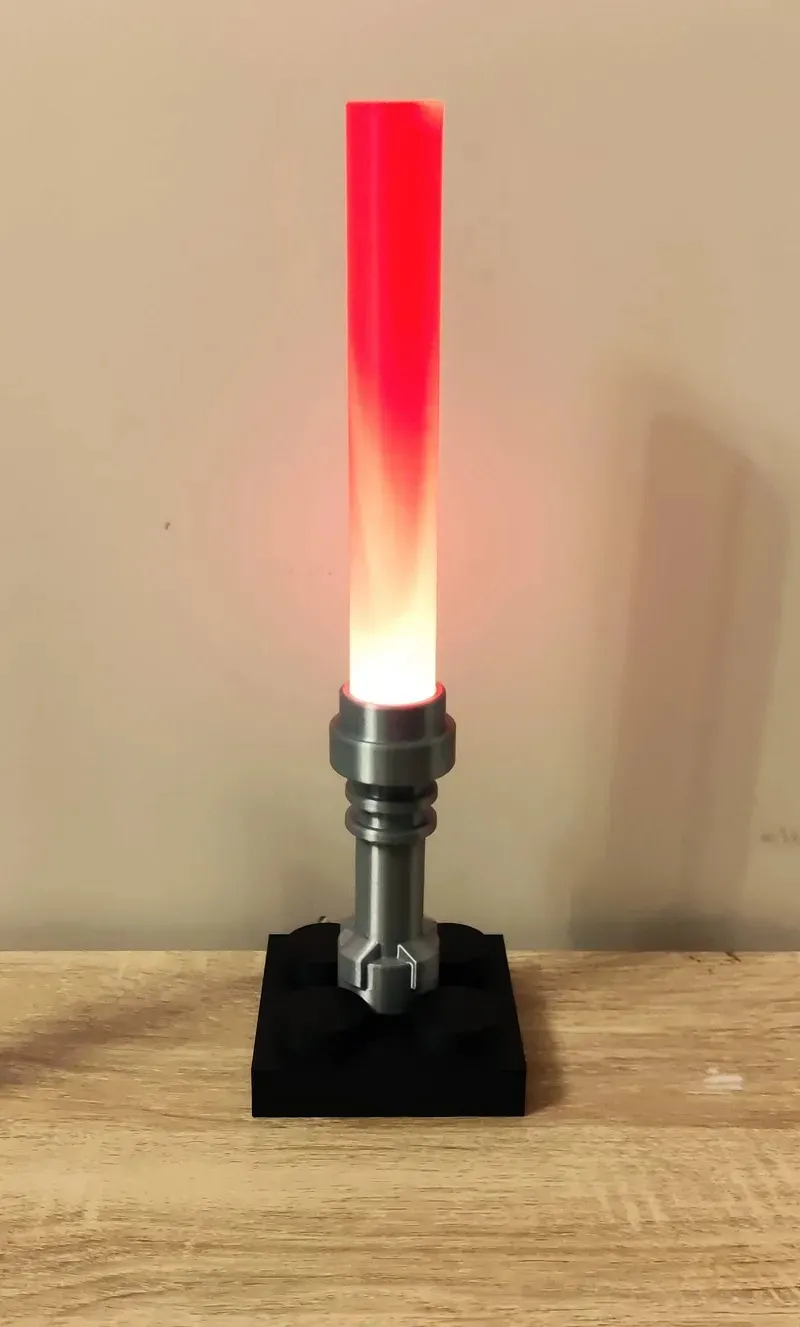
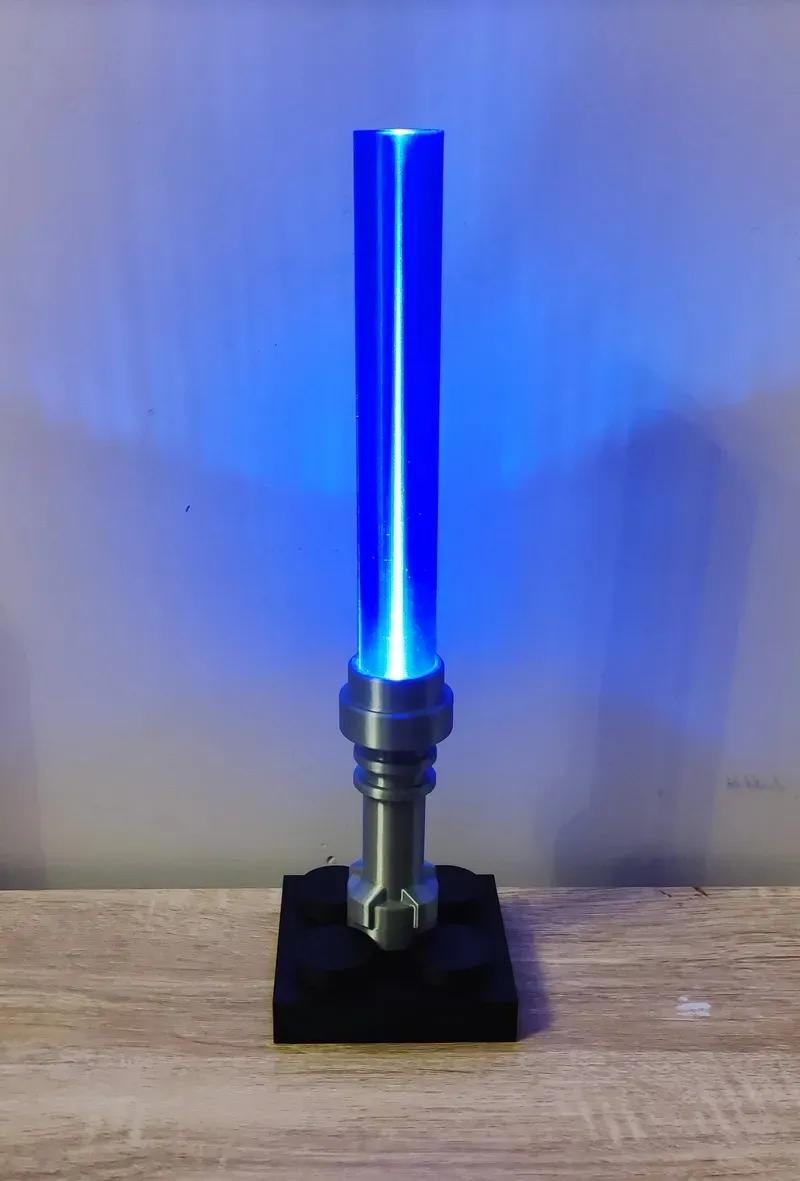
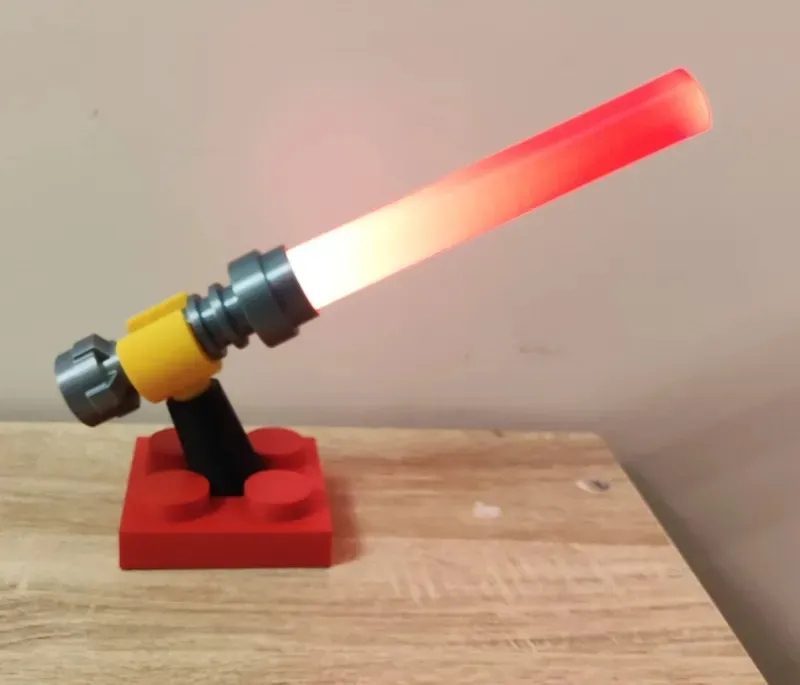
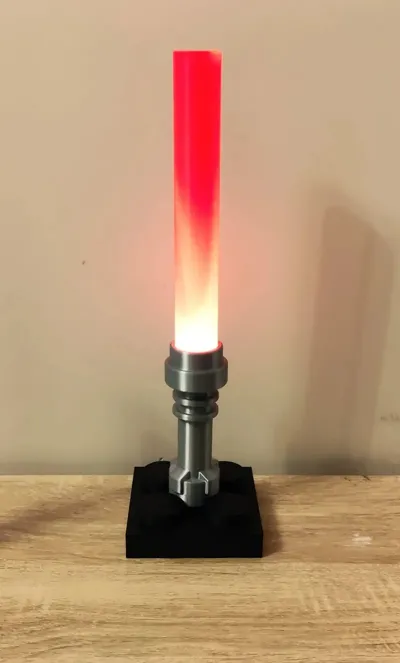
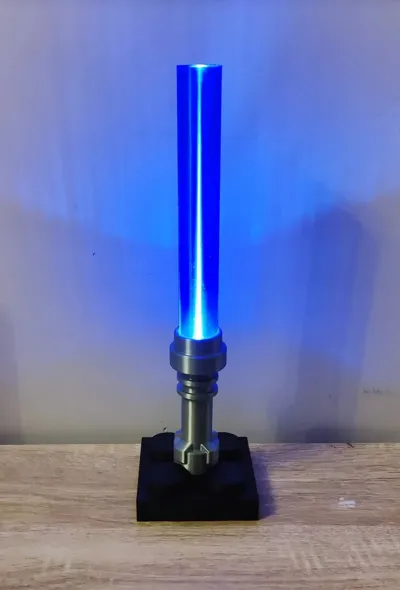
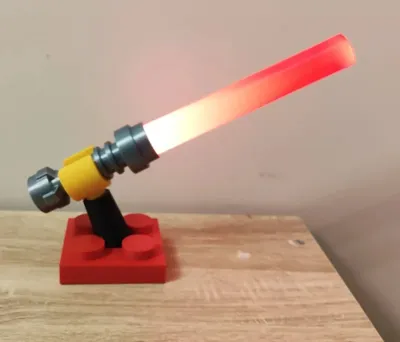
Here is a nice and easy project to use the Anycubic LED Light Up Saber Creative Kit.
I asked my son who's Lightsaber I should make and he said a Brick one, so here we are.
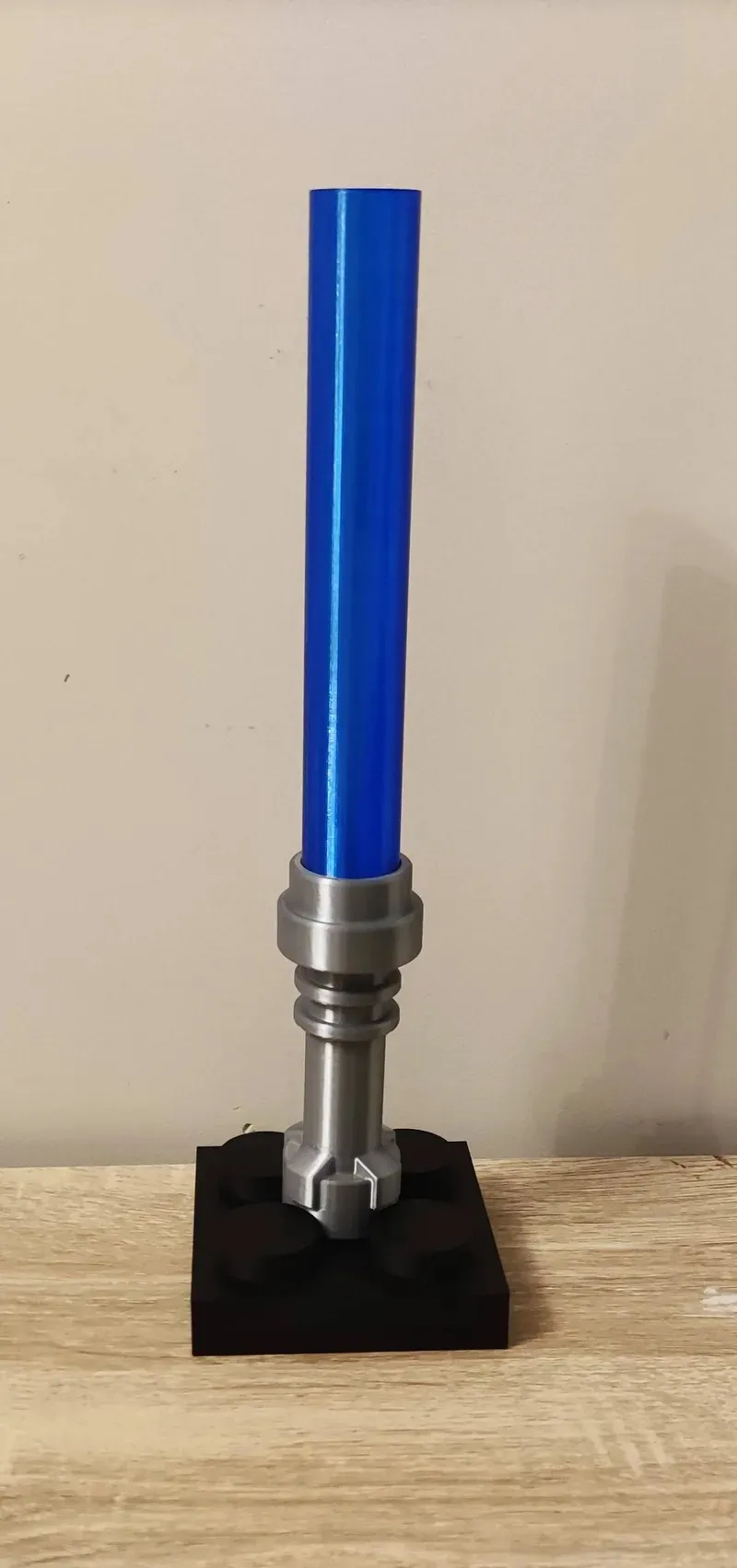
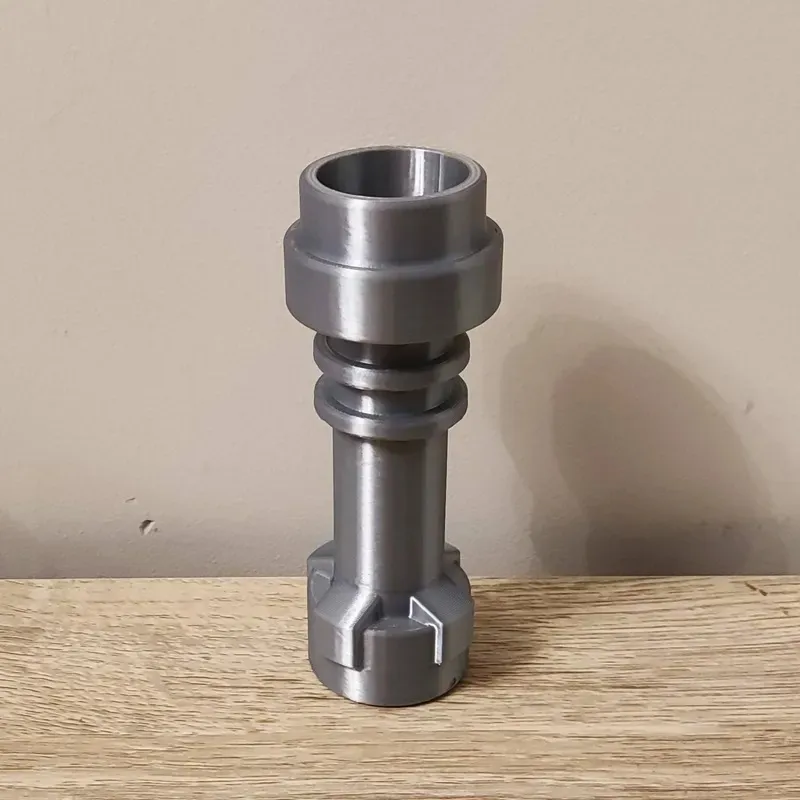
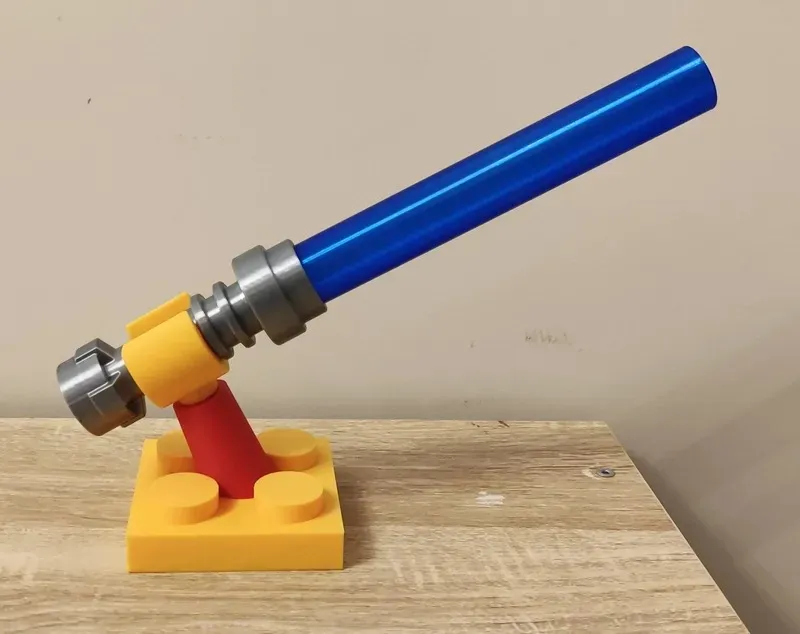
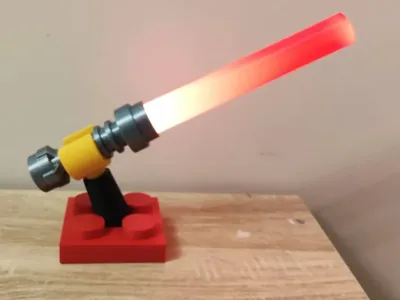
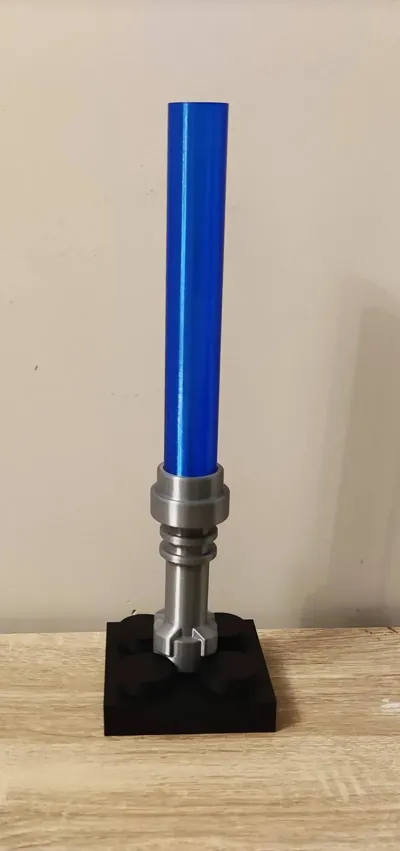
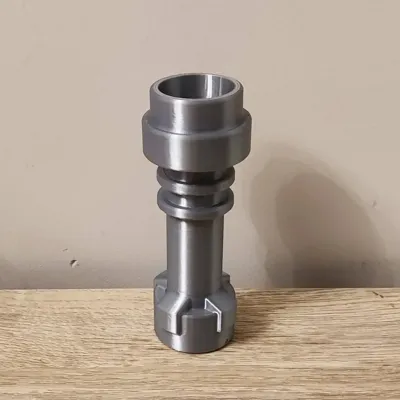
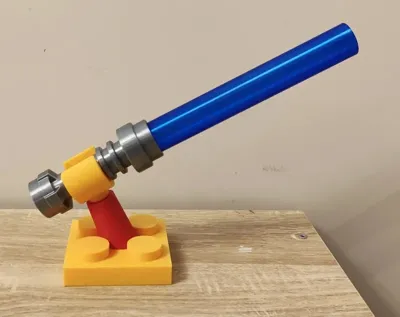
Assembly is straight forward, No glue is needed, but can be added for extra secuirty. I wanted to keep the design reusable so if you decide you want to make another project, you can just slide out the LED and reuse it. I also wanted to be able to swap out the Lightsaber blades for different colors. I used transparent Blue PLA but also tested with solid colour PLA and it works pretty good.
To build this project you will need:
1x Anycubic LED Kit for Light Up Saber Creative Kit
2x M2 6mm Cap Head Screws (Optional)
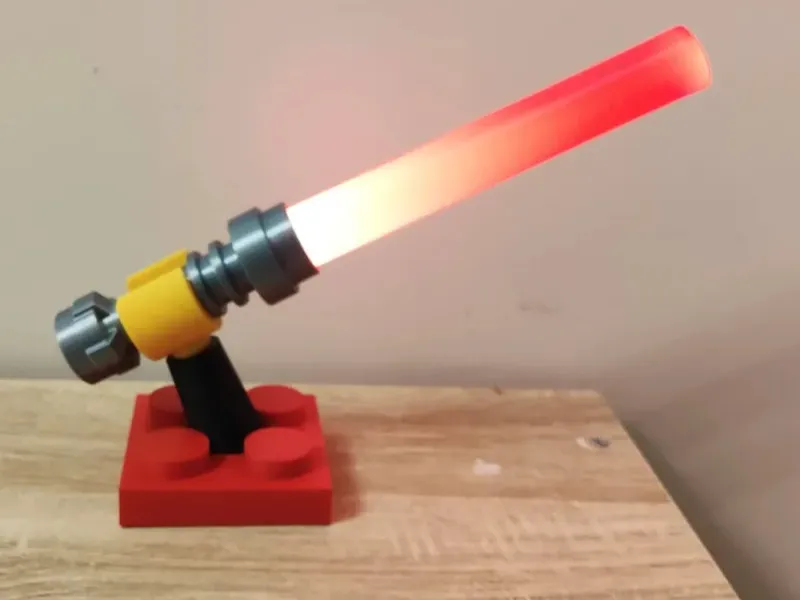
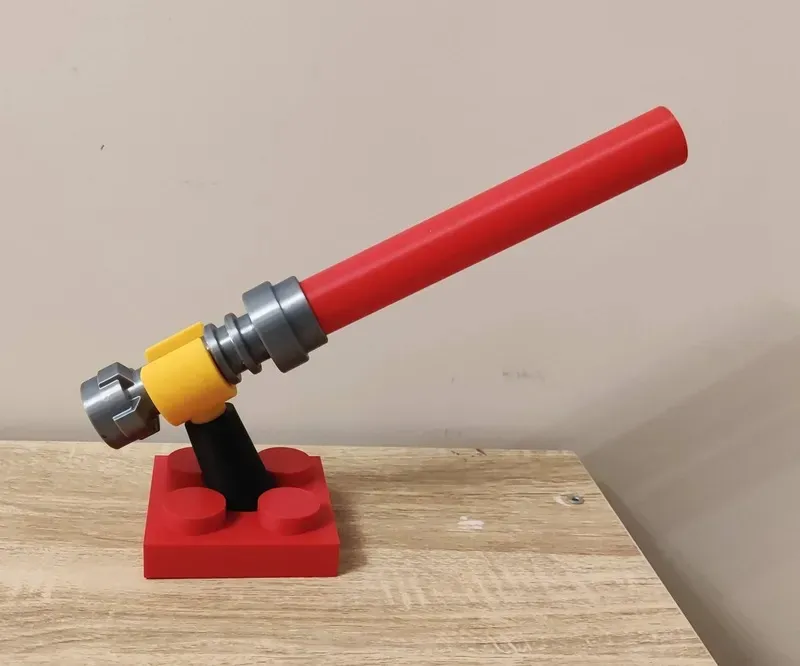
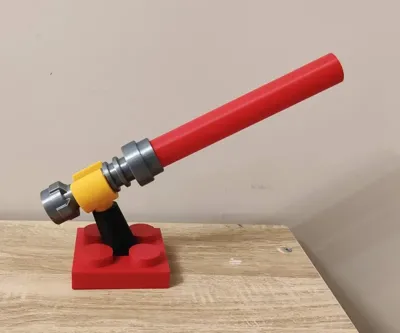
There's a few options for display bases, there is a vertical 2x2 tile, the lightsaber just simply sits in the middle vertically. A one piece Arm and Tile base for when the arm and tile will be the same colour, There is also a seperate arm and tile so you can print them in different colours.
Pro Tip: Align the seams of the round parts to either back or paint the seams in a straight line so you can hide them at the back when displaying.
Assembly.
- Take the LED tube out of the Creative Kit and remove the end cap, You will need to plug the Battery connector into the socket connected to the button/charge PCB. Test it by pushing the button. One Press turns it in, another press dims the light, another press makes it flash and another press turns it off.
Slide the LED tube into the Lightsaber Body, just make sure that the Lens and Reflector on the LED are aligned and set in place.
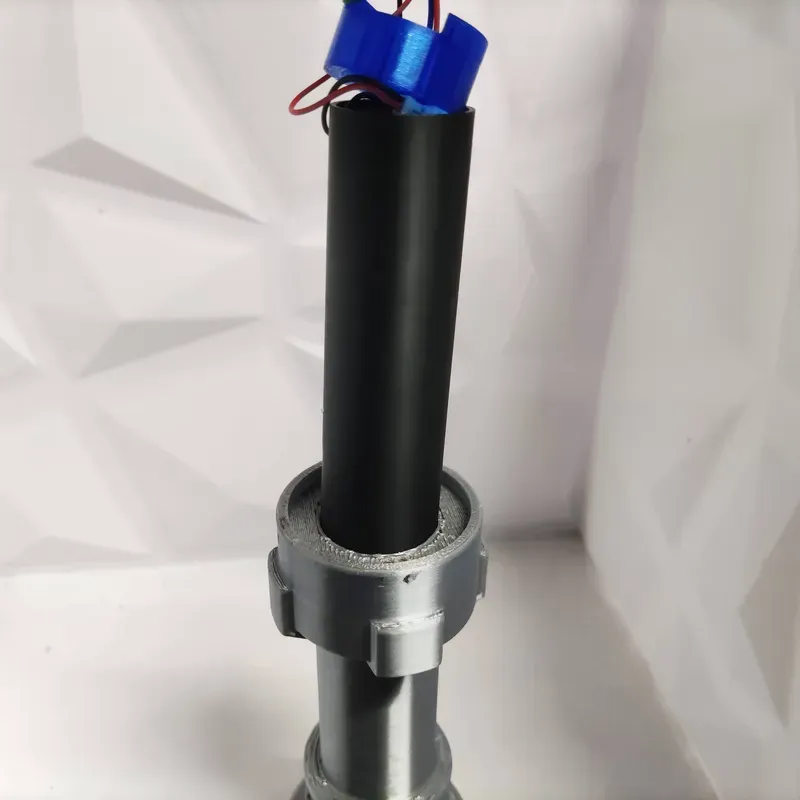
Put in the switch holder, routing the wires in the cut out notch. You want to align it so the screw holes are to the direct left and right
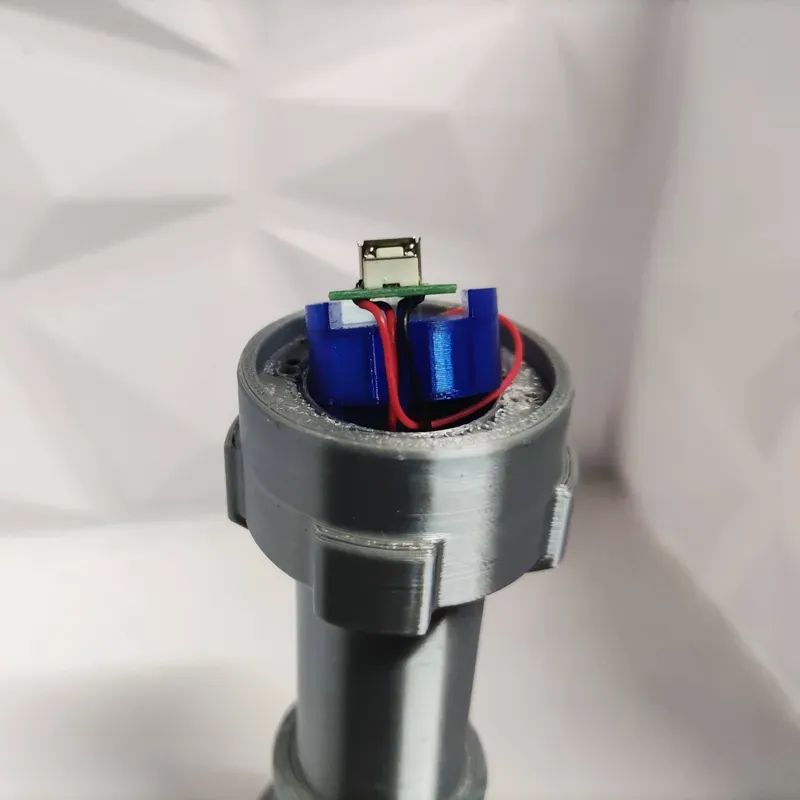
- Put the bottom cap over the button PCB, lining up the USB and button in their cutouts. Screw the M2 screws in, you could possibly just use glue but then it would kind of defeat the purpose of the screws.
- Put the included silicone grommet into the button hole, with the smooth side facing out.
- Last step is to glue the Lightsaber Top onto the body and assemble which ever stand you are going to use. The hand may be a little tight around the Lightsaber body, just take your time and it will fit.
License

You shall not share, sub-license, sell, rent, host, transfer, or distribute in any way the digital or 3D printed versions of this object, nor any other derivative work of this object in its digital or physical format (including - but not limited to - remixes of this object, and hosting on other digital platforms). The objects may not be used without permission in any way whatsoever in which you charge money, or collect fees.


Comment & Rating (1)