
Samsung S23U airtightness restoration tool
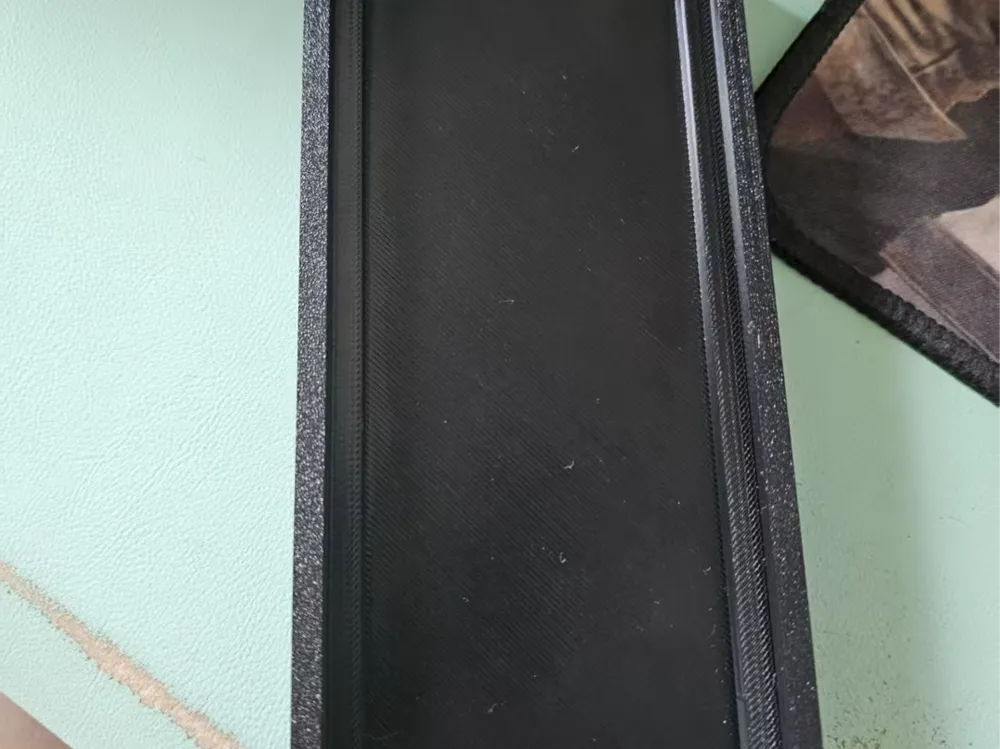
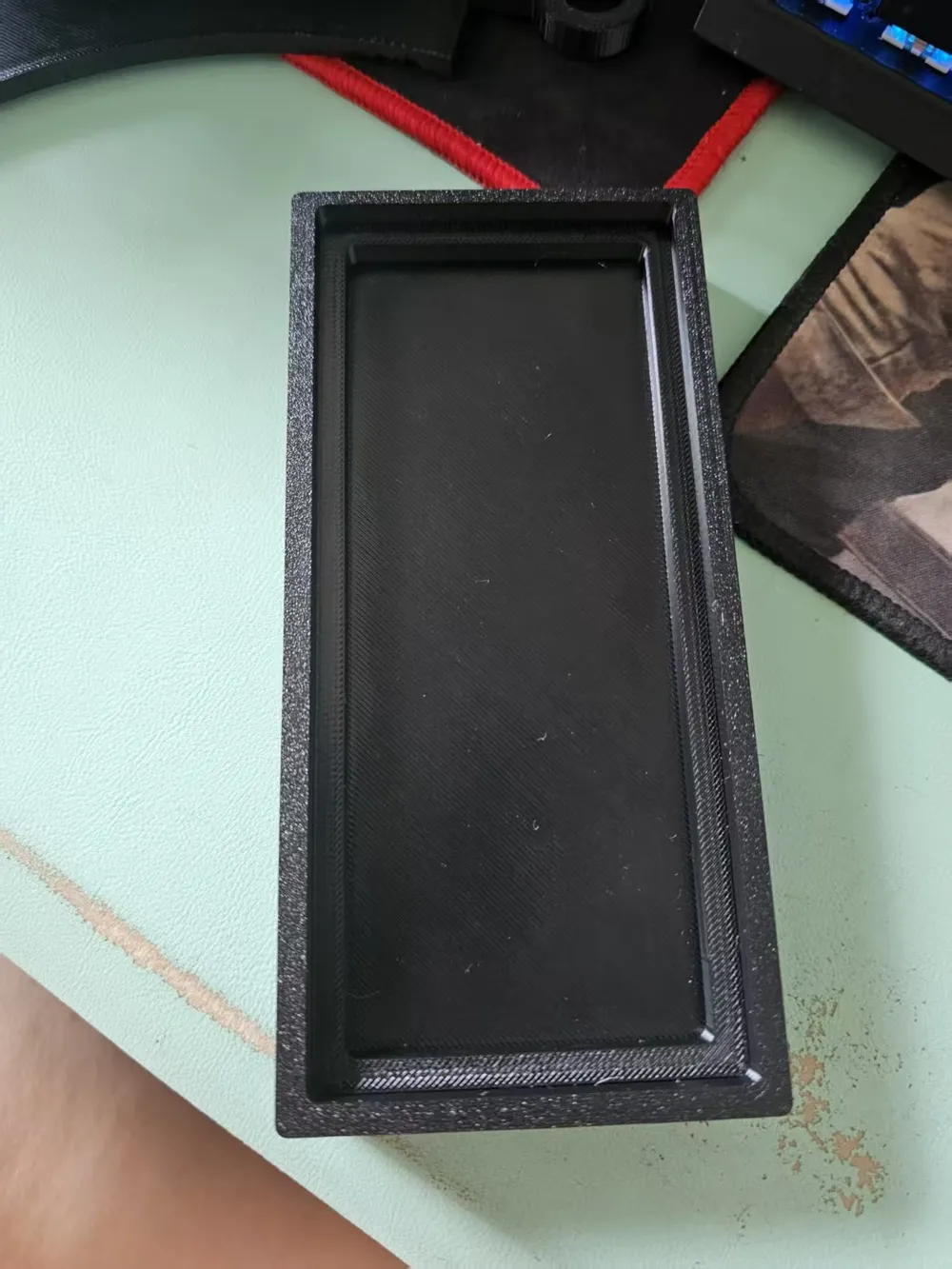
Print Profile(1)

Description
A few days ago, the battery swelled. After replacing the battery, the airtightness was initially around 8, but after a few hours, it dropped to 1-2, failing to meet the airtightness standard. This was likely due to the adhesive not being activated by heat. However, direct heating makes it difficult to hold it down properly. So I designed this.
During the operation, clamps will be used https://makerworld.com.cn/en/models/645885-chui-shi-jia-ju-l-xl-chi-cun-jian-gu?from=search#profileId-653977
Or if you have better ones, they work too.
The base plate on the screen side doesn't necessarily need to be printed; any hard board that extends beyond the frame will work.
The narrow bezel is on the top side of the lens. Align it and then tighten the clamps. Since it's printed with PETG, it has good toughness. If you only clamp the middle, the two sides may warp, causing the back cover to not seal properly. It's best to use two clamps for even pressure. A little tightness is fine, but don't apply too much force and damage the screen. If you're afraid of scratching, you can put a disposable facial towel underneath. Then, use a hairdryer to heat each edge for 30 seconds to one minute. Control the temperature, don't blow on one spot continuously, to fully activate the adhesive. After that, let it cool naturally before removing it. After this operation, the airtightness can be restored to 8-10.
Sharing this with those who need it.
Boost Me (for free)
If you think it can help you, please boost me.
License

You shall not share, sub-license, sell, rent, host, transfer, or distribute in any way the digital or 3D printed versions of this object, nor any other derivative work of this object in its digital or physical format (including - but not limited to - remixes of this object, and hosting on other digital platforms). The objects may not be used without permission in any way whatsoever in which you charge money, or collect fees.


Comment & Rating (0)