
VAXStation BlueSCSI Drive Sled
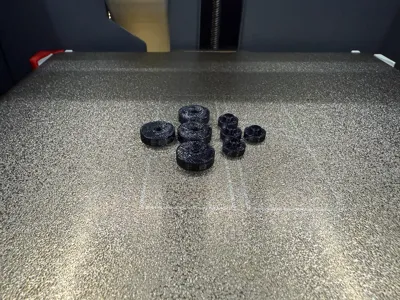
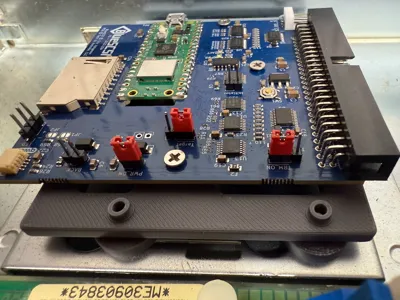
Print Profile(1)

Bill of Materials
- M3x6 Screw x 3: For PCB
- M3x12 Countersink Screw x 4: For Grommets
Description
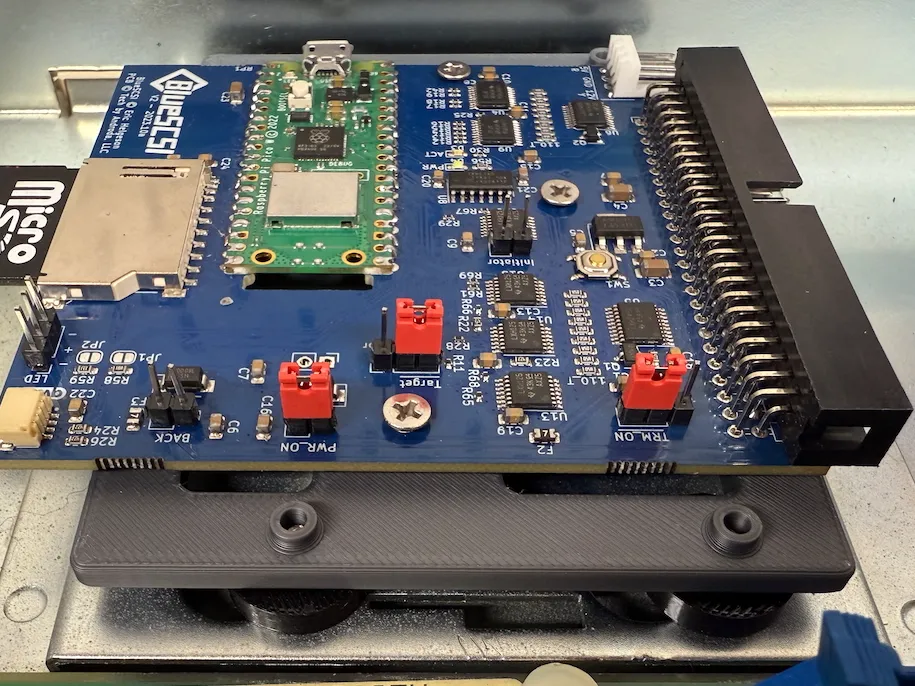
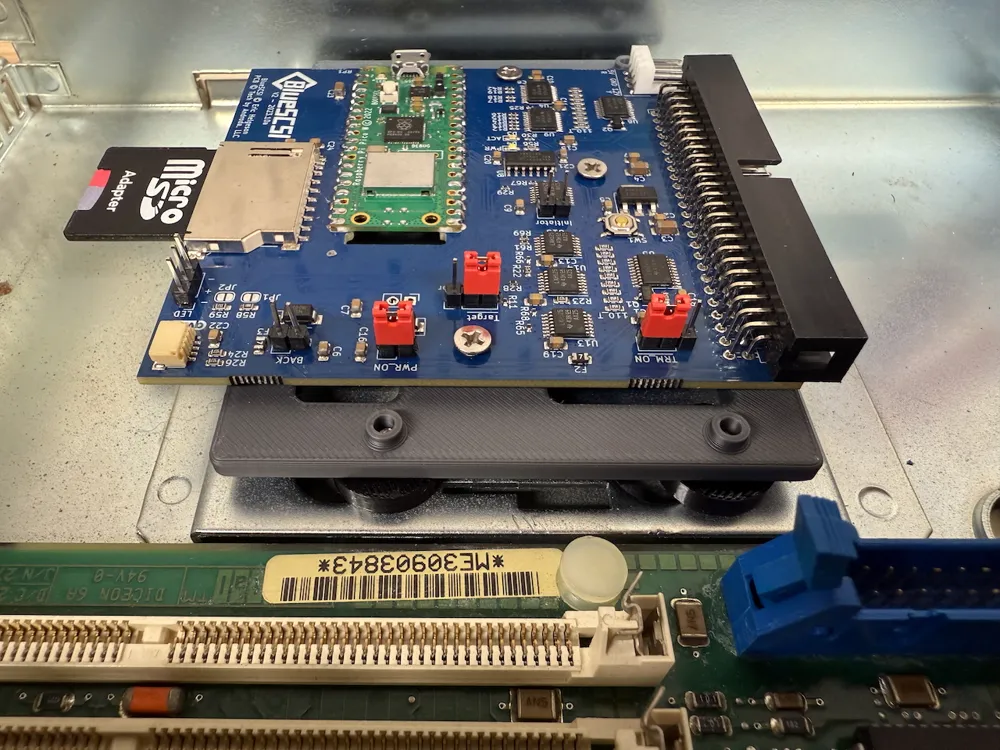
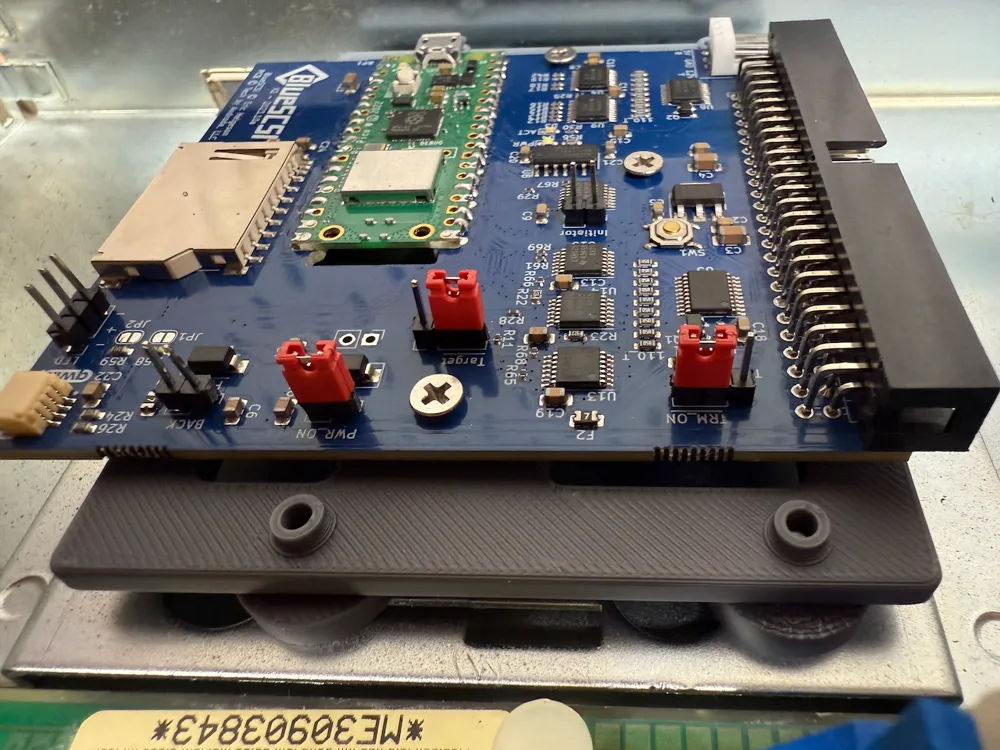
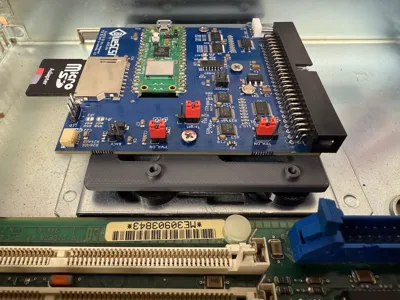
This is a BlueSCSI Desktop drive sled designed to work with OEM mounting slots. Tested and mounted in my VAXStation 4000 VLC and VAXStation 3100 m38. May work with others as I presume the OEM mounting slots are common.
Mounting Hardware:
- PCB to Plate - 3x M3x6
- Grommets to Plate - 4x M3x12
Main Plate:
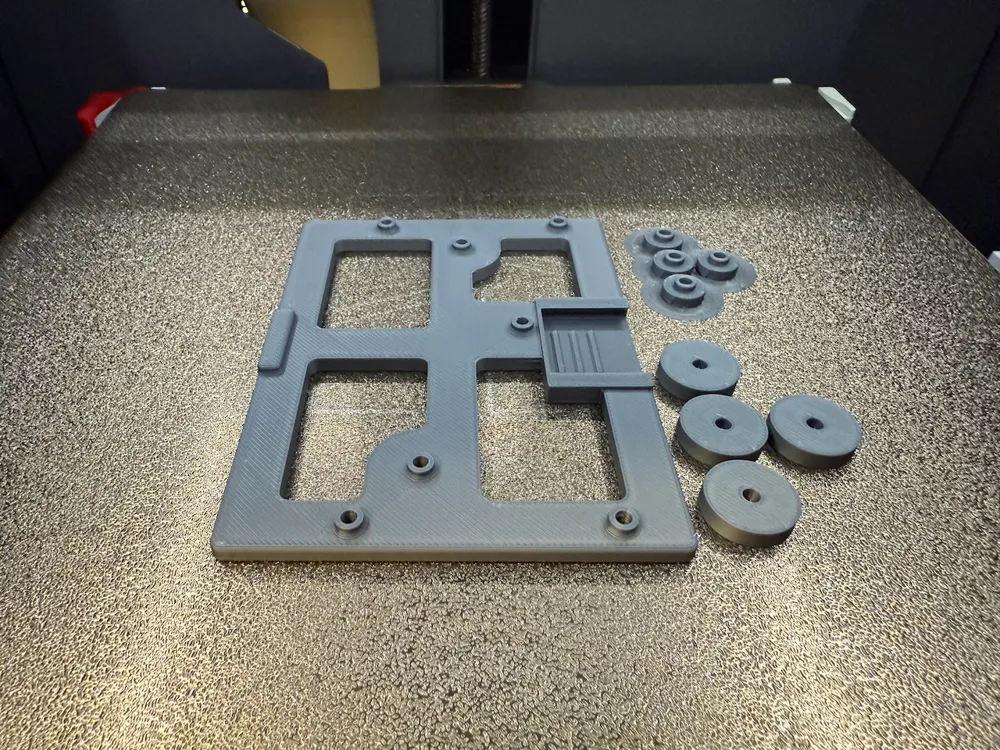
- The BlueSCSI Desktop screws into the three centre-most holes on the Main Plate
- Three M3x6 screws are required
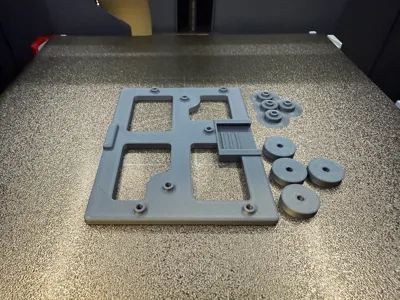
Grommets:
- The grommets are what hold the plate to the DEC chassis
- Four “upper” and “lower” grommets are required
- Four M3x12 countersunk screws are required to affix them to the Main Plate
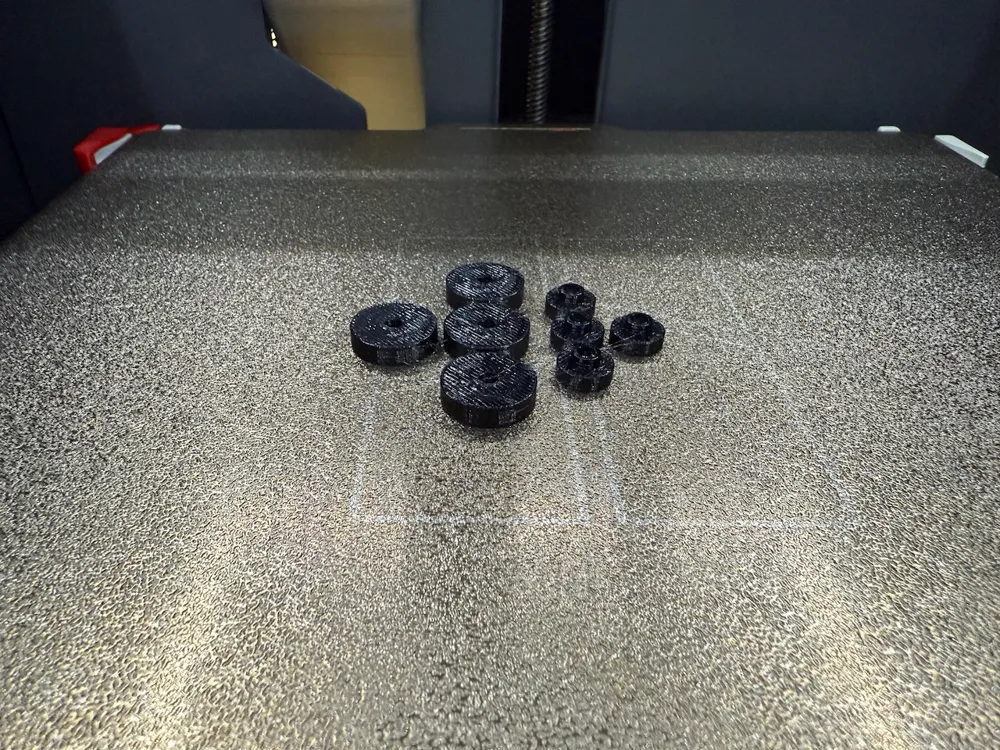
- Included are “lower” grommets with 1.5mm standoff shank for PLA tolerances, but I have also added 2.0mm standoff shank "lower" grommets on a second build plate for printing a set of TPU "lower" grommets if desired. The original DEC drive mounts use rubber grommets to affix the drive, and TPU does a better job of holding the drive in place due to friction.
- TPU printing is recommended, but not required. I have tested the drive sled to hold appropriately using PLA, but it requires some fine-tuning of screw tightening which is likely an acceptable tradeoff to forcing a multi-material print.
Assembly:
- Insert countersunk M3x12 screw into the countersunk face of the "lower" grommet.
- Next, stack an "upper" grommet onto the screw
- Screw the assembled stack into the four outer-most holes on the Main Plate loosely, and proceed based on the material you used to print the grommets:
- 1.5mm shank w/PLA:
- Tighten progressively and test-fit often.
- If the drive is too loose and not firmly held in place by friction, turn the screw in slightly and try again.
- If you cannot slide the plate in, the stack is likely too tight. Back the screw out slightly and try again.
- 2.0mm shank w/TPU:
- Tighten until you can't spin the grommets with your fingers.
- You should be able to slide the drive sled into the mounting holes wth some resistance.
- If you cannot slide the plate in, you probably way overtightened the screw :)
- 1.5mm shank w/PLA:
- The desired fitment is where the sled should not slide freely in the chassis holes.
- With PLA this will be a gradual fitment as the material does not have any elastic give. The difference between "too tight" and "too loose" can be a minute turn of the screw.
- With TPU this will likely just be screwing into the plate until the grommets are held in place without spinning. TPU has enough elasticity that it will provide a good friction fit without too much fuss.
Notes:
I added a cutout for a retaining "keeper". The intention was to add an insertable part which would hold the back of the plate against the chassis to keep the drive from inadvertently sliding out of the mounting holes. This turned out to be unnecessary, so I omitted it entirely. Both PLA and TPU grommets provide sufficient friction, if tightened correctly, to keep the drive in place during normal operation and reasonable movement of the computer. Pretend the cutout isn't there :)
License



Comment & Rating (0)