Search models, users, collections, and posts

Jisogi - Anime Studio Tycoon Bootstrapping Storage
Print Profile(1)
All
P1S
X1 Carbon
X1
X1E
P1P
H2D Pro
H2S
P2S
H2C
X2D
A2L

0.2mm layer, 2 walls, 5% infill
Designer
14.4 h
7 plates

Open in Bambu Studio
Boost
13
28
10
7
72
24
Released 

Description

Content has been automatically translated.
Show original

8.12 Update

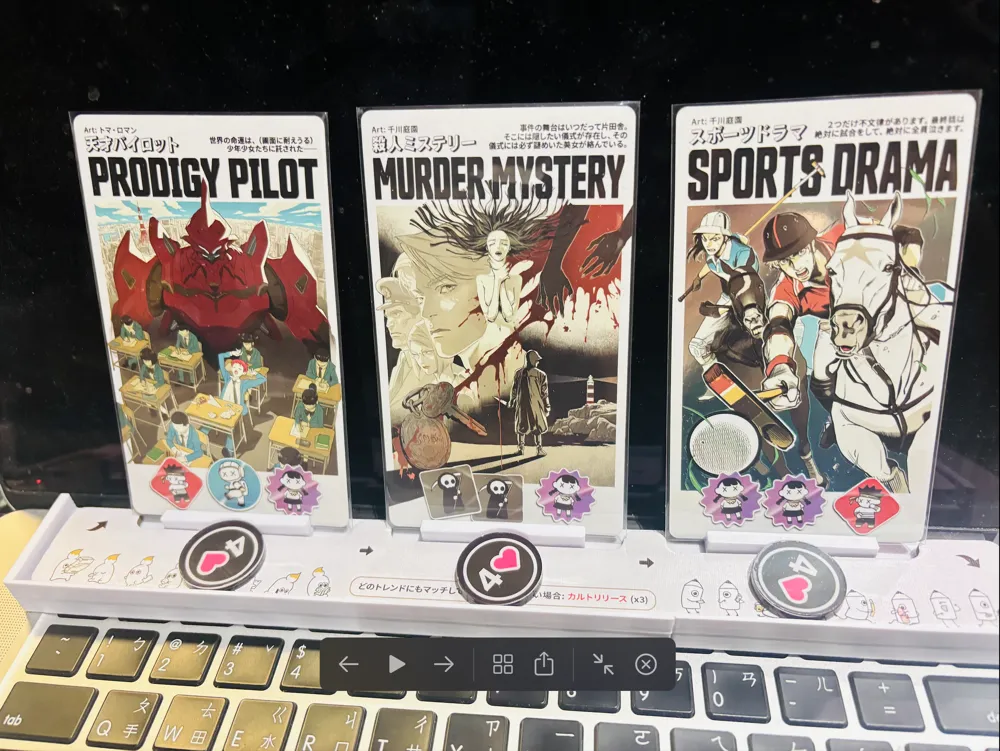
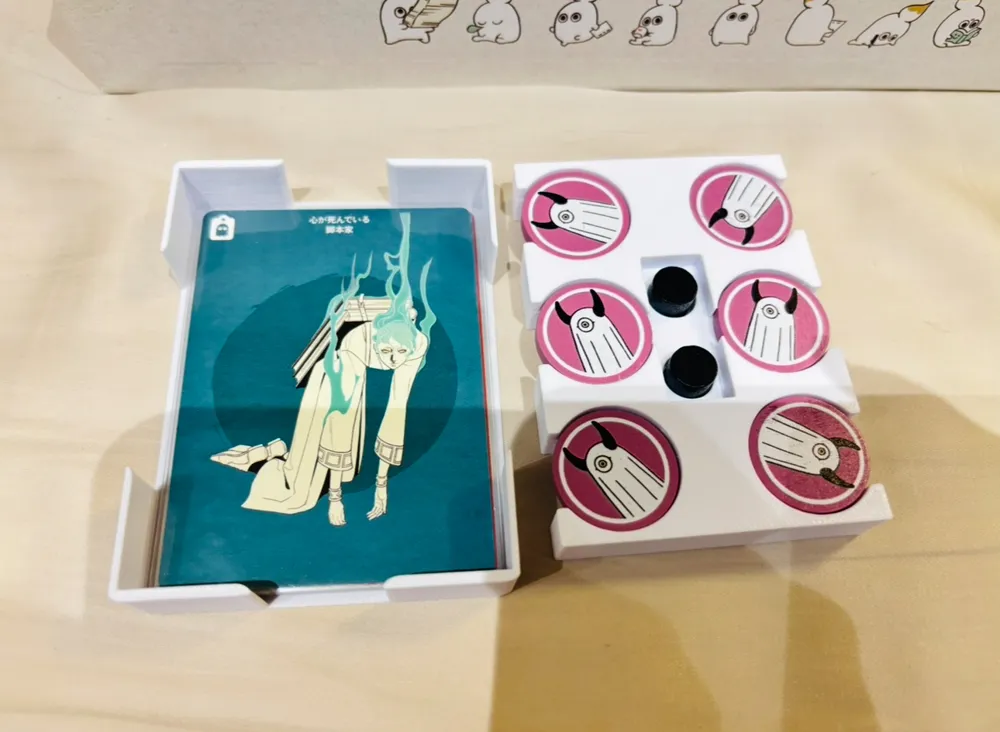
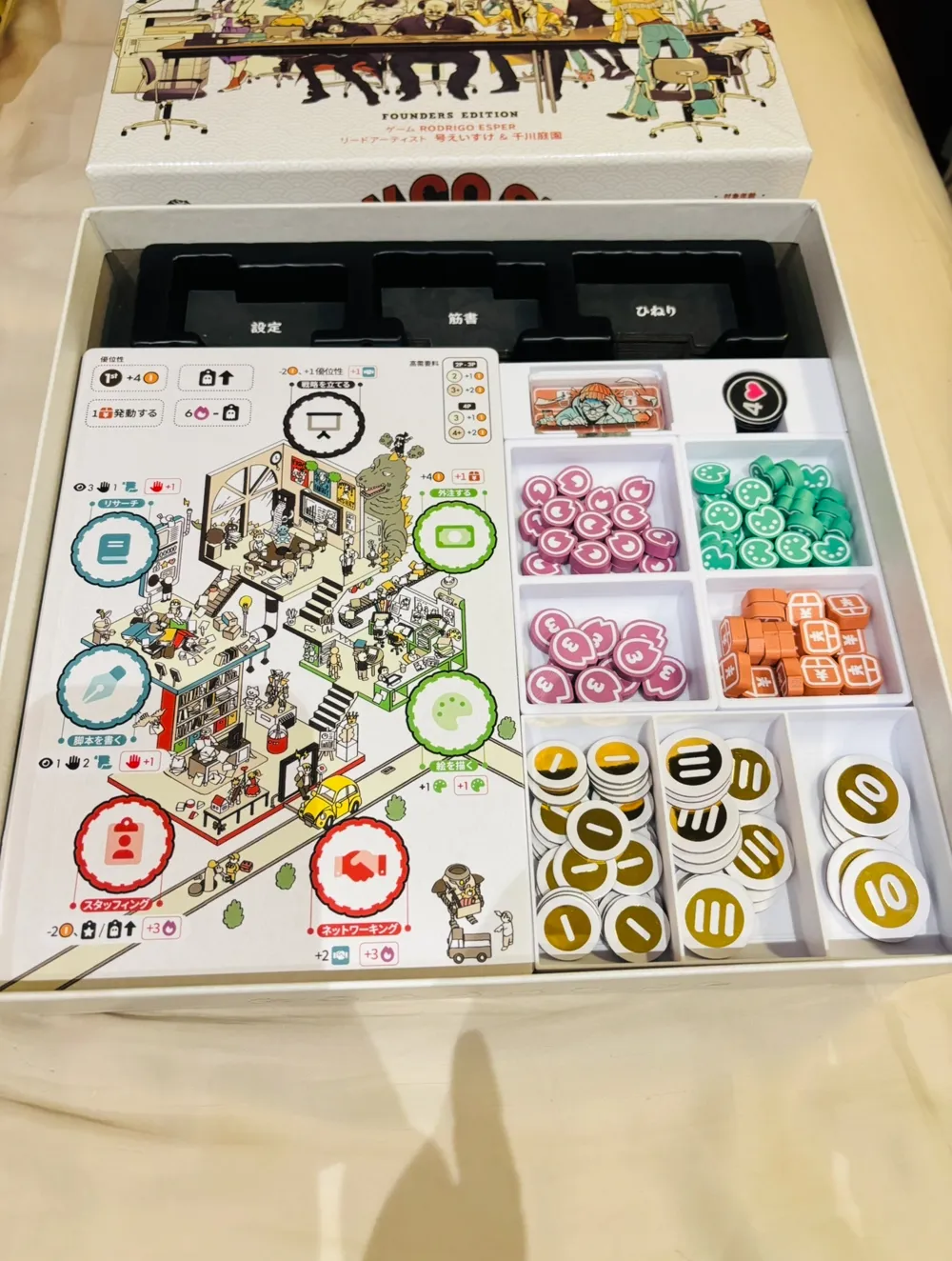
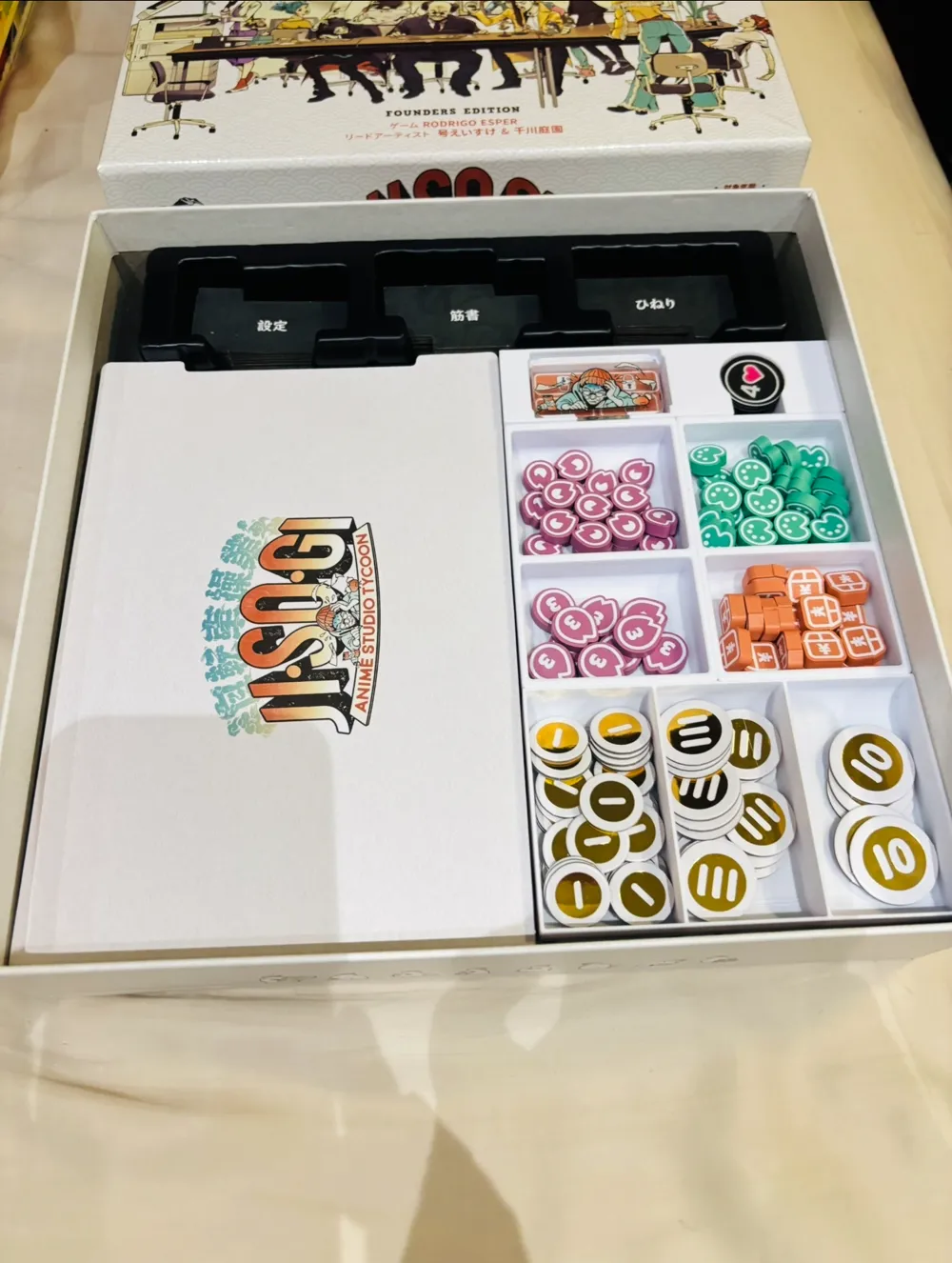
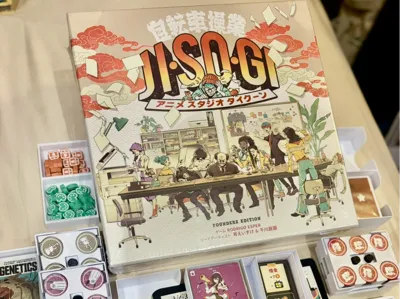
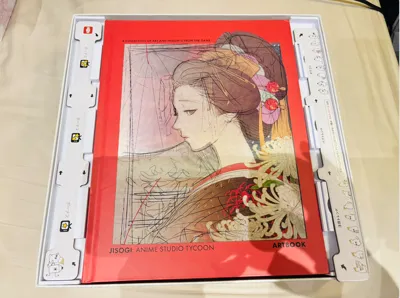
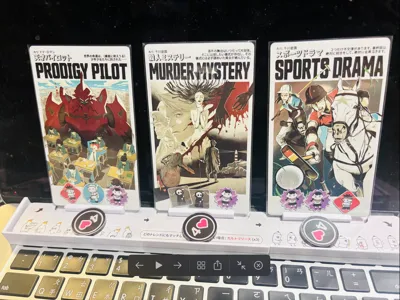
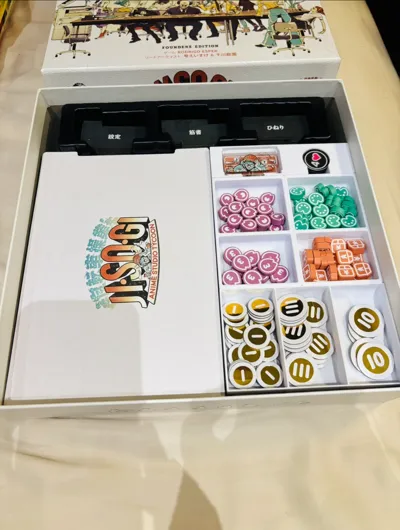
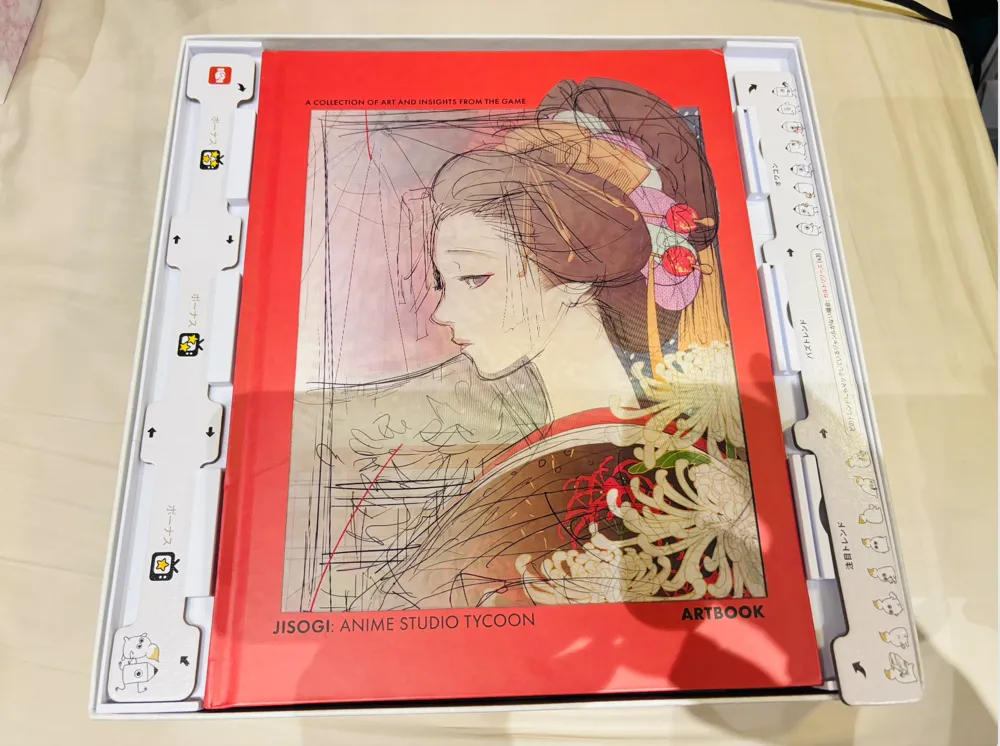
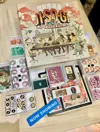
The gap in the artbook is used for market board storage. The market board can be used as a stand.


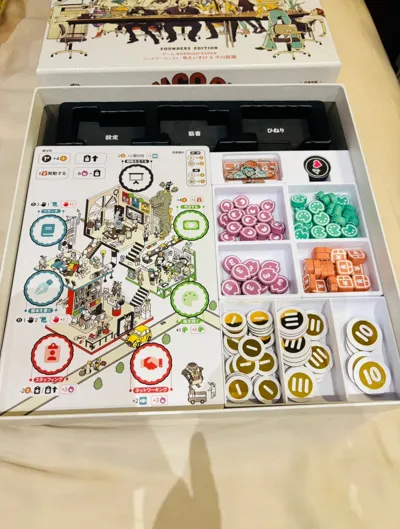
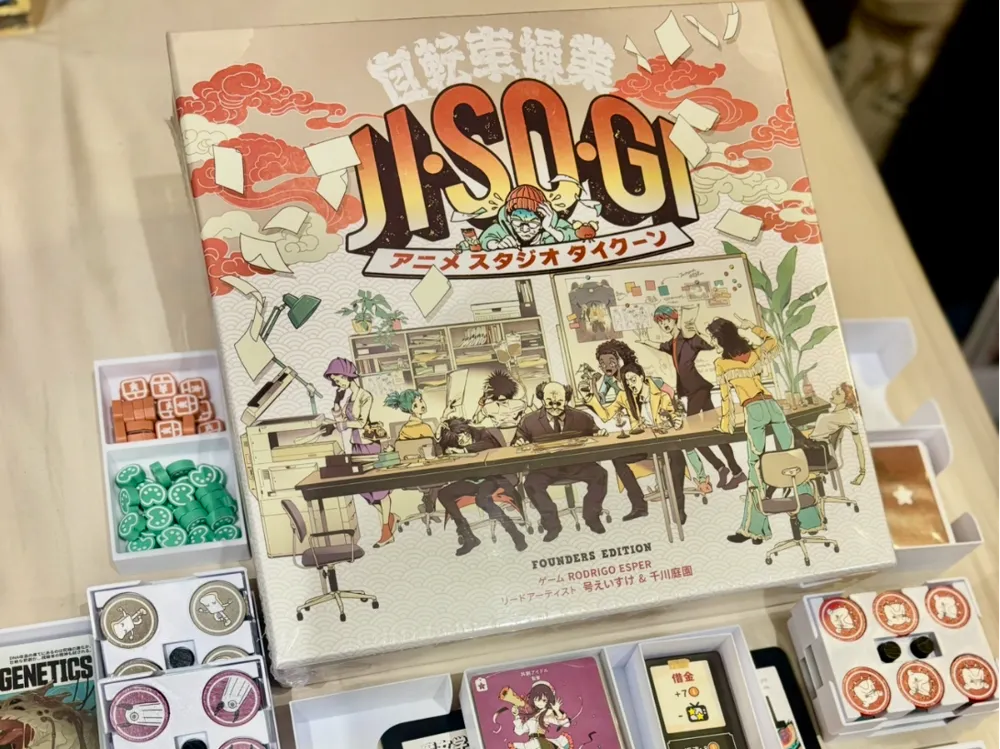
Spent a lot of time on this, but a beautiful game needs storage to make it even more beautiful, it's all worth it!
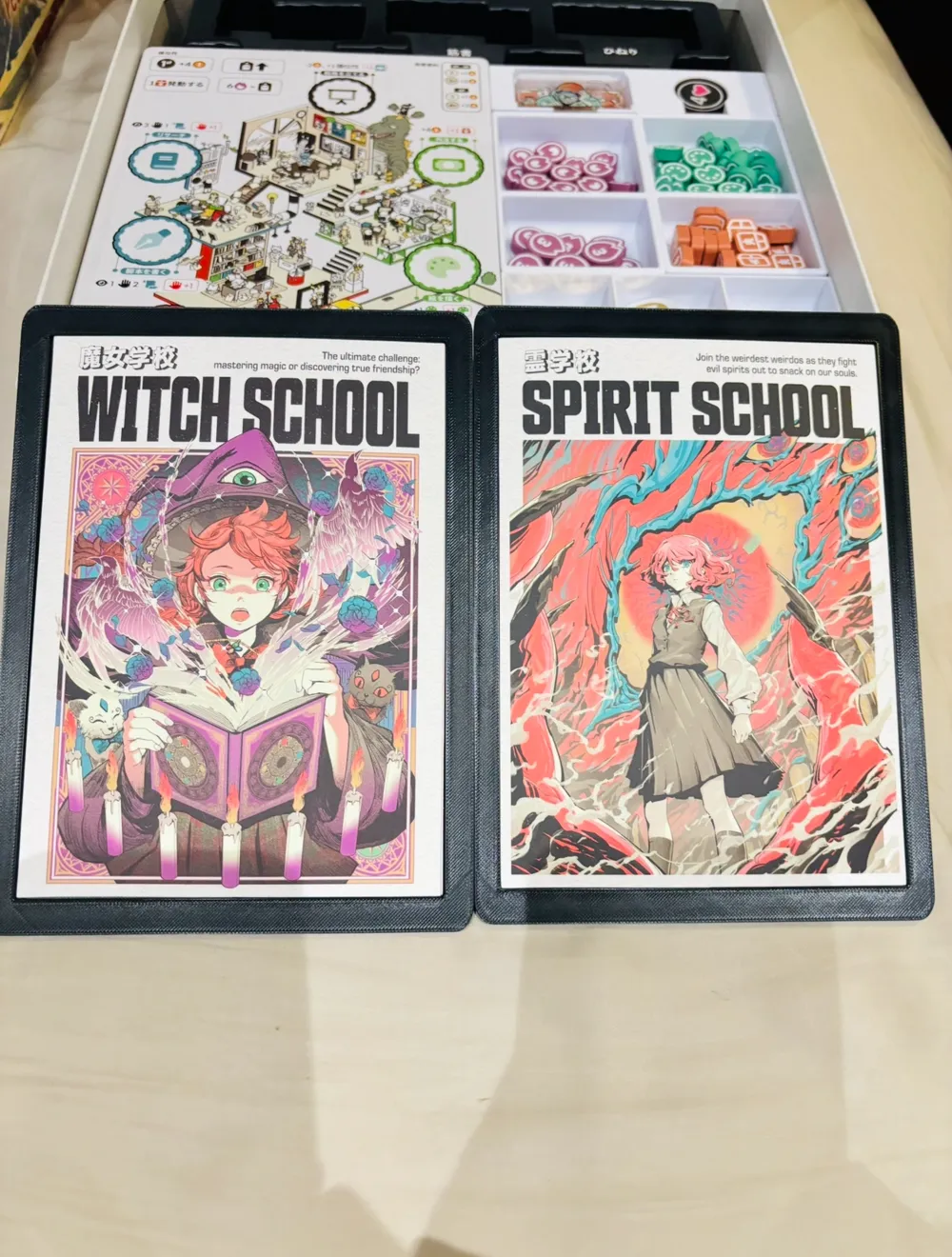
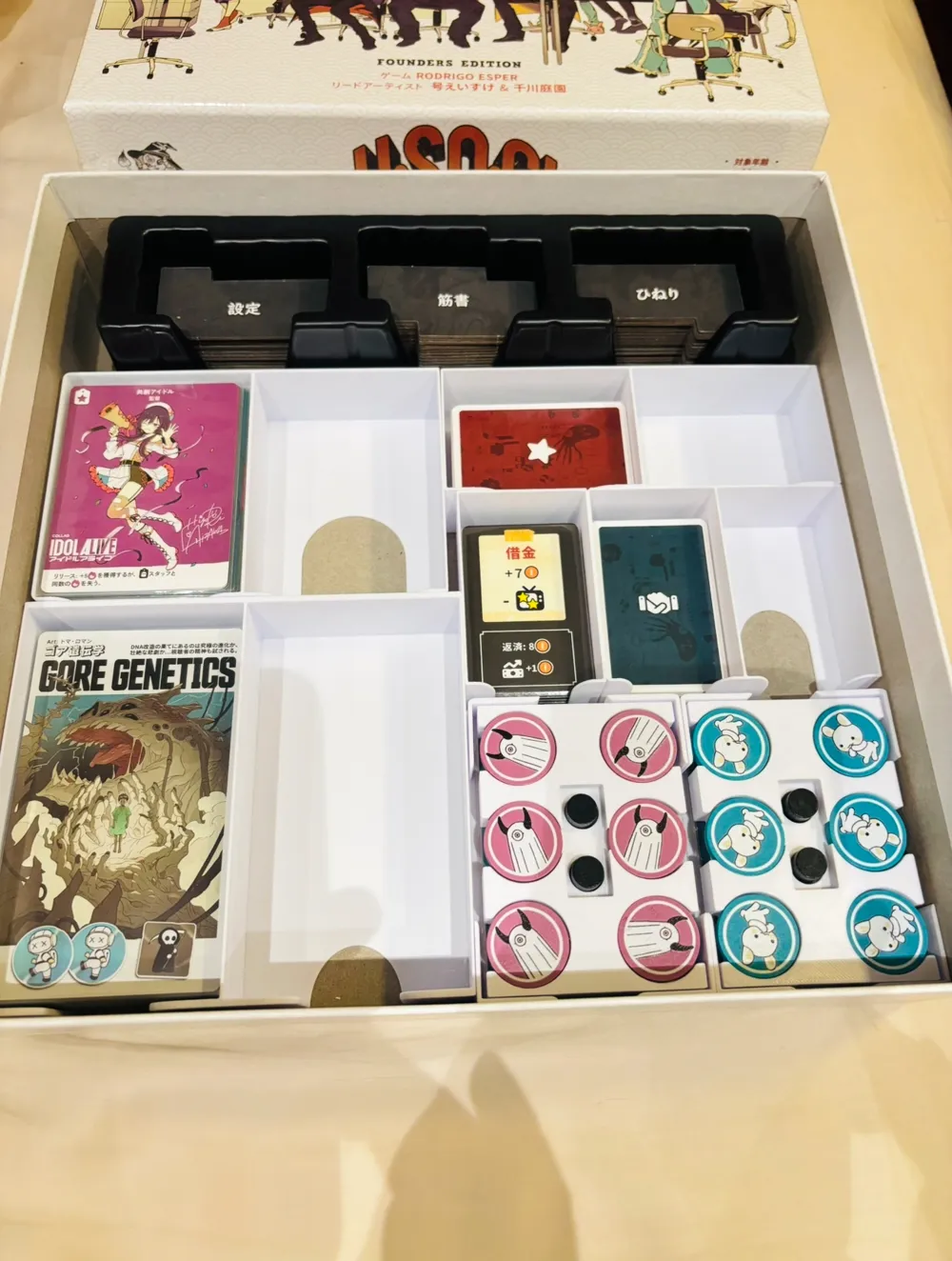
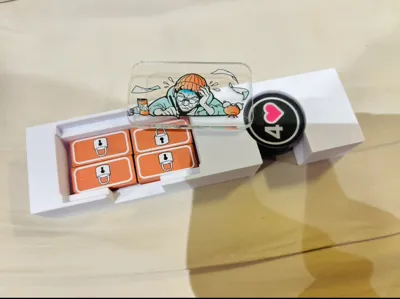
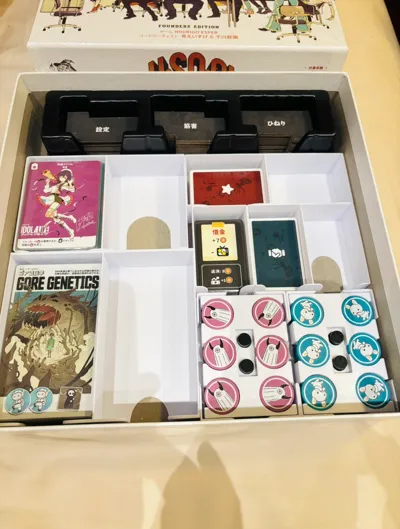
Solving the issue of blister packaging not accounting for card sleeve space is just basic. By utilizing the ample idle space, the design collection and bonus postcards can also be stored together.

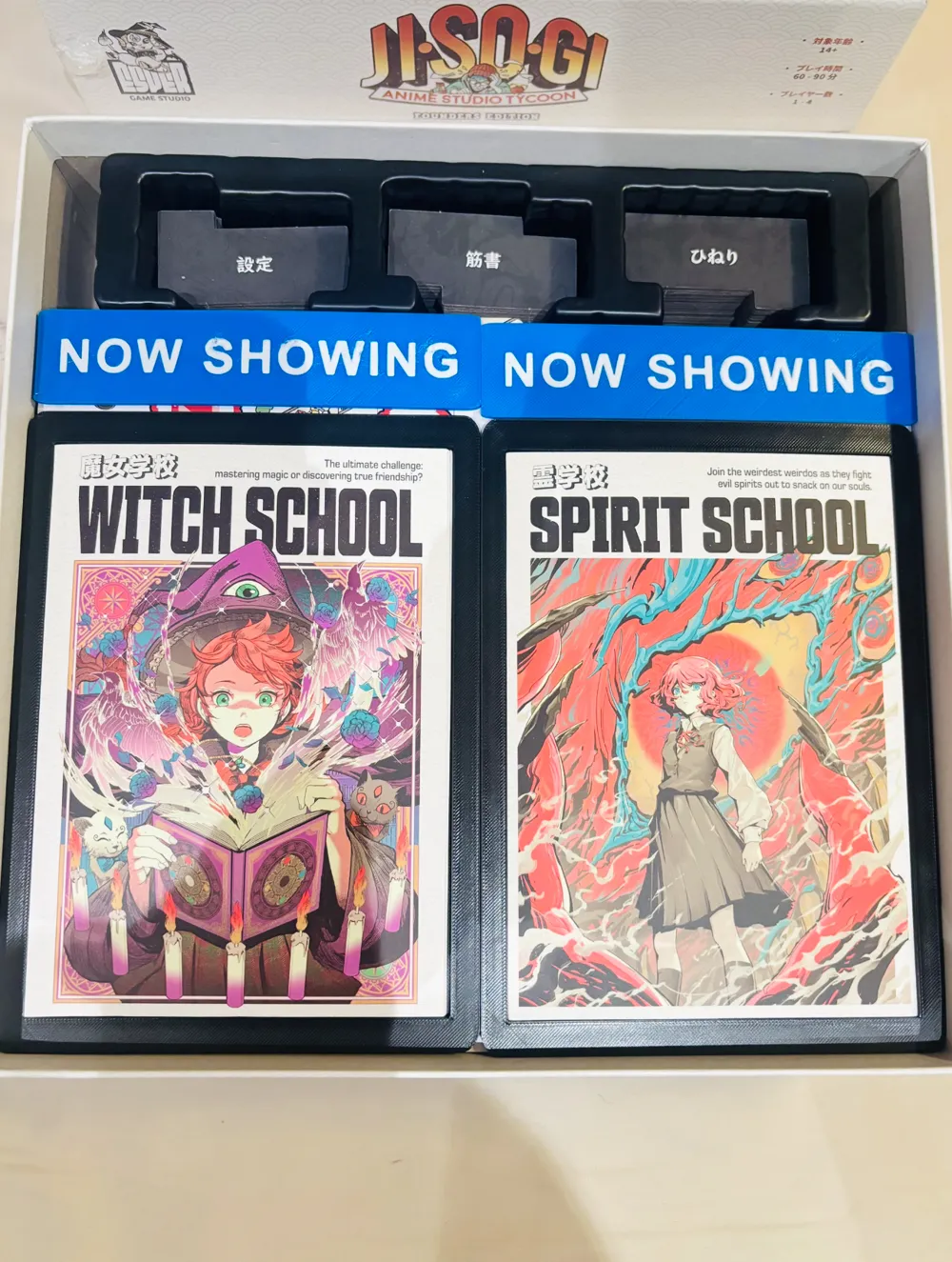
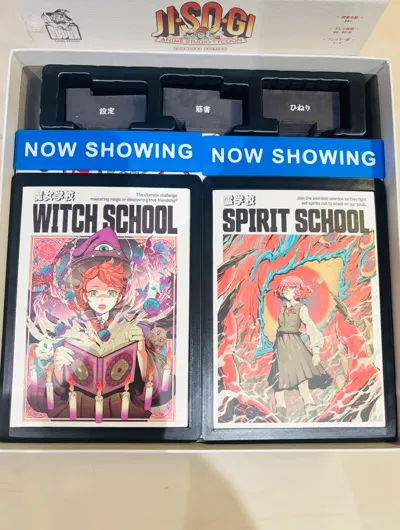
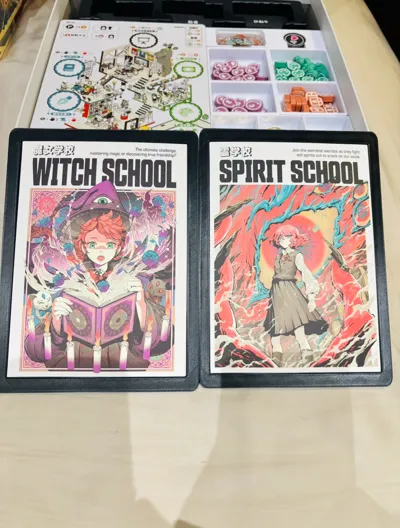
The postcard storage design is like a theater poster-style frame; when you open the game, you can see your two favorite posters.
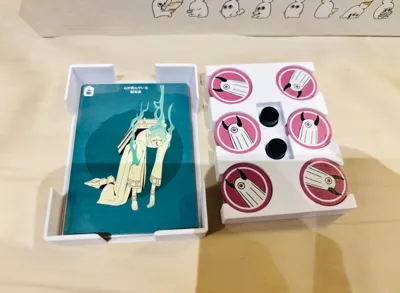
Additionally, the various market card decks all have reserved discard pile positions, ready to be fully taken out and set up.
 

Note! This storage is exclusive to the deluxe edition. What? Jisogi, you only bought the standard edition? For such a beautiful game, you should buy it again!


Sleeve Support

Comment & Rating (10)

(0/1000)

Hello! I think this piece is missing from the files.
4
Reply
Exactly wondered about the same thing. Can't open the 3mf project file as it seems to be corrupted. And in the STL files there is just brick without any cutouts.
0
Reply
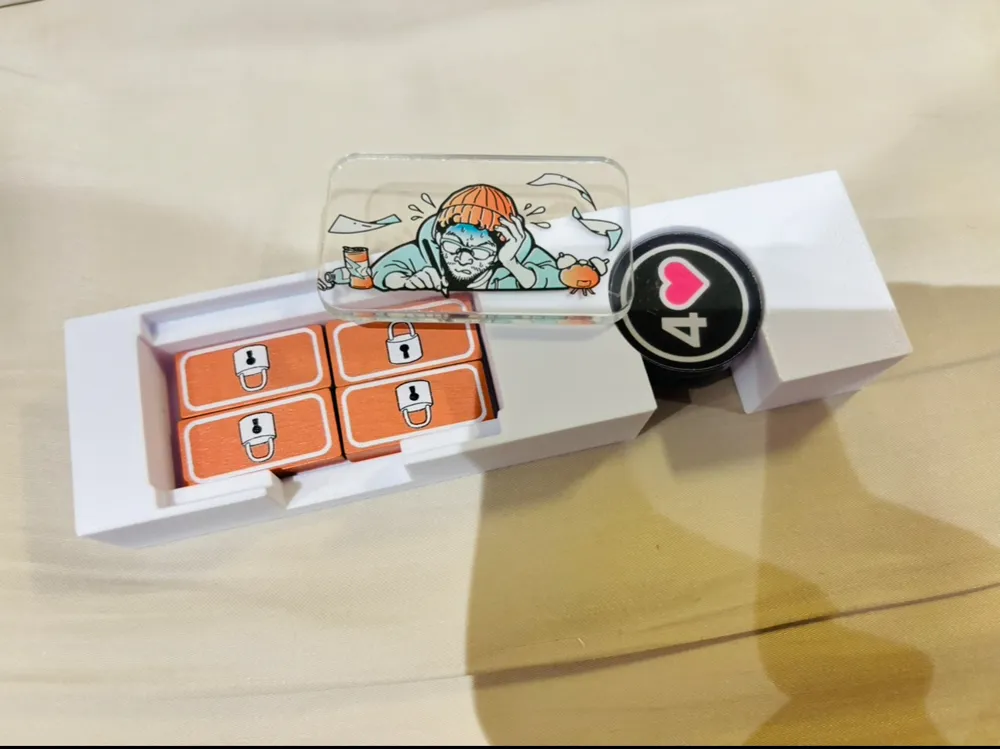
Question for the 1st player, lock, and bonus token insert: I'm not sure if it's just because I'm viewing on mobile, but I cannot see the insert for those tokens in your sample—only this one.
1
Reply
Found it, just need to open the 3mf file in bambu studio
1
Reply
very strange solution. a lot of gaps in one direction and then really squeezed trays in other. treys are incredibly thin. printing profile isn't for A1 (why?!), so had to slice on pc. some parts are corrupted but at least was easy to fix (repair model). but again, just why?
0
Reply
Thank you for this beautiful insert! If possible, could you upload complete stl's? Things like the Setting token tray and the Market Board don't work outside of the 3mf.
designer
3
Reply
I'm having the same issue. NYNU can you please fix this?
0
Reply
I am not sure if it's my setting's issue. The two card tray for Networking cards and Debt cards dont fit for cards with original sleeves. seems like it need 1-2mm more in width
1
Reply
Hello! Thanks for the insert. Could you please include a printer profile for the A1? I don’t see it among the options when selecting a print.
0
Reply
Can you check your insert files? I can't open 3mf file as it seems corrupted. And in the STLs the file obj_29_Setting_token_tray.stl is just brick without any indents. Also for me, most likely because I use different sleeves, I can't use some of your card boxes. Are your sleeves so tight fitted that there is no extra space on the sides of the cards? I use mostly Paladins and they are more or less following the "standard". Small cards: obj_4_ChanceCard.stl are ok. obj_5_CommunityCard.stl and obj_7_DebtCard.stl are too small (mainly width). Movie cards: obj_2_Movie_card.stl is also too narrow for my sleeves.
0
Reply
No more